Houzz Pro Help CenterFinancial Documents
Financial Documents
Document Settings
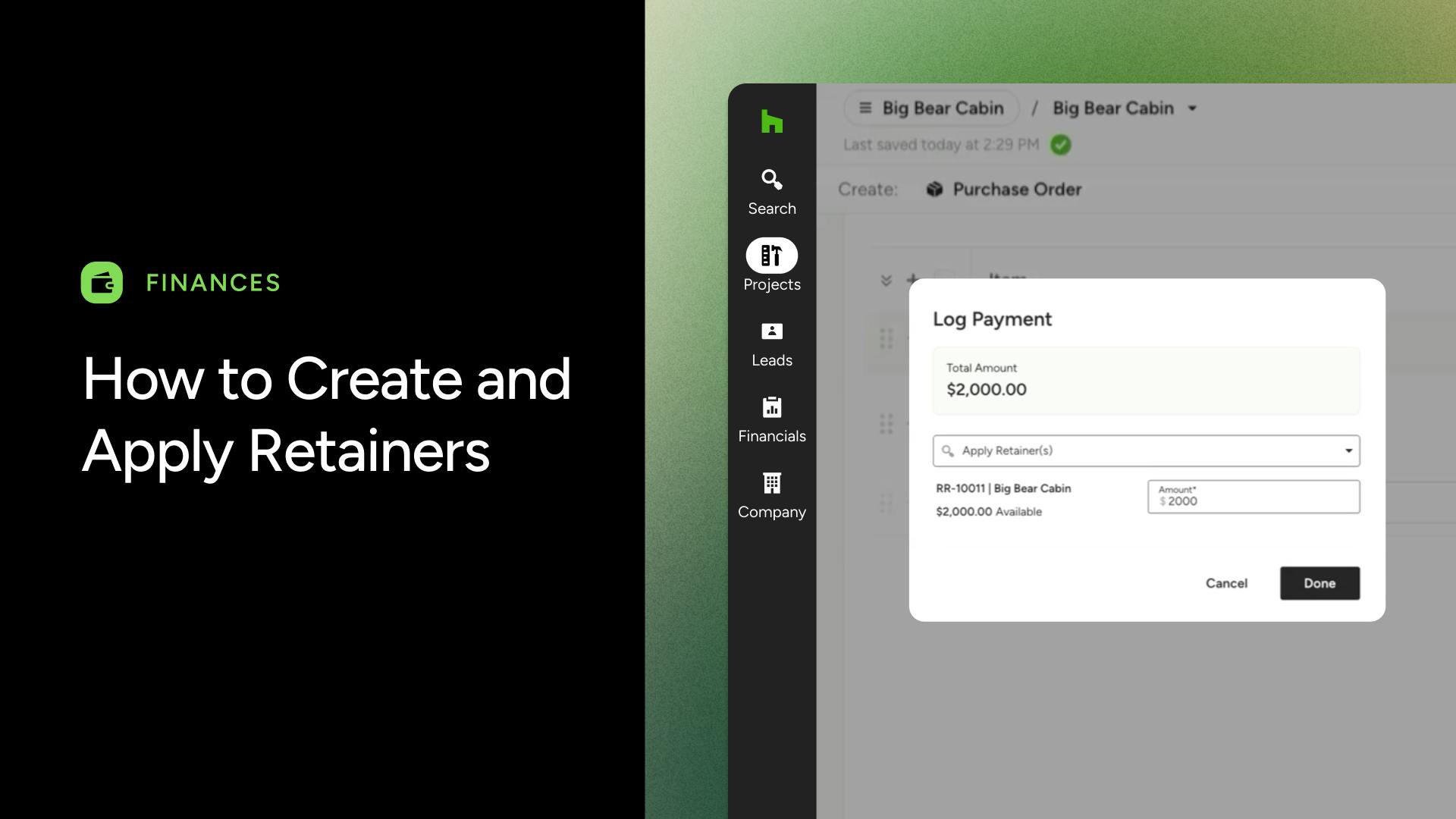
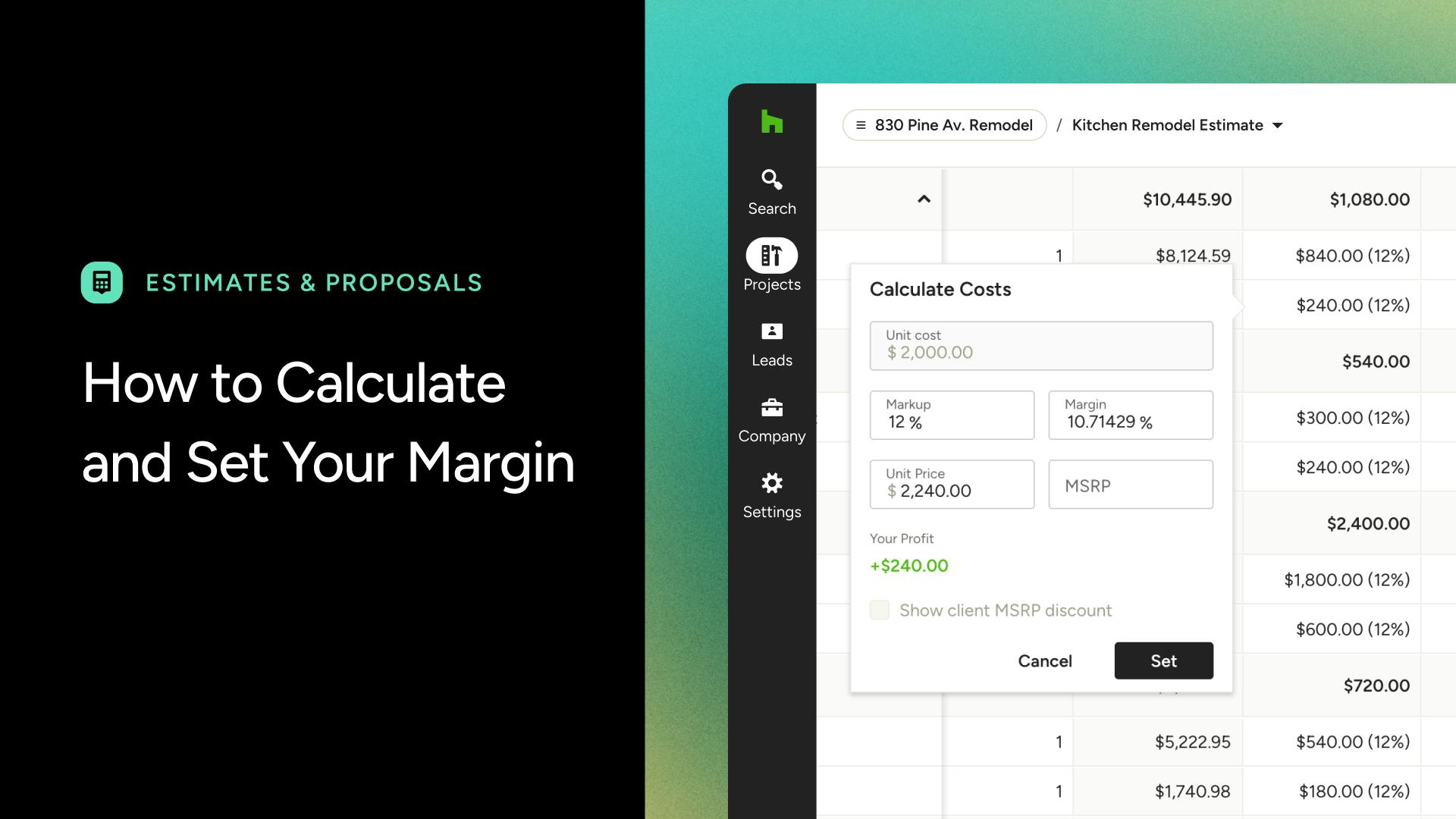
How to Use Email Templates When Sending Your DocumentsStatus Breakdown for Estimates, Proposals, Invoices and Purchase OrdersHow to Comment on Documents in Houzz ProHow to Show MSRP Discounts to ClientsHow to Print or Download Your DocumentsHow to Use Automations on DocumentsHow to Add a DiscountHow to Use Memo Templates on Your DocumentsHow to Use Terms & Conditions Templates on Your DocumentsHow to Edit Your Document SettingsHow to Use the Markup CalculatorHow to Delete or Archive a DocumentHow to Customize What Your Client Sees on Financial DocumentsHow to Calculate Margin
Estimates
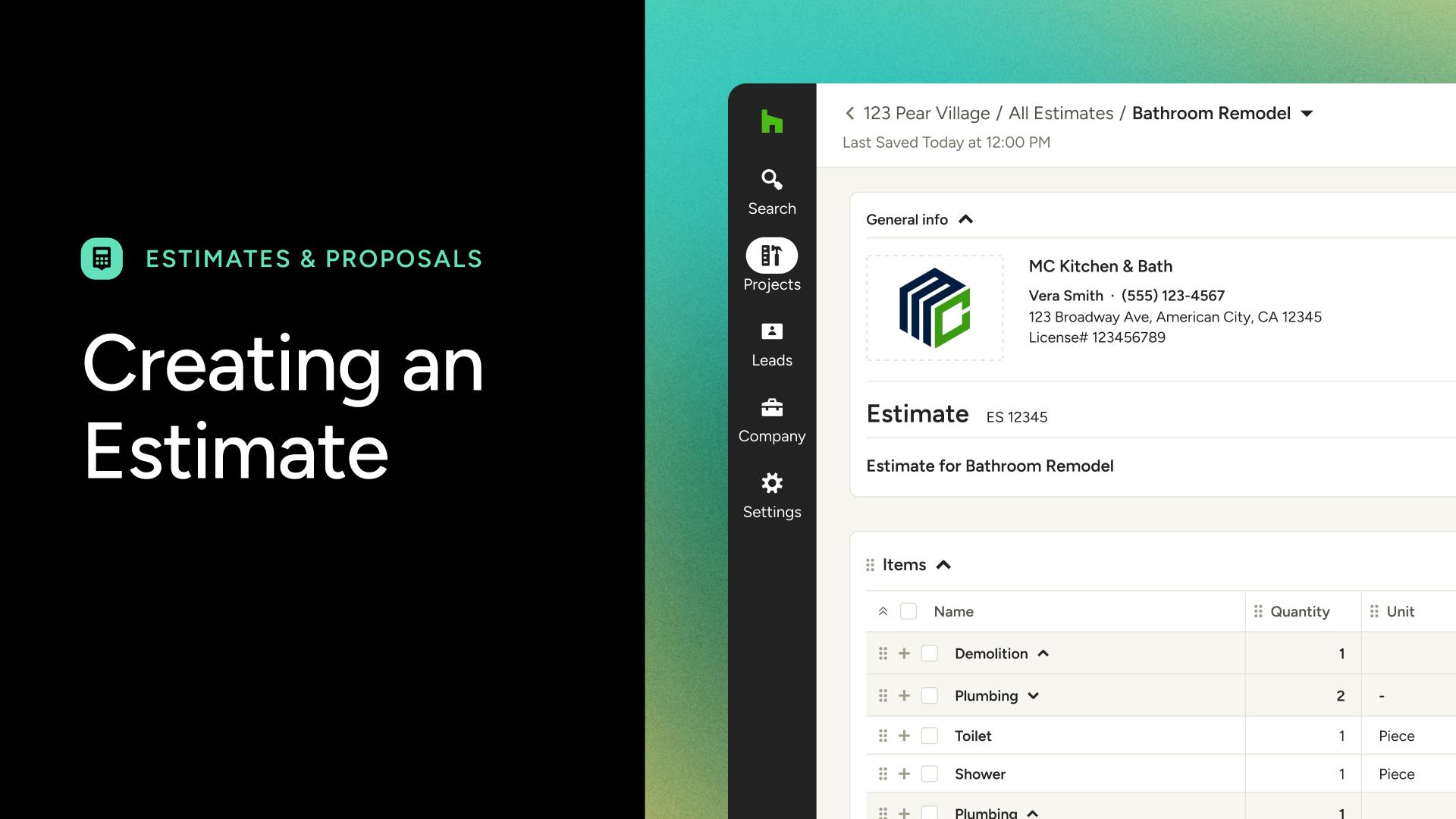
How to Save Your Estimates as TemplatesHow to Create Estimates on the Mobile AppHow to Merge Estimates, Invoices or Change OrdersHow to Approve Per Line Item on Estimates & ProposalsHow to Create Scheduled Payments on EstimatesHow to Move Estimate Line Items From Excel to Houzz ProHow to Structure Estimates for Real Tracking — Best PracticesHow to Add Custom Columns, Line Item Descriptions, and ImagesHow to Use Allowances on Houzz ProHow to Create an Estimate in MinutesHow to Upload Existing Estimates or ProposalsSet One Markup for All Items on a DocumentHow to Use AI to Convert an Estimate to a ScheduleHow to Create Assemblies on Estimates and InvoicesHow to Use Construction Calculators in Estimates
Invoices
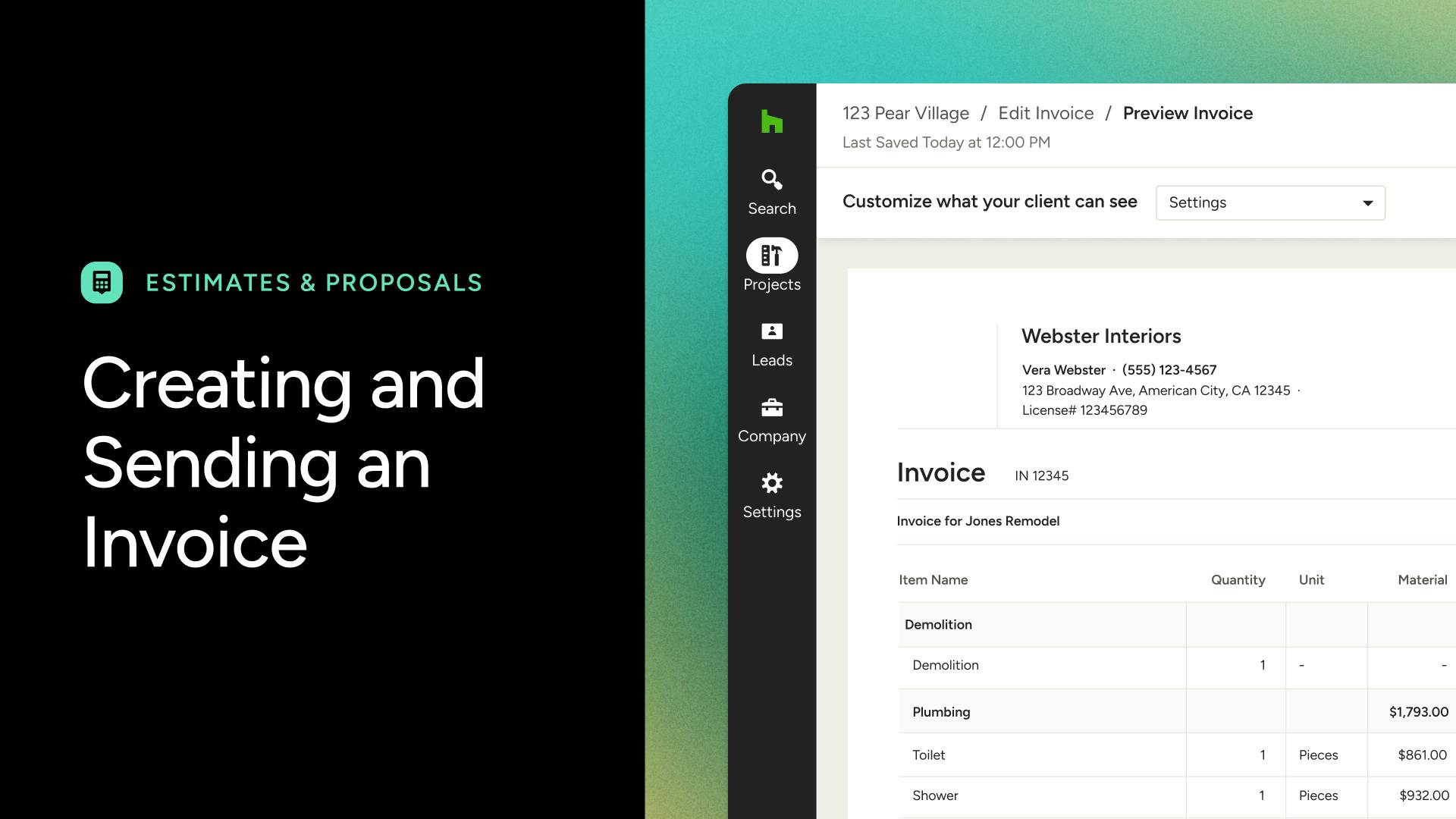
How to Use Invoices on the Mobile AppHow to Void an Issued InvoiceRounding LogicHow to Merge Estimates, Invoices or Change OrdersHow to Create Scheduled Payments on InvoicesHow to Issue an InvoiceHow to Add Custom Columns, Line Item Descriptions, and ImagesHow to Create an InvoiceSet One Markup for All Items on a DocumentHow to Use Progressive Invoicing to Leverage Your PaymentsHow to Create Assemblies on Estimates and Invoices
Purchase Orders
Change Orders
Video Tutorials