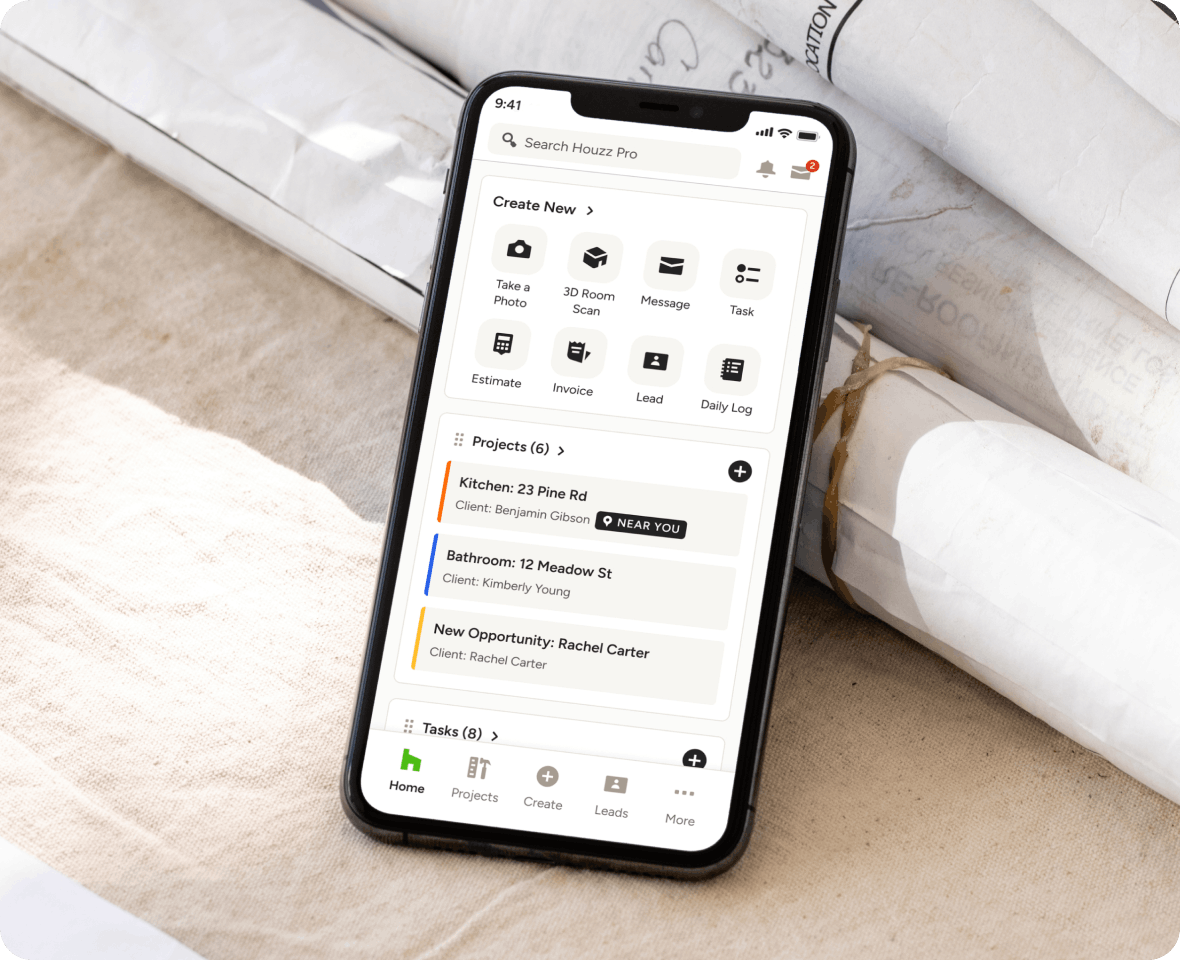
DAILY LOGS
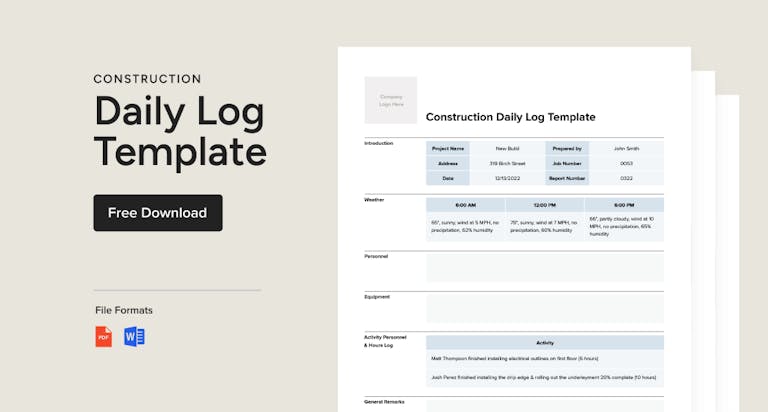
Document the Jobsite With Our AI Construction Daily Report Software
Still relying on word-of-mouth updates? Keep a visual record of how projects are shaping up with Houzz Pro’s construction Daily Log software—the perfect tool for tracking progress and keeping everyone in the loop.

Create With AI
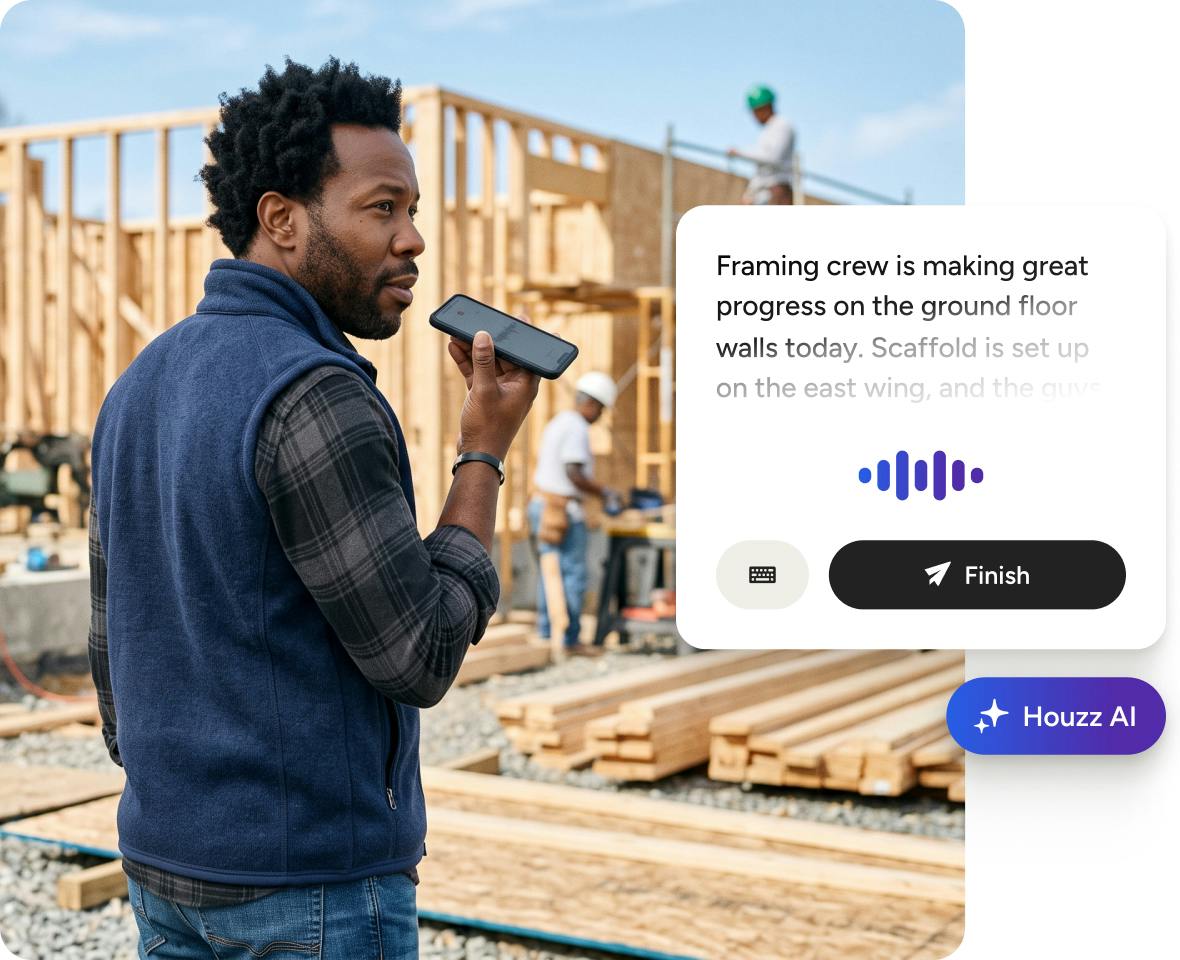
Let Houzz AI generate Daily Logs and next steps based on spoken site notes.

See Progress
Get and send photo and video updates detailing how projects are progressing.

Share Updates
Make reports instantly visible to relevant team members, clients, and subcontractors.
Upgrade Your Updates in One Easy Place




AI DAILY LOGS
Capture Progress Faster With Houzz AI
Speak updates out loud and let Houzz AI transcribe your words and create detailed, send-ready Daily Logs for you—complete with suggested next steps.
- Log updates hands-free with our mobile app
- Generate transcriptions onsite, in real-time
- Let Houzz AI polish your logs automatically
- Get suggested action items based on your logs

PROGRESS REPORTS
Stay Aware From Essentially Anywhere
No need to be on site to be in-the-know. With our daily construction report tool, you can get detailed, real-time updates to help you manage projects from near or far.
- Include notes documenting every development
- Add attachments from files to photos and videos
- Specify time ranges from one day to a full week
- See when a Daily Log was last modified and by whom

PHOTOS & VIDEOS
See, Send, and Save Visual Updates.
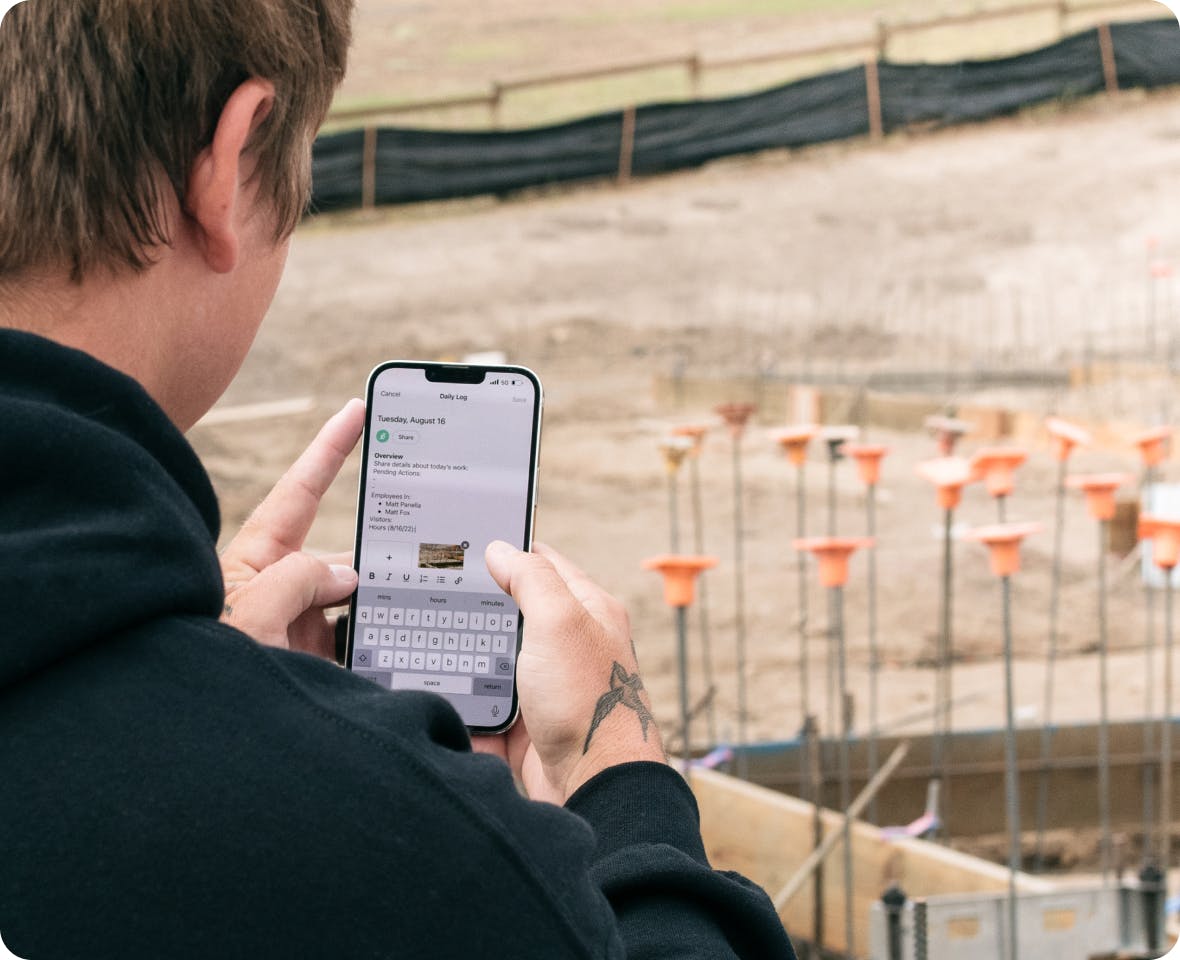
Your phone (or tablet) and our construction daily report tool: that’s all you need to keep a visual record of your project’s progress for your team, clients, and subs.
- Snap, save, and share photos from your phone
- Record, save, and share videos for a detailed look
- Take two-sided videos showing you and the project
- Keep a visual record with unlimited cloud storage

CENTRALIZED COMMUNICATION
Questions or Comments? Include Both.
Even the most detailed update can use clearing up. When clarity or feedback is needed, add a comment to any Daily Log to spark two-way communication in a couple clicks.
- View comments by clients or team members
- Tag specific team members on the project
- Client comments appear in their Client Dashboard
- Recipients are instantly notified to fast-track replies

ROLE-BASED ACCESS
Effortless For Everyone, From Field Crew to You.
Whether you get updates from subs or create updates for clients, our construction Daily Log tool makes it easy for anyone on your team to document and share progress.
- Invite subs to create and share Daily Logs*
- Receive Daily Logs from your on-site team
- Create your own Daily Logs to track inspections
- Keep all parties in the loop with easy sharing
*Available only to subcontractors with a Houzz Pro account.
Visibility Meets Accountability




INTEGRATIONS
The Construction Daily Report Software That Keeps You Connected
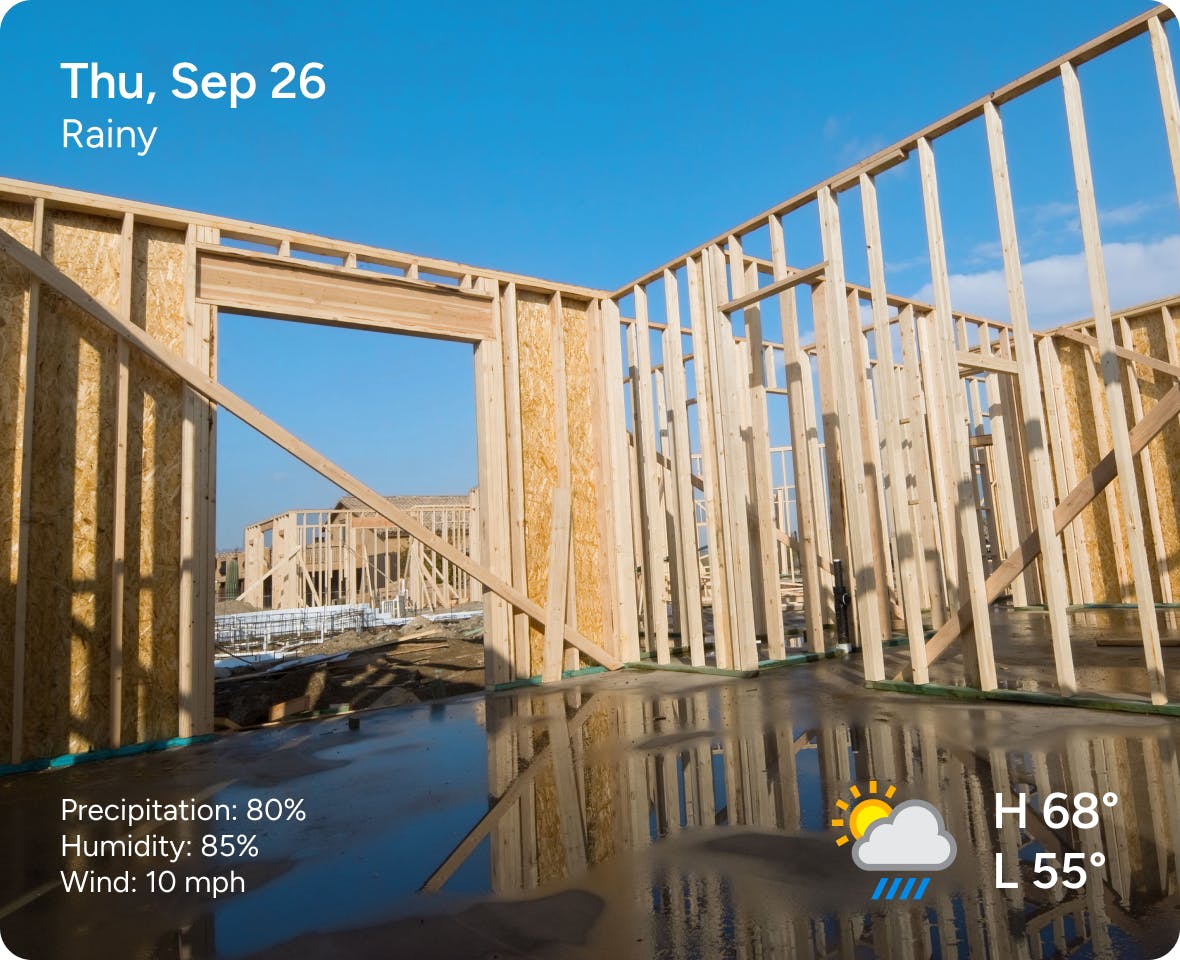
Our construction site daily report software lets you attach files from Google Drive in flash. You can also include completed Tasks from your Schedules, crew hours from our Time & Expense Tracking tools, and share it all to both your Client Dashboards and Subcontractor Dashboards.
AWARD-WINNING SUPPORT
Here to Help—However You Need It.
Got questions? Our construction daily report experts have answers. For anything our self-guided resources can't solve, reach out for assistance and we'll take it from there.

Online Chat
The fastest way to find answers is at the bottom right of your browser.


Phone
We’re here from Monday to Friday, 6am to 5pm PT at (888) 257-4020.


Daily Logs Software Features
See all the main features of the Houzz Pro Daily Logs
| Feature | Description |
|---|---|
| Daily Reporting | |
Construction Daily Logs | Create and manage daily job site logs within projects |
Job Site Activity Tracking | Record daily project activities, progress updates, and completed work |
Weather Tracking | Add weather conditions to daily logs |
Labor & Subcontractor Tracking | Record labor activity and subcontractor presence on site |
| Workflow | |
Daily Log Notifications | Notify stakeholders when logs are published, a comment is added, or a team member is mentioned |
| Documentation | |
Notes & Observations | Add daily notes, comments, and project observations |
Photo Attachments | Attach project photos to daily logs |
File Attachments | Upload files and supporting documents to logs |
Centralized Log History | Store and review historical daily logs within the project |
Auto Weather Population | Automatically populate weather conditions in logs |
| Collaboration | |
Daily Log Sharing | Share daily logs with clients, team members, or subcontractors through Houzz Pro workflows |
| Mobile Functionality | |
Mobile Daily Log Management | Create, edit, and manage daily logs from the Houzz Pro mobile app |
Why Go With Houzz Pro?