MOOD BOARDS
Stunning Mood Board Creator for Interior Designers
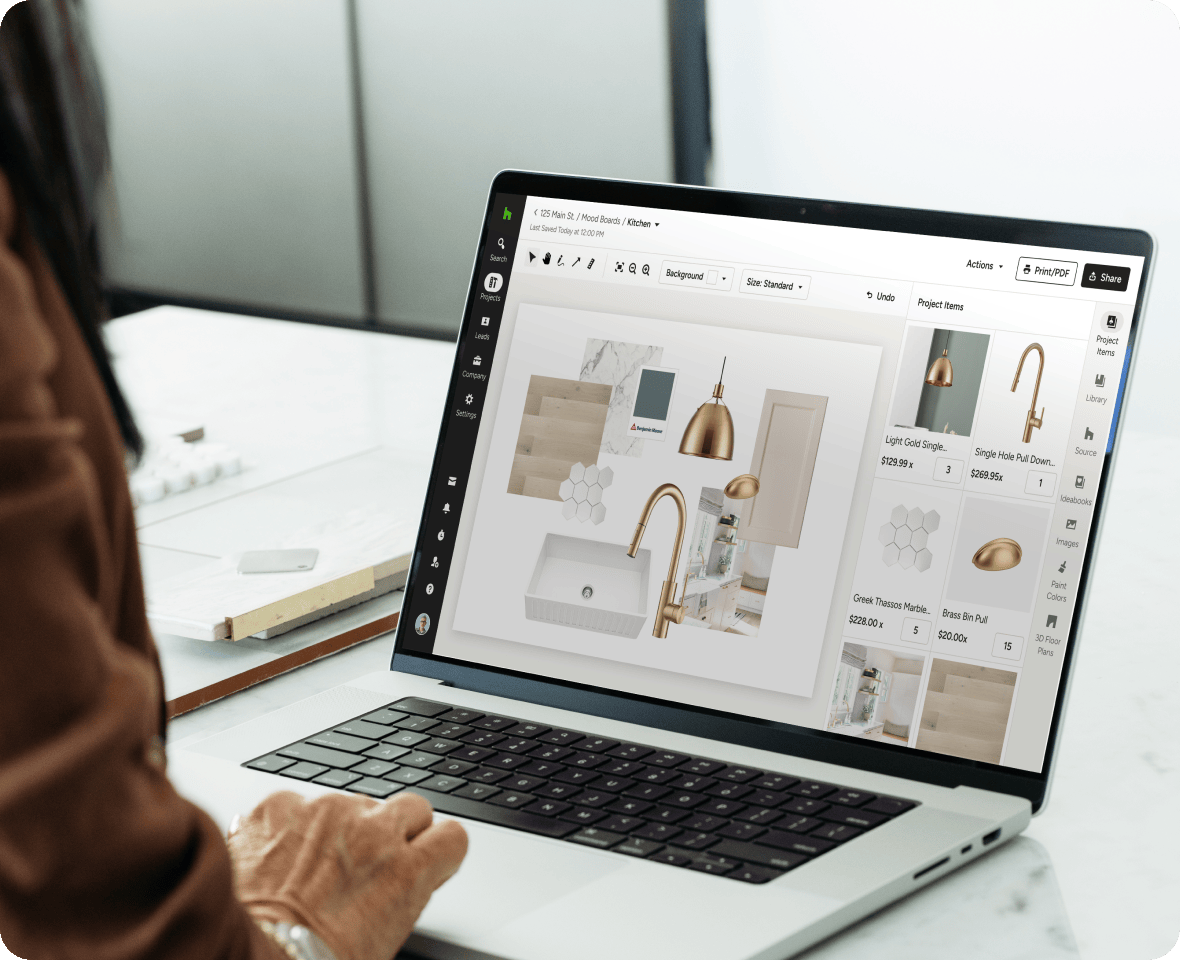
Set the tone for your boldest ideas with our interior design Mood Board creator. Easy to use and easy on the eyes, it's where products and inspiration come together to wow clients.



MOOD BOARD APP
See What Our Mood Board App ls All About
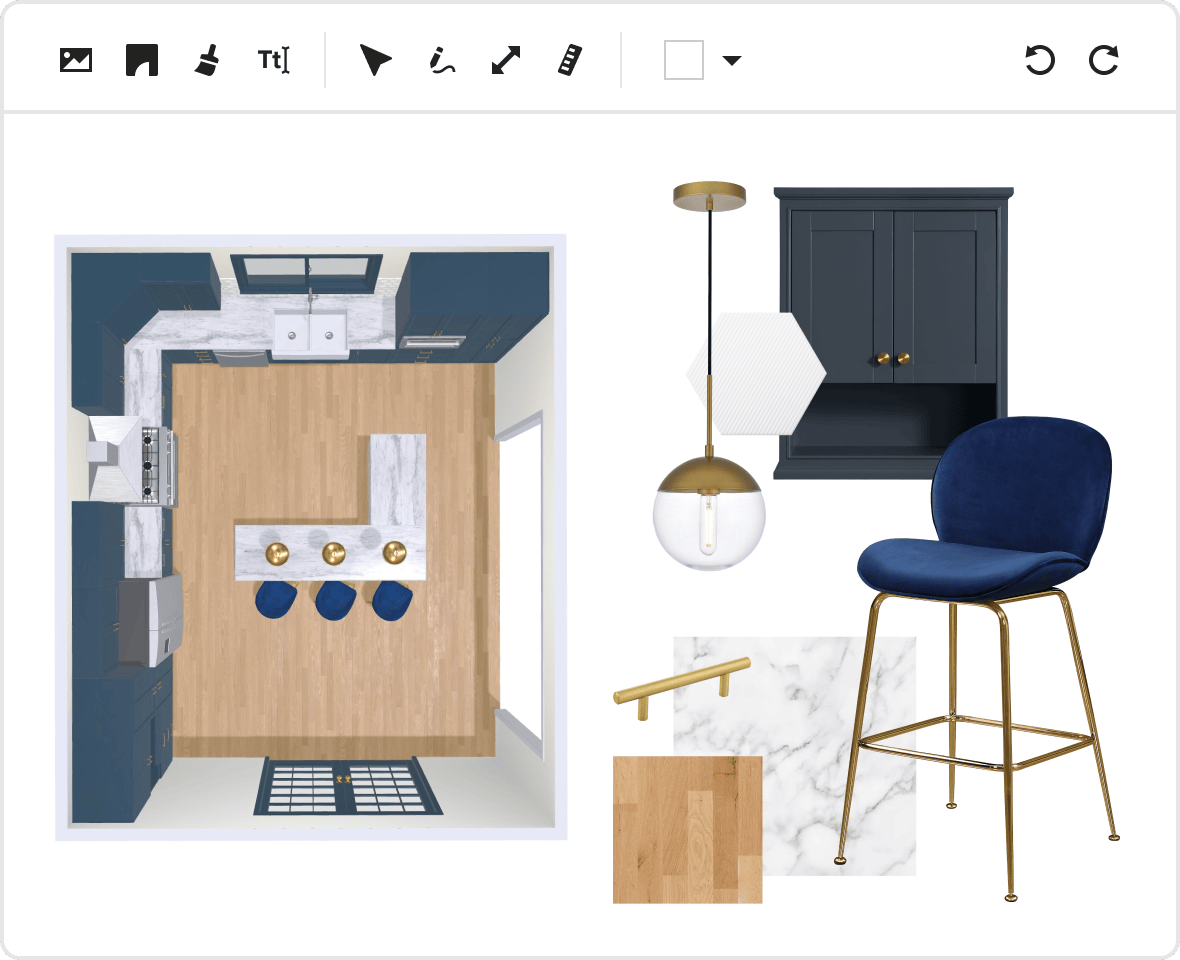
Take a look at how our Mood Board maker can help you polish and present your visions in a cinch.
The Mood Board Maker With More
The Mood Board Maker With More
Down-To-The-Detail Designs
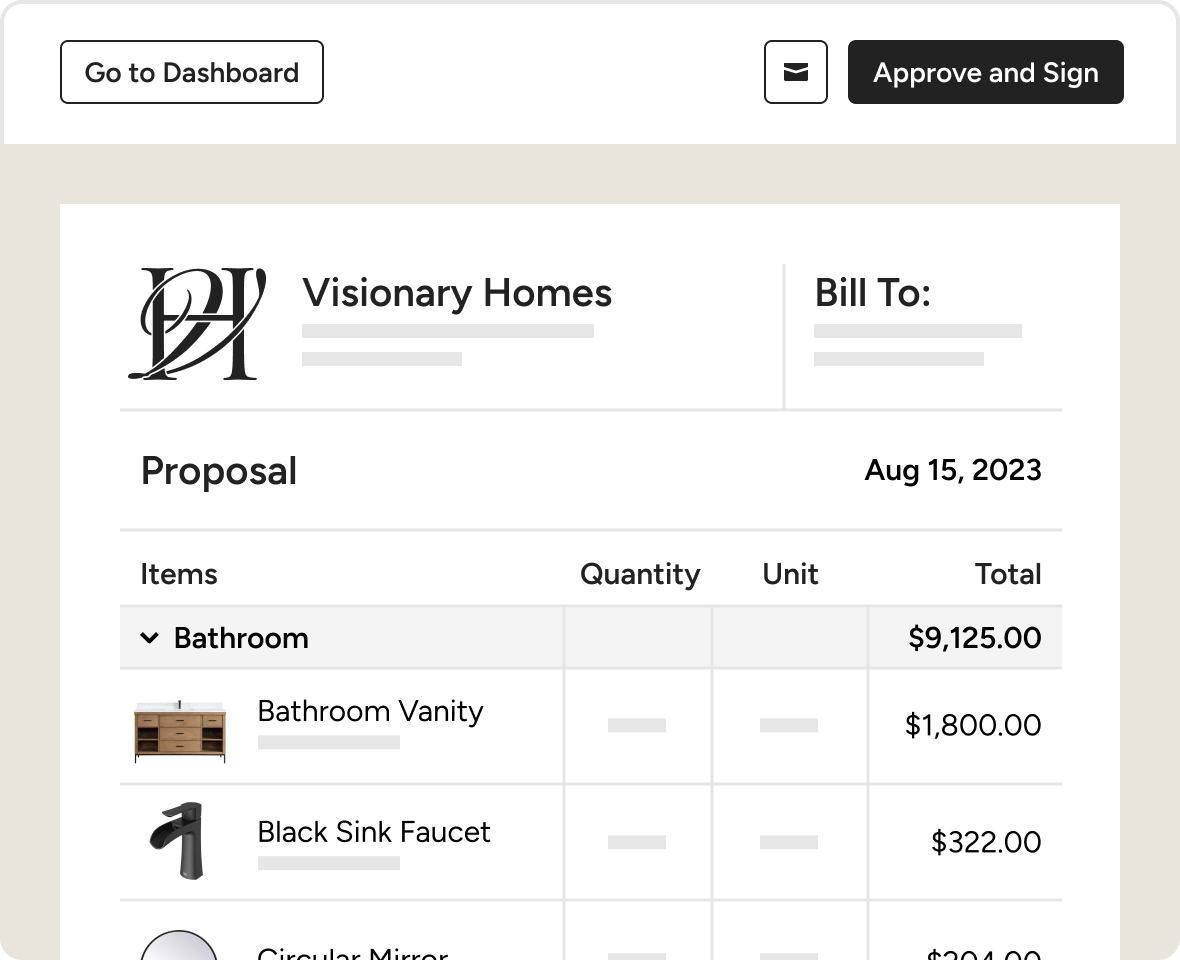

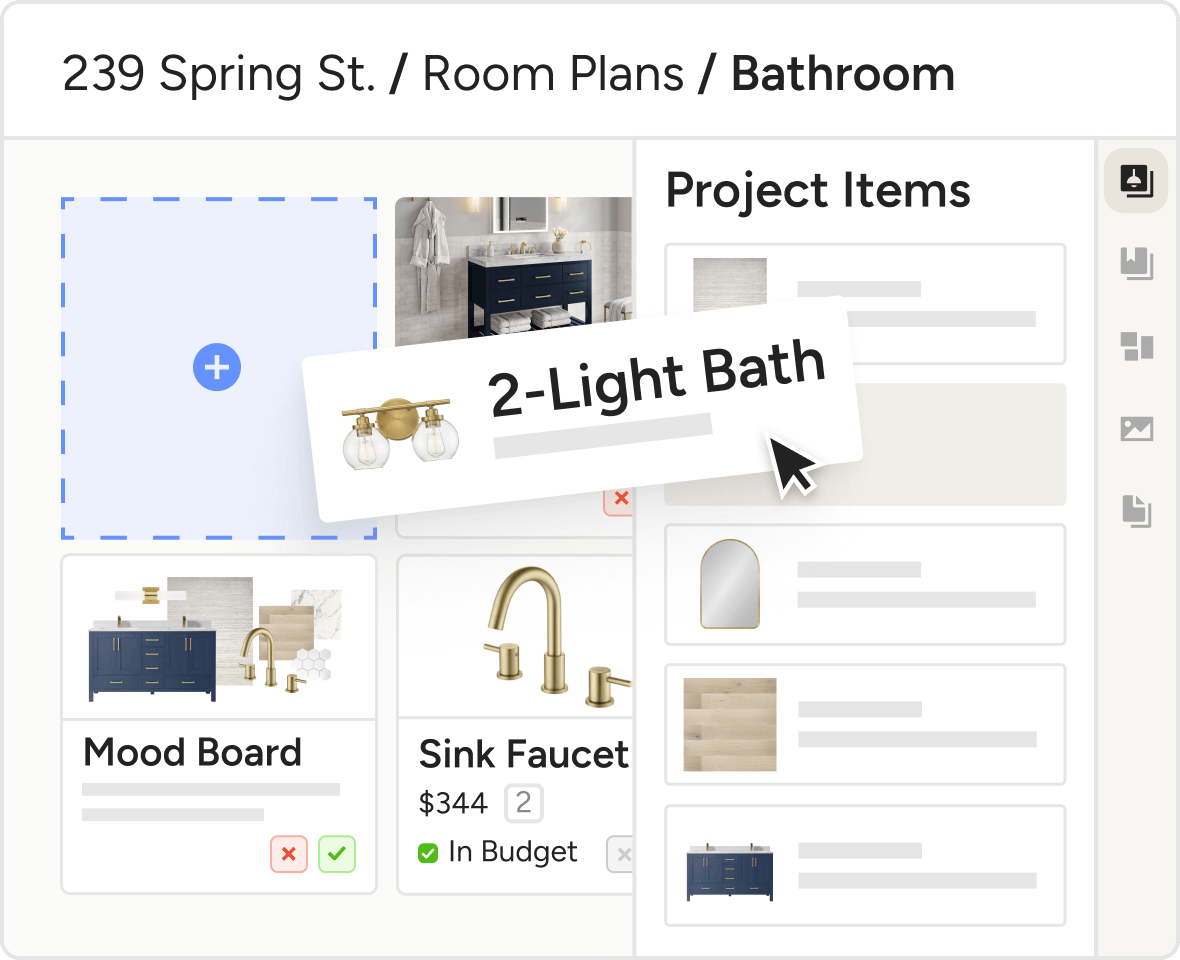
MOOD BOARD APP FOR INTERIOR DESIGN
An Inspired Interior Design Mood Board Creator
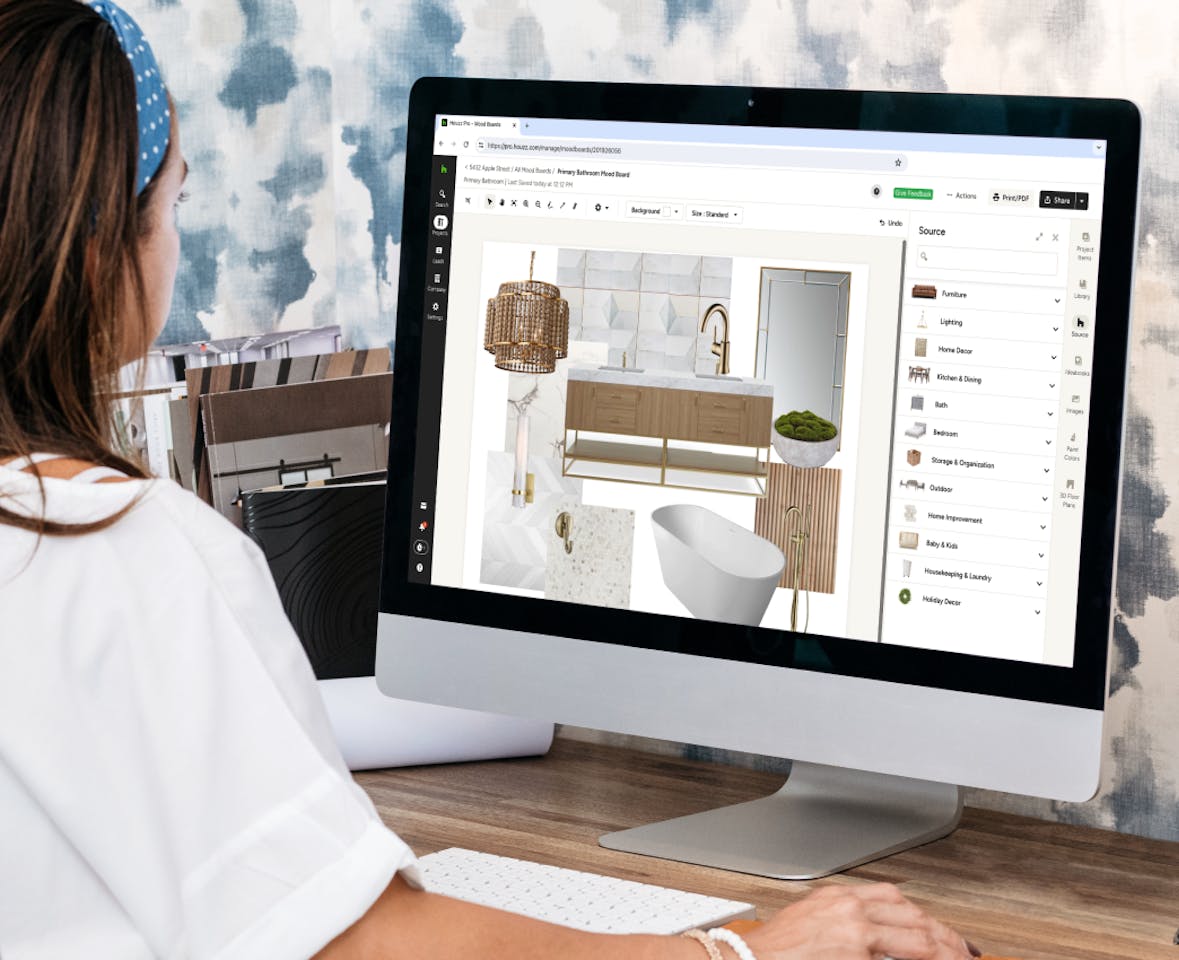
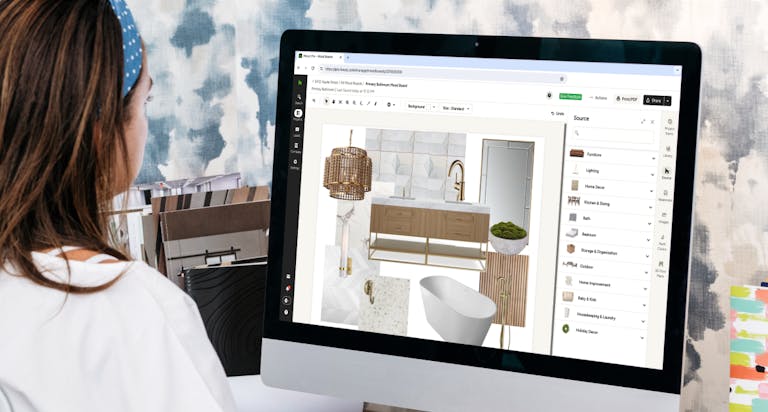
Every design starts with an idea. Our mood board app lets you visually polish and present those ideas with time-saving simplicity.
- Source products while you build your mood board
- Create your mood board exactly as you envision in minutes
- Add mood boards to your selections board for detailed pitches
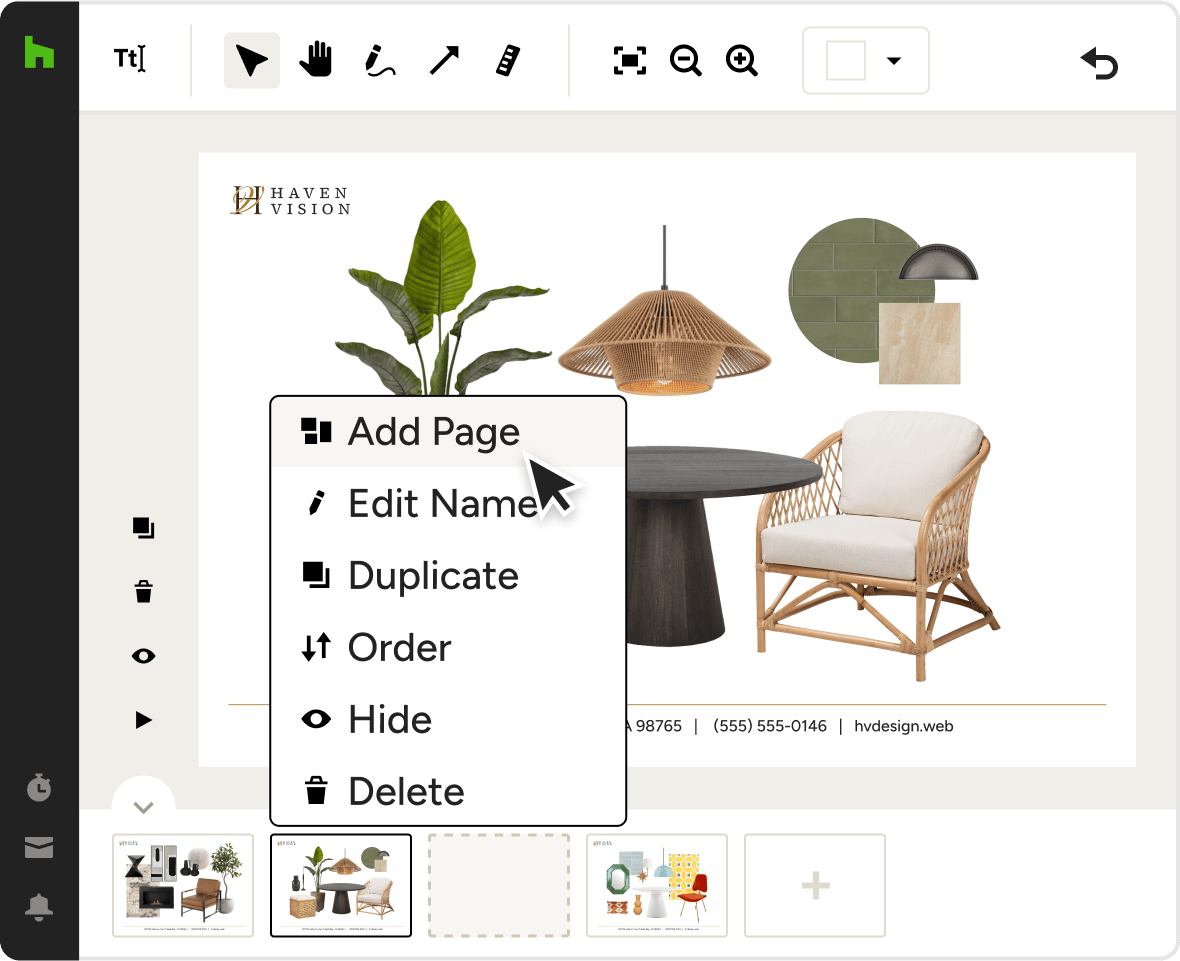
MULTI-PAGE MOOD BOARDS
Professionally Present Your Design Concepts
When it’s time to present your ideas, our mood board software can handle it all. Create beautiful, professional multi-page mood boards from scratch or from templates with your branding to showcase all the ideas you want to share, in one powerful presentation.
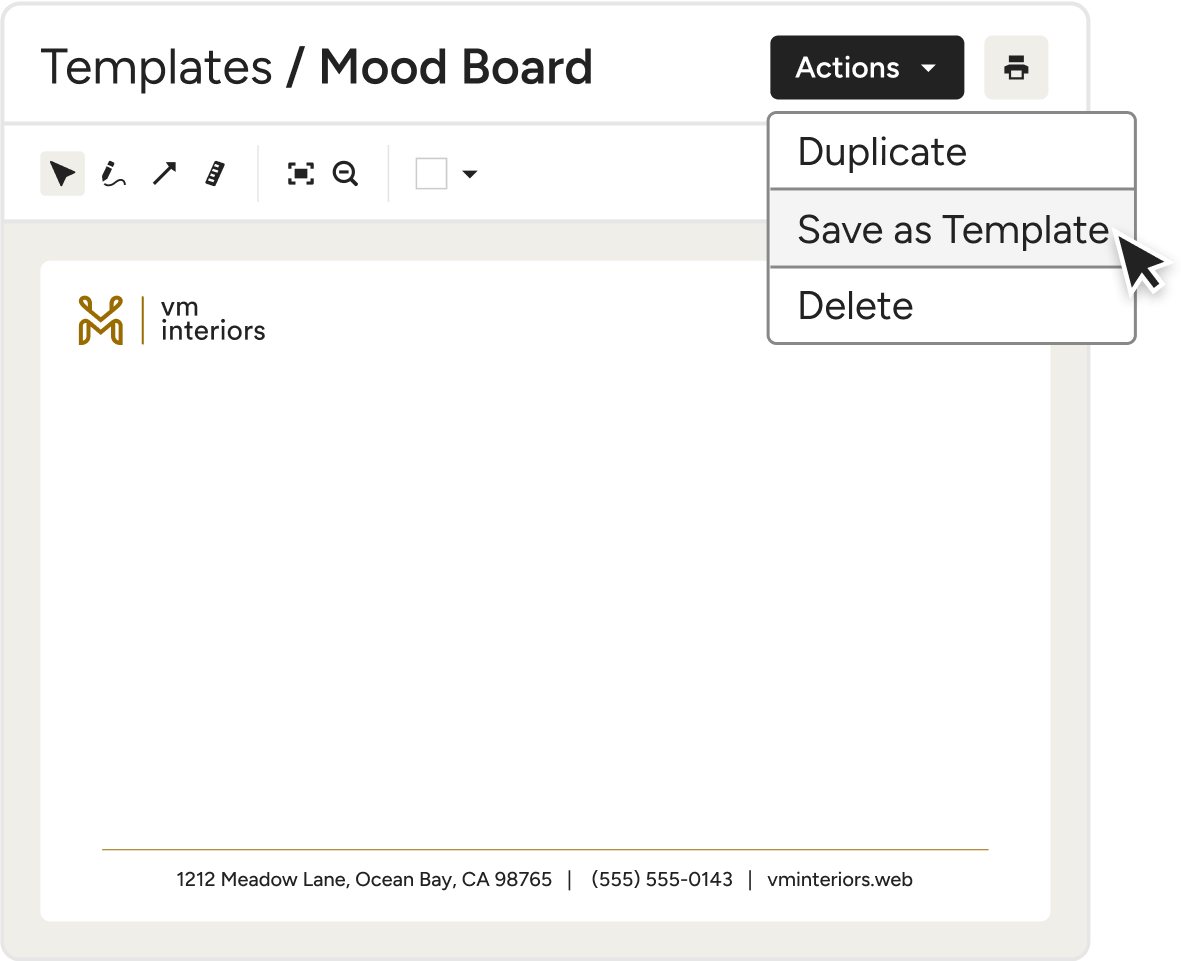
MOOD BOARD TEMPLATES
Your Branding, Baked In
Get straight to concepting with our mood board app. Just save your preferred layout for future use to streamline your designs from the get-go, and automatically include your branding, footers, cover slides, and more every time.
QUICK PRODUCT SOURCING
Find and Add Products at Record Pace
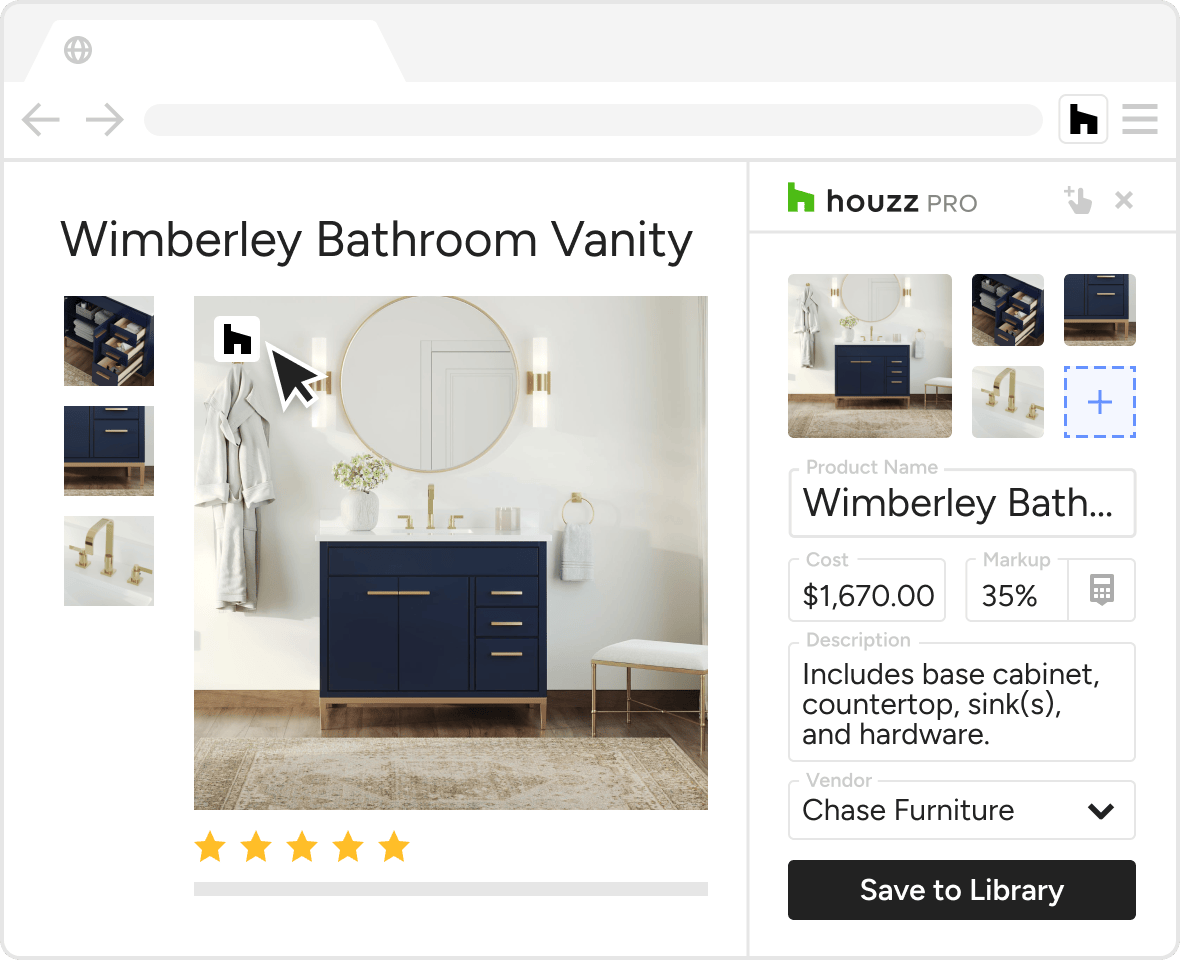
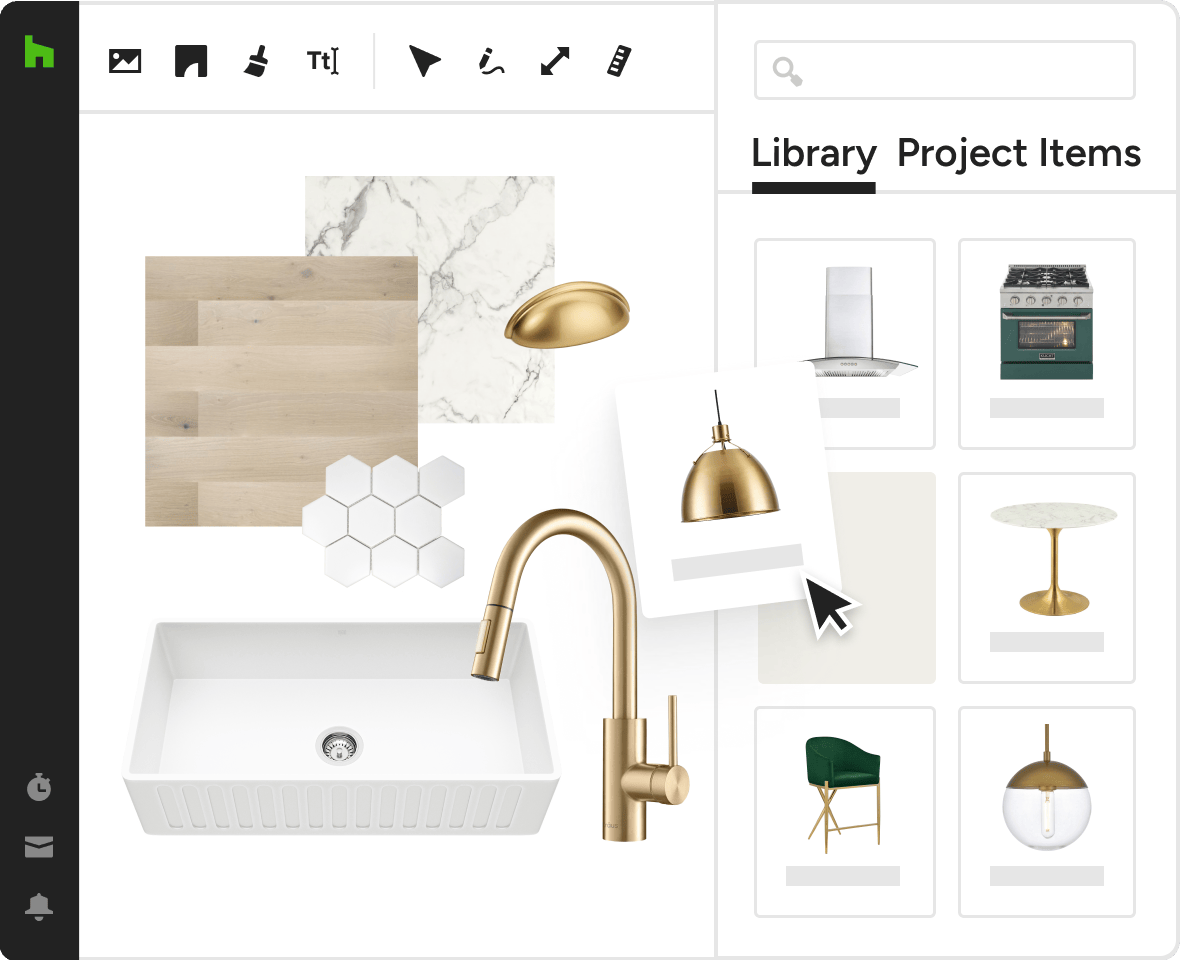
Don't let sourcing slow your workflow. Our Mood Board maker online tool is designed to streamline image-adding from Houzz or anywhere else on the web.
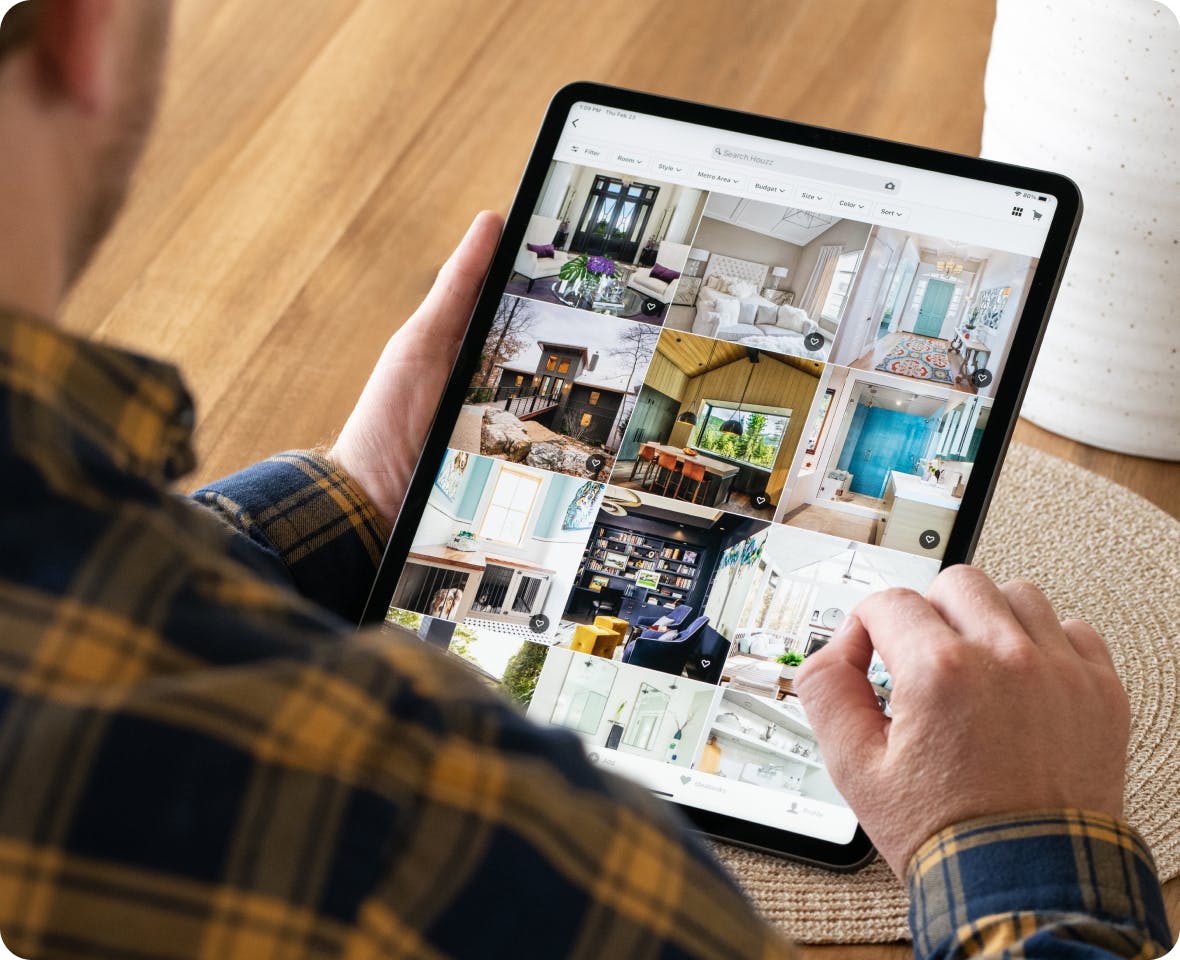
- Add product or inspiration photos from Houzz
- Upload images from your computer
- Import products from your Product Library
- Source photos from any site on the web
CROWD-FAVORITE CLIPPER
Source With Our Mood Board App
With the Product Clipper, getting online images into our app to make mood boards is easy. Just select, snap, and save them to your Product Library for instant importing.
- Save product images from around the web
- Automatically pull in key product details
- Add products to Mood Boards in a couple clicks
COMPELLING VISUAL PRESENTATIONS
A Range of Ways to Arrange Your Work
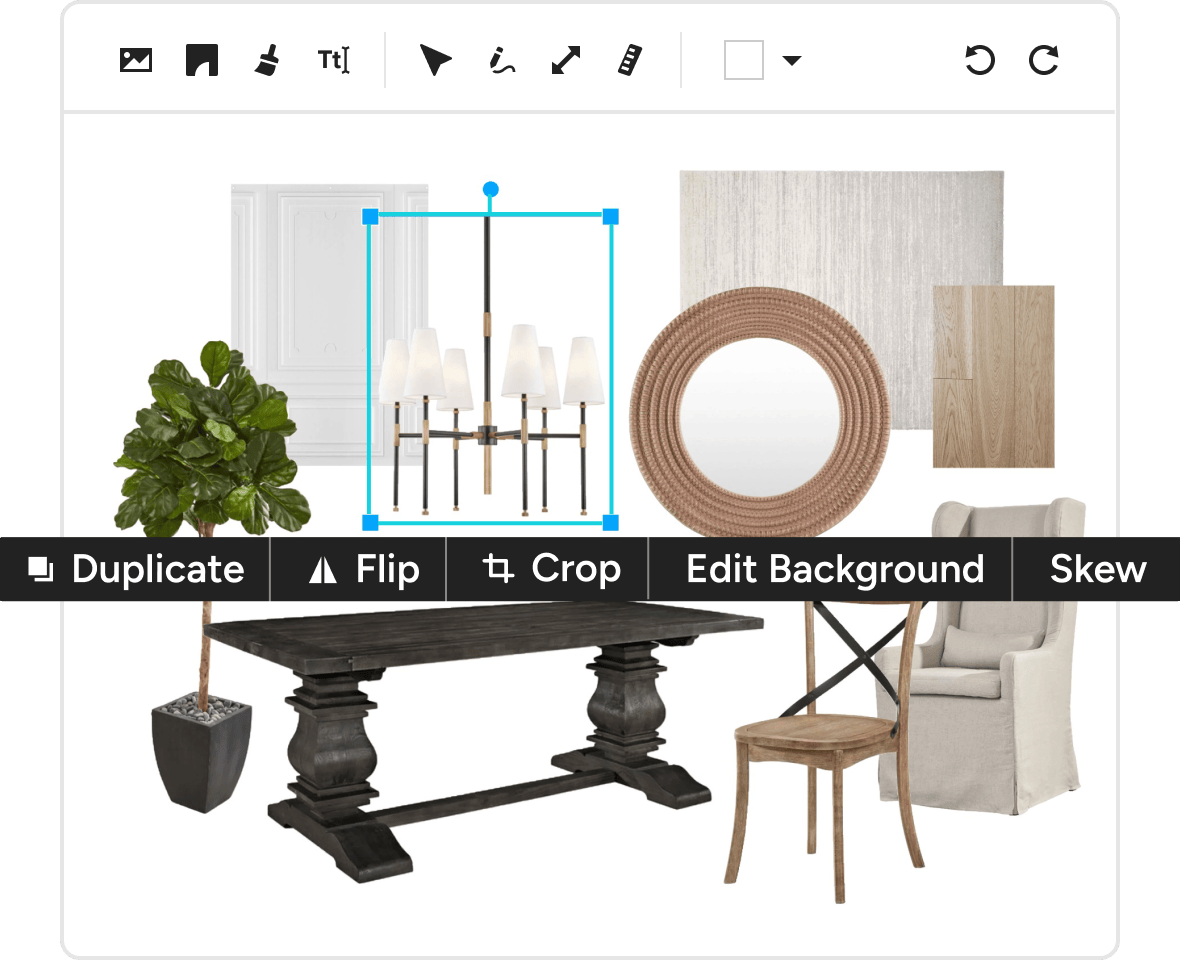
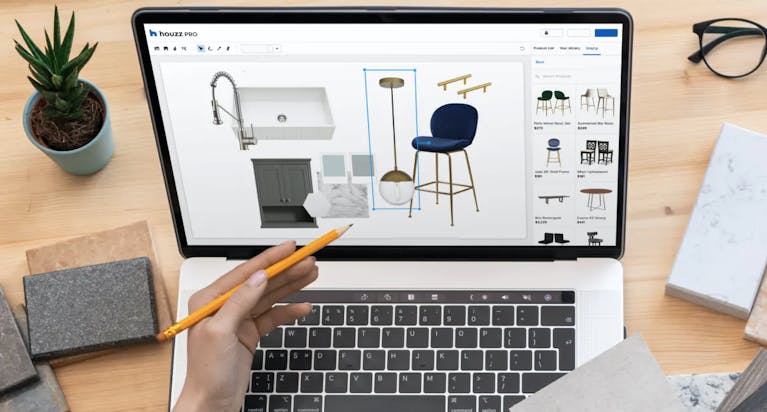
Finding visuals that fit your vision is only half the job. Bringing it all together just right—that's where our Mood Board creator comes in.
- Duplicate and move images forward or back
- Rotate, flip, and resize images as needed
- Remove backgrounds or add background colors
INTERIOR DESIGN MOOD BOARD CREATOR
Colorfully Creative Mood Board Creator
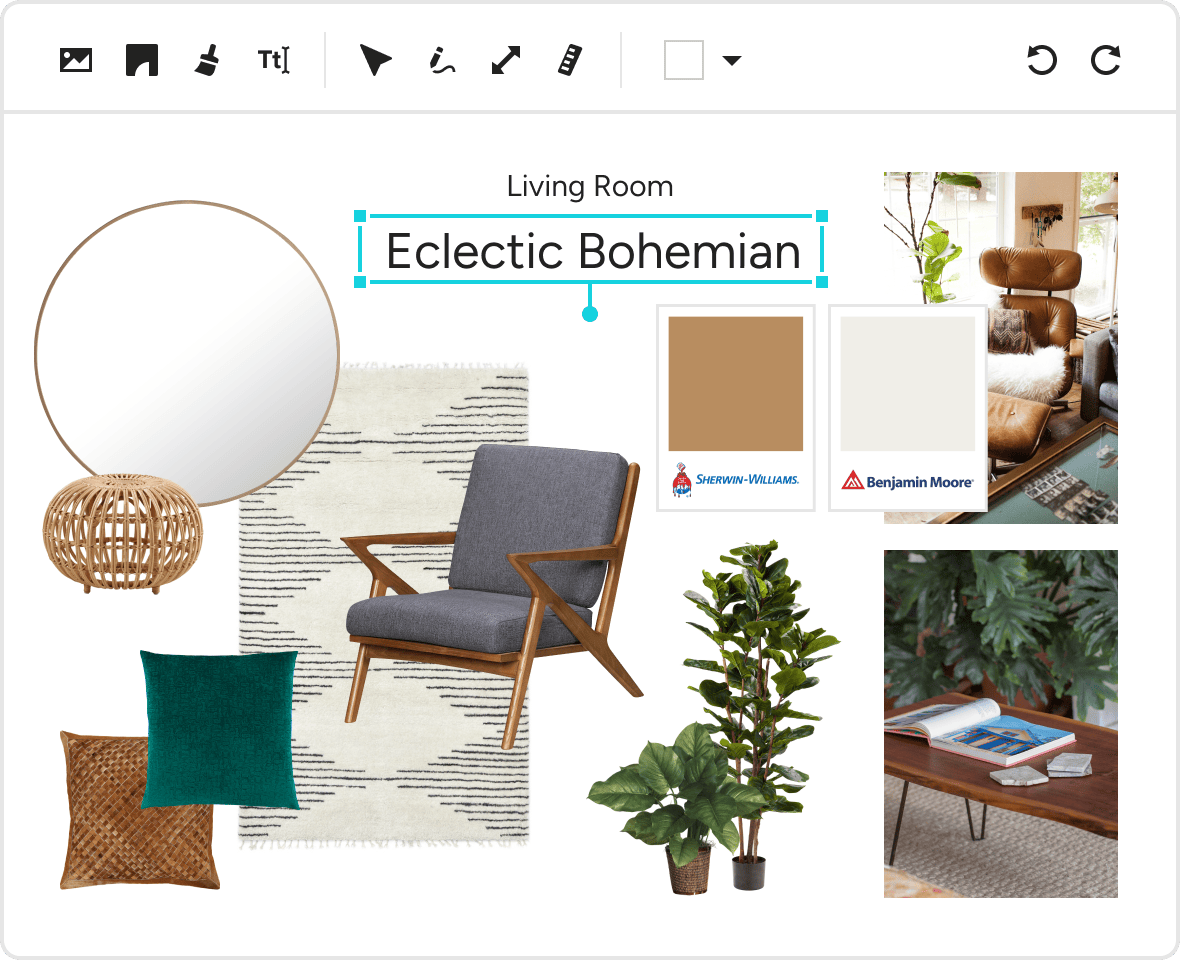
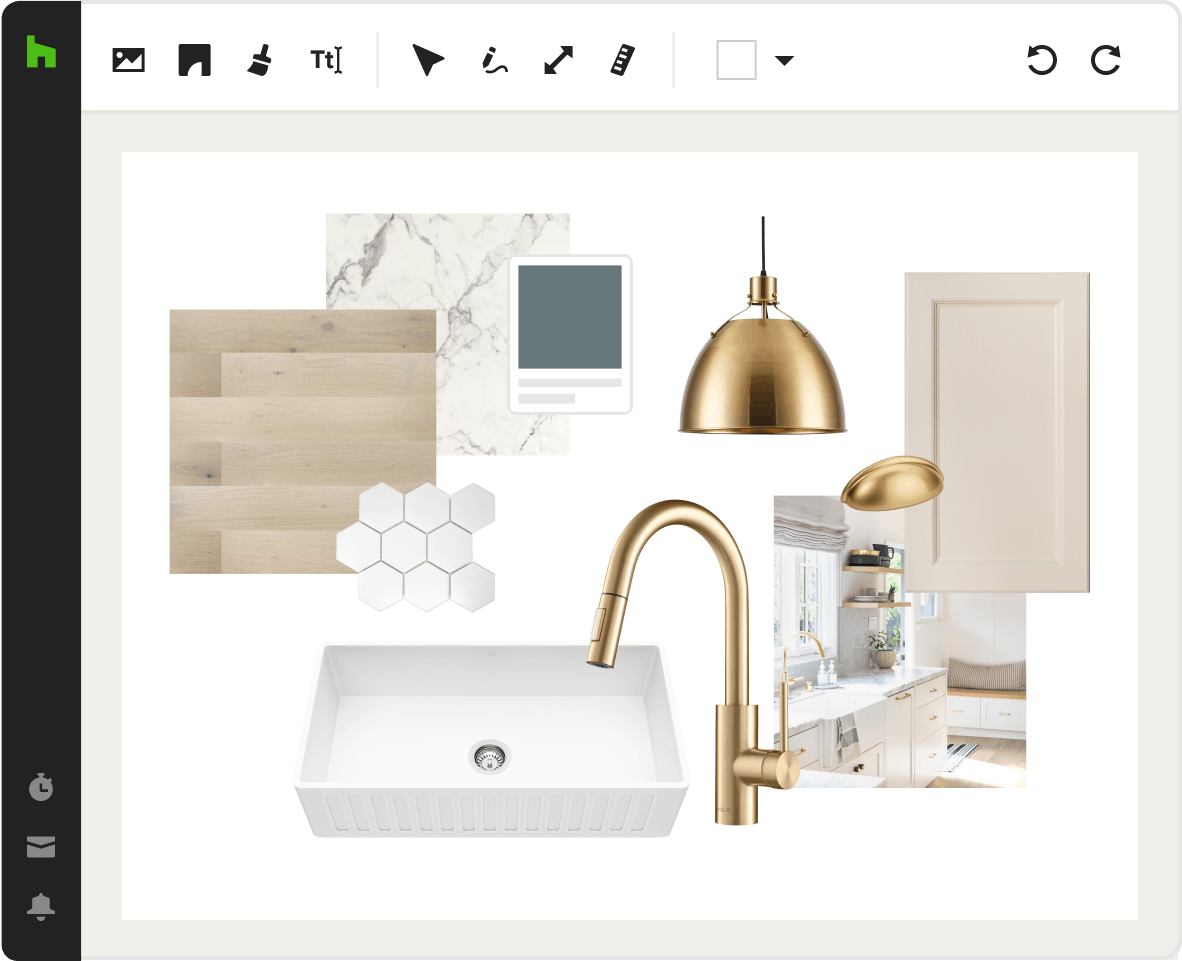
Bring it all together with some background color. It's just another way our room Mood Board maker helps you showcase your creative taste.
- Recolor the blank space behind your visuals
- Pick your own RGB or hexadecimal color
- Match with a product using the eyedropper tool
- Pull from our selection of brand-name paint colors
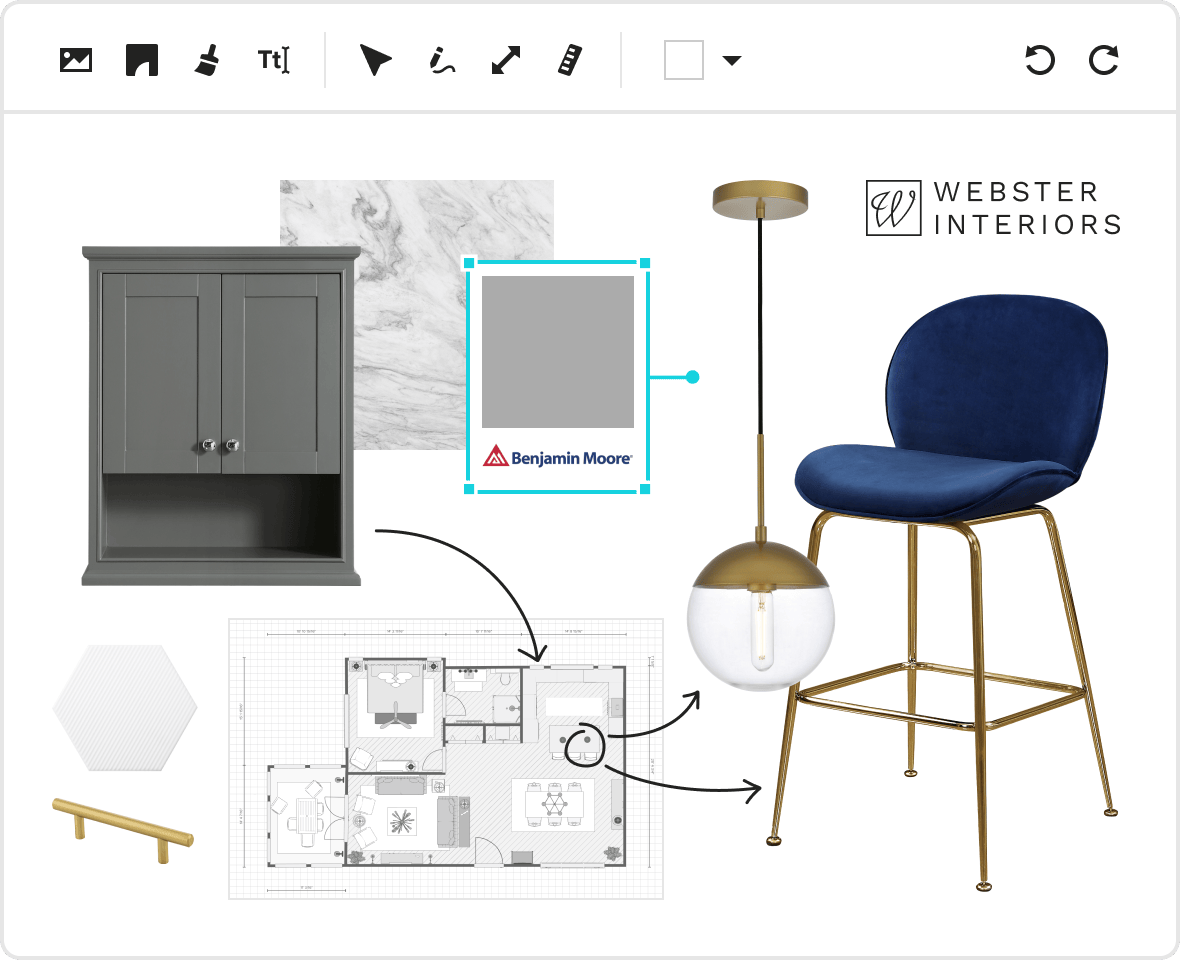
PROFESSIONAL MOOD BOARDS
Enhance Your Creativity
Presentation is everything. That's why our creative Mood Board app comes client-ready with text and branding options for a professional look.
- Add text to label projects, floors, and rooms
- Attach measurements to almost any element
- Include your business logo for a professional finish
HOUZZ PRO INTEGRATIONS
Ready to Connect With Your Favorite Tools
Collaboration isn't just for pros and clients. Our Mood Board app for Mac and Windows works with tons of the tools you already use, cutting the double work. Autosave financial details in QuickBooks Online, manage leads directly from Gmail, sync your calendars (iCloud, Gmail, Exchange, Office 365, Outlook), and so much more.
AWARD-WINNING SUPPORT
Here to Help—However You Need It.
Got questions? Our experts have answers. For anything our self-guided resources can't solve, just reach out for assistance and we'll take it from there.

Online Chat
The fastest, most convenient way to get your questions answered.

Troubleshooting and other assistance are just a help ticket away.

Phone
Our support team is standing by Monday to Friday, 6am to 5pm PT.

Help Center
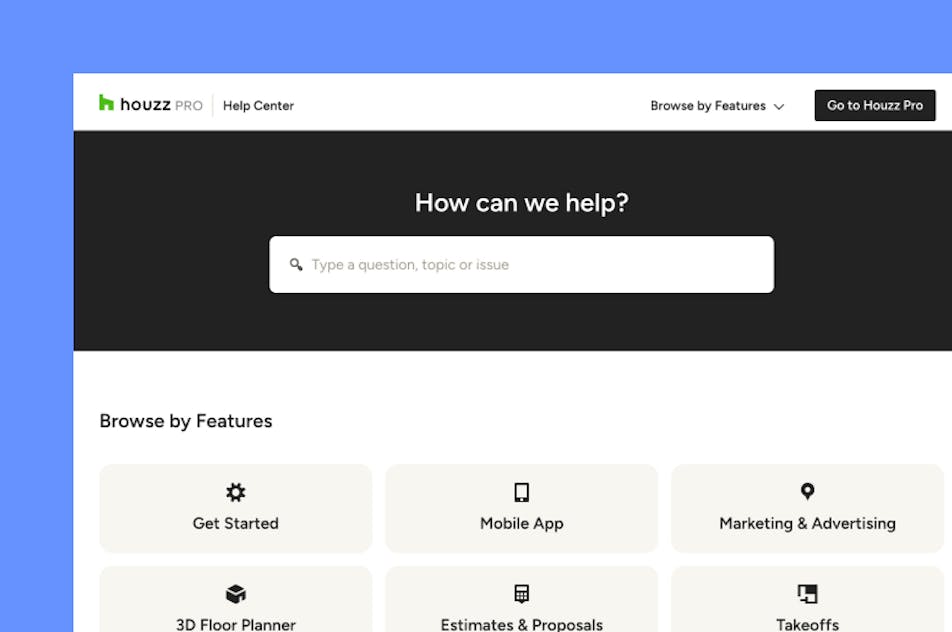
Articles, video tutorials, webinars, and more—all accessible 24/7.

Software Specialists
On-staff experts who know every Houzz Pro tool, inside and out.

Stevie Award Winner
Recognition for excellence in customer service and innovation.
Why Go With Houzz Pro?
Why Go With Houzz Pro?
All-In-One AI Platform

Love Our Mood Board Creator? Try More Tools From Houzz Pro.

Mood Board Software Features
Review all features of our mood board creator
Digital Mood Board Creator
Create digital mood boards to present interior design concepts, inspiration, and product ideas.
Multi-Page Mood Boards
Build multi-page boards to present multiple rooms, design options, or phases of a project.
Drag-and-Drop Canvas
Arrange products, materials, and inspiration images freely on a flexible visual canvas.
Image Layering & Layout Tools
Resize, rotate, duplicate, and layer images to refine the visual composition of the board.
Crop & Image Editing Tools
Crop images and adjust placement to highlight key design elements.
Duplicate Mood Boards
Copy an existing mood board to quickly create alternate design concepts or variations.
Project Mood Board Organization
Organize multiple mood boards within a single project to represent rooms, design concepts, or phases.
Houzz Ideabook Images
Pull images directly from your houzz ideabooks
Background Removal
Remove image backgrounds to create clean product cutouts and polished mood board compositions.
Color Swatches & Materials
Add paint colors, finishes, fabrics, and other materials to illustrate palettes and textures.
Text Labels & Design Notes
Add annotations, descriptions, and notes to communicate design ideas clearly.
Image Flip & Rotation
Flip images horizontally or vertically and rotate elements to refine layout and presentation.
Layer Order Controls
Adjust the stacking order of images and products to control how elements overlap on the board.
Canvas Zoom & Navigation
Zoom in and out and pan across the canvas to work on detailed layouts and larger boards.
Color Picker Tool
Extract colors directly from images to create matching swatches and palettes for design concepts.
Canvas Background Customization
Change the background color of the mood board canvas to improve visual presentation or branding.
Product Clipper & Web Import
Clip products from any website and automatically capture product details for mood boards.
Import Images & Files
Upload inspiration images and files from your computer or device.
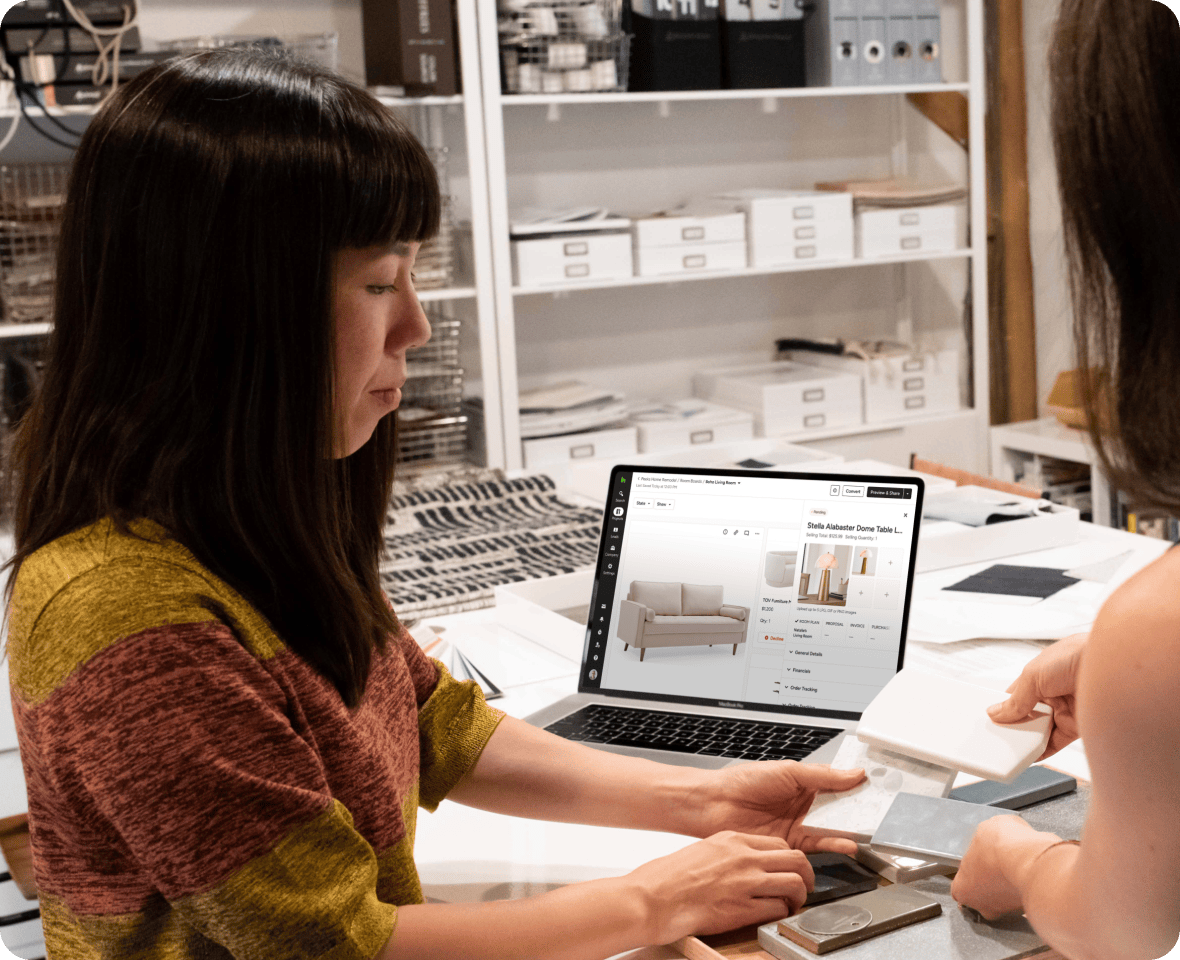
Product Details & Specifications
Store product information such as vendor, price, and links for reference.
Product Pricing Display
View product pricing directly within mood boards to support budgeting and product evaluation.
Product Source Links
Open the original vendor or retailer webpage directly from products placed on the mood board.
Integrated Color Swatches
Select colour swatches from integrated vendors: Benjamin Moore and Sherwin-Williams
Product Library Integration
Items added to mood boards are saved to the project product library for reuse across tools.
Selections Integration
Reuse products from mood boards in selection boards to organize final design decisions.
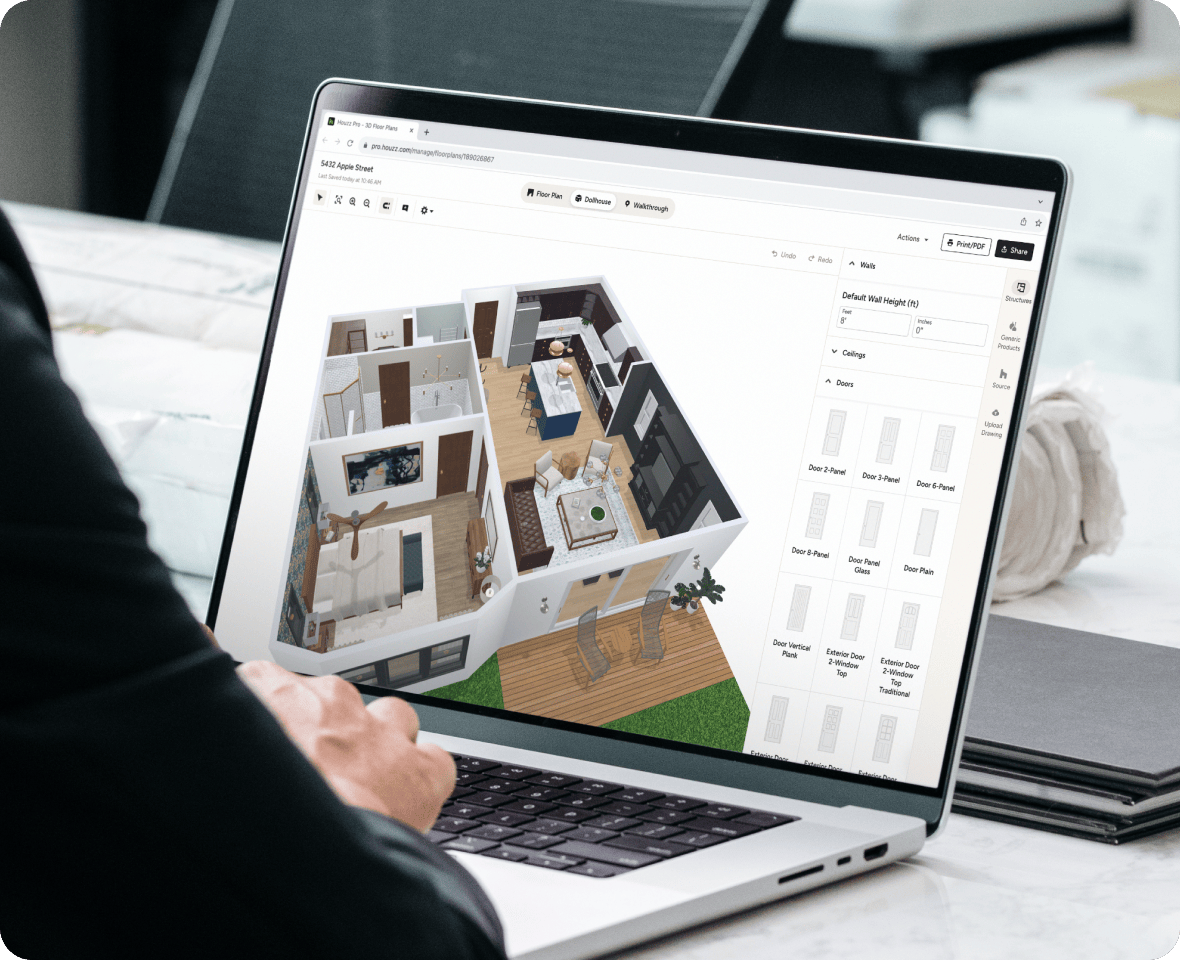
3D Floor Plan Integration
Add in 3d floor plans
Client Sharing & Comments
Share mood boards with clients and collaborators and collect feedback directly on the board.
Presentation-Ready Boards
Present polished mood boards during client meetings or design presentations.
Mood Board Templates
Save reusable layouts to quickly create new boards for future projects.
Branded Design Presentations
Add logos and consistent layouts for professional client presentations.
Mobile Mood Board Access
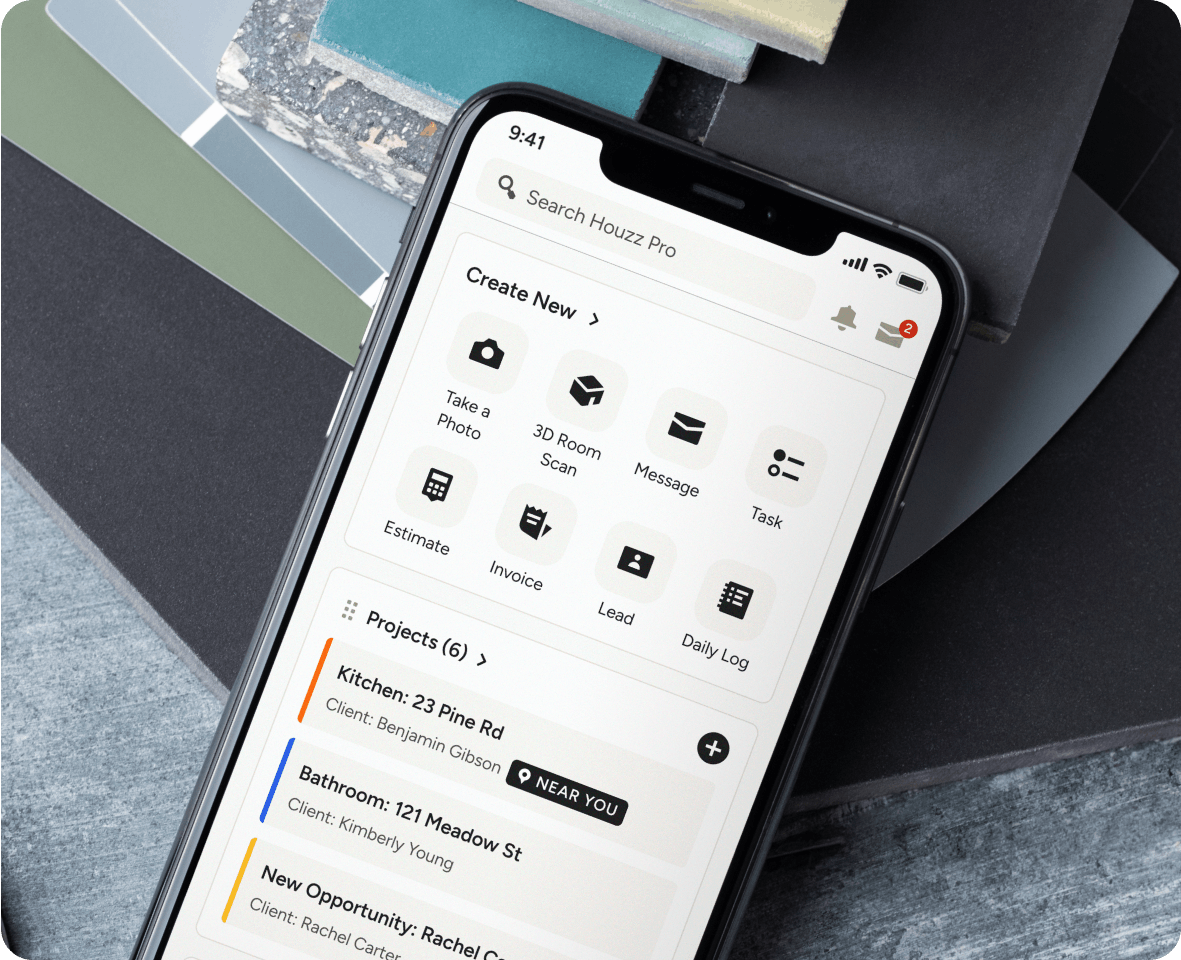
Create, edit, and present mood boards from the Houzz Pro mobile app.