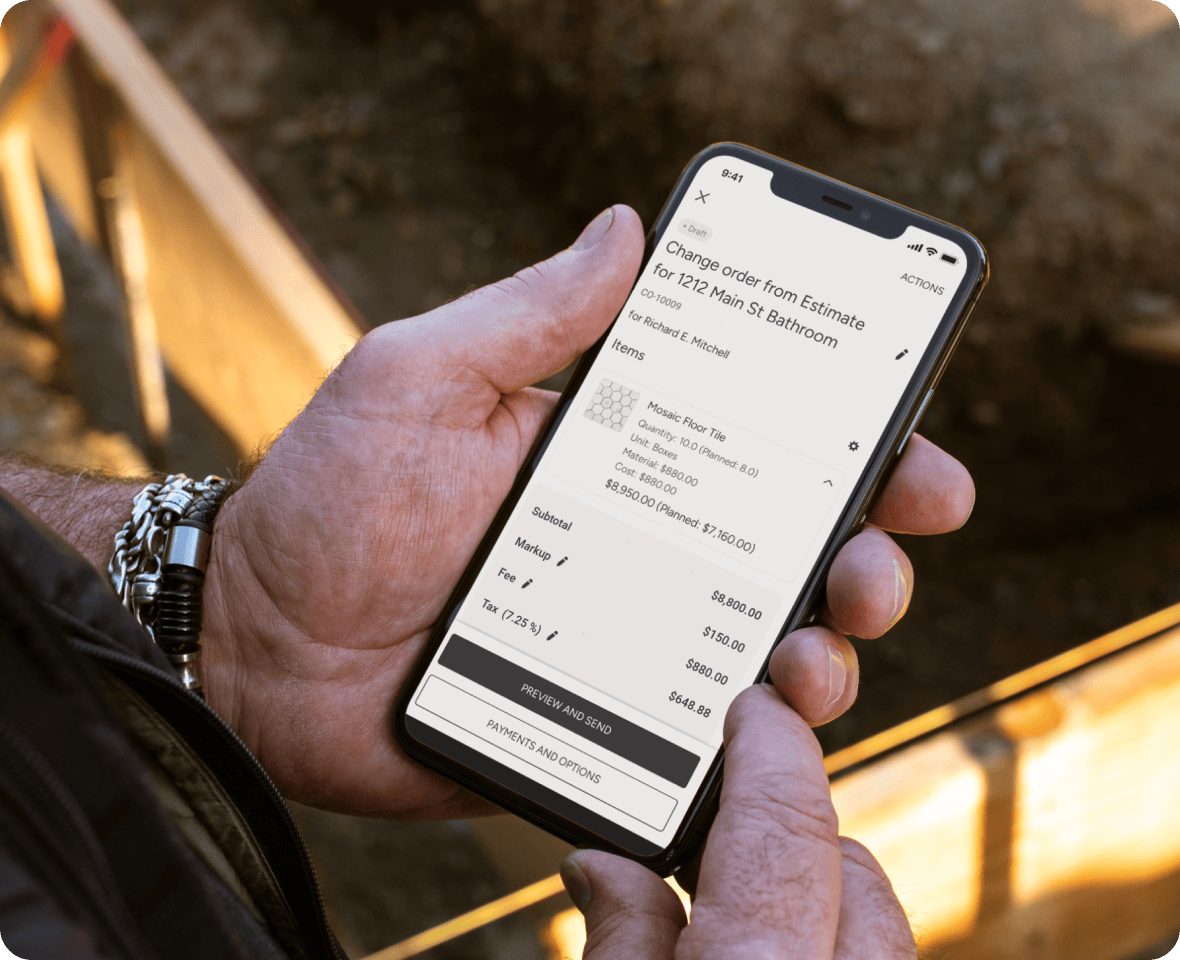
SUBCONTRACTOR-FRIENDLY SOFTWARE
No-Stress Change Requests
Change requests are inevitable, but with Houzz Pro you can track, manage and invoice for them to protect your bottom line.
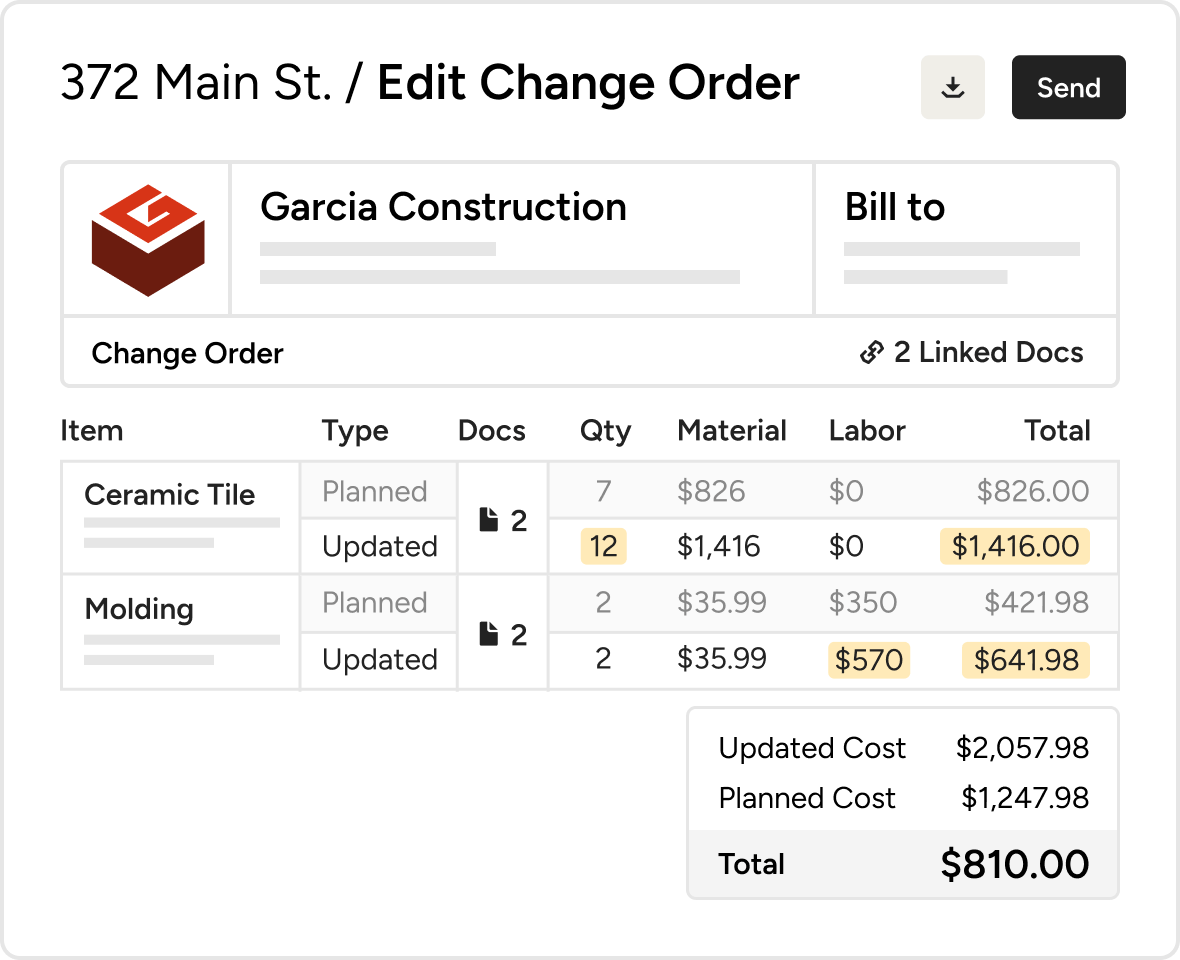
AI CHANGE ORDERS
Speed Up Changes With AI
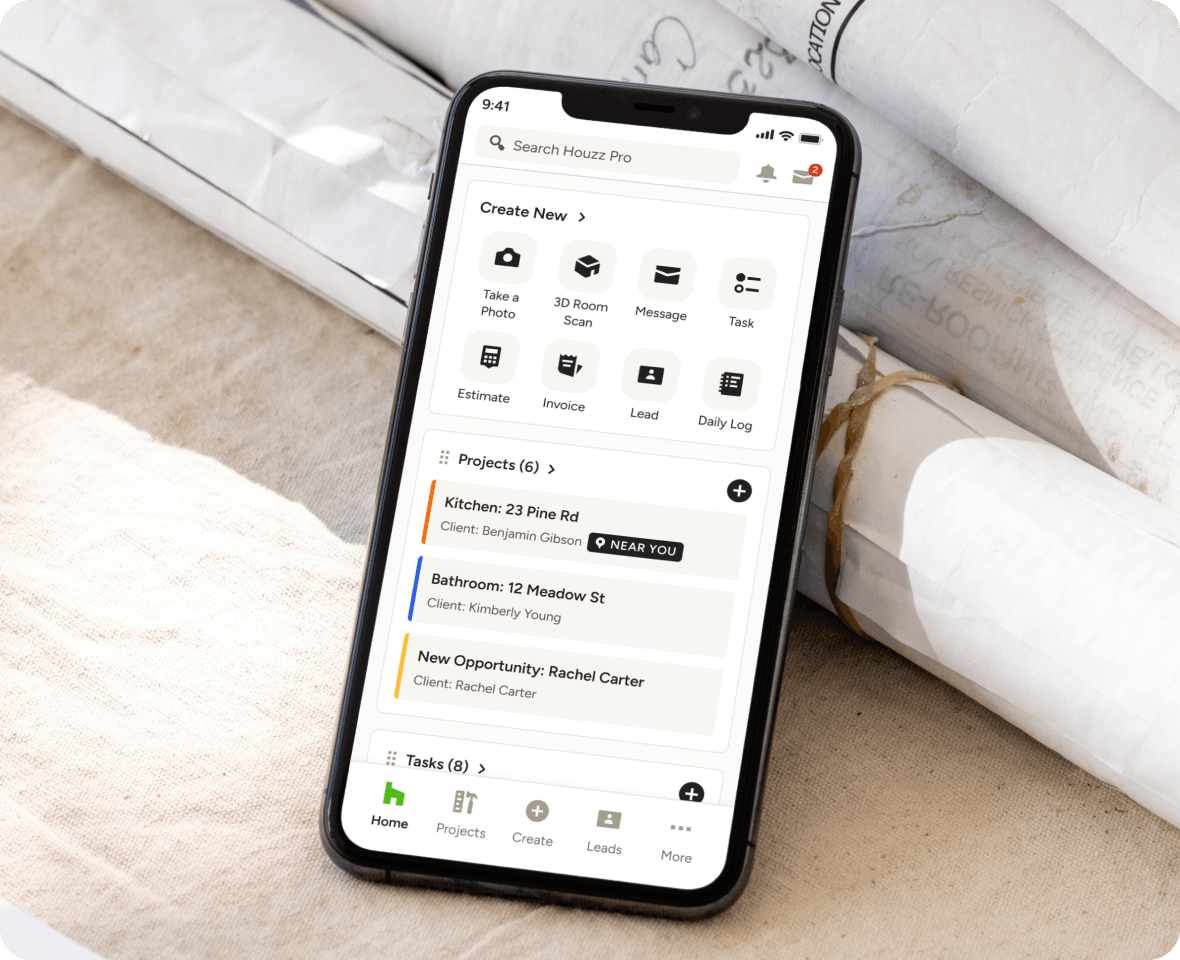
With Houzz AI, you can create Change Orders from anywhere with a simple voice (or text) command. All you need is the Houzz Pro mobile app and a few spare seconds.
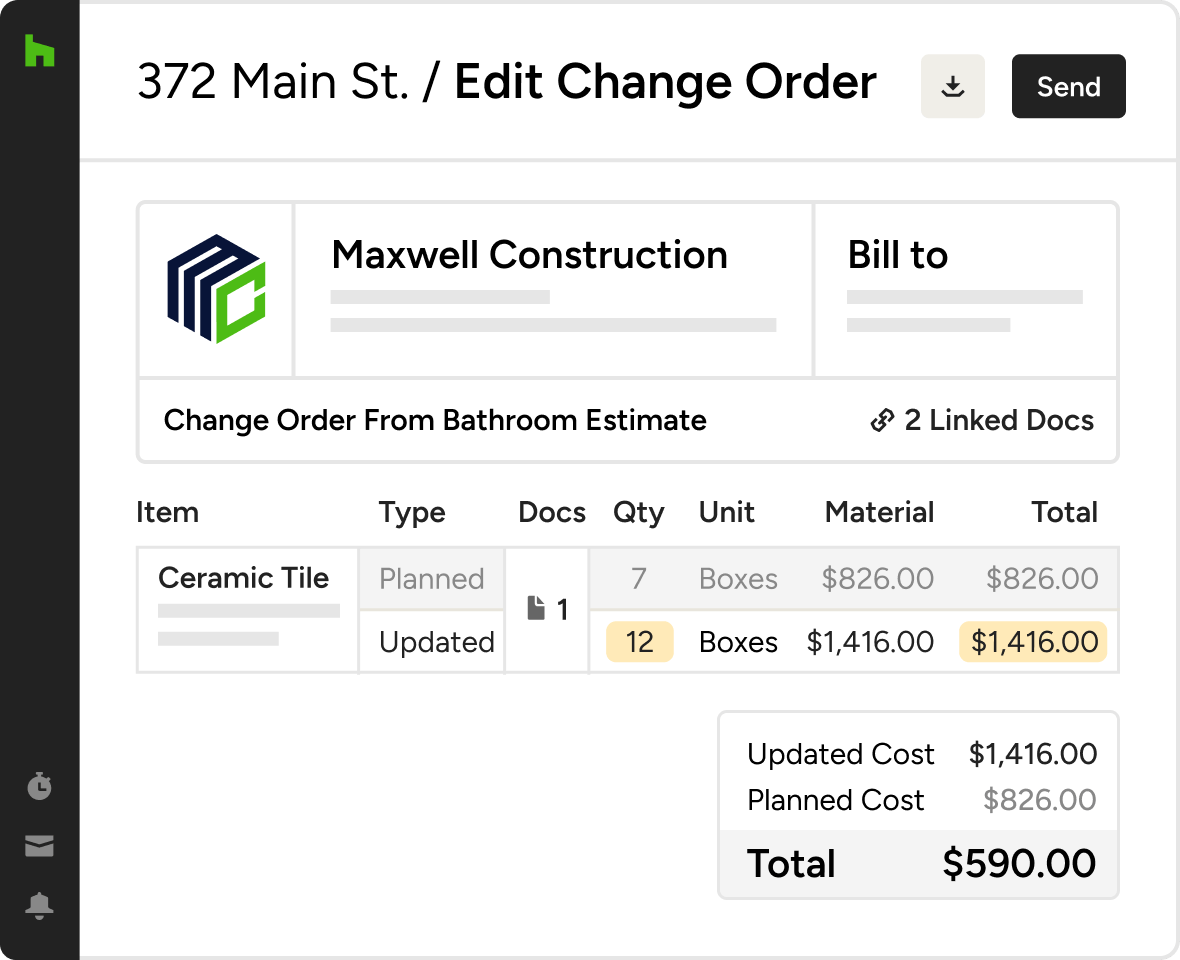
CHANGE ORDERS
Capture Every Dollar
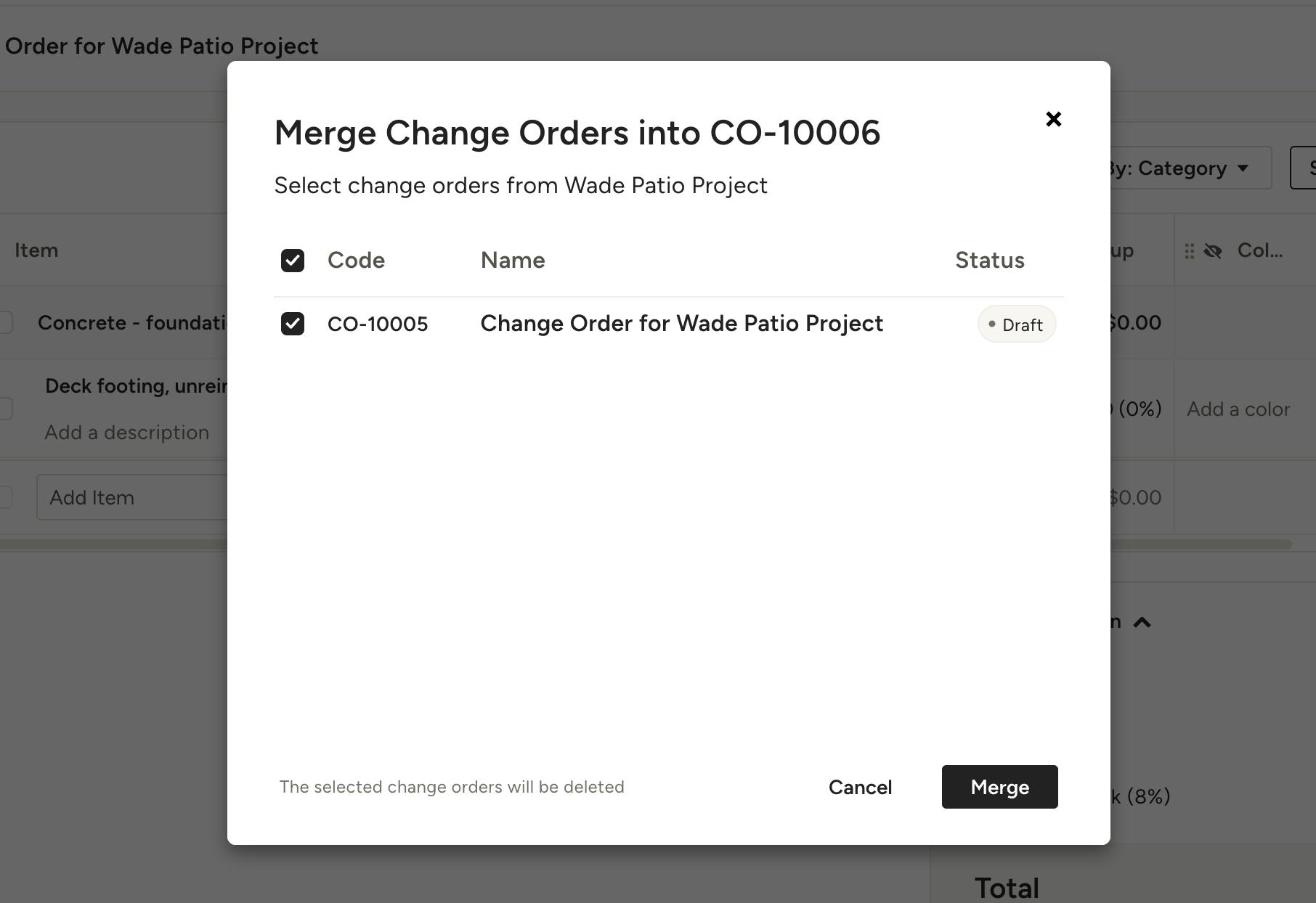
Easily create change orders and send them to clients for approval and online payment. Track approvals and require e-signatures for peace of mind.
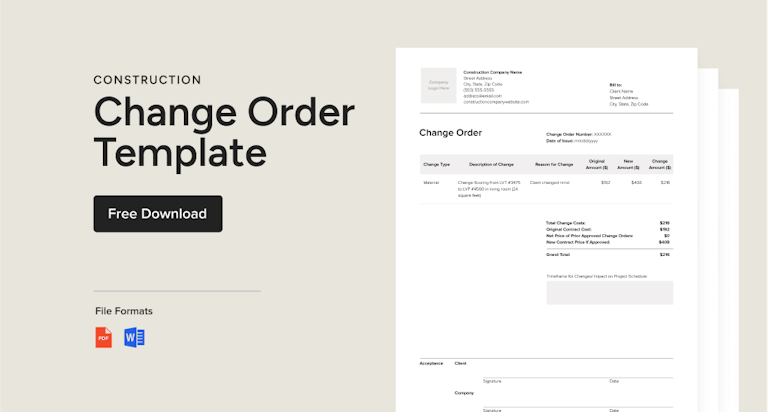

Why Go With Houzz Pro?
Change Order Features
See all features of our change orders tool
| Feature | Description |
|---|---|
| Change Order Creation | |
Create Change Orders | Create change orders to manage scope changes, material updates, and pricing adjustments within projects. |
Create from Estimates & Proposals | Generate change orders directly from approved estimates or proposals without re-entering data. |
Create from Scratch or Templates | Build change orders manually or use reusable templates to standardize workflows. |
AI-Generated Change Orders | Use AutoMate AI to generate change order line items and categories based on project descriptions. |
| Scope & Cost Management | |
Track Cost Changes vs Original Scope | Automatically calculate the difference between planned and updated costs for accurate billing. |
Edit Quantities, Materials & Labor | Adjust pricing, quantities, and scope details while preserving original values for comparison. |
Add New Line Items | Add new materials, services, or scope changes directly to change orders. |
Highlighted Change Tracking | Clearly display updated values to show what has changed from the original scope. |
| Client Approval & eSignatures | |
Digital Approval & eSignatures | Send change orders to clients for approval and collect electronic signatures. |
Online Change Order Sharing | Share change orders via email, link, or messaging for quick client review. |
Approval Tracking & Notifications | Track approval status and receive notifications when clients review or approve changes. |
| Payment & Financial Workflow | |
Invoice from Change Orders | Convert approved change orders into invoices to collect additional payments. |
Separate Change Order Billing | Charge only the difference between original and updated costs for accurate billing. |
Payment Schedules | Set up deposits, installments, or payment terms directly within change orders. |
Connect with Project Budget | Connect change orders with project budgets for financial visibility. |
| Workflow Integration | |
Connected Financial Documents | Change orders are linked to estimates, proposals, invoices, and project financials. |
Product & Cost Catalog Integration | Use saved items, assemblies, and catalogs when creating change orders. |
| Client Communication | |
Notes & Explanations per Item | Add notes and descriptions to explain scope changes to clients. |
Custom Client View Settings | Control what pricing, details, and information clients can see before approval. |
| Mobile Access | |
Mobile Change Order Creation | Create and send change orders directly from the jobsite using the mobile app. |
Real-Time Field Updates | Capture changes instantly and keep project financials up to date across devices. |
| Automation & Efficiency | |
Automated Reminders & Notifications | Notify clients when approvals or payments are required. |
No Double Data Entry | Project data flows automatically from estimates to change orders to invoices. |