TASK MANAGEMENT
Team Up With Our AI Task-Assigning Software
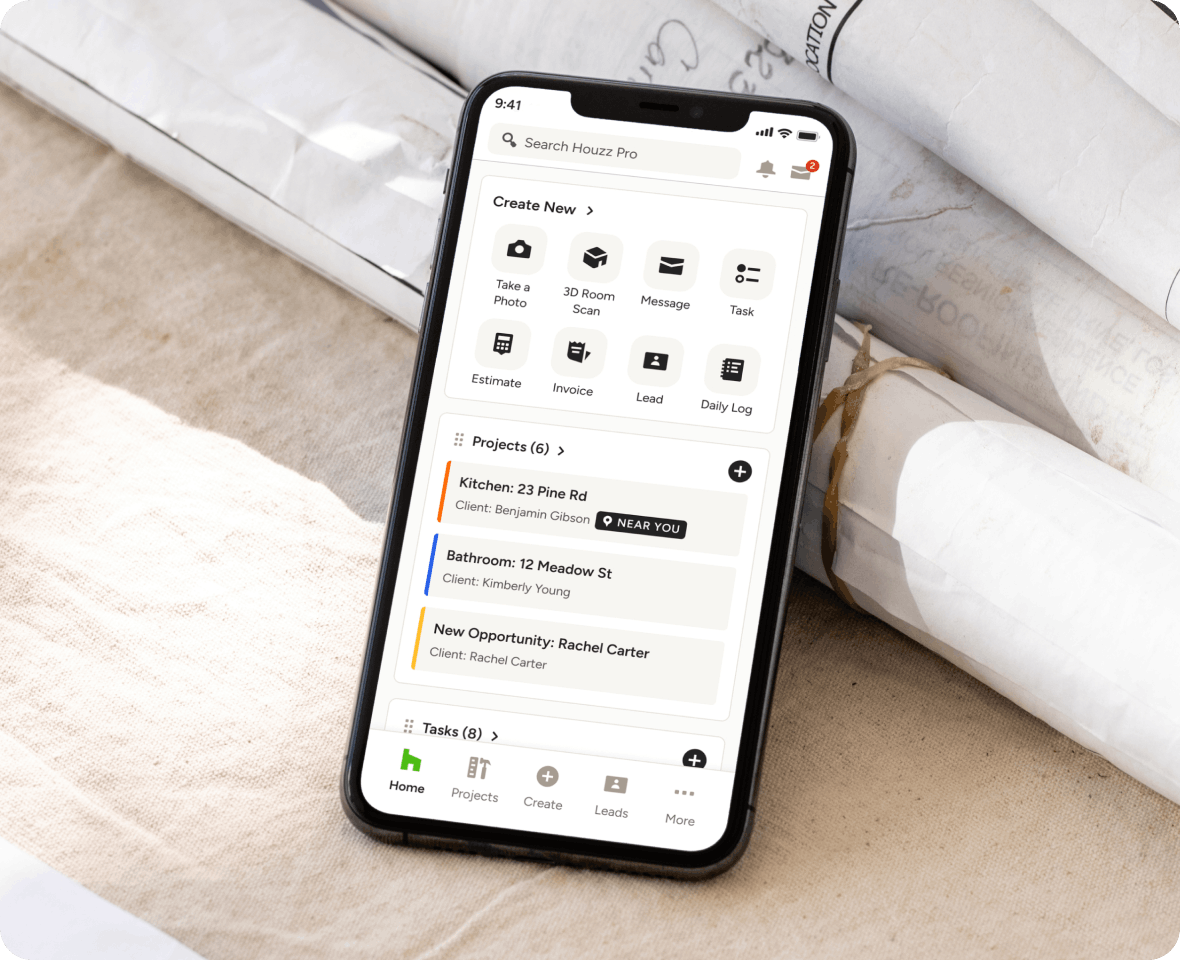
Keep your projects on track in one place. With Houzz Pro’s AI-powered Task Management system for construction and design, you can assign work items that integrate with your schedules in seconds.

Create With AI
Generate Tasks from Daily Logs, meeting recordings, and voice or text prompts.

Stay Notified
Schedule and send automatic email reminders so your team never misses a Task.

Centralize Everything
See Tasks across all projects in one place to ensure nothing slips through the cracks.
Improving Your To-Do List? Mark as Completed.
AI TASK GENERATION
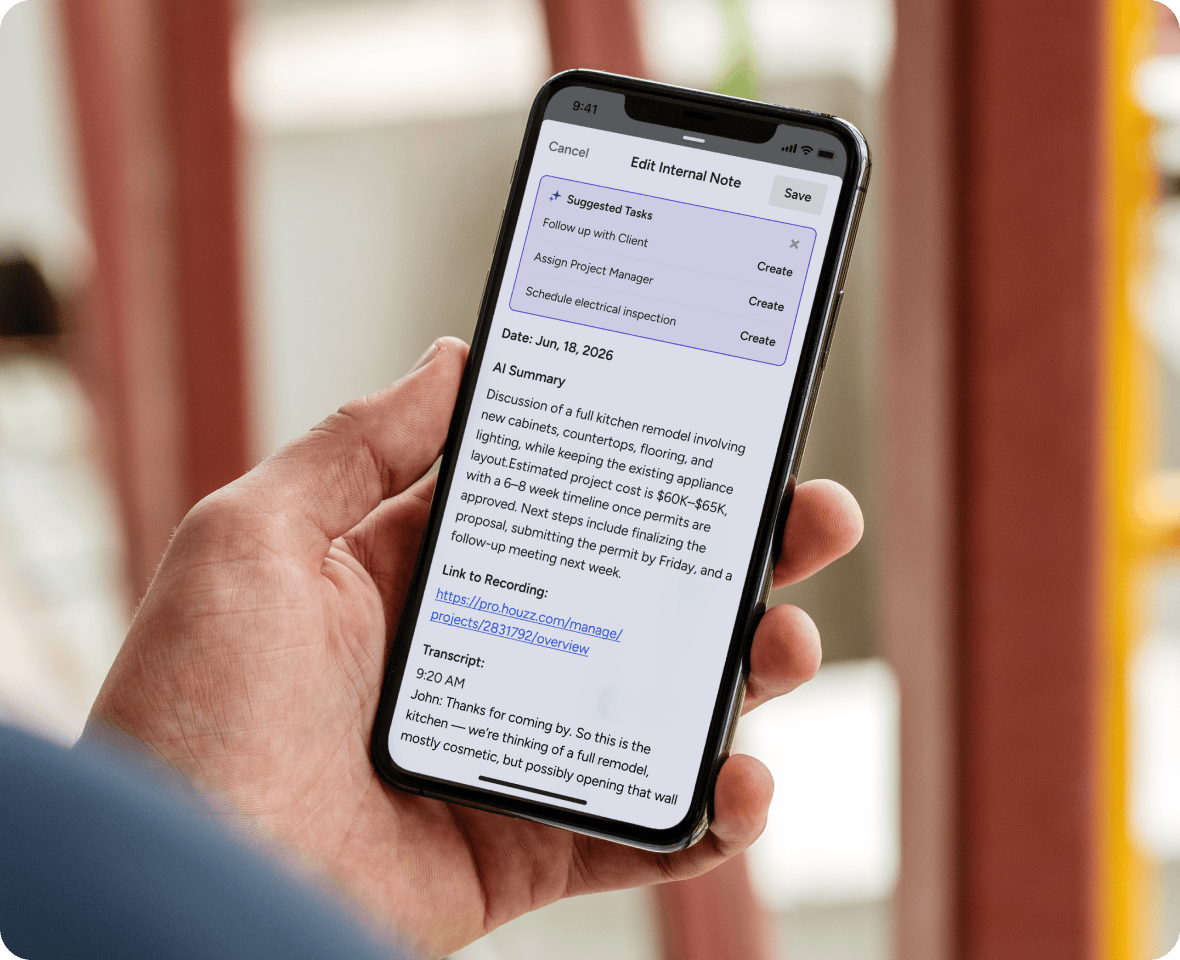
Create Tasks Fast With Houzz AI
Save time and let our built-in AI assistant generate accurate, assignable Tasks for you fast—all based on where your project’s at and what you say is needed.
- Create or update Tasks with voice or text prompts
- Get follow-up Task suggestions based on Daily Logs
- Record meetings and get recommended next steps
- Generate Tasks for your team in AI-made Schedules
TASK ASSIGNING
Action Items That Almost Assign Themselves
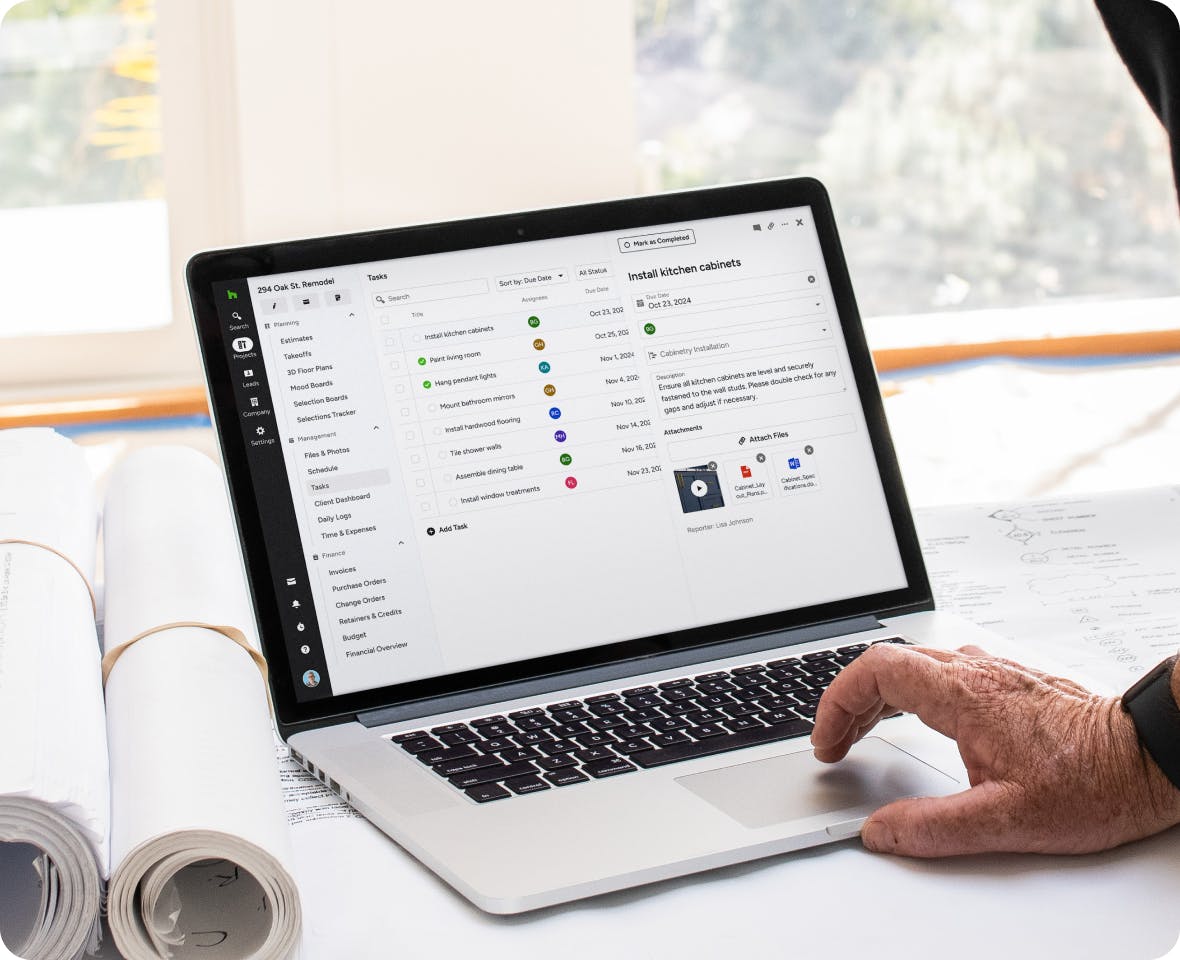
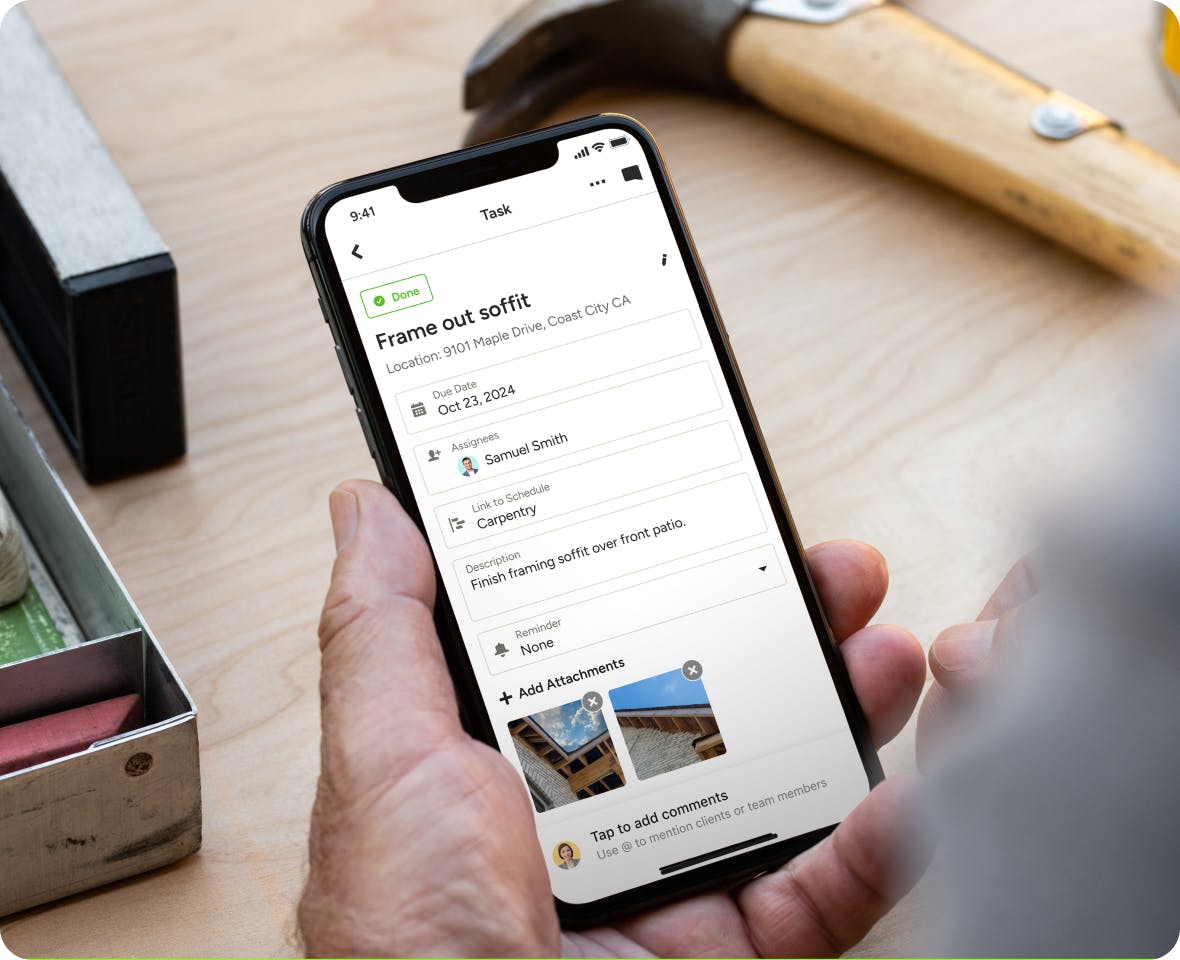
Staying on task shouldn’t be hard labor. That’s where our Task Management software comes in. Give your go-tos clearly defined direction and deadlines the easy way.
- Assign Tasks to team members, subs, and clients
- Set specific due dates to help enforce deadlines
- Attach files, photos, and videos for reference
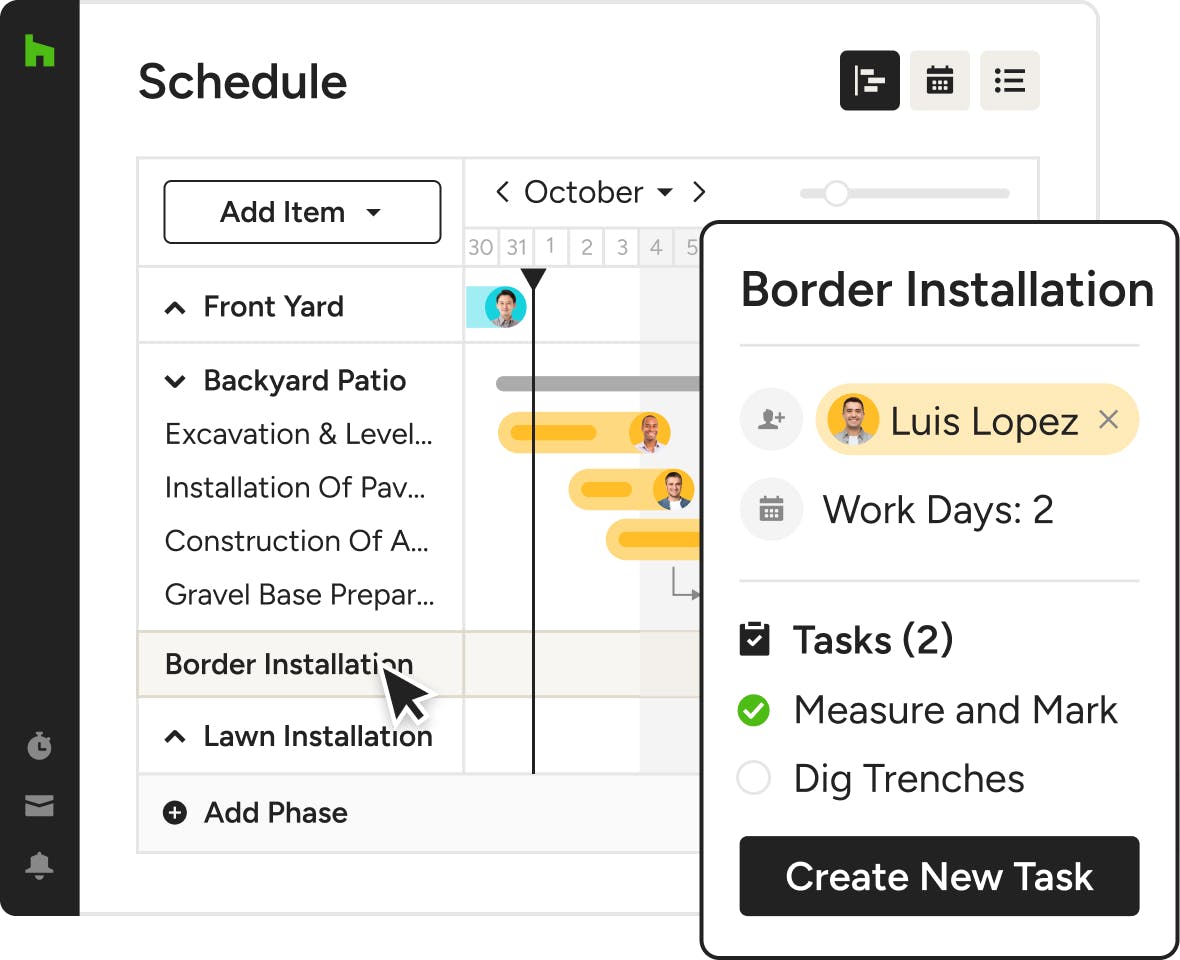
- Link Tasks to any project Schedule with a click
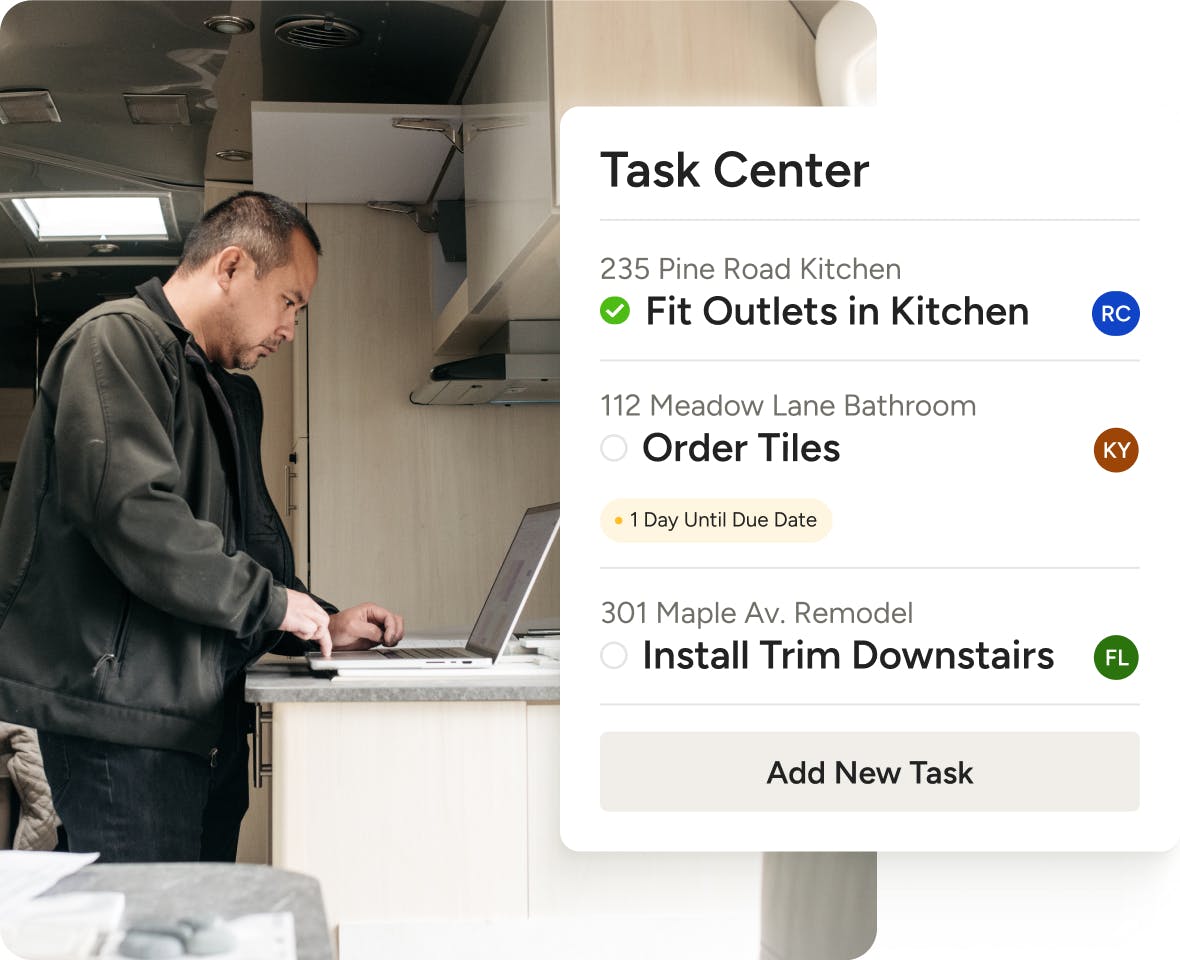
TASK CENTER
A High-Level Look at Tasks at Hand
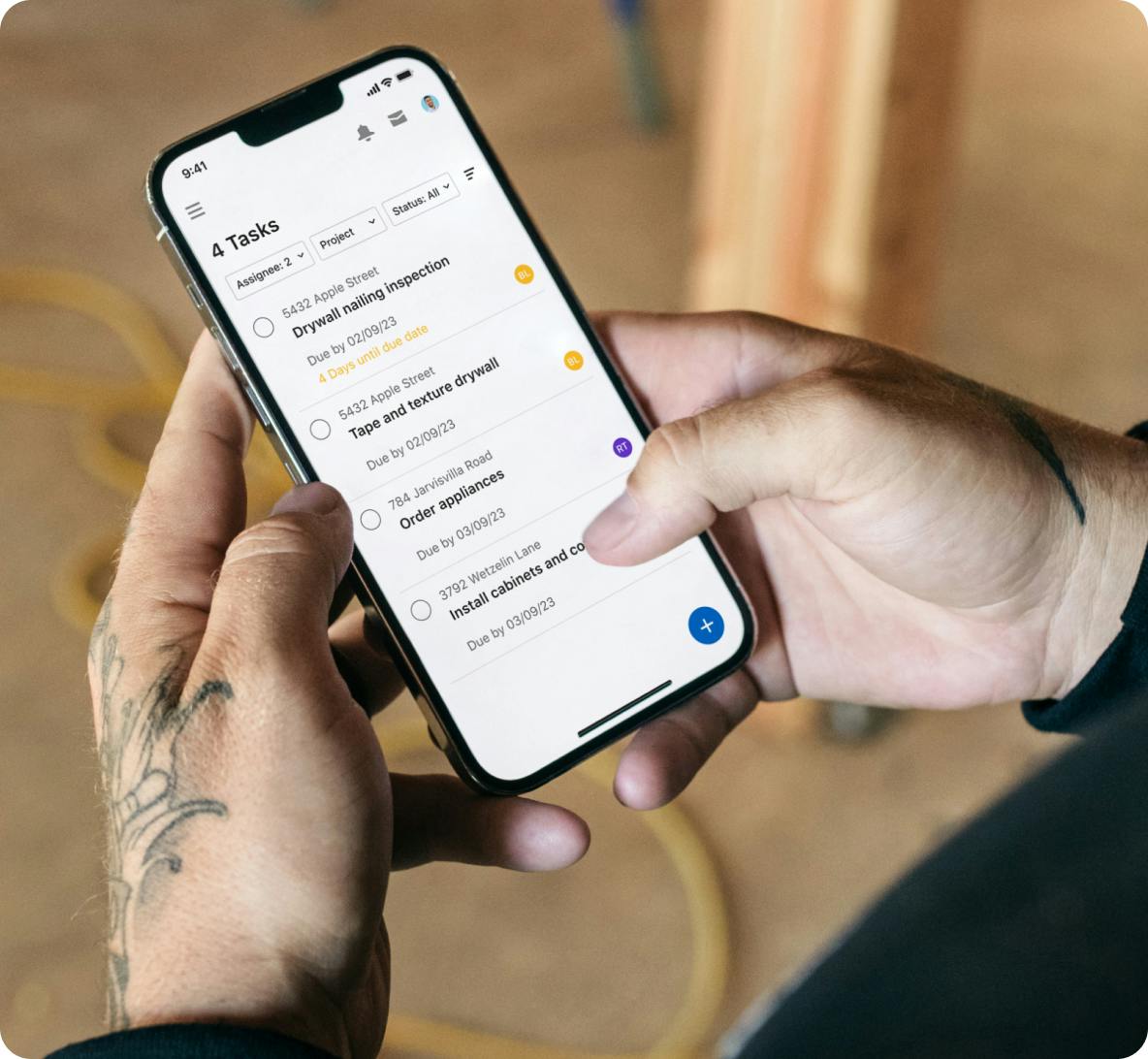
When you need to see assignments at a glance, our Task Center is the place to be. Simple sorting, searching, and filtering makes finding what you need a breeze.
- View Tasks across all projects in one simple list
- Sort, search for, and filter out Tasks quickly
- Create new Tasks and mark others as completed
- Easily export selected Tasks as a PDF or PNG
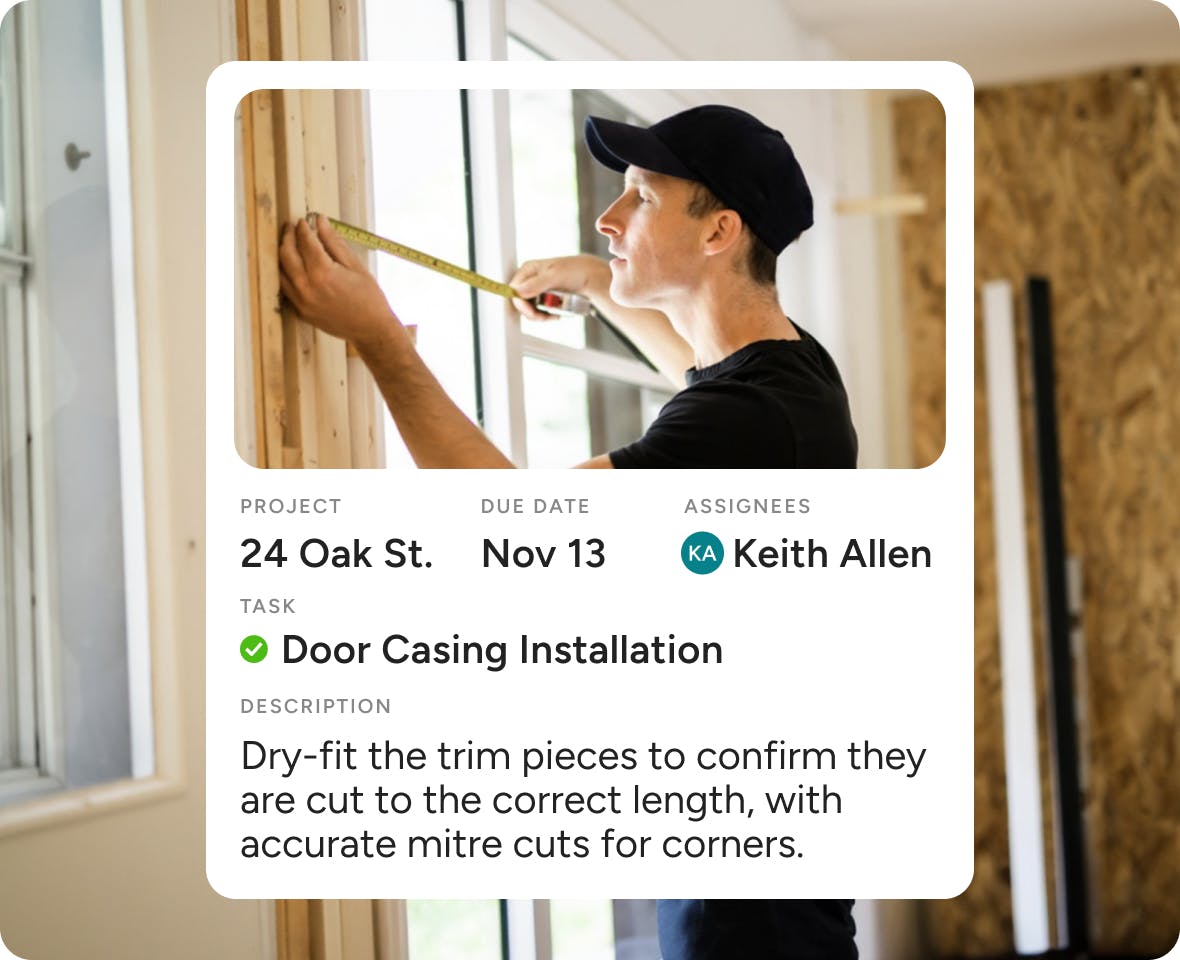
TEAM TASKS
Get Your Team on Task
Ditch the word-of-mouth delegation and put your team to work with clear, written instructions that our Task Management system helps you communicate quickly.
- Onboard your team and assign Tasks in a flash
- Include written instructions and add attachments
- Comment back and forth to collaborate quickly
- Manage internal work and define project roles
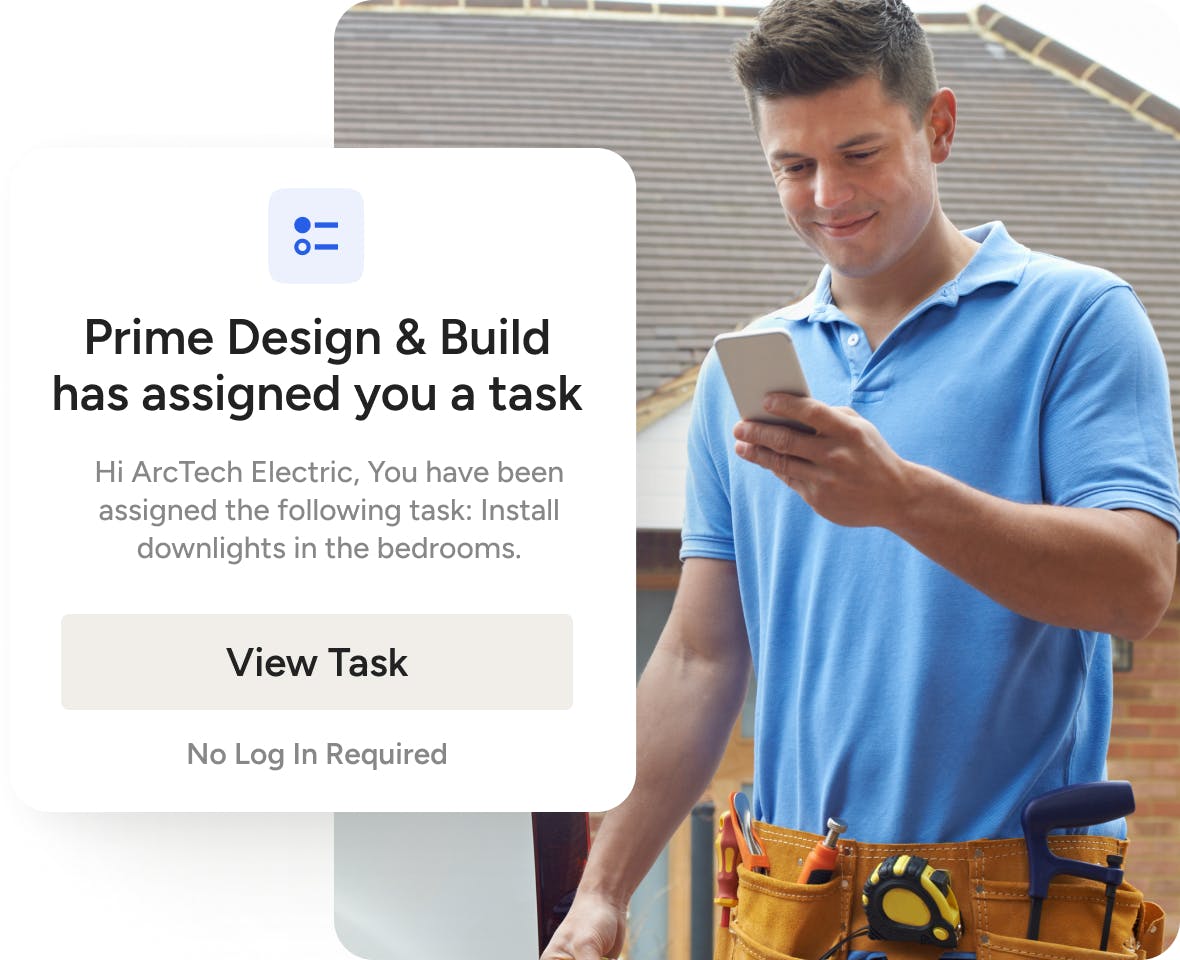
SUBCONTRACTOR TASKS
Bring Subs Into the Fold
Our Task Management software isn’t just for internal teams. Give your subs login-free access to knock out punch list items and streamline outsourced workflow.
- Invite subs to Houzz Pro projects—no login needed
- Assigned Tasks are added to their Sub Dashboard
- Encourage subs to check off completed Tasks
- Track labor, spot roadblocks, and prevent rework
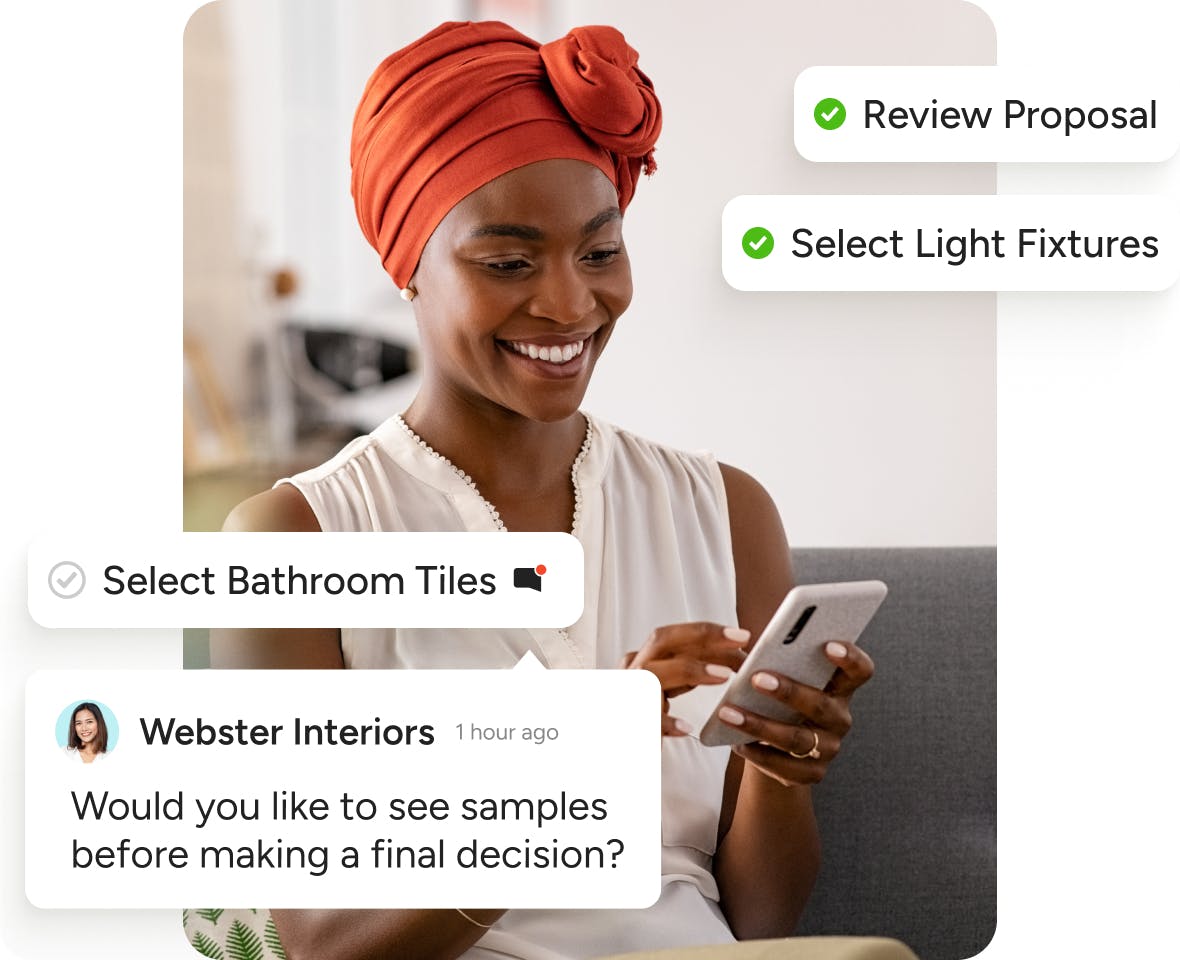
CLIENT TASKS
Keep Clients Engaged
Whether you need approvals on Selections or an eSignature on a contract, you can assign clients clear Tasks to keep projects moving forward without a hitch.
- Client Tasks are added to the Client Dashboard
- Make any Task visible only to your internal team
- Comment back and forth to keep clients in the loop
- Share progress and increase project visibility
More Ways to Get Today’s To-Dos Done




INTEGRATIONS
Task Management Software That Keeps You Connected
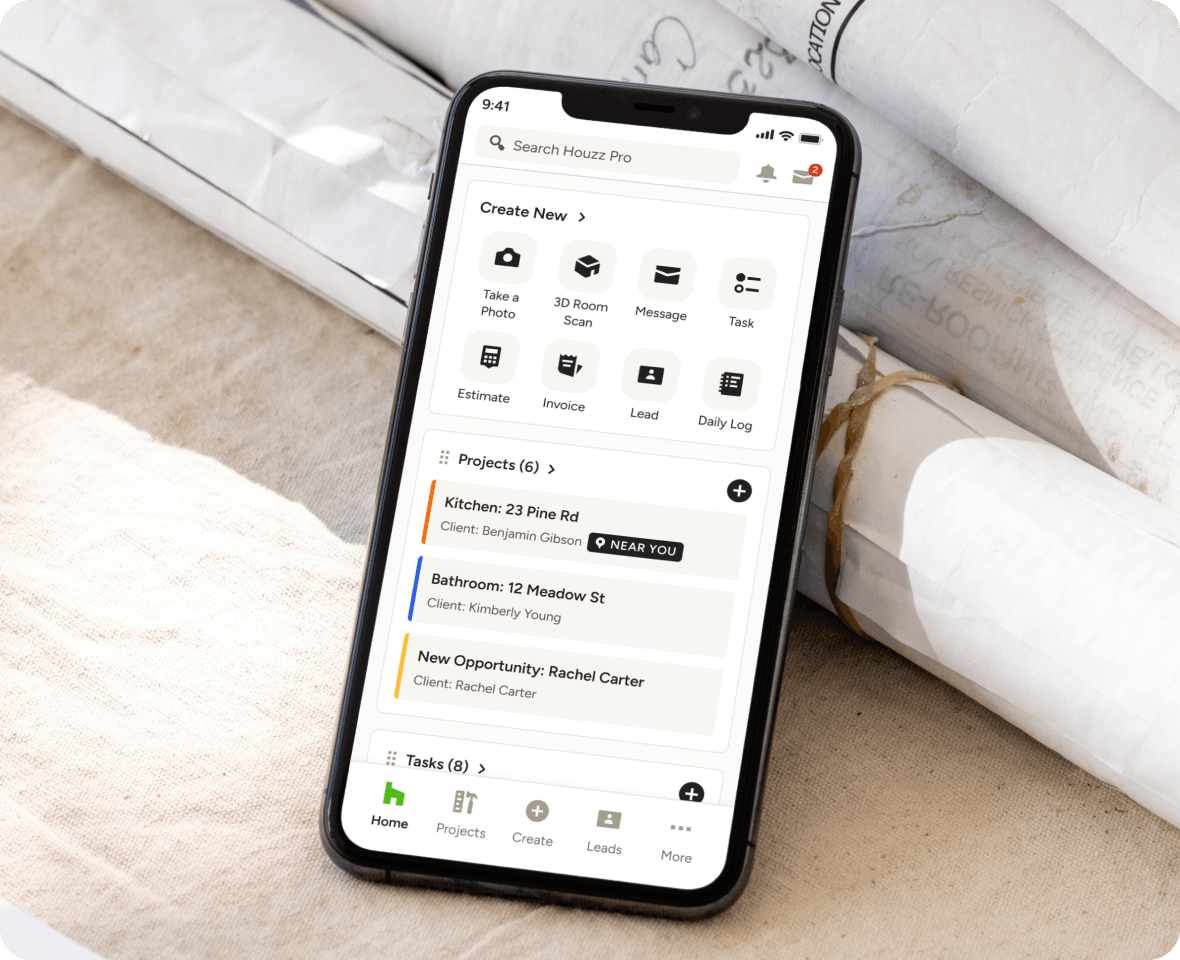
Our Task Management tool for construction and design lets you attach files from Google Drive and get notifications via our Mobile App. You can link Tasks to Schedules and leads in your CRM, too. Tasks assigned outside of your team also appear in Client Dashboards and Subcontractor Dashboards.
AWARD-WINNING SUPPORT
Here to Help—However You Need It.
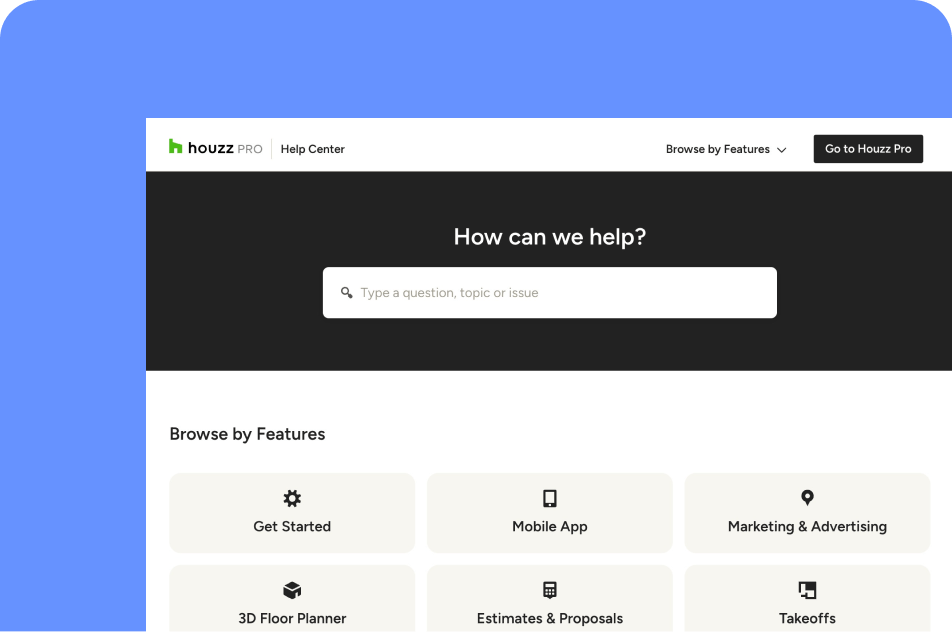
Got questions? Our Task Management app experts have answers. For anything our self-guided resources can't solve, reach out for assistance and we'll take it from there.

Online Chat
The fastest way to find answers is at the bottom right of your browser.


Phone
We’re here from Monday to Friday, 6am to 5pm PT at (888) 257-4020.

Why Go With Houzz Pro?
Task Management Software Features
See all features included in our tack management software
| Feature | Description |
|---|---|
| Task Creation | |
Create tasks | Create tasks within projects or leads to track work and to-dos |
Add task details | Add title, due date, description, and attachments to tasks |
Create tasks on desktop & mobile | Create and manage tasks from both desktop and mobile app |
| Task Assignment | |
Assign tasks to team members | Assign tasks to internal team members to delegate work |
Assign tasks to clients & subcontractors | Assign tasks to clients or subcontractors with controlled visibility (private or shared) |
Invite new assignees | Invite new team members or collaborators directly when assigning tasks |
| Task Tracking | |
Task status tracking | Track task status (e.g. complete, in progress) and updates |
Due dates & prioritization | Set due dates and view tasks sorted by urgency (overdue, upcoming, future) |
Task Center overview | View all tasks across projects and leads in a centralized Task Center |
Project & lead task lists | Manage tasks within individual projects or leads with full visibility |
| Organization & Filtering | |
Search, sort & filter tasks | Filter tasks by status, assignee, project/lead, or reporter |
Task tags (organization) | Organize tasks using tags (mentioned in task management help section) |
| Templates & Reuse | |
Task templates | Save tasks as templates to reuse across projects |
Bulk task template creation | Save multiple tasks at once into templates from Task Center or projects |
| Communication & Collaboration | |
Task comments | Add comments to tasks for team or client communication |
Notifications & alerts | Send and receive notifications when tasks are assigned, updated, or completed |
Client task visibility control | Choose whether tasks are visible to clients via shared or private settings |
| Workflow Integration | |
Add tasks to schedule | Add selected tasks to project schedules |
Tasks on project timeline | Tasks appear on project timeline and can be shared with clients |
Tasks in client dashboard | Shared tasks are visible in the client dashboard |
| Export & Reporting | |
Export tasks | Export tasks as PDF or PNG for offline use or sharing |
| Productivity Tools | |
To-Do dashboard view | View upcoming tasks in the homepage To-Do section |
Why Go With Houzz Pro?