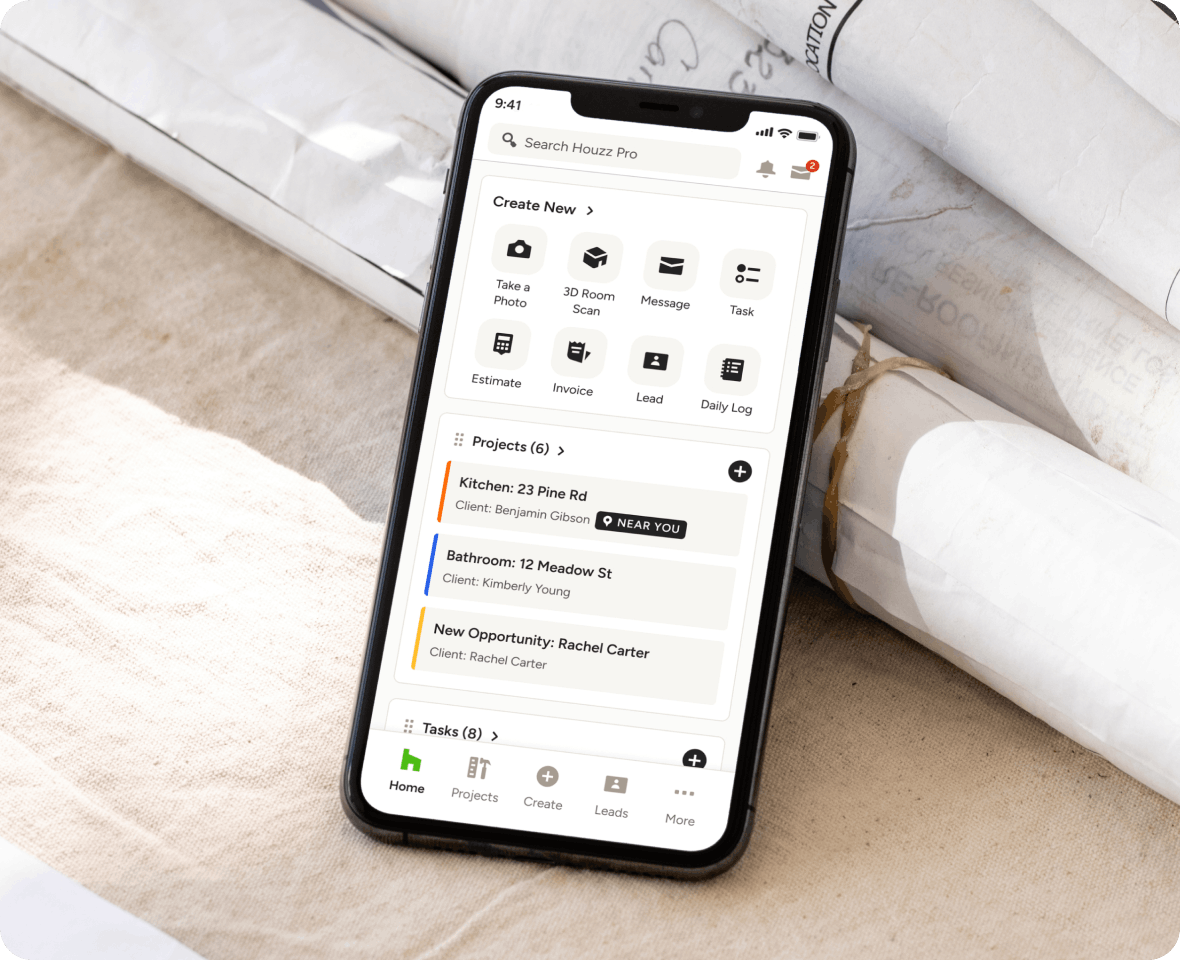
SUBCONTRACTOR DASHBOARD
Succeed in Sync With Our Subcontractor Dashboard
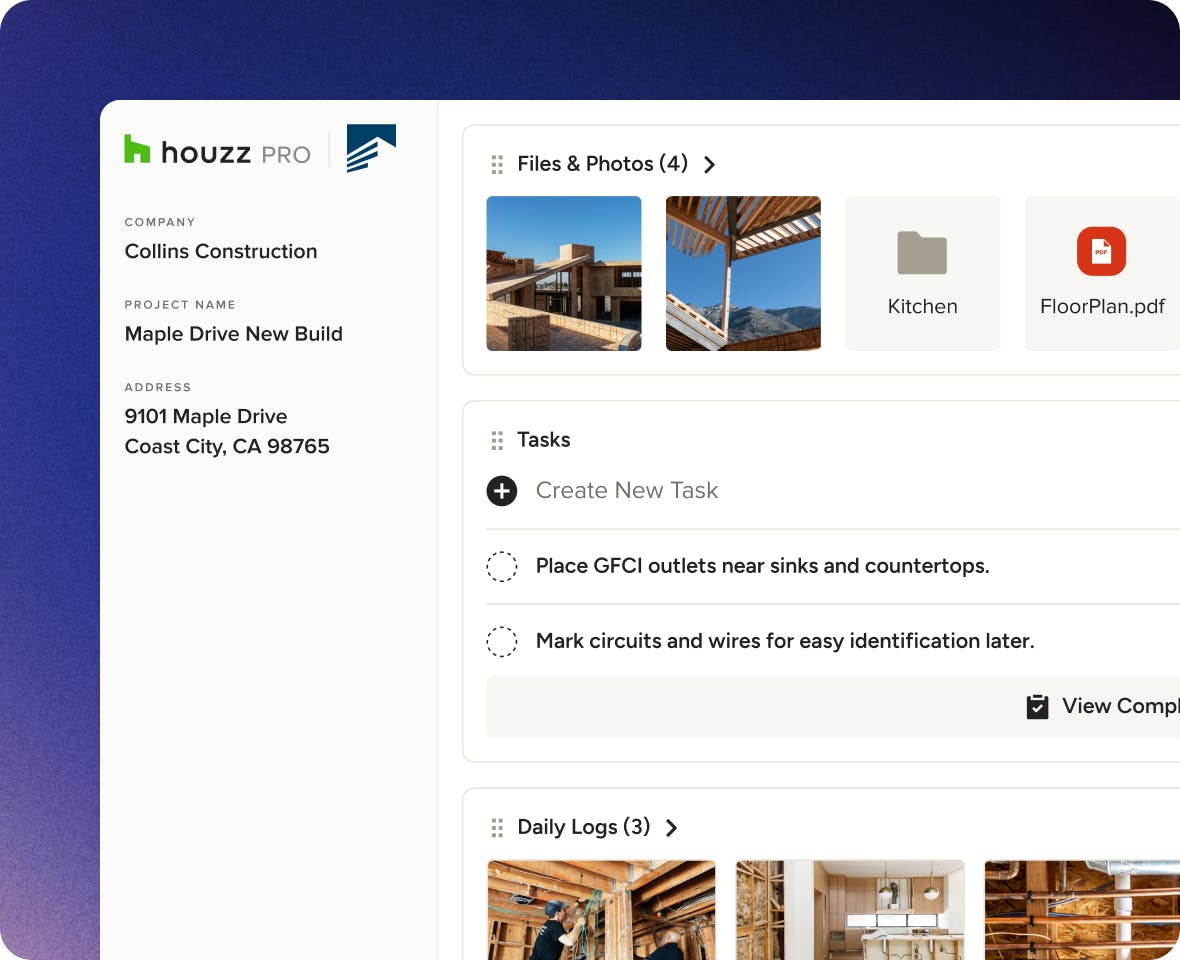
Staying on top of subs just got simpler. Share Schedules and files, assign Tasks, and see when they’re complete with Houzz Pro’s login-free Subcontractor Dashboard—their one place for all the info needed to get the job done.

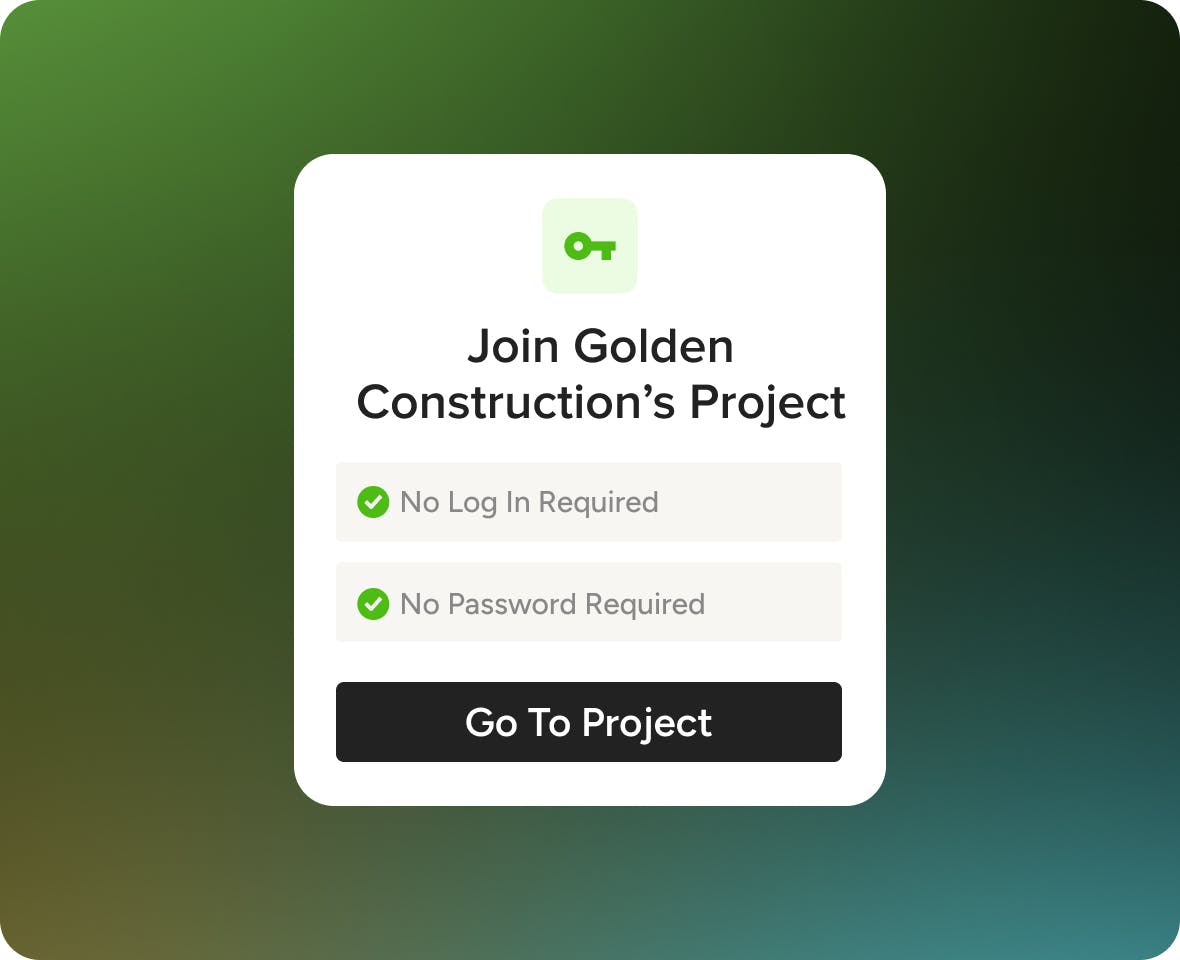
No Login Required
Let subs and vendors access important project info without creating an account.

Assign Work
Get them instantly involved by sharing trackable Tasks and project timelines.

Stay Connected
Exchange photos, notes, and get notified when subs mark Tasks as complete.
The Team Tool They’ll Actually Use
ACCOUNT-FREE
Sub Success—Without the Subscription.
Logins make most subcontractors tune out. Bring them into the fold without forcing them to create another account to onboard subs without the signup setbacks.
- Share personalized links with subs via email
- Sub-specific info can be accessed with one click
- Perfect for hard-to-reach and non-tech savvy subs
- Zero payment or access requirements, period
CENTRALIZED COMMUNICATION
Your One-Stop Collaboration Station
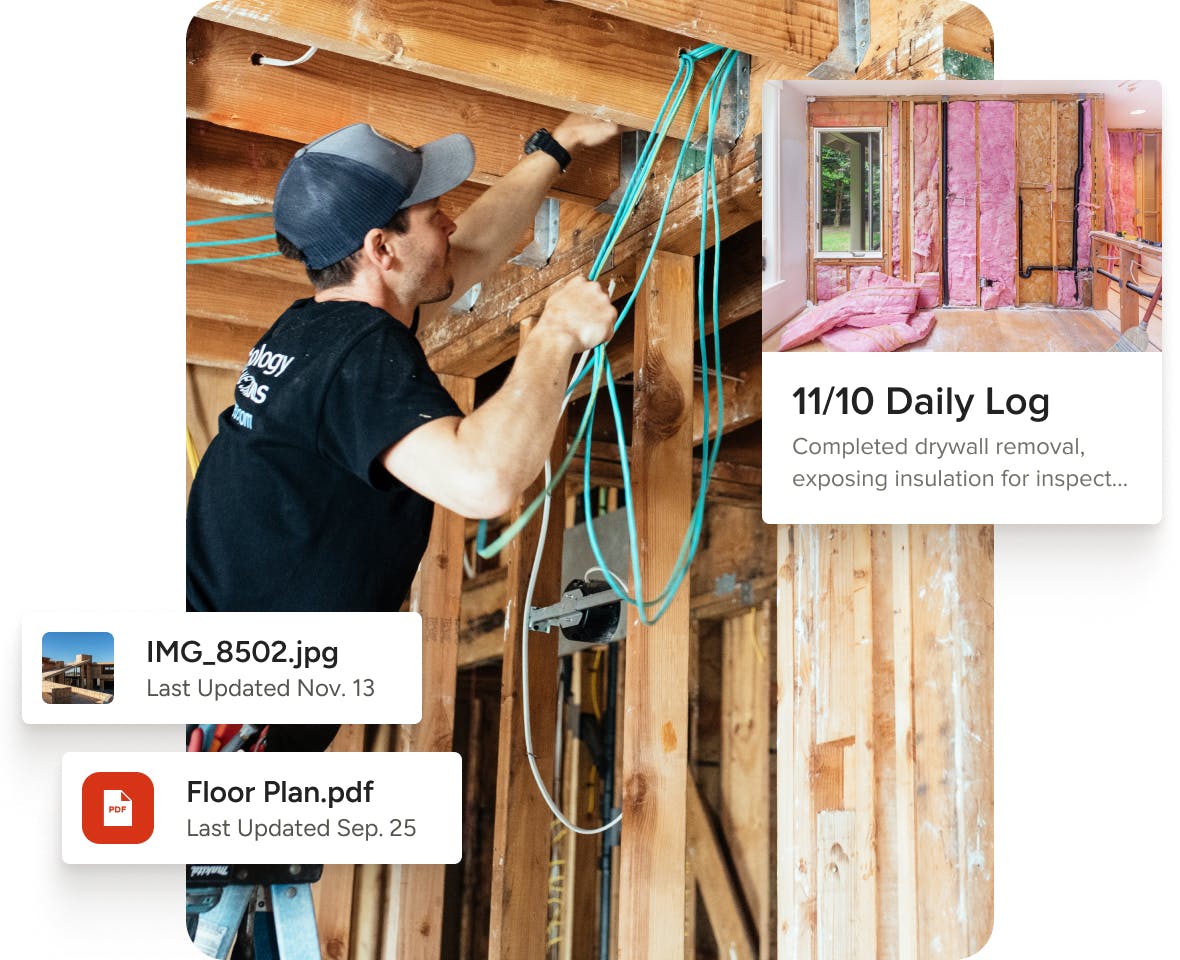
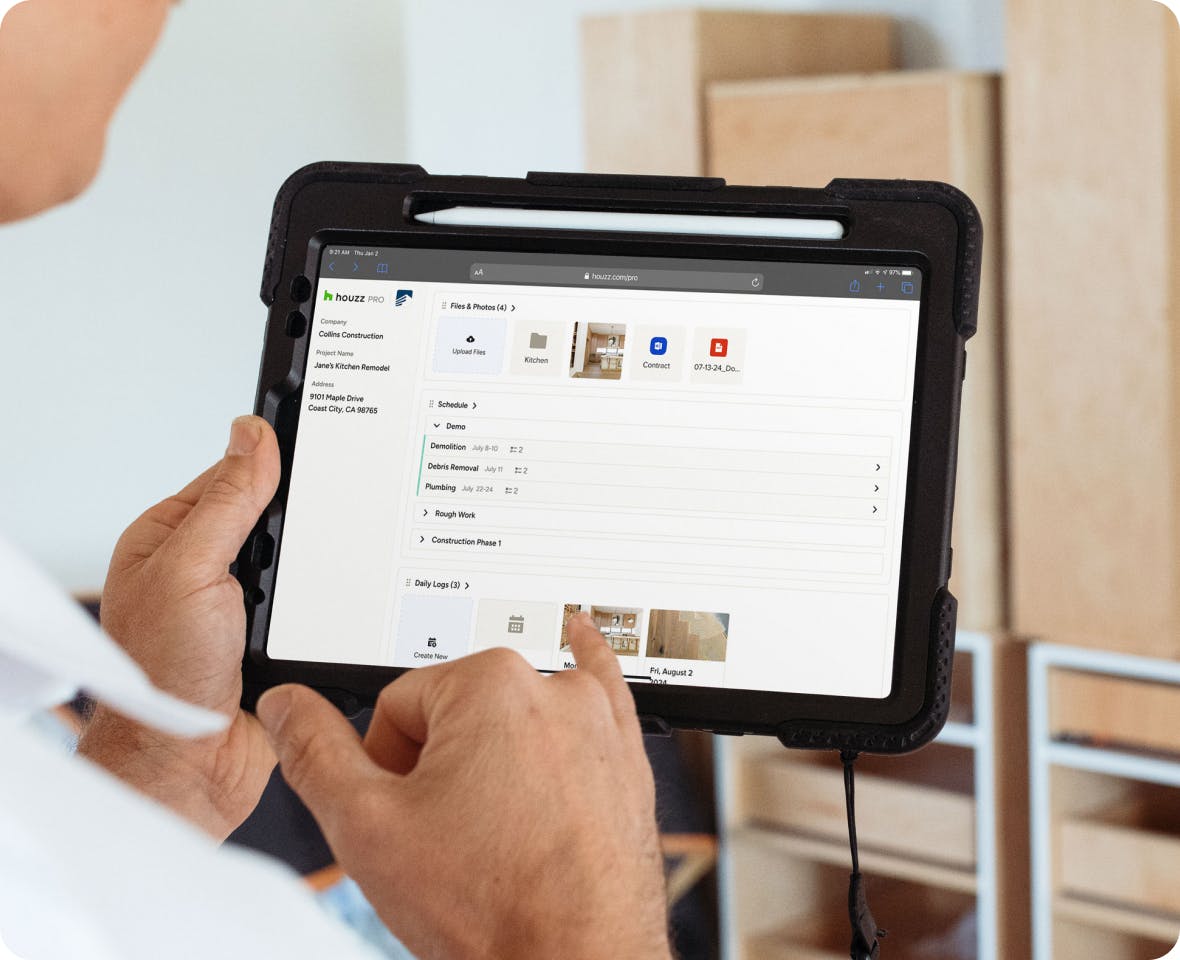
Staying on top of subs used to mean endless calls and texts. With our two-way subcontractor portal, you can exchange need-to-knows and jobsite updates in one tab.
- Exchange downloadable files and photos
- Subs can add notes and attachments to Tasks
- Let subs answer their own questions, anytime
- Get updates from the jobsite with Daily Logs*
*Available only to subcontractors with a Houzz Pro account.
TASK ASSIGNING
Share the Workload, One Task at a Time.
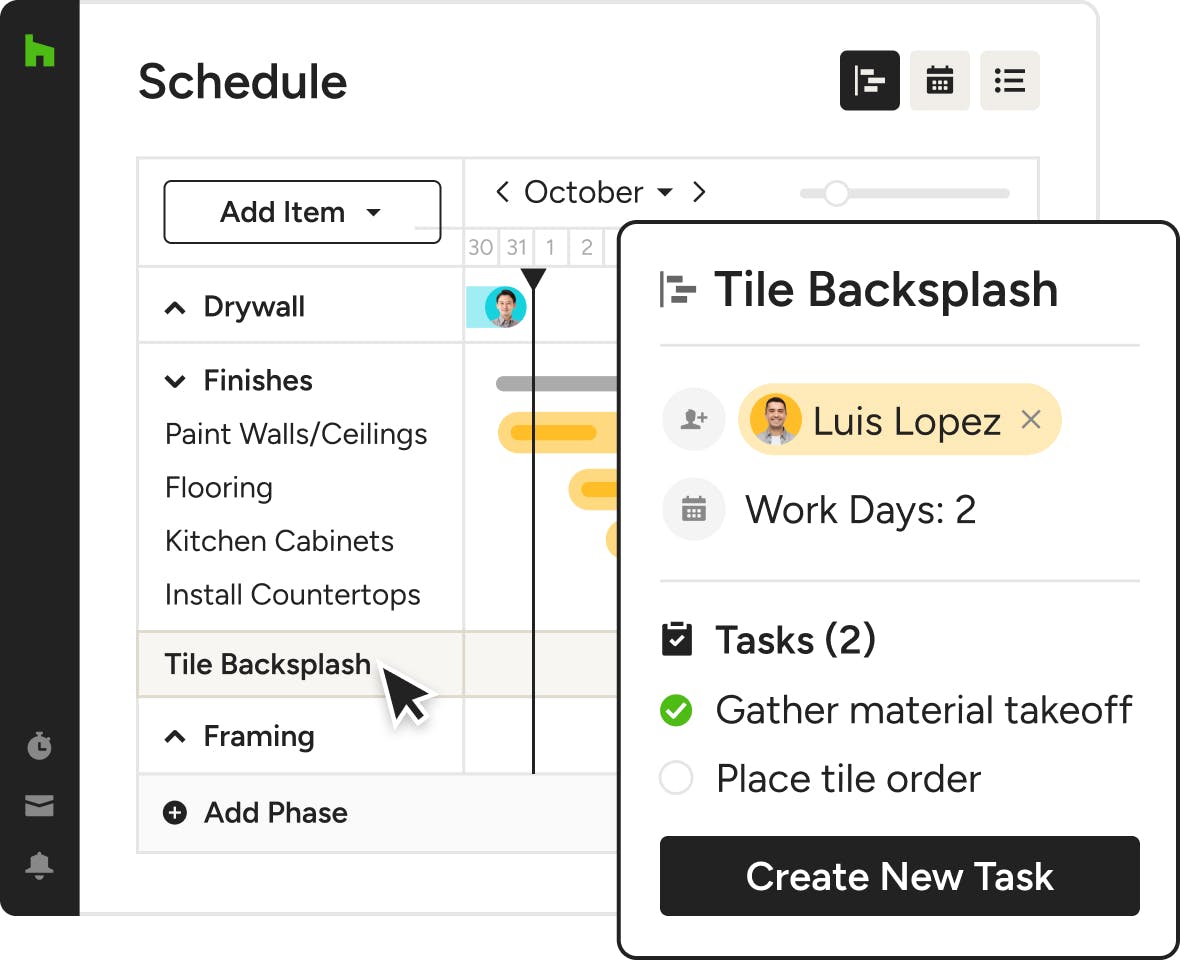
It’s easy—just jump to your project Schedule, create a new Task or item, and assign it to your sub. It’ll automatically appear in their Subcontractor Dashboard.
- Assign one-off Tasks or related punch list items
- Let subs know when they’re needed at the jobsite
- Show project addresses and other need-to-knows
- Empower subs to mark Tasks as done with a click
More Perks of Our Subcontractor Portal



INTEGRATIONS
The Subcontractor Portal That Keeps You Connected
Our subcontractor portal lets you easily assign Tasks in Schedules to subs, vendors, builders, or any other third-party team. Get notified of their activity on our Mobile App and encourage them to create a free or paid Houzz Pro account to streamline your collaboration with two-way Daily Logs.
AWARD-WINNING SUPPORT
Here to Help—However You Need It.
Got questions? Our Subcontractor Dashboard experts have answers. For anything our self-guided resources can't solve, reach out for assistance and we'll take it from there.

Online Chat
The fastest way to find answers is at the bottom right of your browser.


Phone
We’re here from Monday to Friday, 6am to 5pm PT at (833) 452-3779.


Subcontractor Dashboard Features
See all the main features of Houzz Pro Subcontractor Dashboard
| Feature | Description |
|---|---|
| Access & Onboarding | |
No-Login Access | Subcontractors can access the dashboard via a unique link without creating an account. |
Email Invitation Access | Receive a secure link via email to access project-specific dashboard. |
Bookmarkable Dashboard | Save dashboard link for quick access on desktop or mobile. |
Optional Account Creation | Create an account for expanded functionality and multi-project access. |
| File Management | |
File & Photo Viewing | View shared project files such as floor plans and drawings. |
File Downloading | Download project documents directly to device. |
File Uploading | Upload documents and photos to share with project team. |
| Task Management | |
Assigned Task Viewing | View tasks assigned by contractor or designer. |
Task Completion | Mark tasks as complete directly in the dashboard. |
Task Notes & Attachments | Add notes, photos, and files to tasks. |
| Task Management (Account) | |
Task Creation | Create new tasks when using an account. |
| Scheduling | |
Assigned Schedule Viewing | View schedule items assigned to the subcontractor. |
Full Project Schedule Access | View full project timeline when shared by the pro. |
Schedule Item Details | Open schedule items for detailed timeline information. |
Schedule Completion Tracking | Mark schedule items as complete. |
| Field Collaboration | |
Daily Logs Access | View daily job site activity logs shared by the pro (account required). |
Log Detail Viewing | Access detailed updates from project team via logs. |
| Collaboration | |
Centralized Project Information | Access files, tasks, schedules, and logs in one place. |
| Multi-Project Management (Account) | |
Multi-Project Access | View and manage multiple projects from one dashboard (with account). |
| Permissions & Visibility | |
Project-Level Access Control | Access limited to invited project(s) via unique link. |
Role-Based Experience | Different capabilities depending on login vs no-login usage. |
Why Go With Houzz Pro?