BID MANAGEMENT
Easier Estimating With Our Bidding Software
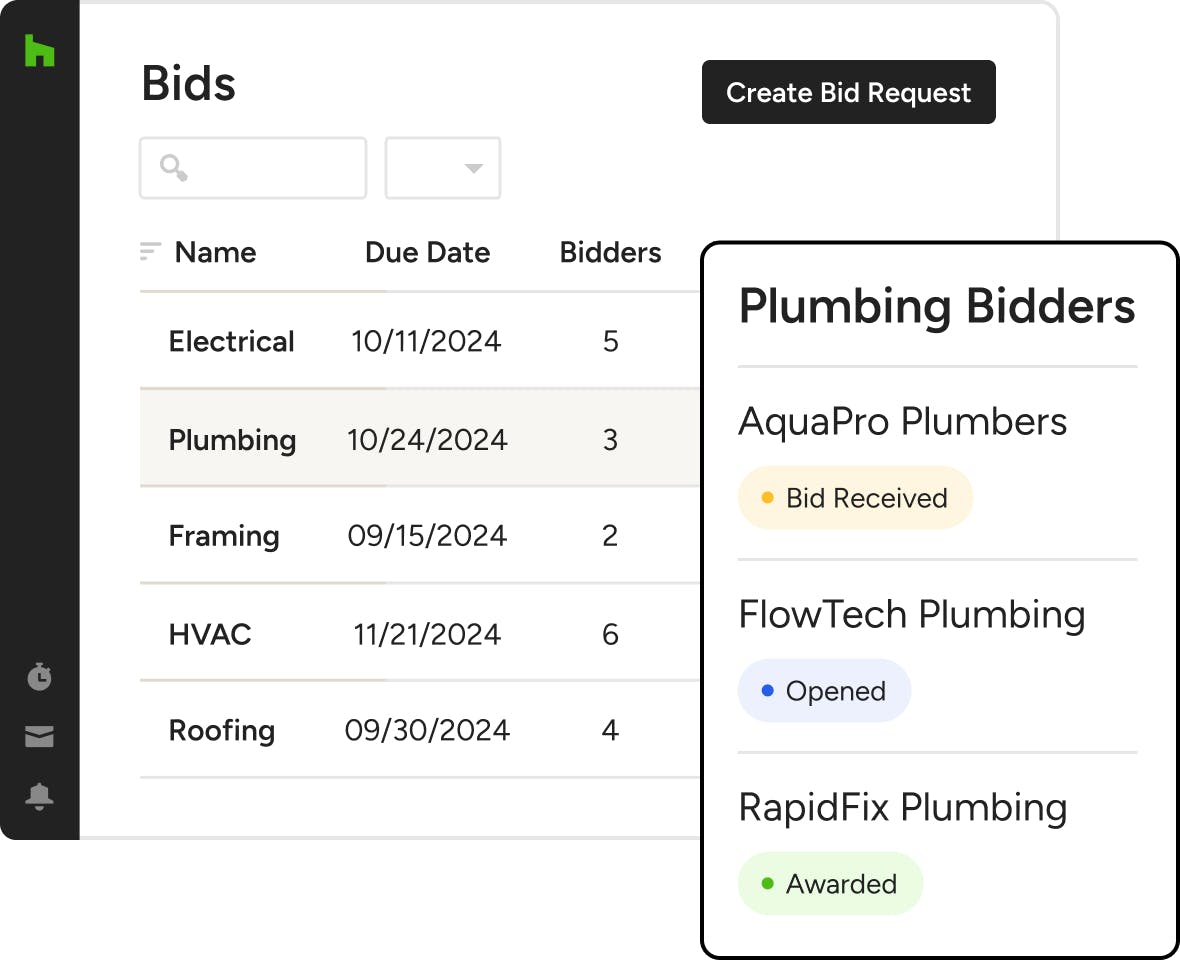
There’s a better way to get bids. With Houzz Pro’s Bid Management software, creating bid packages, sending them to subs, and managing it all is simple. The secret? A bid-tracking dashboard with a built-in bid request form.

Send Bid Requests
Email detailed bid packages to multiple subcontractors at once.

Organize Bids
See bids requested and received in one place and compare costs at a glance.

Award Projects
Give the job to your preferred subcontractor with the push of a button.
A Better Bid Process, Built Right In.


MANAGING BIDS
Get Eyes on Every Bid, at Every Stage.
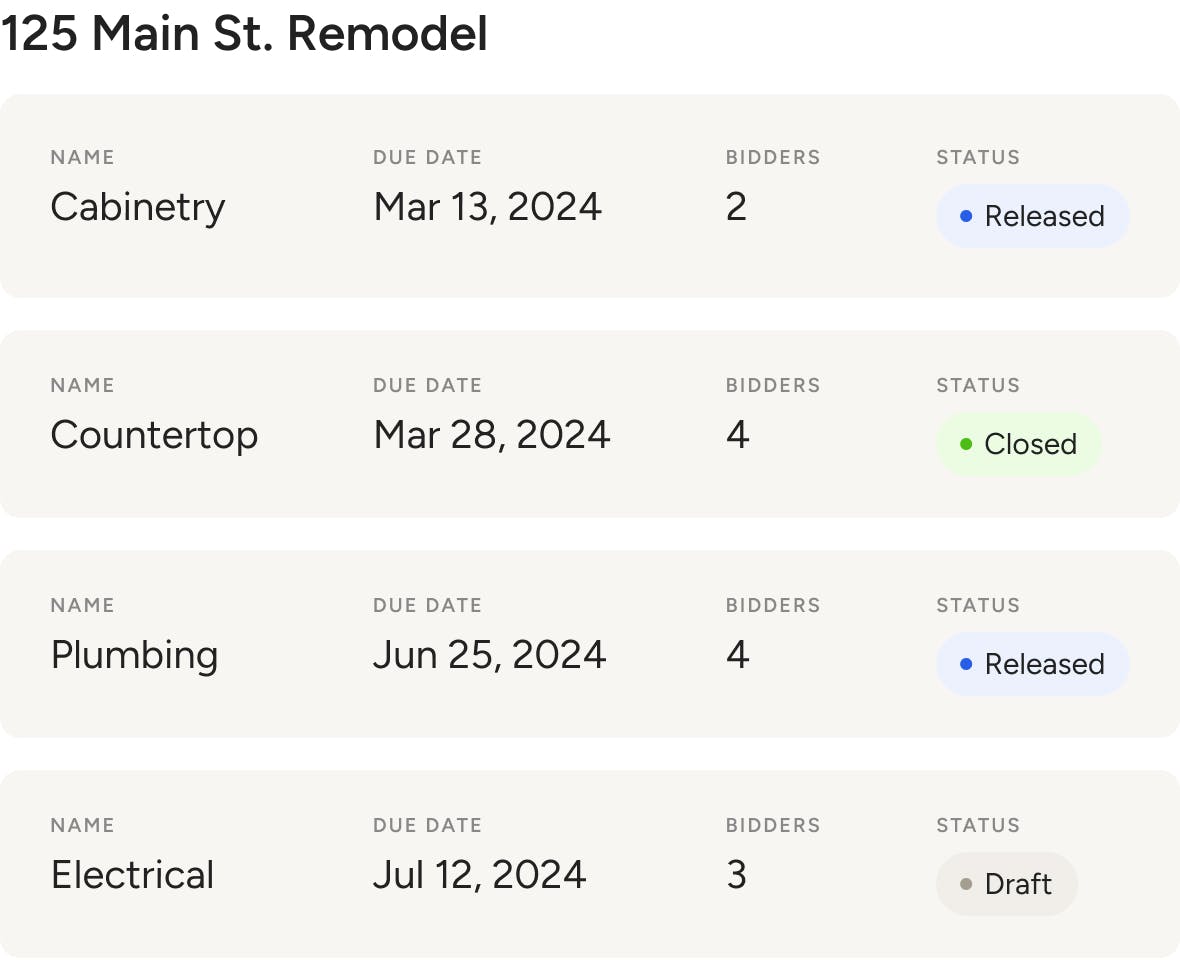
Whatever type of work you need, destress the process with Bid Management software that puts all your invited subs, due dates, quotes, and more in one tidy dashboard.
- See due dates and bid statuses across all projects
- Track bidders and quote totals in a single project
- Create new bid requests and mark others as closed
- Duplicate bids to save time with similar scopes
REQUESTING BIDS
Detailed Bid Packages, Delivered in Minutes.
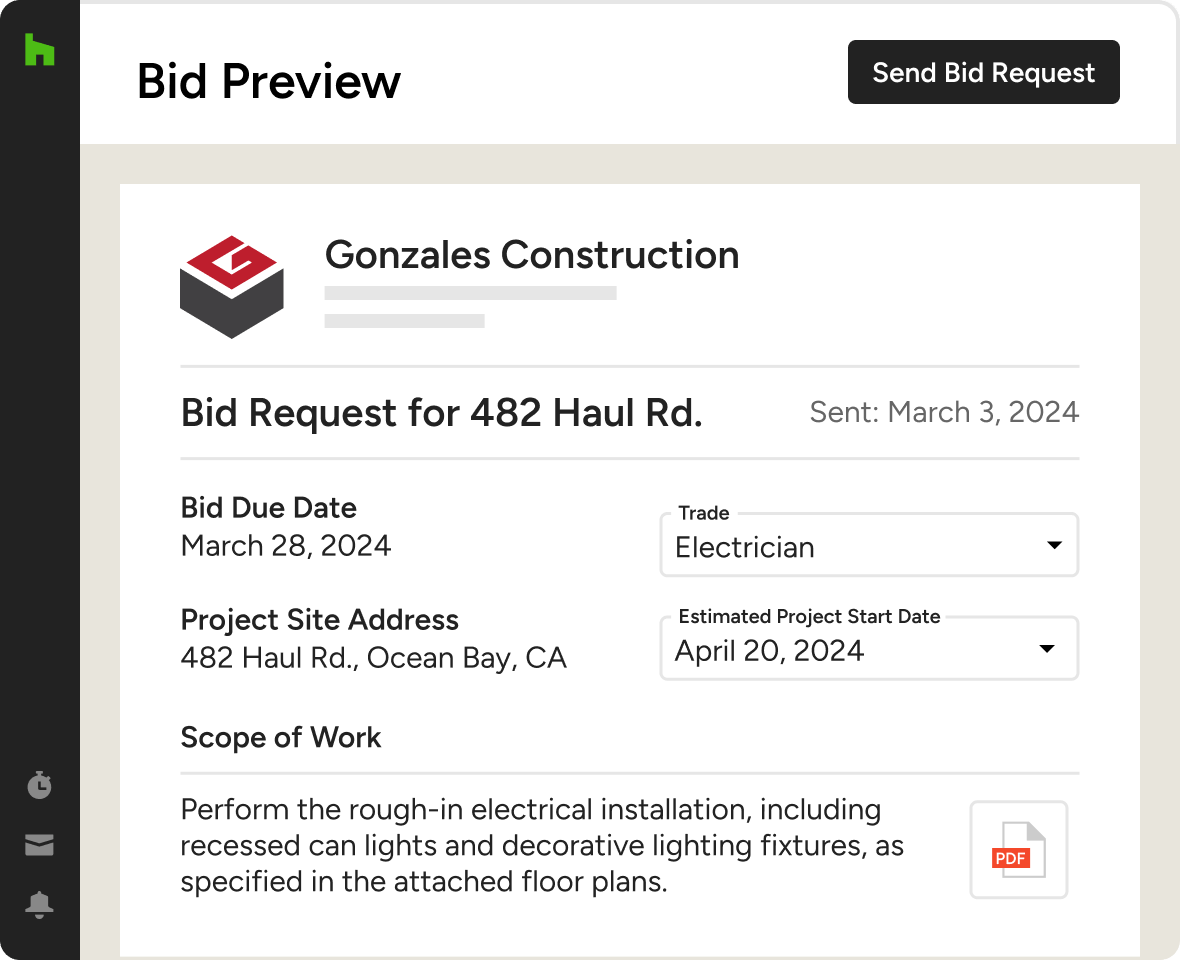
The clearer your requests, the more accurate the bids (and your estimates). Help subs send prompt, precise quotes with our bidding software’s bid request form.
- Set bid due dates for added transparency
- Include a scope of work for fewer questions
- Add files, photos, and other key documents
- Preview what subs will see before you send
SUBCONTRACTOR VIEW
Empower Subs to Send Bids Quick
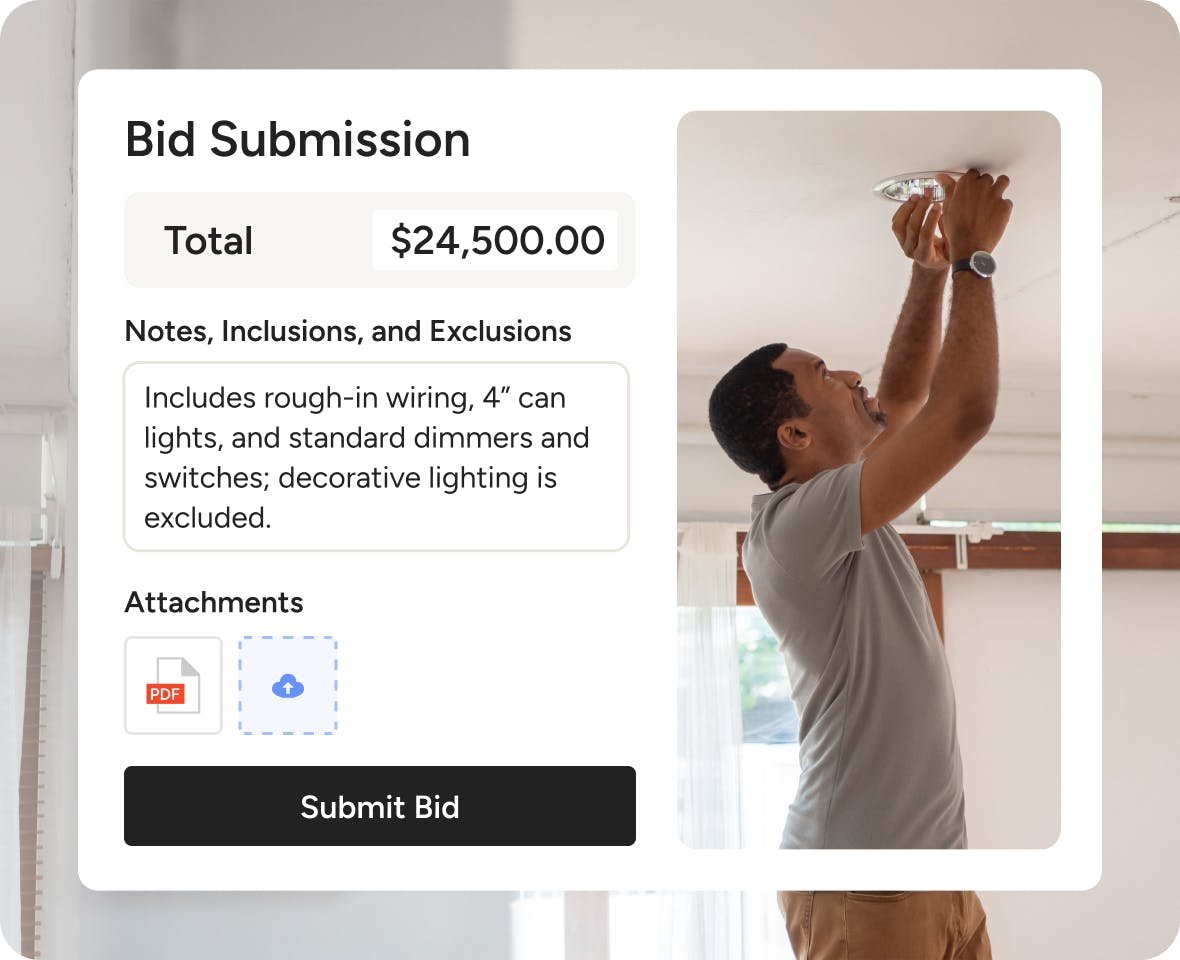
Once your bid requests are out the door, subcontractors use a form to create clean bids that are easy to compare. Here’s what they can do—all without an account.
- Attach files and photos to support their quote
- Add written notes, like inclusions and exclusions
- Submit, decline, or withdraw bids in a click
- Edit submitted bids to clarify or correct details
AWARDING BIDS
And the Job Goes To…
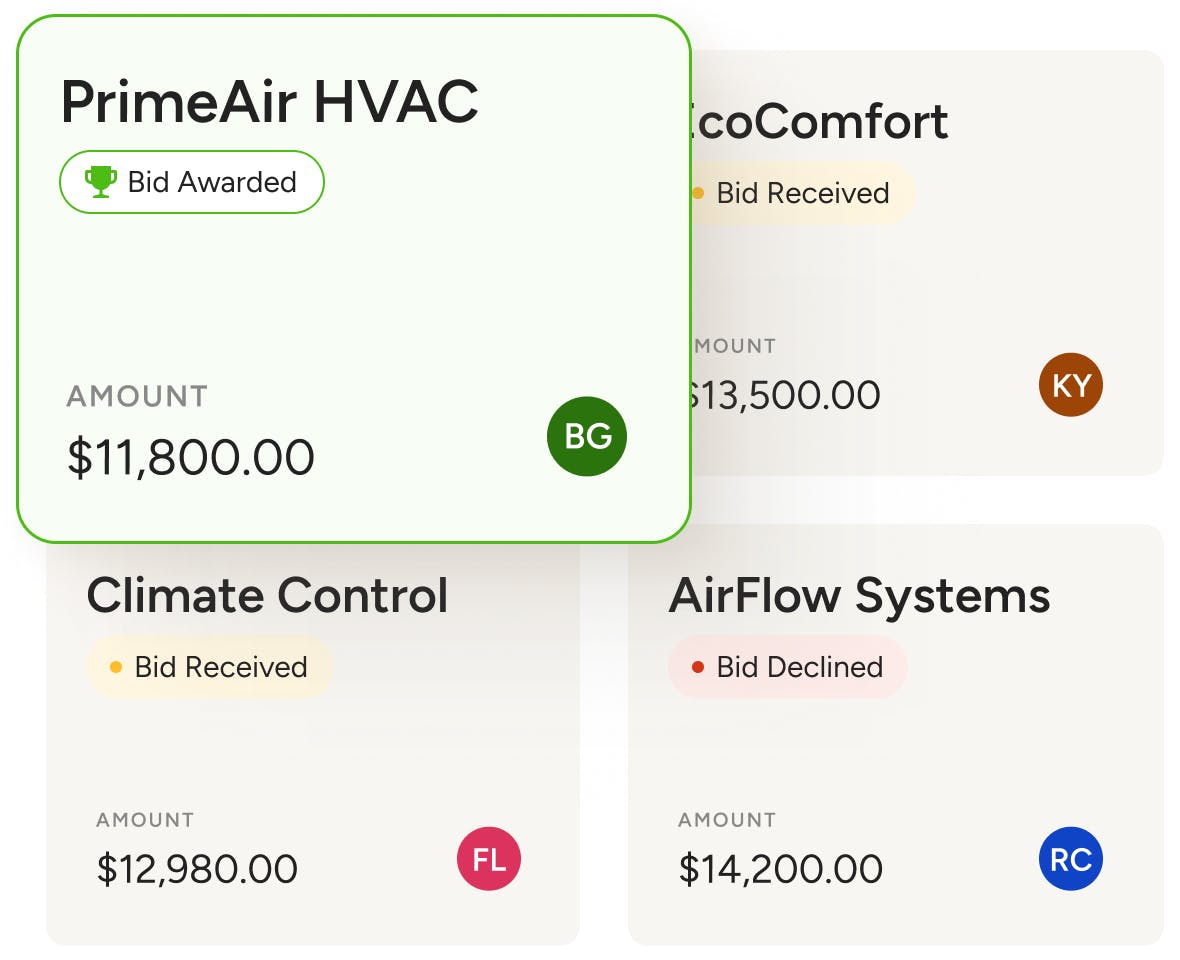
Have what you need to pick a winner? Our bidding program helps you make confident, informed decisions fast to move projects forward without skipping a beat.
- Compare quote totals side-by-side, at a glance
- Award or decline bids with a single click
- Alert job-winning subs automatically by email
- Close bid packages to prevent more submissions
More Ways to Raise the Bar on Your Bidding




INTEGRATIONS
Bid Management Software That Keeps You Connected
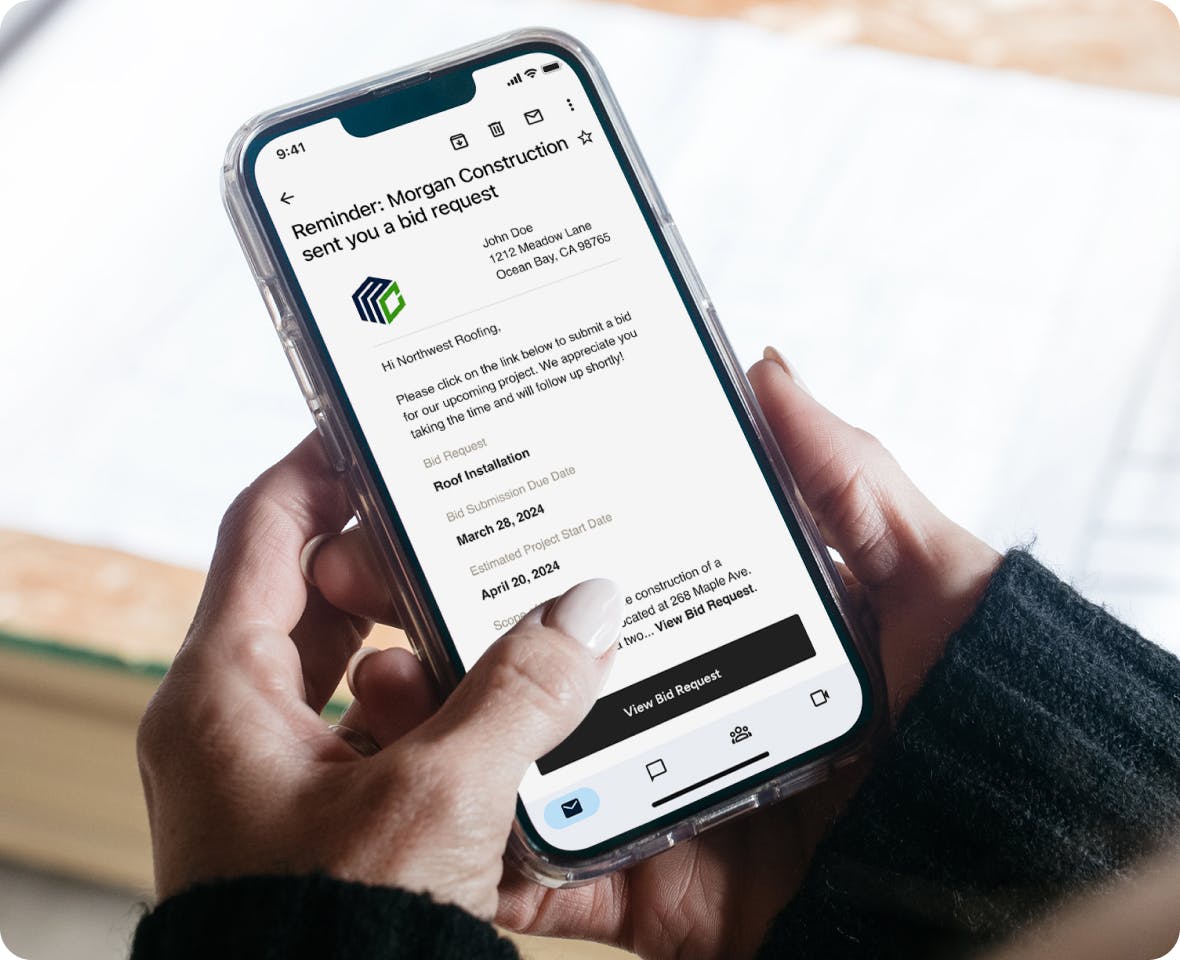
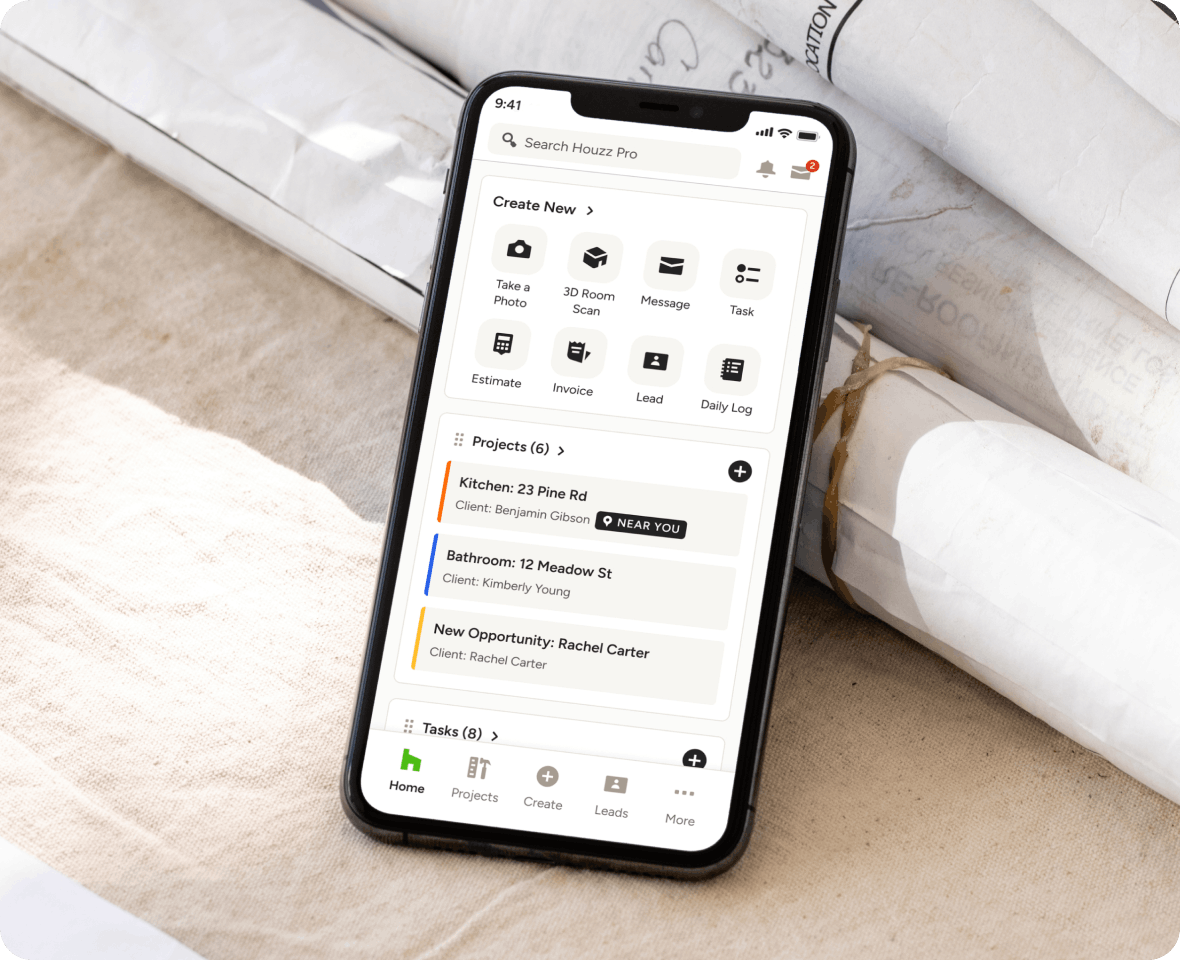
Our cloud-based bidding software lets you quickly and easily attach files to bids from Google Drive and get notifications via our Mobile App. Awarded subs can also collaborate quickly and easily by managing every project Task you assign them in their login-free Subcontractor Dashboard.
AWARD-WINNING SUPPORT
Here to Help—However You Need It.
Got questions? Our bidding software experts have answers. For anything our self-guided resources can't solve, reach out for assistance and we'll take it from there.

Online Chat
The fastest way to find answers is at the bottom right of your browser.


Phone
We’re here from Monday to Friday, 6am to 5pm PT at (888) 257-4020.


Why Go With Houzz Pro?
Bid Management Software Features
Review all features included in our bid management software
| Feature | Description |
|---|---|
| Bid Request Creation | |
Create Bid Requests (RFQs) | Create detailed bid requests with scope of work, due dates, project details, and trade requirements. |
Scope of Work & Project Details | Define scope, project address, estimated start date, and instructions for subcontractors. |
Attach Plans & Documents | Upload floor plans, specifications, and supporting documents to include with bid requests. |
Duplicate & Edit Bid Requests | Duplicate existing bid packages or edit draft bids to save time on similar projects. |
| Subcontractor Management | |
Invite Subcontractors to Bid | Select existing subcontractors or add new ones and invite them to submit bids. |
Multi-Trade Bid Requests | Send bid requests to different trades (e.g., plumbing, electrical, etc.). |
Email & SMS Notifications | Notify subcontractors via email and optional text message when bids are requested. |
| Bid Submission Workflow | |
Online Bid Submission | Subcontractors can submit bids digitally with pricing, notes, and attachments. |
Bid Acceptance or Decline | Subcontractors can accept or decline bid requests directly from the invitation. |
Attachments & Bid Notes | Subcontractors can include documents, clarifications, and scope details with their bids. |
| Bid Tracking & Comparison | |
Bid Status Tracking | Track bid progress with statuses such as released, sent, received, awarded, and closed. |
Compare Multiple Bids | View and compare multiple subcontractor bids within one centralized interface. |
Central Bid Dashboard | Manage all bids across trades and projects in one overview table. |
| Communication & Activity Tracking | |
Activity Stream (Audit Trail) | Track all bid-related activity including submissions, updates, and communication in one place. |
Bid Communication History | Maintain a centralized record of interactions between your team and subcontractors. |
| Bid Awarding & Closing | |
Award Bids | Select winning subcontractors and notify them automatically. |
Close Bidding Process | Close bid requests to prevent further submissions and finalize the selection. |
| Automation & Reminders | |
Bid Deadline Reminders | Send automatic reminders to subcontractors before bid due dates. |
| Workflow Integration | |
Project-Based Bid Management | Create and manage bid requests within a project, keeping all related documents and communication organized in one place |
| Mobile Access | |
Mobile Bid Management | Manage bid requests, track responses, and award bids from the Houzz Pro mobile app. |