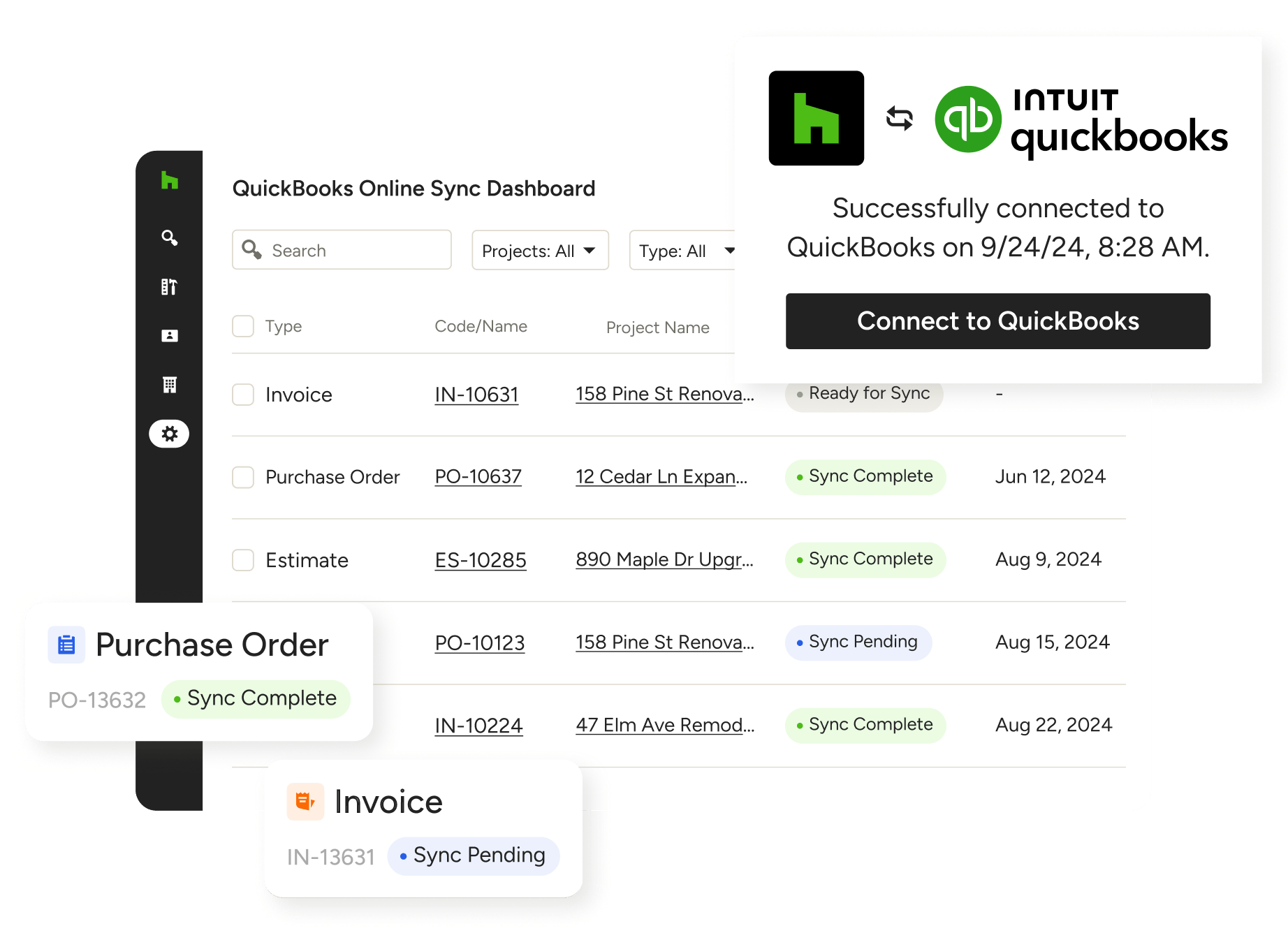
QUICKBOOKS ONLINE INTEGRATION
Sync Your Financials With QuickBooks Online
Does Houzz Pro connect to QuickBooks Online? It sure does. Automate your bookkeeping by seamlessly, accurately, and instantly syncing all your financial files from one best-in-class software to another.

Sync Automatically
Instantly send your financial documents to QuickBooks Online.

Save 5+hrs Monthly*
Reclaim 8 workdays per year previously spent on manual bookkeeping and data entry.

Stay Orderly
See what’s synced across your projects in one centralized dashboard.
*On average, 3,040 Houzz Pro users syncing financial data with QuickBooks Online saved 62 hours per year based on data from 2026.
Your First Step to Better Kept Books

SYNC DASHBOARD
Welcome to Your Financial Control Center
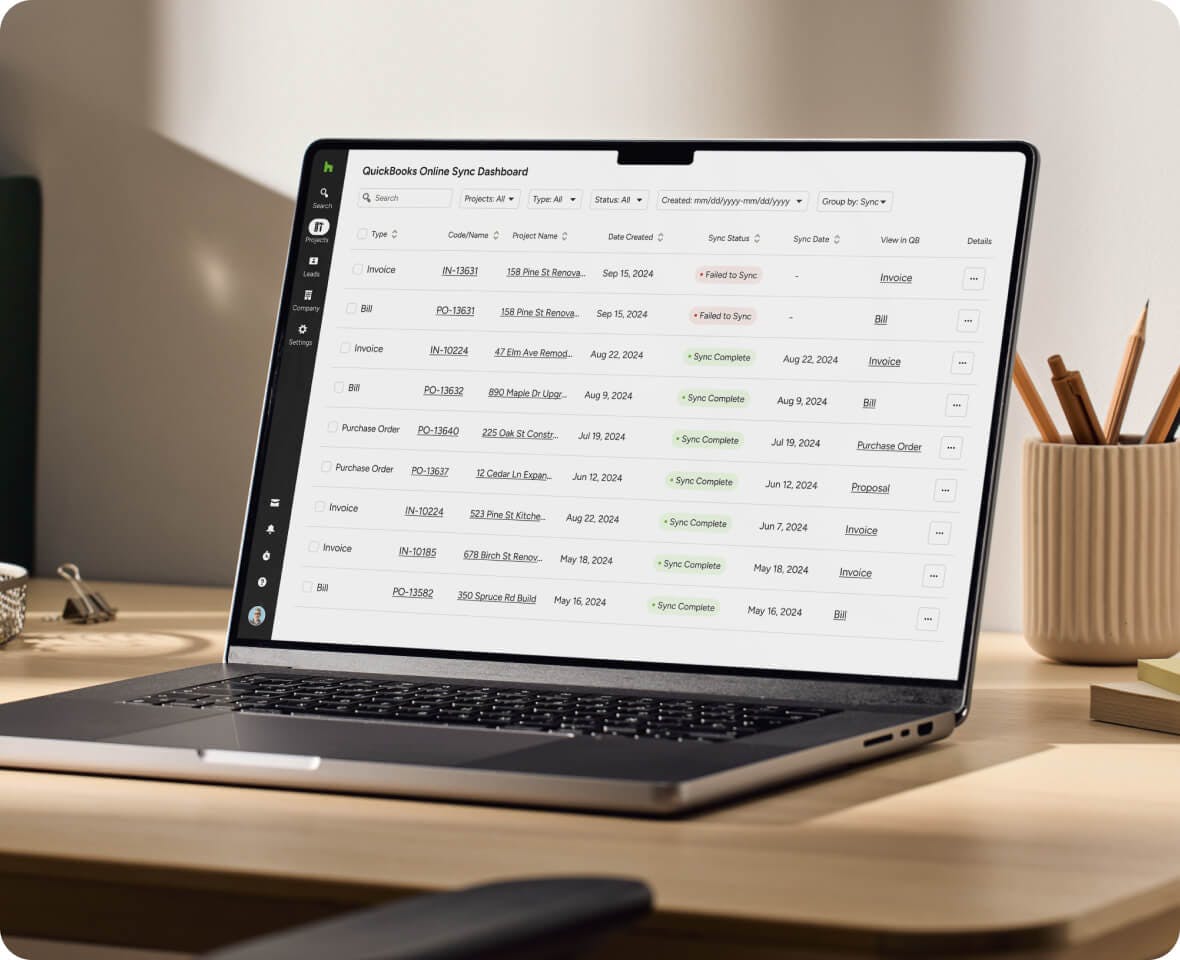
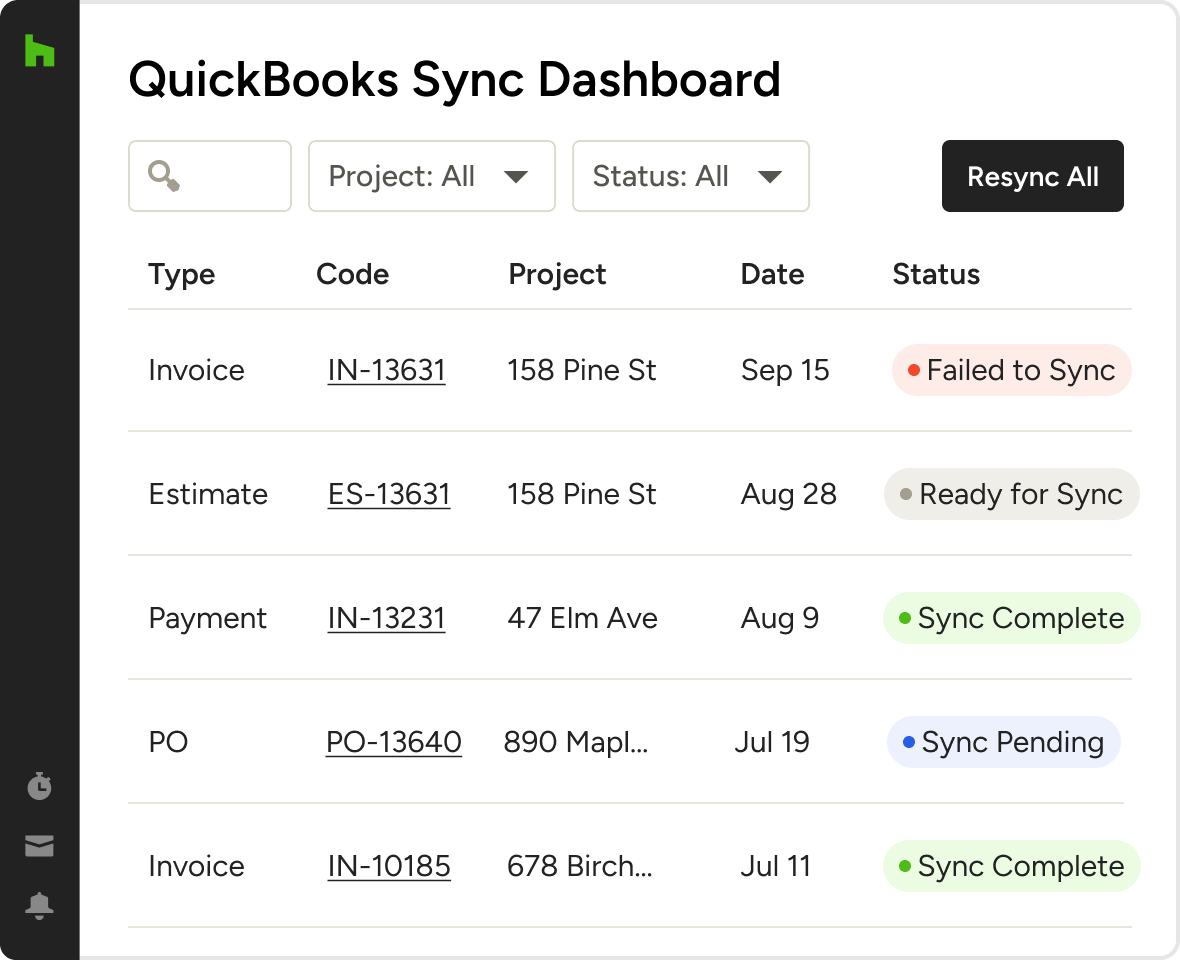
At the core of Houzz Pro’s QuickBooks Online Integration is a built-in Sync Dashboard, where you can get a high-level look at the sync status of all your financial files in one place.
- See exactly when all documents were last synced
- Filter and sort files by project, sync status, and more
- Get details on failed syncs and how to fix them
- Jump to any document in QuickBooks Online in a click
SYNC INDICATORS
See What’s Synced Without a Second Glance
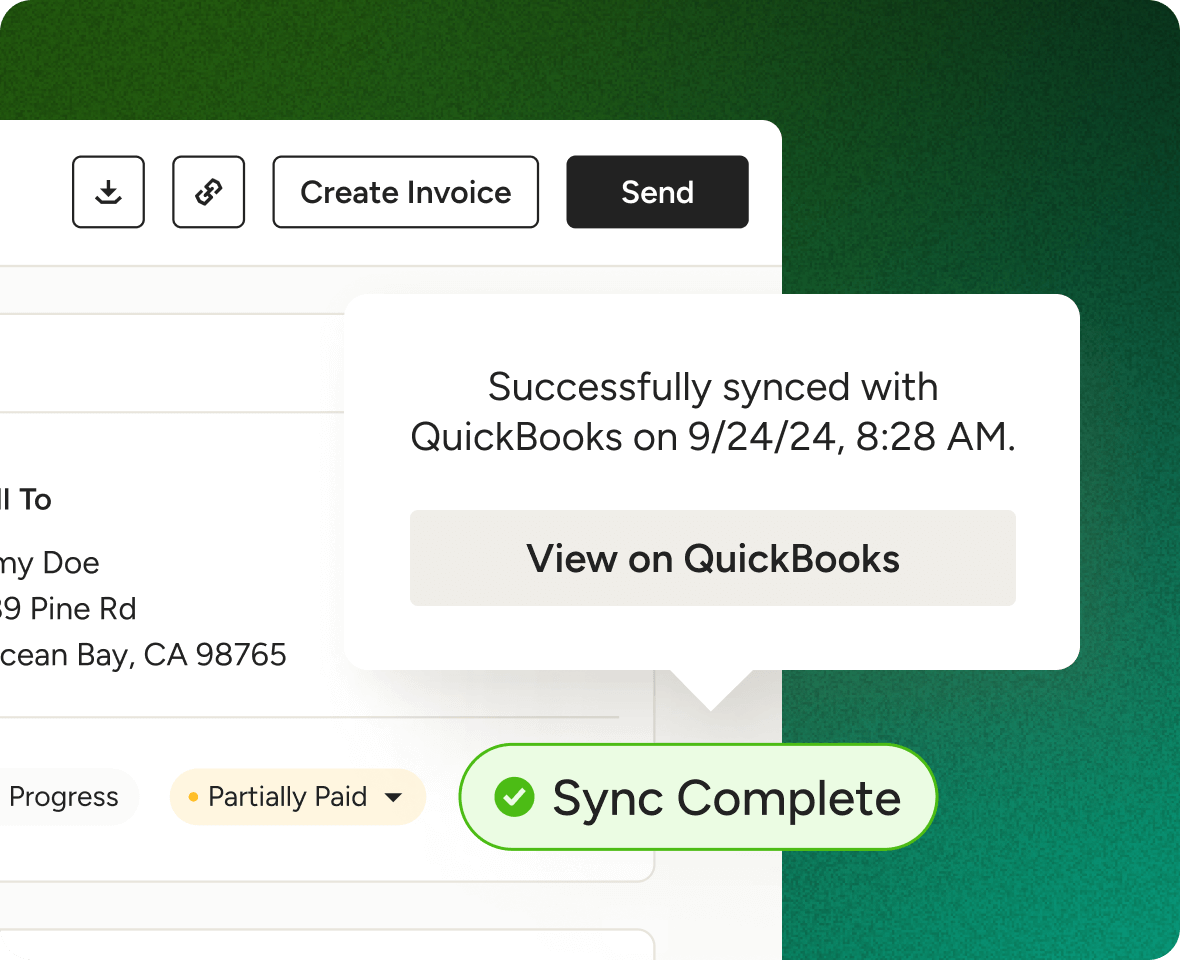
To keep you working in one tab, we include visual sync indicators on every file for more efficiency and less time toggling between Houzz Pro and QuickBooks Online.
- See what syncs are complete, in progress, and more
- Color-coded for quick, intuitive status updates
- Auto-updating for hands-off, worry-free tracking
- Failed syncs include troubleshooting instructions
SUPPORTED DOCUMENTS
All Files Accounted For
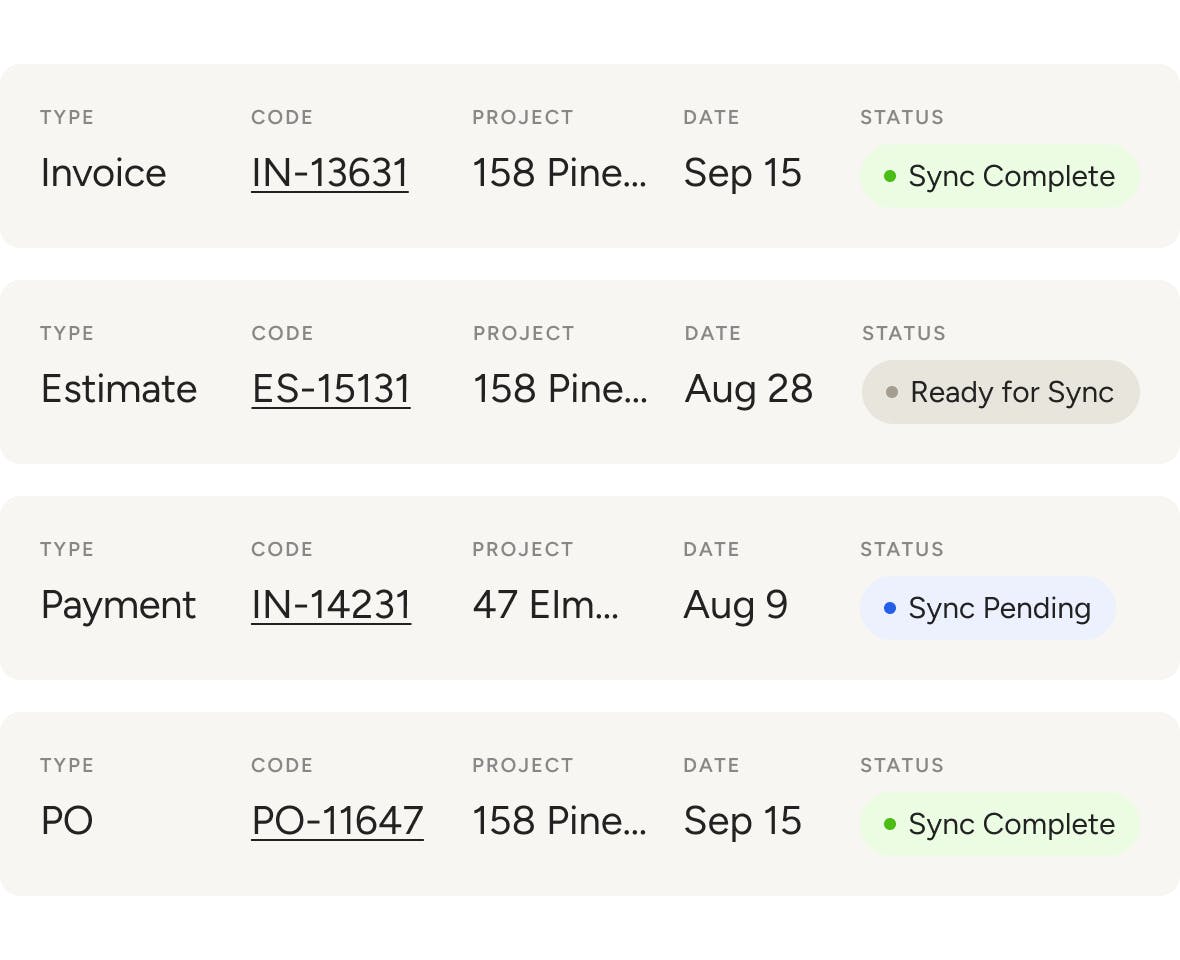
It’s simple—if your books need it, we sync it. After connecting to QuickBooks Online, Houzz Pro automatically adds or updates the following financials instantly.
- Estimates for builders and remodelers
- Proposals for interior designers
- Invoices, POs, bills, Change Orders, and retainers
- Payments made on previously synced files
EXCLUSIVE CREDENTIAL
Earn Your Houzz Pro Accounting Certification
Whether you’re looking to boost visibility with our exclusive Houzz Pro Accounting Certified badge, unlock perks for clients, or earn referral rewards, we can help make it happen.
- Stand out with a professional certification badge
- Be featured in our vendor portal to attract clients
- Earn up to $500 through our referral program
- Offer exclusive discounts to your clients
More Reasons Why Your Bookkeeper Will Thank You




INTEGRATIONS
Accounting Software That Keeps You Connected
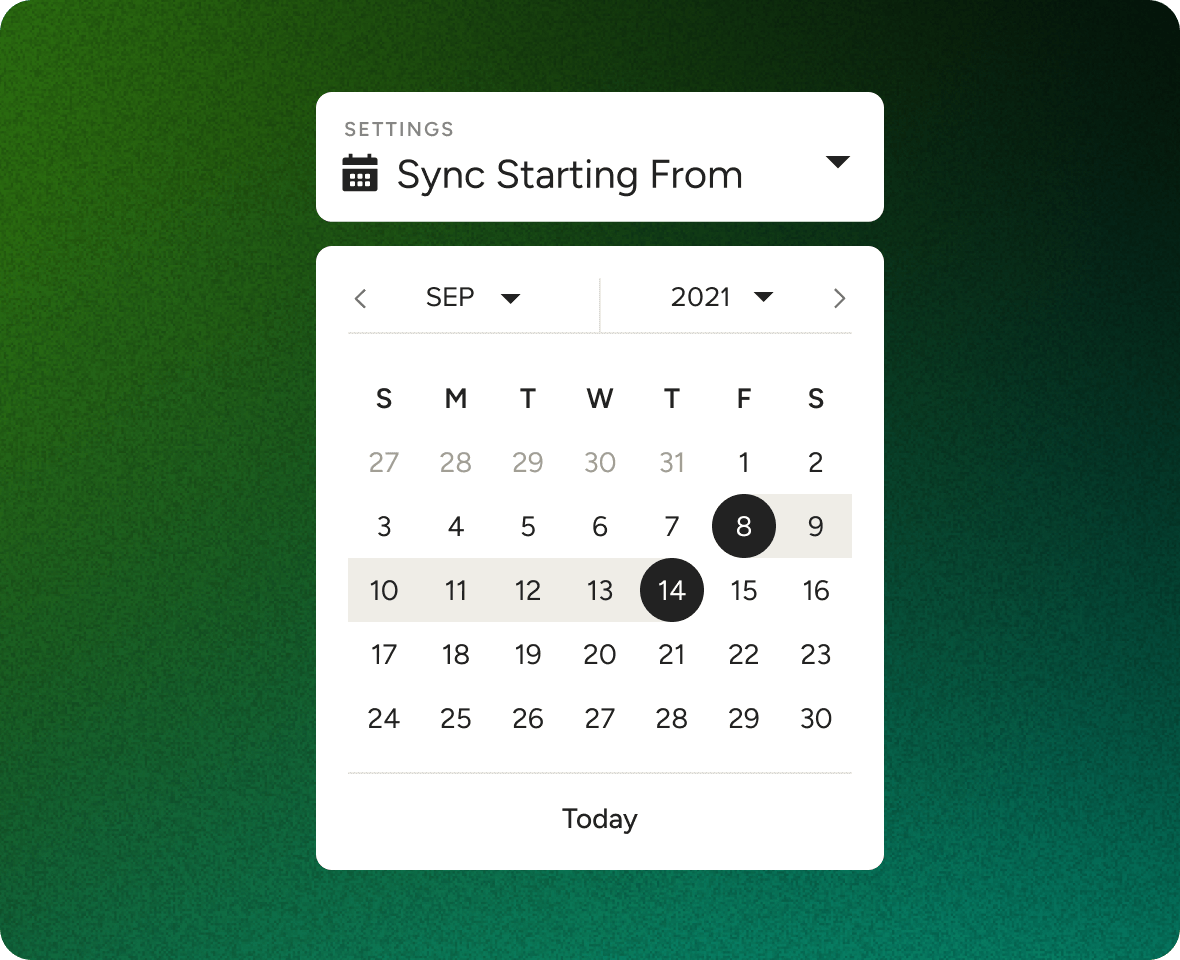
QuickBooks Online isn’t the only thing Houzz Pro plays nice with. You can also access files on Google Docs and Dropbox, manage leads straight from Gmail, source products with our very own Clipper, and sync project Schedules to calendars on iCloud, Gmail, Exchange, Office 365, and Outlook.
AWARD-WINNING SUPPORT
Here to Help—However You Need It.
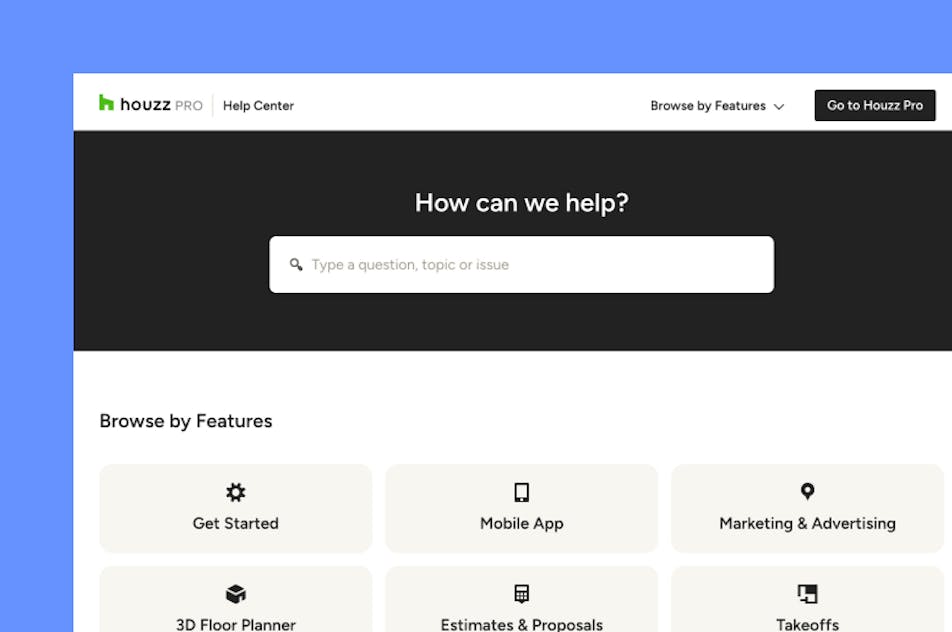
Got questions? Our QuickBooks Online Integration experts have answers. For anything our self-guided resources can't solve, reach out for assistance and we'll take it from there.

Online Chat
The fastest way to find answers is at the bottom right of your browser.


Phone
We’re here from Monday to Friday, 6am to 5pm PT at (888) 372-2851.


Why Go With Houzz Pro?
QuickBooks Integration Features
Review all the main features of Houzz Pro QuickBooks Online integration
| Feature | Description |
|---|---|
| Integration Setup | |
Connect to QuickBooks Online | Connect Houzz Pro with QuickBooks Online to sync financial data between systems |
Secure account connection | Authenticate and link your QuickBooks account through a secure connection flow |
| Data Sync | |
Sync customers/clients | Sync client information between Houzz Pro and QuickBooks |
Sync invoices | Sync invoices created in Houzz Pro with QuickBooks |
Sync payments | Sync recorded payments with QuickBooks to keep financial records aligned |
Sync financial data automatically | Automatically sync supported financial data between Houzz Pro and QuickBooks |
| Financial Workflow | |
Track financials across systems | Use QuickBooks alongside Houzz Pro to manage accounting and project finances |
Avoid duplicate data entry | Reduce manual entry by syncing financial documents instead of re-entering them |
Maintain accounting records | Keep accounting records in QuickBooks while managing projects in Houzz Pro |
| Data Mapping & Control | |
Map accounts and settings | Configure account mapping and preferences for how data syncs between systems |
Control sync settings | Choose how and when data is synced between Houzz Pro and QuickBooks |
| Data Accuracy | |
Review synced data | Review synced items to ensure accuracy in both systems |
| Error Handling | |
Sync error visibility | View and address sync issues or errors when they occur |
| Reporting & Accounting | |
Use QuickBooks for accounting reports | Use QuickBooks reporting tools alongside Houzz Pro financial data |
| Workflow Integration | |
Connected financial workflow | Work with estimates, invoices, change orders, purchase orders, expenses, and payments while syncing results to QuickBooks |