ESTIMATES
Simplify Job Costing With Our AI Estimating Software
Power meets precision in Houzz Pro’s AI-backed estimating program—the industry’s smartest job costing toolkit that helps high-end teams deliver quotes with confidence, no matter how complex the project.
Explore Our Game-Changing Estimates
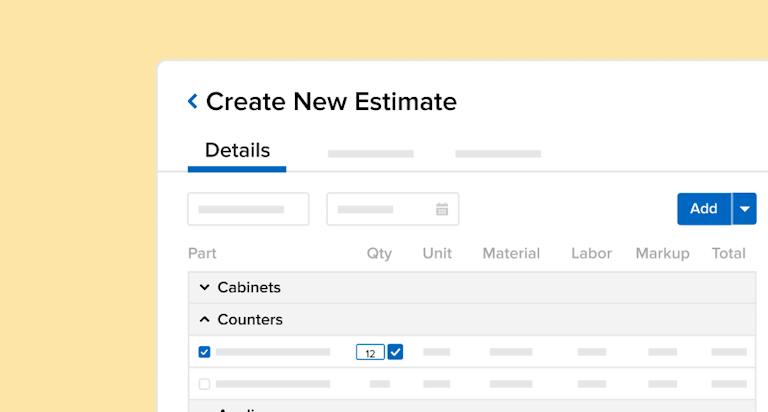
Whether starting from scratch, converting a takeoff, or using AI, see how you can build out accurate, professional bids better than ever.


2.5x Faster With AI*
Use built-in AI to create client-winning Estimates nearly two times faster.

Improve Accuracy
Sharpen your numbers with precise pricing tools and reliable cost data.

Build Credibility
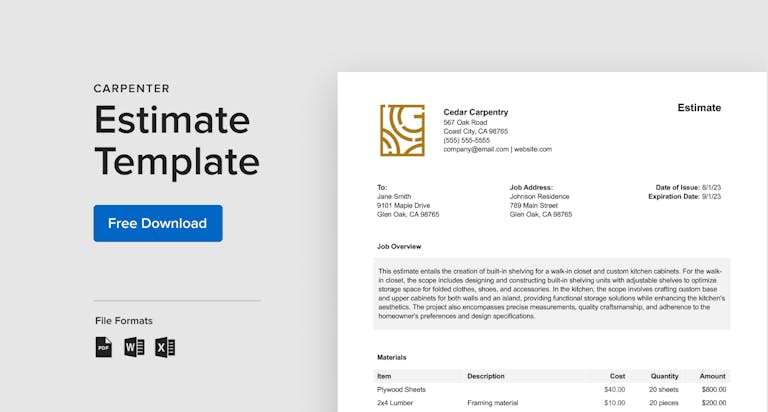
Present polished, branded documents that reinforce your reputation.
*Houzz Pro’s built-in AI helps pros create Estimates nearly 2.5x faster compared to manual methods.
Low-Stress Estimates That Exceed Every Expectation



AI ESTIMATES
Get a Smart Head Start With Built-in AI
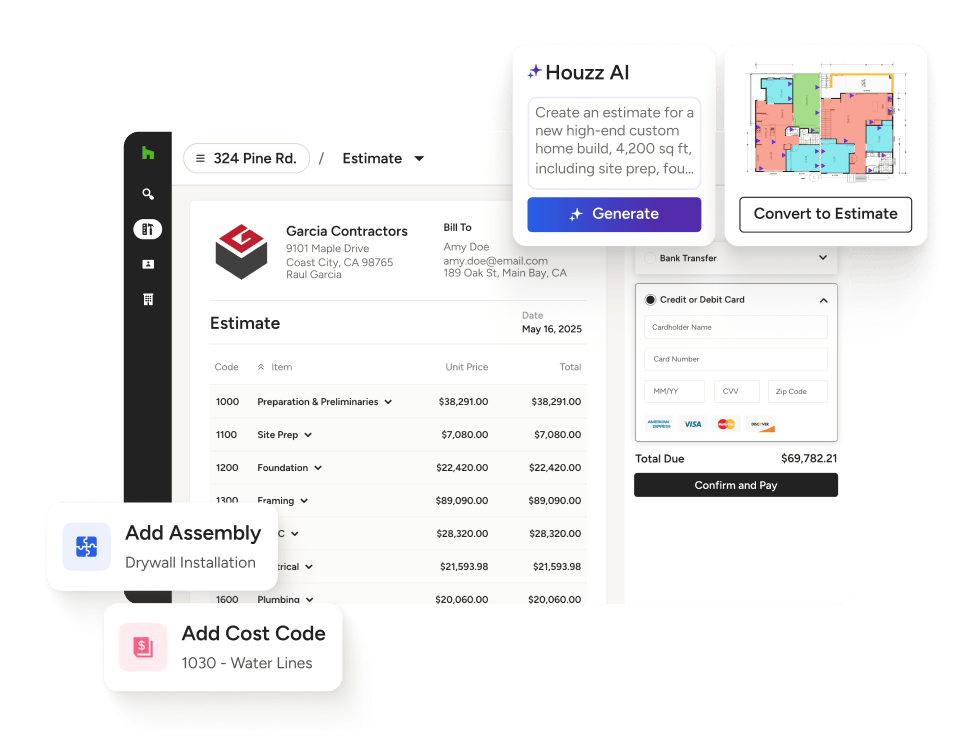
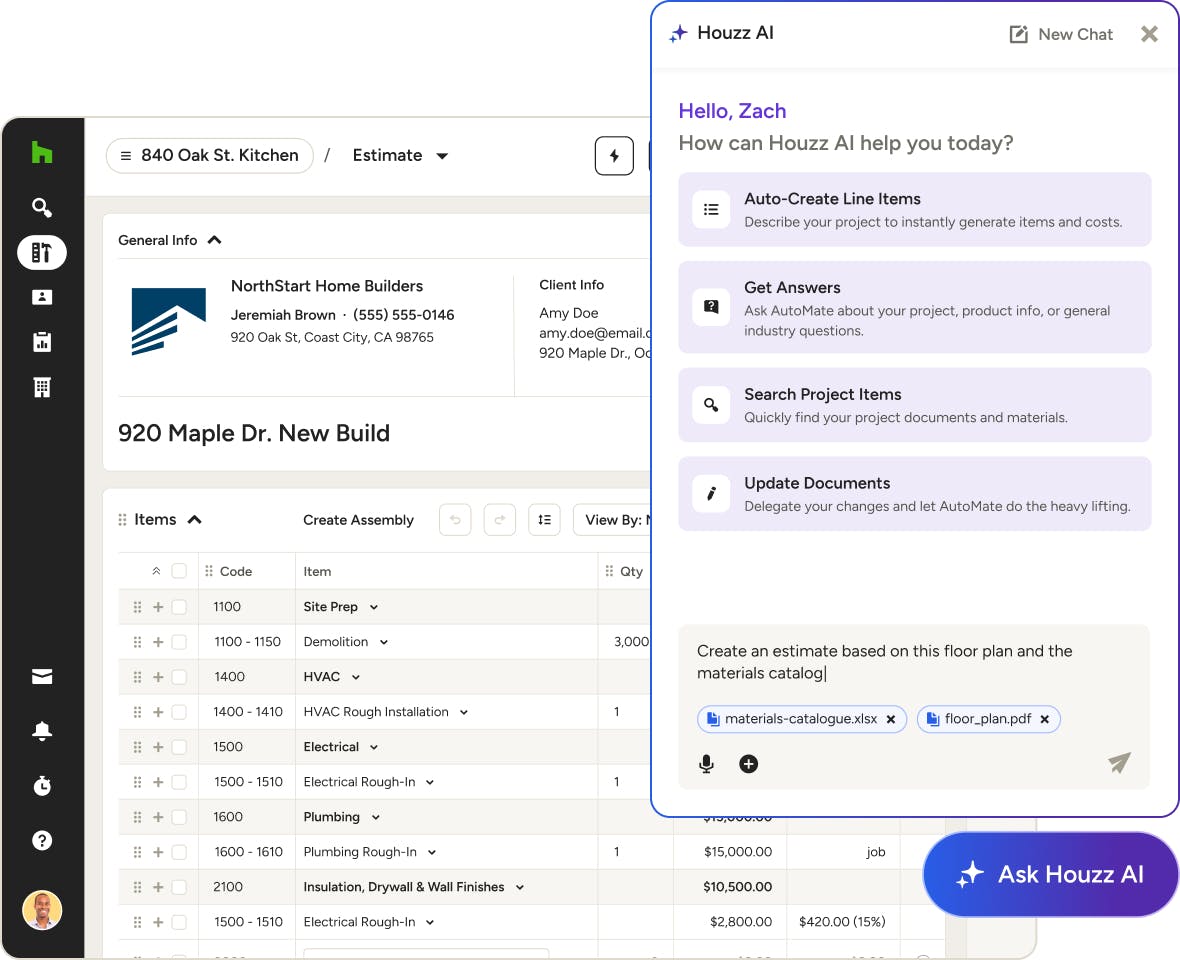
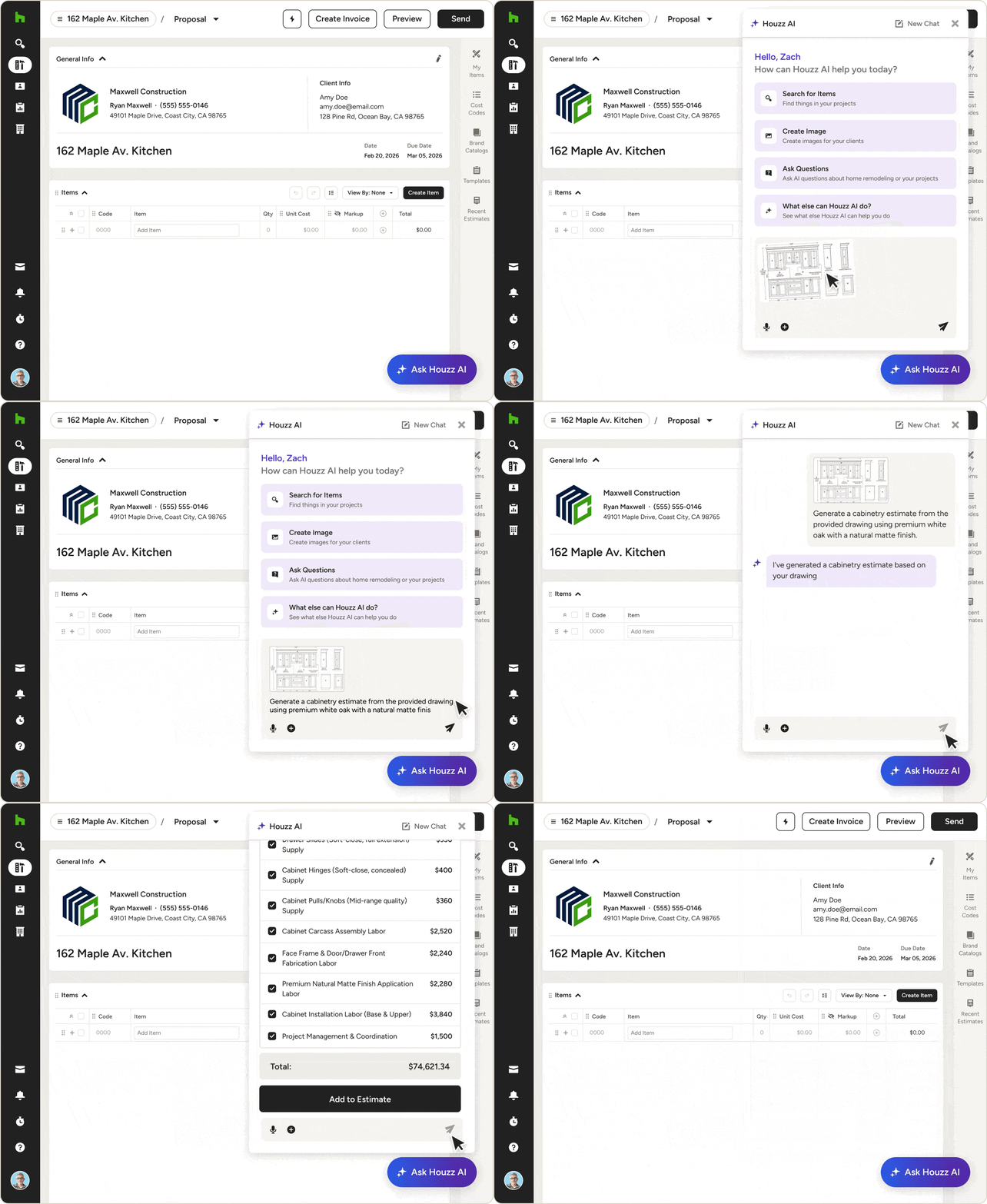
What used to take hours now takes seconds. With Houzz AI, you can jumpstart your estimating by generating a detailed, accurate first draft based on your past estimate data.
- Start by speaking or typing out your project scope
- Upload plans, spreadsheets, and URLs to dial in the details
- Generate line items from your cost codes and categories
- Convert Estimates into project Schedules in seconds
CATALOGS & CLIPPER
Add Labor, Materials, and Products—Pronto.
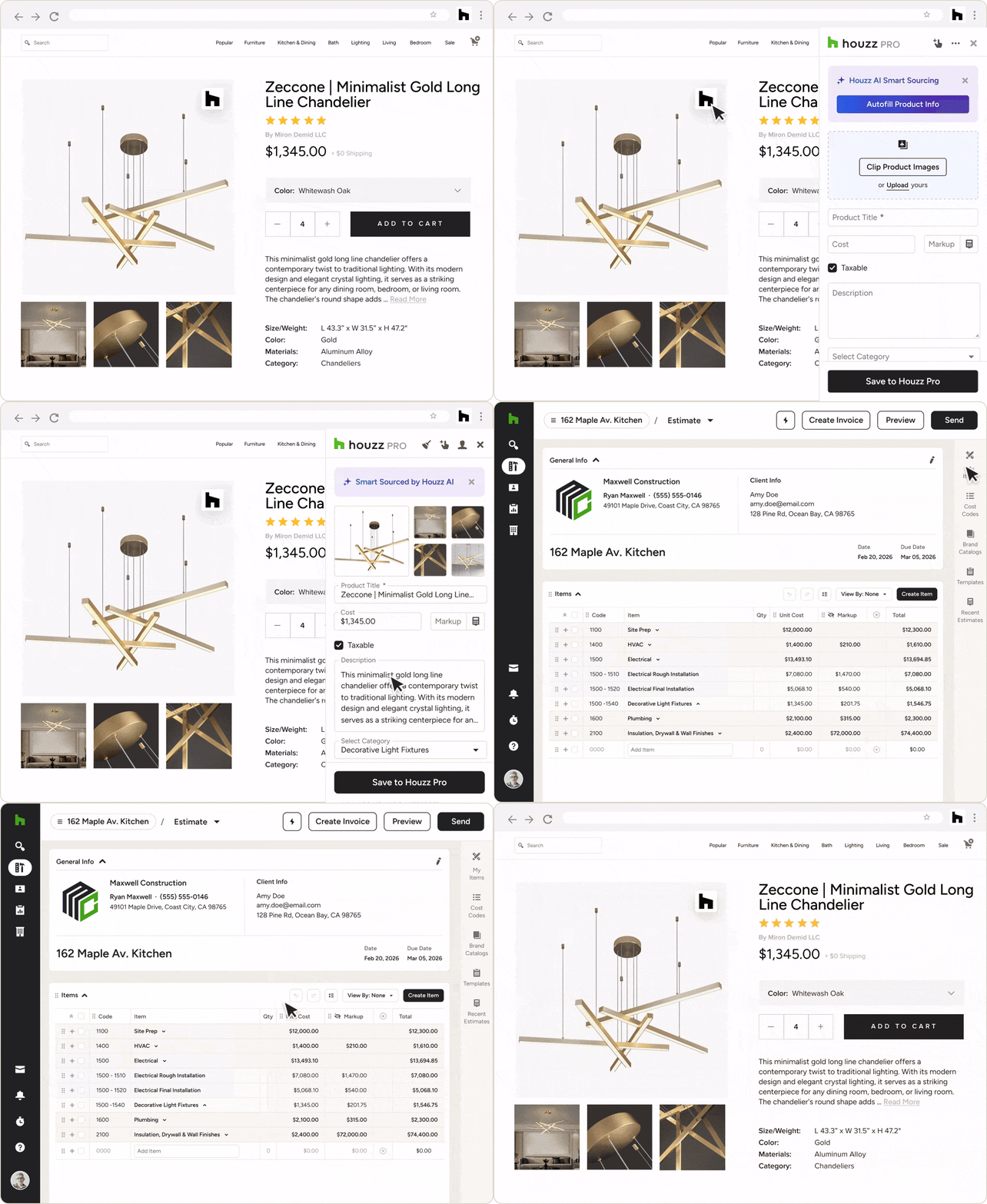
Save time by pulling pre-priced labor and material costs from our built-in Cost Catalogs or by using the Clipper to save products from your preferred vendor websites.
- Add placeholder prices from our Average Price Catalog
- Pull in real-world items from our diverse Brand Catalogs
- Send online items to Estimates instantly with the Clipper
- Upload items and use the Clipper to build a product library
CATEGORIES & COST CODES
Job Costing That Keeps You Organized
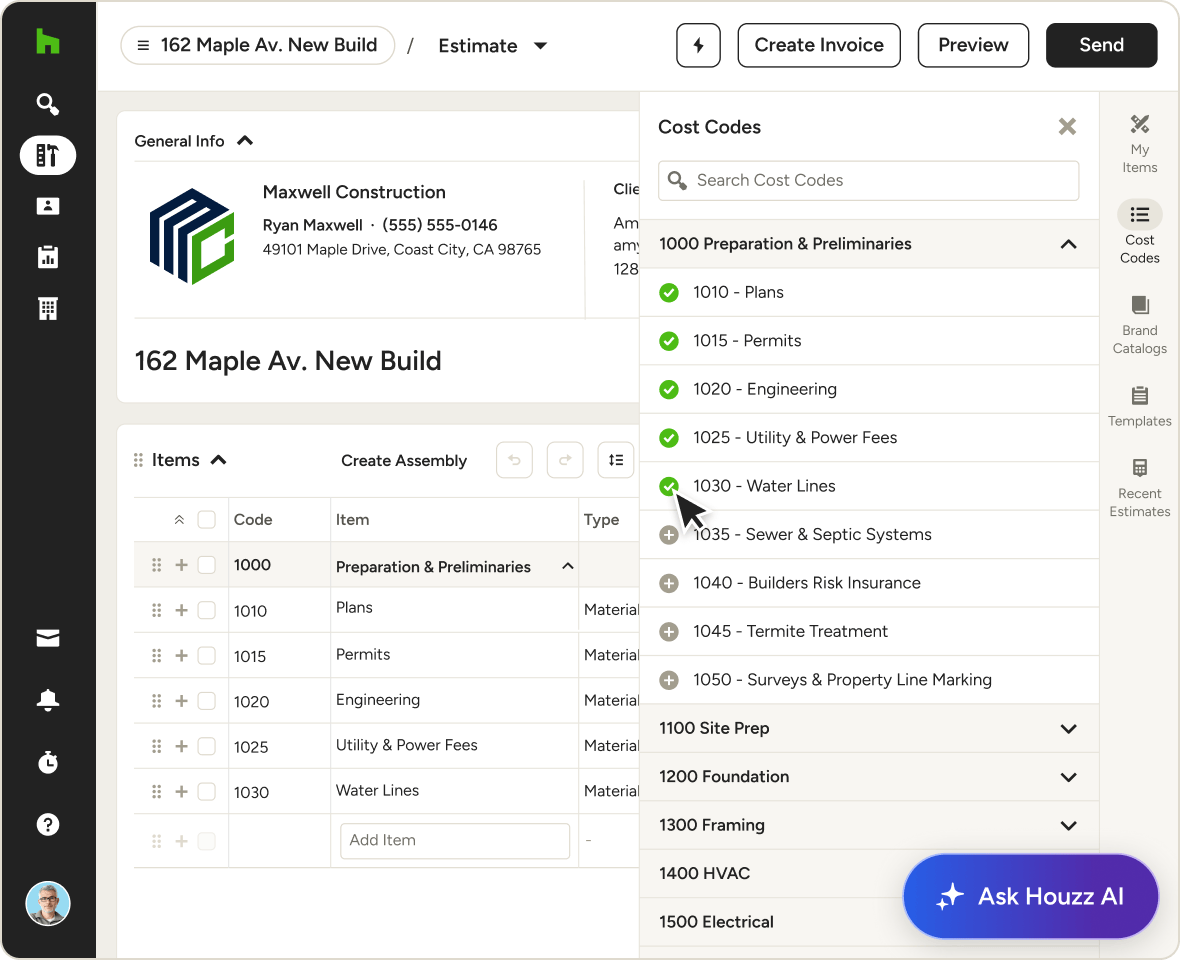
Our construction costing software lets you assign items to Cost Codes for ultra-precise, two-level billing or file them under categories for a more simplified, one-level system.
- Use Cost Codes for detailed budgeting and accounting
- Track estimates vs actuals with systematic reporting
- Use industry-standard Cost Codes or upload your own
- Opt instead for simplified, higher-level categories
SHARE & TRACK
Loop in Clients For Clear-Cut Confidence
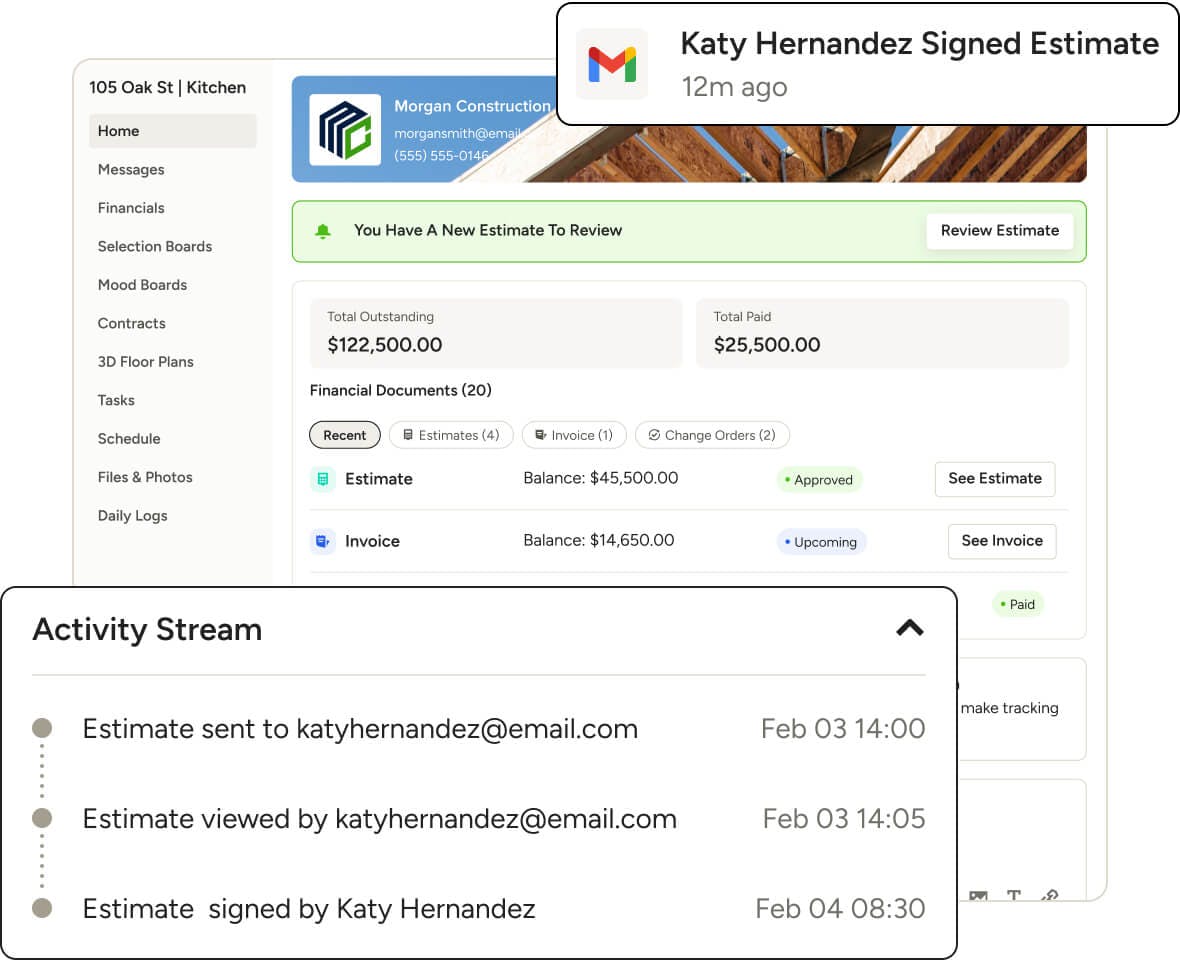
When it’s time to share your Estimate, don’t settle for an emailed PDF. Include clients in a collaborative way they’ll appreciate, while tracking every action in real-time.
- Give easy access to Estimates in their Client Dashboard
- Set automatic client reminders to review or take action
- Get instantly notified when clients view, approve, and sign
- Document team edits and client comments and approvals
More High-End Tools for High-Touch Teams
Take Our Word for It (And Theirs)
Hear from real home construction and design professionals who've used Houzz Pro to better their business.

How Legacy Builders Successfully Scaled Up Their Construction Business

How Hendrickson Construction Inc. Streamlines Project Management with Houzz Pro

How Tech Put Guthrie Construction on a Growth Path

INTEGRATIONS
Estimate Software That Keeps You Connected
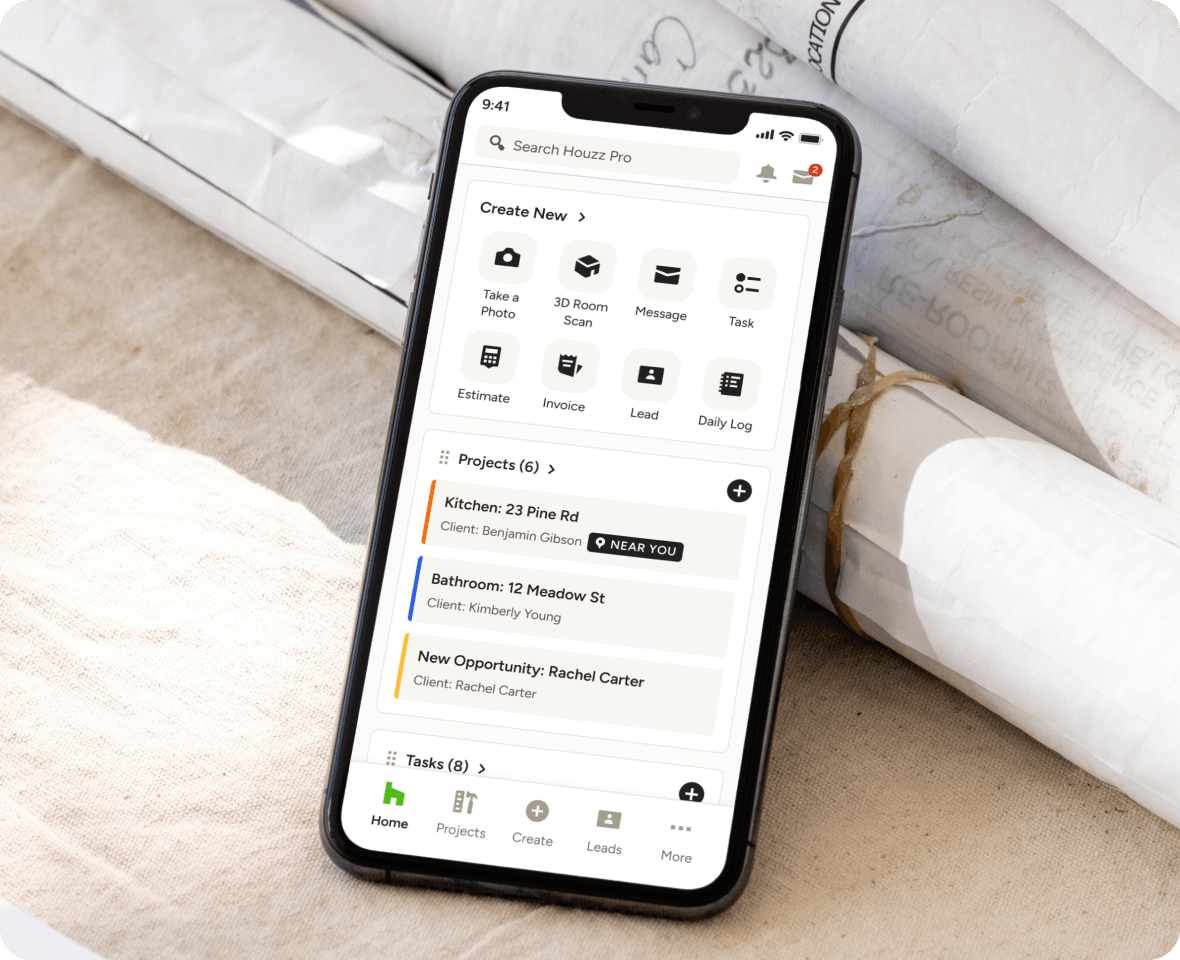
Our Estimate software plays well with tons of other tools you might already use. Line items and related expenses automatically sync to our Budget feature and QuickBooks Online—giving you an accurate, always-up-to-date look at your projects’ profitability.
AWARD-WINNING SUPPORT
Here to Help—However You Need It.
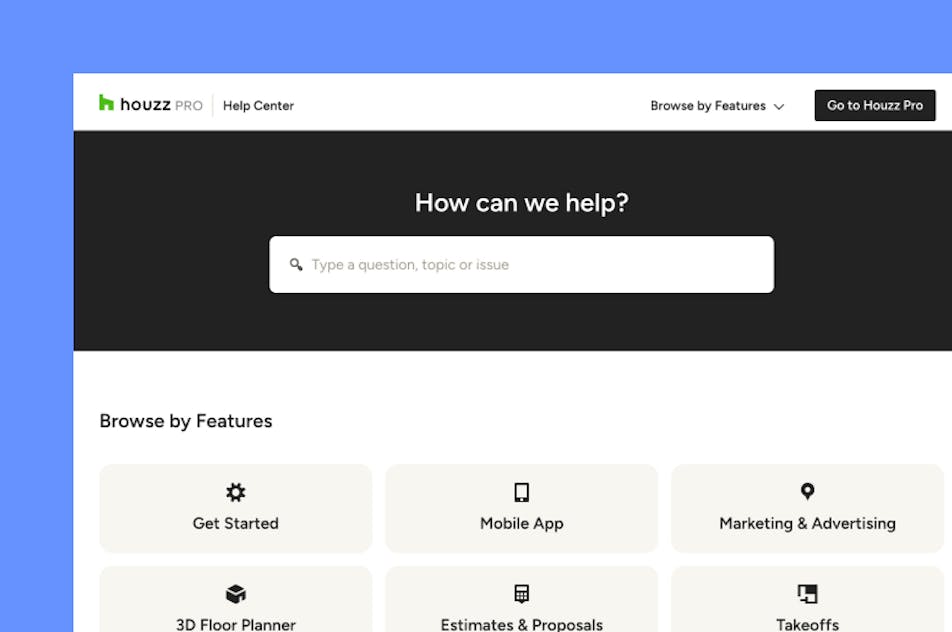
Got questions? Our estimate experts have answers. For anything our self-guided resources can't solve, just reach out for assistance and we'll take it from there.

Online Chat
The fastest way to find answers is at the bottom right of your browser.


Phone
We’re here from Monday to Friday, 6am to 5pm PT at (888) 372-2851.

Why Go With Houzz Pro?
Estimate Software Features
See all the main features of Houzz Pro estimating software
| All estimates tools | Description |
|---|---|
Houzz AI | Use AI to quickly generate estimate line items and costs based on project details. |
Estimate templates | Start estimates using pre-built or saved templates for common project types. |
Branded estimates | Create professional, client-ready estimates with your logo and business details. |
Takeoff tools | Measure plans and generate quantities to support accurate estimating. |
Create Estimate from Takeoff | Turn takeoff measurements directly into estimate line items. |
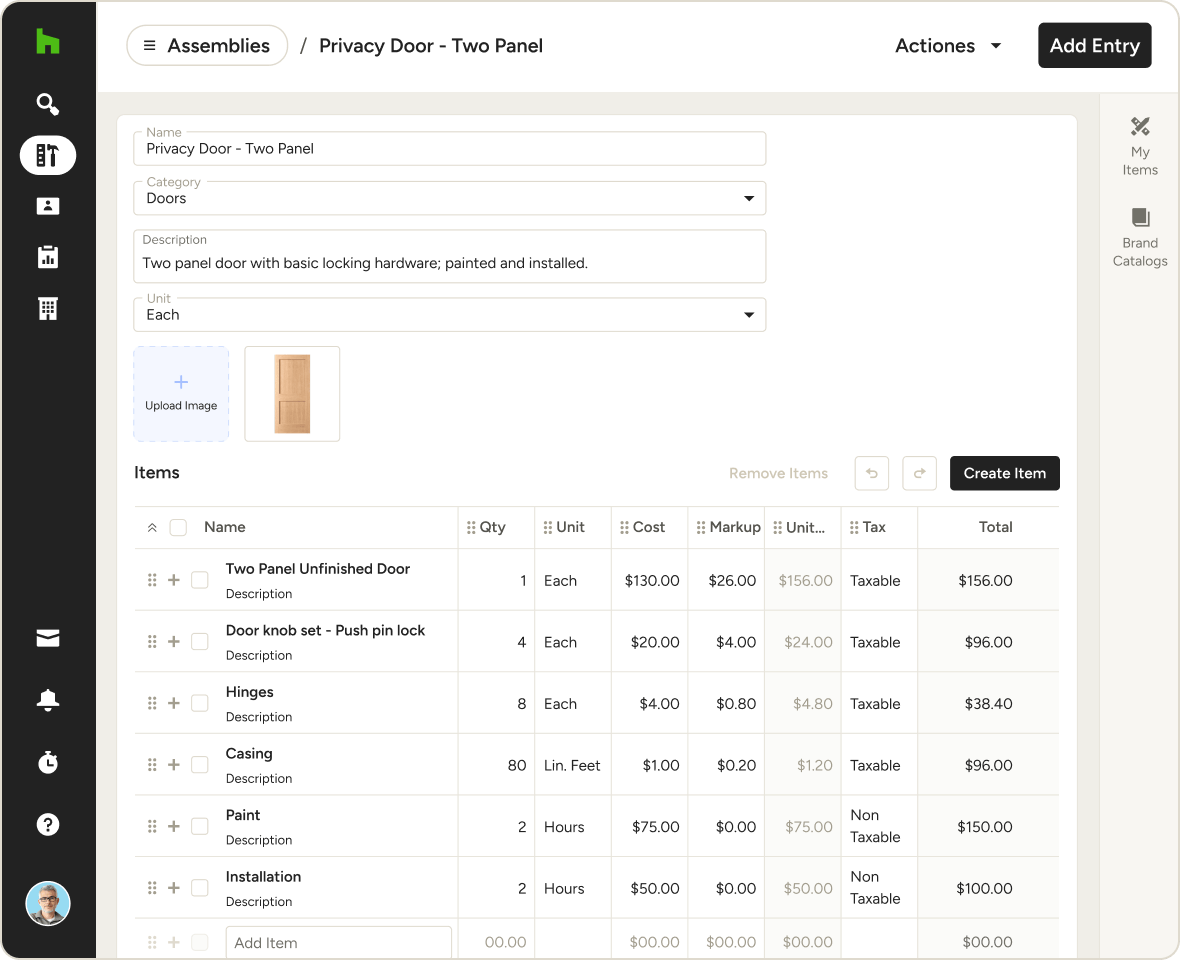
Add Assembiles | Group materials, labor, and costs into reusable assemblies for faster estimating. |
Add Cost Codes | Organize estimate line items using cost codes for clearer tracking and reporting. |
Online approvals | Send estimates to clients for online review and approval. |
Product Clipper & Library | Save products and materials to your library and add them to estimates. |
Cost Catalogs | Access material and labor cost catalogs to build accurate estimates. |
Auto-calculation of materials & costs | Automatically calculate quantities and costs as items are added or updated. |
Convert Estimate to a Schedule | Turn approved estimates into a project schedule. |
Convert Estimate to Invoice | Convert estimates into invoices to start billing. |
Create Scheduled payments | Set up payment schedules tied to project milestones or stages. |
Integration with budgets and accounting tools | Connect estimates with project budgets and accounting tools for financial visibility. |
Cost tracking | Track estimated and actual costs throughout the project lifecycle. |