PRODUCT CLIPPER & LIBRARY
Source Smarter With Our AI Clipper and Library
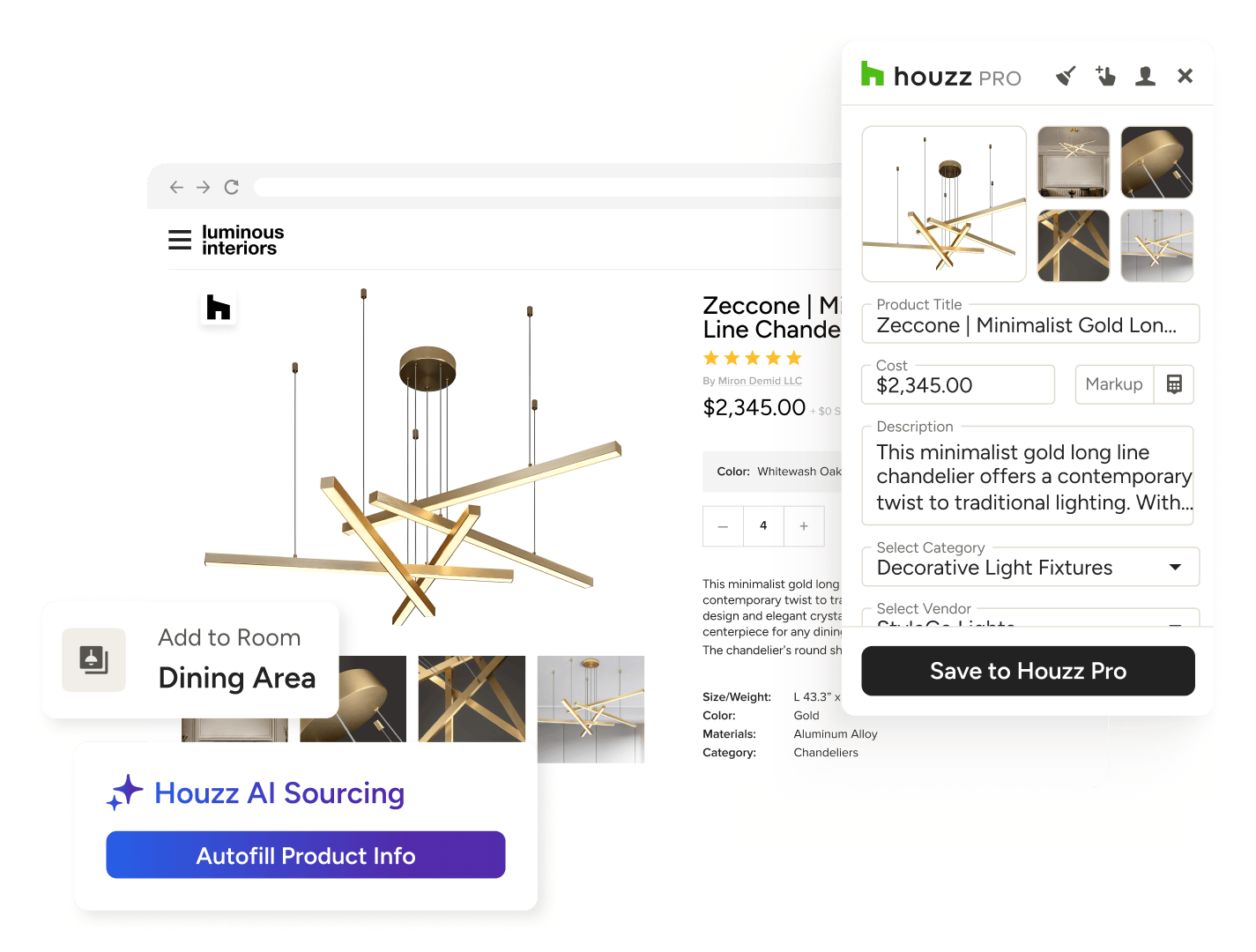
Curating products shouldn’t slow your creativity. Cue Houzz Pro's Product Clipper and Library—our AI-powered pair of tools that lets interior designers save items once to use everywhere and store pieces in one curated place.

Save Hours
Cut down on sourcing time by capturing product images and info with one click.

Reduce Errors With AI
Avoid manual mistakes by letting AI categorize pricing, specs, and more for you.

Organize Items
Store client selections in one central, searchable place for on-demand access.
Hassle-Free, for You and Your Clients.




HOW IT WORKS
Cut Time at Every Step
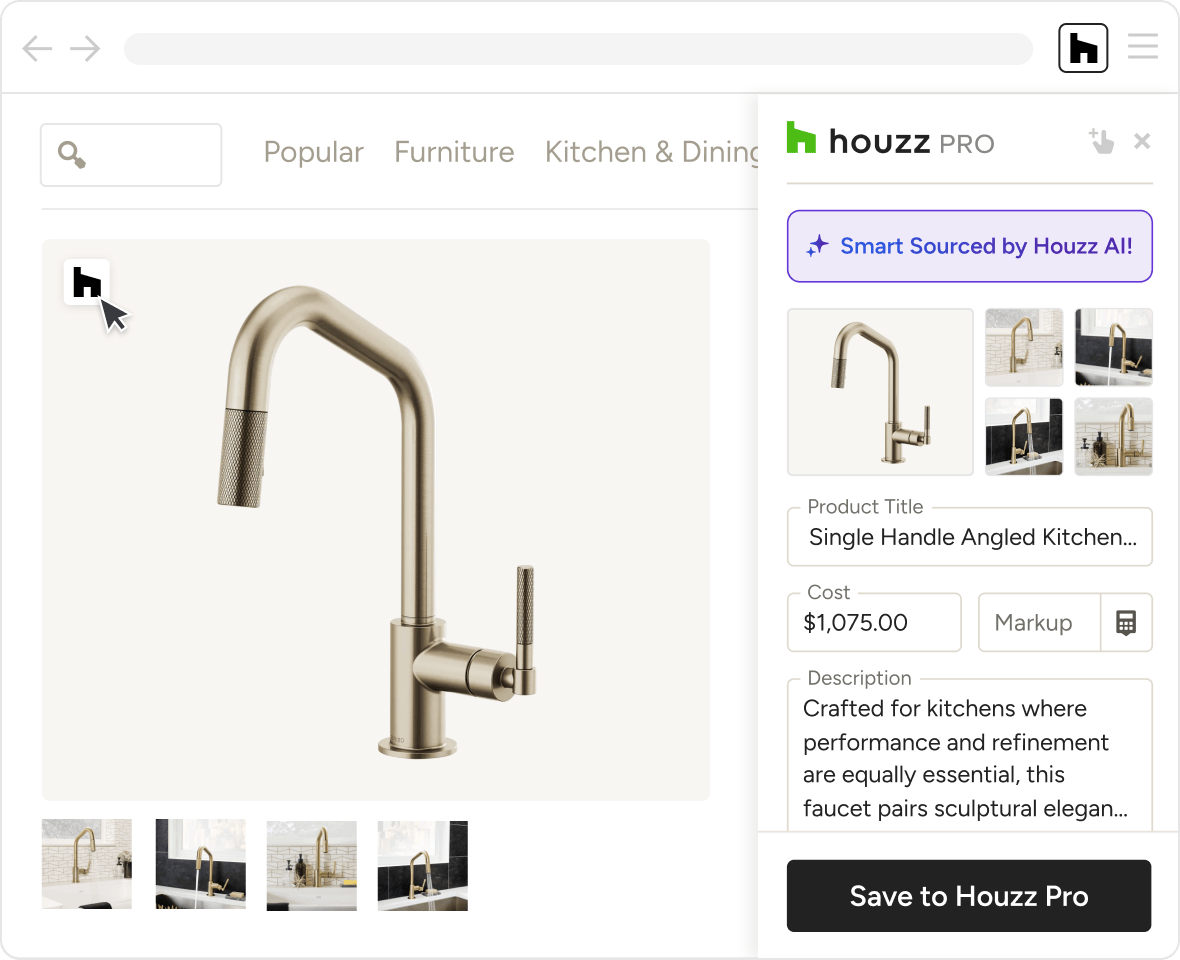
With AI in the mix, capturing product images and specs couldn’t be easier. Follow these steps to start sourcing faster and stocking up your Product Library in no time.
DEKSTOP CLIPPER
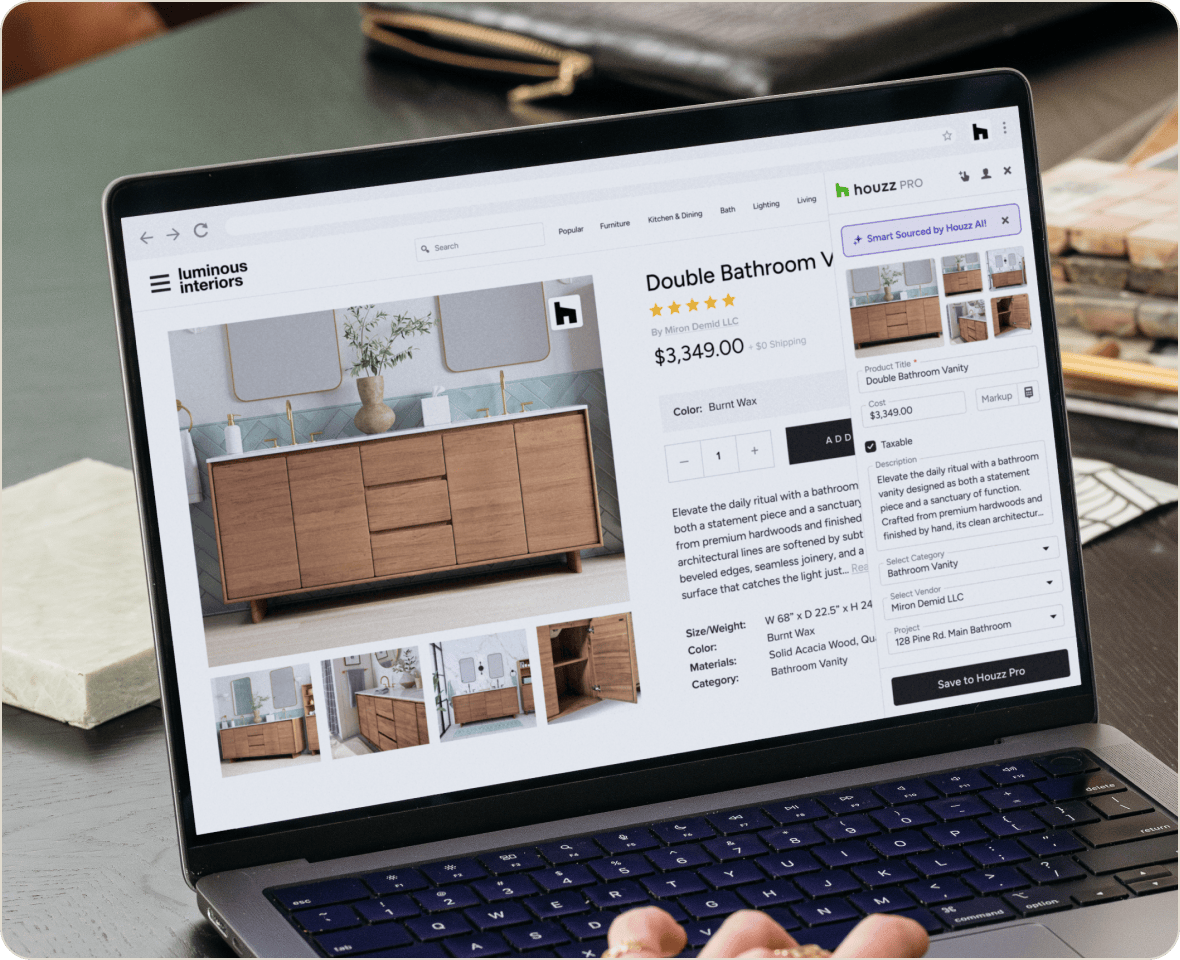
One-Click Product Sourcing, Powered by AI.
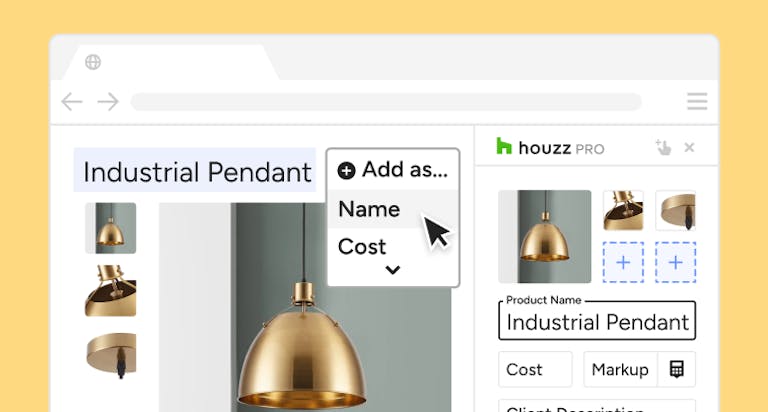
If the Clipper* is your sourcing sidekick, consider Smart Sourcing its superpower. This is the AI engine that makes Houzz Pro the fastest way to gather the goods.
- Instantly find and save relevant product info with a click
- Clip multiple product photos without saving one-by-one
- Capture color, materials, dimensions, SKUs, and links
- Manually enter missing fields or revise clipped info
*Available only on Google Chrome.
MOBILE CLIPPER
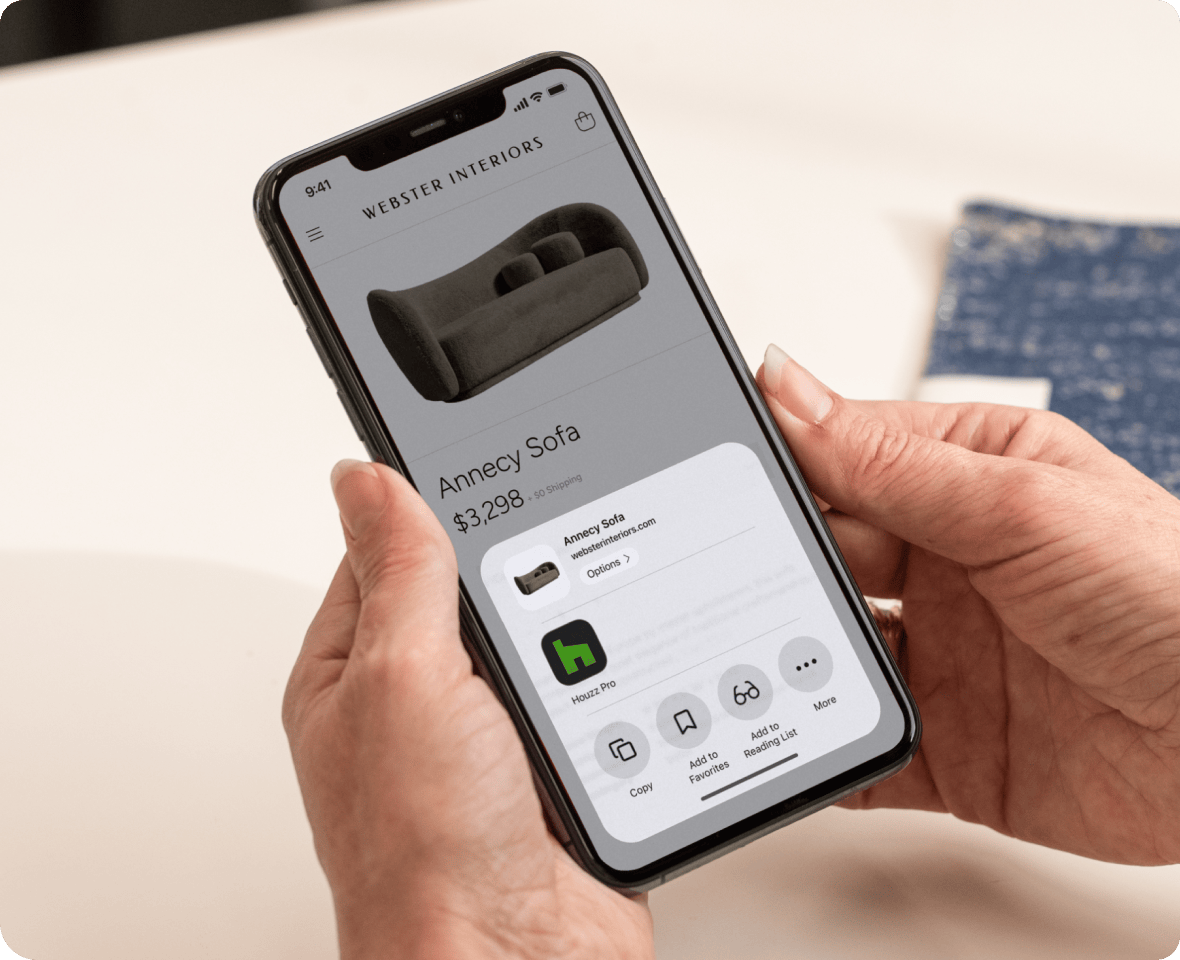
Source On-the-Go With Just Your Phone
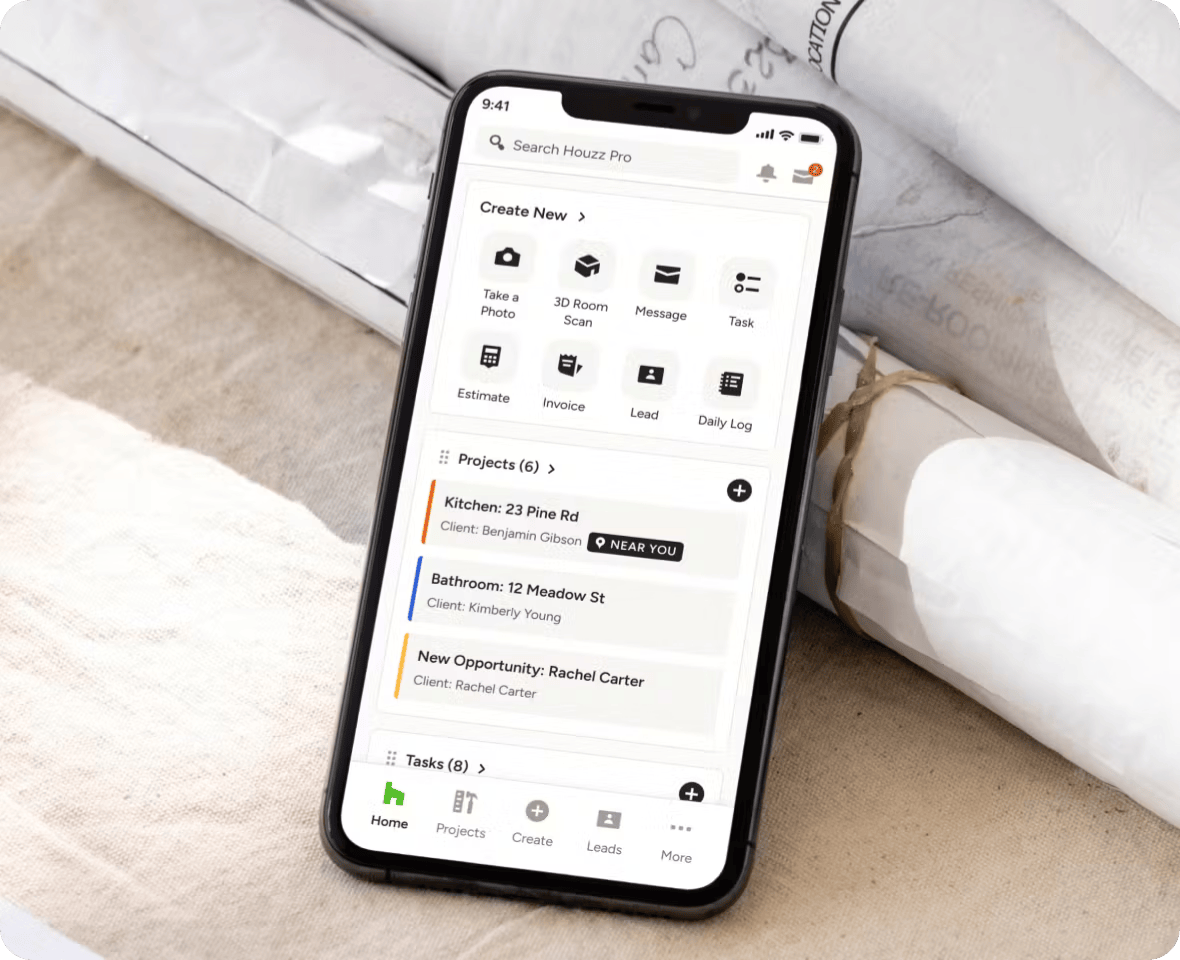
Whether you’re on-site or between meetings, the Mobile Clipper* lets you source in seconds, too—packing the same AI-powered punch as our desktop version.
- Download the free Houzz Pro Mobile App
- Clip items from any site with AI-powered Smart Sourcing
- Send items to projects files or your Product Library
- Keep your product sourcing on pace from anywhere
*Available only on iOS mobile devices.
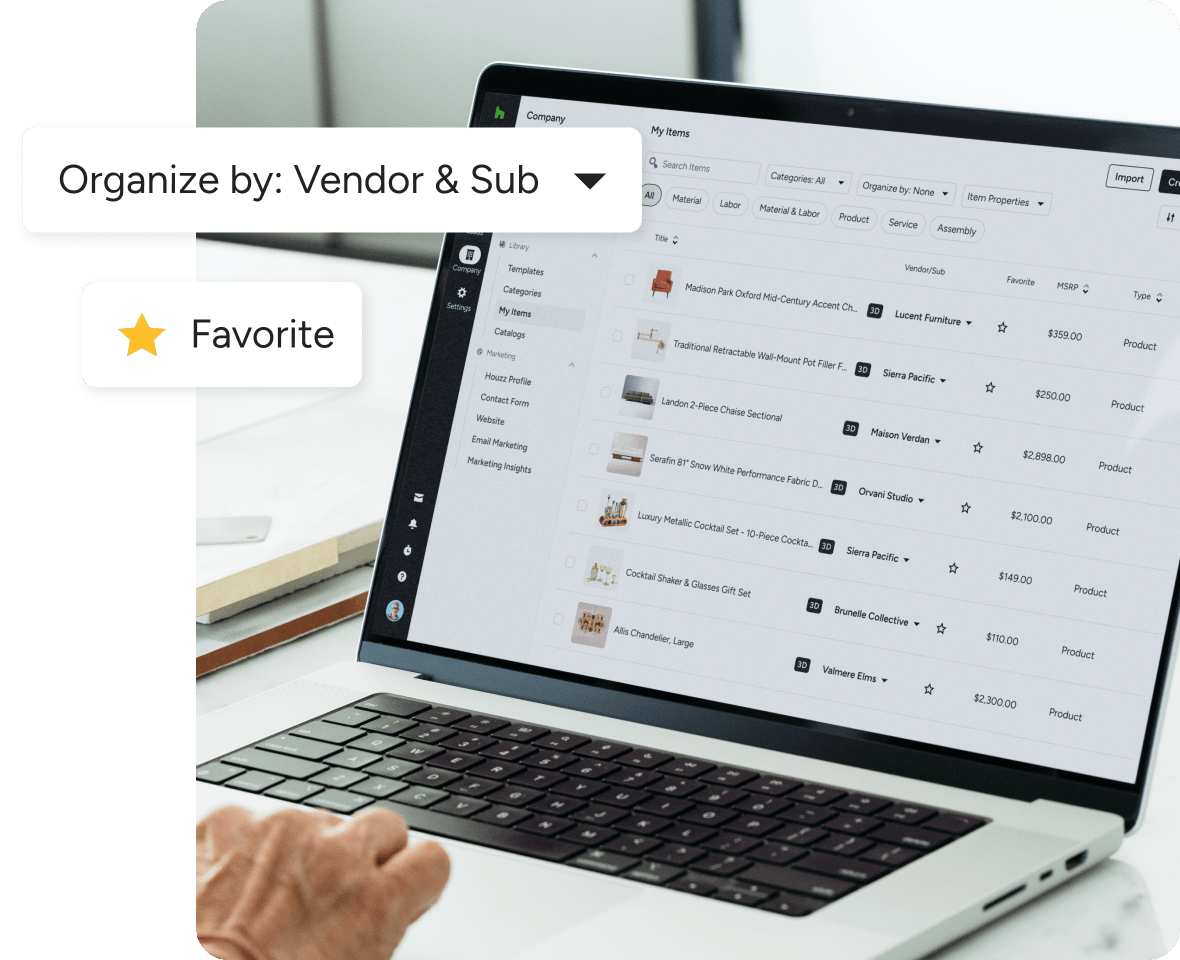
PRODUCT LIBRARY
Keep Clipped Items On-Hand in One Place
House your clients’ products and materials under one roof with a built-in Product Library that keeps clipped items close by, so you can close those vendor tabs for good.
- Send clipped items straight to your Product Library
- Access from anywhere in Houzz Pro through ‘My Items’
- Search for and filter out products and materials fast
- Edit info, duplicate items, and star your favorites
Hassle-Free, for You and Your Clients.




INTEGRATIONS
Interior Design Software That Keeps You Connected
Houzz Pro works with tons of the tools you already use. Send financial docs and data to QuickBooks Online, upload files directly from Google Docs and Dropbox, manage leads from Gmail and Zapier, and sync project Schedules to calendars on iCloud, Gmail, Exchange, Office 365, and Outlook.
AWARD-WINNING SUPPORT
Here to Help—However You Need It.
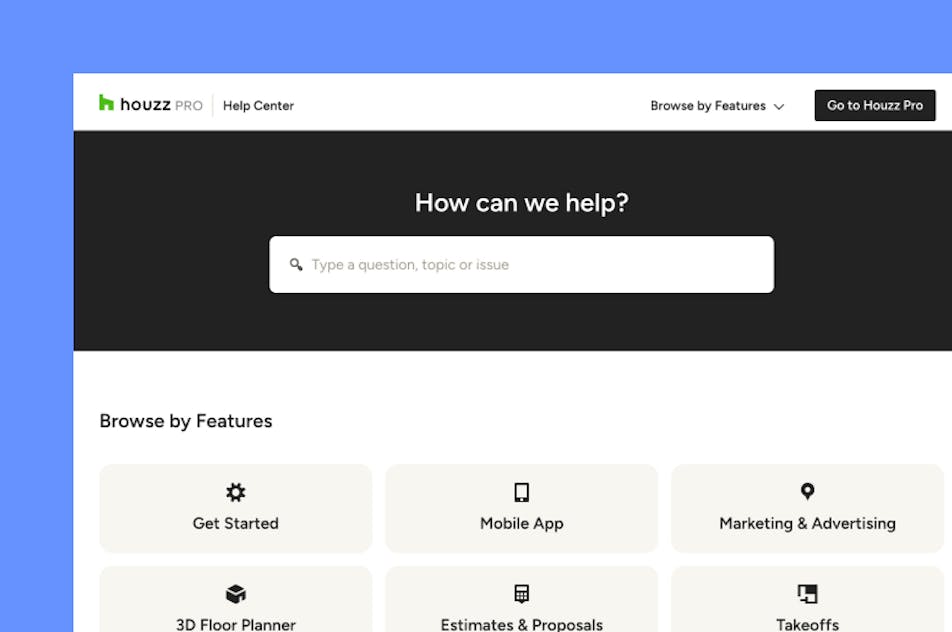
Got questions? Our interior design software experts have answers. For anything our self-guided resources can't solve, reach out for assistance and we'll take it from there.

Online Chat
The fastest way to find answers is at the bottom right of your browser.


Phone
We’re here from Monday to Friday, 6am to 5pm PT at (888) 372-2851.

Why Go With Houzz Pro?
Houzz Pro Clipper features
See all the main features of our web clipper tool
| Feature | Description |
|---|---|
| Product Sourcing | |
Web Product Clipper | Save products from any supplier website directly into your Houzz Pro product library using the browser extension. |
Clip Images & Product Details | Capture product images, descriptions, pricing, dimensions, SKUs, and specifications directly from vendor websites. |
AI Smart Product Sourcing | Automatically extract product information from supplier pages using AI-powered smart sourcing. |
Clip Products from Any Vendor | Source items from any website or supplier and store them in your centralized product library. |
| Product Library Integration | |
Automatic Product Library Storage | All clipped products are saved to the Houzz Pro product library for reuse across projects. |
Product Data Editing | Edit product details such as pricing, vendor information, categories, and descriptions in the Clipper, before saving to Houzz Pro |
Multiple Images per Product | Add and manage multiple product images within each clipped product listing. |
Product Categories & Vendors | Assign categories and vendors to clipped items to organize sourcing and make products easier to find later. |
| Design & Presentation Workflows | |
Use Clipped Products in Mood Boards | Quickly add clipped items to mood boards for design presentations. |
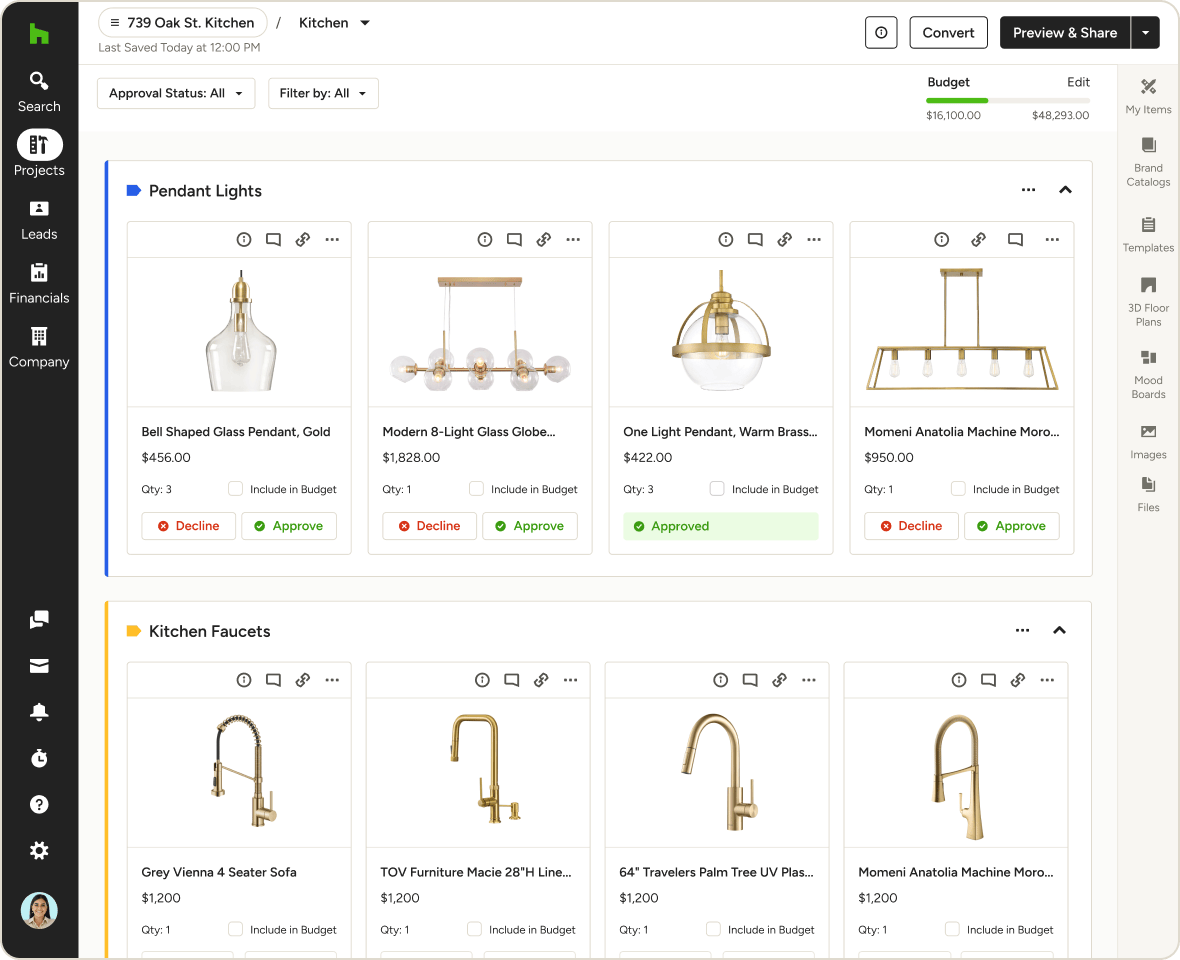
Add Products to Selection Boards | Use clipped products to create client-ready selection boards and gather approvals. |
Create Tear Sheets | Generate product tear sheets for client presentations and documentation. |
| Project & Financial Workflows | |
Add Products to Estimates & Proposals | Insert clipped products directly into estimates, proposals, and other financial documents. |
Product Pricing & Markup Management | Add markup percentages or adjust client pricing when adding clipped products to projects. |
Reusable Product Data | Reuse previously clipped products across multiple projects without re-entering details. |
| Image Capture Options | |
Instant Image Clipping | All relevant product images are auto-detected on the vendor website, for faster clipping. |
Manual Image Upload | Add and assign your own images to a clipped product. |
| Mobile Product Sourcing | |
Mobile Clipper | Clip products while browsing on mobile and send them directly to your Houzz Pro library. |
| Workflows Integration | |
Create POs from clipped products | Generate vendor-specific Purchase Orders from clipped products. |