TAKEOFFS
Clear the Launchpad for Fast AI Takeoff Software
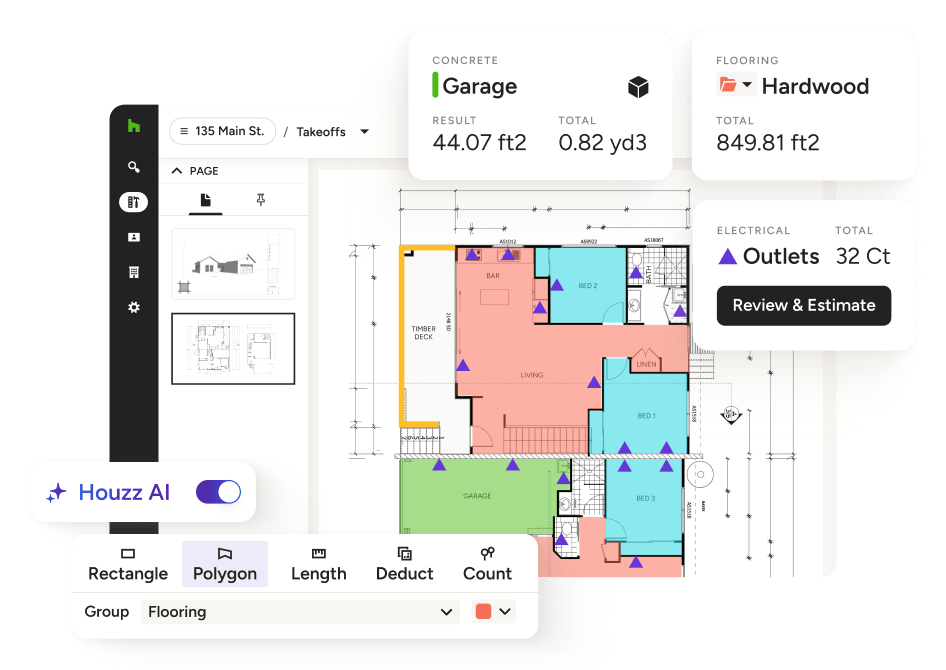
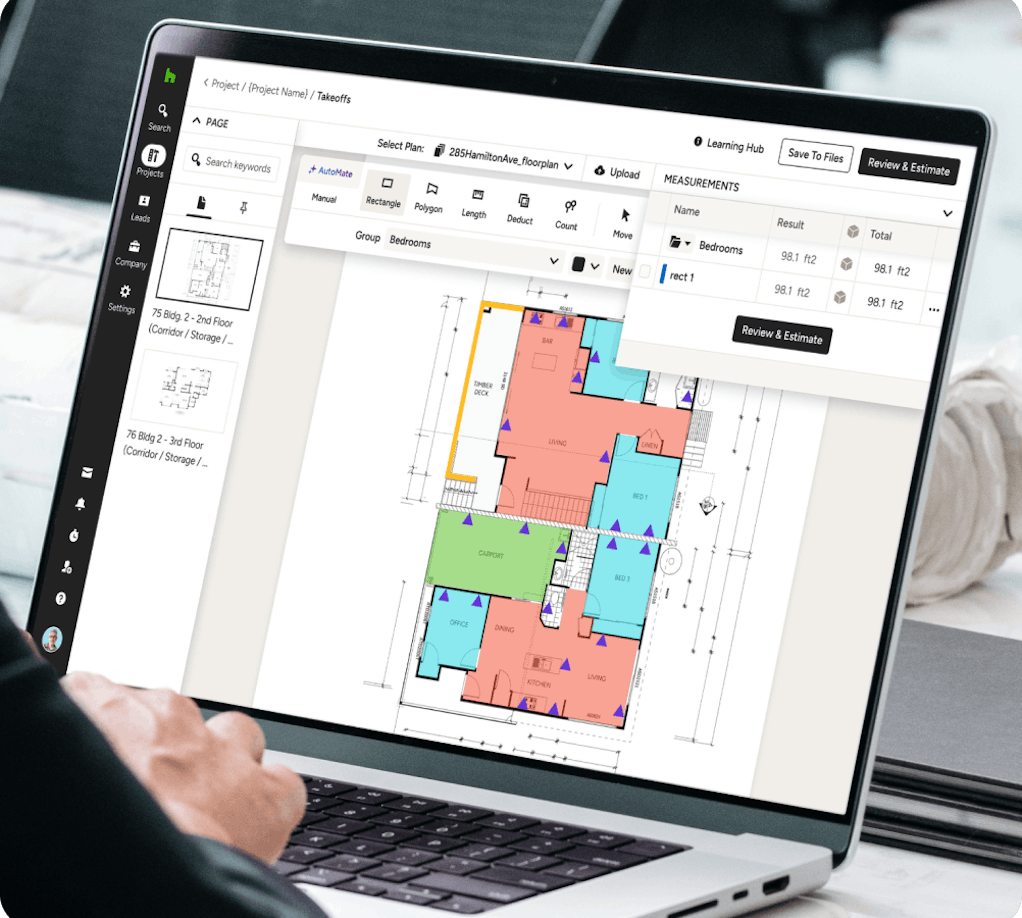
Gone are the days of manual measurements and outdated apps. With Houzz Pro’s AI-powered digital Takeoff software, you can measure plans, calculate quantities, and convert it all into an Estimate in a few clicks.
Bid Faster and More Accurately
No more printing plans and spending days on end estimating. With Houzz Pro, you can get accurate material lists locked down in no time.

PRECISE TAKEOFFS
Our Takeoff Quantities Software in Action
Measure almost any space, complete complex calculations, and build client-ready bids before the competition. See how our takeoff software takes it all on.
TAKEOFFS
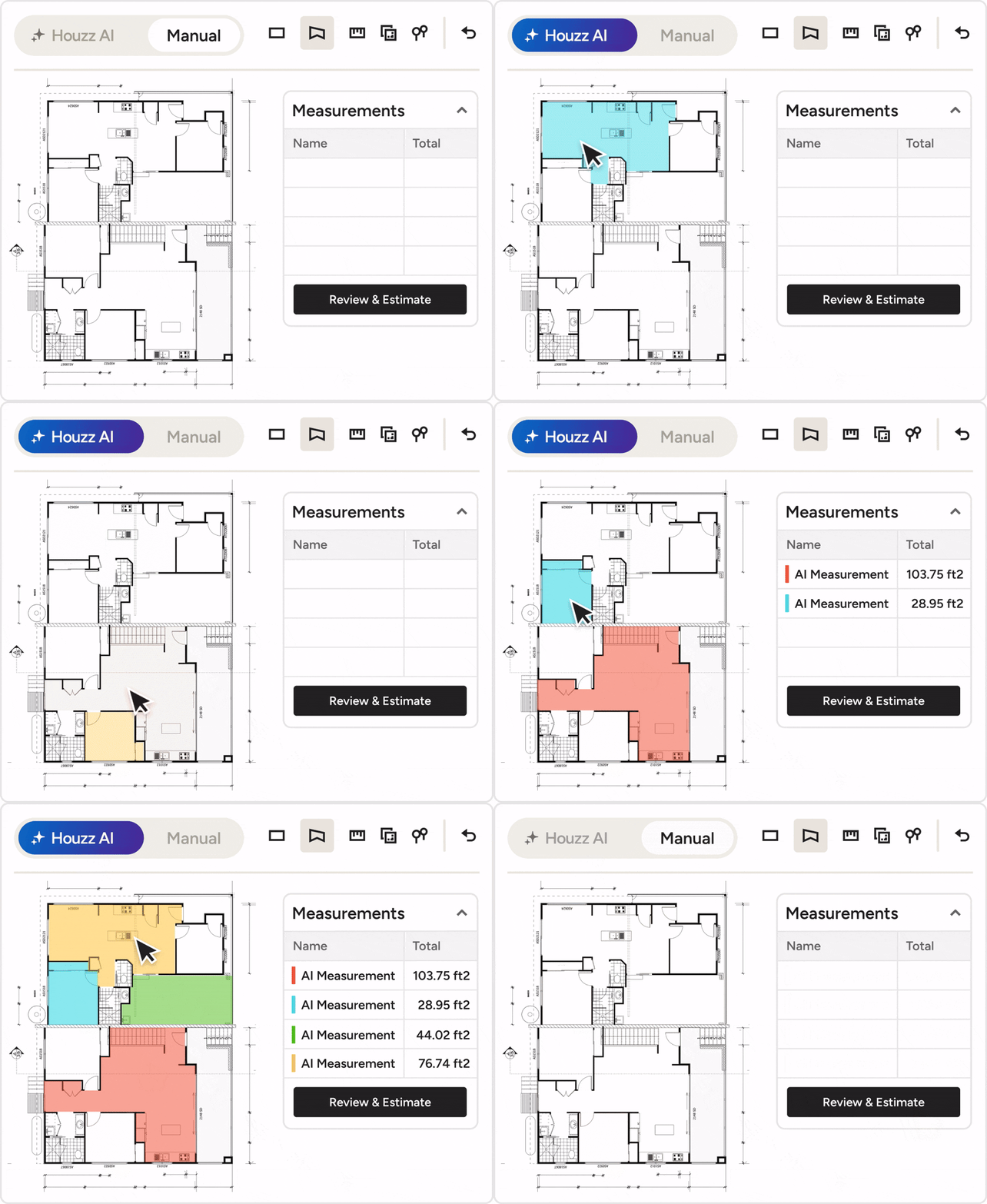
Say Hi to Built-in AI
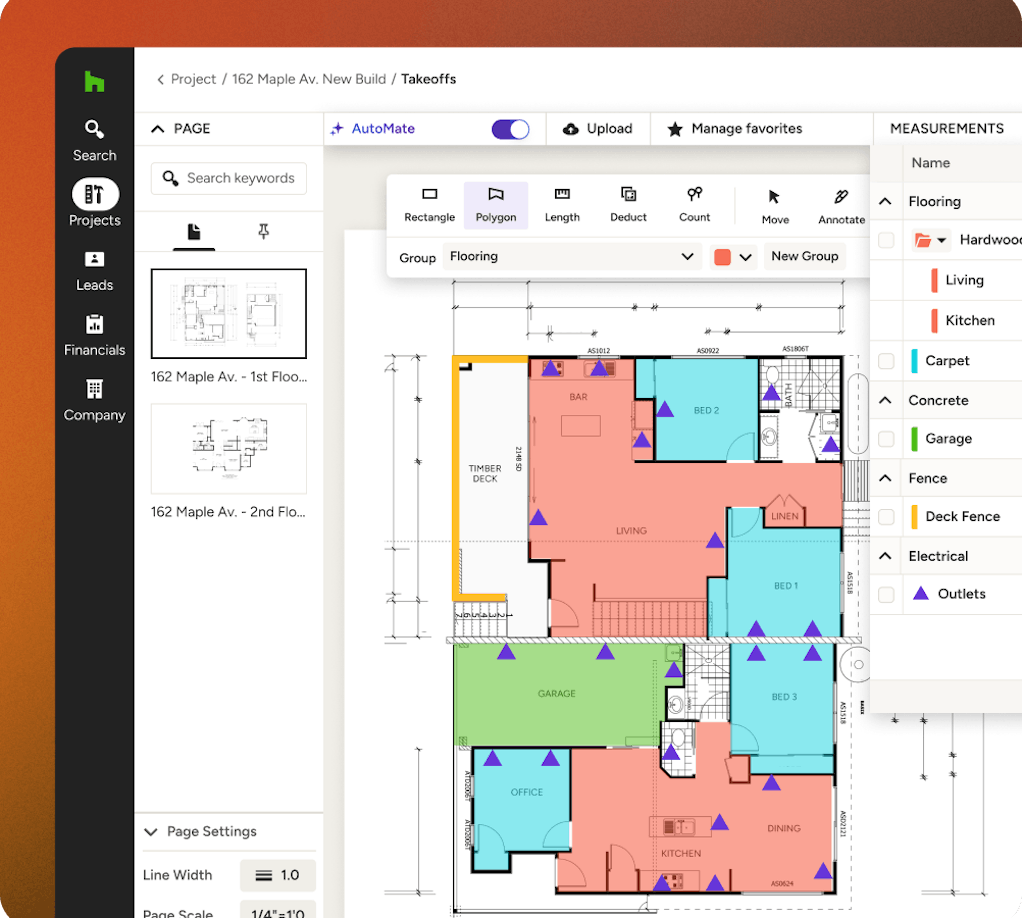
With Houzz Pro's industry-leading AI, you can get material takeoffs done even faster by letting it read your plans and deliver area, length, and count measurements in a flash.
Digital Takeoff Software Perks

COMPLEX MEASUREMENTS
Calculation Tools You Can Count On
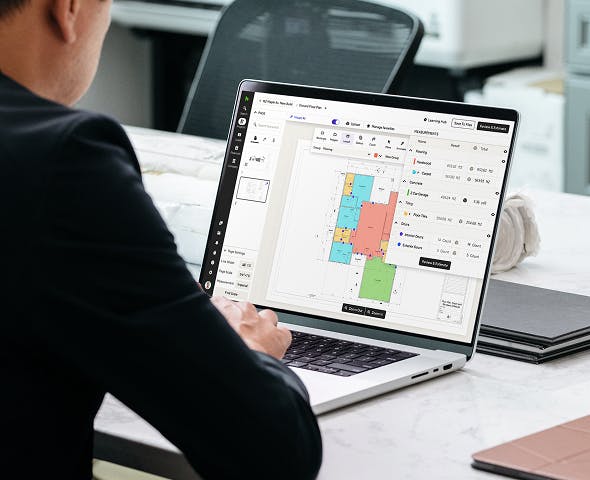
When we say no calculator needed, we mean it. Our takeoff quantities software is coded to calculate virtually any space to create an estimate.
- Calculate total flooring areas and outlet amounts
- Determine roofing materials needed in a click
- Find foundation volumes with the polygon tool
- Auto-calculate grouped items for total costs
TIME-SAVING TAKEOFFS
Takeoff Software Without the Rocket Science
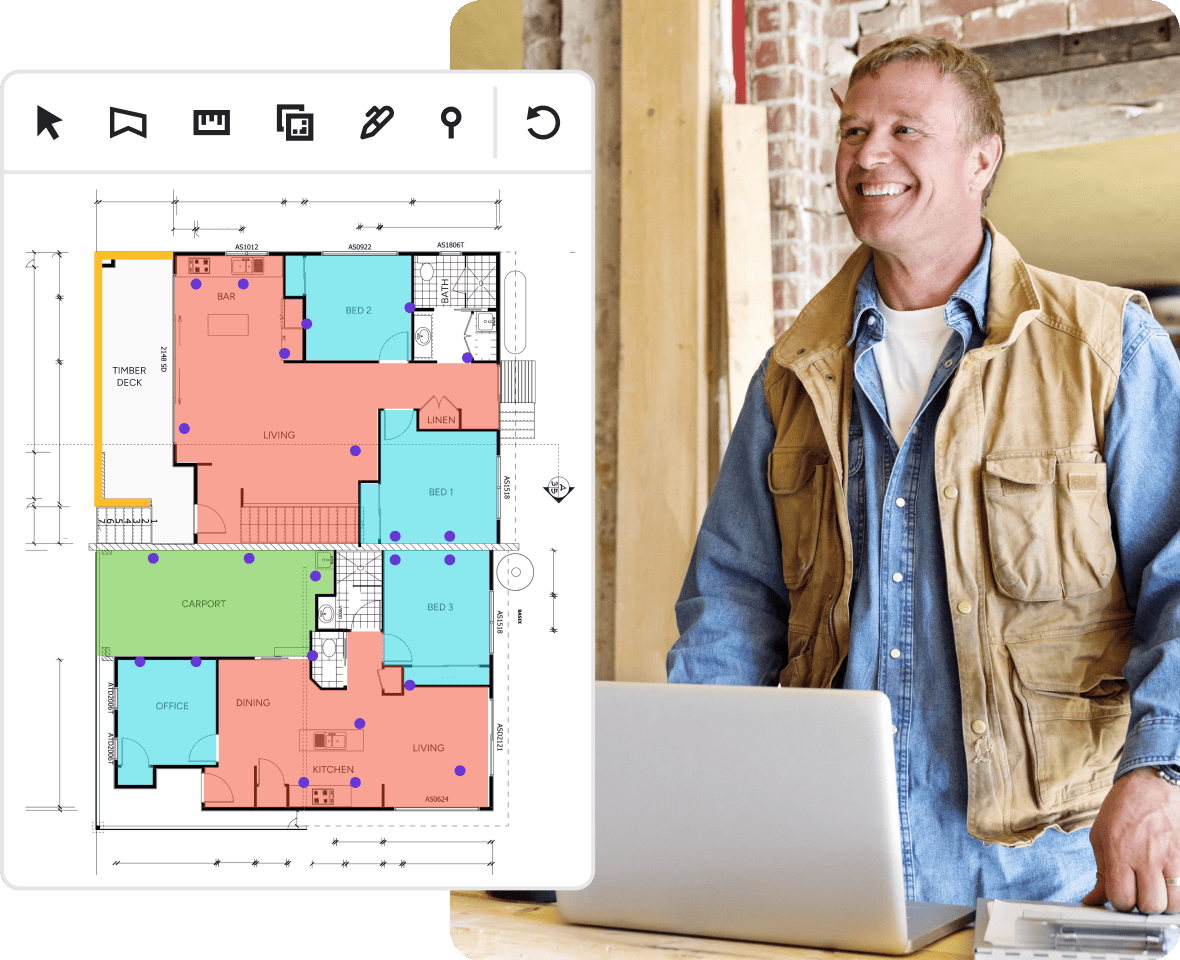
Like any good tool, our quantity takeoff software is easy to pick up and put to work. No learning curve or complex steps—just effortless, efficient estimating.
- Upload plans instead of adding measurements one-by-one
- Complete calculations automatically without a calculator
- Import labor and material costs or use our database
- Create an estimate pre-filled with measurements in a click
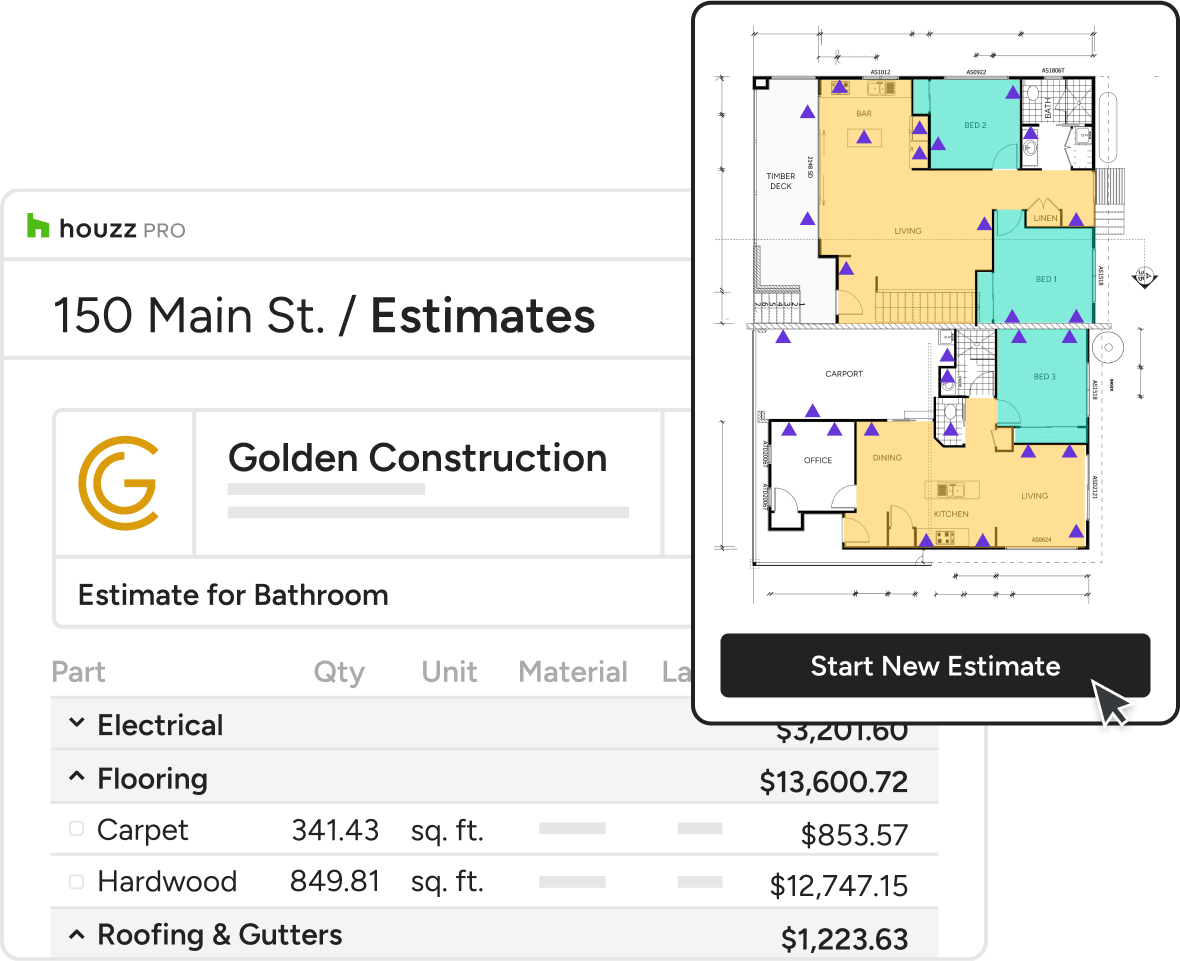
AUTOMATIC ESTIMATES
Soar Your Way From Takeoffs to Estimates
Where other on screen takeoff software taps out, ours goes the extra mile with one-click estimate conversions to streamline your workflow and boost your bids.
- Easily turn measurements into professional quotes
- Elevate estimates with your logo and letterhead
- Effortlessly add all the info your clients need




HOUZZ PRO INTEGRATIONS
Ready to Connect With Your Favorite Tools
Collaboration isn't just for pros and clients. Our takeoff software for Mac and Windows works with tons of the tools you already use, cutting the double work. Autosave financial details in QuickBooks Online, manage leads directly from Gmail, sync your calendars (iCloud, Gmail, Exchange, Office 365, Outlook), and so much more.
AWARD-WINNING SUPPORT
Here to Help—However You Need It.
Got questions? Our experts have answers. For anything our self-guided resources can't solve, just reach out for assistance and we'll take it from there.

Online Chat
The fastest, most convenient way to get your questions answered.

Troubleshooting and other assistance are just a help ticket away.

Phone
Our support team is standing by Monday to Friday, 6am to 5pm PT.

Help Center
Articles, video tutorials, webinars, and more—all accessible 24/7.
Why Go With Houzz Pro?
Takeoff Software Features
Review all features included in our takeoff software
| Feature | Description |
|---|---|
| AI & Automation | |
AI Takeoffs | Use AI to automatically read plans and generate area, length, and count measurements with one click. |
AI-assisted measurement | Use AI to automatically measure elevation plans |
AI symbol recognition | Use AI Symbol Recognition or OCR to automatically detect all instances of a symbol across a page or whole plan |
| Data Management | |
Export Takeoffs to Excel | Export takeoff summaries and quantities to Excel for reporting or additional analysis. |
| Estimate Integration | |
Convert Takeoffs to Estimates | Turn takeoff measurements into estimate line items to continue the estimating workflow. |
| Measurement Management | |
Edit & Update Measurements | Modify measurements easily as plans change, with totals updating automatically. |
Measurement Summary | Review all measurements in a centralized summary for quick validation. |
Measurement Groups | Organize measurements into folders or groups to structure takeoff data by scope or trade. |
Duplicate Measurements | Duplicate existing measurements or groups to reuse them for similar plan areas. |
Additional Measurement Dimensions | Add height, depth, pitch, or multipliers to measurements for more accurate quantity calculations. |
Convert Area to Perimeter | Convert an area measurement into a perimeter measurement for things like trim or baseboards. |
| Measurements | |
Area Measurements | Measure square footage for spaces, rooms, or defined areas directly on the plan. |
Linear Measurements | Measure lengths such as walls, edges, or runs using linear takeoff tools. |
Count Measurements | Count items such as fixtures, doors, windows, or symbols directly from plans. |
Volume Measurements | Calculate cubic measurements for use cases that require volume-based quantities. |
Polygon & Shape Tools | Measure irregular or custom shapes using flexible polygon and drawing tools. |
Item-Linked Measurements | Create measurements tied directly to items/materials/products from your houzz pro catalog |
| Plan Markups | |
Plan Annotations | Add notes, labels, and visual markups directly on plans for clarity and reference. |
Color-Coded Measurements | Visually distinguish measurement types using color coding on the plan. |
Hide / Show Measurement Layers | Hide or reveal measurement layers on the canvas to reduce clutter while working. |
| Plan Setup | |
Upload Floor Plans | Upload PDF floor plans to perform digital takeoffs directly on screen. |
Plan Scaling & Calibration | Set or adjust plan scale to ensure accurate measurements across the entire drawing. |
Multi-Page Plan Support | Perform takeoffs across multiple plan pages within the same project, pin pages for convenience |
| Review & Accuracy | |
Visual Plan Review | View measurements directly on the plan to verify accuracy before estimating. |
Custom Takeoff Summary Views | Customize takeoff summary views to organize measurements by plan, page, or project scope. |
| Workflow Integration | |
Convert 3D Floor Plans to Takeoffs | Generate takeoff measurements from a Houzz Pro 3D floor plan in a few quick step |