All-In-One Platform for Construction and Design

PLANNING
3D Floor PlansPOPULAR
Takeoffs
Contracts
Bid Management
Product Clipper & Library
SelectionsPOPULAR
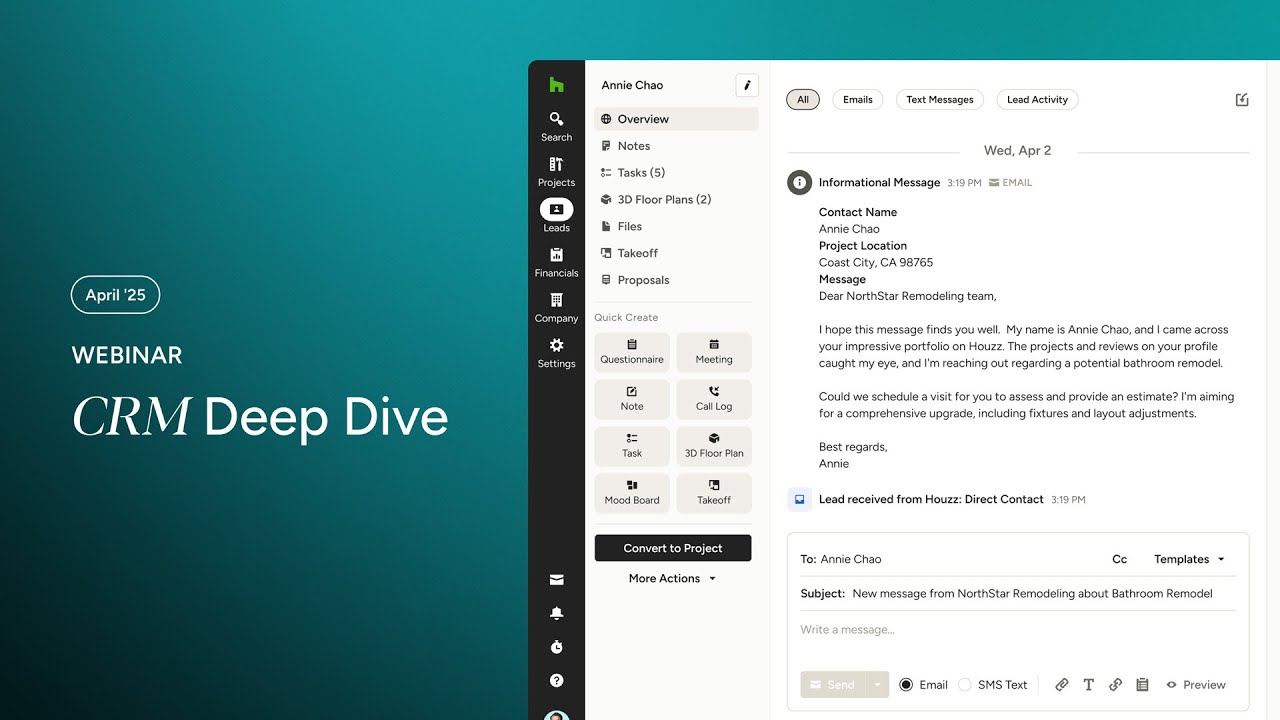
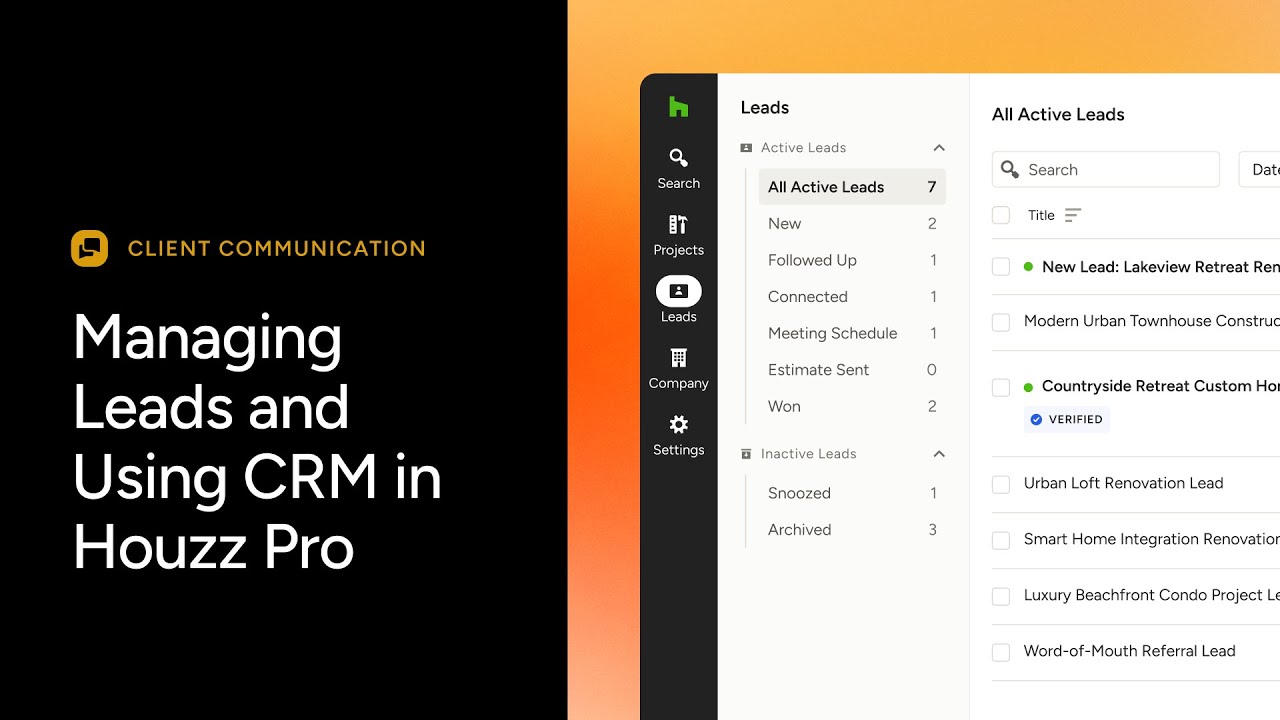
CRM
Mood Boards
PROJECT MANAGEMENT
SchedulePOPULAR
Task Management
Daily Logs
Procurement
Time & Expense Tracking
Client Dashboard
Subcontractor Dashboard
FINANCIALS
Estimates
Proposals
Change Orders
Invoices
Online Payments
Financial Reports
QuickBooks Integration

MARKETING

Custom Website
Email Marketing
Premium Profile
Targeted Advertising
Lead Generation
AutoMate AIExpert SupportMobile AppIntegrationsPrivacy & Trust

All-In-One Platform for Construction and Design

PLANNING
3D Floor PlansPOPULAR
Takeoffs
Contracts
Bid Management
Product Clipper & Library
SelectionsPOPULAR
CRM
Mood Boards

AutoMate AI
Privacy & Trust
FINANCIALS
Estimates
Proposals
Change Orders
Invoices
Online Payments
Financial Reports
QuickBooks Integration

Expert Support
PROJECT MANAGEMENT
SchedulePOPULAR
Task Management
Daily Logs
Procurement
Time & Expense Tracking
Client Dashboard
Subcontractor Dashboard

Mobile App

MARKETING

Custom Website
Email Marketing
Premium Profile
Targeted Advertising
Lead Generation

Integrations
New Construction
Remodeling
Interior Design
Architecture
Painting
All Industries
New Construction
Remodeling
Interior Design
Architecture
Painting
All Industries
Case Studies
Help Center
Product News
Training Webinars
Events
Learn Blog
Latest Releases
Help Center
Product News
Training Webinars
Events
Learn Blog
Latest Releases
Pricing
Sign In
Houzz Pro Help CenterLead Management

Lead Management

Create & Import Leads

How to Manage Your LeadsHow to Integrate Zapier with Houzz ProHow to Import Your LeadsHow to Use the Houzz Pro Gmail ExtensionHow to Import Emails From Clients and LeadsHow to Use the Lead Contact Form

Manage Leads

How to Send and Preview Branded EmailsHow to Organize Leads with TagsHow to Manage Your LeadsHow to Set Your Status as AwayHow to Offer Meetings in Houzz ProHow to Manage Projects and Leads on the Mobile App How to Customize Your Lead StagesHow to Customize the Leads Screen How to Click-to-Call Leads From Houzz ProBest Practices for Following Up on Your LeadsHow to Use the Lead QuestionnaireHow to View and Analyze Your Lead InsightsSending Messages To Clients and LeadsHow to Use Texting (SMS) for Leads

Getting New Leads

How to Send Bulk Marketing Emails to Your Leads, Clients, and VendorsA Guide to the Different Types of Houzz LeadsHow to Customize Your Lead Settings to Get the Leads You WantHow to Set Up Your Ad Settings to Grow Your BusinessUse the Additional Leads Pool to Claim 3 More Leads a MonthHow to Get Better Leads

Video Tutorials

Company
  • Houzz
  • Houzz Pro Reviews
  • Help Center
  • Contact Sales
  • Copyright & Trademark
  • © 2025 Houzz Inc.
  • Privacy  &  Terms
  • Cookie Policy