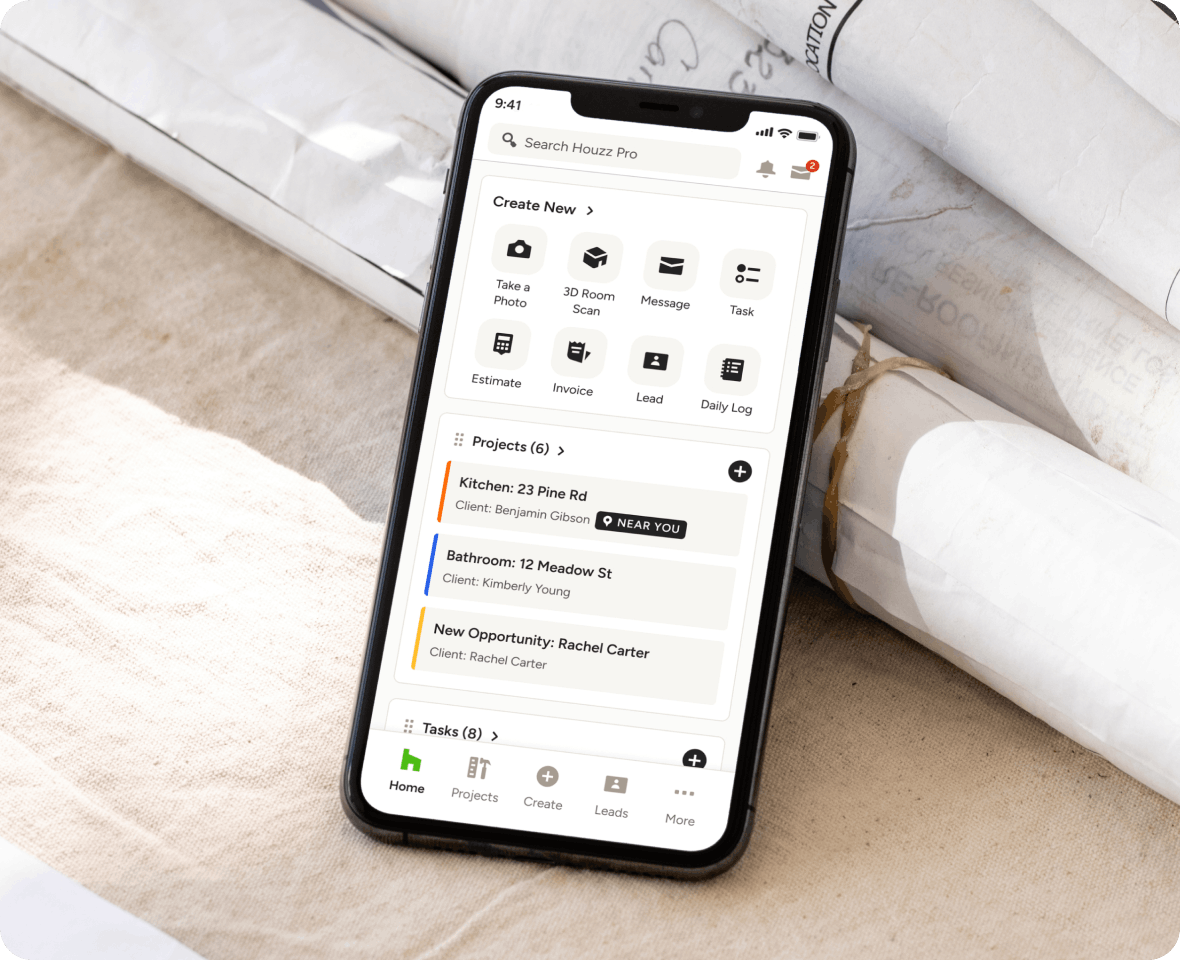
PROJECT PLANNING SOFTWARE
The Proven Way to Propel Your Projects With AI
Lay the groundwork for success with Houzz Pro’s project planning software for construction and design—your one-stop shop for organizing leads and bids, visualizing designs, and finalizing materials before the work begins.
HOW IT WORKS
Your Planning Workflow on Houzz Pro
Visualize Their Projects
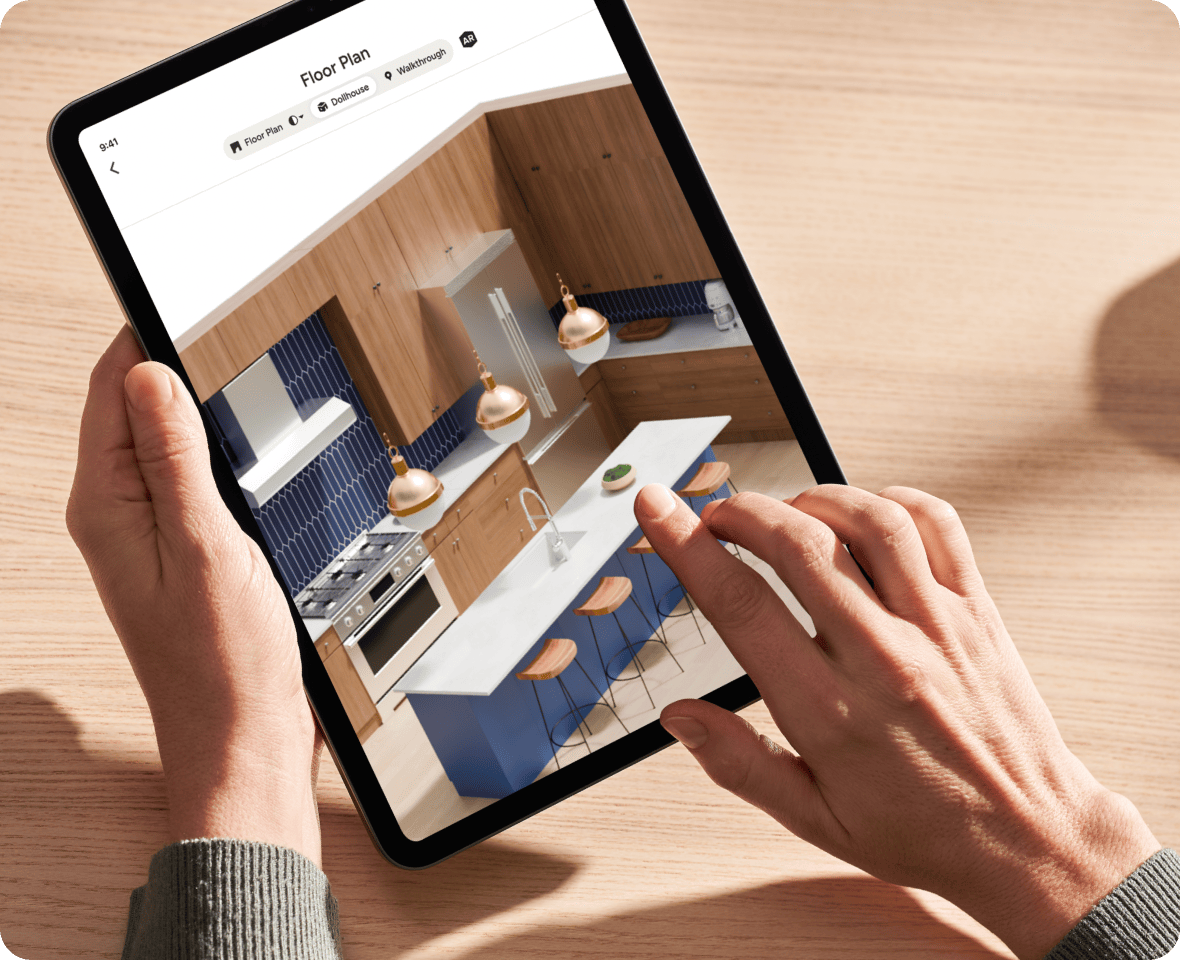
Impress potential clients by building realistic 3D Floor Plans with every element you need to move forward—from key structures like windows and doors to design details like kitchen countertops.
Nail Material Lists
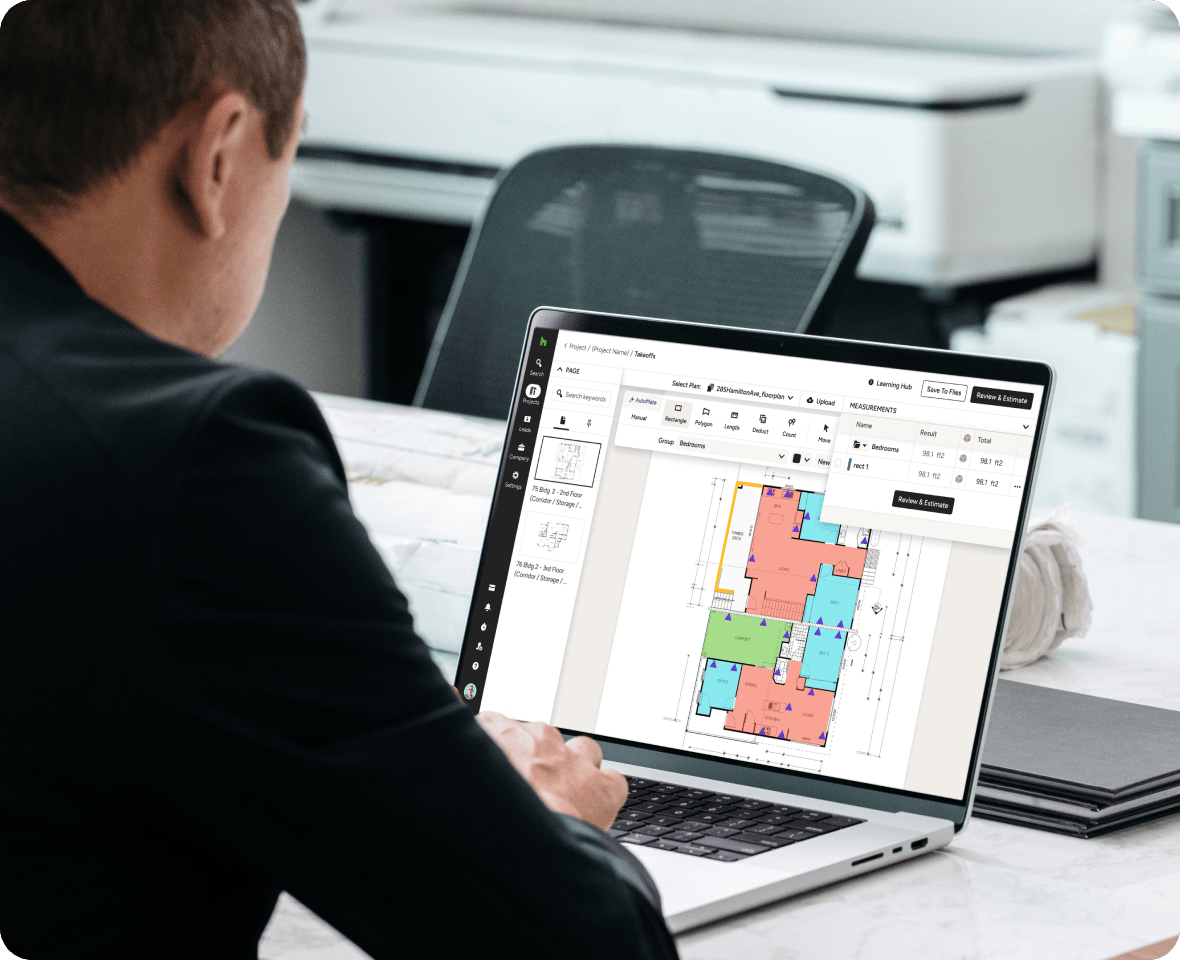
Automate your Takeoffs with built-in AI that measures rooms and completes complex calculations instantly and accurately. Then, convert your work into send-ready Estimates with a click.
Lock Down Products
Present and get client approvals on fixtures, finishes, and more materials with our Selections tool that helps track client feedback while keeping an eye on each item’s potential budget impact.
Manage Your Team
Find the right sub for your scope and budget with our Bid Management feature and track your team’s time and expenses with our mobile app—all while storing and sharing unlimited files and photos for all.
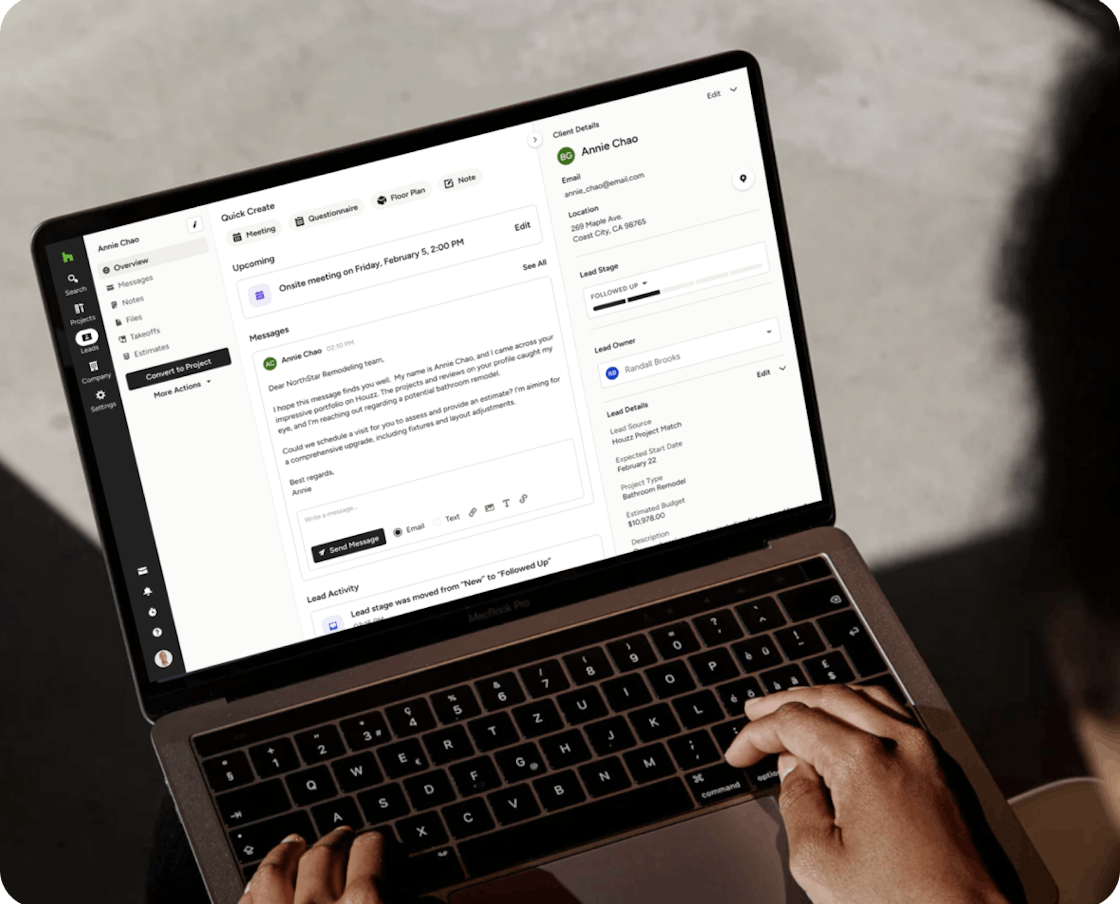

Win Clients
You can’t plan a project you don’t win. That’s why we make nurturing leads easy with integrated communication and presentation tools.

Visualize Designs
If you can see it, you can sell it thanks to a variety of visual tools that are each designed to fine-tune your ideas and help them shine in their best light.

Request Bids
Recruiting the right talent for your projects isn’t the long process it used to be—our fast, best-in-class bidding feature makes sure of that.

Finalize Supplies
From client-approved products to mission-critical materials, our software has everything you need to lock down both in about half the time.
3D FLOOR PLANS
Impress Clients With Immersive 3D Spaces
High tech meets low effort in the most user-friendly, AI-driven 3D floor planner on the market—complete with thousands of ways to add new dimension to your proposed designs.
- Use AI to convert 2D plans or room scans into 3D plans
- Edit everything from structure work to design details
- Generate photorealistic renders from any angle
- Show clients a variety of views including an AR tour
TAKEOFFS
Get Measurements and Material Lists With AI
The foundation of every solid build is an accurate takeoff. Kick rework to the curb and complete complex calculations in minutes with the Takeoffs tool more pros prefer.
- Use AI to build material lists in just a few clicks
- Upload plans and automate complex calculations
- Mark up plans with digital precision right on screen
- Convert Takeoffs into accurate, branded Estimates
BID MANAGEMENT
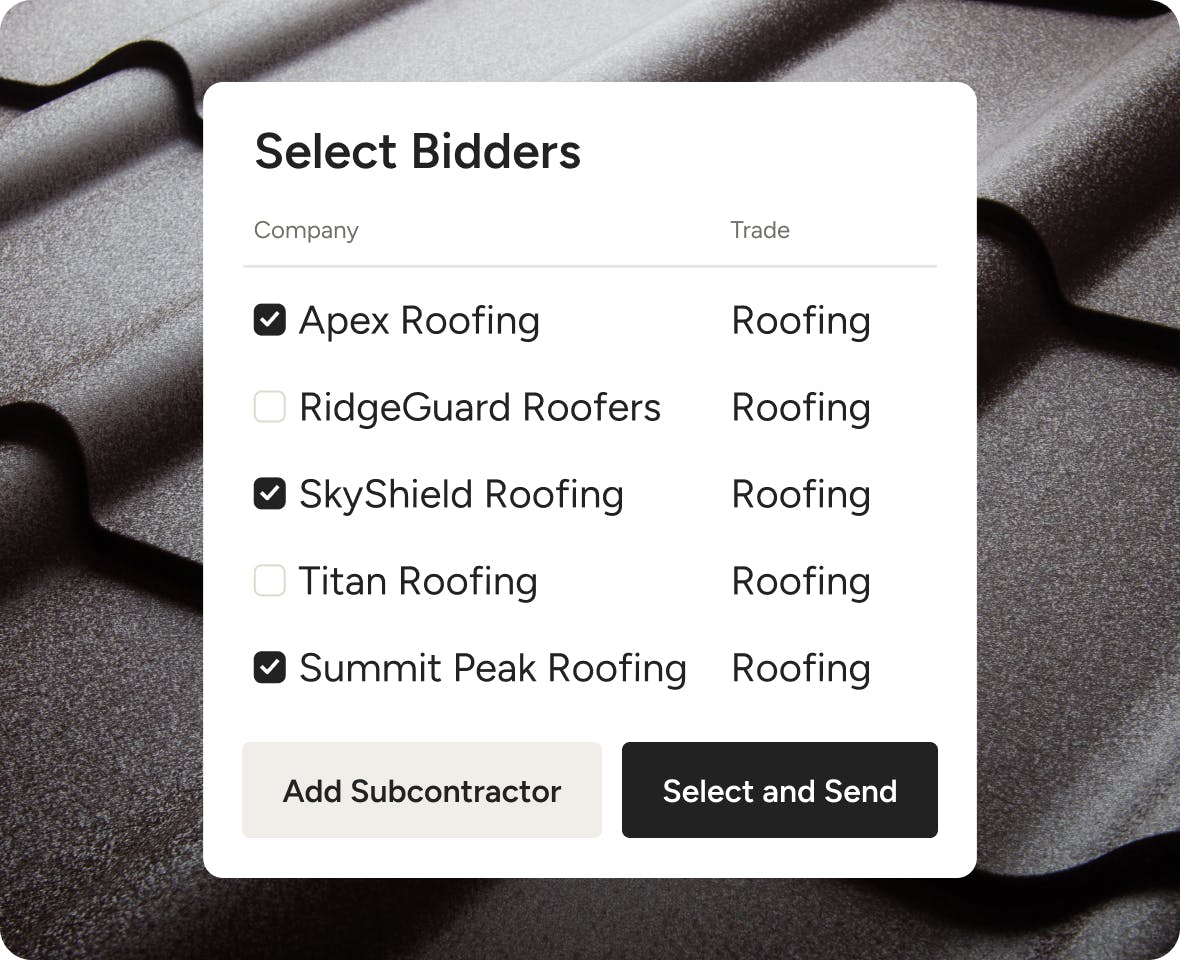
Request, Compare, and Award Bids Quickly
Assembling subs for your next project shouldn’t take time from your current ones—and with our project planning software’s bidding tools, you can make sure it doesn’t.
- Create bid packages with every need-to-know
- Send to multiple subs or vendors at the same time
- Organize replies and compare quotes at a glance
- Award or decline bids to subs with a single click
SELECTIONS
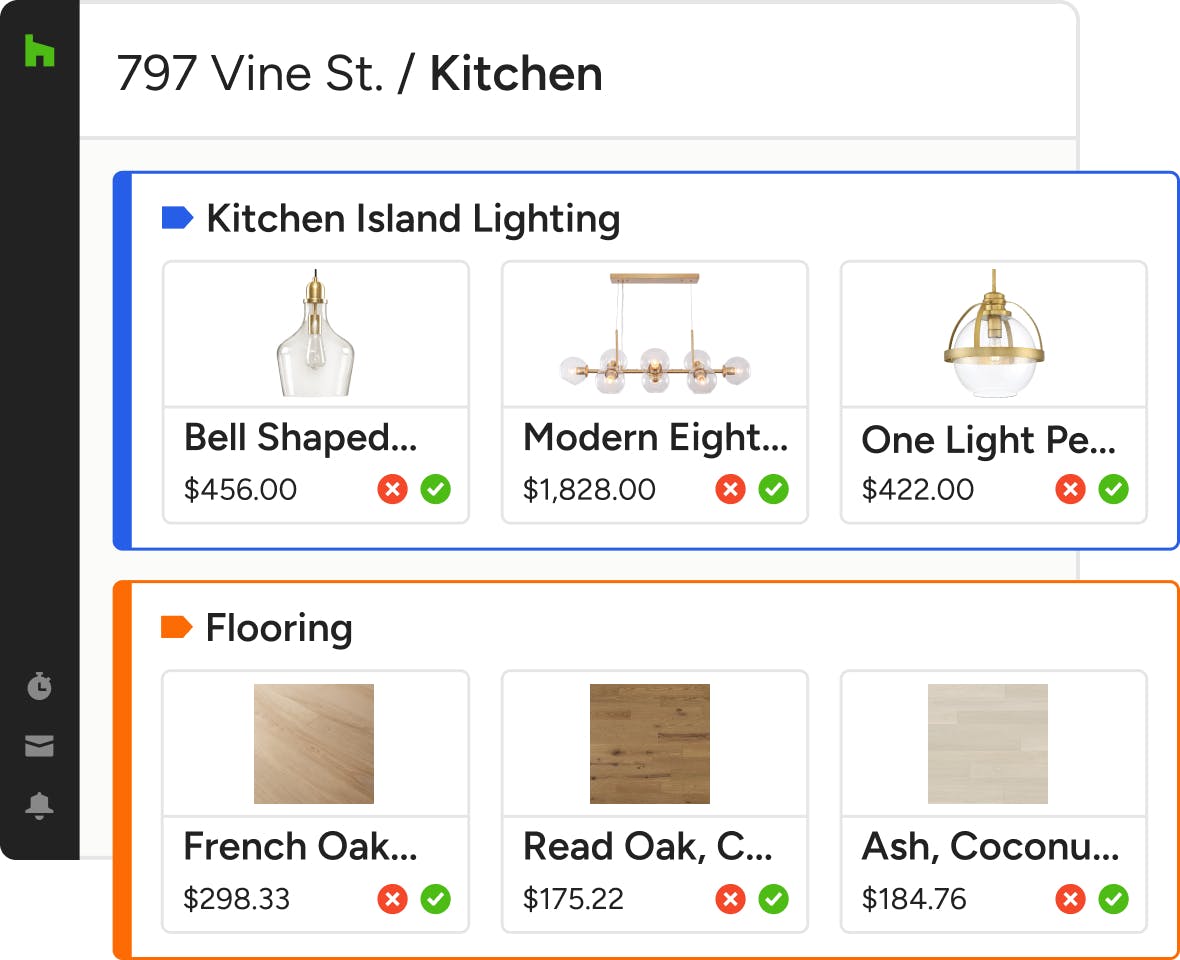
Present and Nail Down Products in One Place
Getting client approvals on products and materials is quick and easy with our project planning software’s visual, shareable, spreadsheet-free Selections feature.
- Let clients review, comment on, and approve items
- See every item's impact on your budget or allowance
- Convert approved items into an estimate, invoice, or PO
- Track item details and order statuses in one simple place
CRM
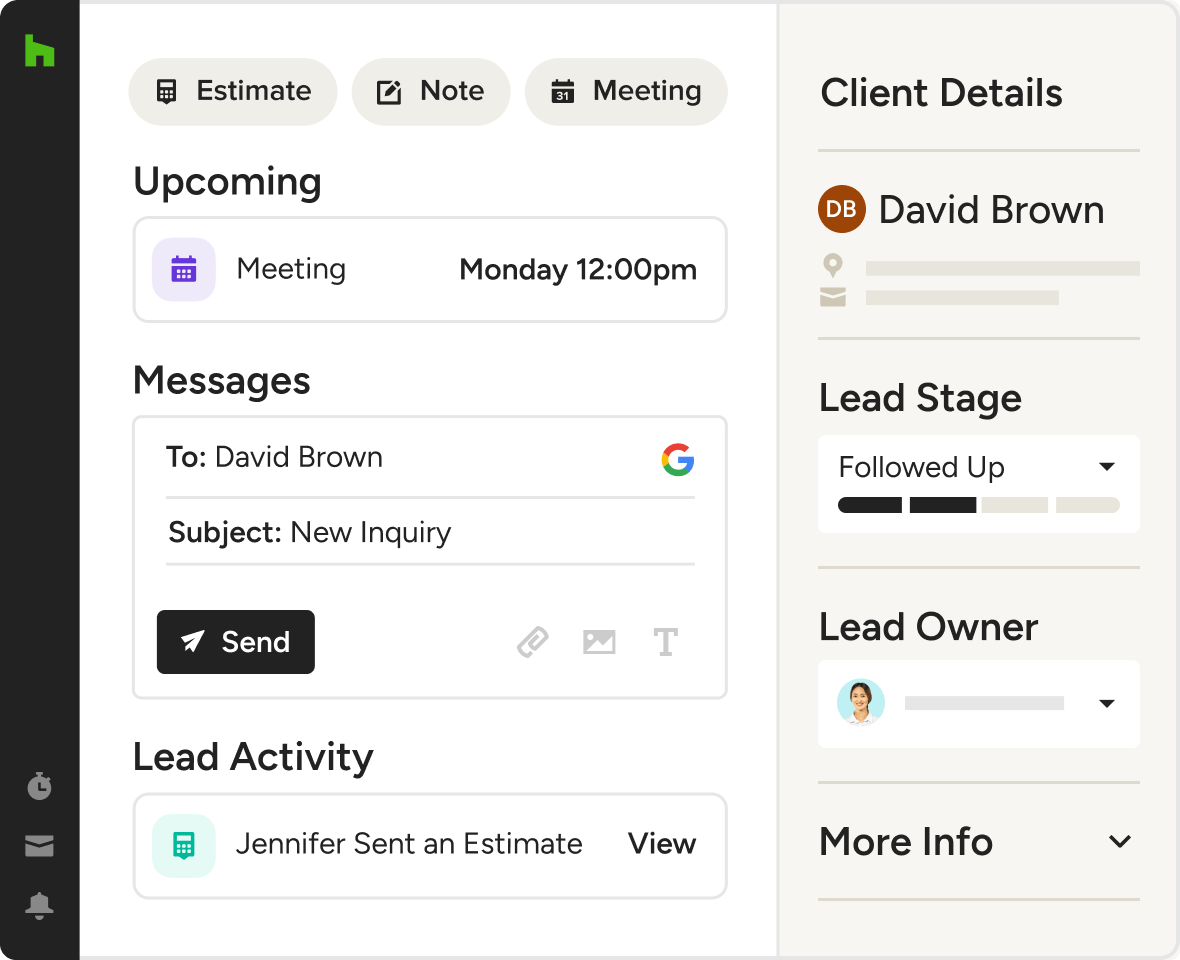
Nurture New Leads to Win More Clients
Built right into our industry-leading project planning software is the simplest, most effective CRM your clients will never know you used to win them over—all backed by Houzz AI.
- Track lead stages and get reminded to follow up
- Reply fast with AI writing help and email templates
- Schedule video and phone calls via calendar integration
- Give employees access to build relationships as a team
MOOD BOARDS
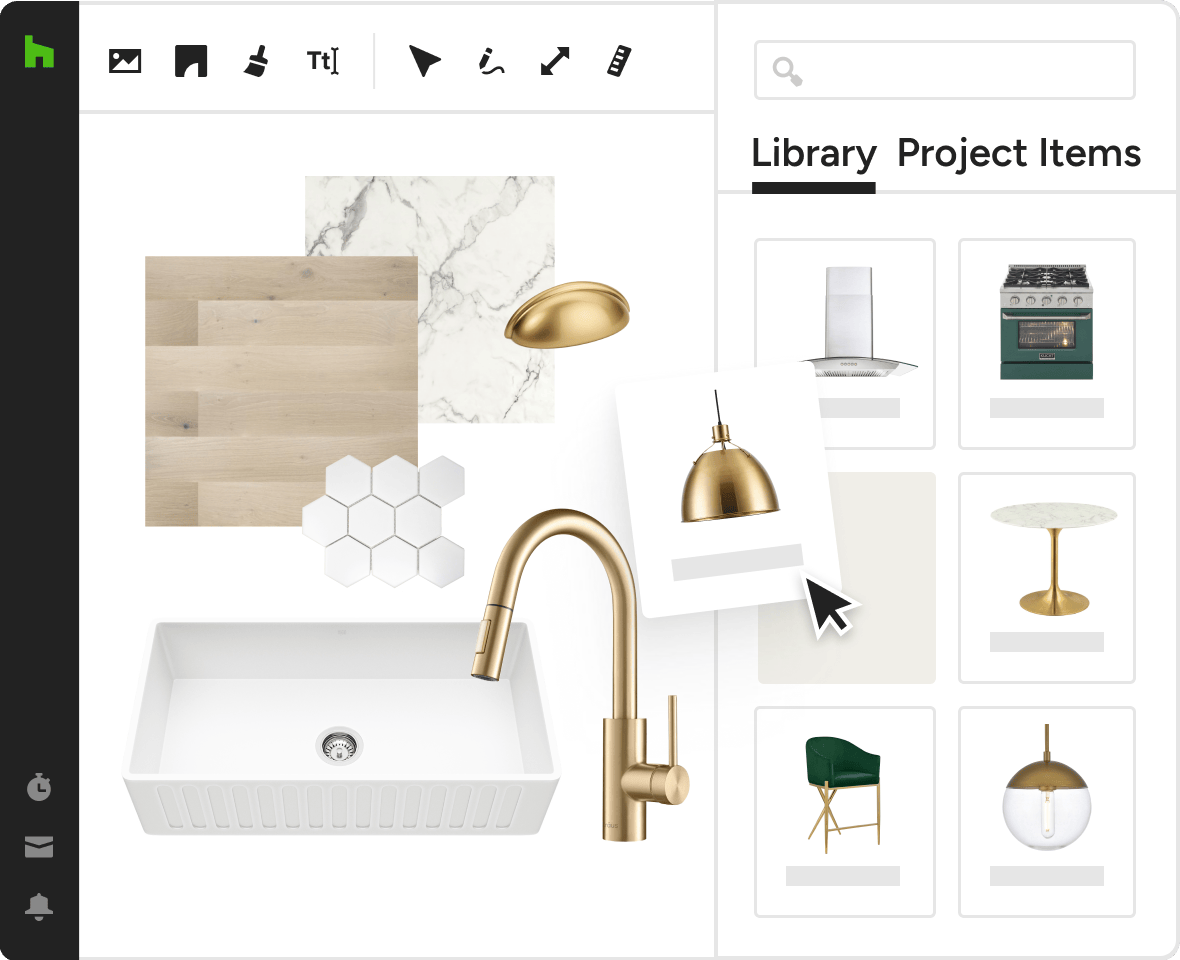
Set the Scene for Your Designs in No Time
Before you dive into designs, our Mood Boards can help you dial in the aesthetics of any space in a way that saves your team time and awes clients come presentation day.
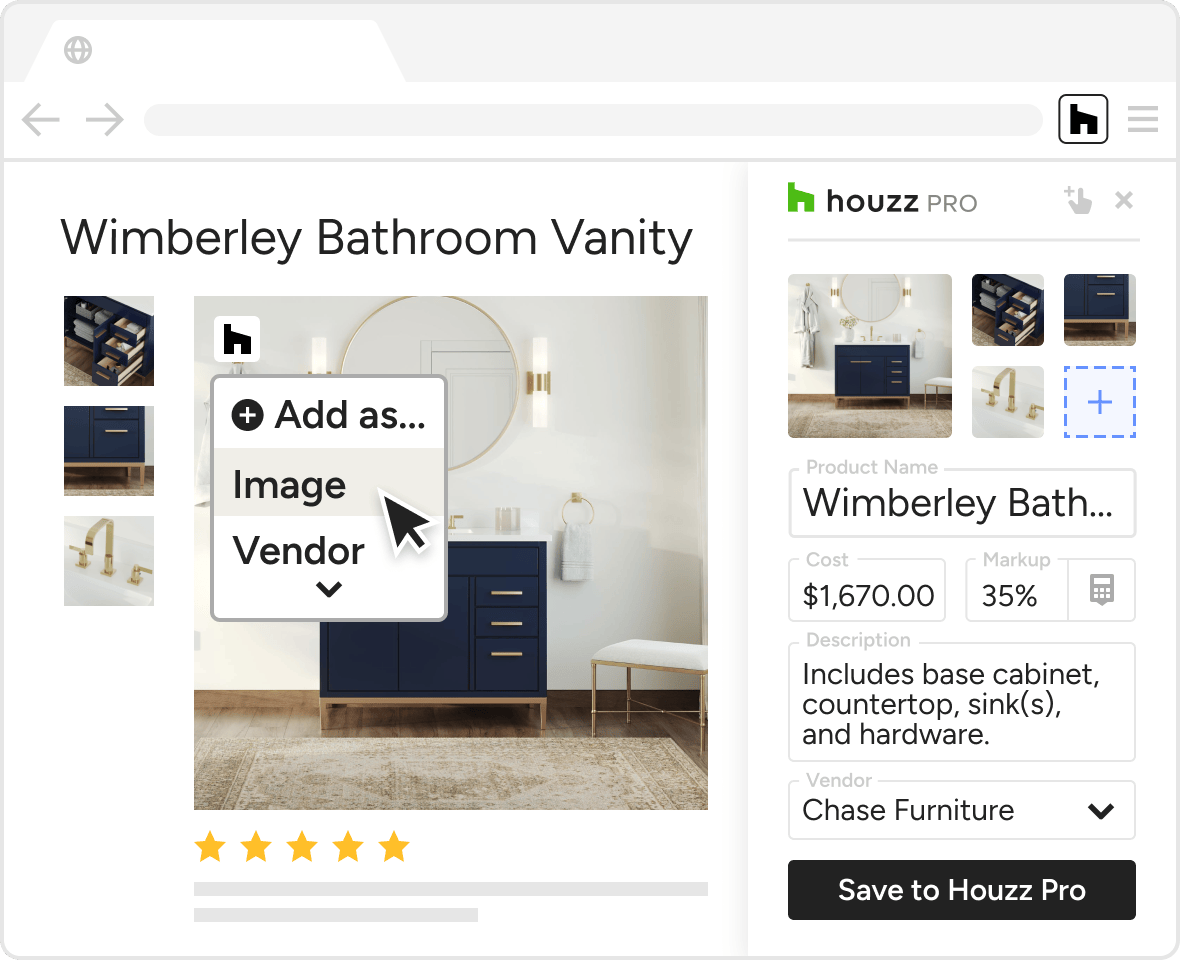
- Add products fast from around the web with the Clipper
- Duplicate, skew, rotate, flip, resize, and reorder any image
- Easily remove backgrounds manually or with a single click
- Include color swatches of real, brand-name paints
Prep for Success With More Planning Tools




INTEGRATIONS
Planning Software That Plays Nice With Others
Houzz Pro is designed to play nice with a slew of other software, so you can keep your workflow where it’s at. Access files on Google Docs and Dropbox, sync financials with Quick Books Online, manage leads from Gmail, and sync project Schedules to a variety of cloud-based calendars.
AWARD-WINNING SUPPORT
Here to Help—However You Need It.
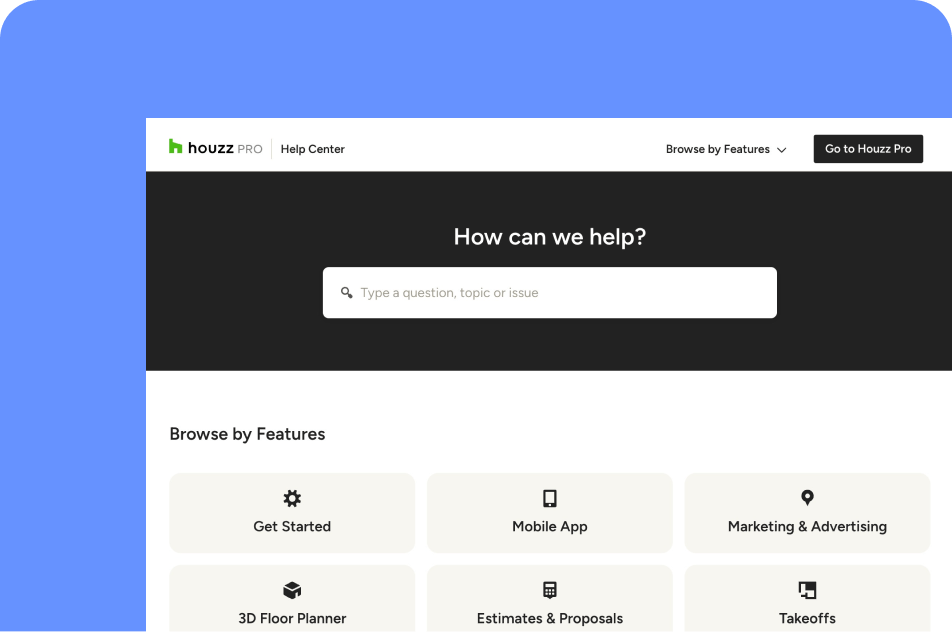
Got questions? Our project management tool experts have answers. For anything our self-guided resources can't solve, reach out for assistance and we'll take it from there.

Online Chat
The fastest way to find answers is at the bottom right of your browser.


Phone
We’re here from Monday to Friday, 6am to 5pm PT at (888) 257-4020.

Why Go With Houzz Pro?