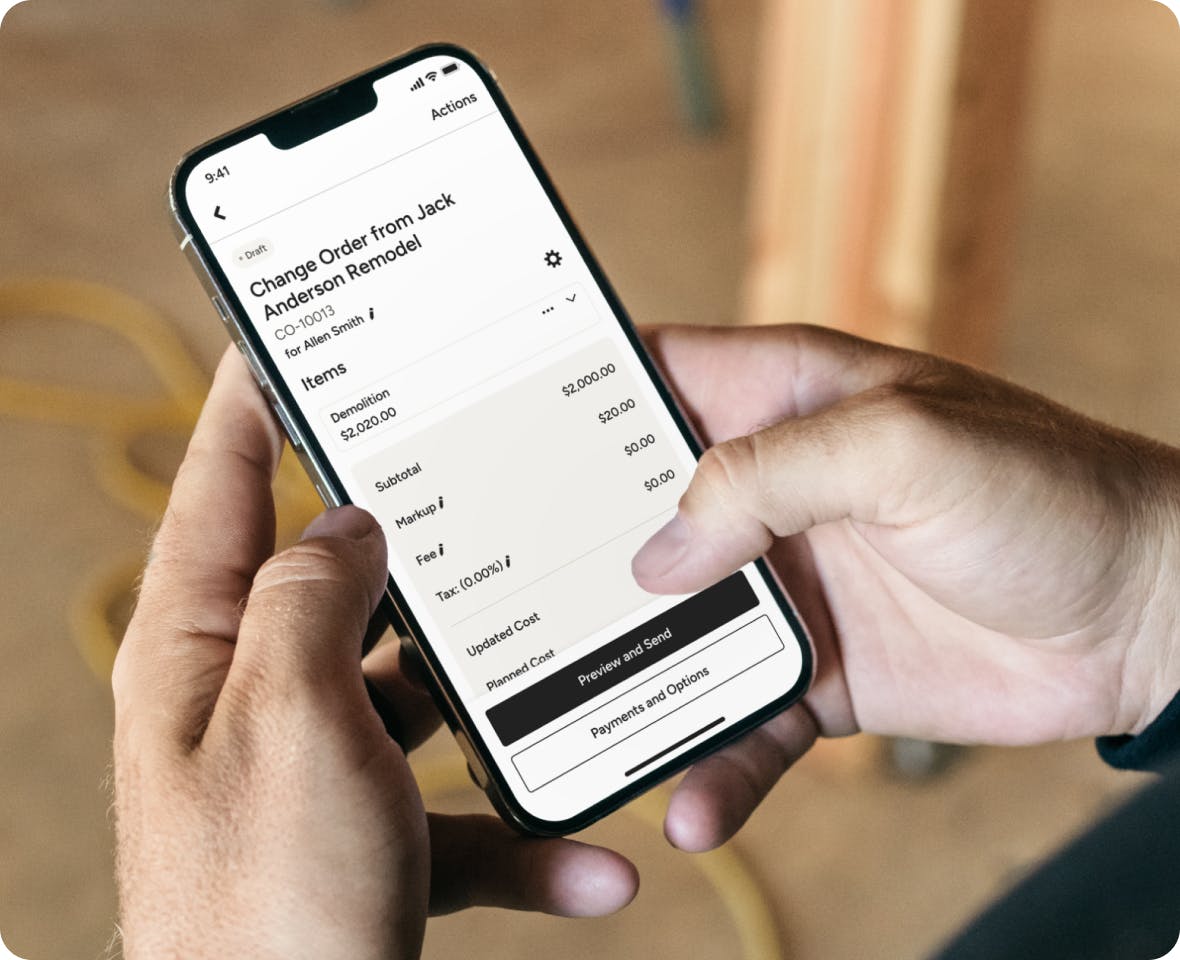
CHANGE ORDERS
Construction Change Order Software for Stressless Change Orders
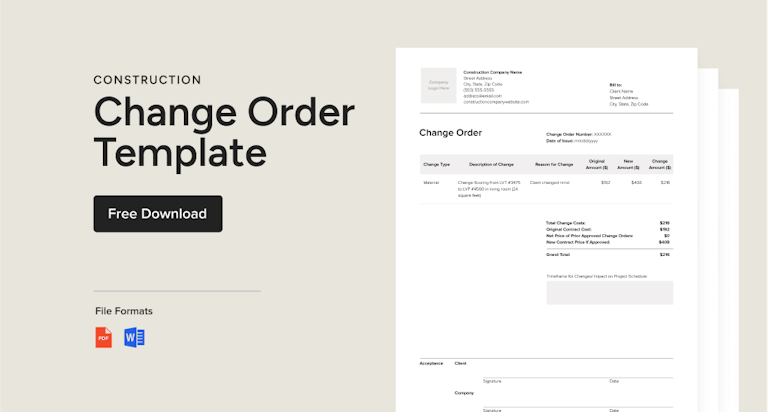
Stay on top of every change with Houzz Pro. Request approvals with e-signatures, then receive payments digitally. Our construction change order software empowers you to work smarter, earn more revenue, and do more of the work you love.





CHANGE ORDERS
Easily Track and Manage Change Requests
Change requests are inevitable, but with our construction change order app, you make the most of every project. Trust us to help you track, manage, and invoice for change orders and protect your bottom line.
A Construction Change Order Software for More Optimal Outcomes
QUICK CHANGE ORDERS
A Construction Change Order App to Capture Every Dollar
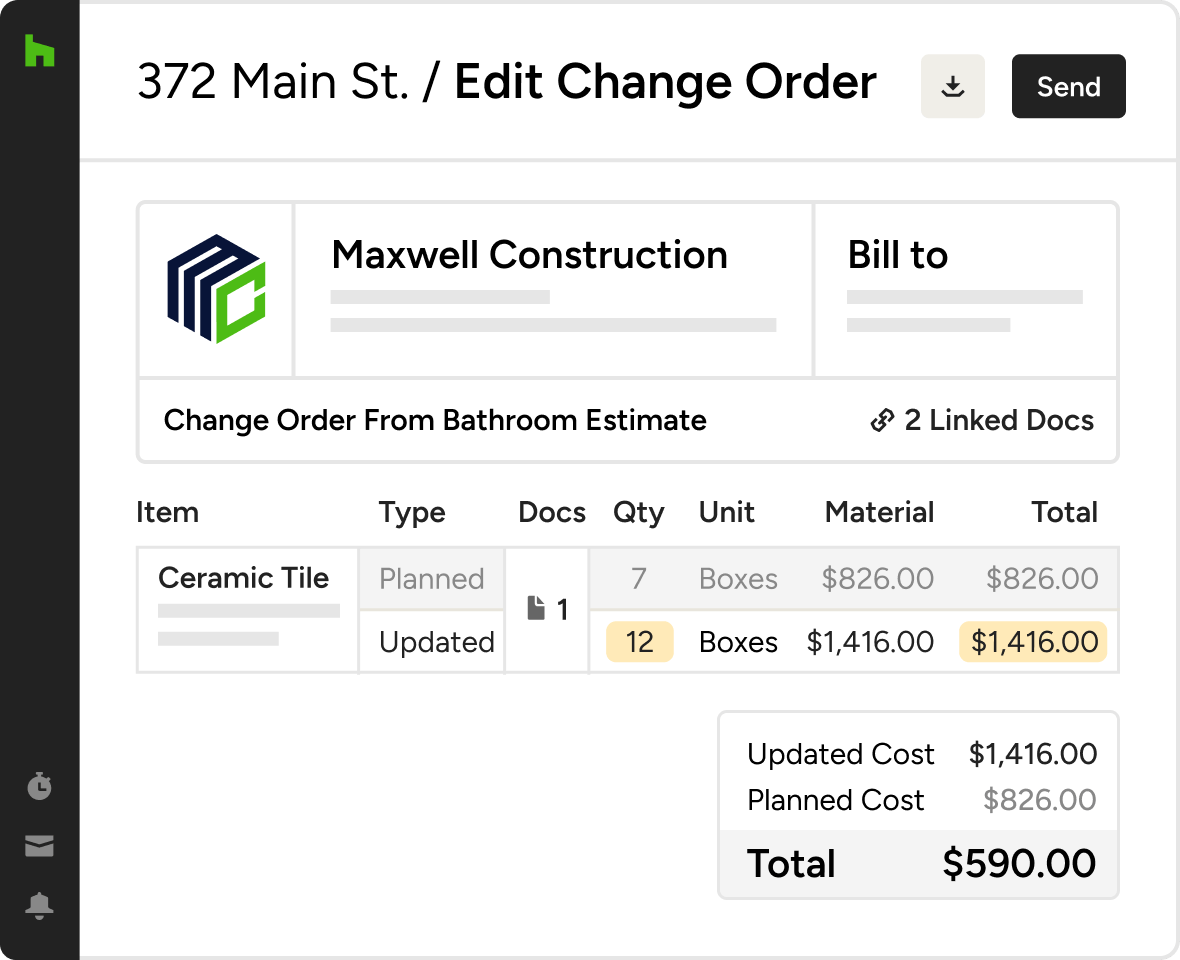
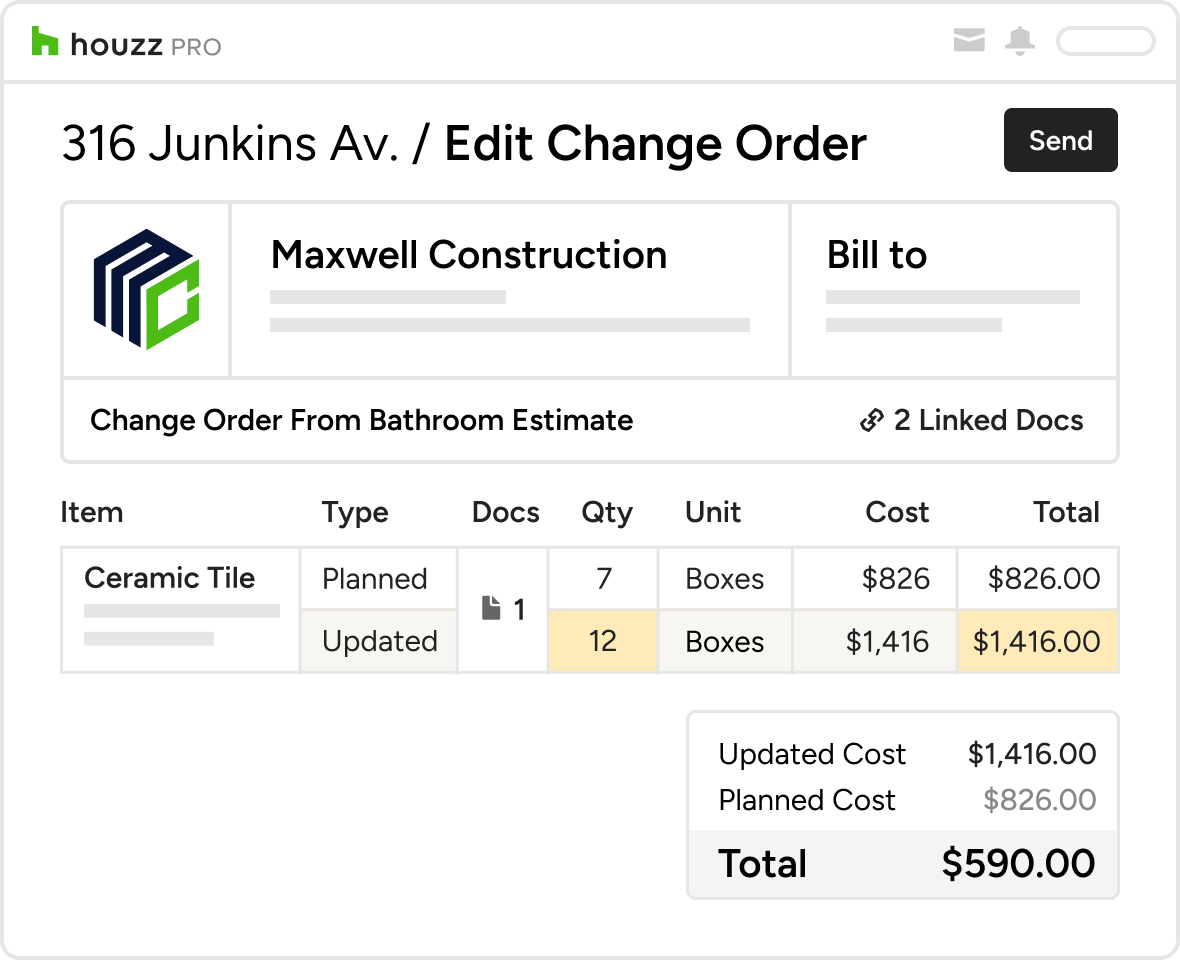
Avoid cost overruns and get the peace of mind knowing every change is approved and documented for future reference.
- Open an estimate to select items that need change orders
- Add a note to explain what's new so you never forget
- Instantly generate and preview new change orders
- Plug in a personal note to the client to add a human touch

APPROVAL TRACKING
Keep Projects Flowing
Our smart construction change order management software alerts clients when change orders need approval or payment.
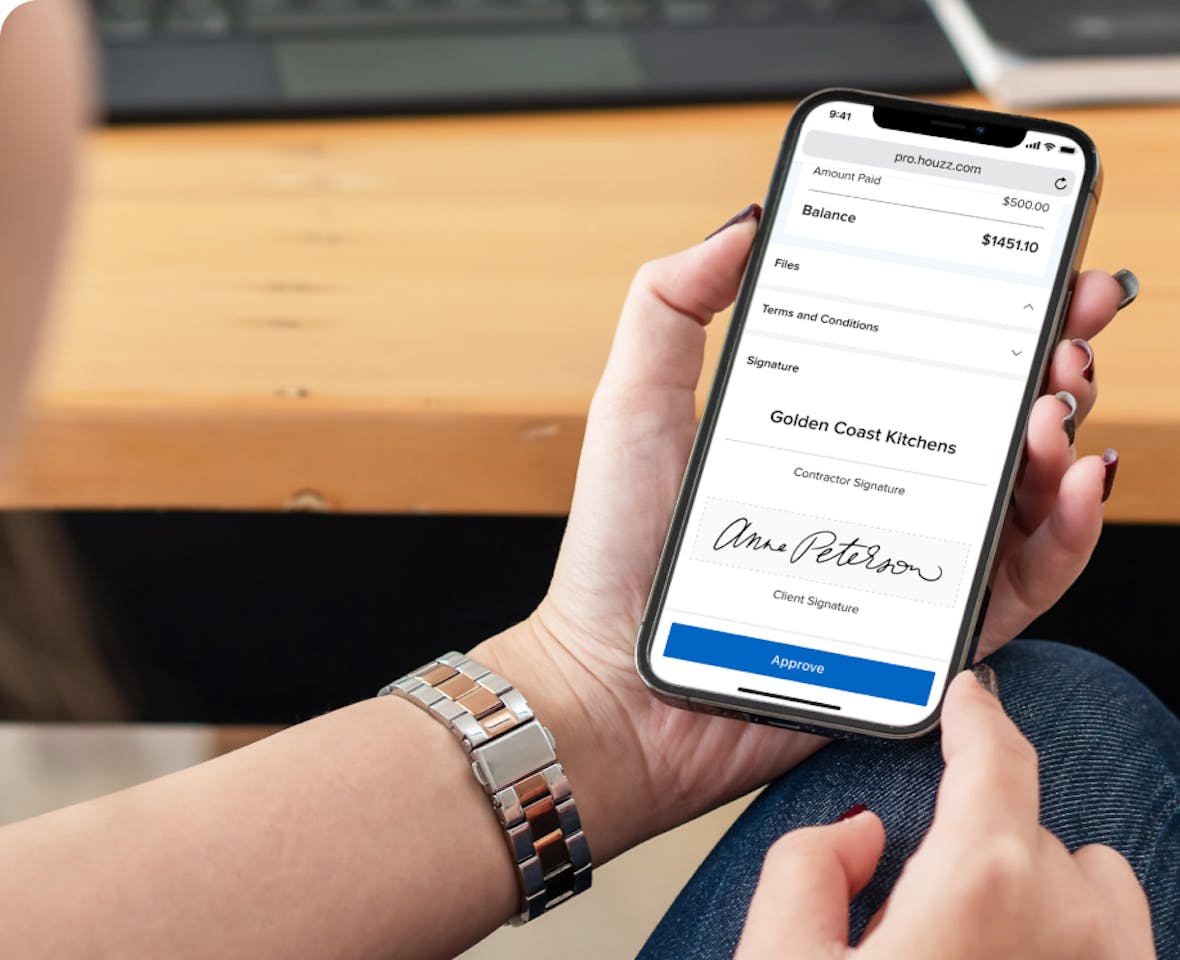
- Request approval of a change order with a click
- Clients receive an email and notification in their client portal
- Clients can approve with an e-signature and pay online
- You're automatically notified of progress
STREAMLINED INVOICING
The Construction Change Order App That Saves Time. A Lot of It.
Gone are the days of double-data entry. Smart construction change order software only makes you type things once.
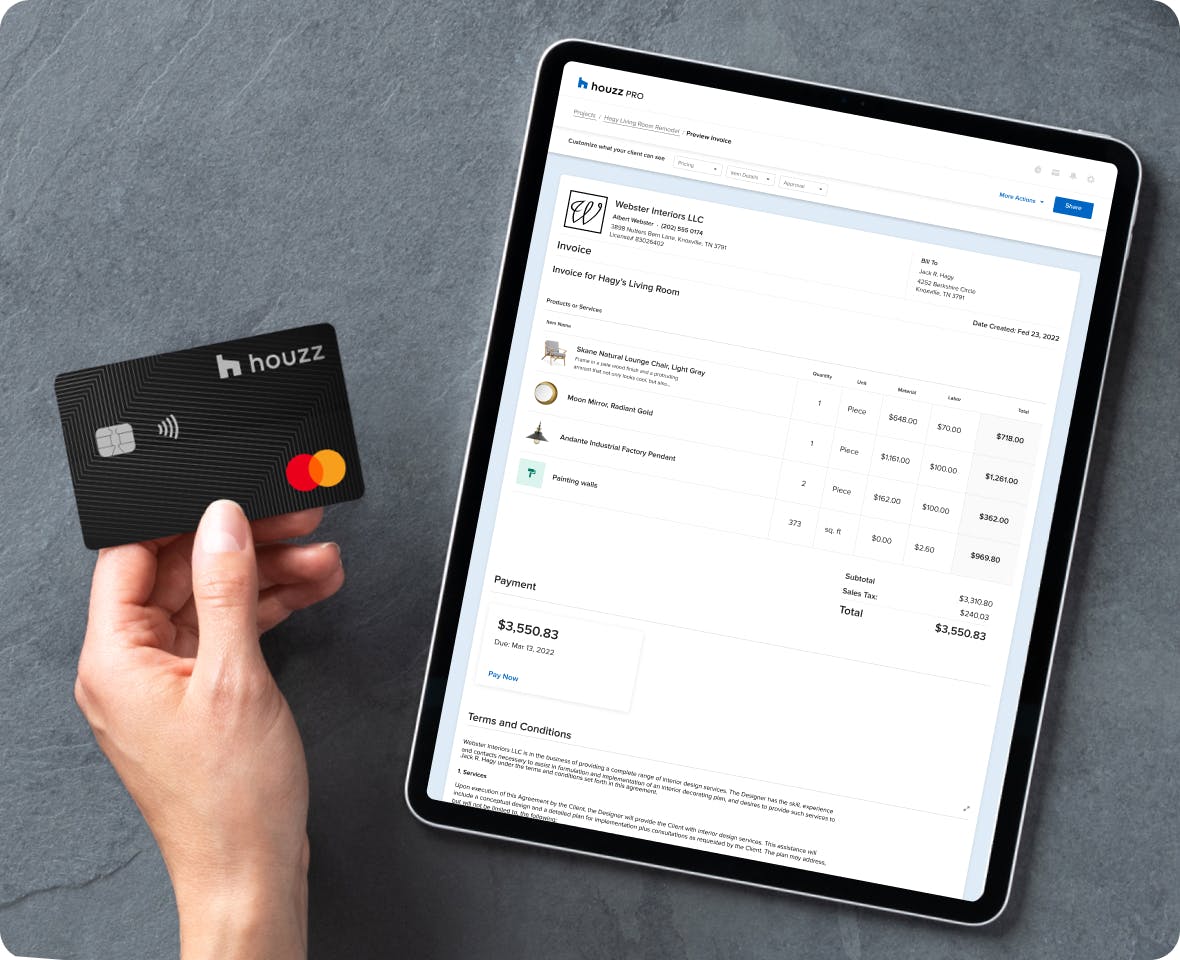
- Change order approved? Convert to an invoice with a click
- Clients are notified without you having to lift a finger
- Sit back while Houzz Pro reminds clients to pay
- Funds are deposited directly into your bank account

MOBILE APP
Manage Real-Time Changes
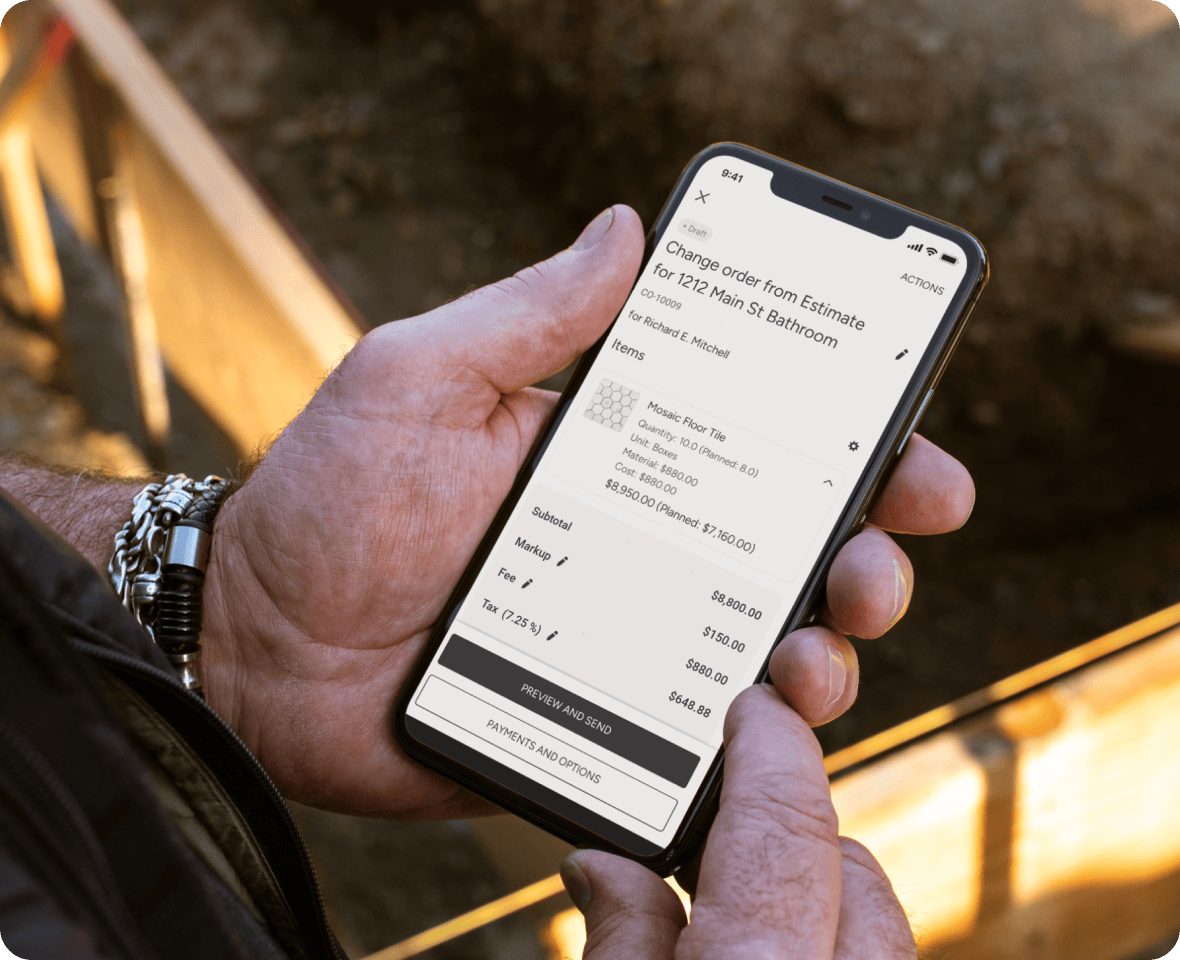
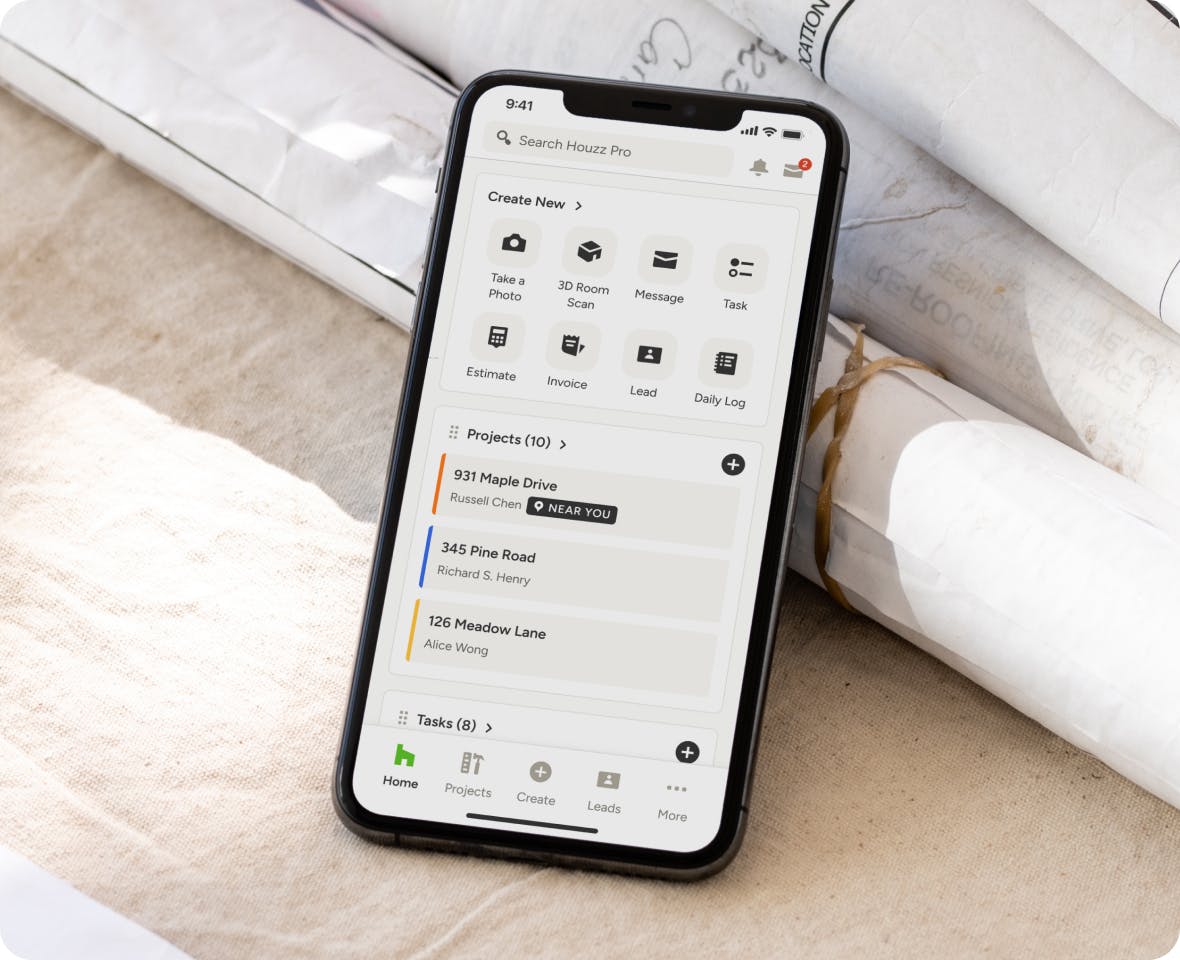
Change doesn't wait to happen until you're back in the office. You need a construction change order app you can take with you.
- Changes can be logged from just about anywhere
- Teams have real-time visibility into what's changing
- All change order data is synced across devices
- No additional app download required
FINANCIAL REPORTS
Expedite Your Decisions
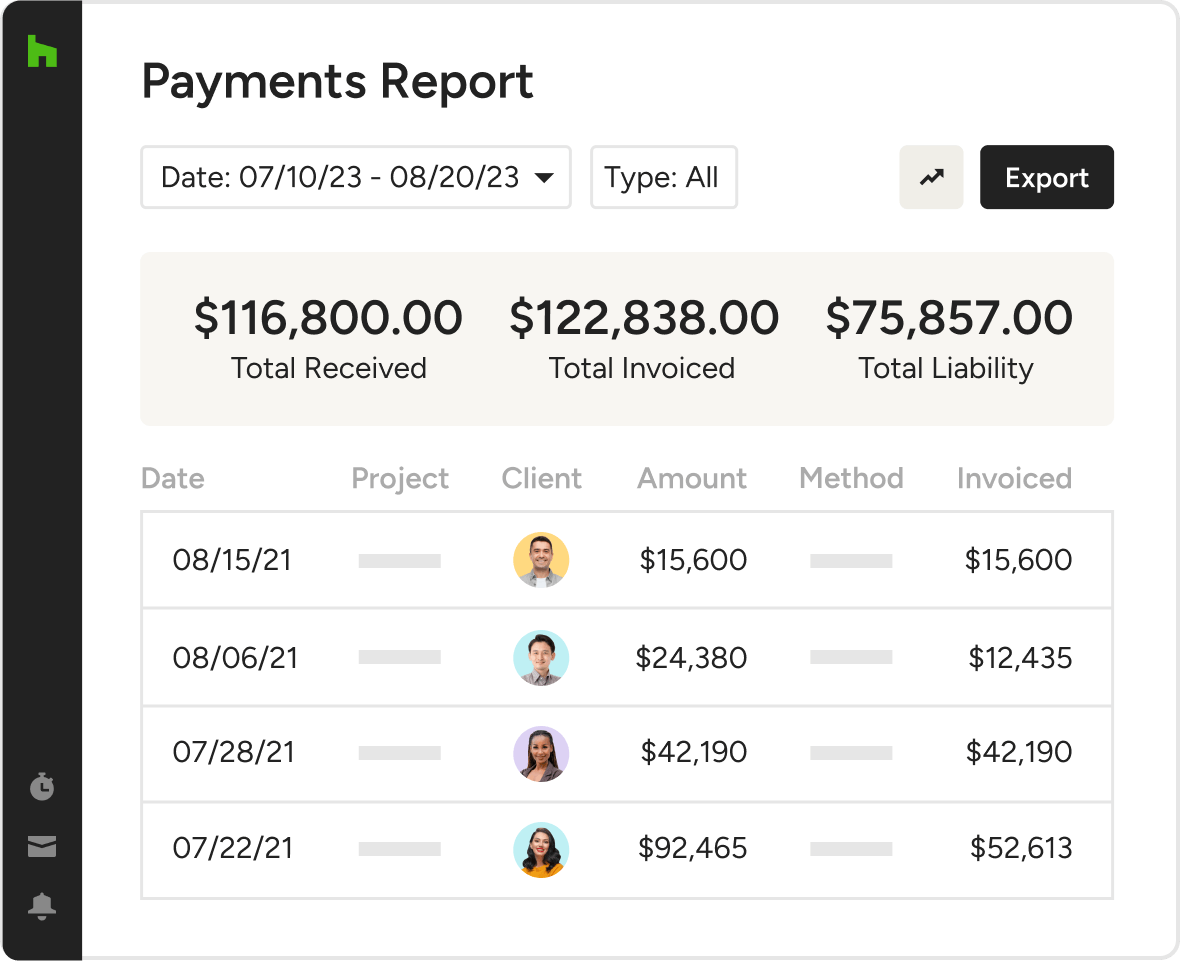
The faster your change orders are reflected in your financial reporting, the faster you can make decisions that drive your business forward.
- Change orders are converted to invoices fast.
- Updated data is visible in financial reports instantly.
- View received payments, outstanding invoices, and liabilities.
- Always know where your business stands.



HOUZZ PRO INTEGRATIONS
Ready to Connect With Your Favorite Tools
Collaboration isn't just for pros and clients. Our construction change order software for Mac and Windows works with tons of the tools you already use, cutting the double work. Autosave financial details in QuickBooks Online, manage leads directly from Gmail, sync your calendars (iCloud, Gmail, Exchange, Office 365, Outlook), and so much more.
AWARD-WINNING SUPPORT
Here to Help—However You Need It.
Got questions? Our experts have answers. For anything our self-guided resources can't solve, just reach out for assistance and we'll take it from there.

Online Chat
The fastest, most convenient way to get your questions answered.

Troubleshooting and other assistance are just a help ticket away.

Phone
Our support team is standing by Monday to Friday, 6am to 5pm PT.

Help Center
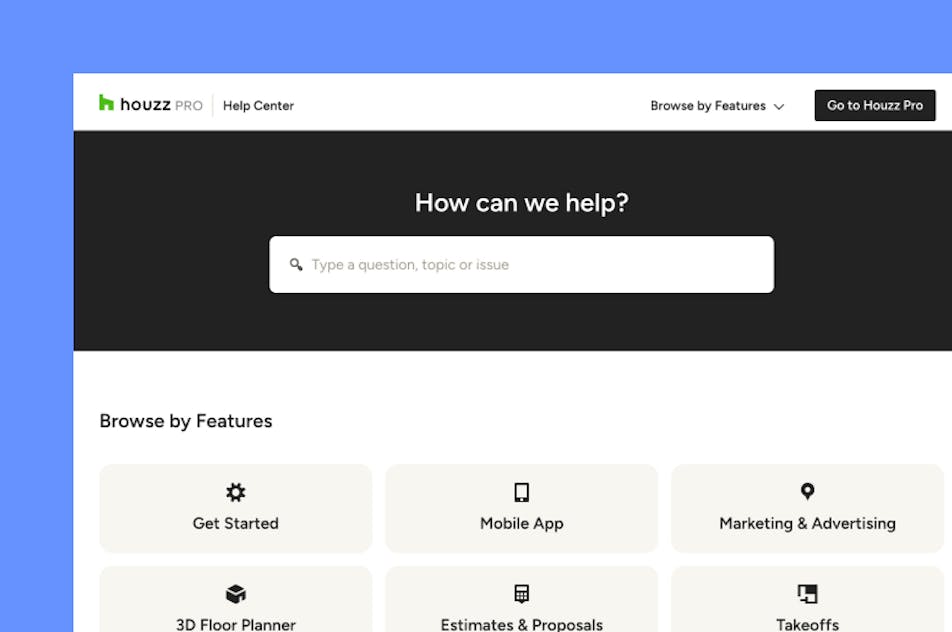
Articles, video tutorials, webinars, and more—all accessible 24/7.

Software Specialists
On-staff experts who know every Houzz Pro tool, inside and out.

Stevie Award Winner
Recognition for excellence in customer service and innovation.
Why Go With Houzz Pro?
Construction Pros Get Ahead With These Top Four Tools From Houzz Pro


Change Order Features for Construction Business
See all features of our change orders tool
| Feature | Description |
|---|---|
| Change Order Creation | |
Create Change Orders | Create change orders to manage scope changes, material updates, and pricing adjustments within projects. |
Create from Estimates & Proposals | Generate change orders directly from approved estimates or proposals without re-entering data. |
Create from Scratch or Templates | Build change orders manually or use reusable templates to standardize workflows. |
AI-Generated Change Orders | Use AutoMate AI to generate change order line items and categories based on project descriptions. |
| Scope & Cost Management | |
Track Cost Changes vs Original Scope | Automatically calculate the difference between planned and updated costs for accurate billing. |
Edit Quantities, Materials & Labor | Adjust pricing, quantities, and scope details while preserving original values for comparison. |
Add New Line Items | Add new materials, services, or scope changes directly to change orders. |
Highlighted Change Tracking | Clearly display updated values to show what has changed from the original scope. |
| Client Approval & eSignatures | |
Digital Approval & eSignatures | Send change orders to clients for approval and collect electronic signatures. |
Online Change Order Sharing | Share change orders via email, link, or messaging for quick client review. |
Approval Tracking & Notifications | Track approval status and receive notifications when clients review or approve changes. |
| Payment & Financial Workflow | |
Invoice from Change Orders | Convert approved change orders into invoices to collect additional payments. |
Separate Change Order Billing | Charge only the difference between original and updated costs for accurate billing. |
Payment Schedules | Set up deposits, installments, or payment terms directly within change orders. |
Connect with Project Budget | Connect change orders with project budgets for financial visibility. |
| Workflow Integration | |
Connected Financial Documents | Change orders are linked to estimates, proposals, invoices, and project financials. |
Product & Cost Catalog Integration | Use saved items, assemblies, and catalogs when creating change orders. |
| Client Communication | |
Notes & Explanations per Item | Add notes and descriptions to explain scope changes to clients. |
Custom Client View Settings | Control what pricing, details, and information clients can see before approval. |
| Mobile Access | |
Mobile Change Order Creation | Create and send change orders directly from the jobsite using the mobile app. |
Real-Time Field Updates | Capture changes instantly and keep project financials up to date across devices. |
| Automation & Efficiency | |
Automated Reminders & Notifications | Notify clients when approvals or payments are required. |
No Double Data Entry | Project data flows automatically from estimates to change orders to invoices. |