PROJECT MANAGEMENT
Reliable Construction Project Management Software With AI
Keep costs, schedules, and client updates on track with cloud-based construction project management software built for growing teams — with AI running through everything from Daily Logs to Scheduling.
Built with all the things that home builders and general contractors need, we'll help you stay organized with clients and teams, and manage every moving piece of your project.

HOW IT WORKS
Your Project Workflow on Houzz Pro
Keep Crews Aligned
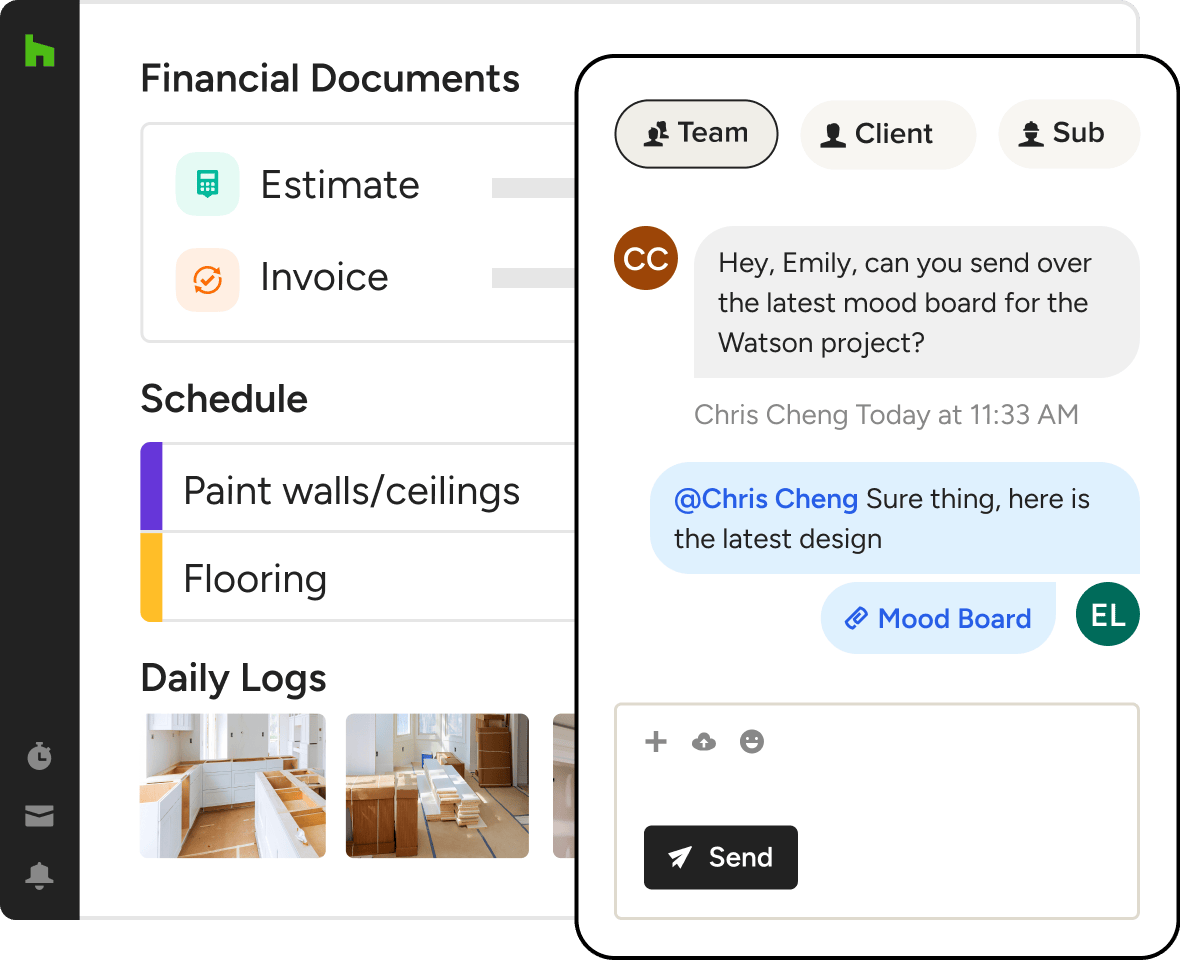
Stay updated on project progress by having field crew create AI-powered Daily Logs, messaging your internal team, and sharing photos and info in separate Subcontractor and Client Dashboards.
Monitor Your Money
Track time and expenses while monitoring profitability with built-in Budget Management. And when the clients change their mind, create quick Change Orders that don’t set back your timeline.
Organize On the Go
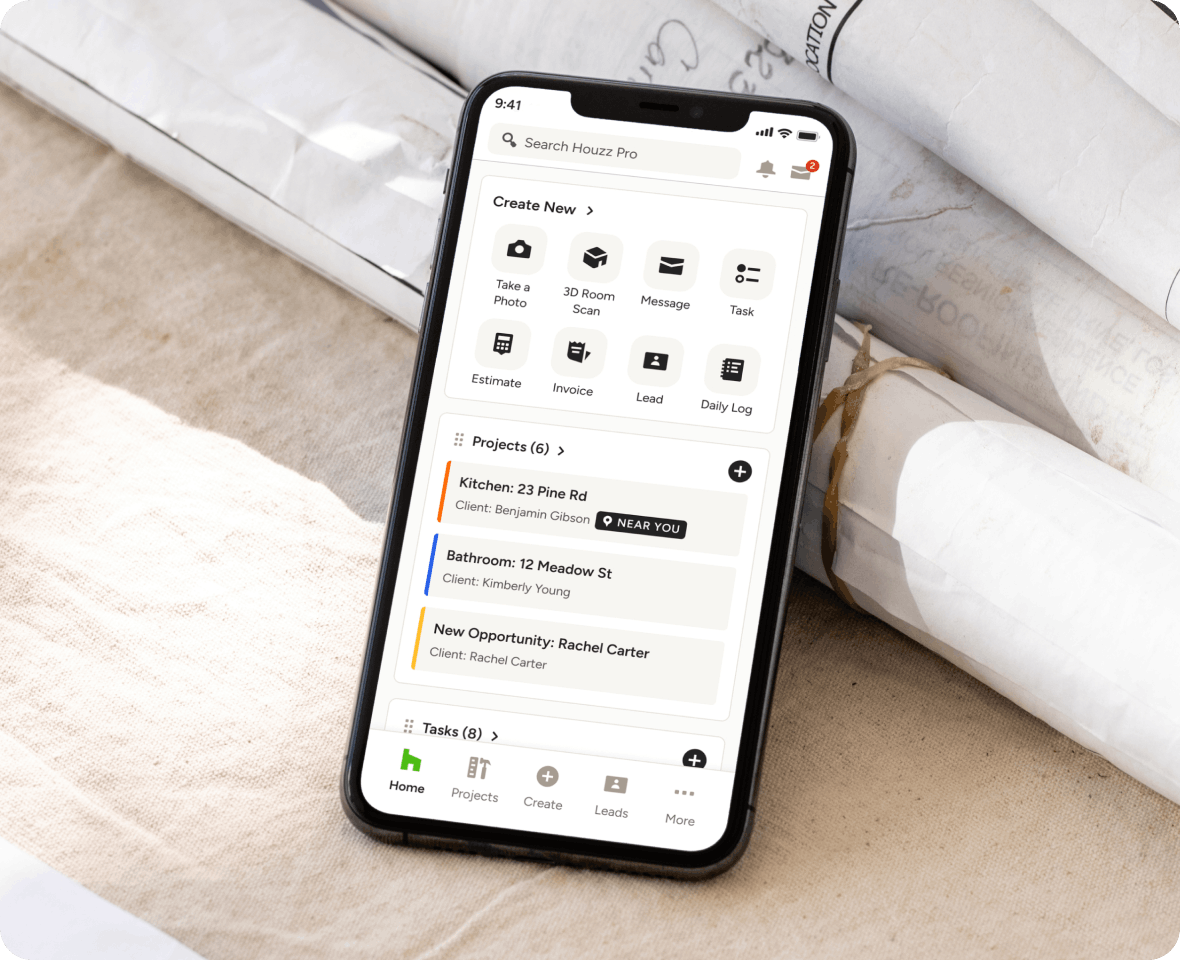
Manage every moving part from the office to the jobsite with our mighty mobile app, plus upload files, photos, and onsite video walkthroughs directly to Houzz Pro for fast sharing and recordkeeping.
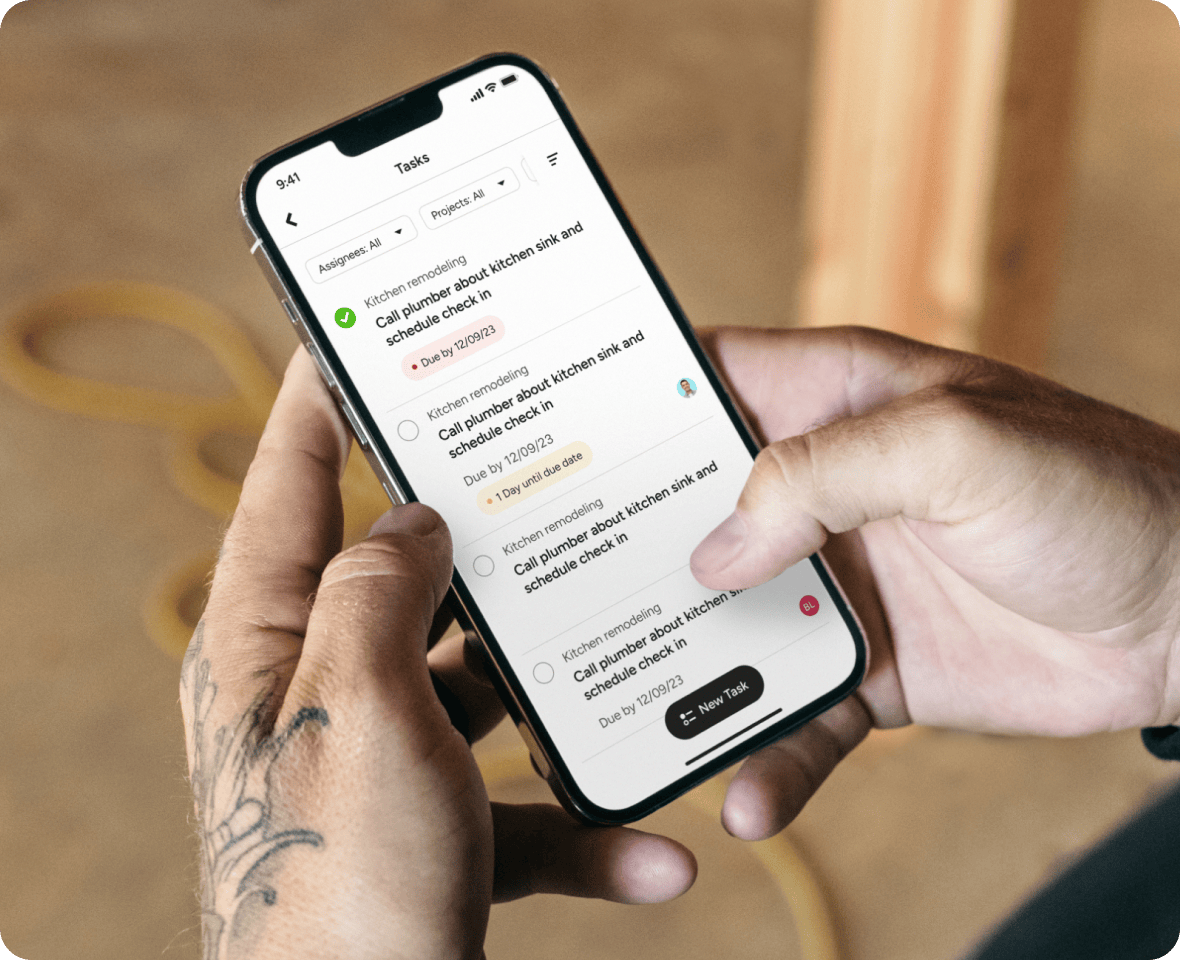
PROJECT MANAGEMENT
The Construction Project Management App for Builders, GCs & Other Construction Pros
We provide cloud-based construction project management software that saves you time and money, keep you organized and let you work better with teams, clients, subs and vendors—on any job. Watch how easy it is to communicate project progress with Houzz Pro Project Management.

Organize Tasks
Behind every well-run project is an orderly list of detailed to-dos and clear team leads—something we help lay out better than anyone.

Collaborate Fast
From in-house go-tos to outsourced subs, we make it easy for everyone to buy in and work together off the same source of truth.

Maintain Progress
Delivering stellar results on time (not to mention on budget) is a breeze with productive tools that make sure your team never loses steam.

Increase Profits
With features this efficient, expect less rework, fewer overruns, and profit margins that prove we make your bottom line our top priority.
Streamlined Project Management With Do-It-All Software
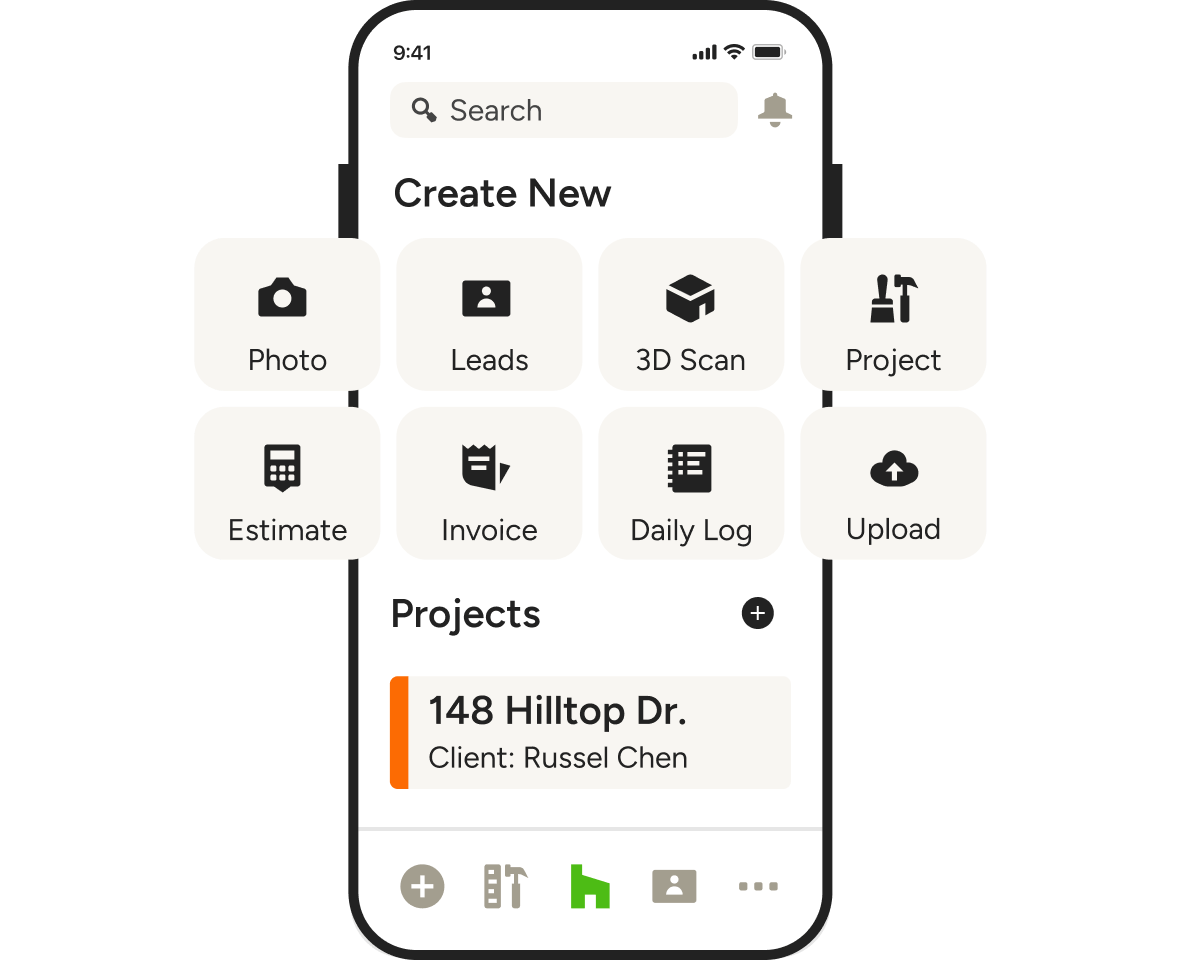
TASK MANAGEMENT
Help Your Team Focus
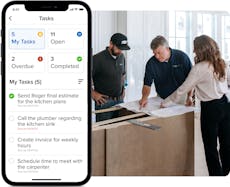
From client updates to invoices, keep every task neat and tidy with our construction project management app.
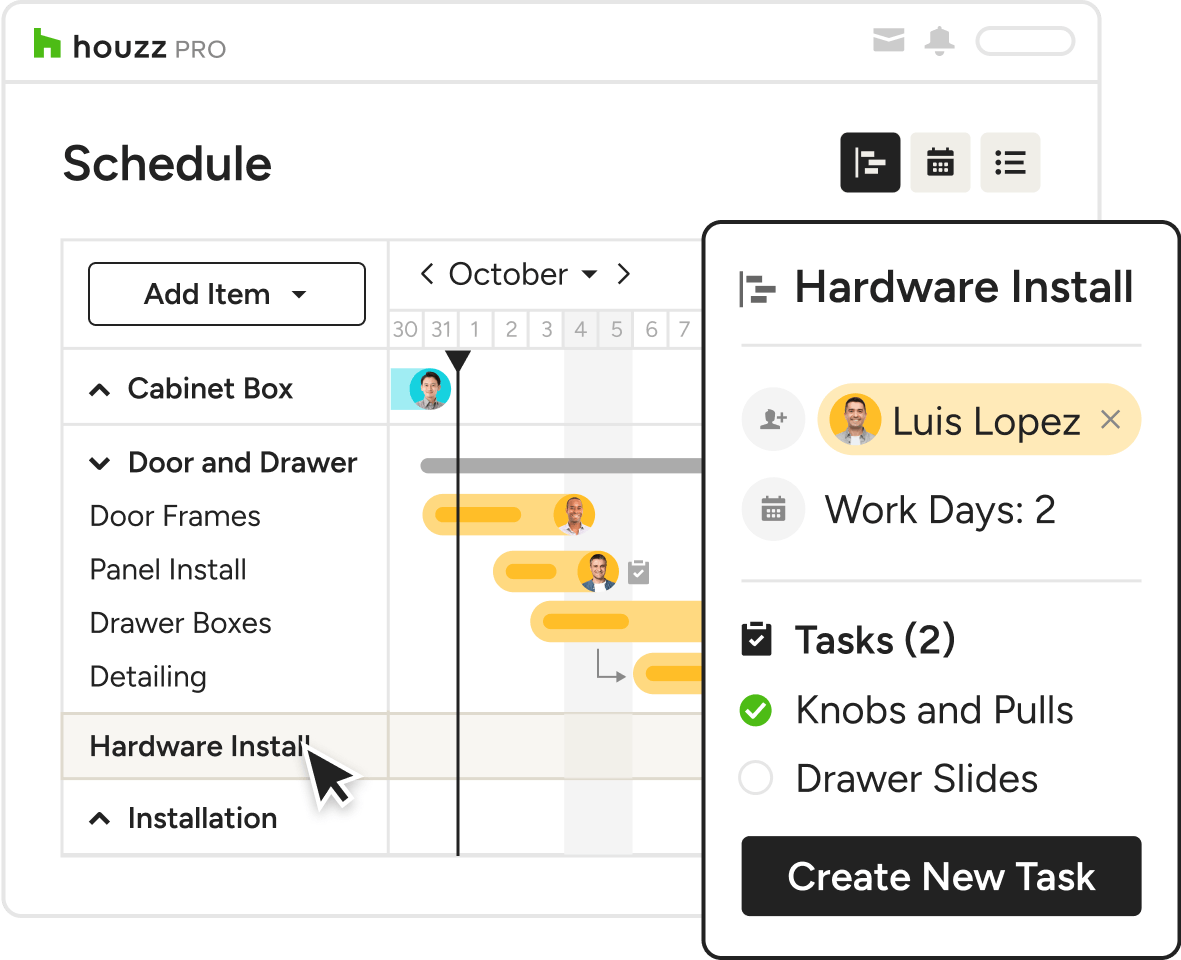
- Assign tasks to team members or clients.
- Set deadlines and follow up as needed.
- Get notifications for new, overdue, or completed tasks.
- Allow anyone to view assigned tasks from their dashboard.
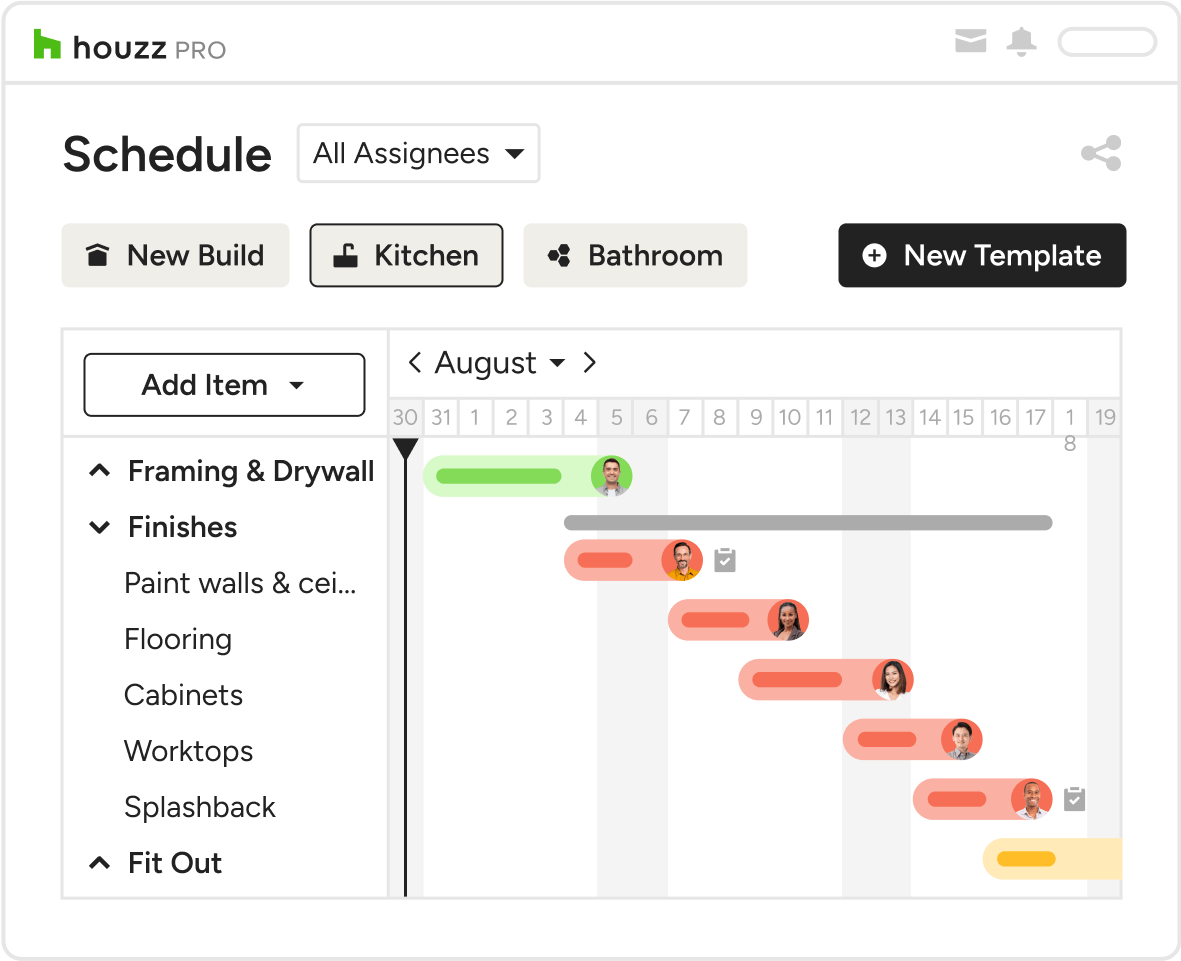
VISUAL SCHEDULES
Schedules Your Team and Clients Can Rely On
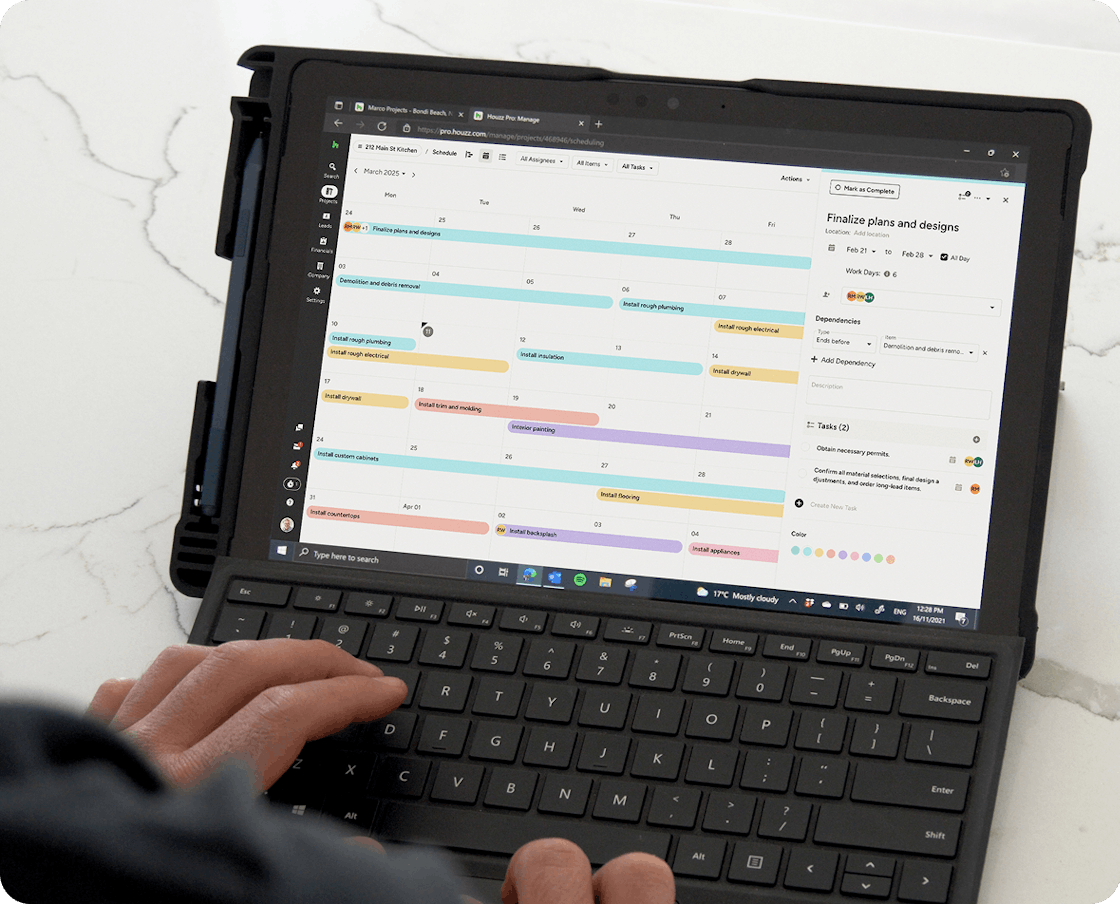
What if we told you you could keep tabs on hundreds of items across multiple projects in one place (and not a million). Well, with our construction management tool, you can!
- Add project stages or activities and color code away
- Plug in set start and end dates
- Choose your visual adventure: calendar or Gantt views
- Drag and drop projects as status changes
- Update tasks into project schedules for everyone to see
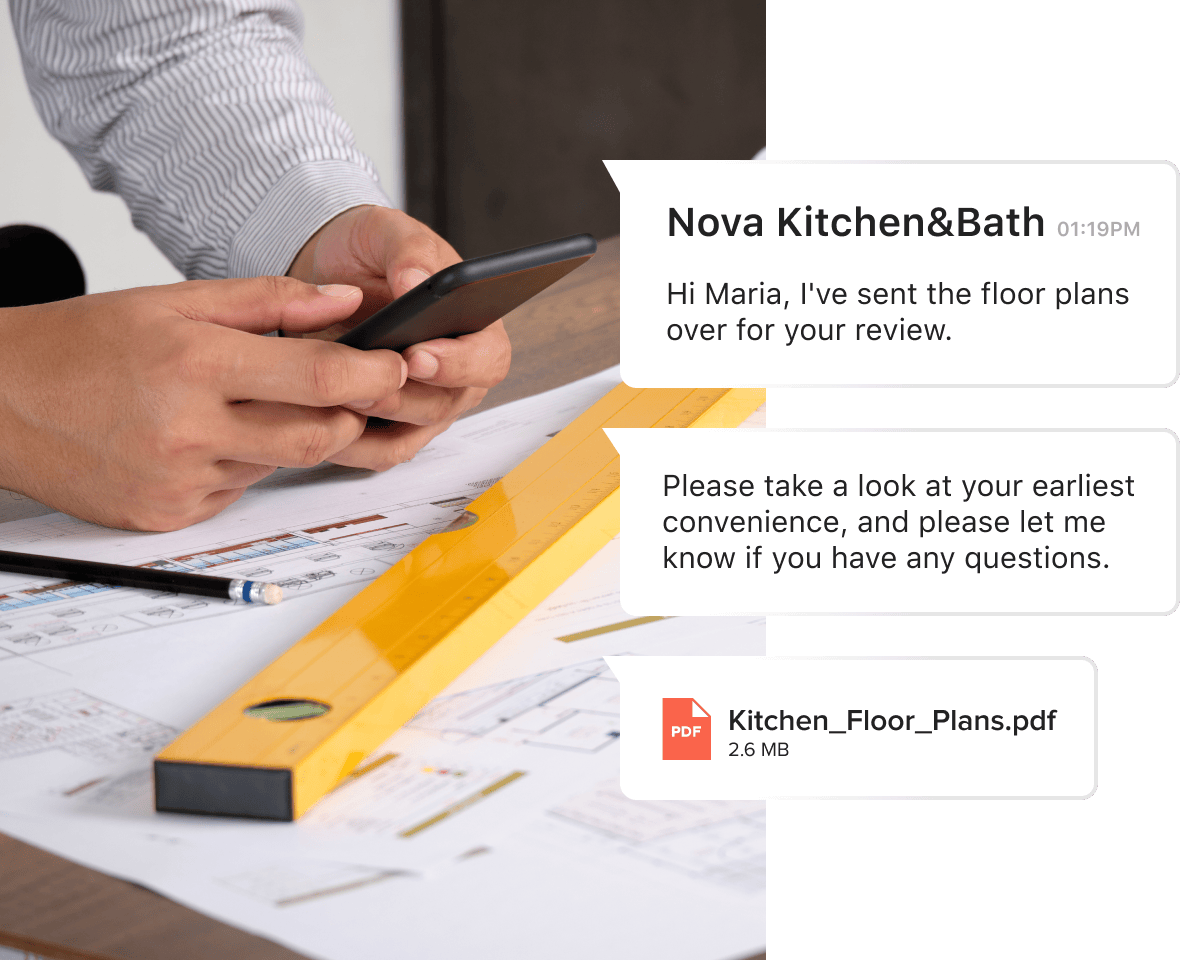
CENTRALIZED MESSAGING HUB
Give Clients the Attention They Deserve
With our construction management app, all of your communication is centralized, which means you can streamline your entire process from the time you first communicate with a client until they give you a rave review for your work. Not to mention:
- All activity is monitored so you never miss a beat
- Certain notes are kept private so your team can see key info
- You can send payments requests and more from anywhere.
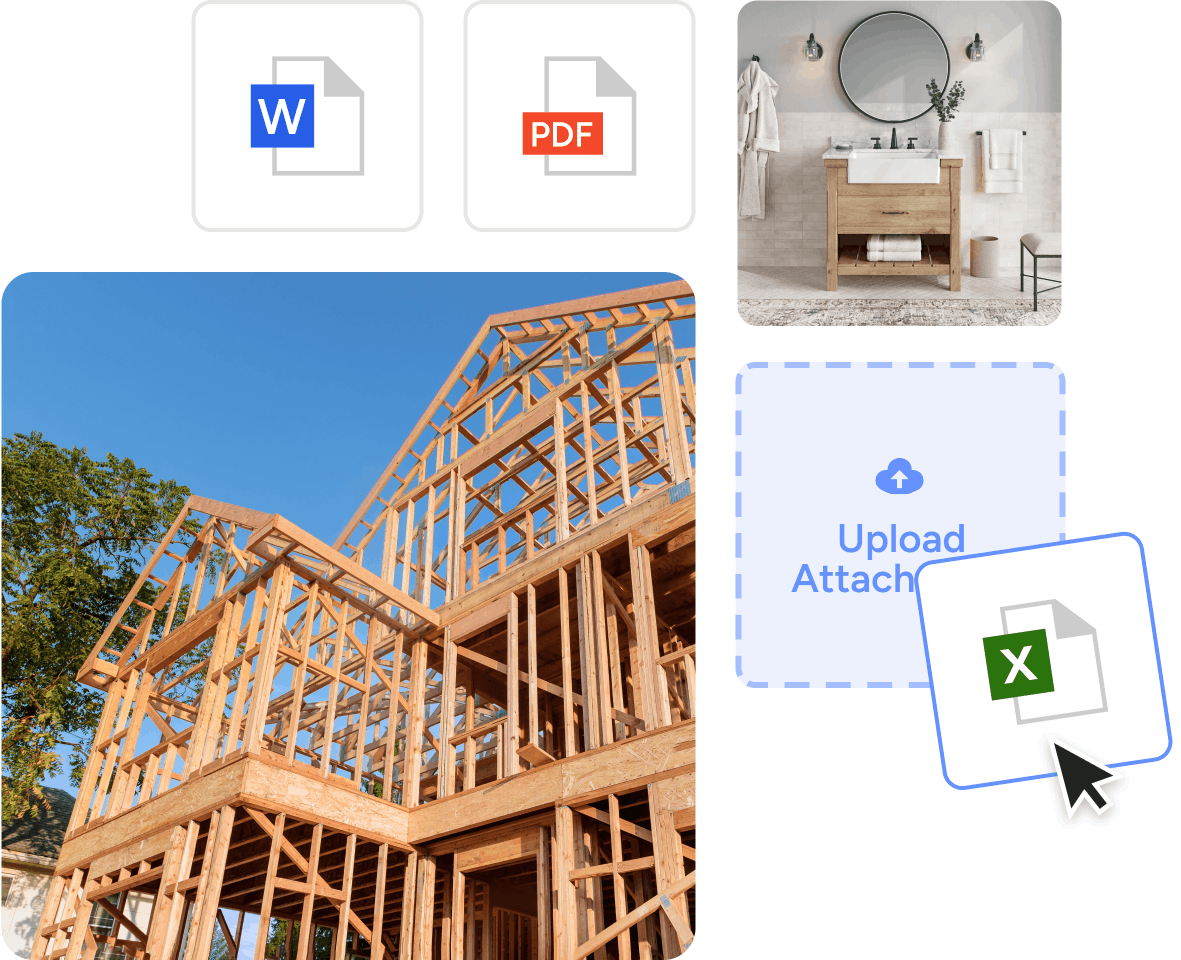
CLOUD-BASED SOFTWARE
Make Important Files Easy to Find
Give your back-of-house processes a boost. Our cloud-based construction project management software keeps your files organized and accessible from anywhere.
- Set the stage for productive collaboration
- Never waste time working off of outdated documents
- Prevent sending clients the wrong information
- Limit unnecessary back and forth
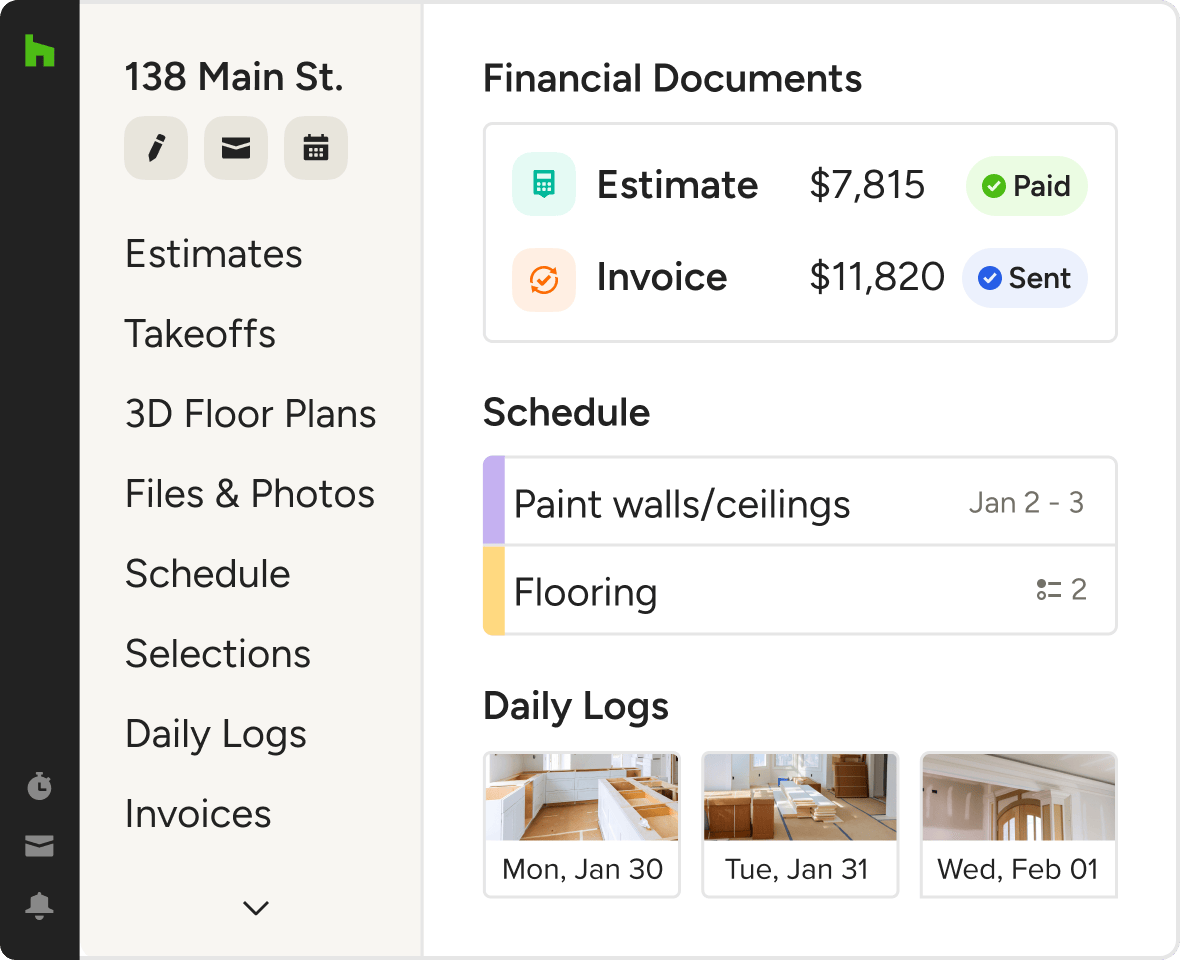
PROJECT DASHBOARD
Revenue-Driving Tasks Take Center Stage
Gone are the days of spreadsheets and papers strewn across your desk. Work smarter, not harder with our construction software for project management.
- Flag upcoming tasks and deadlines
- View financial status of your business at a glance
- Access critical project details with minimal clicks

DAILY LOGS
Share Progress From the Field With AI
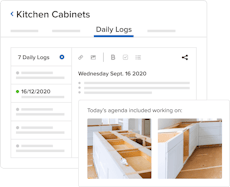
Say goodbye to word-of-mouth updates and welcome aboard to the field reports app the whole team can get behind—another perk of our project management software.
- Write and format detailed updates with Houzz AI
- Take and attach photos and videos from the jobsite
- Include automatic weather reports and crew hours
- Keep clients and teams in the loop with easy sharing

PROCUREMENT
Source Products and Organize Orders
Buy more time for your team throughout your purchasing process with our Procurement solution. From AI sourcing to installation, every step is streamlined by design.
- Use the AI-powered Clipper to source in seconds
- Convert line items on Invoices into purchase orders
- See order updates and more in the Selections Tracker
- Keep your team and clients seamlessly in the loop

TIME & EXPENSE TRACKING
Log Billable Items and Hours With Ease
With our project management software, you can ditch the drawbacks of spreadsheets and sticky notes by letting our streamlined Time and Expense Tracking take lead.
- Track time in real time with our built-in stopwatch tool
- Add tracked time and expenses to invoices with a click
- Create reports to export or sync with QuickBooks Online
- Analyze project and team efficiencies for better decisions
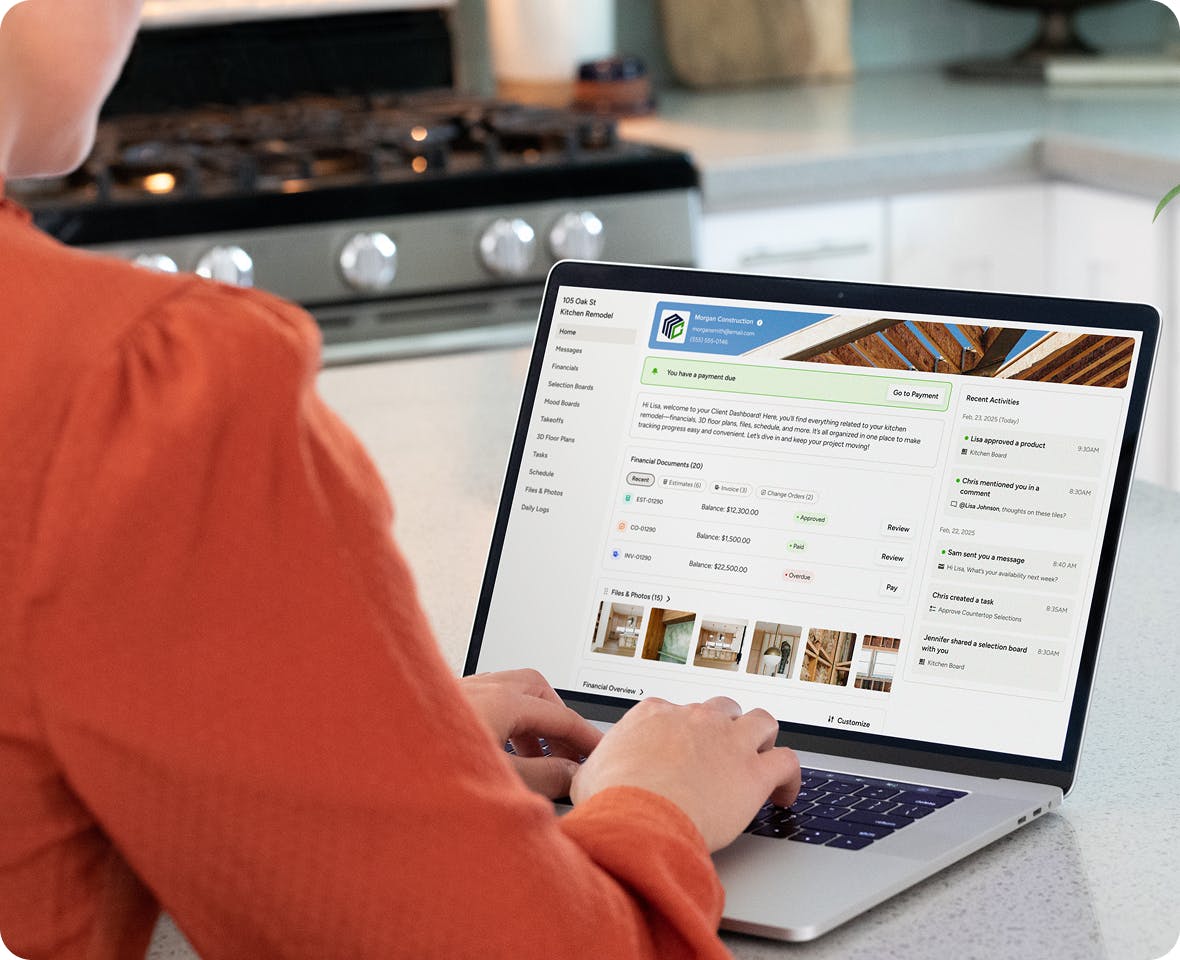
CLIENT & SUBCONTRACTOR DASHBOARDS
Give Clients and Subs 24/7 Info Access
Keeping your go-tos in the loop is easy with our auto-updating Client and Subcontractor Dashboards that make relevant project info accessible at a glance.
- Invite subs to your Houzz Pro projects without a login
- Keep clients updated on their projects in one place
- Share photos, videos, messages, Schedules, and more
- Assigned Tasks automatically appear in their dashboard
Top Off Your Toolkit With More Project Perks



HOUZZ PRO INTEGRATIONS
Ready to Connect With Your Favorite Tools
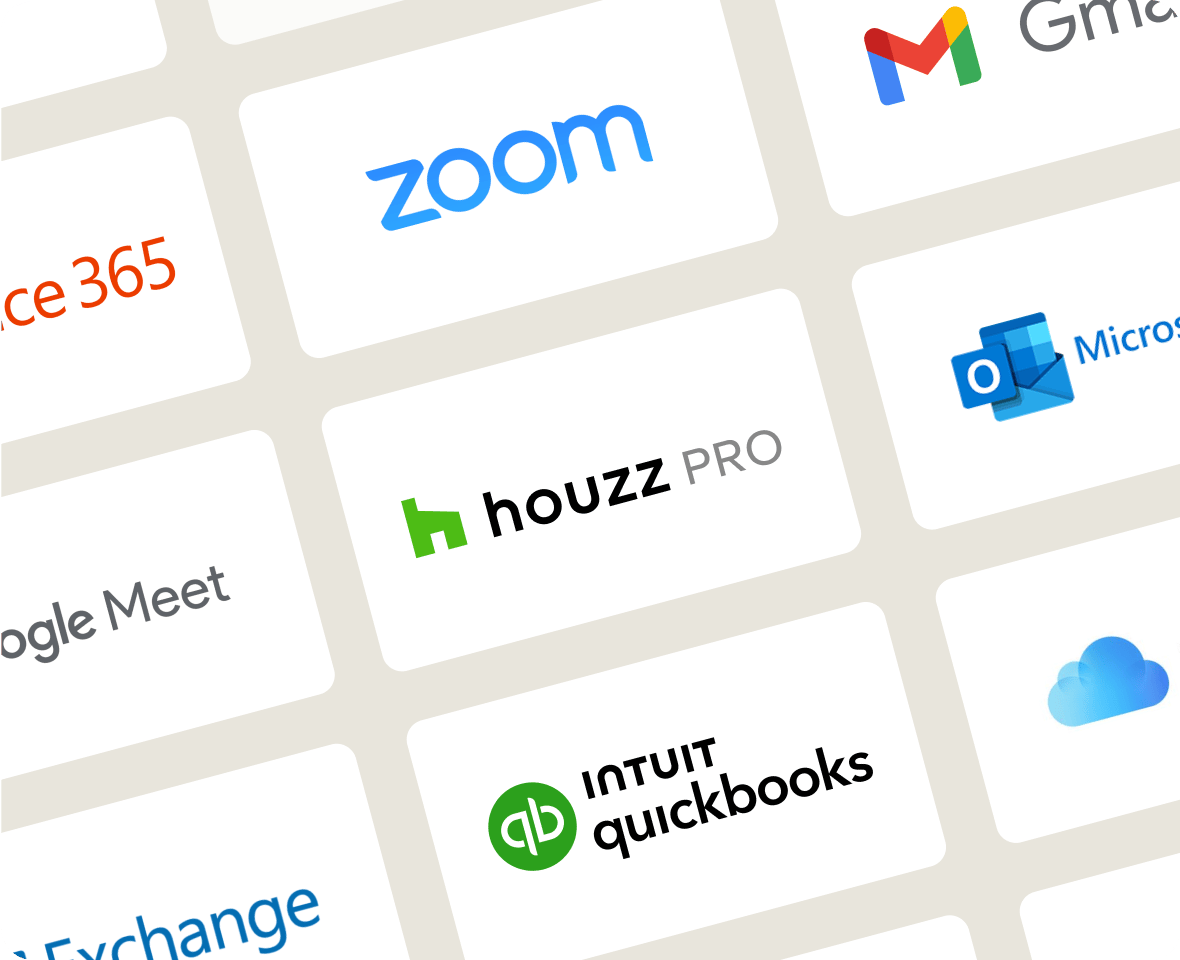
Collaboration isn't just for pros and clients. Our web-based construction project management software works with tons of the tools you already use, cutting the double work. Autosave financial details in QuickBooks Online, manage leads directly from Gmail, sync your calendars (iCloud, Gmail, Exchange, Office 365, Outlook), and so much more.
AWARD-WINNING SUPPORT
Here to Help—However You Need It.
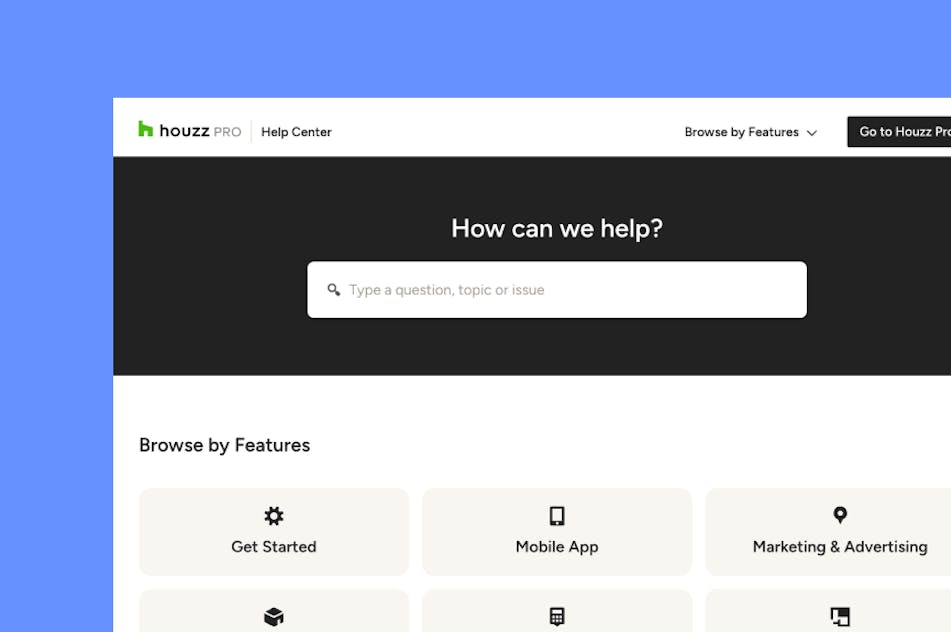
Got questions? Our project management tool experts have answers. For anything our self-guided resources can't solve, reach out for assistance and we'll take it from there.

Online Chat
The fastest way to find answers is at the bottom right of your browser.


Phone
We’re here from Monday to Friday, 6am to 5pm PT at (833) 452-3779.



Why Go With Houzz Pro?
Construction Pros Get Ahead With These Top Four Tools From Houzz Pro


Construction Project Management Software FAQs
Explore More Features for New Construction
Last updated: October 2026 · Reviewed by the Houzz Pro product team