How to Reach Houzz Pro Support
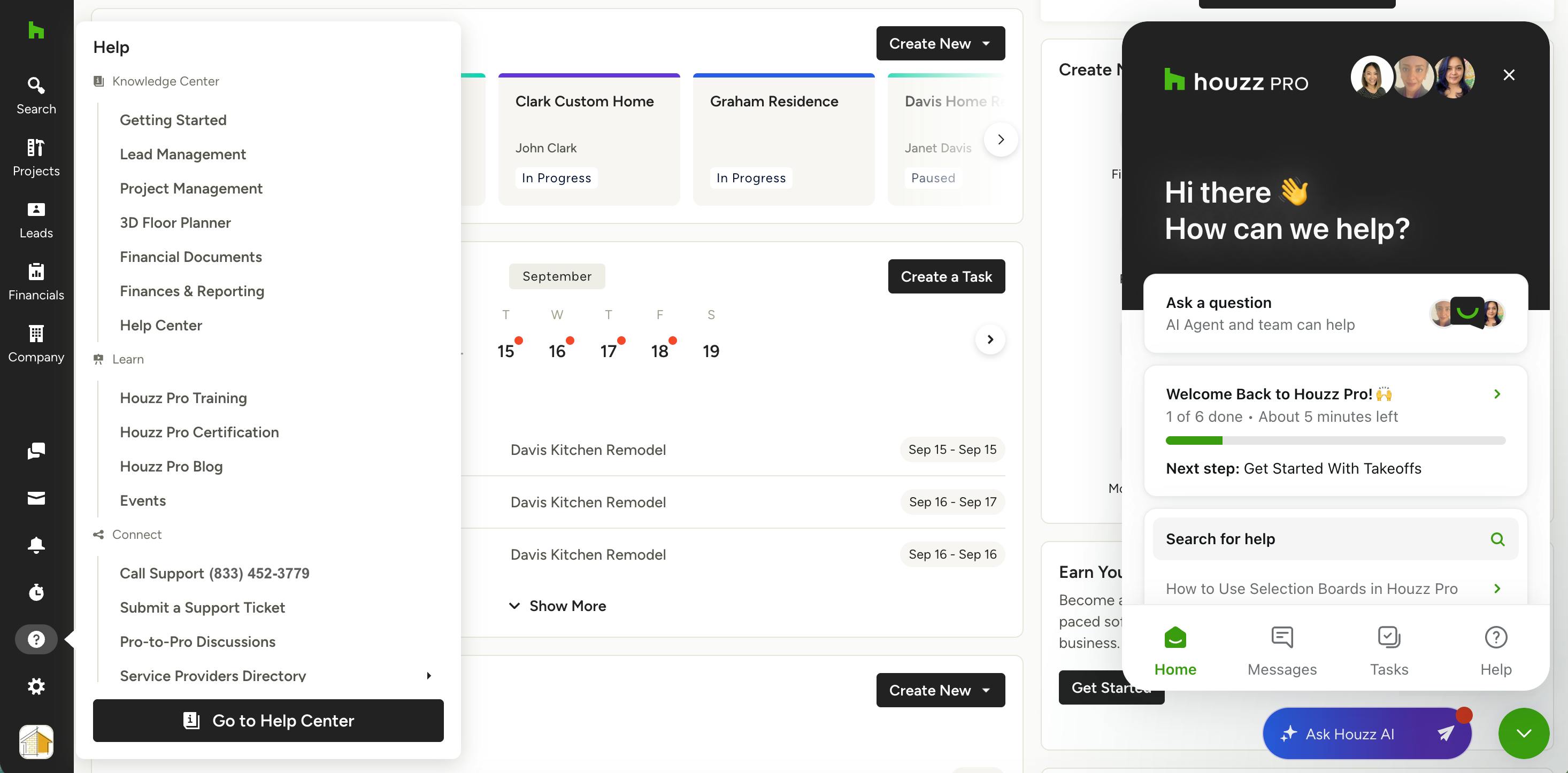
If you need help with a technical issue, want to better understand a Houzz Pro feature, have questions about your subscription, or anything in between, our Support team is here for you.
The best way you reach us depends on whether you're on a paid Houzz Pro plan or a free account — let's go over each option.
Support for Paid Pro Accounts
Pros on a paid Houzz Pro plan have several direct ways to reach our Support team. You can contact your account manager (for specific plans only), or you can contact the Support team through email, phone call, or chat.
Contact Your Account Manager
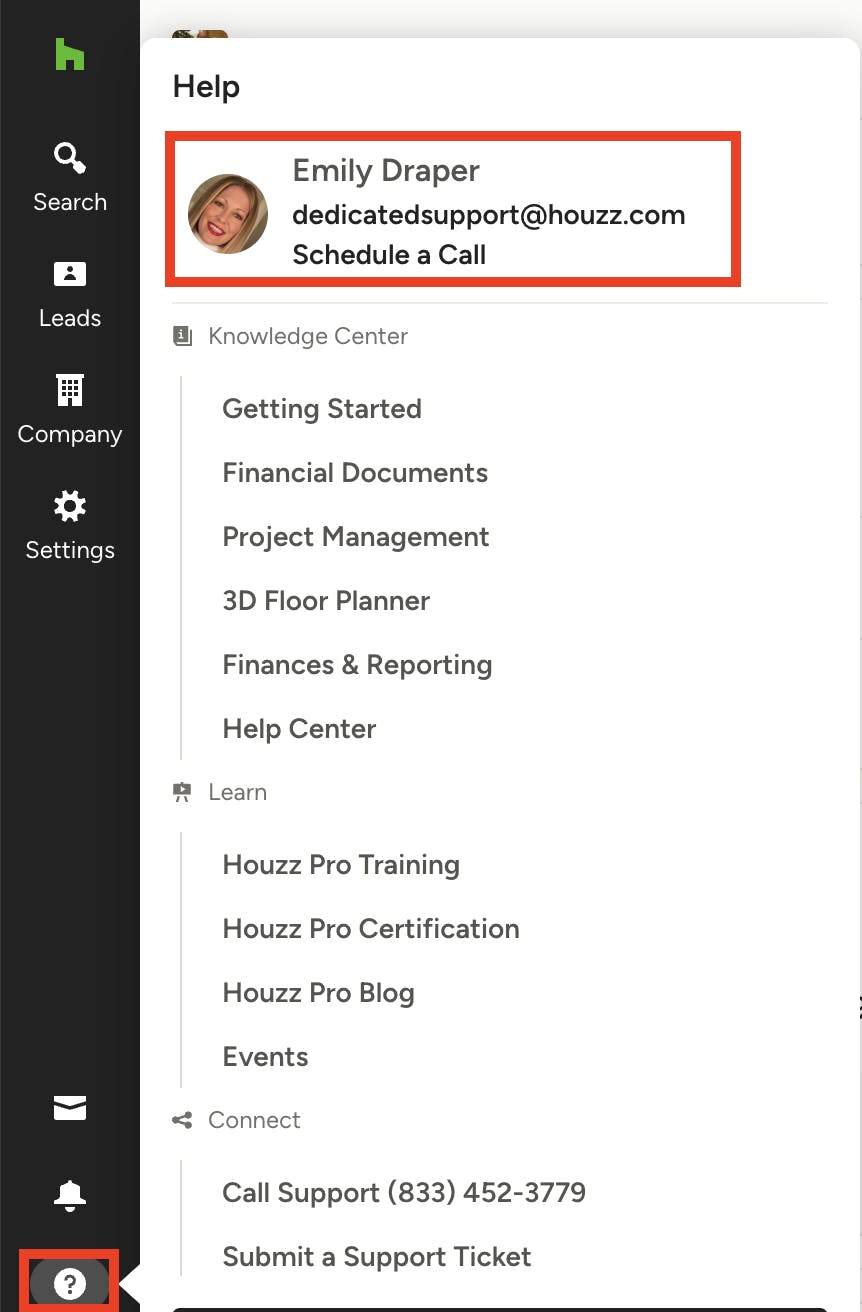
If you have a paid plan that includes dedicated support, you will be able to contact your account manager directly with questions or concerns.
To find your account manager, click the question mark icon near the bottom of the left navigation. You will see your account manager's contact information at the top of the menu — you can schedule a call directly from there, or you can send an email.
If you do not have an account manager listed here, your plan is not eligible for dedicated support, but you can always reach out to the Support team in other ways (see below).
Contact the Support Team
- Email: Reach our team directly by emailing accountsupport@houzz.com.
- Call: You can call our Support team directly at (833) 452-3779. They are available from 6 a.m. to 5 p.m. PST Monday through Friday.
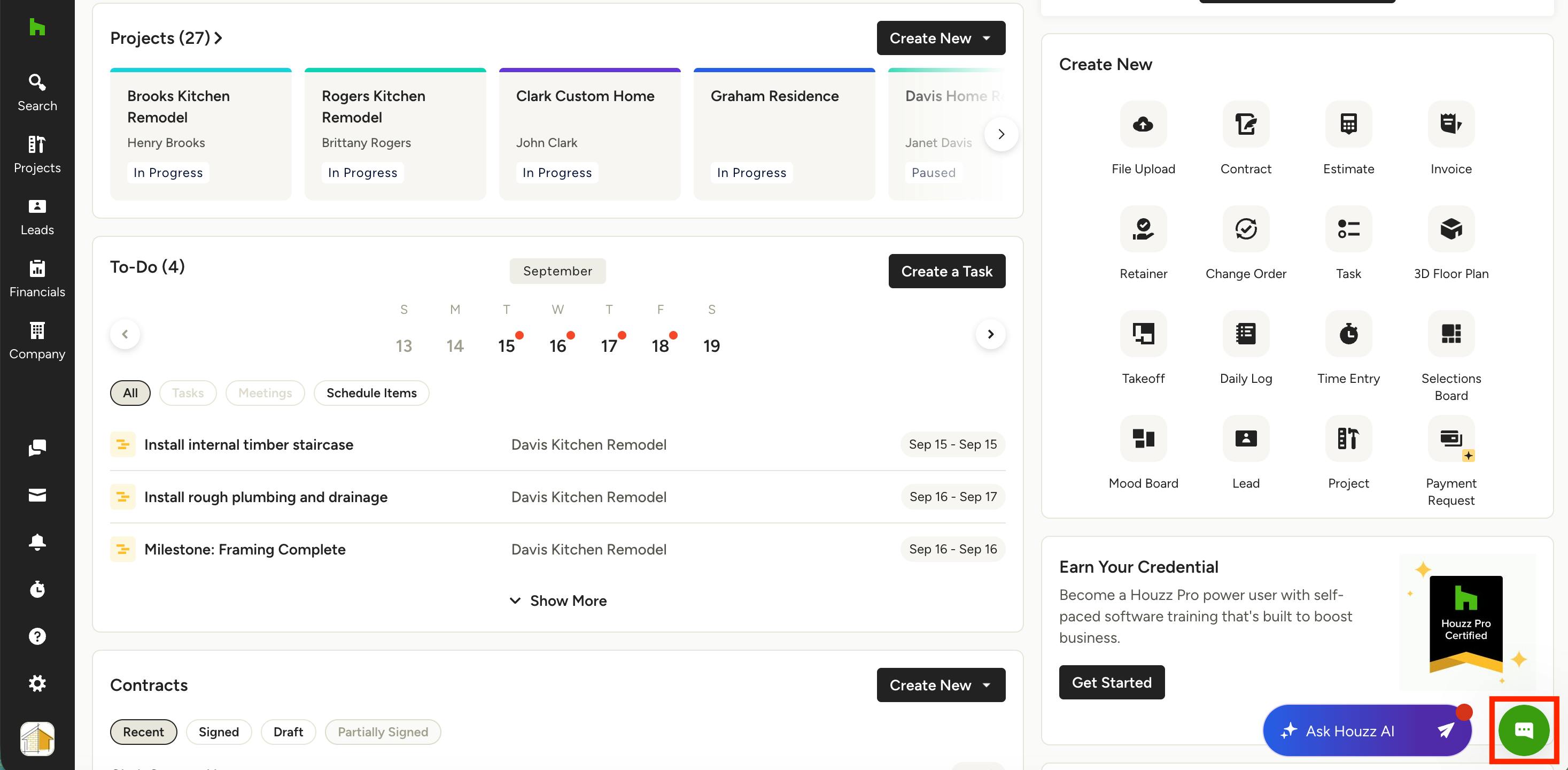
- Chat: Start a live chat with us anytime — chat is available 24/7. Our AI bot can answer questions after hours, and a live support representative is available 6 a.m. to 5 p.m. PST, Monday through Friday. To access chat, click the green Chat icon in the lower right corner of your screen throughout Houzz Pro (as shown below). In the Messages tab, select Ask a Question to start chatting.
- Zoom & Google Meet: Our Support team is also available to schedule Zoom or Google Meet meetings with you as needed. To schedule a Zoom or Google Meet, you can call or chat to request a meeting, and a representative will respond to help you book one.
Support for Free Pro Accounts
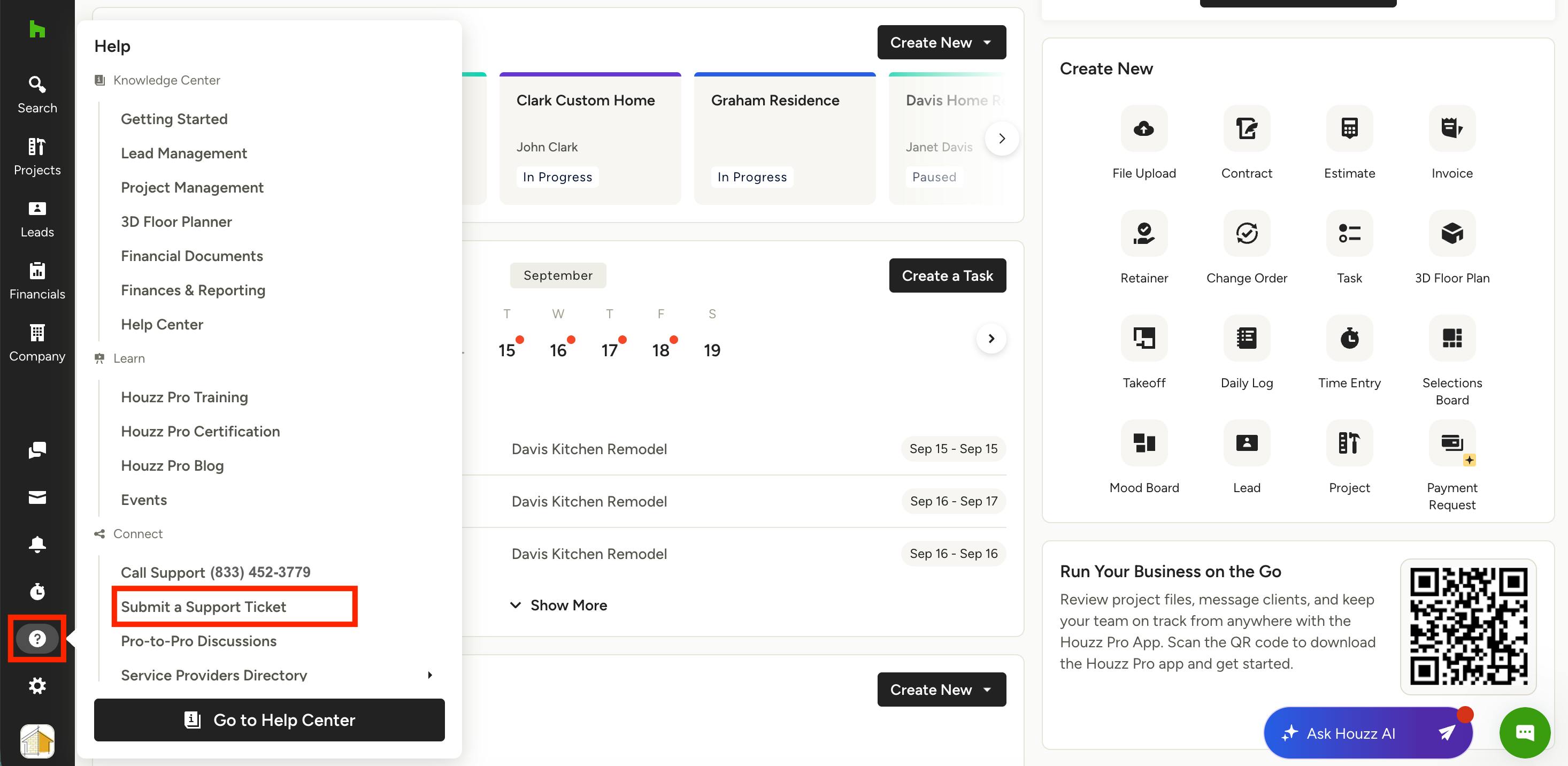
Pros on a free Houzz Pro account can get help by creating a case (support ticket) with our team.
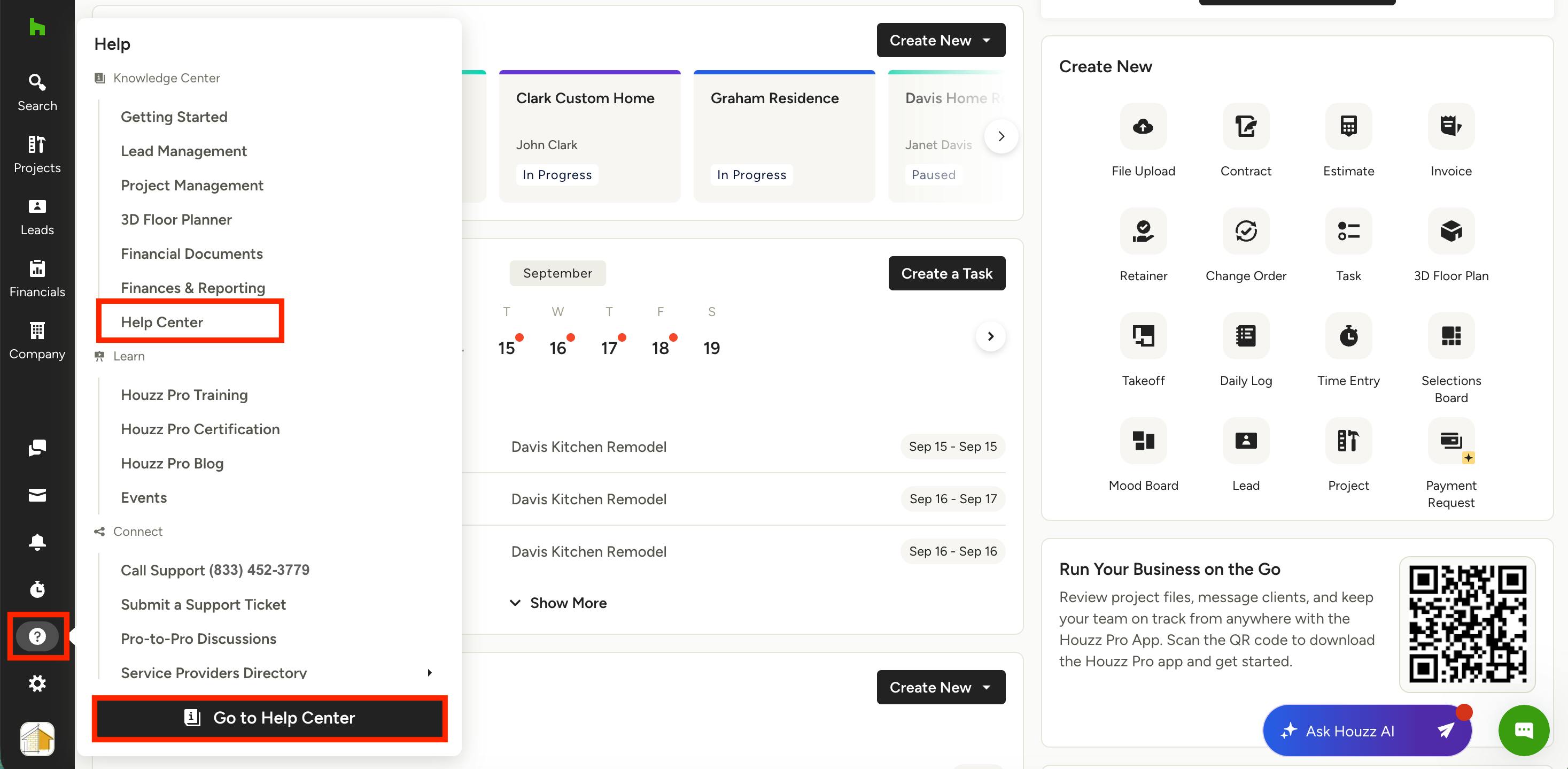
To submit a case, click the ? icon at the bottom of the left navigation (right above your profile icon). Select Submit a Support Ticket from the Help menu.
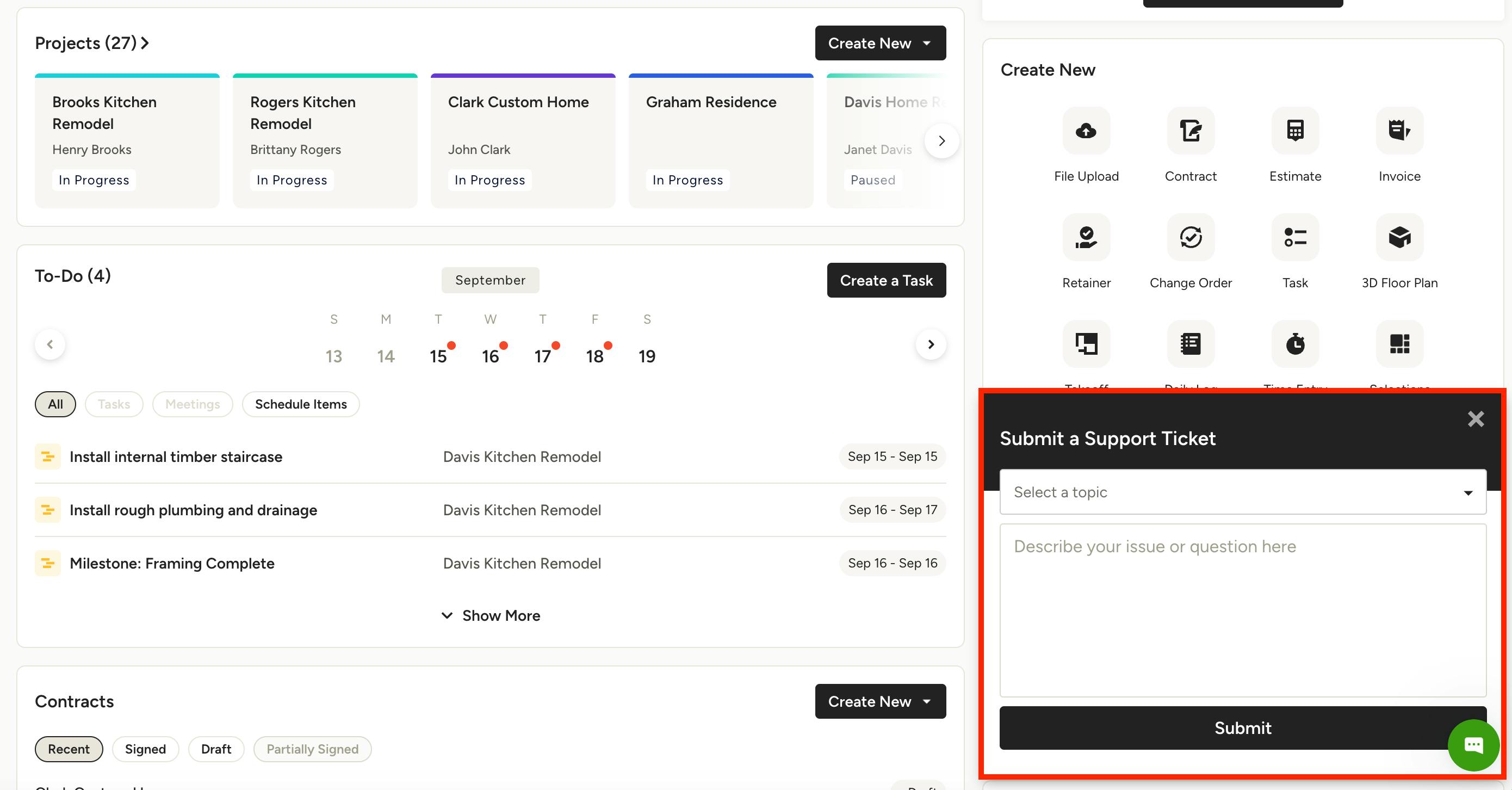
Fill out the short form with your topic and a description. Click Submit.
A member of our Support team will contact you within 24 business hours.
Browse the Help Center
Available to every pro, our Help Center has hundreds of step-by-step articles to guide you through every aspect of Houzz Pro. You can browse by category, or you can use search to find the exact content you need.
To find Help Center content, click on the question mark icon at the bottom of the left navigation. Select Help Center in either location of the menu.
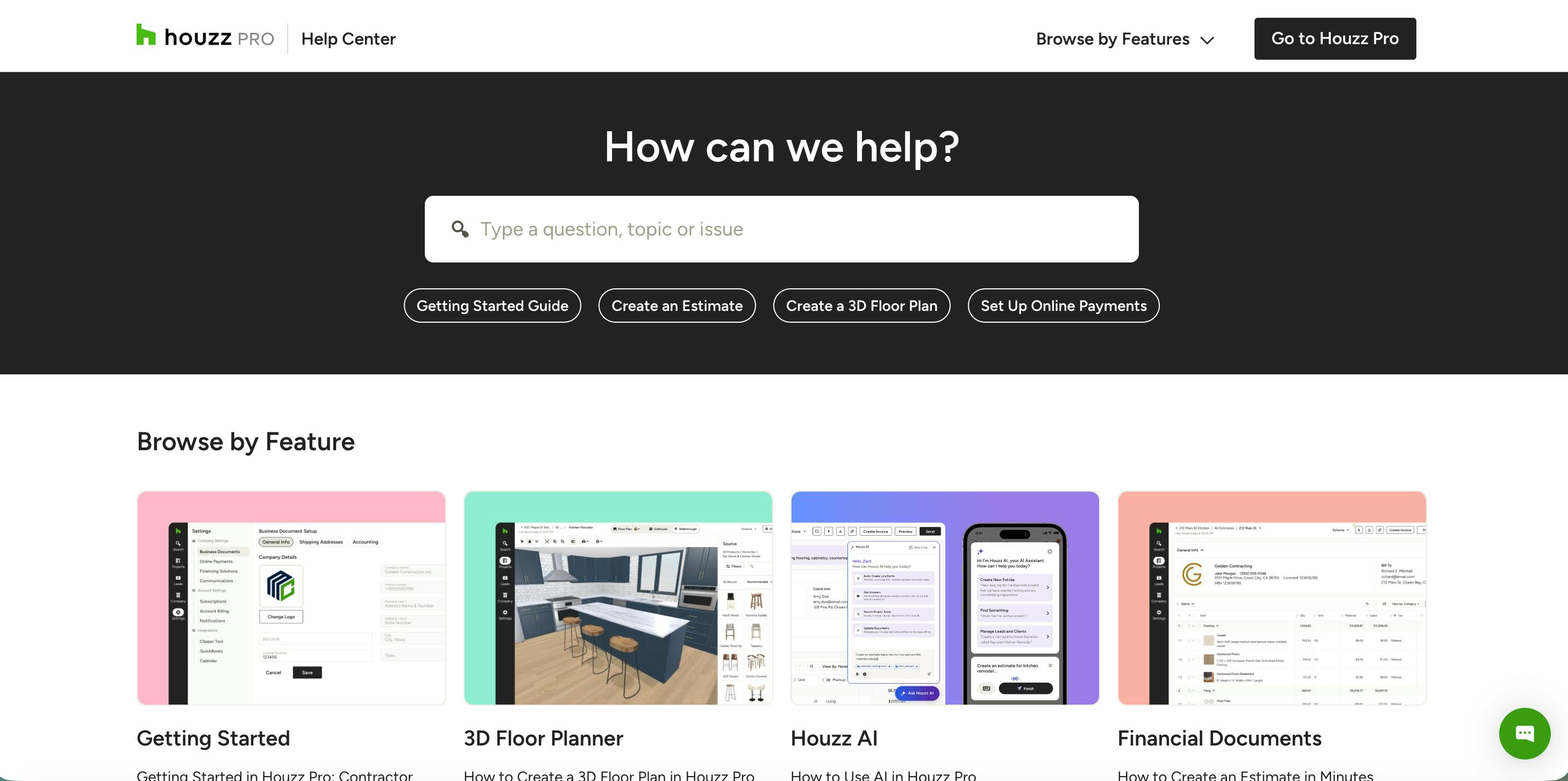
You will then be able to browse and/or search through video tutorials and articles to find what you're looking for.

We want to make sure you make the most of Houzz Pro, and there are plenty of resources to help you do this. In addition to our Help Center content, we also have webinars, Houzz Pro certifications, and Learn content.
Just click on the question mark icon in your left navigation to find everything you need all in one place.
Submit a Request for Houzz.com
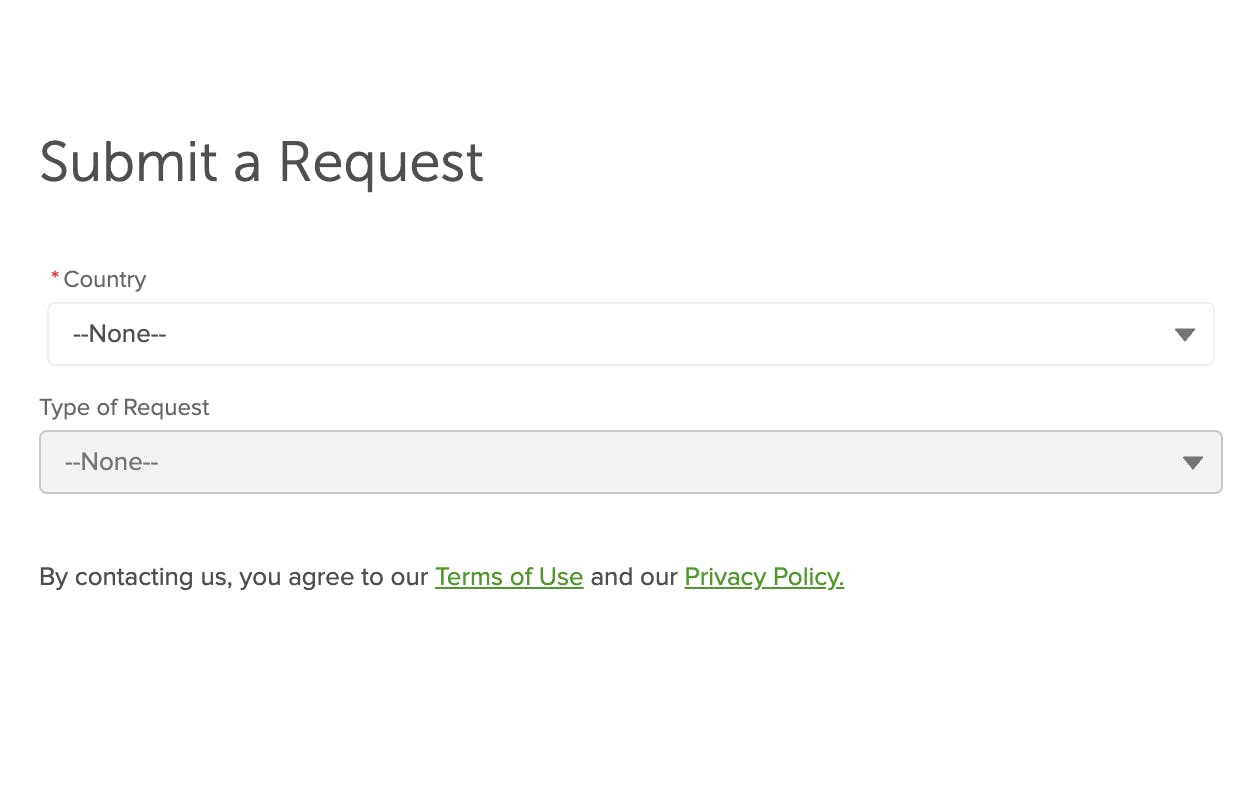
Available to every pro, you can submit a request to our Community Support team if you have a question about your general Houzz profile or about Houzz.com.
To start, go to help.houzz.com/s/contactsupport.
Select your country, the type of request, and fill out the rest of the form. The more detailed your request is, the better we can help solve the issue.
Click the Submit button.