Construction Client Portal
A Construction Client Portal to Transform the Way You Work With Clients
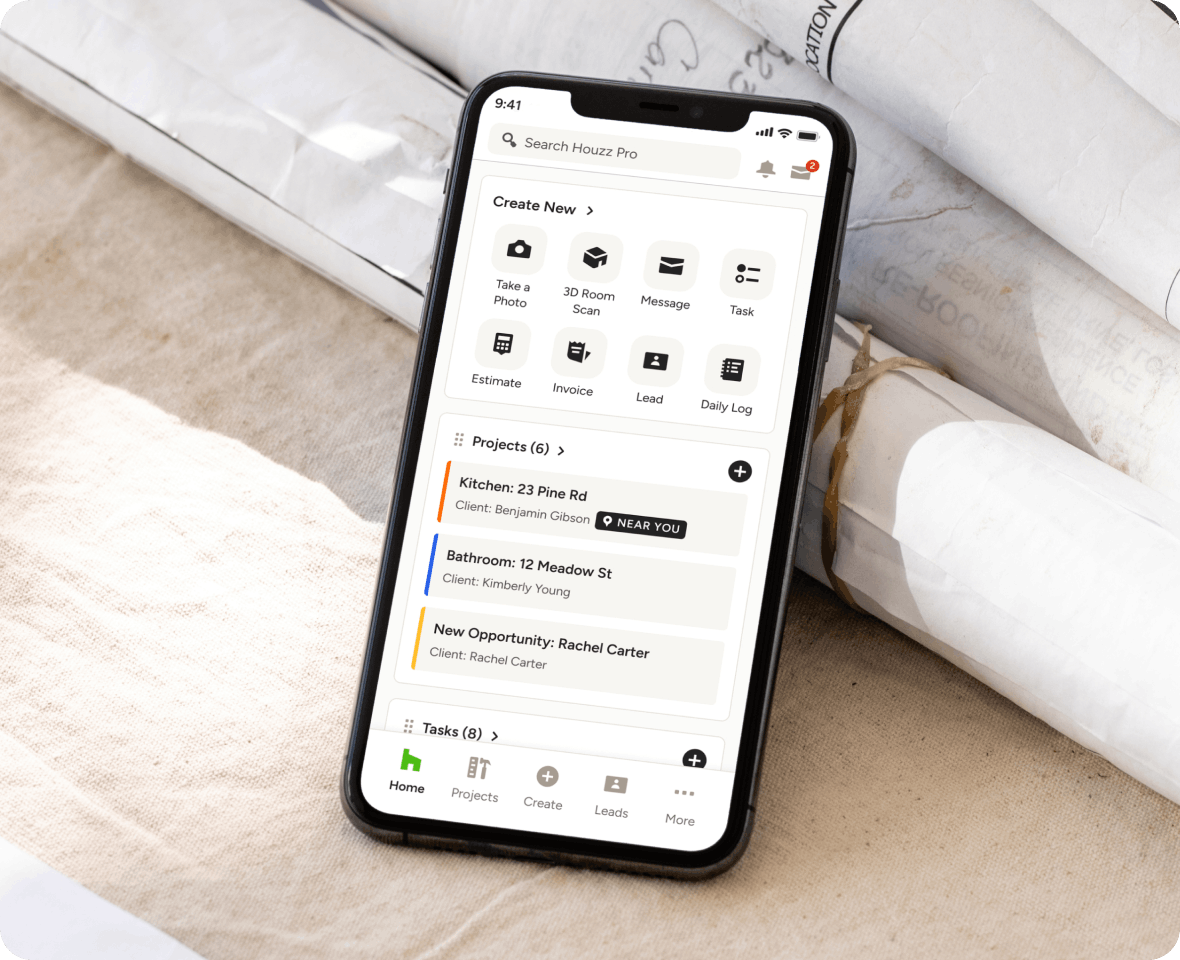
There's an easier way to manage all the emails, calls, and texts from your clients, and it's called Houzz Pro's construction client portal.
Client Portals That Will Revolutionize Your Business

How Our Construction Client Portal Works

Add Project Details
Add your logo, project budget, addresses, contact info, and more.

Invite Subs and Vendors
Customize permissions for who can see what based on role type.

Preview and Tweak
Test drive "Preview Mode" to see exactly what your client will see.

Share and Use Instantly
Share your portal with your clients via email or a share link.
PROJECT DOCUMENTS
Plans, Progress, and More—It’s All Shared Here.
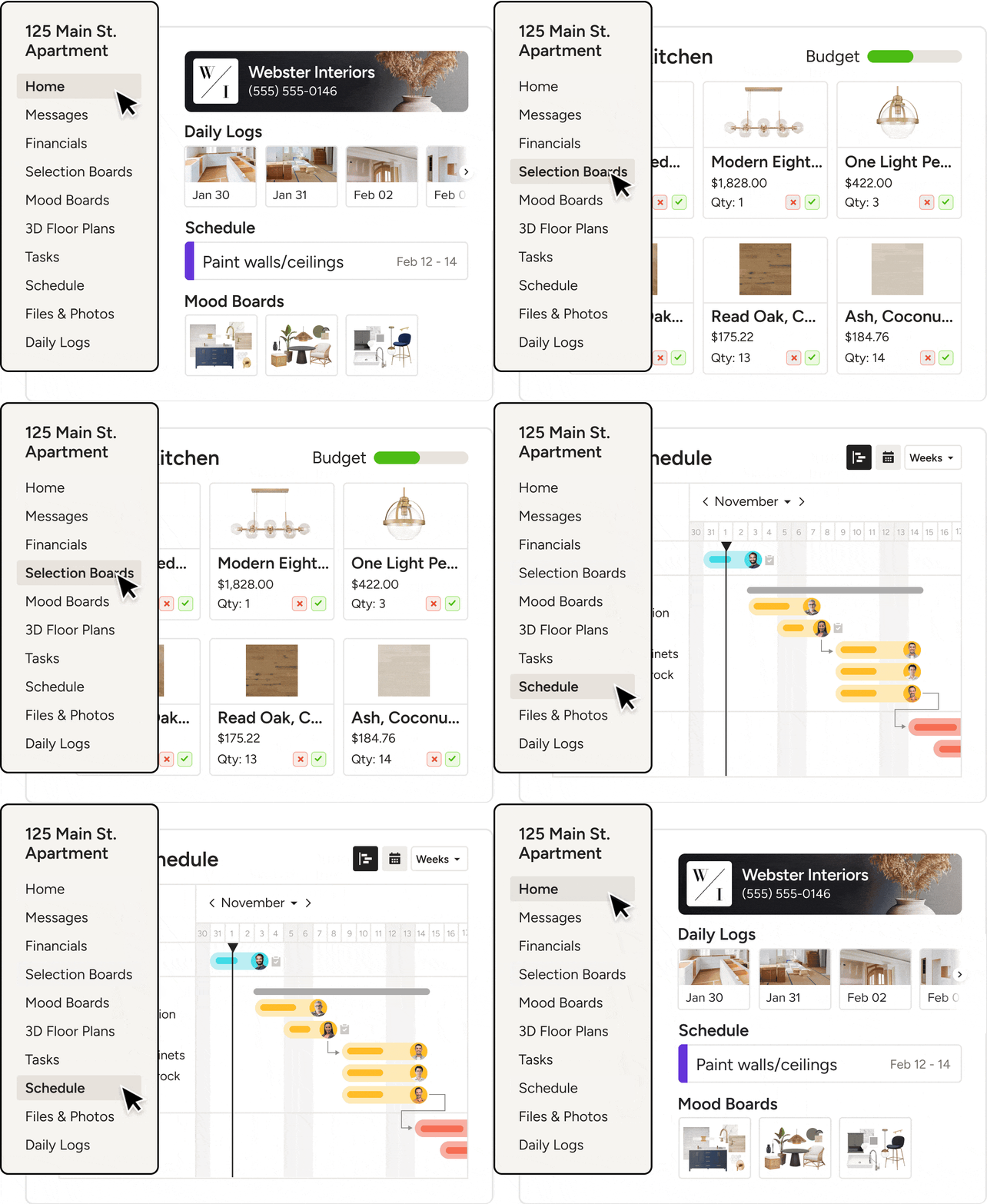
More than a place to stay in touch, our Client Dashboard is where they’ll find all your shared project essentials—from files needing feedback to updates throughout the process.
- Get project approvals big and small in one place
- Share timelines and day-to-day updates easily
- Let clients see and submit payments due, fast
- Give clients all-hours access to need-to-knows
AI CLIENT UPDATES
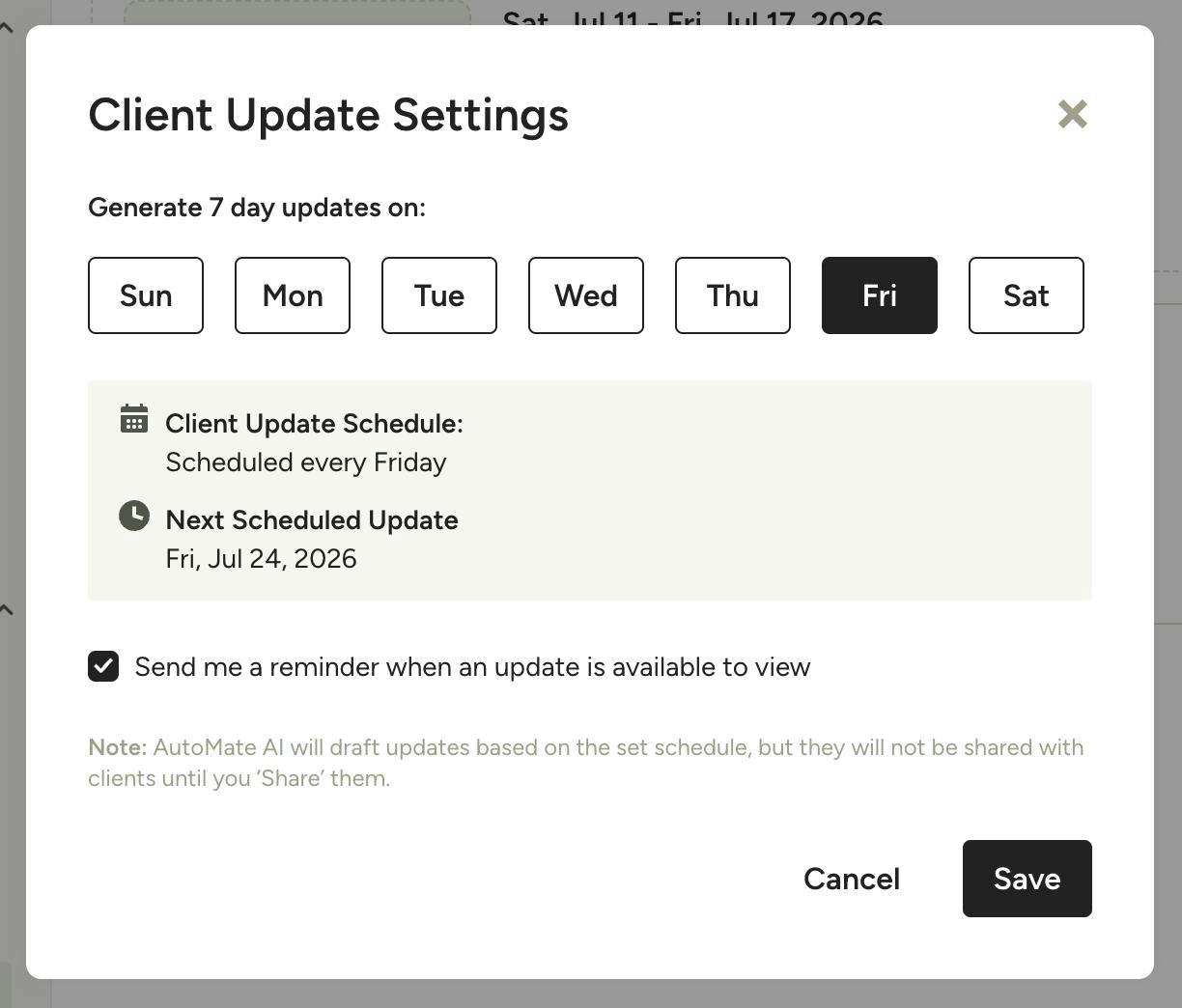
Weekly Updates, Drafted by Houzz AI.
Houzz AI drafts a weekly progress summary from the past seven days of project activity. Review and edit it, then publish it to your client’s dashboard. Clients get an email notification, nothing is shared until you click Share, and AI is optional.
CENTRALIZED MESSAGING
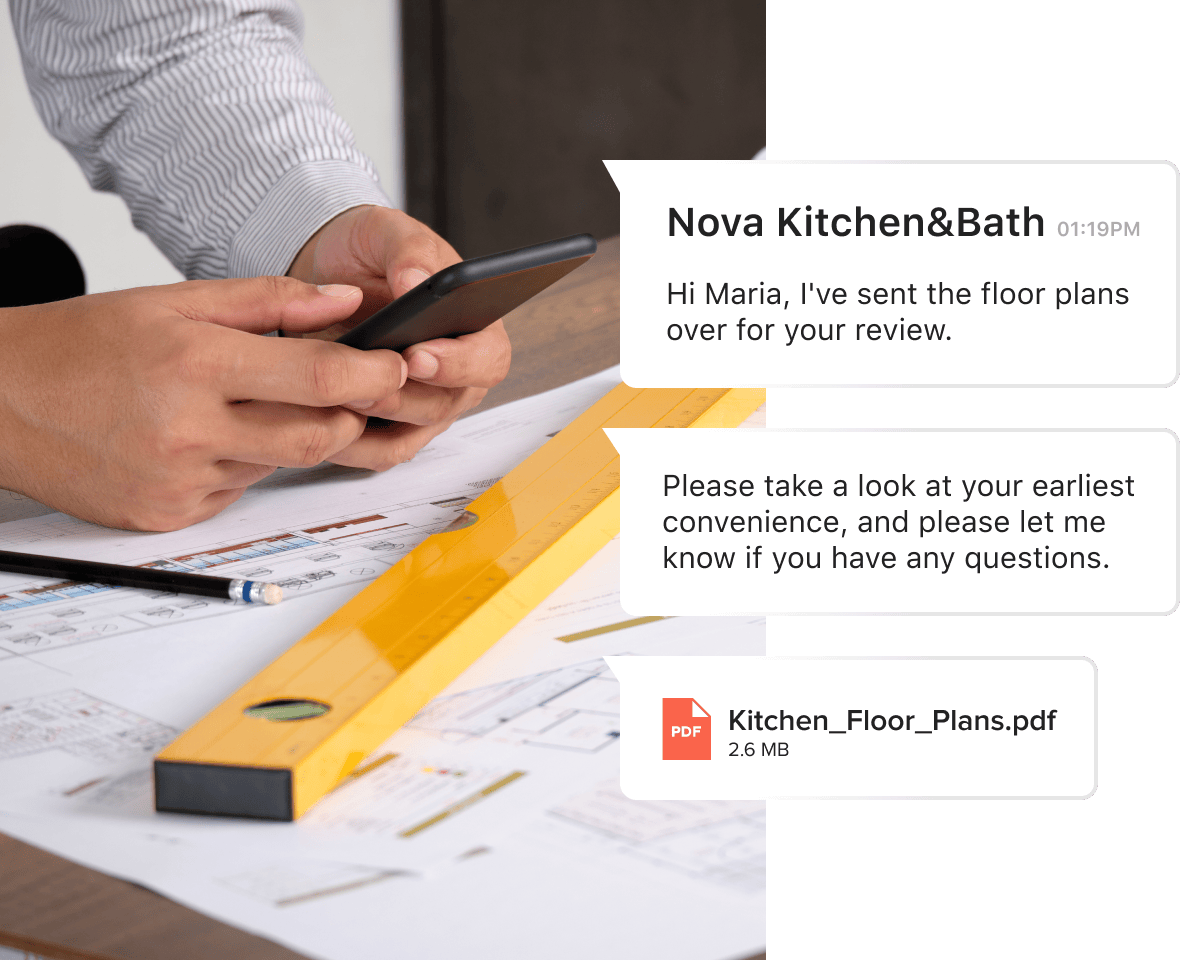
Keep Communication Secure and Organized
With Houzz Pro's construction client portal, you'll take your project documentation to another level.
- Send messages, files, or documents
- Clients receive messages via email
- Clients simply hit “reply” to respond
- Message history is autosaved for easy reference
- Assign Tasks to keep your clients involved
- Stay on track by setting Task reminders

DAILY LOGS
The Key to Boosted Efficiency and Productivity
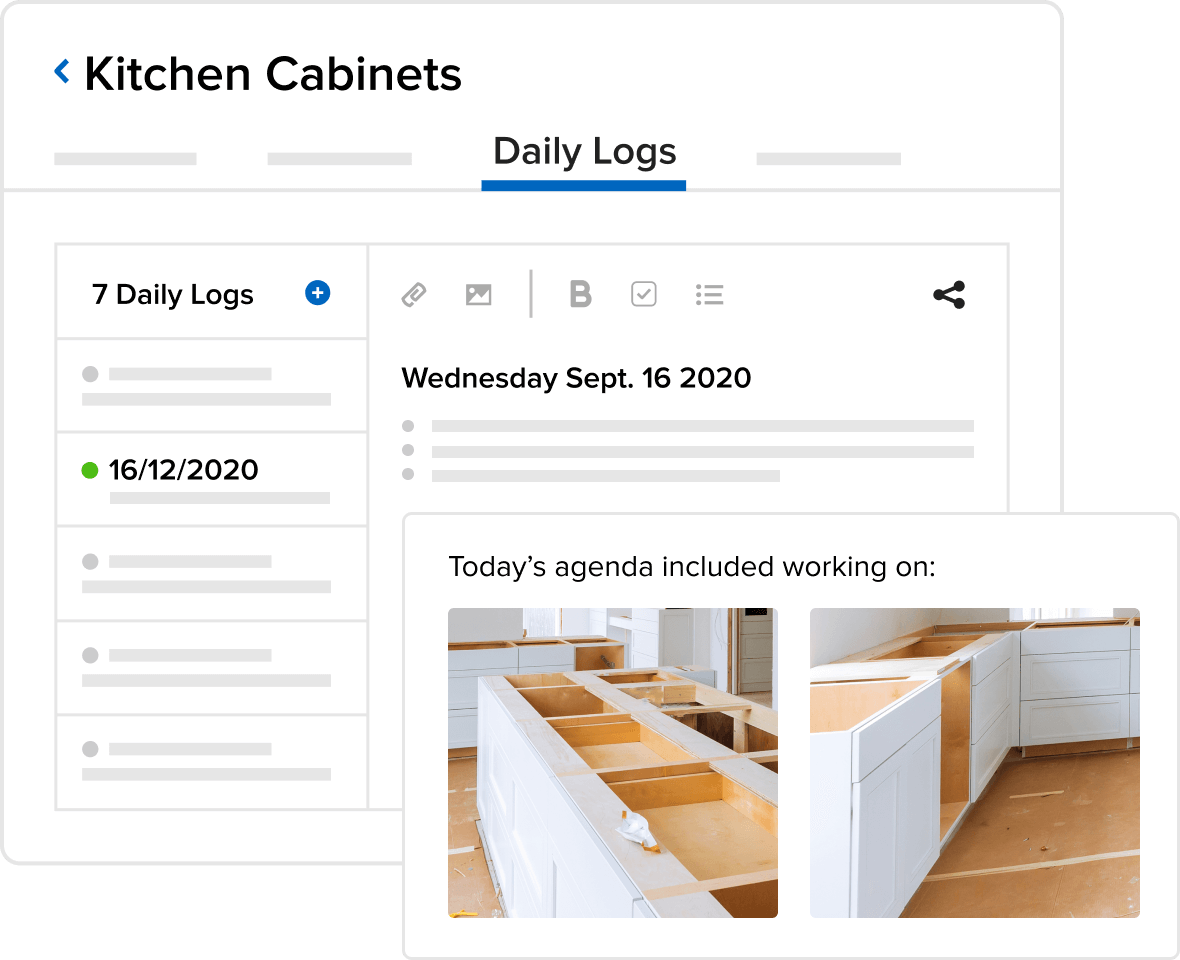
Clients won't need a follow-up from you with daily status updates when they can see all Daily Logs from their construction client portal. Plus:
- Your team focuses on the actual work
- You spend less time responding to clients
- Clients spend less time asking for updates
PROJECT SCHEDULE
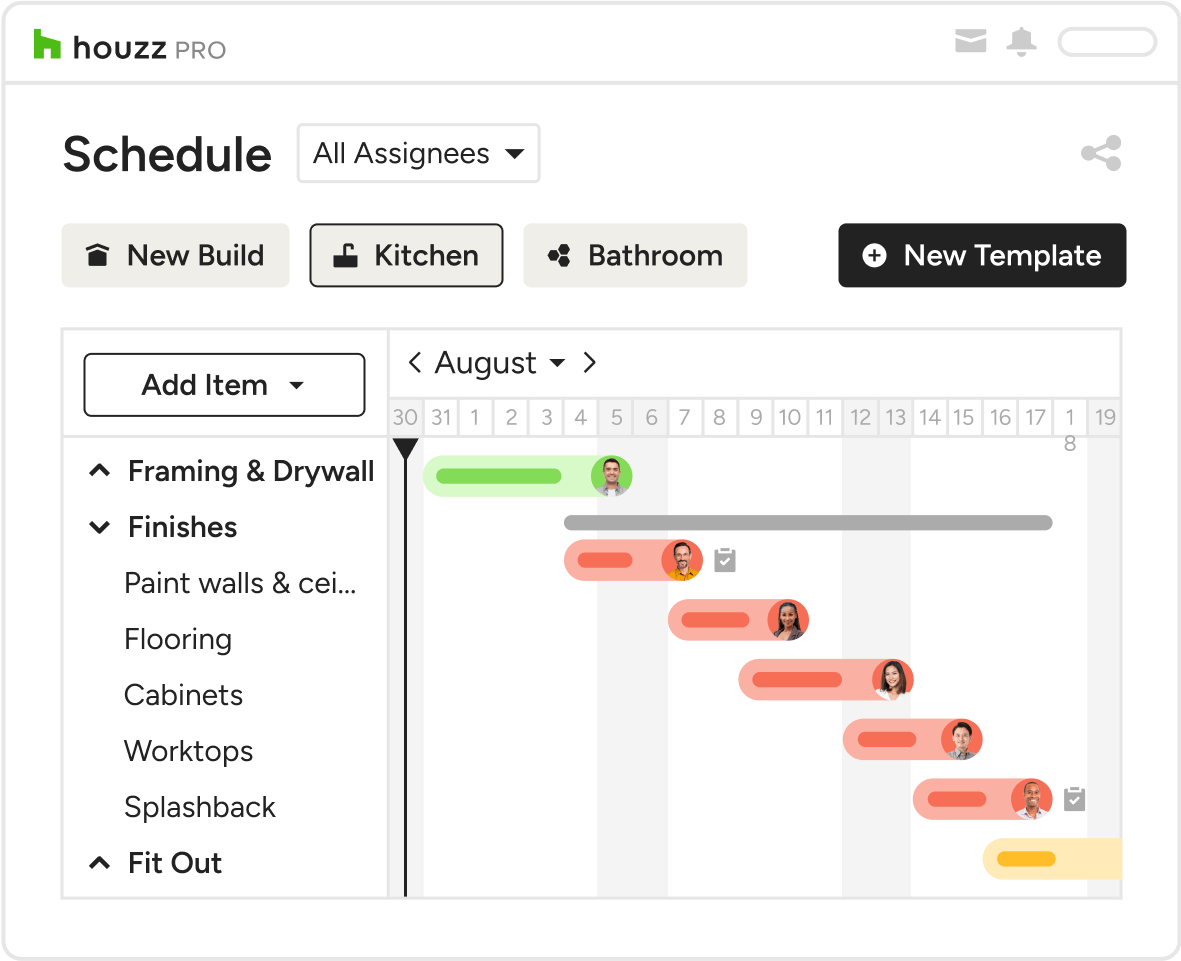
Gain Project Visibility
Clients can see the project status, upcoming activity and what they or other team members need to do at a glance. Plus:
- Clients can view future milestones or tasks
- You'll spend less time updating clients on progress
- Clients will be more informed & engaged
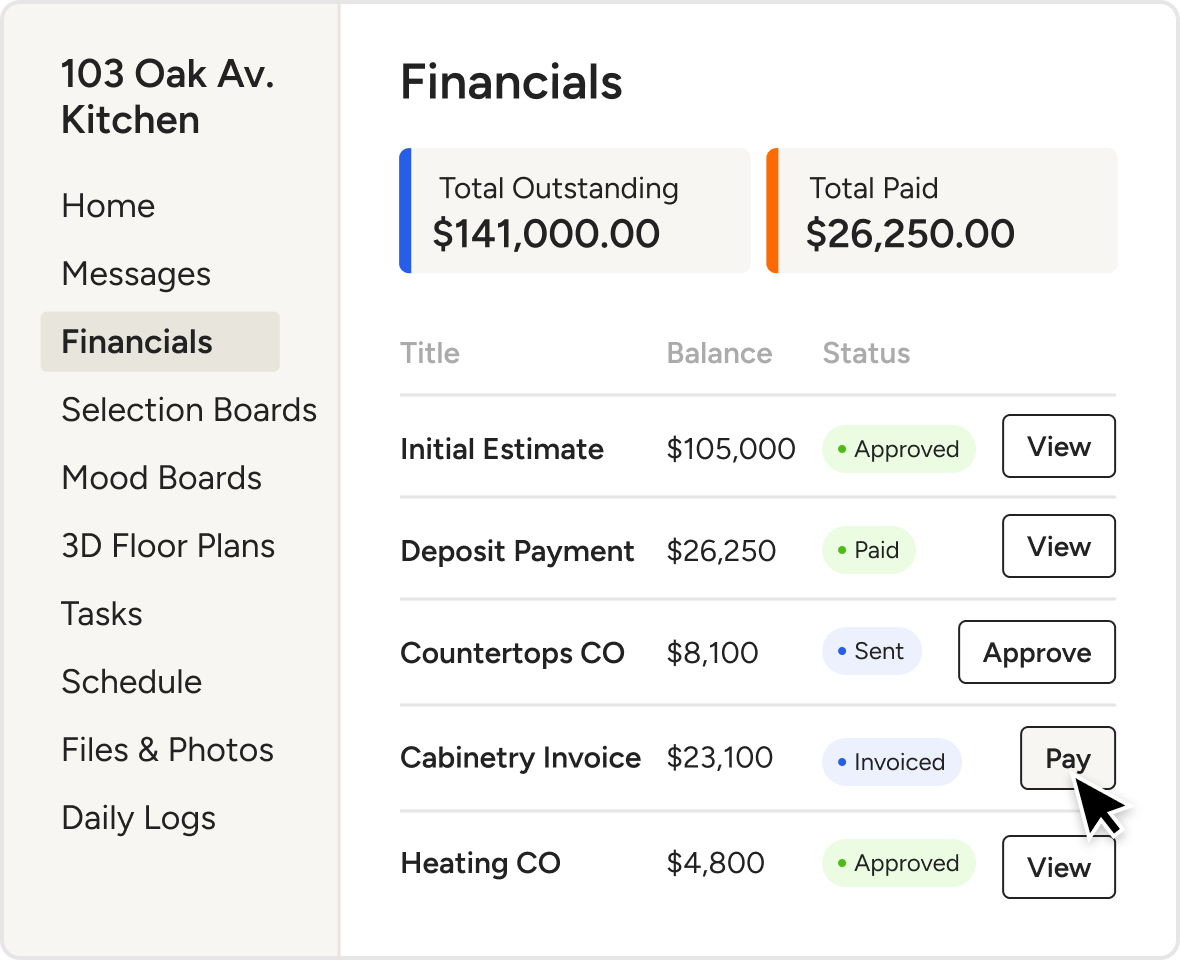
FINANCIAL FILES
Put Their Financials Front and Center
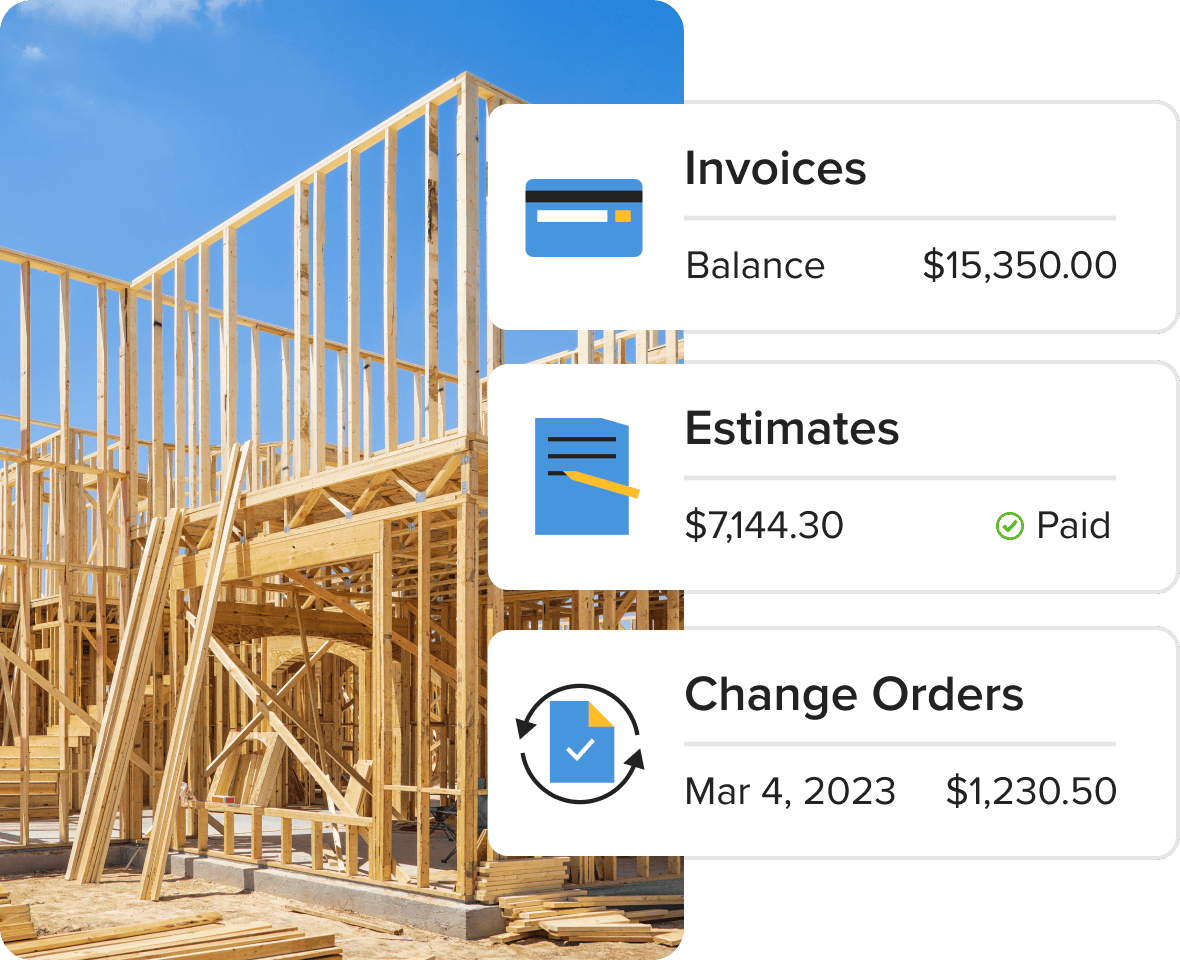
Keep updated on every dollar with a dedicated spot for financial docs and a live payments overview they’ll love. No more scattered PDFs, buried emails, or unpaid invoices.
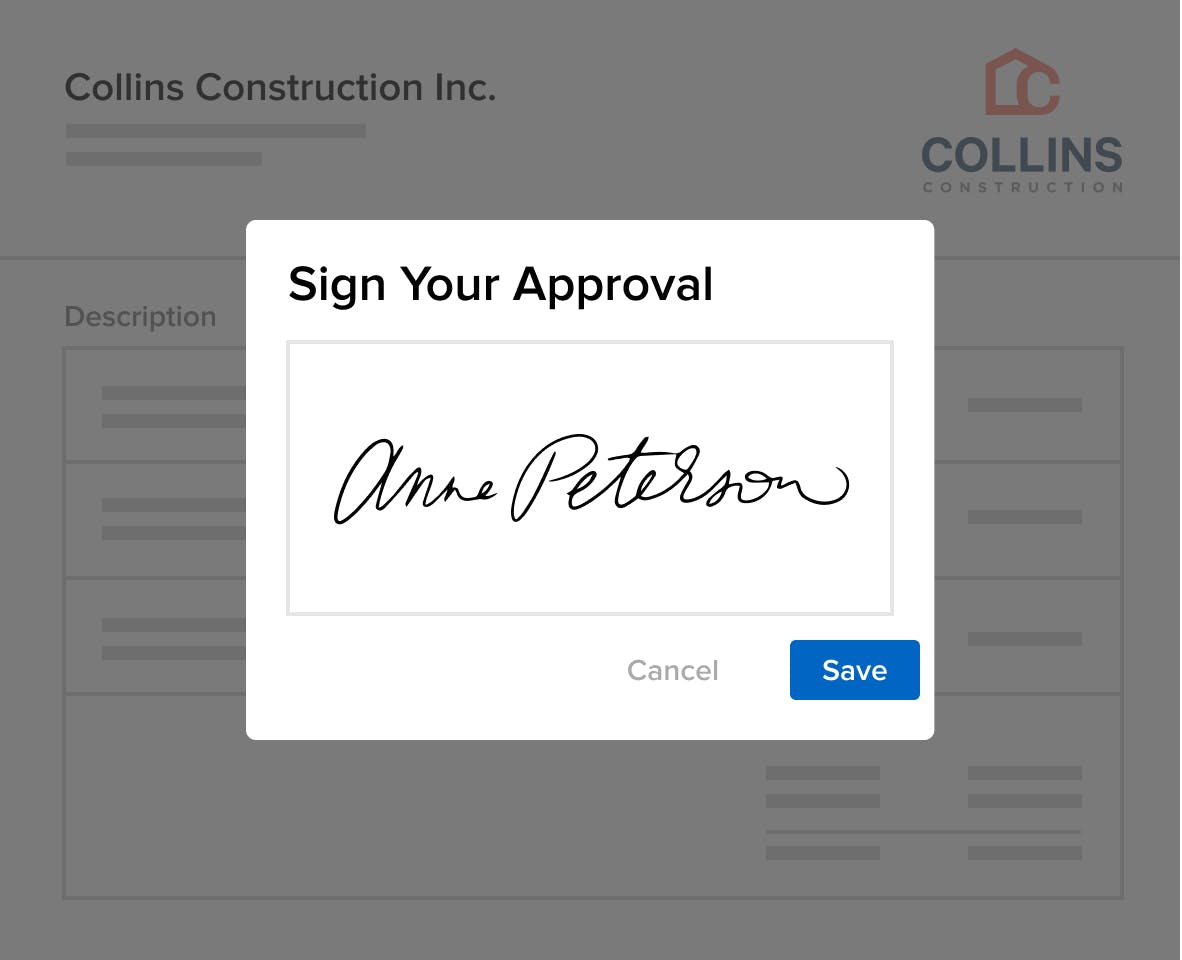
- Share Estimates or Proposals for fast approval
- Post Invoices clients can safely pay online
- Get Change Orders approved with less delay
- Show paid and outstanding totals at a glance

PRIVATE NOTES
Control Your Projects
Leave notes on client communication that only you and your team can see.
- Maintain control and keep your team on the same page
- Streamline communication from texts, emails and calls
- Share only what you want to build trust on your terms

CUSTOMIZED BRANDING
Custom Portals Help Clients Feel Right at Home
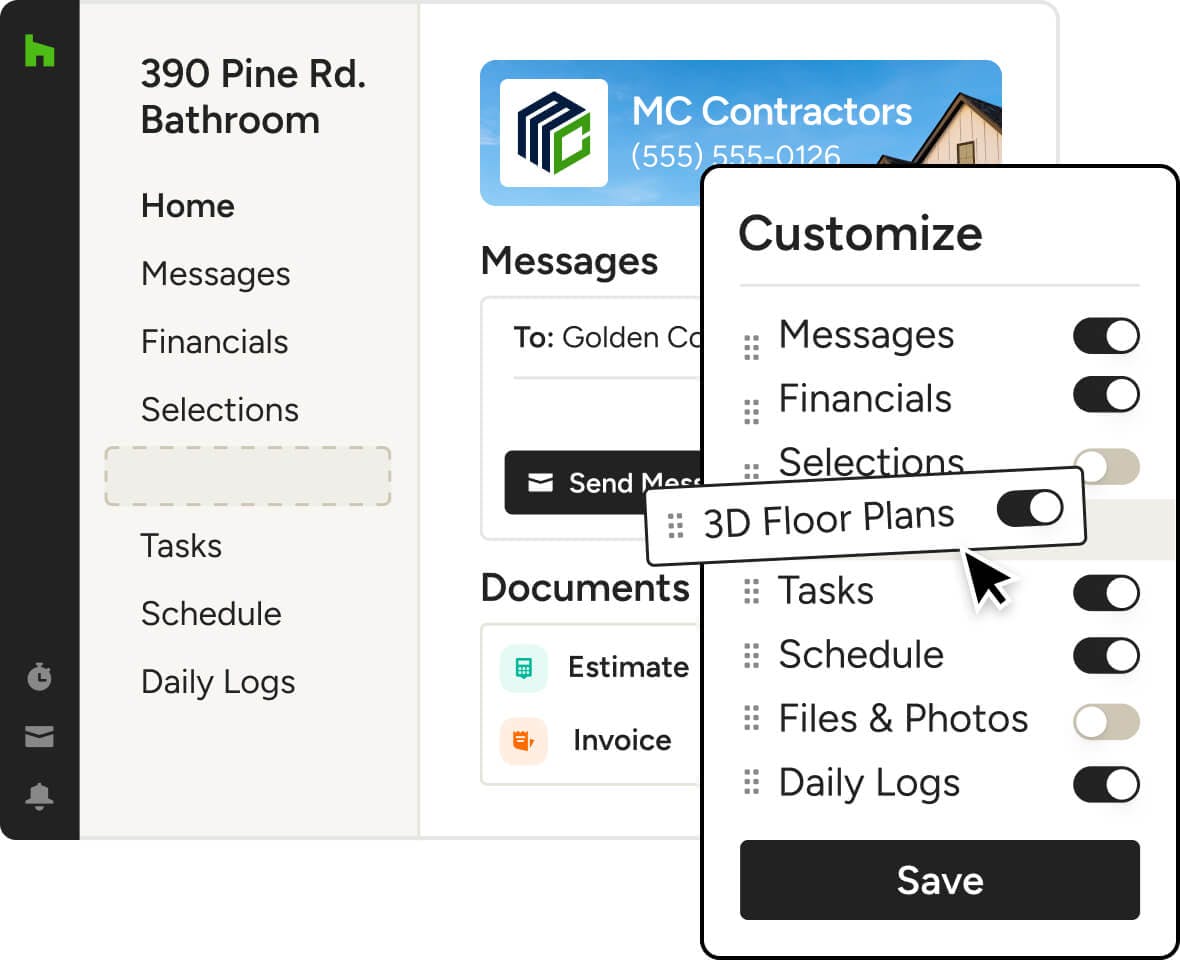
With Houzz Pro's construction client portal software, you can add your company logo to make a great impression.
Customize Their Client Dashboard




INTEGRATIONS
Client Dashboard Software That Keeps You Connected
Our Client Dashboard works with tons of the tools you already use, cutting the double work. On top of the dozens of other integrations across Houzz Pro, you can autosync client payments with QuickBooks Online and upload files and photos directly from Google Drive to your client portal.
AWARD-WINNING SUPPORT
Here to Help—However You Need It.
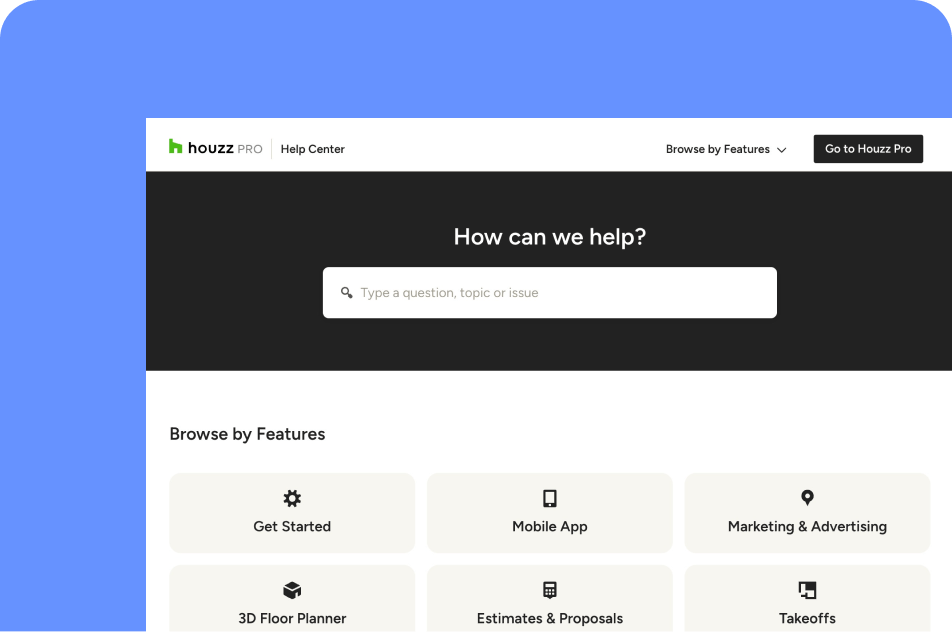
Got questions? Our Client Dashboard experts have answers. For anything our self-guided resources can't solve, reach out for assistance and we'll take it from there.

Online Chat
The fastest way to find answers is at the bottom right of your browser.


Phone
We’re here from Monday to Friday, 6am to 5pm PT at (888) 372-2851.

Client Dashboard Features
See the main features of Houzz Pro Client Dashboard
| Feature | Description |
|---|---|
| Core Functionality | |
Centralized Client Dashboard | Provide clients with a single dashboard to access all project-related information in one place. |
| Communication | |
Client Messaging | Enable clients and pros to communicate directly within the dashboard. |
| Document Sharing | |
Financial Documents Sharing | Share estimates, invoices, proposals, and related documents. |
Files & Photos Sharing | Share project files, images, and documents with clients. |
| Project Management | |
Schedule Sharing | Share project schedules and timelines with clients. |
Task Visibility | Allow clients to view assigned tasks and project activities. |
Task Interaction | Allow clients to interact with tasks (e.g., updates, completion where applicable). |
Daily Logs Sharing | Share daily logs to keep clients informed on job site progress. |
| Design Collaboration | |
Selections Sharing | Share selections boards and allow clients to review and interact with items. |
Mood Boards Sharing | Share mood boards for design collaboration. |
3D Floor Plans Sharing | Share 3D floor plans for visualization and review. |
| Financial & Approvals | |
Online Payments | Allow clients to pay invoices and financial documents online. |
Payment Tracking Visibility | Allow clients to view payment-related information and status. |
Document Approvals | Allow clients to review and approve project documents (e.g., estimates, proposals). |
E-Signature Workflows | Enable digital signing of documents such as proposals or contracts (via Houzz Pro workflows). |
Budget Visibility | Share and display project budget information with clients. |
| Permissions & Access | |
Feature-Level Visibility Control | Control which dashboard sections are visible to clients. |
Document-Level Sharing Control | Publish or hide specific documents from client view. |
| Customization | |
Dashboard Menu Customization | Customize dashboard sections shown to clients. |
Widgets | Add elements such as text or media to enhance dashboard experience. |
Branding | Display company logo, contact details, and branded header background |
| Sharing & Access | |
Share via Link or Email | Provide access via shareable link or email invitation. |
Why Go With Houzz Pro?
Construction Pros, Get Ahead With These Top Four Tools From Houzz Pro

Construction Client Portal FAQs
Explore More Features for New Construction
Last updated: October 2026 · Reviewed by the Houzz Pro product team