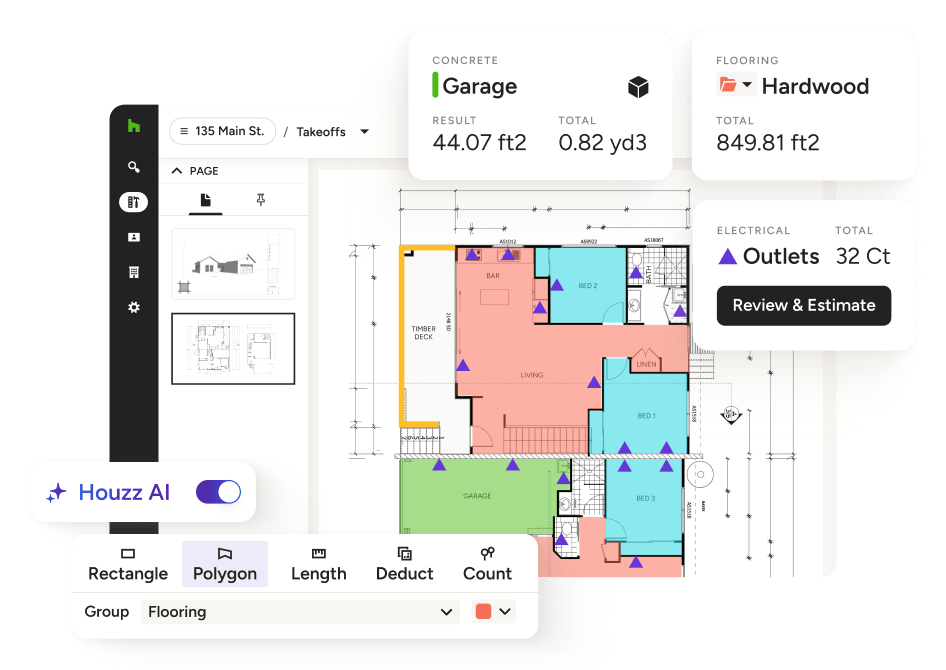
CONSTRUCTION TAKEOFFS
Construction Takeoff Software with AI to Take Back Your Nights and Weekends
Measure plans, automate your calculations, and convert it all into an Estimate in a few clicks—with AI reading the plans for you. Skip the printer and calculator, and start bidding jobs up to 10x faster with our construction takeoff software.
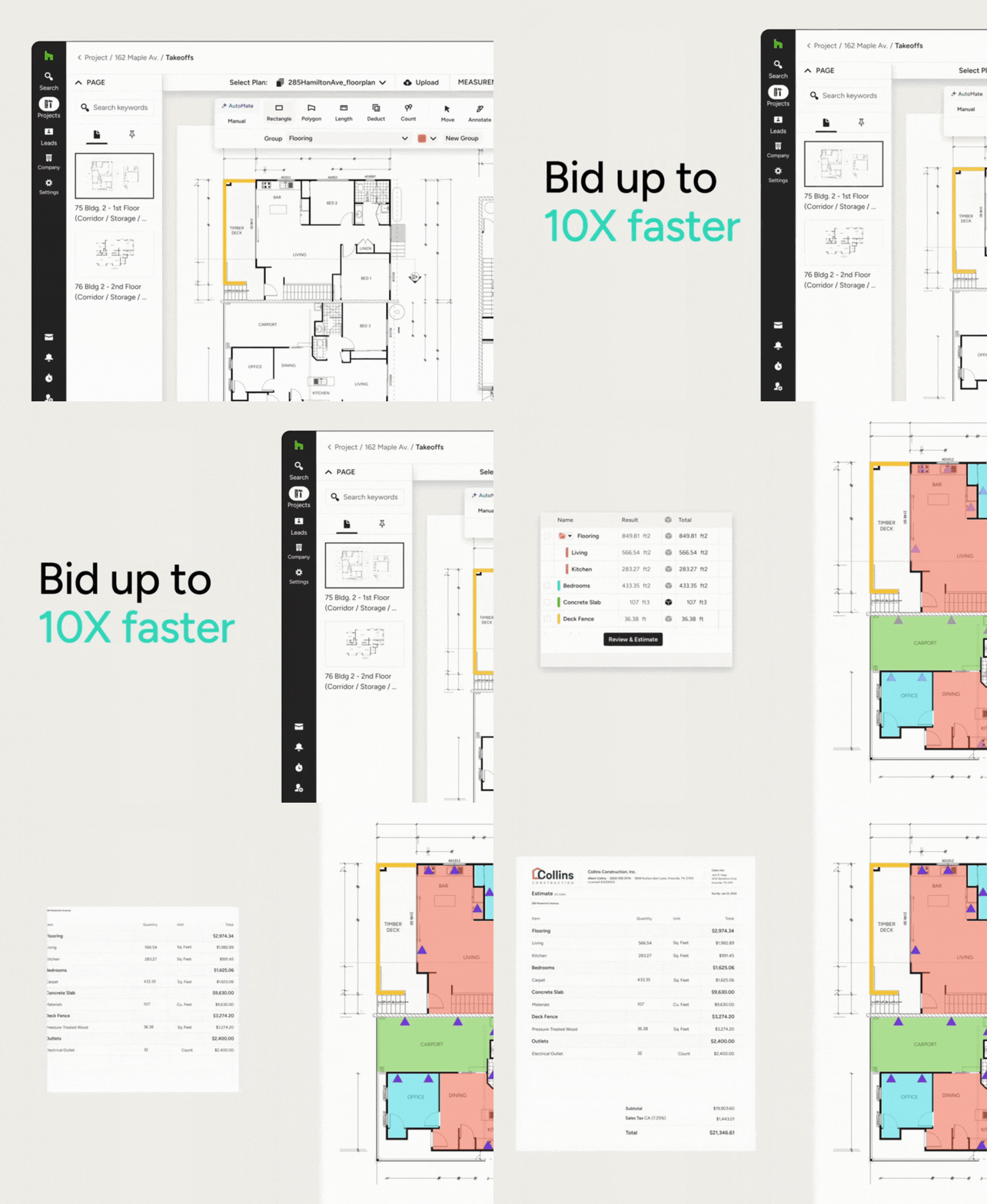
PRECISE TAKEOFFS
Our Construction Takeoff Software in Action
Measure almost any space, complete complex calculations, and build client-ready bids before the competition. See how our takeoff software takes it all on.




High-Speed Construction Takeoffs. High-Quality Results.
UP-TO-DATE TAKEOFFS
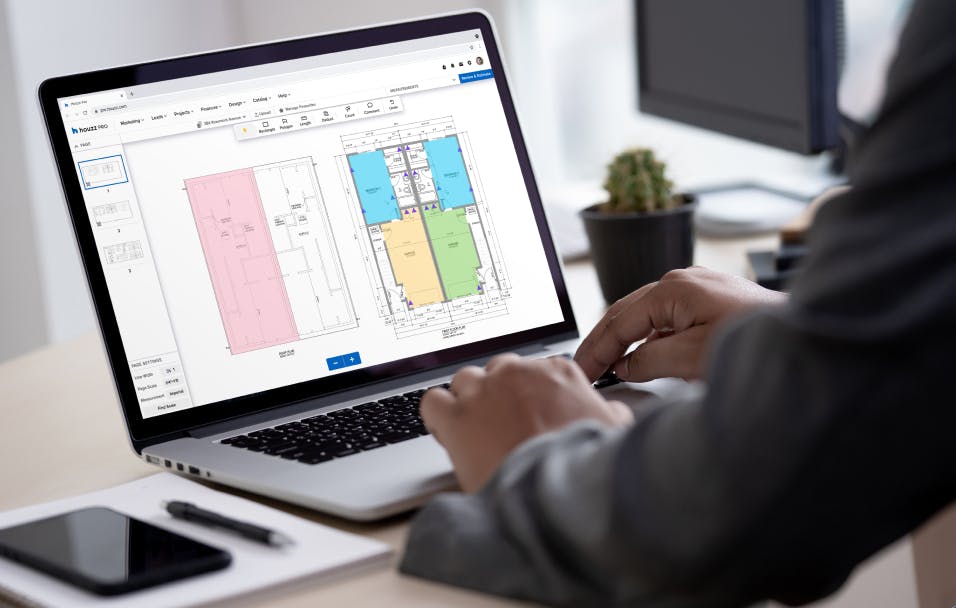
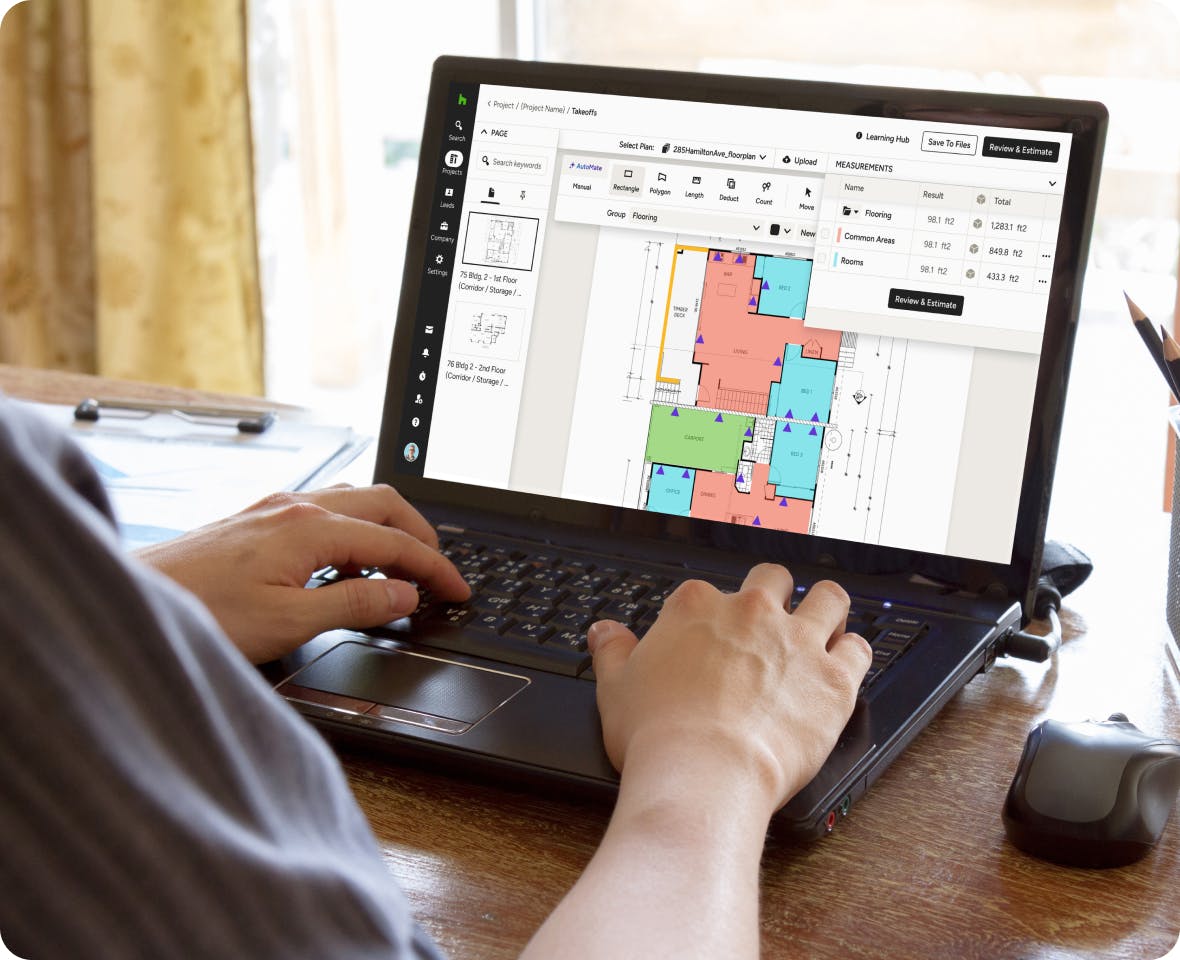
Keep Takeoffs Current as Plans Change
When drawings get updated, adjust your measurements without starting over. Re-scale plans, edit quantities, and keep your totals current so your estimate reflects the latest set.
- Edit and update measurements as plans change
- Re-scale plans in a click
- Totals update automatically
- Skip re-doing the takeoff from scratch
Lucky for you, there's no extra software download required.
COMPLEX MEASUREMENTS
Measure It Once, Bid It Right.
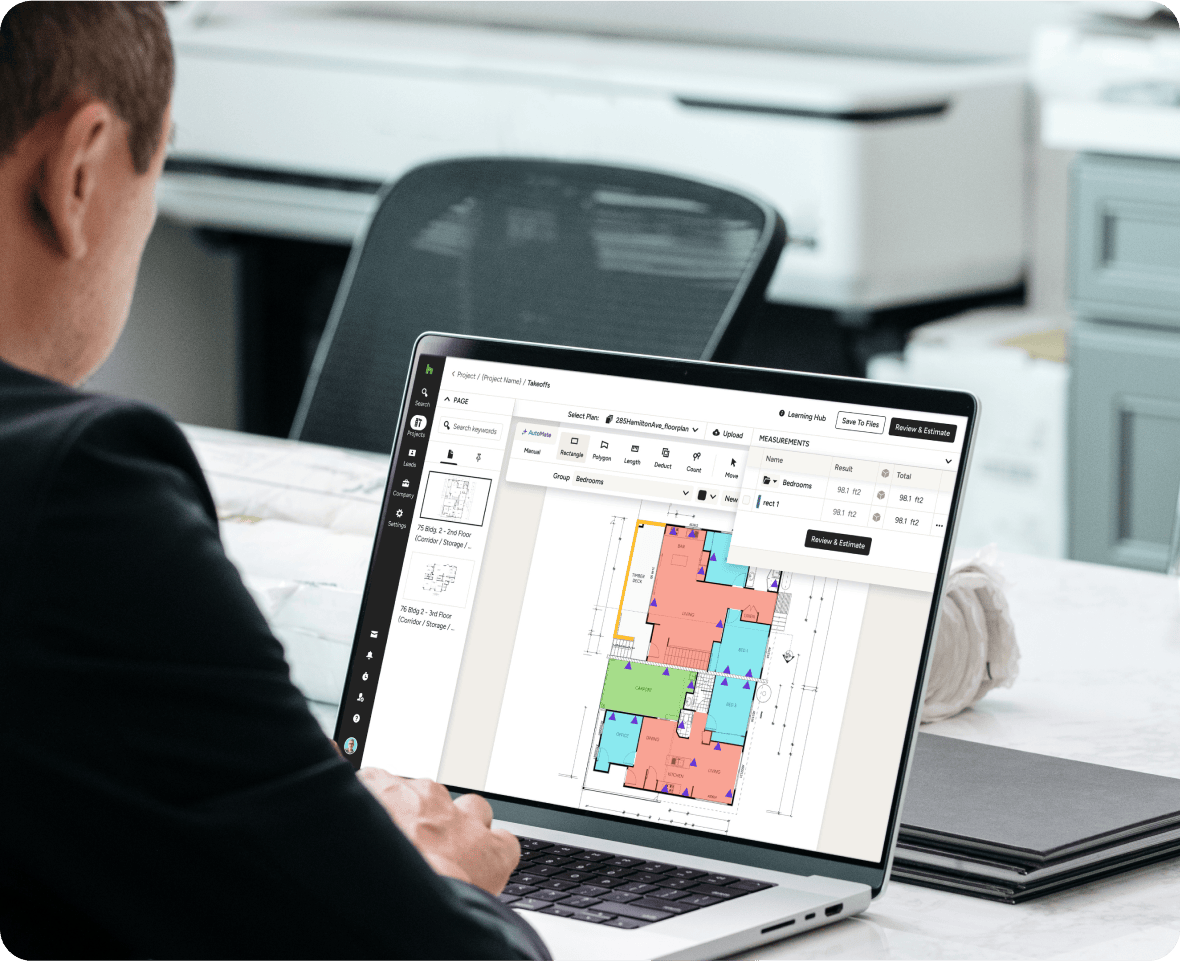
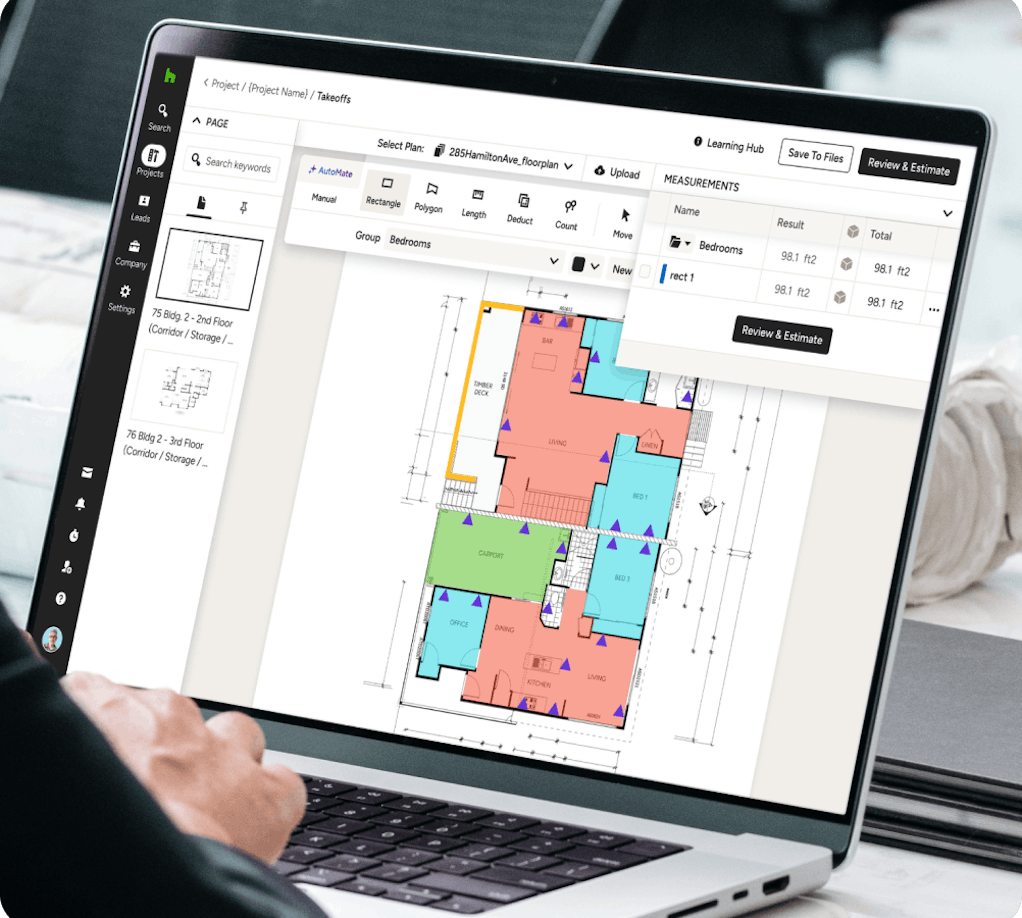
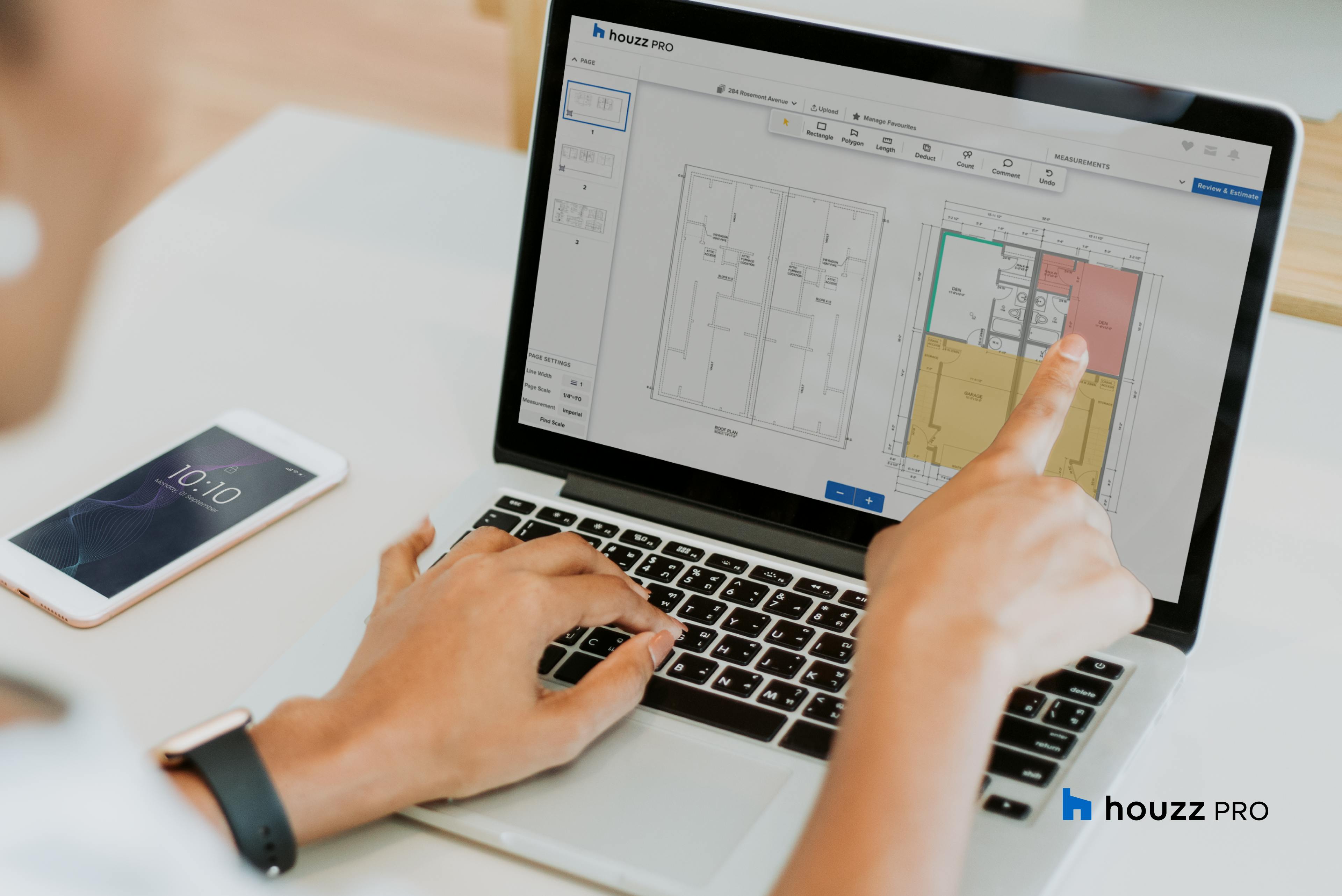
Efficient and easy to use, our residential construction takeoff software completes complex calculations in minutes and turns them into detailed, professional estimates.
- Upload plans or input measurements
- Markup on screen with ease
- Add material and labor costs in from the get-go
- Convert your takeoff into an estimate with a click
TIME-SAVING TAKEOFFS
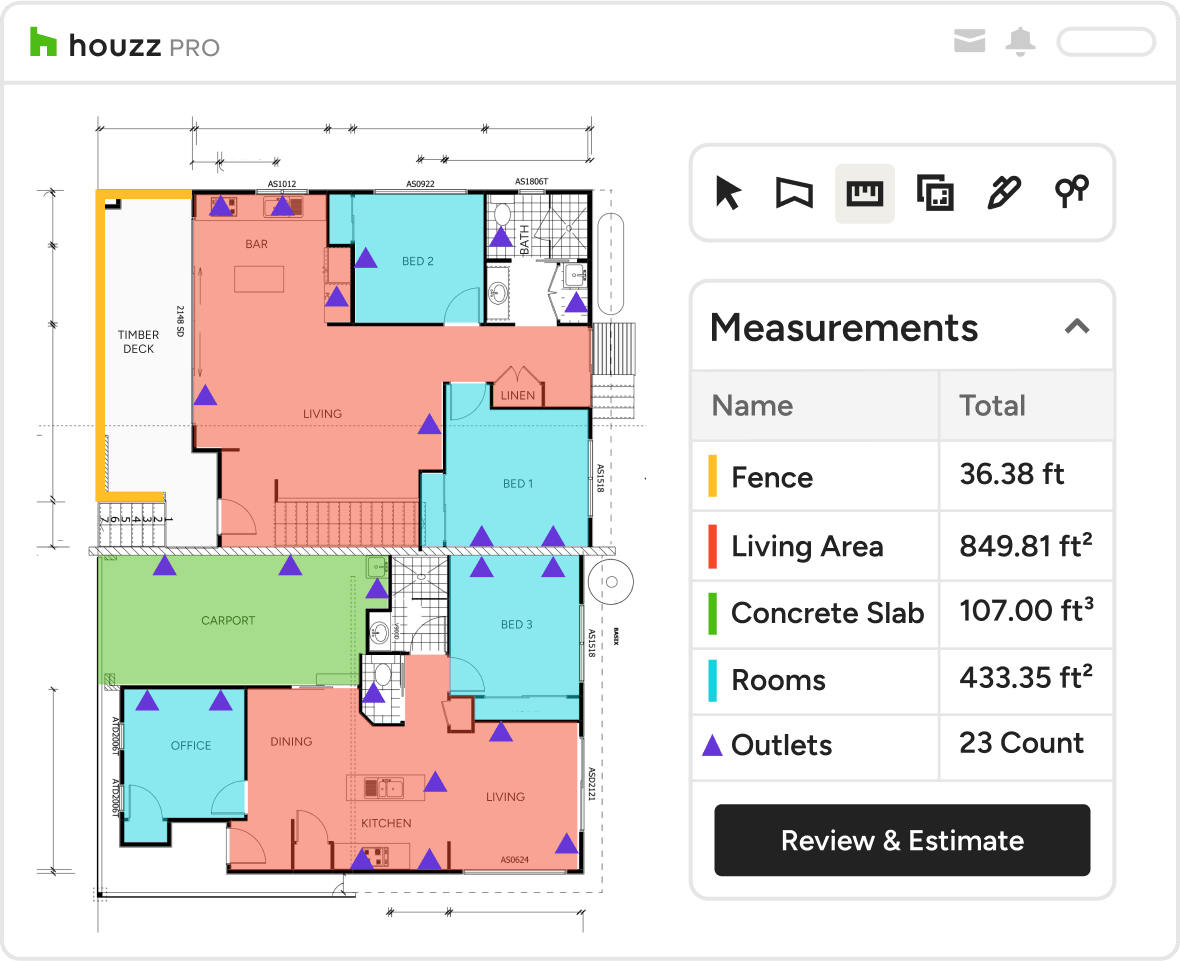
The Construction Takeoff Software That Can Calculate Anything
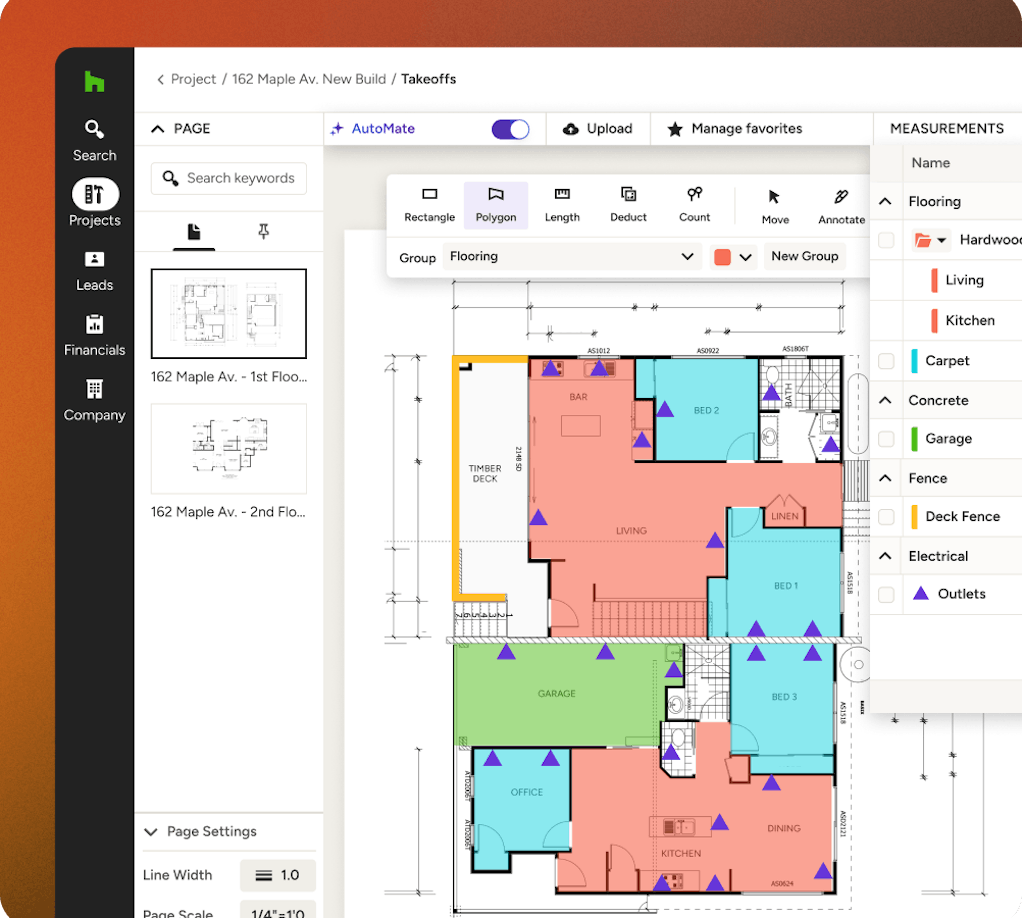
Houzz Pro's construction takeoff and estimating software can calculate anything a contractor or sub needs to estimate.
- Calculate the total area of floors or number of outlets needed
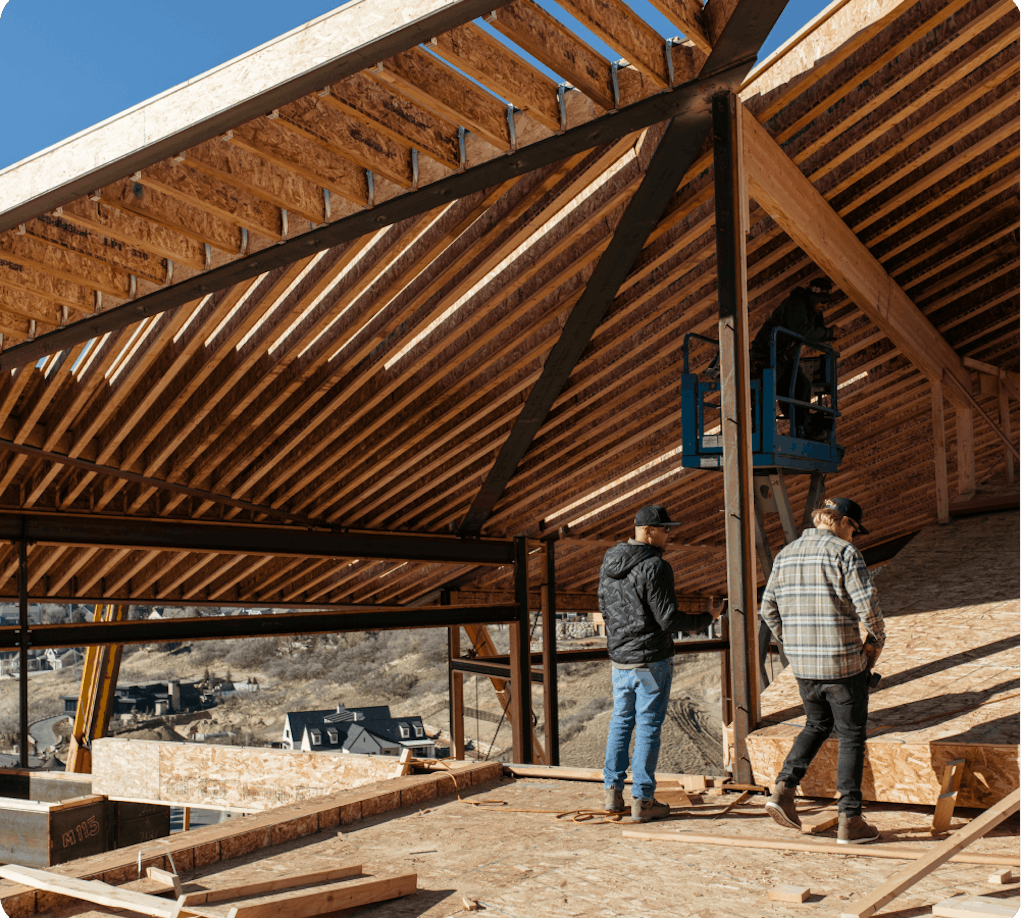
- Determine any materials needed for a roof
- Use the polygon tool to determine foundation volumes
- Auto-calculate grouped items to calculate the total cost
AUTOMATIC ESTIMATES
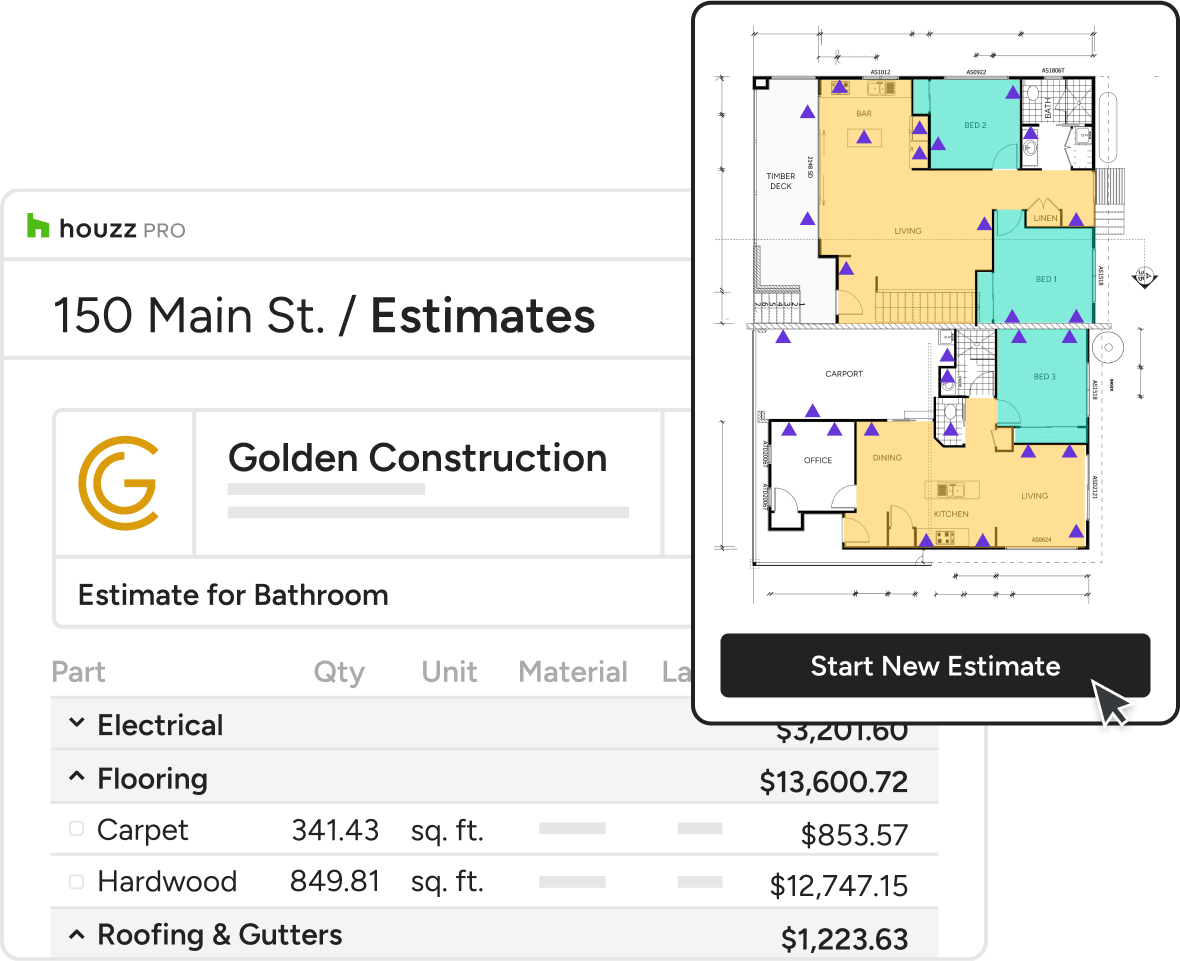
Turn Takeoffs Into Client-Ready Estimates
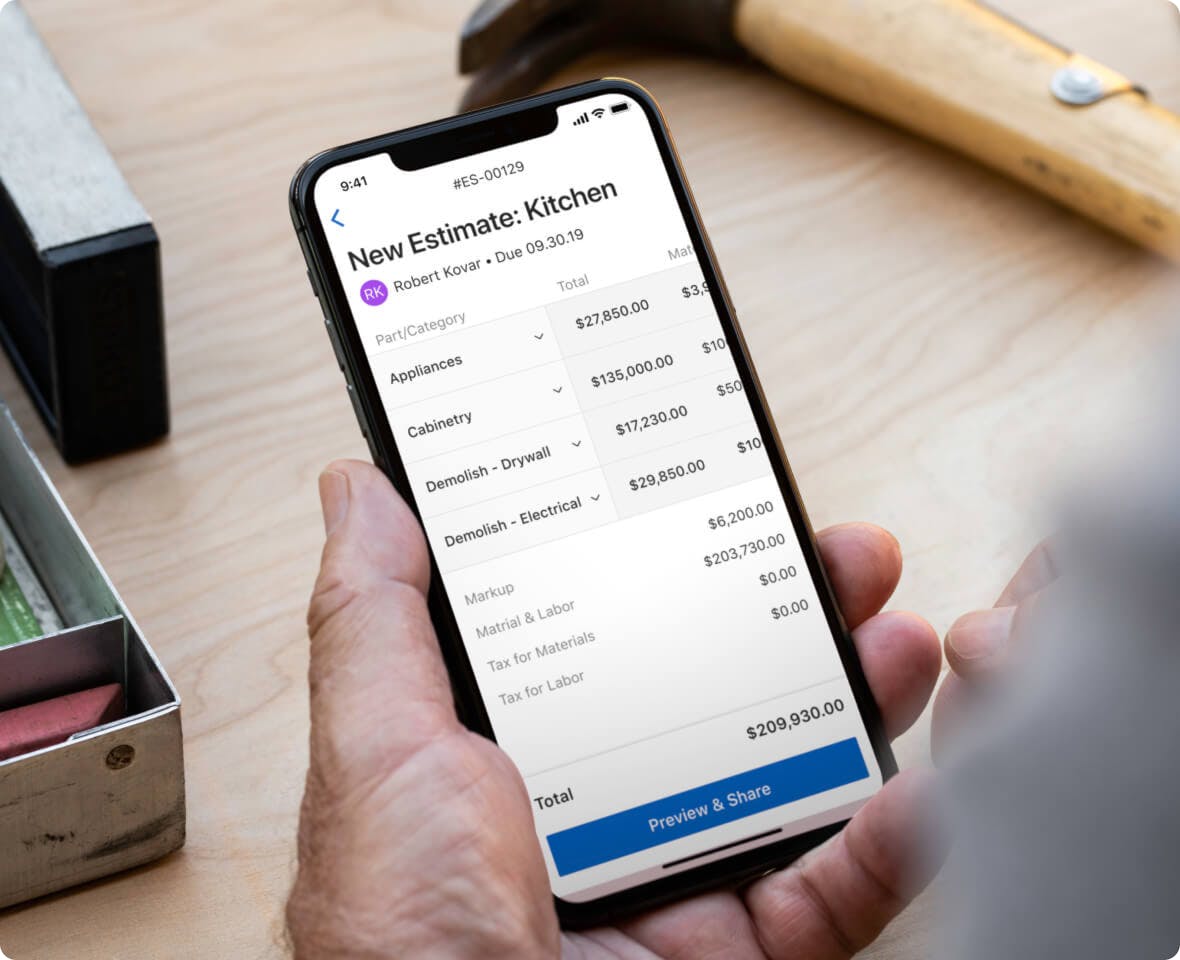
Convert your measurements into a professional, branded estimate in one click—complete with your logo, letterhead, and every detail your client needs to say yes.
- Turn measurements into professional quotes
- Add your logo and letterhead
- Include all information your client needs
- Skip downloading any additional software




HOUZZ PRO INTEGRATIONS
Ready to Connect With Your Favorite Tools
Stop entering the same information twice. Collaboration isn't just for pros and clients. Our construction takeoff software for Mac and Windows works with tons of the tools you already use, cutting the double work. Autosave financial details in QuickBooks Online, manage leads directly from Gmail, sync your calendars (iCloud, Gmail, Exchange, Office 365, Outlook), and so much more.
AWARD-WINNING SUPPORT
Here to Help—However You Need It.
Got questions? Our experts have answers. For anything our self-guided resources can't solve, just reach out for assistance and we'll take it from there.

Online Chat
The fastest, most convenient way to get your questions answered.

Troubleshooting and other assistance are just a help ticket away.

Phone
Our support team is standing by Monday to Friday, 6am to 5pm PT.

Help Center
Articles, video tutorials, webinars, and more—all accessible 24/7.



Why Go With Houzz Pro?
One System From Takeoff to Payment
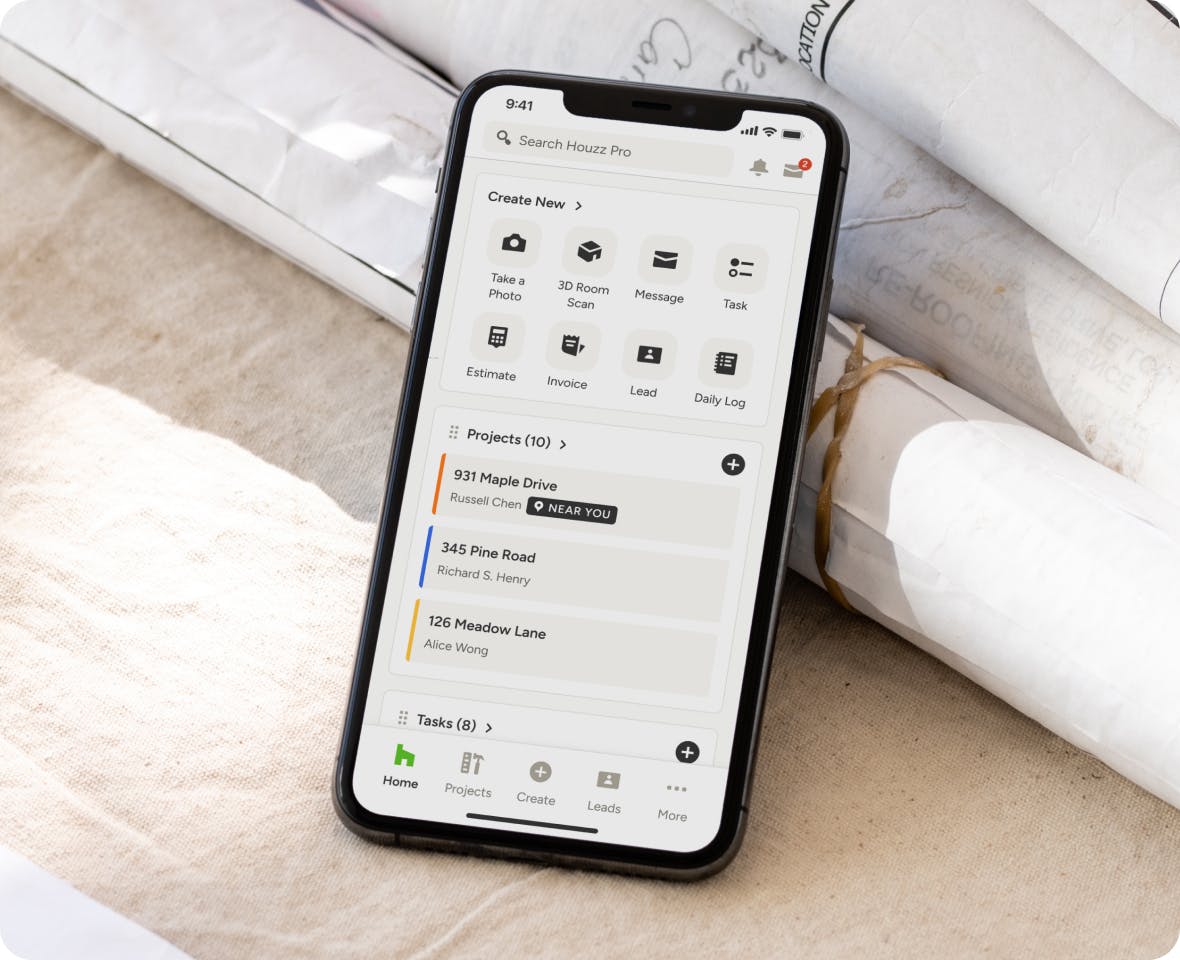
Your takeoffs, estimates, client details, and payments all live in Houzz Pro, so your team spends less time re-entering data and more time winning work.
Construction Pros, Get Ahead With These Top 4 Tools From Houzz Pro



Construction Takeoff Software Features
Review all features included in our takeoff software
| Feature | Description |
|---|---|
| AI & Automation | |
AI Takeoffs | Use AI to automatically read plans and generate area, length, and count measurements with one click. |
AI-assisted measurement | Use AI to automatically measure elevation plans |
AI symbol recognition | Use AI Symbol Recognition or OCR to automatically detect all instances of a symbol across a page or whole plan |
| Data Management | |
Export Takeoffs to Excel | Export takeoff summaries and quantities to Excel for reporting or additional analysis. |
| Estimate Integration | |
Convert Takeoffs to Estimates | Turn takeoff measurements into estimate line items to continue the estimating workflow. |
| Measurement Management | |
Edit & Update Measurements | Modify measurements easily as plans change, with totals updating automatically. |
Measurement Summary | Review all measurements in a centralized summary for quick validation. |
Measurement Groups | Organize measurements into folders or groups to structure takeoff data by scope or trade. |
Duplicate Measurements | Duplicate existing measurements or groups to reuse them for similar plan areas. |
Additional Measurement Dimensions | Add height, depth, pitch, or multipliers to measurements for more accurate quantity calculations. |
Convert Area to Perimeter | Convert an area measurement into a perimeter measurement for things like trim or baseboards. |
| Measurements | |
Area Measurements | Measure square footage for spaces, rooms, or defined areas directly on the plan. |
Linear Measurements | Measure lengths such as walls, edges, or runs using linear takeoff tools. |
Count Measurements | Count items such as fixtures, doors, windows, or symbols directly from plans. |
Volume Measurements | Calculate cubic measurements for use cases that require volume-based quantities. |
Polygon & Shape Tools | Measure irregular or custom shapes using flexible polygon and drawing tools. |
Item-Linked Measurements | Create measurements tied directly to items/materials/products from your houzz pro catalog |
| Plan Markups | |
Plan Annotations | Add notes, labels, and visual markups directly on plans for clarity and reference. |
Color-Coded Measurements | Visually distinguish measurement types using color coding on the plan. |
Hide / Show Measurement Layers | Hide or reveal measurement layers on the canvas to reduce clutter while working. |
| Plan Setup | |
Upload Floor Plans | Upload PDF floor plans to perform digital takeoffs directly on screen. |
Plan Scaling & Calibration | Set or adjust plan scale to ensure accurate measurements across the entire drawing. |
Multi-Page Plan Support | Perform takeoffs across multiple plan pages within the same project, pin pages for convenience |
| Review & Accuracy | |
Visual Plan Review | View measurements directly on the plan to verify accuracy before estimating. |
Custom Takeoff Summary Views | Customize takeoff summary views to organize measurements by plan, page, or project scope. |
| Workflow Integration | |
Convert 3D Floor Plans to Takeoffs | Generate takeoff measurements from a Houzz Pro 3D floor plan in a few quick step |
Residential Construction Takeoff Software FAQs
Last updated: September 2026 · Reviewed by the Houzz Pro product team