How to Use AI in the Houzz Pro Mobile App
Using Houzz AI on the mobile app allows you to improve the productivity and efficiency of your business — even when you're on-the-go or at the job site. It helps you complete simple but time-consuming tasks so you can prioritize other things that move your business forward.
Our AI features are incorporated in several different areas of the mobile app experience, including:
- Assistant Text and Voice Commands
- AI Note-Taking and Meeting Recording
- Financial Documents
- Clipper
- Expenses
- Messages for Leads
Please Note: The mobile app AI experience does differ from the desktop AI experience — to learn more about desktop, read How to Use AI in Houzz Pro.
Let's go over how AI is used for each feature.
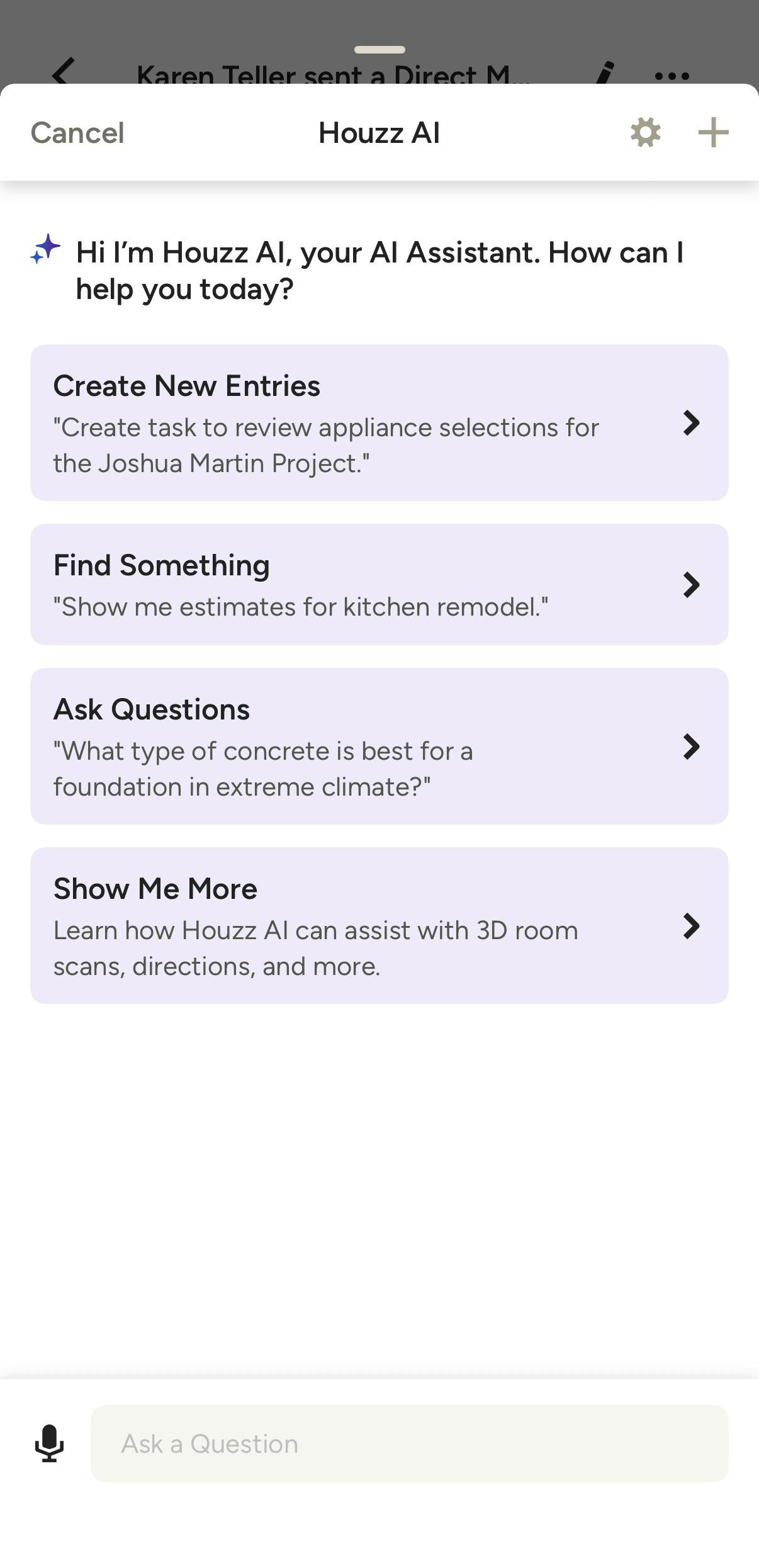
AI Assistant Text & Voice Commands
With the Houzz AI Assistant, you can use text and voice commands to quickly perform an action throughout the mobile app. This is a great way to save time and complete tasks when you are on-the-go or at the job site.
We currently support these specific AI voice commands:
- Create Lead
- Create Project
- Create Daily Log
- Create Note
- Create Task
- Generate Estimate, Proposal, Invoice and/or Change Order
- Ask Questions
- Call, Text or Email Client
- Ask Directions to Job Site
- Clock In or Out
- Start 3D Scan
- Open Camera
- Upload Files
You can use the AI Assistant from both a desktop computer (financial documents only) or the Houzz Pro mobile app.
Read AI Voice Commands on the Houzz Pro App and for a step-by-step guide on using this feature.
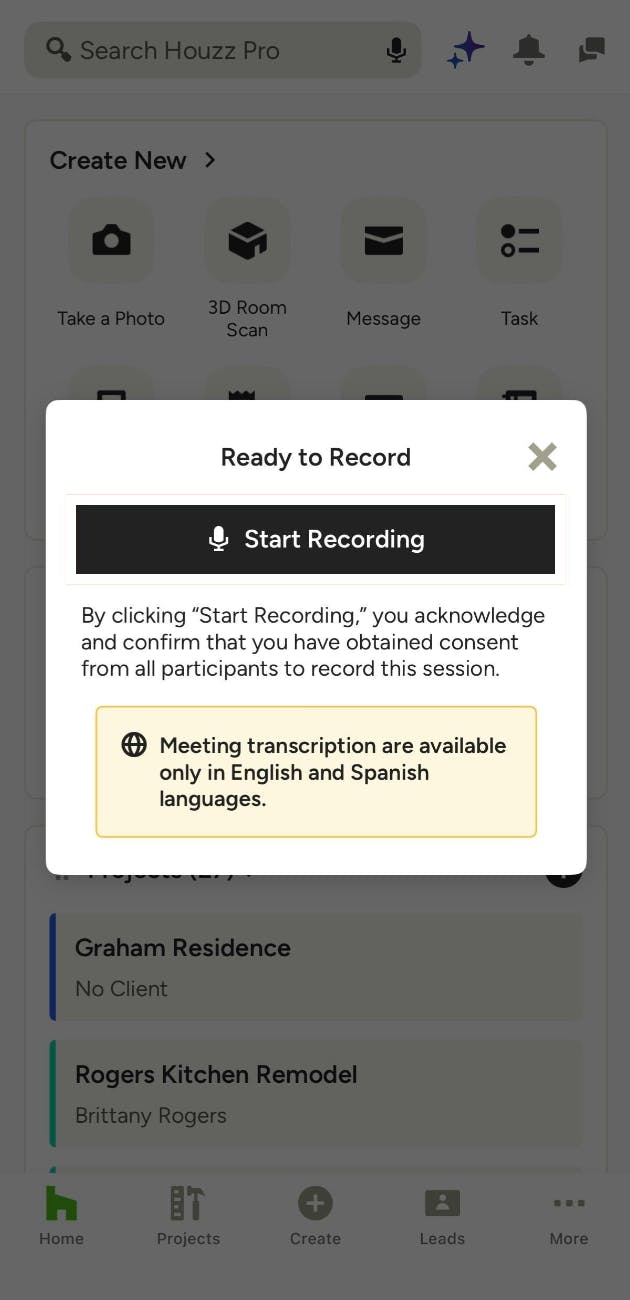
AI Note-Taking and Meeting Recording
You can use Houzz AI in the mobile app to automatically record and transcribe phone calls and in-person meetings — no extra device, no manual note-taking, and no storage limits.
With this feature, our AI generates a full audio recording, transcript, and summary of your call or meeting. All of the documentation will be saved within your project or lead for future use.
Read AI Note-Taking and Meeting Recording for a step-by-step guide on using this feature.
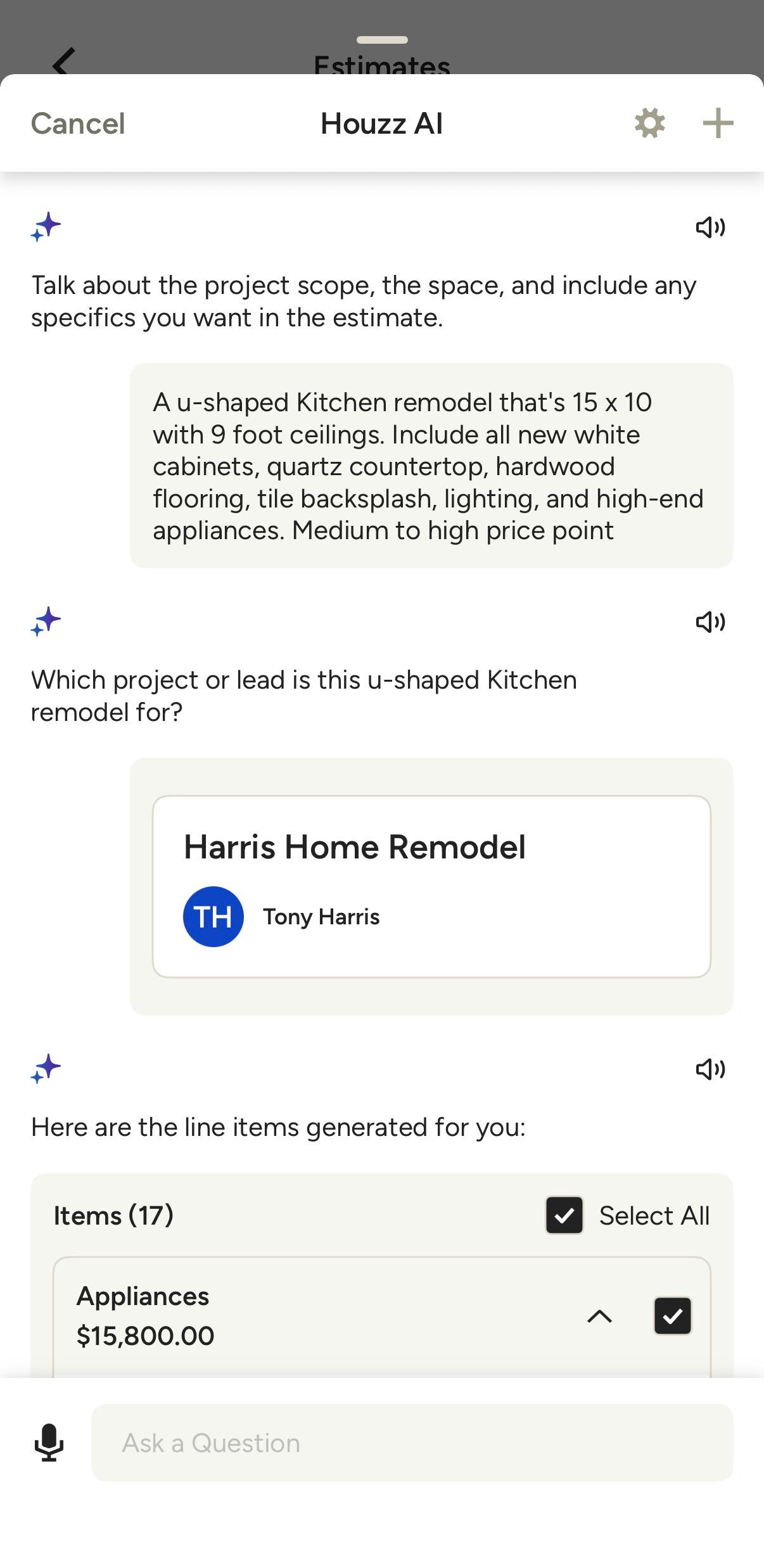
AI Financial Documents
Within Financial Documents, you can use Houzz AI to quickly create a new document from scratch. This includes Estimates, Proposals, Invoices and Change Orders.
To create a financial document, use voice commands to explain the details of your project — you can make text changes to the prompt if you make a mistake. AI will then create document line items and categories based on your description. You can then edit and further customize your document as needed.
You can create an AI-generated document from both a desktop computer or the Houzz Pro mobile app.
Read How to Use AI to Create Financial Documents for a step-by-step guide on using this feature.
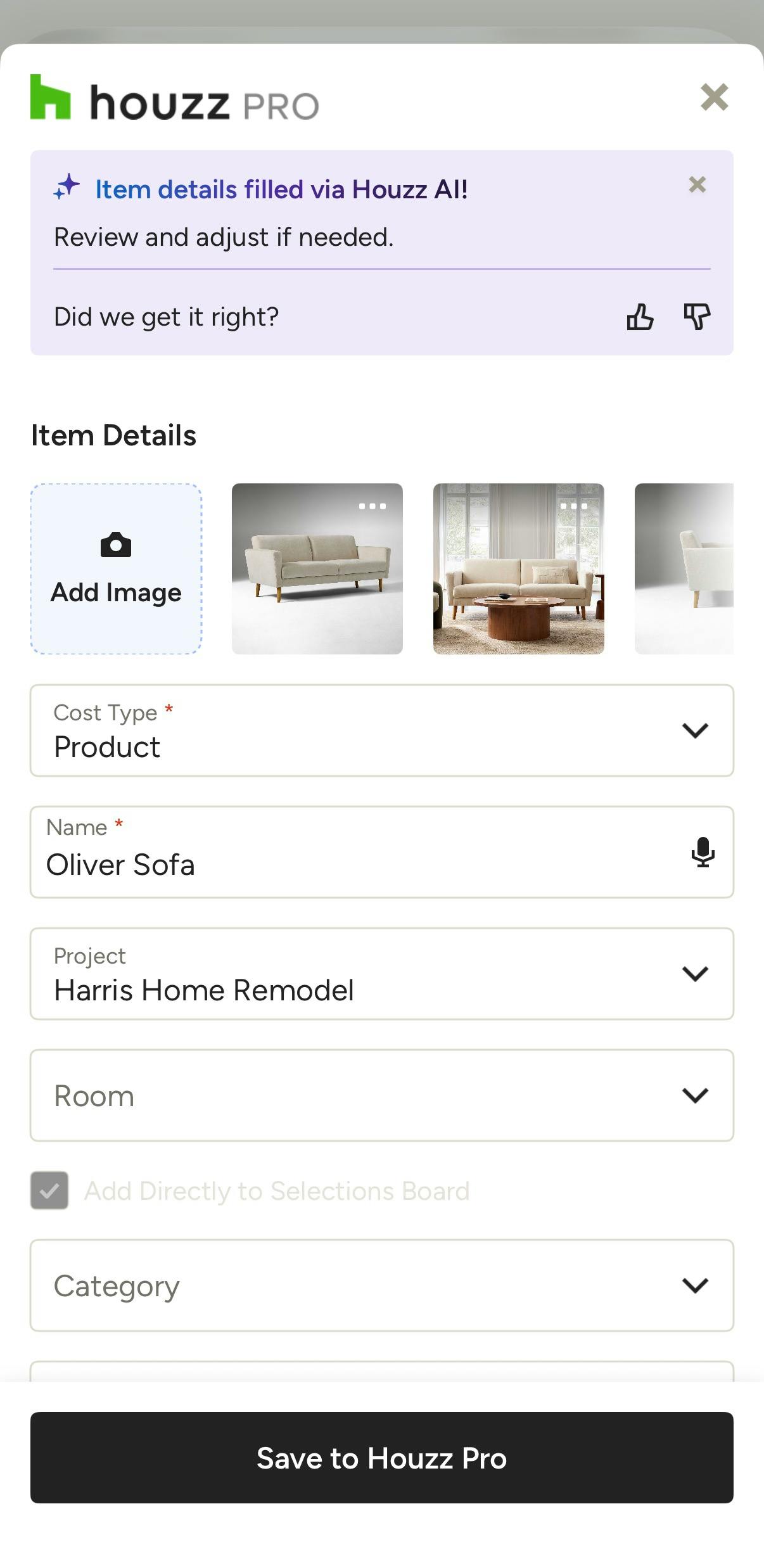
AI Clipper
With the Clipper, you can use Houzz AI to quickly source products right from your phone's browser — no extra downloads or extensions needed.
With this feature, our AI Smart Sourcing extracts product information from any vendor website and automatically maps it to the correct Clipper fields when you share the page to Houzz Pro. You can also assign the item directly to a project, room, or Selections Board before saving.
Read How to Use the Clipper on Mobile for a step-by-step guide on using this feature.
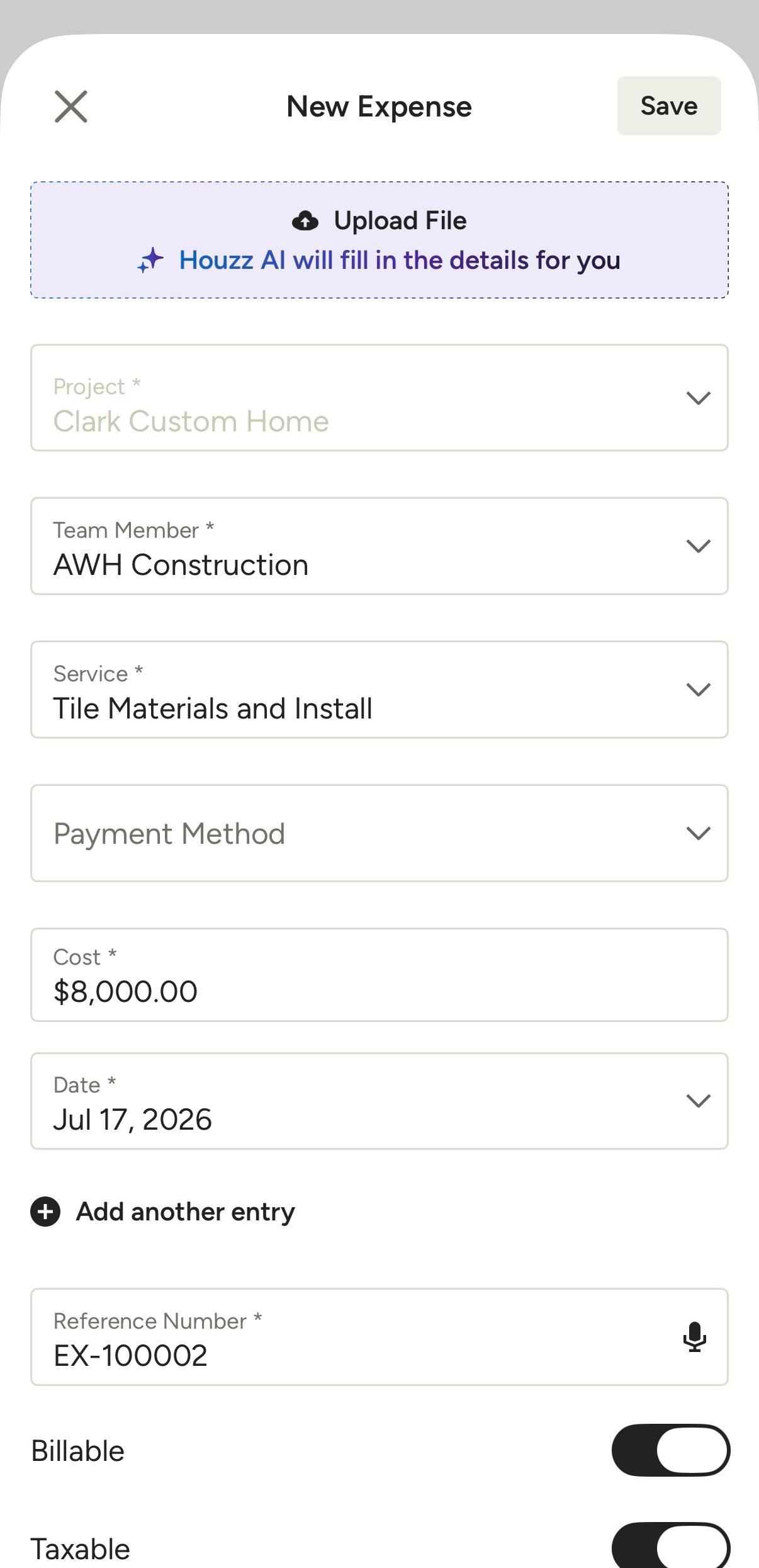
AI Expenses
Within Expenses, you can quickly create an expense entry by uploading or scanning a file, photo or receipt. Houzz AI will then use that information to fill in the details so you don't have to.
You can use AI Expenses from both a desktop computer or the Houzz Pro mobile app.
Read How to Use Time and Expenses on the Mobile App for a step-by-step guide on using this feature.
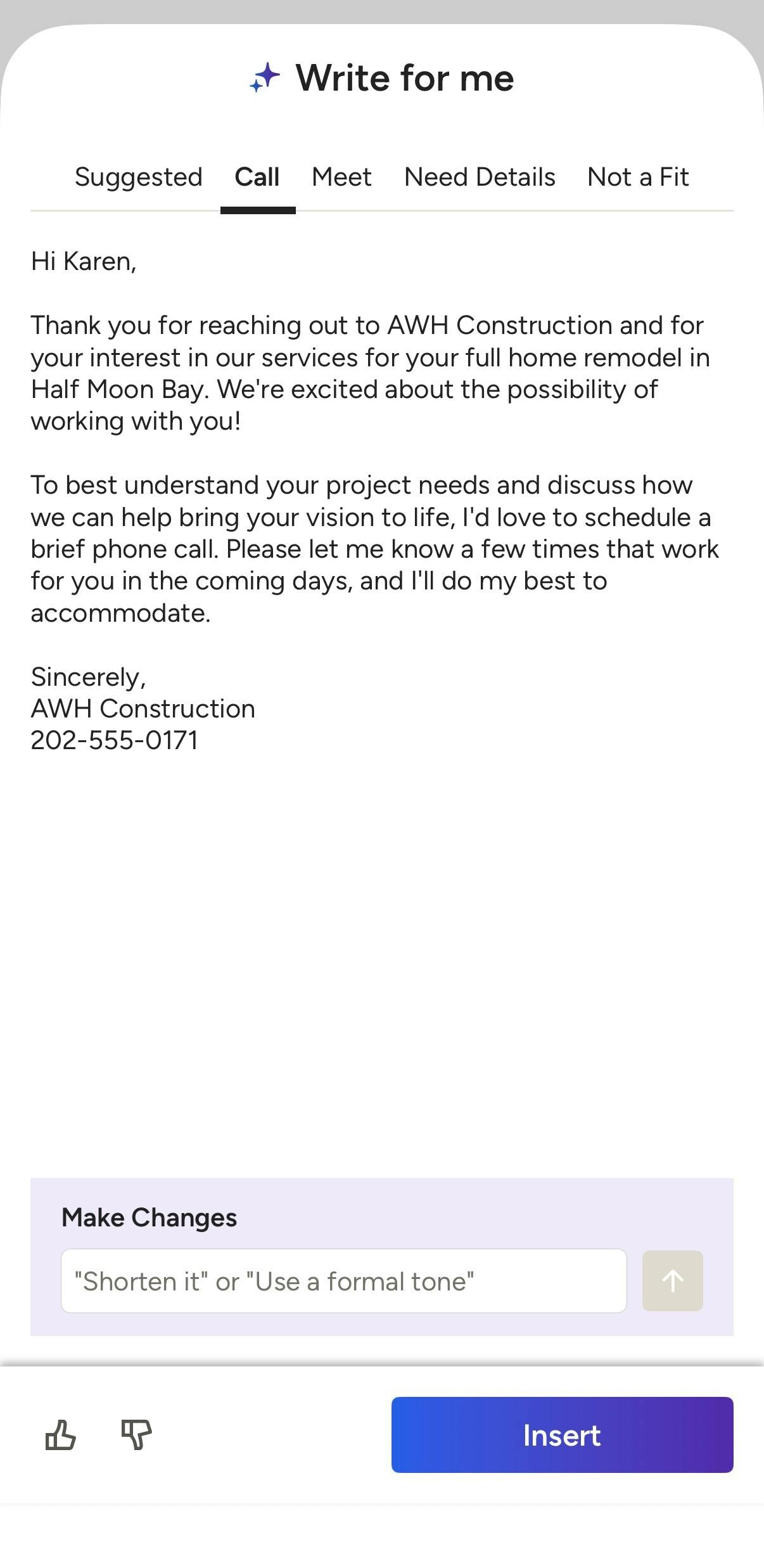
AI Messages for Leads
With Messages, you can use the Houzz AI assistant to quickly write a professional reply to leads who contact you through Houzz.
With this feature, our AI assistant will evaluate the lead request and review your historical replies to past leads. Using your typical communication style, our AI will provide a ready-to-send response for you. You can then choose to send the pre-written reply right away, or if it's not quite right, you can modify or personalize the reply before sending.
You can use AI Messages from both a desktop computer or the Houzz Pro mobile app. On the mobile app, it is only available for leads who reach out on Houzz via Direct Message or Project Match.
Read How to Use AI to Send Messages for a step-by-step guide on using this feature.