How Houzz Pro Helps Designers Follow Up With Project Leads
Effectively track, manage and communicate with potential clients to keep your pipeline active and land more projects

As homeowners are spending more time at home and on Houzz right now, they may be thinking of hiring professional designers for their projects. These potential clients may be reaching out for your help in making their spaces more beautiful and functional. It’s important to stay on top of these leads and effectively manage any new business inquiries.
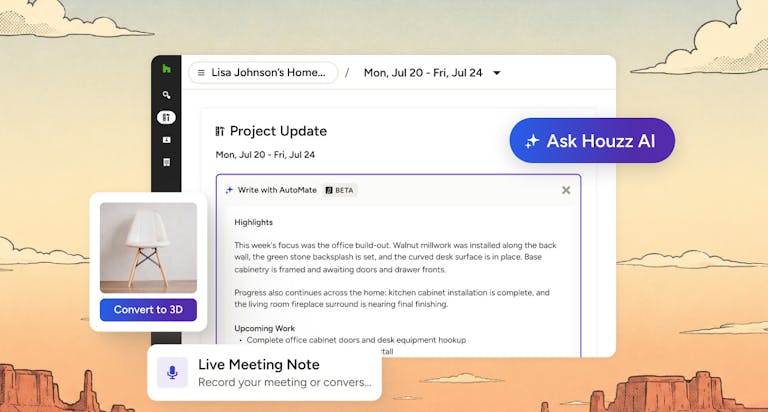
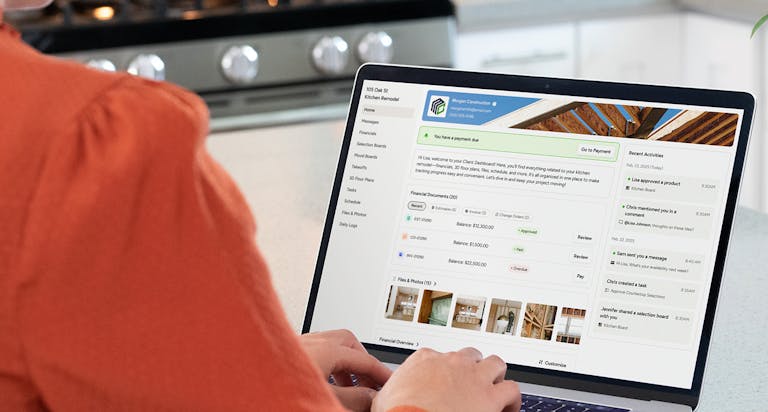
With Houzz Pro, you can easily manage all your leads from any source, starting with the first inquiry through to when you close. Houzz Pro is the only business software on the market that designers can use to manage the full project life cycle, including attracting and converting new clients, communicating with clients about their projects and handling billing and payments all in one place.
In this article we’ll dive into the features of Houzz Pro that empower you to track and follow up with your leads.
A Simpler Way to Turn More Leads Into Clients
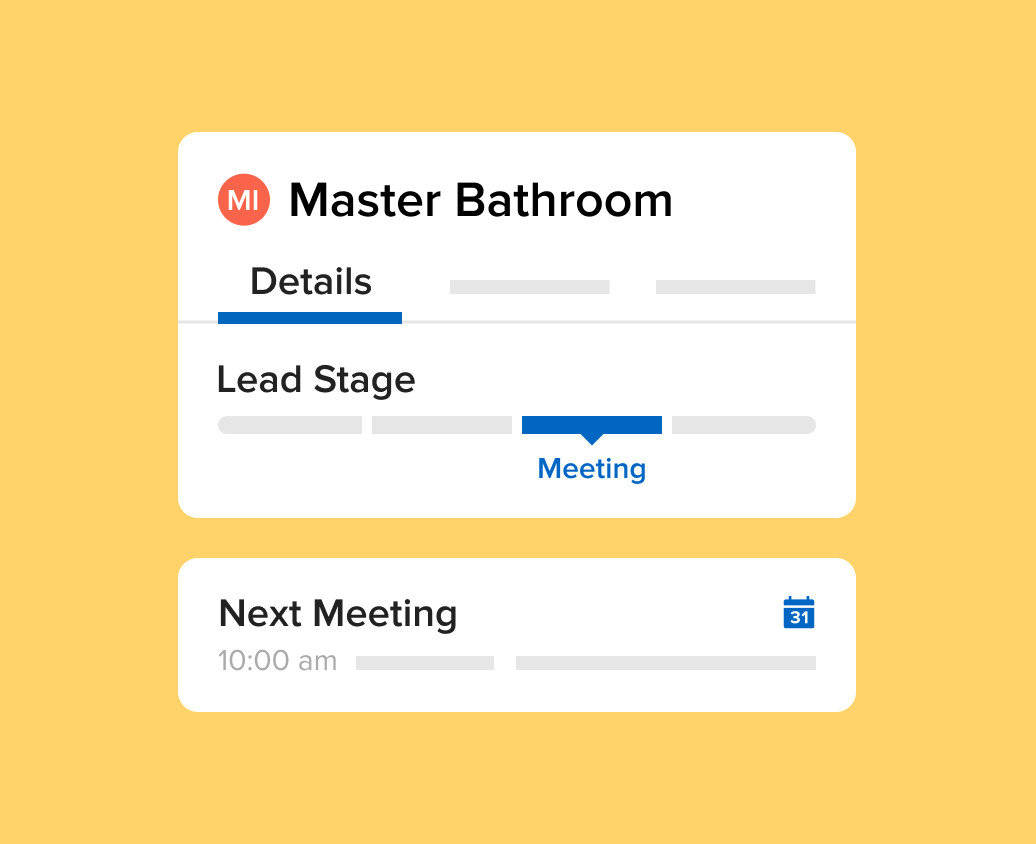
The lead management feature of Houzz Pro helps you build your client roster with easy-to-use tools.You can use Houzz Pro to quickly see the status of potential clients. You can move your leads through stages so you can see who needs follow-up, who you’re scheduled to meet with (even virtually!) and to which potential clients you’ve sent proposals.
Be the First to Respond to Your Leads
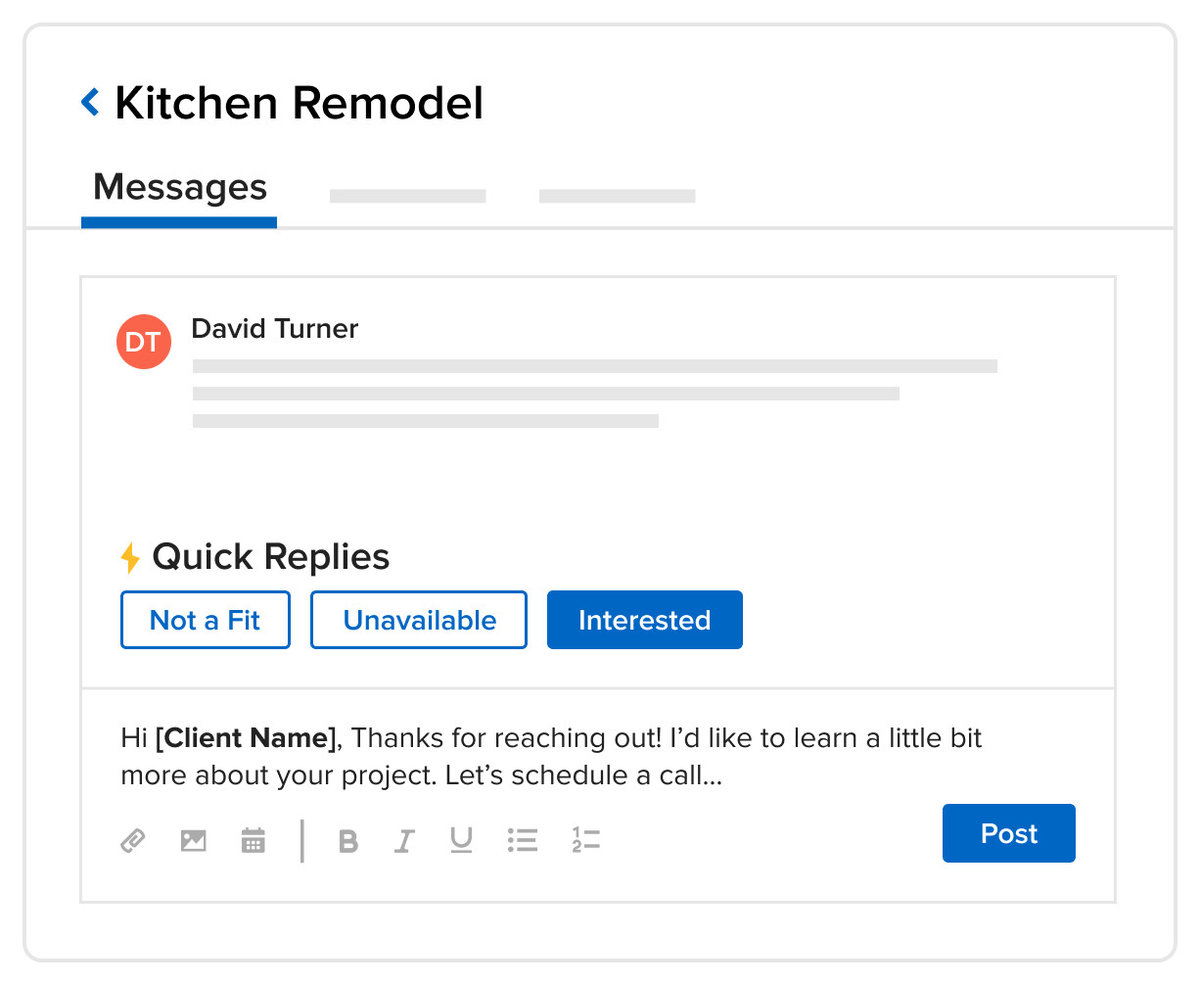
Research shows that the faster you respond to a lead, the more likely you are to win the project. In fact,30% to 50% of leads are closed by professionals who are the first to follow up with a prospective client.Save time by using the quick reply feature and create tailored message templates to make responding to prospects as streamlined as possible.
Proactively Communicate With Your Leads and Clients
With Houzz Pro, you can easily manage every contact, including new business inquiries from Houzz and leads from other sources, such as personal referrals and marketing efforts. You can also use Houzz Pro to schedule appointments, take notes and track activity for every lead. All of your emails, direct messages and phone calls can be managed from Houzz Pro. And you can use Houzz Pro to share photos and files and send proposals, mood boards and more.
Quickly Create Beautiful, Professional Proposals
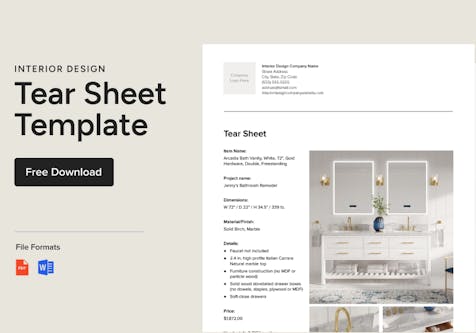
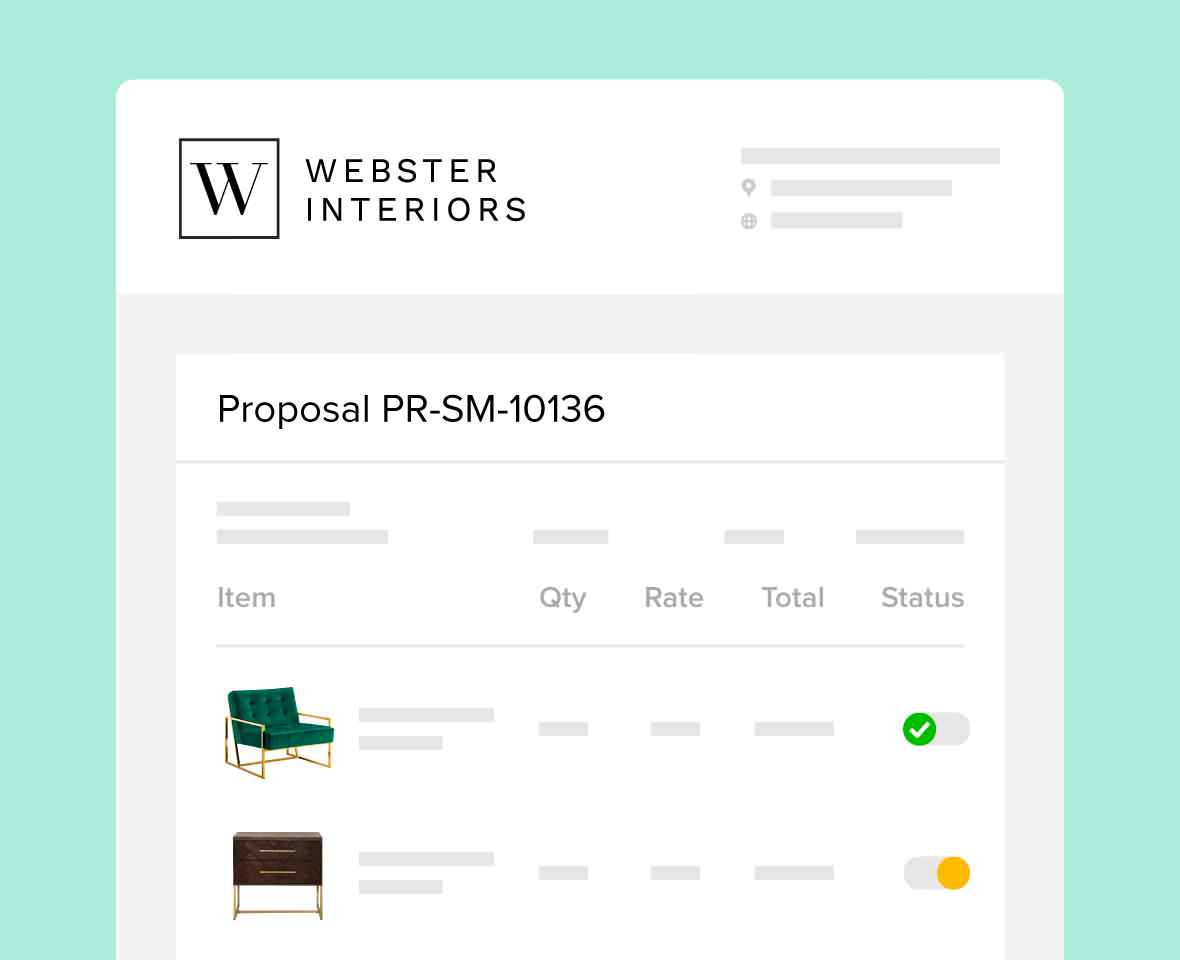
With Houzz Pro, you can also quickly create beautifully branded proposals that display your business name and logo. You can easily add products from your custom sourcing library into your proposals and have your potential clients quickly review and approve them online. You can even use Houzz Pro to create tear sheets and download them to a PDF to share with clients to help you close the job.



Want advice delivered to your inbox?
Unlock industry insights and updates for contractors and design pros
By signing up, I agree to the Houzz Terms of Use and Privacy Policy and that Houzz may use my information to contact me about relevant content, products, and services.