Houzz AI Knows How Designers Work
AI is in its Wild West era. New tools are staking claims everywhere, each promising to save you time, cut the busywork, and change the way you run your studio. There's real gold out there. There's also a lot of prospecting.
Many of these AI tools can be genuinely useful. The challenge is putting them to work in the context of your business. You still have to give them the right project information, connect them to the tools you use, and figure out where the output goes next.
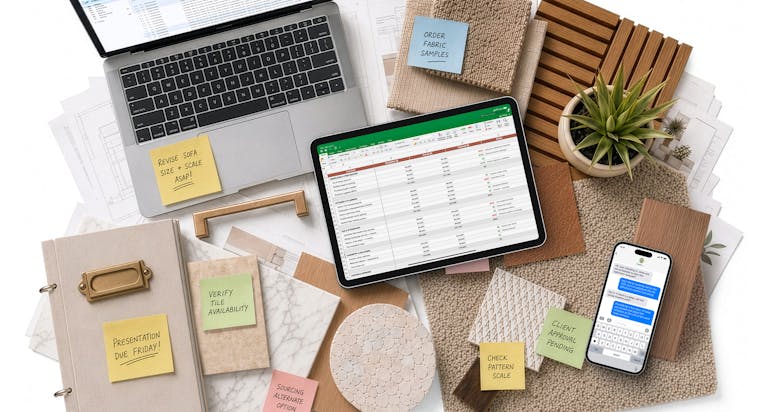
Want all–purpose AI to recap a client meeting? First you have to feed it the conversation, then move the decisions and follow-ups into where your project lives. Looking for what still needs to be ordered? General AI can only answer if you’ve uploaded all your selections and order updates. Drafting a client email? You still have to give AI the context, then copy the response back into your workflow.
That’s a lot of work for something that’s supposed to save you work.
Houzz Pro is built to change that. Your workflows and project information are already connected, in one place, and enhanced by Houzz AI. Trained in our industry and built right in, Houzz AI already has the context to help with the work at hand, to keep everything moving seamlessly through the project instead of dead-ending in a chat window.
So what does that actually mean when you're running a project? Let's put Houzz AI to work.
Get to the Presentation Faster With Houzz AI
A lot has to happen before a client signs off on a design. Houzz AI can help you get through it without spending hours sourcing products, re-entering information, and rebuilding the same details from one step to the next.
Start with sourcing. Use the AI Clipper to pull any product from any vendor site and Houzz AI captures the photos, specs, pricing, and install guides automatically. That product saves to your item library and moves directly into your mood board, where you can swap out fabrics, finishes, and materials using AI image editing, so clients see a real vision with real products.
From the library, the same product flows into your proposals and selection boards without being re-entered—clip once and it's available across every document and project that needs it.
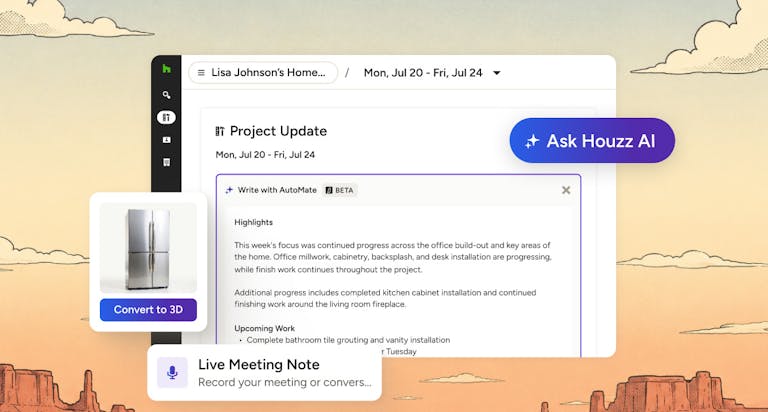
Then take it even further. With Houzz AI convert any product to a 3D model with a click and drop it directly into a Houzz Pro 3D floor plan. The real product, at the right scale, in the actual space. Clients see exactly what they approved.
Clip your products from any vendor site, add them to your Mood Board for client approval, convert them to 3D models, and place them directly into your floor plan. The product moves forward with the project instead of you moving it yourself.
Less time spent on process means more time for design.
Keep the Project Moving With Houzz AI
Then the job starts, and information comes at you from every direction.
You find the perfect stone at the showroom with your client. Then a week later you realize it’s way over budget, and it has to be reselected. Then you find out two light fixtures are backordered, the sink came in damaged, and suddenly there are a deluge of updates that have to be made across the project. Keeping all of it straight is a job on top of the actual job.
Houzz AI can capture it while it's happening and find the details when you need them.
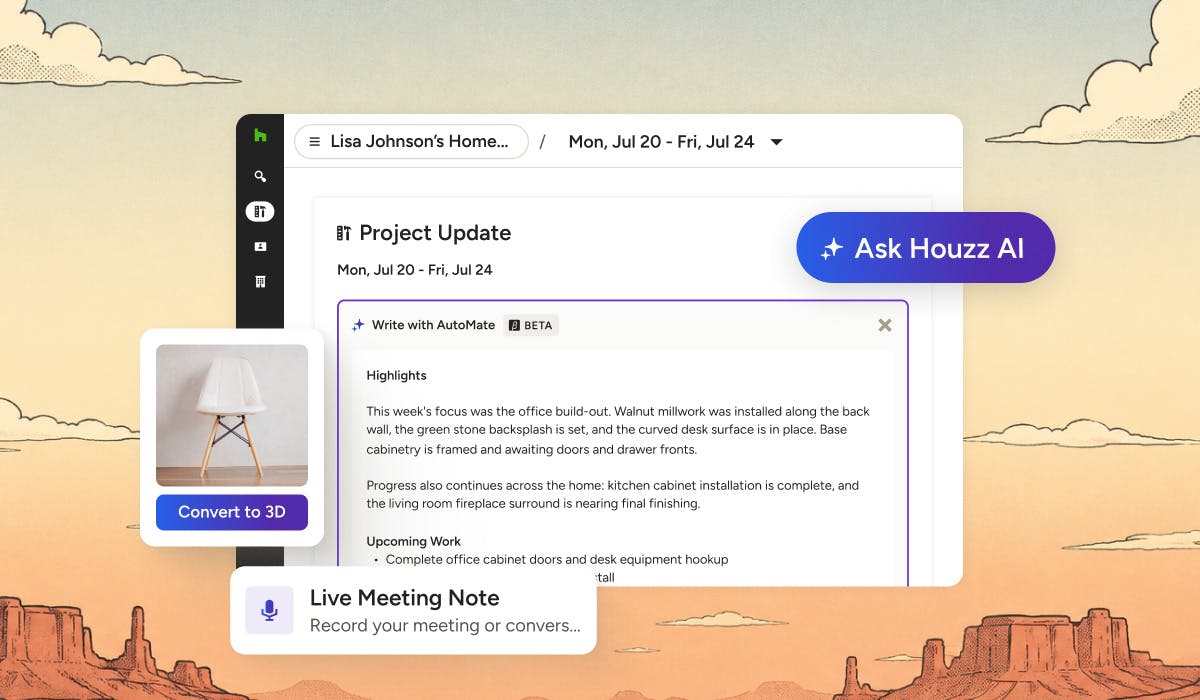
Record a client meeting, vendor check-in, or team review from your phone. AI Note-Taking handles the transcript, summary, and action items automatically, so you can stay in the conversation. You build trust in the room. The notes take care of themselves.
And when a client mentions three weeks later that they loved the lighting at a hotel they visited, you're not trying to remember which hotel or what they said. It's already there, tracked in the project, exactly where you need it.
The smaller details add up too. Photograph a receipt at a showroom and Houzz AI logs the expense automatically. Need to capture a task or draft a message? The Houzz AI Assistant is there at your desk or on your phone, so you can type or talk and get it done just by asking.
The project moves all day. Your information should too, without you spending your evenings moving it yourself.
Houzz AI Helps Keep Clients Informed
It’s Friday afternoon. Your client wants to know what happened this week.
The answers are already in Houzz Pro: selection updates, photos. Let Houzz AI round it up and turn it into something your client can understand.
Houzz AI can pull from the activity your team has already captured and draft a ready-to-share client update. You review it, edit as you wish, and share it through the client dashboard. Your client gets a clear picture without you spending hours piecing it together.
Your team does the work. Houzz Pro keeps the information together. Houzz AI helps turn it into the communication that keeps clients informed and confident in the design.
That's less time drafting updates and more time to keep the rest of your business moving.
Less Wrangling. More Designing.
That's the difference when AI is built into the way you work. You built your business to design beautiful spaces. Houzz AI helps wrangle the rest.
See Houzz AI in action with a personalized demo or try Houzz Pro free today.


Want advice delivered to your inbox?
Unlock industry insights and updates for contractors and design pros
By signing up, I agree to the Houzz Terms of Use and Privacy Policy and that Houzz may use my information to contact me about relevant content, products, and services.