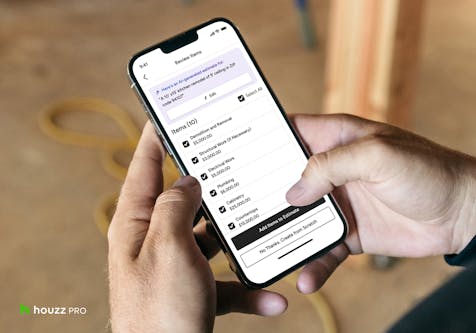
Houzz Pro Introduces New Project Tracking Experience for Designers and Their Teams
Stay on top of your design projects with an organized view of your products & services
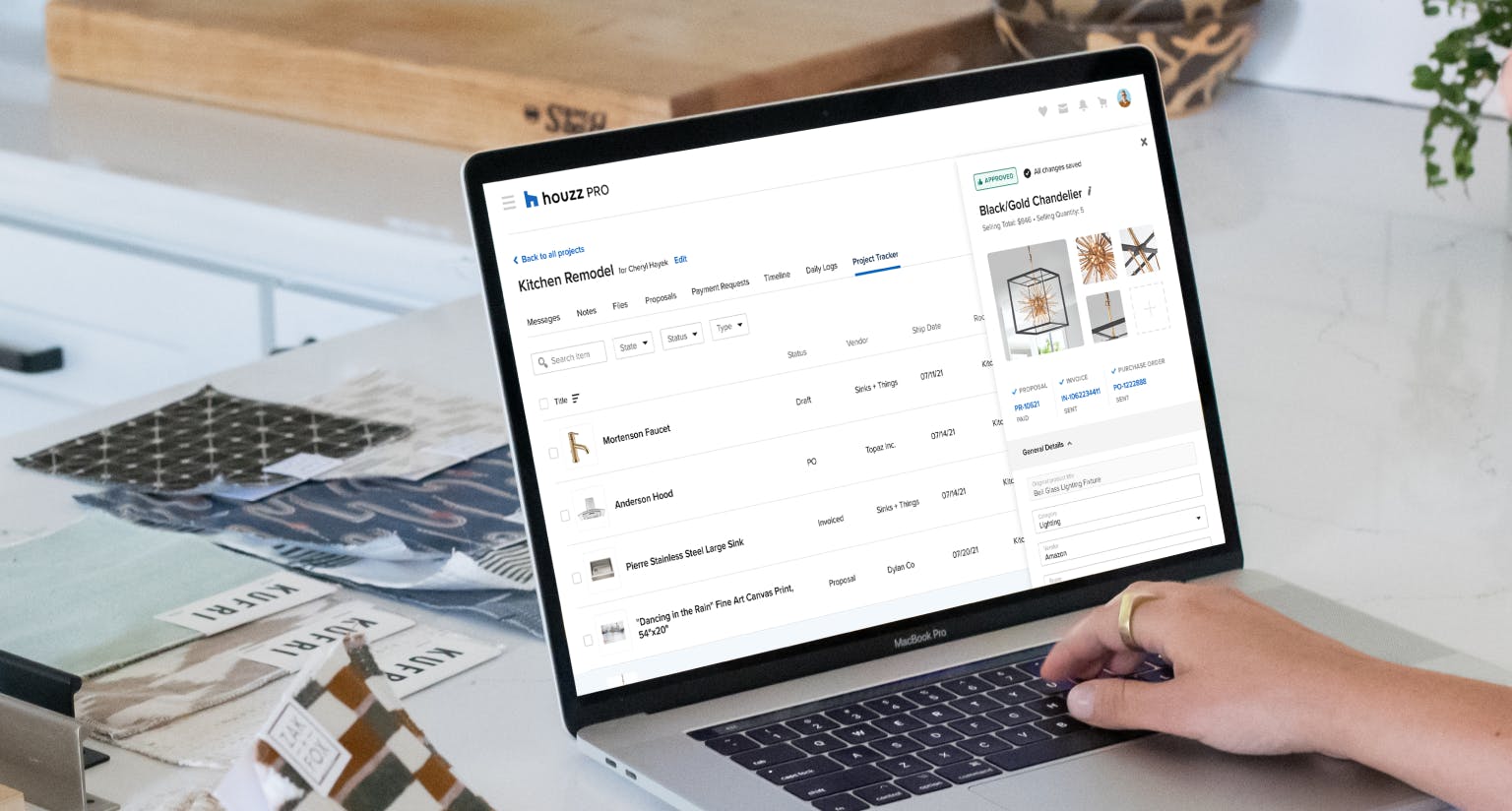
Interior design projects have many moving parts, and tracking items from start to finish can be super time-consuming: what has been invoiced, ordered, and shipped, and what have you been paid for? Where exactly in the process is that living room mirror? With the Houzz Pro Project Tracker, designers now have a central location to view each component of every room, check each item's status, find related financial information, edit product details, and more.

1. Know Where Everything Stands
Houzz Pro allows designers to manage in one place all the products and services relevant to a specific project. Any item added to a project or shared on a proposal automatically shows up in the Project Tracker at the project level. Throughout the project, when that same product is approved by the client, invoiced for, paid, and then added to a purchase order, Houzz Pro will automatically save and update the product's status in the Project Tracker – giving you total visibility into where it stands in the process.
Accurate product information and status are critical for the success of any design project. With Houzz Pro, there is less room for error, and designers can reduce the amount of work it takes to keep many documents updated at once. Our project management tool is also a life-saver for larger design firms that try to keep their team on the same page.
"By having all information stored neatly and concisely inside of Houzz Pro, anyone at any point can go and find what they need to do their job. So whether you're the procurement leader and you're going in to find the orders, or you are the designer and you want to go to the Project Tracker, to find out where exactly in the process is that light fixture. You're going to find out that the proposal has been approved and the invoice has been paid and the PO is in process. It's this living, breathing, twenty-four-hours-a-day system that's really great for my team."
--- John McClain, principal designer, Watch the full testimonial video here.
2. Customizable & Easy to Manipulate
Use the Project Tracker as a living document. Manage your project and find out what needs to be done next by working directly out of the Project Tracker – all without duplicating work!
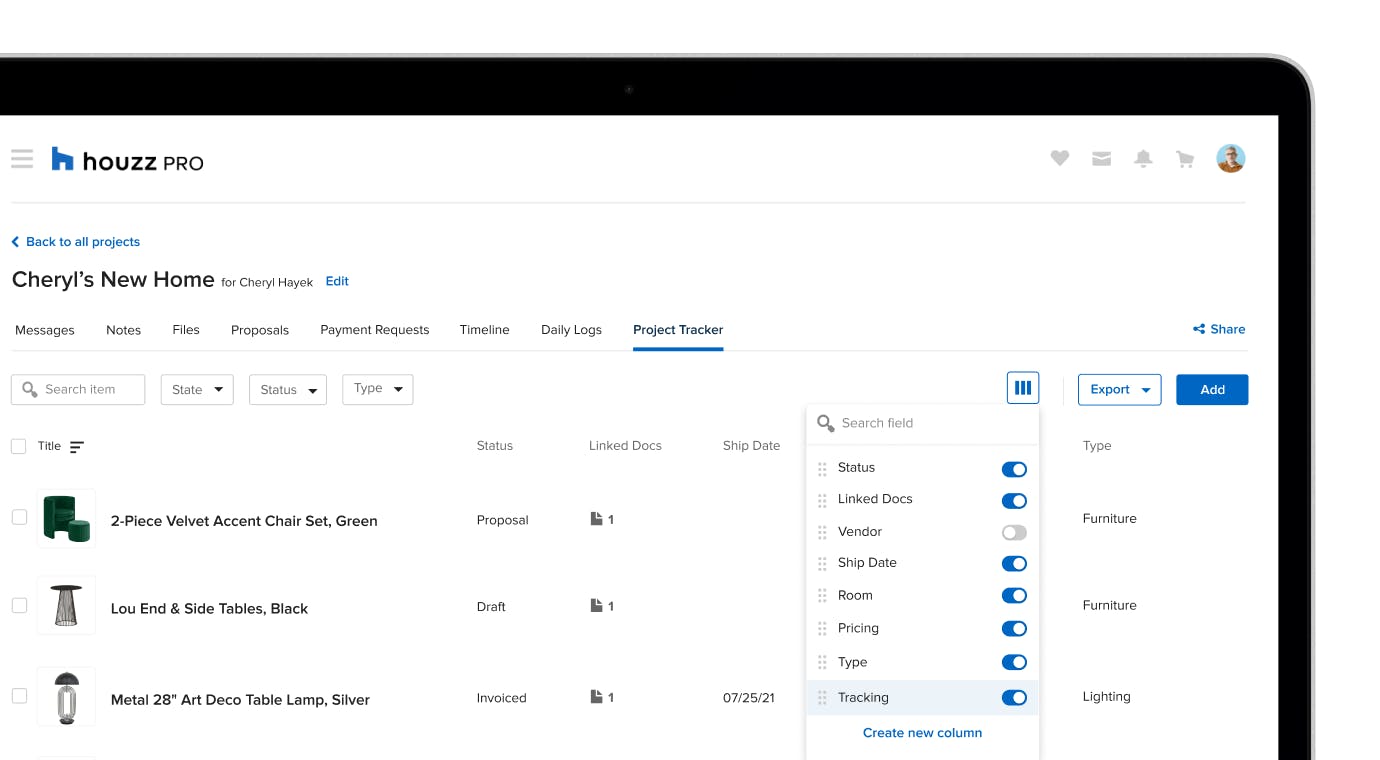
- As the project progresses, the information you want to see at first glance will differ compared to the earlier stages of your project. Rearrange the columns to show the relevant fields, hide those that are less relevant and create custom columns that are unique to your project management needs. For example, add a custom column to keep track of the location of each item.
- Filter products and services by state (approved, declined, pending), status (draft, proposal, invoice, PO) & type (product or service).
- Quickly find items: search by title, vendor, description, and more.
- Easily update product details with the 360 View. Simply click on a product you want to edit; a side panel will open so you can fill in any additional information while keeping an eye on the rest of the document.
- Navigate with ease throughout the document: The header and first columns are frozen to ensure those panes remain visible as you scroll through the rest of the Project Tracker.
3. Easy to Export
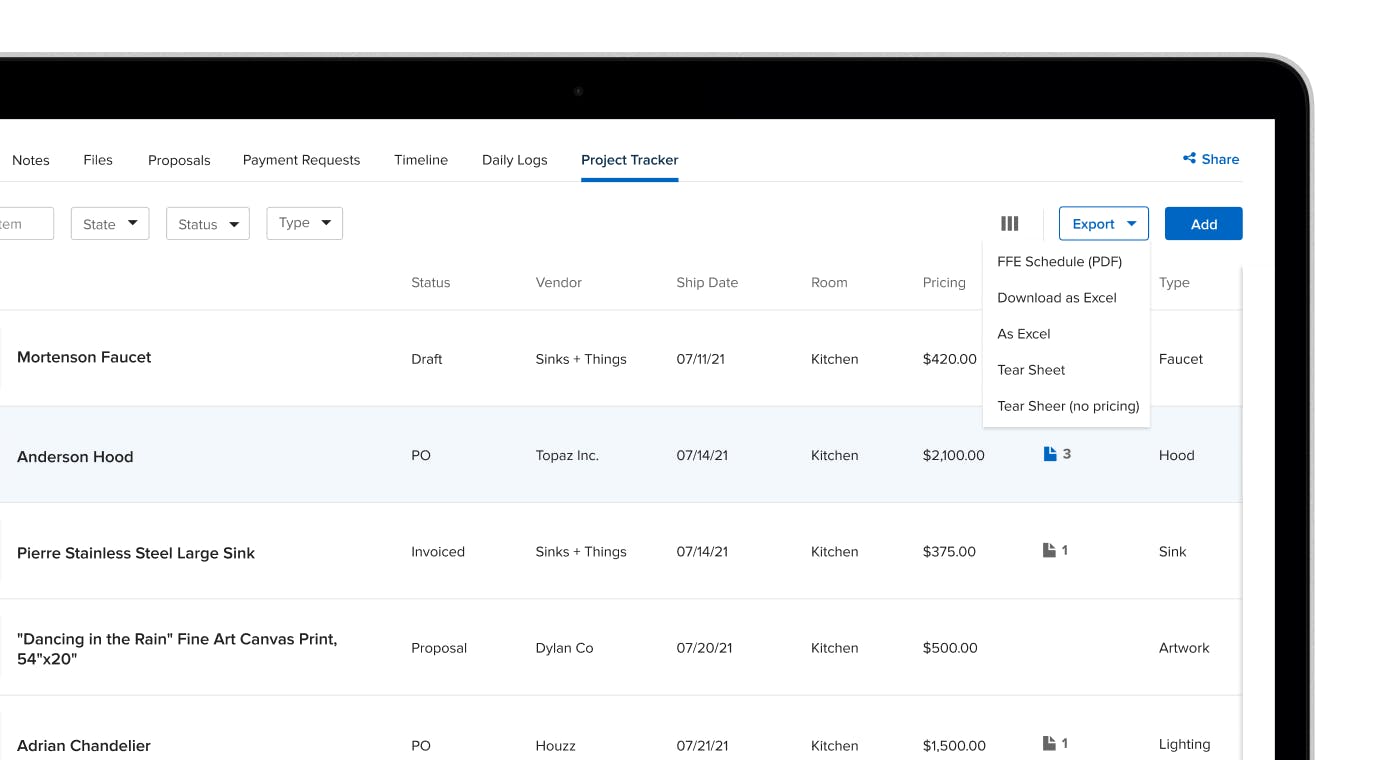
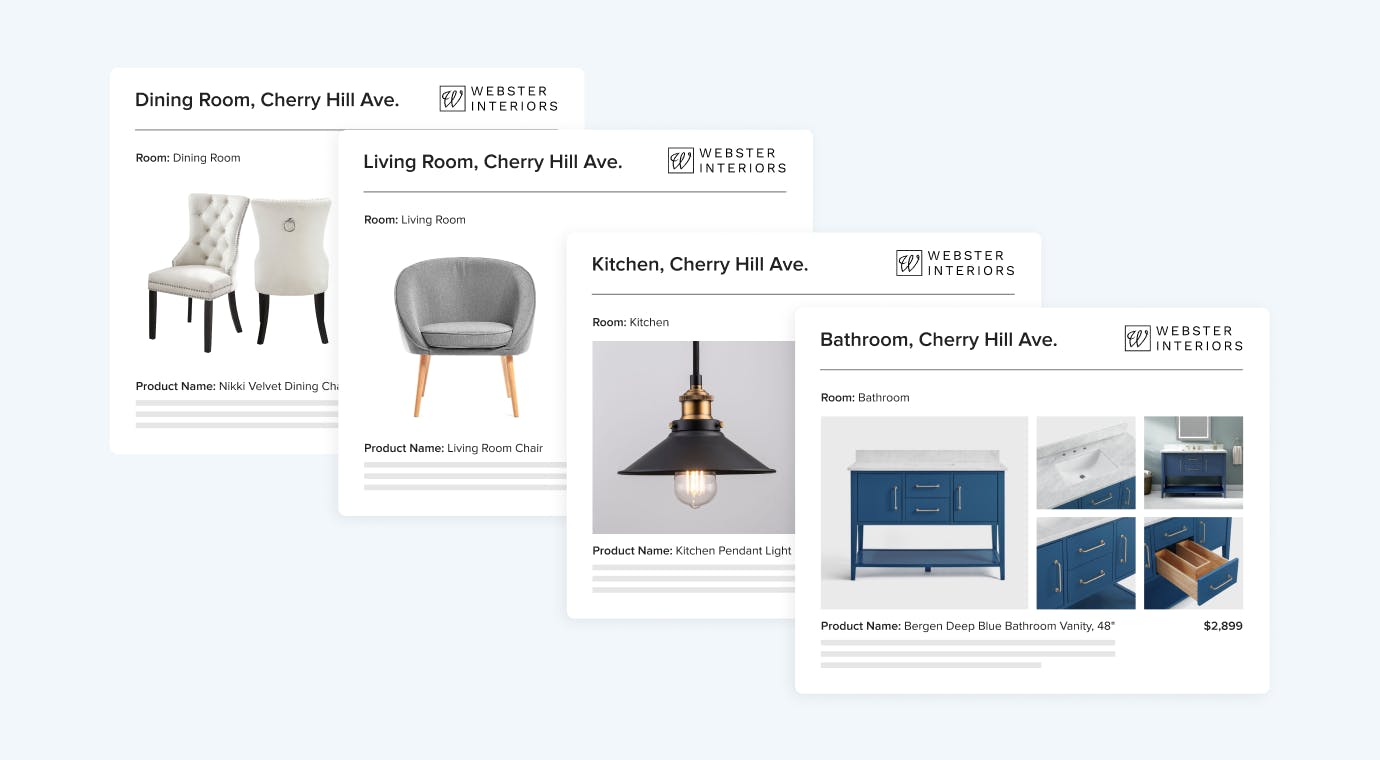
Save hours of work by creating accurate and professional-looking tear sheets with a click of a button. Simply select the items you want to include in your report or tear sheet, and click on export. You will receive an email from Houzz Pro right away with your file attached.
You can also download the Project Tracker as an excel file, as well as generate an FF&E schedule instantly by exporting your Project Tracker to PDF.


Want advice delivered to your inbox?
Unlock industry insights and updates for contractors and design pros
By signing up, I agree to the Houzz Terms of Use and Privacy Policy and that Houzz may use my information to contact me about relevant content, products, and services.