PROJECT COLLABORATION
Get More Done as a Team
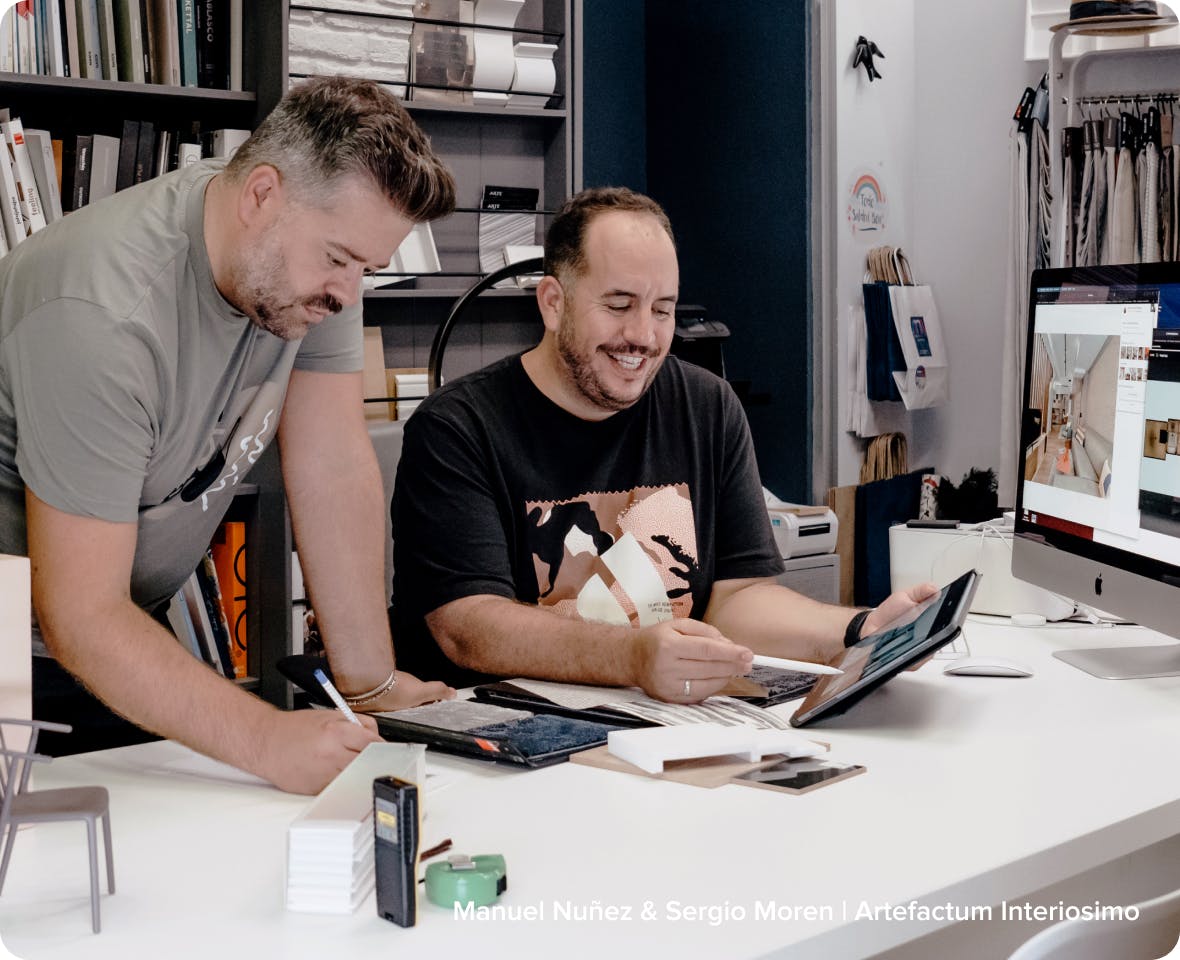
Invite employees or subcontractors to collaborate on Houzz Pro. Manage projects in one place, easily share project information, files and updates and keep everyone in the loop.
INTERNAL TEAMS
Divide & Conquer
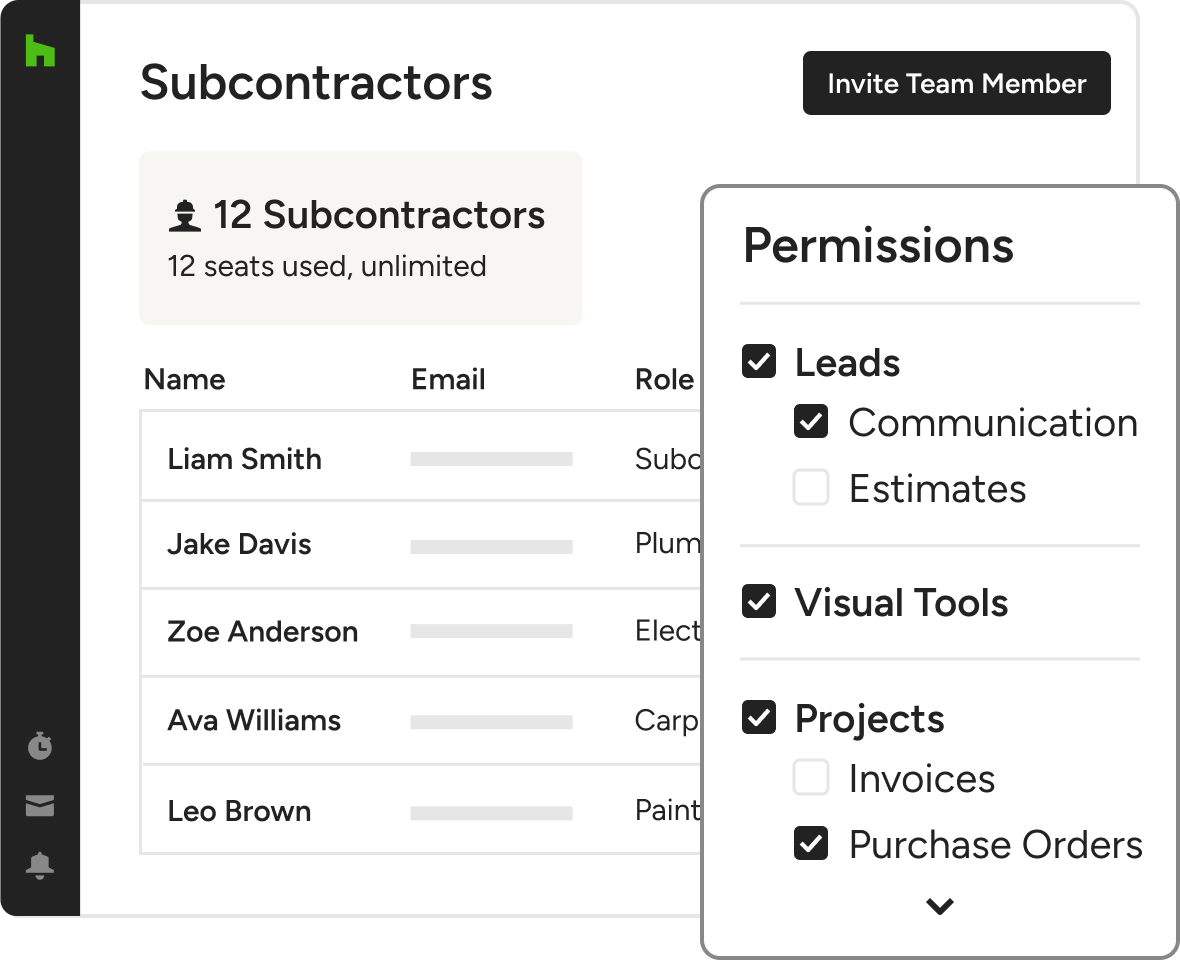
Invite team members to join you on Houzz Pro! Give them access to leads or Estimates so they can help you get more work done.
DAILY LOGS
Be in the Know From Anywhere
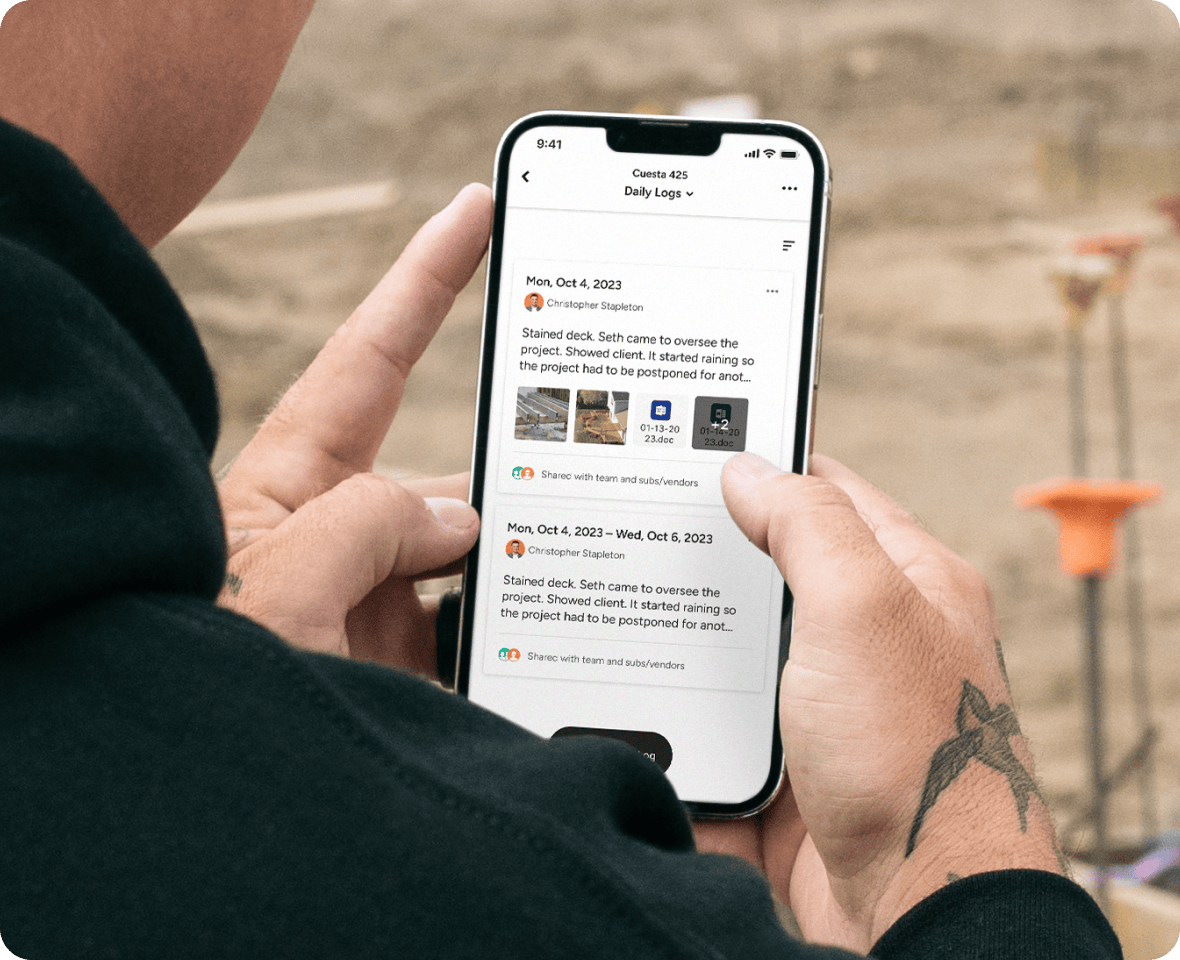
Employees and subs can take photos and videos, and create Daily Logs from their phone right into Houzz Pro. No client calls required.
SUBCONTRACTOR-FRIENDLY SOFTWARE
Invite Your Subs
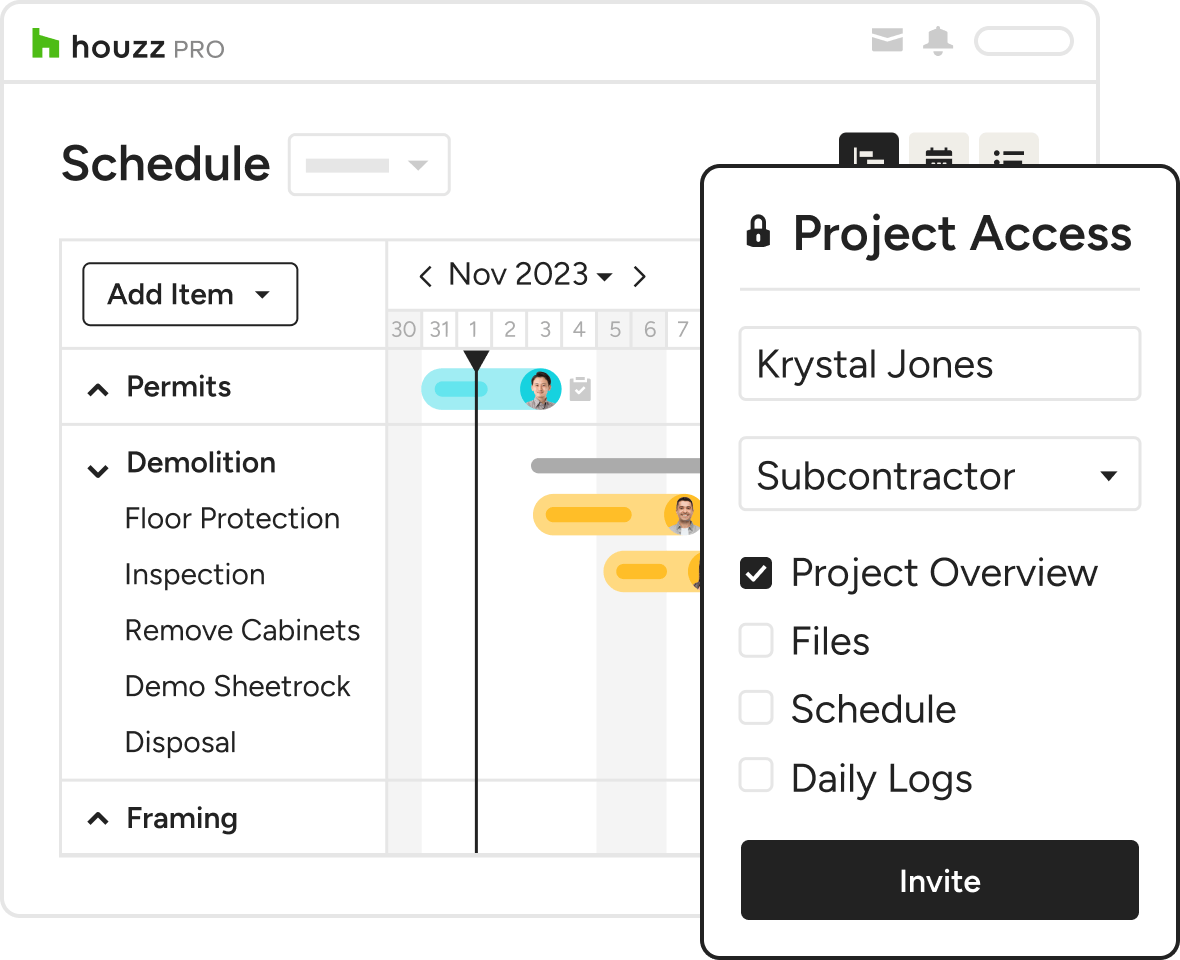
They get a free seat and can only see what you choose to share with them.
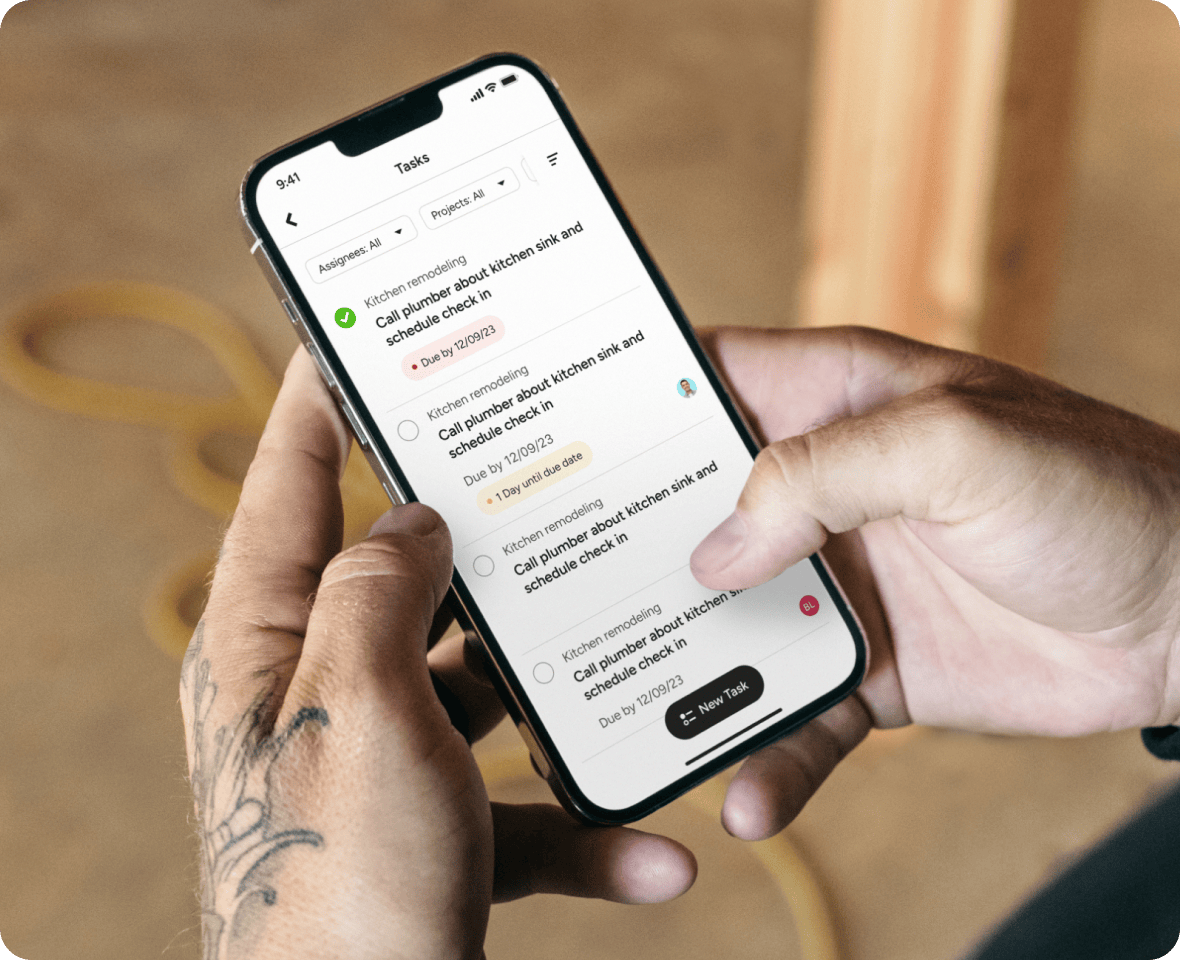
TEAM-ORIENTED TASK LISTS
Wrangle Your To-Do Lists
Build a project task list and assign tasks to team members, who will be notified over email. Keep track of multiple to-do’s from the task overview page.
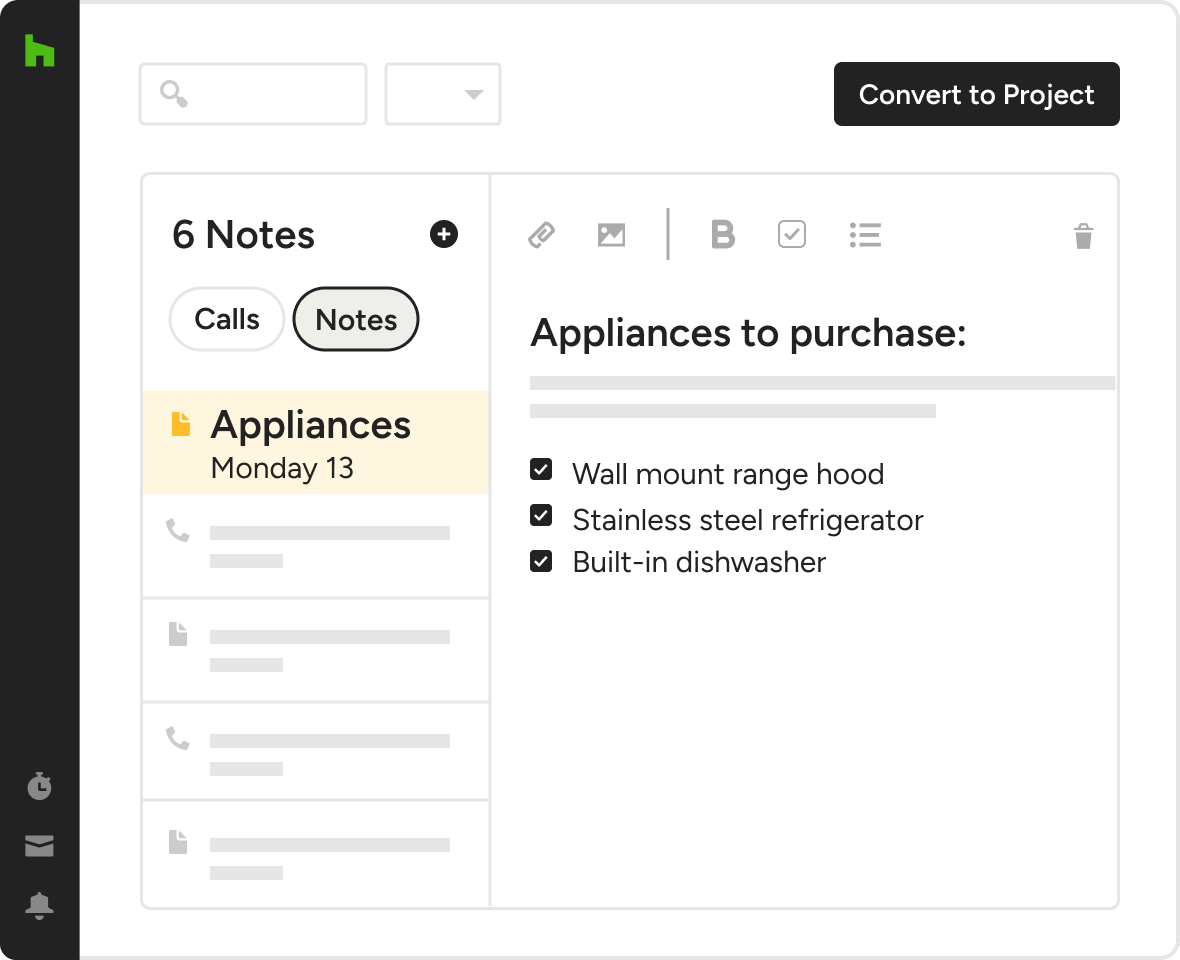
INTERNAL NOTE SHARING
Create & Share Important Details
Use internal notes to create reminders and share information about the project or client communications that only your team can see.


Client Collaboration Features
See the main features of Houzz PRO Client Collaboration
| Feature | Description |
|---|---|
| Team Collaboration | |
Invite Team Members | Invite employees to collaborate and control their access to projects, leads, and key features |
Subcontractor Collaboration | Invite subcontractors with controlled access to project information. |
Project File Sharing | Share documents, plans, and photos with team members |
| Permissions & Access | |
Role-Based Access | Control what team members and subcontractors can see and access. |
| Project Management | |
Centralized Project Hub | Manage projects, files, updates, and communication in one place. |
| Communication | |
Team Chat | Communicate with team members and share updates, files, and mentions. |
Comments on Documents | Comment directly within documents and project items. |
Internal Notes | Create private notes for internal team collaboration (not client-facing). |
| Task Management | |
Task Assignment | Assign tasks to team members, subcontractors, or clients. |
Task Notifications | Notify users of new, updated, or completed tasks. |
| Scheduling | |
Project Scheduling | Create and manage project schedules and timelines. |
Calendar Sync | Sync schedules with personal calendars for better coordination. |
| Reporting | |
Daily Logs | Capture daily progress with photos, videos, and updates from the field. |
Shared Progress Visibility | Give team and subcontractors visibility into project progress and updates. |
| Subcontractor Tools | |
Subcontractor Dashboard Integration | Share schedules, tasks, daily logs, purchase orders, files and chat with subcontractors via a dedicated dashboard. |