What's New in Houzz Pro: Designer Edition
Time for our latest monthly release—here’s what’s new across Houzz Pro.

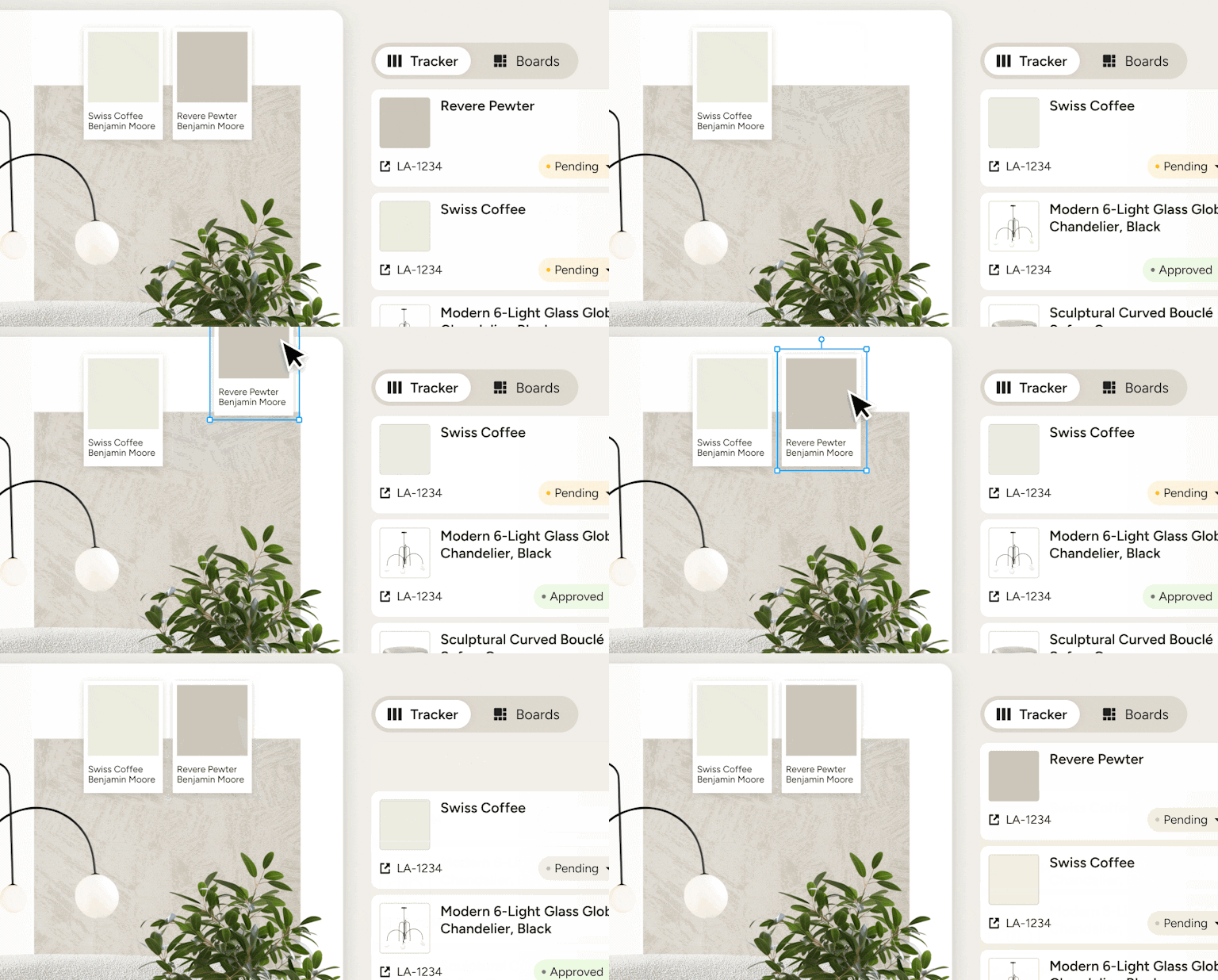
Carry Mood Board Paint Colors Into Your Selection Boards
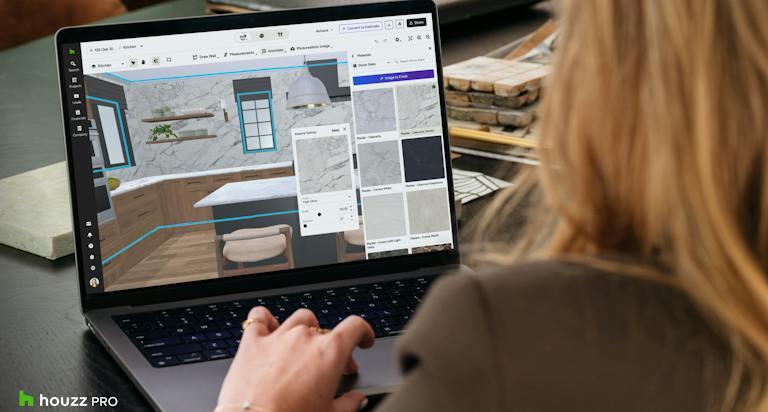
Paint colors from your mood boards now appear in the Selections Tracker automatically—and Selection Boards now include a dedicated area to add them. Your complete color palette, connected from concept to client approval.
Introducing Two-Way Bill Payment Sync with QuickBooks Online
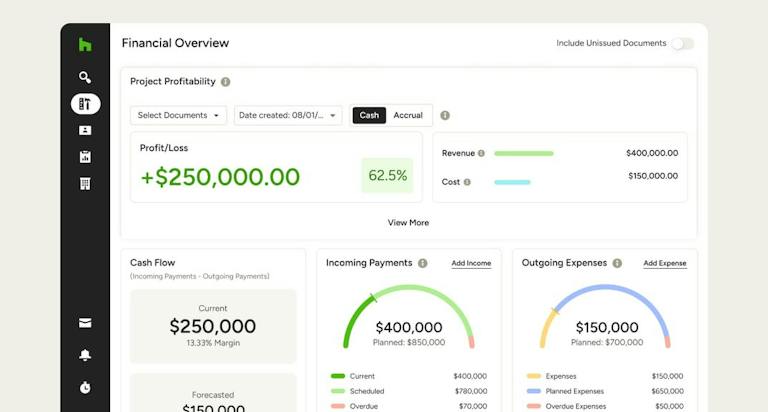
Keeping your books in sync just got easier. With our new two-way bill payment sync, payments made in QuickBooks Online now sync back to Houzz Pro, helping you keep your financial records accurate and up to date across both platforms. Sign up to get early access to our beta.
Simplify Customer Credits With Credit Memos
Need to issue a credit to a customer? Credit memos in Houzz Pro make it easy to manage customer credits, keep your financial records organized, and simplify your day-to-day accounting workflows.
Your favorite brands, now in Houzz Pro
Click "Brand Catalogs" to add products from Cambria, MSI, Kohler and more of your favorite brands through our new catalog integration.
Search Long Documents by Line Item, Cost Code or Category
Search for specific line items, cost codes or categories right from your project documents, and find what you need in long documents without scrolling.

Want advice delivered to your inbox?
Unlock industry insights and updates for contractors and design pros
By signing up, I agree to the Houzz Terms of Use and Privacy Policy and that Houzz may use my information to contact me about relevant content, products, and services.