Perfect Your Workflow With Houzz Pro
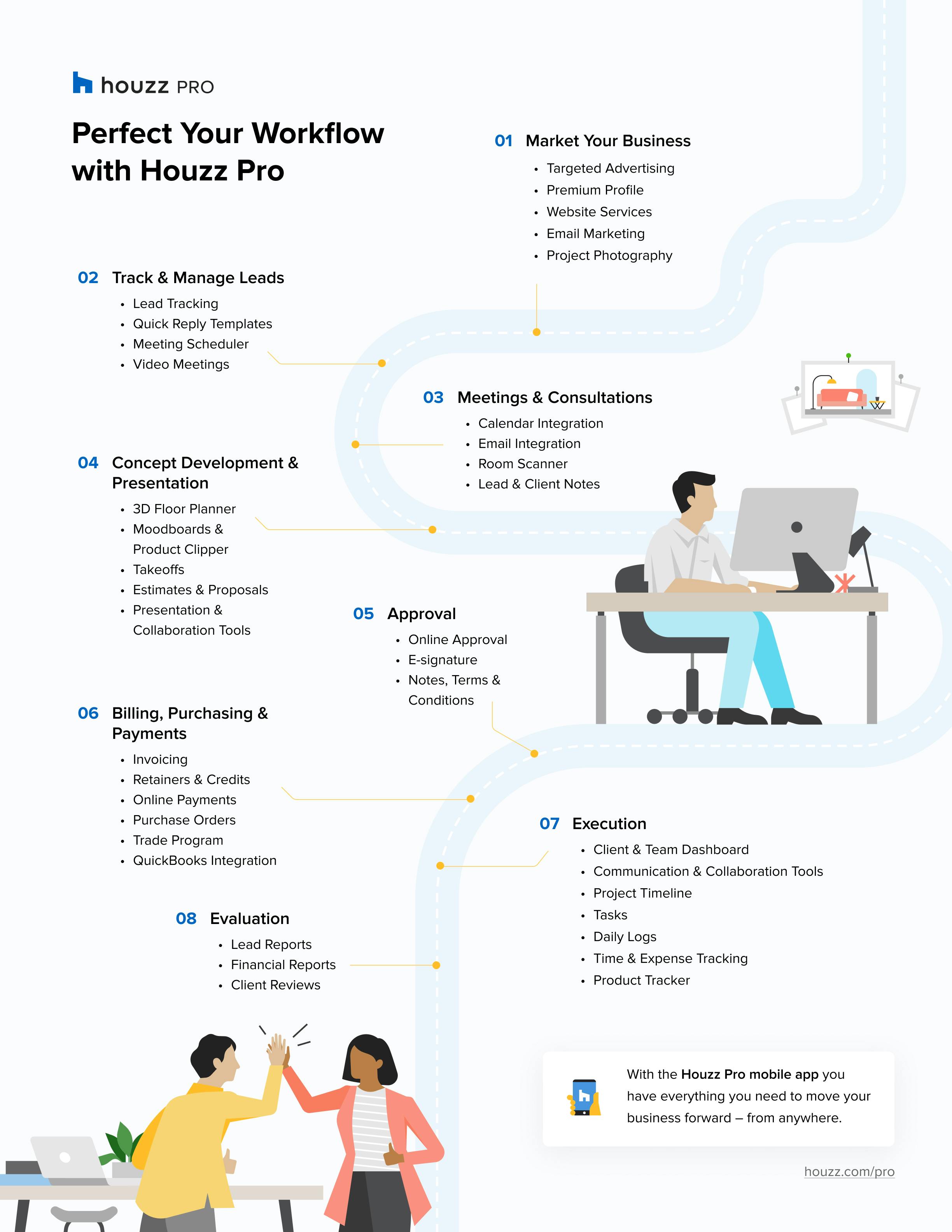
Use our 8 step build process with tools tailored to make your workflow smoother & more efficient.
As a business owner, how can you ensure every task for your project is completed in the right order and on time? Developing an effective, efficient workflow is a key component that can help you stay organized, prioritize tasks, make faster decisions and create clear plans of action. Establishing your workflow not only helps you build credibility with your customers and team, but clarifies each stage of the process and saves you time to pursue opportunities for professional growth and better work-life balance.
With user-friendly tools that require almost no learning curve, you can evolve your workflow along with industry demands. From marketing your business to managing your clients and everything in between, having the right all-in-one tech toolbox to help is essential to business success. Keep reading to see how to revolutionize every step of the professional workflow.

Step 1: Marketing Your Business
Increasing your online presence can help take all of the guesswork out of modern-day marketing for your business. Homeowners searching for websites where they can find professional services in your local area, will see your business at a glance and everything that makes it stand out. Make a great first impression on prospective customers by showcasing the services you offer and featured reviews from satisfied clients on websites such as Houzz. And, because research shows that 93% of online buyers consider photographs to be the deciding factor when making purchases, including attractive visuals of completed projects is key to attracting future clients. Take their interest to the next level with a stylish professional website. As you complete projects, upload photos and videos to display your complete portfolio.

Step 2: Track & Manage Your Leads
Having a proper lead management tool is a great way to centralize all client communications during the pre-sale process. Using this type of tool helps to gather all leads, no matter where they came from, and organize them accordingly. With this, pros can easily decide whether to go forward with a lead or move on to one that is a better fit. Another great way to manage your leads is to schedule video meetings, this way you can build relationships with prospective clients through quick and easy face to face connections. And when you find a lead that’s a great fit, it’s time to move on to Step 3.

Step 3: Meetings & Consultations
The first meeting or consultation with a prospective client is an important step in any project. First impressions count, and so it is worth assuring that your first meeting with a prospective client is professional and easy to set up. With so many meetings, you want to make sure scheduling the first in-person or virtual meeting is as simple as picking a date and time. One way the right project management tool can help you accomplish this is by connecting your calendar. That way both parties will automatically receive meeting confirmation emails and a meeting event on both calendars. Some tools even offer a personalized booking link to share with clients, so they can view your availability and select a time to meet.
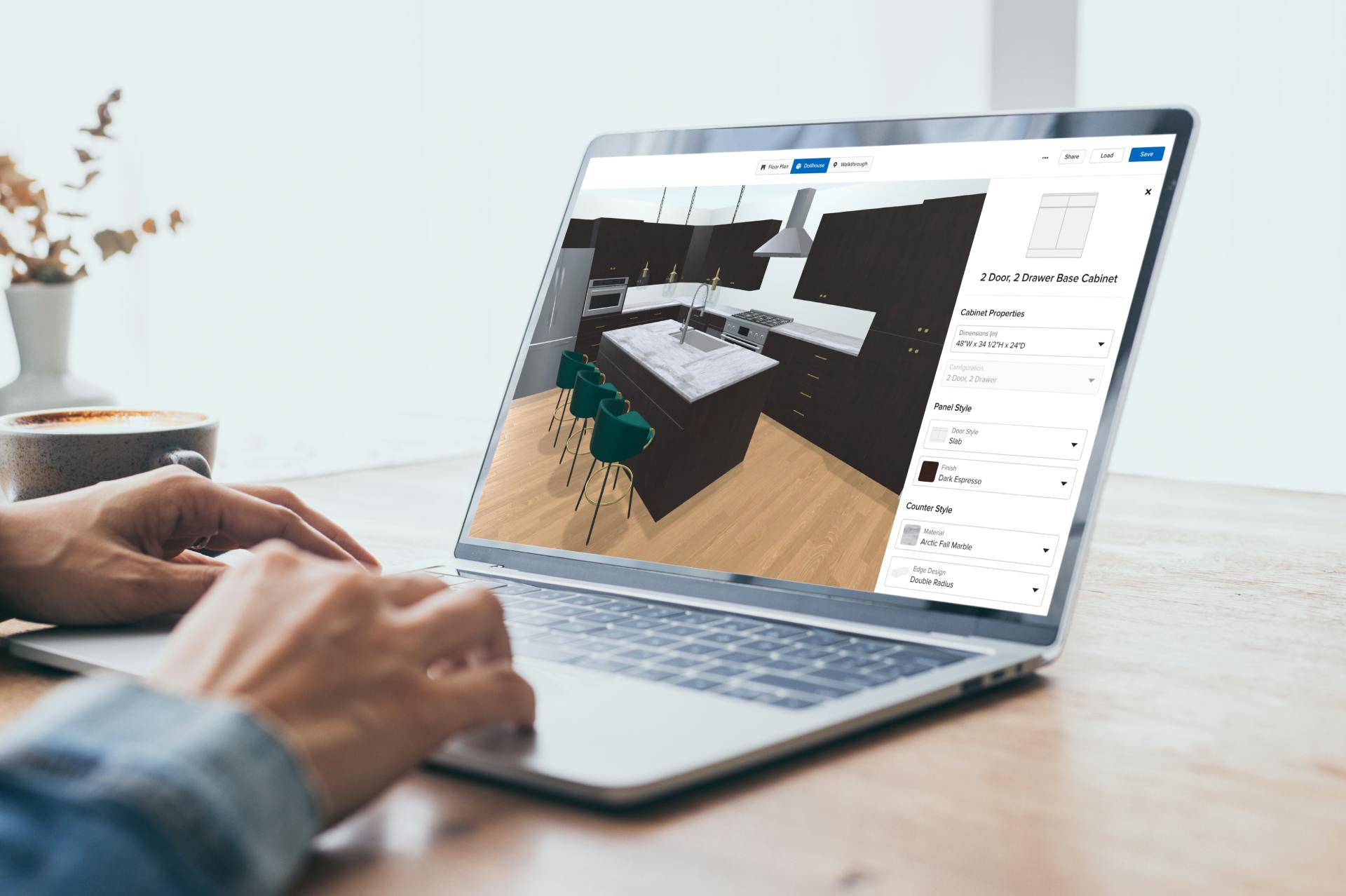
Step 4: Concept Development & Presentation
3D Floor Planner
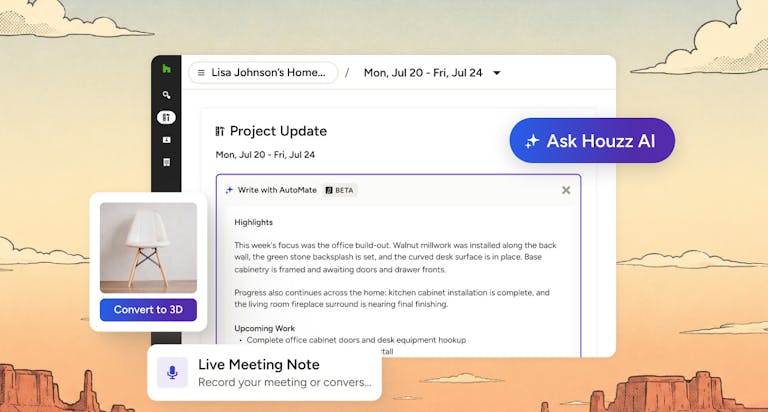
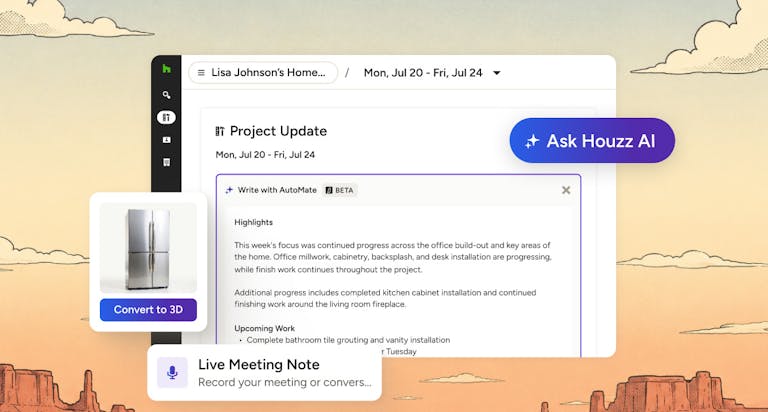
When trying to win a project, a virtual floor plan is an effective way to help clients envision their project. By using a 3D virtual floor planner, you can whip up floor plans in minutes, not hours. Certain tools even allow you to quickly measure any room using your mobile phone to build the base of the floor plan, or design the floor plan on the desktop. And if you want to take your presentation to the next level, using AR features on your mobile device can show clients exactly what their design looks like with a lifelike walkthrough. Clients get excited when they can see your vision for their home spring to life – and you can show it to them on any device, at any time!
Mood Boards
When you’re ready to start communicating what you have in mind for a project, a mood board can be a great place to organize all of your ideas. Whether it be through images, texts or other visual components, creating a mood board allows both you and your client to understand the overall goal of your project.
Takeoffs
As any contractor will tell you, the faster you get your bid in, the better chance you have of winning the job. Using a takeoffs tool can greatly reduce time spent on tasks such as building estimates and proposals. With the ability to complete complex calculations in minutes and turn them into detailed professional estimates, a great takeoffs tool can help pros bid on jobs up to 10 times faster.
All great estimates begin with a winning takeoff. Once that is squared away, having a project cost estimation software can help turn the materials and labor into dollars and cents. Streamline calculations to help remove manual error, reduce change orders and eliminate billing mistakes. And with the right presentation and collaboration tools to keep you on the same page with clients and subs about what needs to be done and when, say goodbye to construction overruns and misunderstandings.
Step 5: Approval
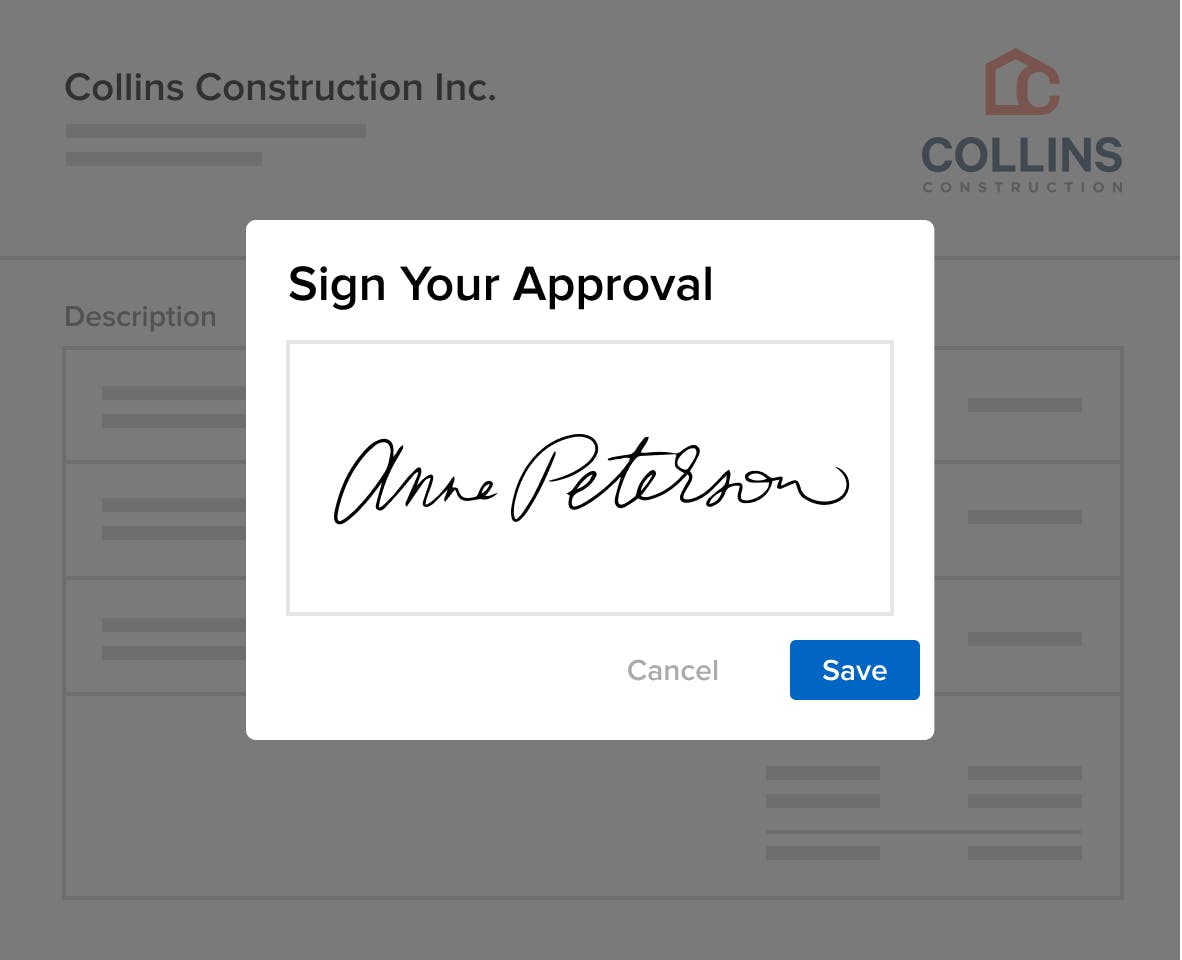
Make it easier for clients to say yes and reduce the inevitable back and forth during the approval stage with online approval and e-signatures. With this clients can view, approve, and sign proposals directly from their mobile devices. Certain softwares even allow you to customize the approval options and give clients the ability to approve each line item separately or approve the proposal as a whole.

Step 6: Payments & Purchasing
Encrypted invoicing and online payments are built into certain invoicing softwares. With these you can build a payment schedule, take deposits and send automatic payment requests and invoices. With an easy invoicing system, you can review and update shipping costs, fees and sales tax all in one place. Sending an invoice for payment should be simple: Take deposits as well as give clients the convenience of paying online for every stage of the project.
Purchase Orders
Many professionals will create purchase orders to request materials or services for a project from vendors, suppliers, or subcontractors. By using a purchase order system, you can close out POs or fill in payment information on them. Purchase orders are vital for your reporting, and many of your product expense reports can be pulled through the PO system. This will let you see how much was spent per project, vendor, time frame, etc. Purchase orders can also be sent to vendors and subcontractors and paid directly if necessary.
Retainers
With some software tools you have the option to send a request for a retainer payment with your proposal. Requesting a retainer is highly recommended because you can access funds prior to purchasing any products and avoid cash flow issues later on in the project. Many contractors and designers love the ability to request payment on a proposal because it adds some clarifying context – it’s a way to communicate directly with the client and helps to encourage approval and on-time payment.

Step 7: Execution
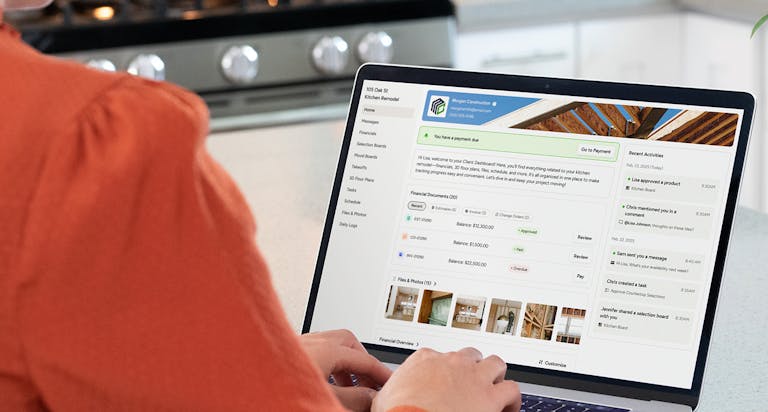
Once you’ve converted a lead into a project, start managing your projects like the professional by using project management software. This type of tool helps you stay organized with clients and teams and manage every moving piece of your project. Client communications are centralized, and there’s a digital paper trail for every decision that gets made to avoid misunderstandings.
Here are some feature to look for when using a project management software:
- Client Communication Tools: The ability share a branded custom dashboard with your clients and team to keep everyone in the loop
- Collaboration Tools: some tools allow you to invite subcontractors to your project where they can view the items you share with them such as files and daily logs, as well as let you know how they’re progressing in their work.
- Project Timelines: With the ability to create and share timelines you’ll be able to keep all your project phases and dates in chronological order.
- Task Lists: create to-do lists for each project and assign tasks to relevant team members. Manage the progress and status of every action item on the Tasks Overview page.
- Daily Logs: create daily logs that track your progress and use your mobile device to add updates right from the jobsite anytime.

Step 8: Evaluation
Managing Business Financials
Generate clear, accurate reports in just a few clicks with the right software – no more late nights spent updating spreadsheets. With this type of tool you will be able to see exactly how much money is coming in and out of your business. Easily sort by date range, project, payment method or subcontractors, and totals will update automatically. This saves time on admin work and simplifies exporting all billable hours logged per project or per team member.
Lead Reports
Understanding where clients are coming from is key to taking a business to the next level. This is why it’s useful to have a full report that shows all leads and their sources. These insights make it easy to identify areas that can be improved and which source channels to enhance.
With mobile apps, you have everything you need to move your business forward – from almost anywhere. You can message clients and access your entire communication history wherever you are working, at any time. When something unforeseen happens on the jobsite, for example, keep your clients and subcontractors in the loop, in real time. Reliable communication builds the kind of trust and credibility that brings client referrals and helps businesses grow and thrive.


Want advice delivered to your inbox?
Unlock industry insights and updates for contractors and design pros
By signing up, I agree to the Houzz Terms of Use and Privacy Policy and that Houzz may use my information to contact me about relevant content, products, and services.