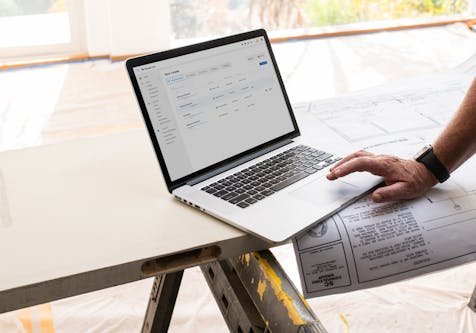
How to Convey a Design to Clients Remotely
Help clients visualize your project ideas with ease, using these digital resources

Remember lugging physical mood boards and swatches to client meetings? Until recently, that was standard practice for most interior designers. Today? Not so much. Video chatting, screen sharing and other digital resources have by necessity replaced poring over design elements in person. And technology can actually help clients visualize your designs even better than the old-fashioned way! Here we’ll share a few ways to use tech for communicating your ideas and collaborating with clients.
Get in the Mood
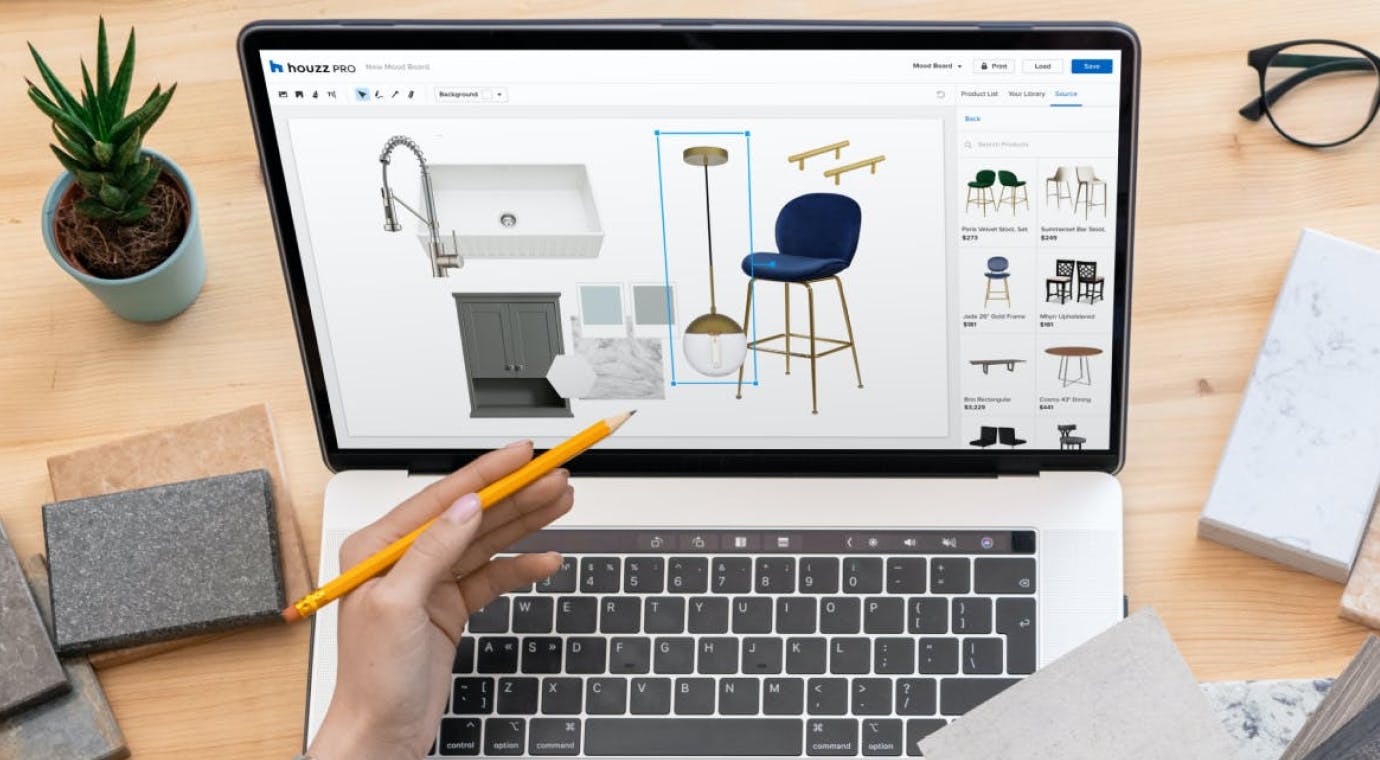
Step away from the scissors and glue gun. Digital mood boards are simpler to work with than tangible images, and the pool to choose from online is vast. Houzz Pro makes creating and sharing digital mood boards especially easy. With the Product Clipper tool, you can capture product images from anywhere online, store them in a library and add them to your mood board with just a few clicks. Want just the product image and not the background? Use the background remover tool. Paints from Benjamin Moore are built right in to the mood boards feature, and of course you can add text.
You can even layer product images with a 3D perspective to give clients a more realistic view. And because these mood boards are digital, you can edit your design based on the client’s feedback in a snap.
Houzz ideabooks can help you and your client communicate ideas as well. You can start by gathering concept images yourself in an ideabook to share with clients. Or you can ask your clients to create an ideabook filled with images that resonate with them — or even just certain details in images, like the backsplash tile or shelving. You both can collaborate online and even include notes for each photo about what you like.

Embrace Other Dimensions
Perhaps the most accurate way to convey an overall design is in 3D. Houzz Pro’s 3D Floor Planner lets you create and share realistic-looking plans, complete with products to scale and finishes in true-to-life colors. Plus, with the Life-Sized Walkthroughs tool, you can easily turn these 3D floor plans into life-size views that provide accurate visuals of the end product. This reduces the amount of potential misunderstandings and mistakes which can help to avoid rework and prevent unnecessary spending. Show clients if the sofa they want fits in the living room, how well the bathroom tiles complement the wall paint and more. Touring a 3D plan is the next best thing to actually being there.
Offering 3D Life-Sized designs also will give you an edge over designers still working only with 2D plans, whether digital or on paper. Younger homeowners especially expect the latest innovations. Plus, they’ve practically been raised on interactive technology and feel most comfortable working in that familiar visual environment.
Say It With Samples
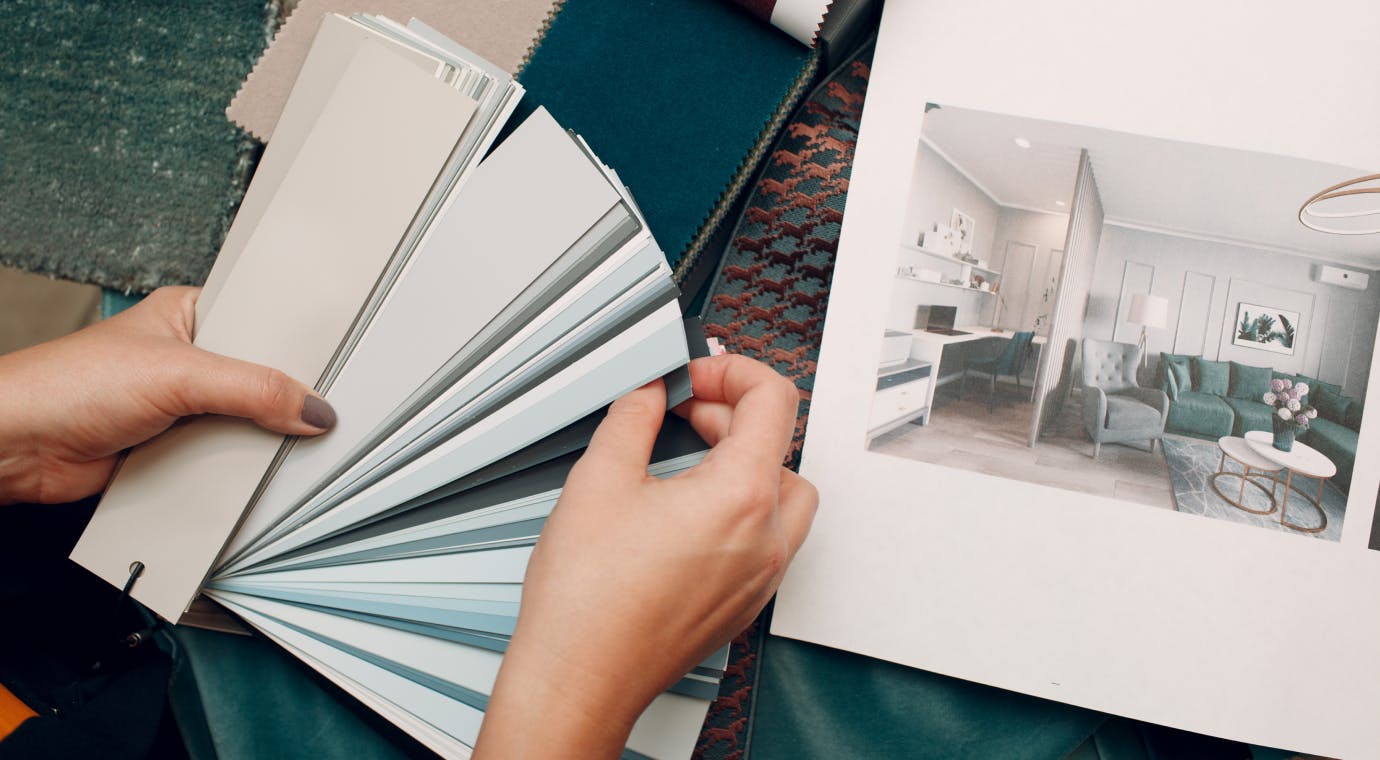
Some things are still better seen and touched in person. Colors might not render 100% accurately on screen, paints change based on the light, and it’s hard to get a feel for textures rendered digitally. For these, you can send clients a box filled with fabric and paint swatches, tile pieces, wood finishings and more. Think of it as a goody bag given before the party.
Even if in-person design confabs return, you can still use all of these resources to express your ideas and collaborate with clients more efficiently. You might never even want to pick up that glue gun again.


Want advice delivered to your inbox?
Unlock industry insights and updates for contractors and design pros
By signing up, I agree to the Houzz Terms of Use and Privacy Policy and that Houzz may use my information to contact me about relevant content, products, and services.