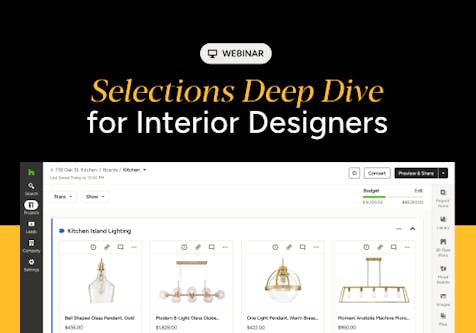
Houzz Pro Selections Guide: Simplify Interior Design From Inspiration to Installation
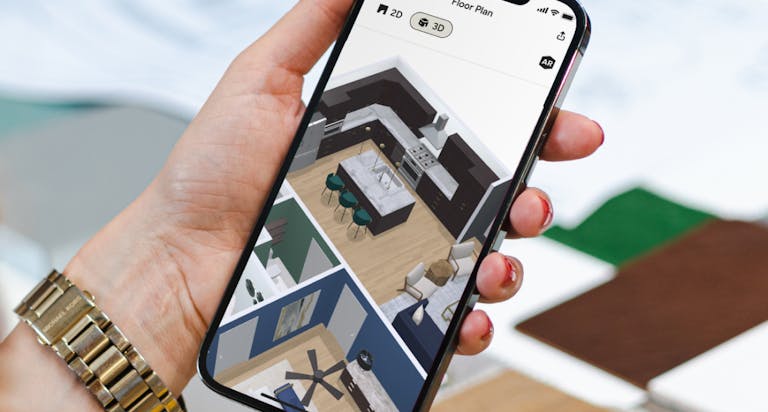
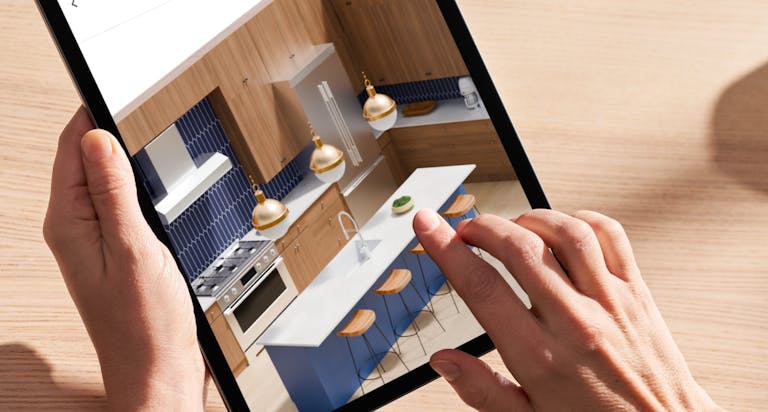
This webinar demonstrates how interior designers and trade professionals can utilize Houzz Pro’s digital management tools to streamline the end-to-end selection workflow.
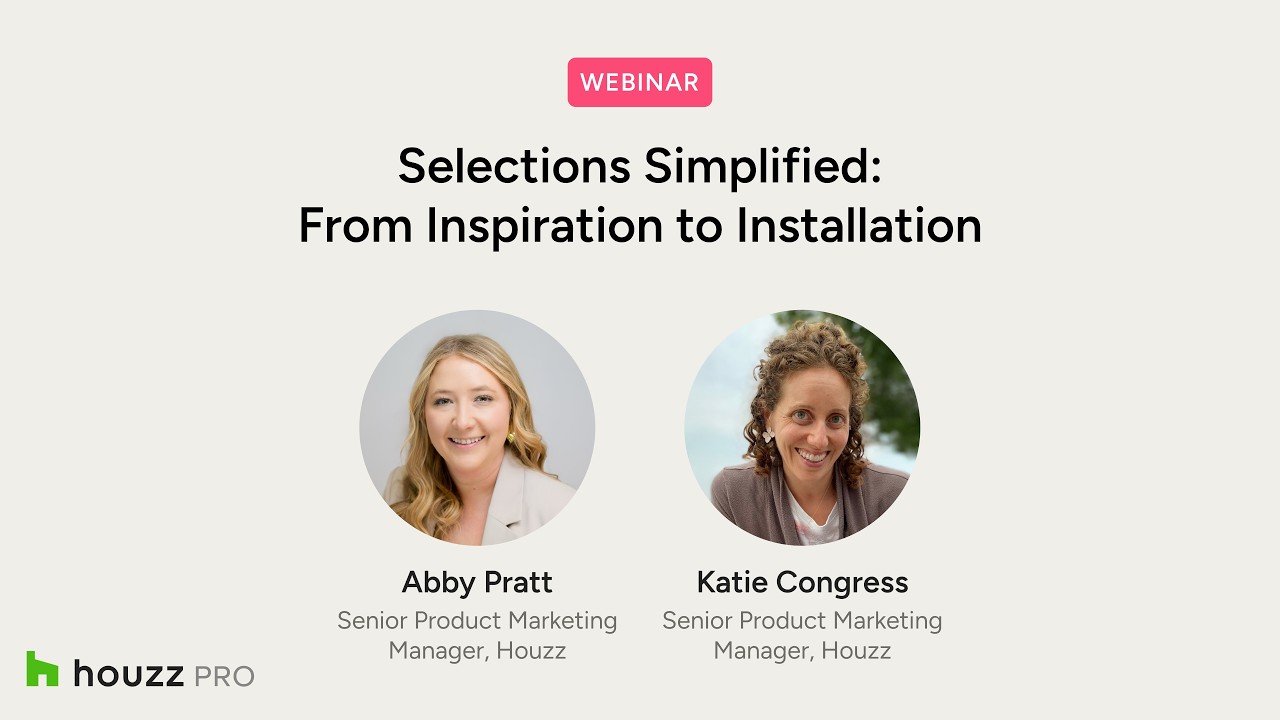
Linking selection boards to client approval portals, automated proposal/purchase order generation, and real-time order tracking eliminates double data entry and improves collaboration across teams, clients and contractors.
This Houzz Pro webinar guides viewers through setting up standardized product categories, creating reusable board templates with budget placeholders, and importing products via desktop tools, direct links, and mobile showroom scanning.
Some key insights and takeaways include:
- Foundational category systems: Establishing clean, standardized categories (such as Lighting, Plumbing, or Cabinetry) serves as the backbone of your library, making it easy to generate structured finish schedules and filter items later in the project.
- Reusable templates and placeholders: Firms can create reusable selection board templates for common spaces (e.g., bathroom remodels). Placeholders hold temporary spots for items with target budgets and quantities before final product sourcing occurs.
- Automated placeholder replacement: Dragging a newly sourced product onto an existing placeholder automatically replaces it, retains the targeted quantity, and alerts you if the item's cost exceeds the predefined budget.
- Multi-channel product sourcing: Products can be imported seamlessly into Houzz Pro using the Chrome Clipper tool with AI auto-fill, inline URL copy-pasting, manual entries, or mobile device sharing (such as scanning QR codes in physical showrooms).
- Dual board organization strategies: Selection boards can be organized by room for client-friendly visual presentations (incorporating mood boards and floor plans) or by trade (e.g., plumbing or cabinetry) for trade coordination.
- Seamless conversion to proposals and POs: Approved selections can be converted into client proposals or invoices with a single click. Furthermore, vendor purchase orders (POs) can be auto-generated instantly for selected suppliers.
- Customizable selections tracker: The centralized Tracker aggregates data across all room boards, allowing users to create tailored views (e.g., "Install Day" or "Receiving") and perform bulk edits to update order statuses, delivery dates, and shipping info in real time.
- Granular client visibility and comments: Designers have full control over what clients see—including toggling product links, pricing, and budget overviews—while communicating through distinct client and internal team comment streams with @mentions.
- Exportable job-site schedules (FF&E): Filtered selections can be exported into PDF FF&E schedules, Excel sheets, or tear sheets. These exports can include auto-generated QR codes, so contractors on-site can scan and access product spec sheets instantly.
Watch the video here


Want advice delivered to your inbox?
Unlock industry insights and updates for contractors and design pros
By signing up, I agree to the Houzz Terms of Use and Privacy Policy and that Houzz may use my information to contact me about relevant content, products, and services.