(Videos) Houzz Pro Fall 2025 Builder Academy
Watch our exclusive series of webinars for remodelers and builders using Houzz Pro, where we answer your questions and update you on the latest features.

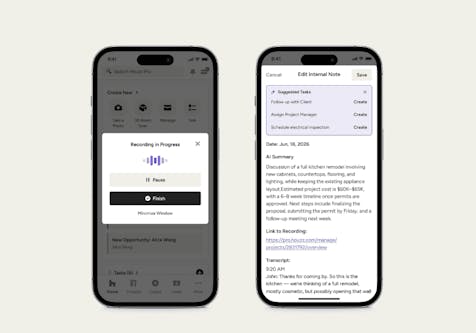
Watch our on-demand Fall 2025 Houzz Pro Builder Academy videos, to get exclusive insight into streamlining projects, enhancing client experience, and refining your internal systems—all with the tools you already have in Houzz Pro.
During these sessions, we’ll show you how to:
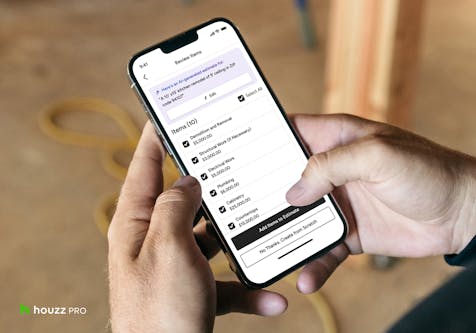
- Use our Estimates with built-in AI to streamline your process
- Manage and track bids with our Bid Management features
- Maximize our Takeoffs tools to simplify estimating and material ordering
- Get an inside look at our new Contracts feature
- Create and manage Selections Boards for seamless client collaboration
- Share Client Dashboards to deliver a seamless client experience
- Leverage all of our project management tools to streamline your day-to-day project workflow, including regular budget updates, daily logs, task management, and team collaboration
Day 1: Pre-Constructing and Estimating
Watch the first installment of the Houzz Pro Builder Academy series, where we dive into how to set every project up for success by building accurate estimates, managing bids, and securing predictable payments.
Key Takeaways:
- Manage leads and clients in one place—track inquiries, link them to projects, and keep communication consistent from the first touchpoint through design presentation.
- Create precise estimates fast with AI, our Average Price Catalog, and The Home Depot catalog.
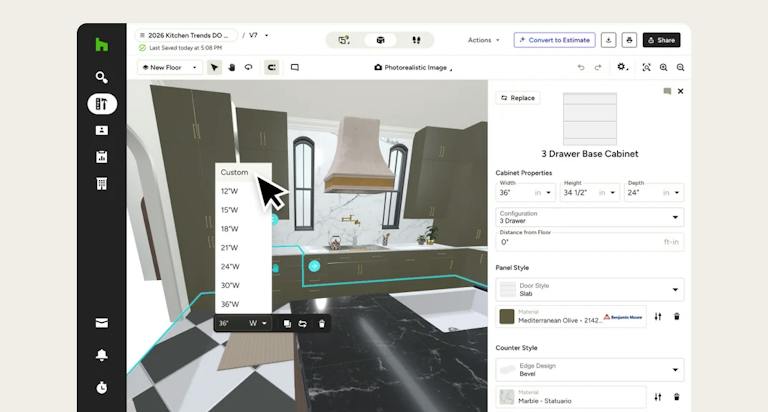
- Use 3D to convey your vision, win homeowner buy-in, and get approvals faster.
- Manage and compare subcontractor bids with Bid Management.
- Use takeoffs to keep material costs accurate and reduce waste.
- Lock in expectations with digital contracts.
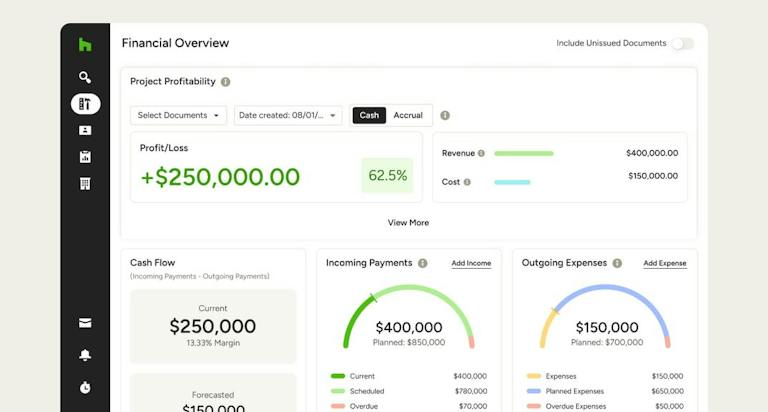
- Set up invoicing, online payments, and reminders to improve cash flow.
- Sync your financials seamlessly with QuickBooks Online.
- Offer financing options through Intuit Credit Karma, Figure and GreenSky to close more projects.
Day 2: Manage Selections, Changes and Day to Day Operations
Watch the second installment of the Houzz Pro Builder Academy series, where we explore how to stay in control of decisions, budgets, and changes. Learn how to organize client selections, handle change orders, and keep everyone aligned with the details that drive the build.
Key Takeaways:
- Use the Clipper tool to quickly capture products.
- Organize and present selections in client-friendly Selections Boards.
- Track orders and approvals with the Selections Tracker.
- Protect your margins by managing and documenting change orders.
- Access training, support, and resources to keep your team sharp.
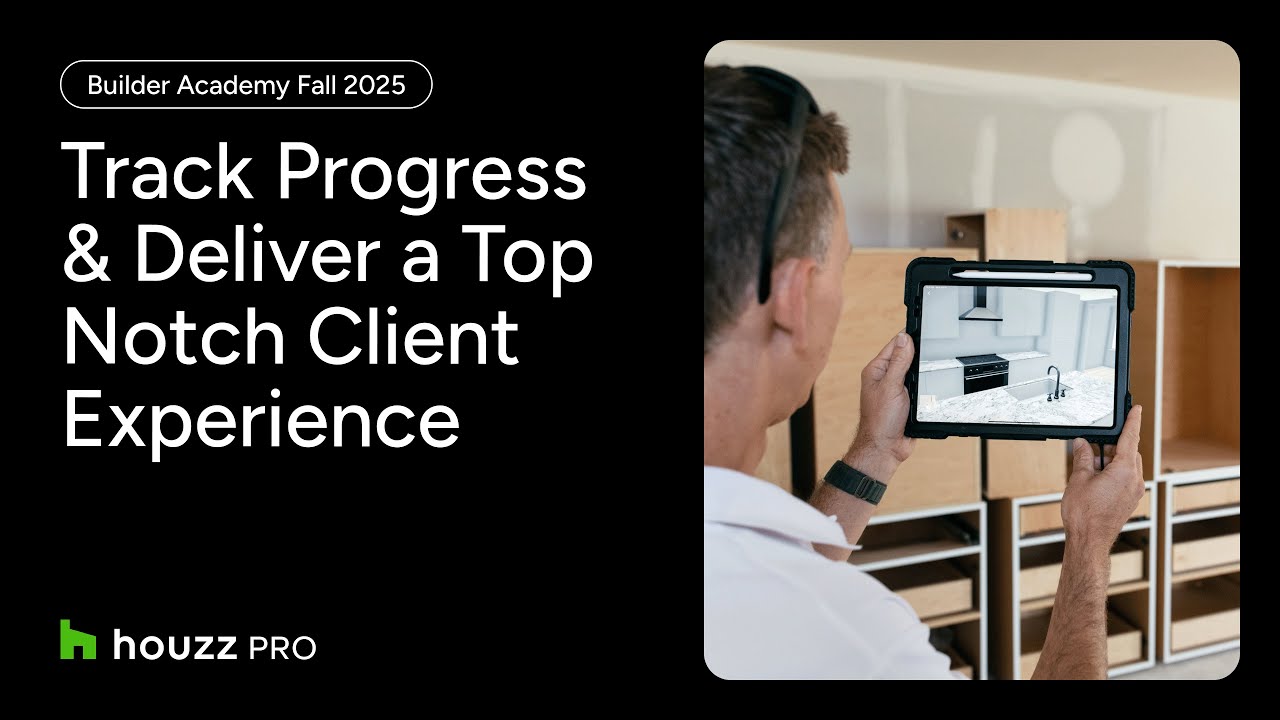
Day 3: Track Progress and Deliver a Top Notch Client Experience
Watch the final installment of the Houzz Pro Builder Academy series, where we explore how to run your project with confidence from kickoff to final punch-out. Learn how to manage budgets, schedules, teams, and communication while keeping clients informed and impressed.
Key Takeaways:
- Provide a branded, transparent client experience with the Client Dashboard.
- Track budgets, daily logs, and schedules to keep builds on pace.
- Centralize file sharing with Google Drive integration.
- Align subs and internal teams with Team Chat and the Subcontractor Dashboard.
- Use task management to keep projects moving efficiently.
New to Houzz Pro? Join one of our upcoming Getting Started webinars to get up to speed and set your firm for success!

Want advice delivered to your inbox?
Unlock industry insights and updates for contractors and design pros
By signing up, I agree to the Houzz Terms of Use and Privacy Policy and that Houzz may use my information to contact me about relevant content, products, and services.