Houzz Pro is the all-in-one platform that modernizes your workflow
Houzz Pro is a true all-in-one, AI-powered software solution
BUILDERTREND ALTERNATIVE

Why Go With Houzz Pro vs. Buildertrend?

For pros evaluating both systems, Houzz Pro provides broader functional coverage (including built-in marketing and 3D visualization), deeper industry-trained AI capabilities, and standard access to core management features at a total cost of ownership that is significantly lower—often up to 3x more affordable than Buildertrend.

The Latest Houzz Pro Buzz

“I think Houzz Pro is a much more affordable option than CoConstruct or Buildertrend. I love that Houzz Pro has takeoff and design features as well as being able to use it to estimate, manage projects, and communicate with my clients!"

Where Houzz Pro Wins as a Buildertrend Alternative

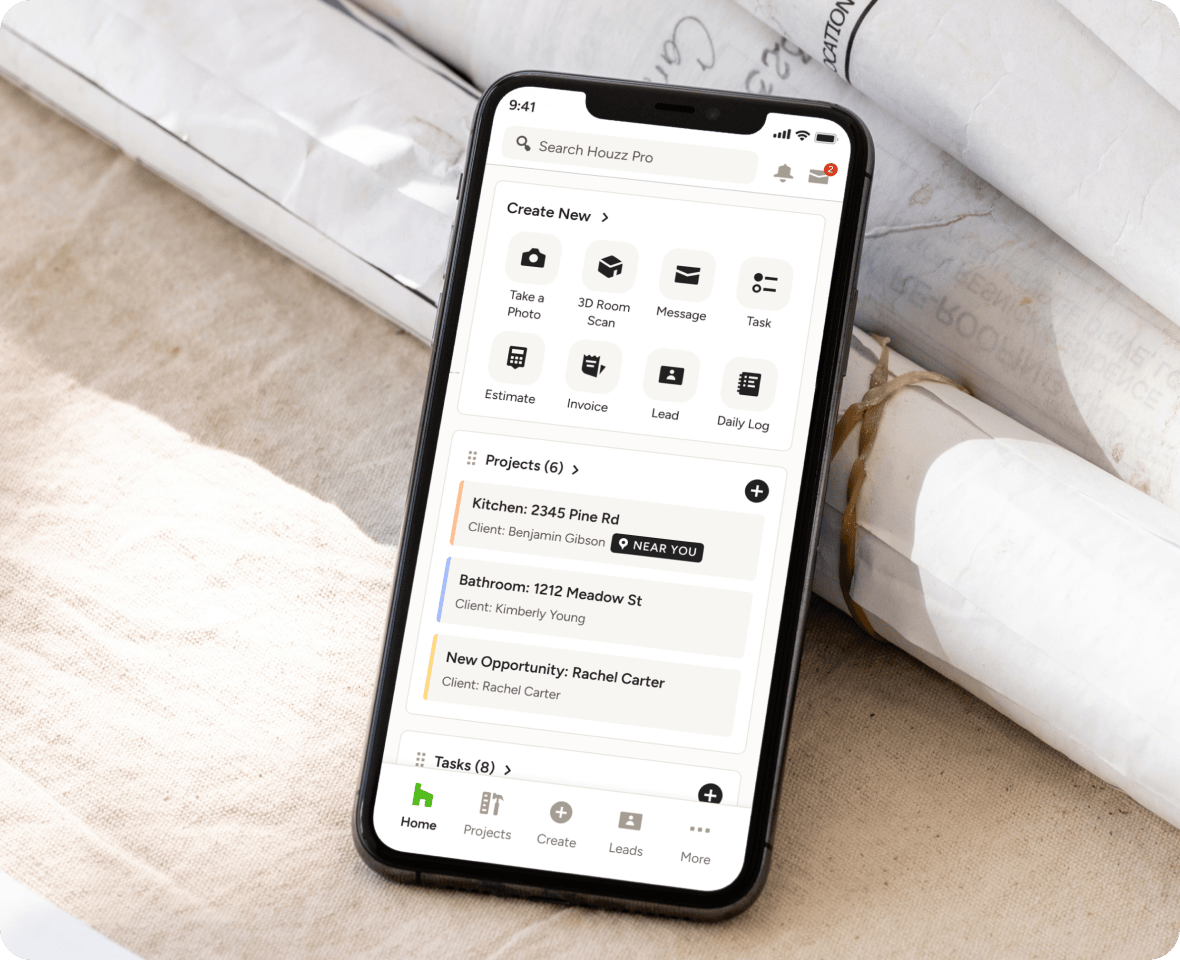
Record client calls and on-site meetings directly through the Houzz Pro app
Artificial Intelligence (AI) Implementation

AI Doing Real-World Work

Houzz Pro features built-in Houzz AI, which is specifically trained on construction workflows. It operates directly within core documents to generate full estimates from prompts, build schedules, write daily logs, automate takeoffs, record and summarize client calls, and draft communication. All your data remains inside a single system without requiring manual copy-pasting.

Buildertrend restricts AI to three basic utility features: AI client updates, AI bill capture, and basic AI search. All other administrative tasks require manual setup or third-party tools.
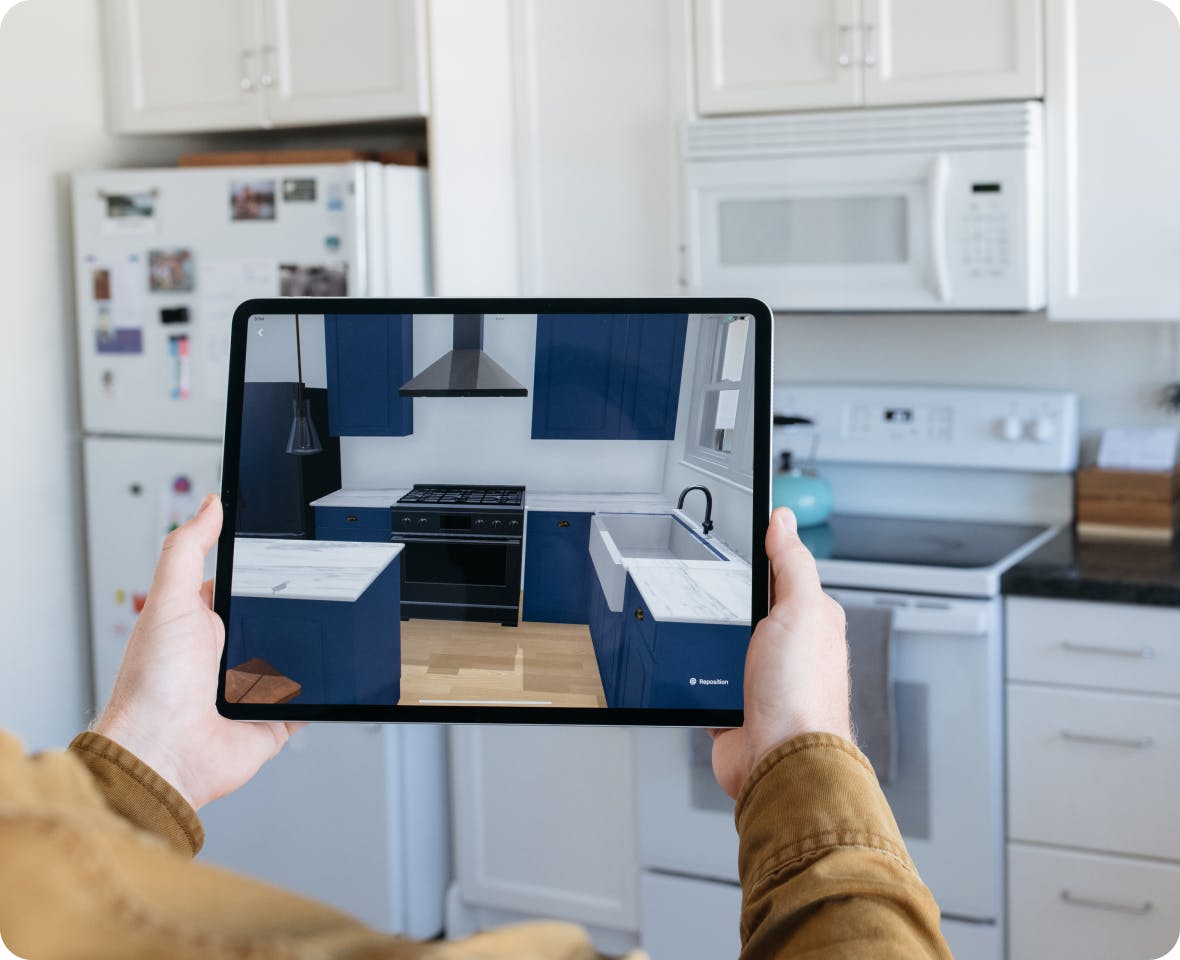
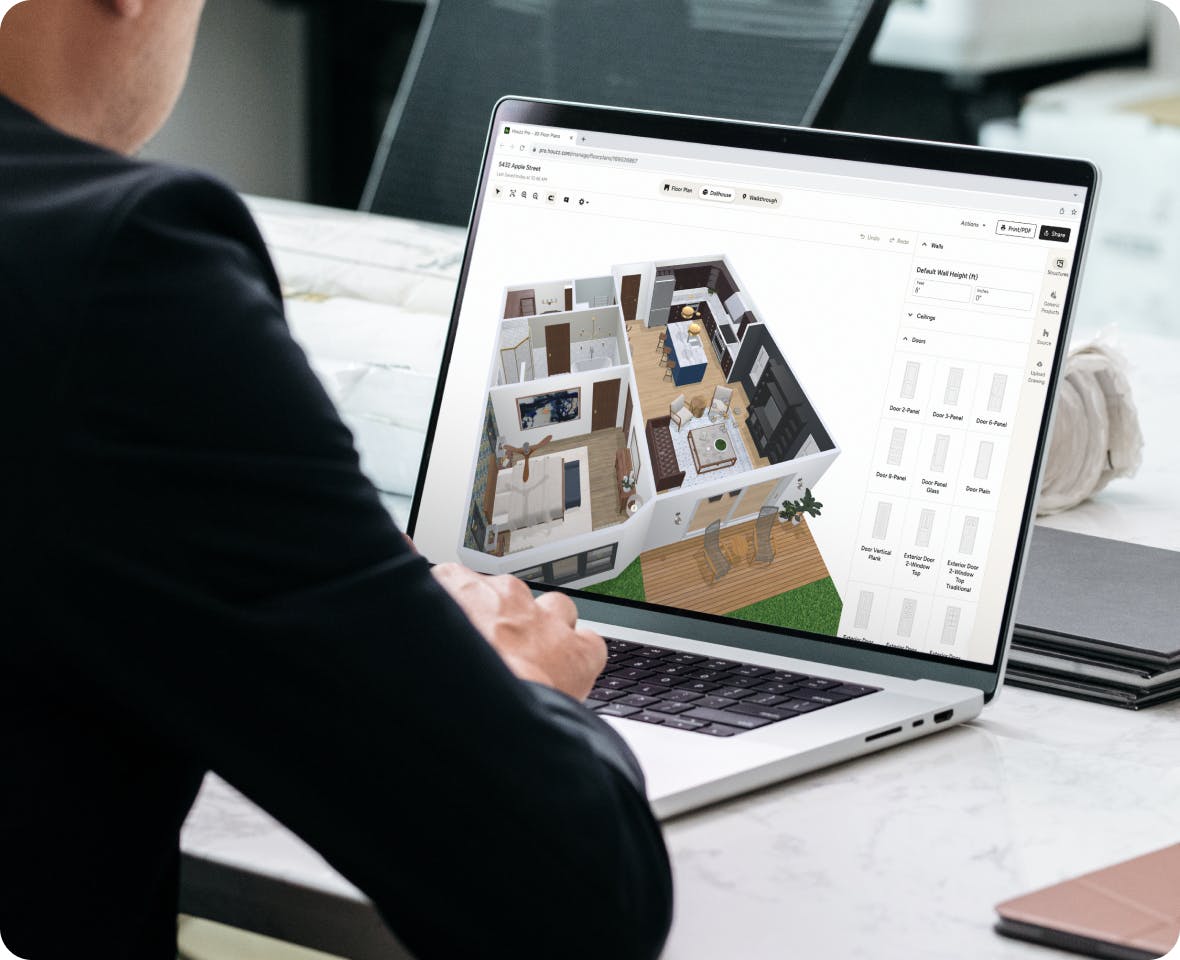
Houzz Pro's high-tech visual sales tools include AR walkthroughs
Design and Visualization Capabilities

Selling Your Biggest Ideas

Houzz Pro includes high-tech visual sales tools in standard plans, including an augmented reality (AR) Smart Room Scanner (captures dimensions using a phone camera to generate 2D/3D floor plans), photorealistic renderings, and AR walkthroughs. Using Houzz Pro’s 3D Floor Planner or Selections tool helps pros turn more leads into paying clients.

Buildertrend contains no 3D floor planning, room scanning, photorealistic rendering, or AR capabilities. Pros must purchase and manage third-party design software separately and hire a designer.
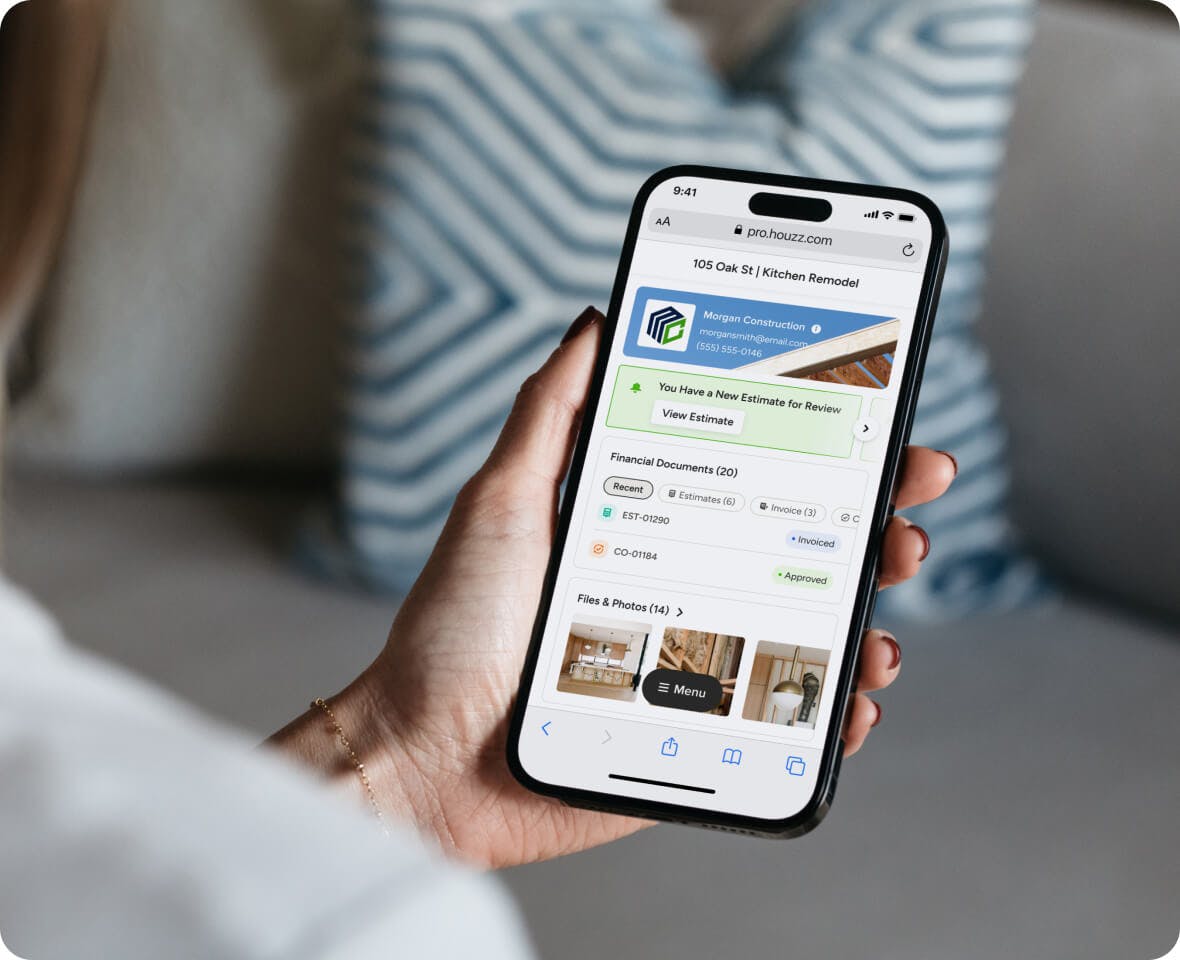
Houzz Pro's Client Dashboard on a mobile phone
Client Experience and Portals

Single Source of Truth

Houzz Pro provides clients with a polished dashboard where they can review 3D visual models, approve selections, inspect daily logs, review real-time budgets, sign change orders, and pay invoices online. They can even send contracts and secure payments right from the contract.

Buildertrend offers a client dashboard, but user feedback notes that the interface is dated and clunky compared to modern standards.
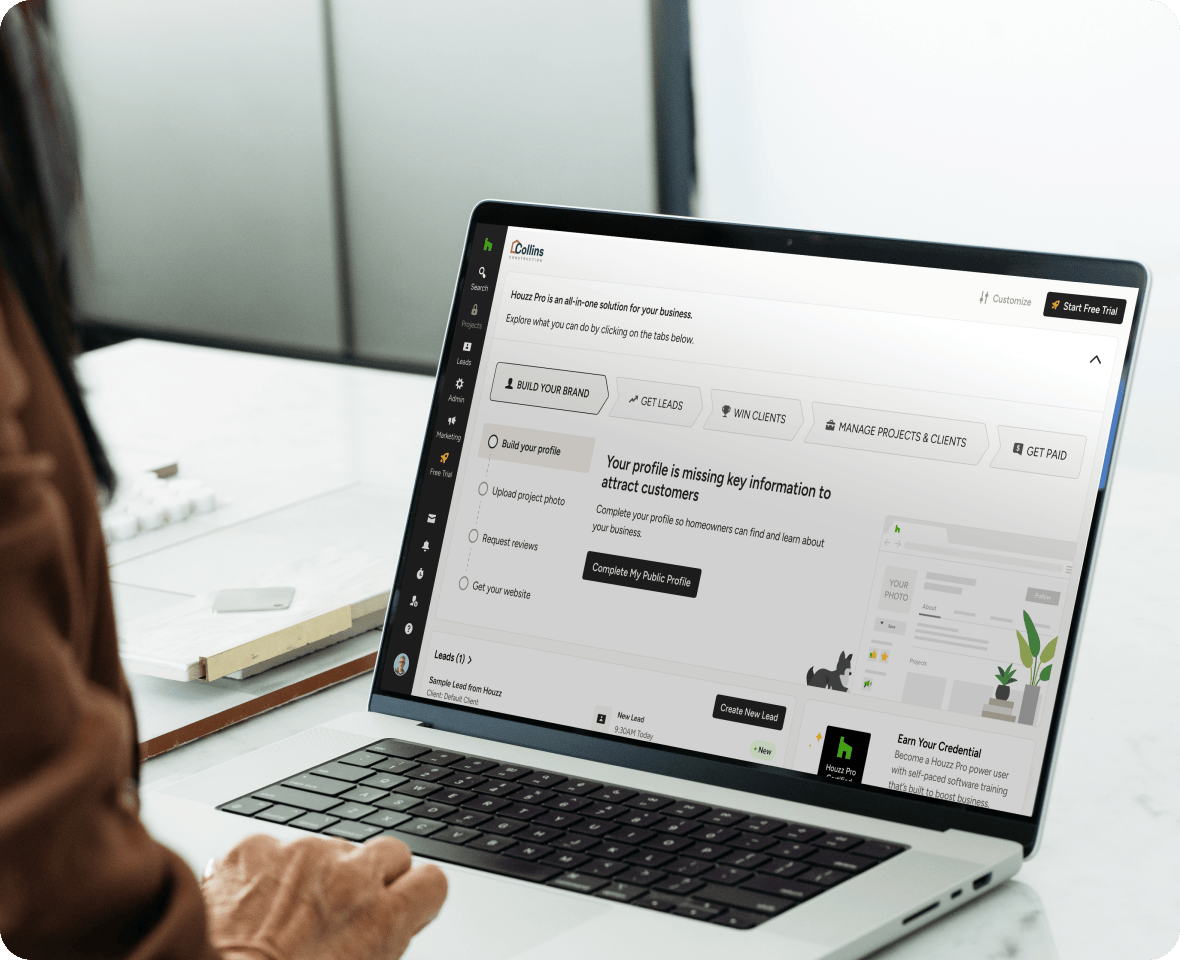
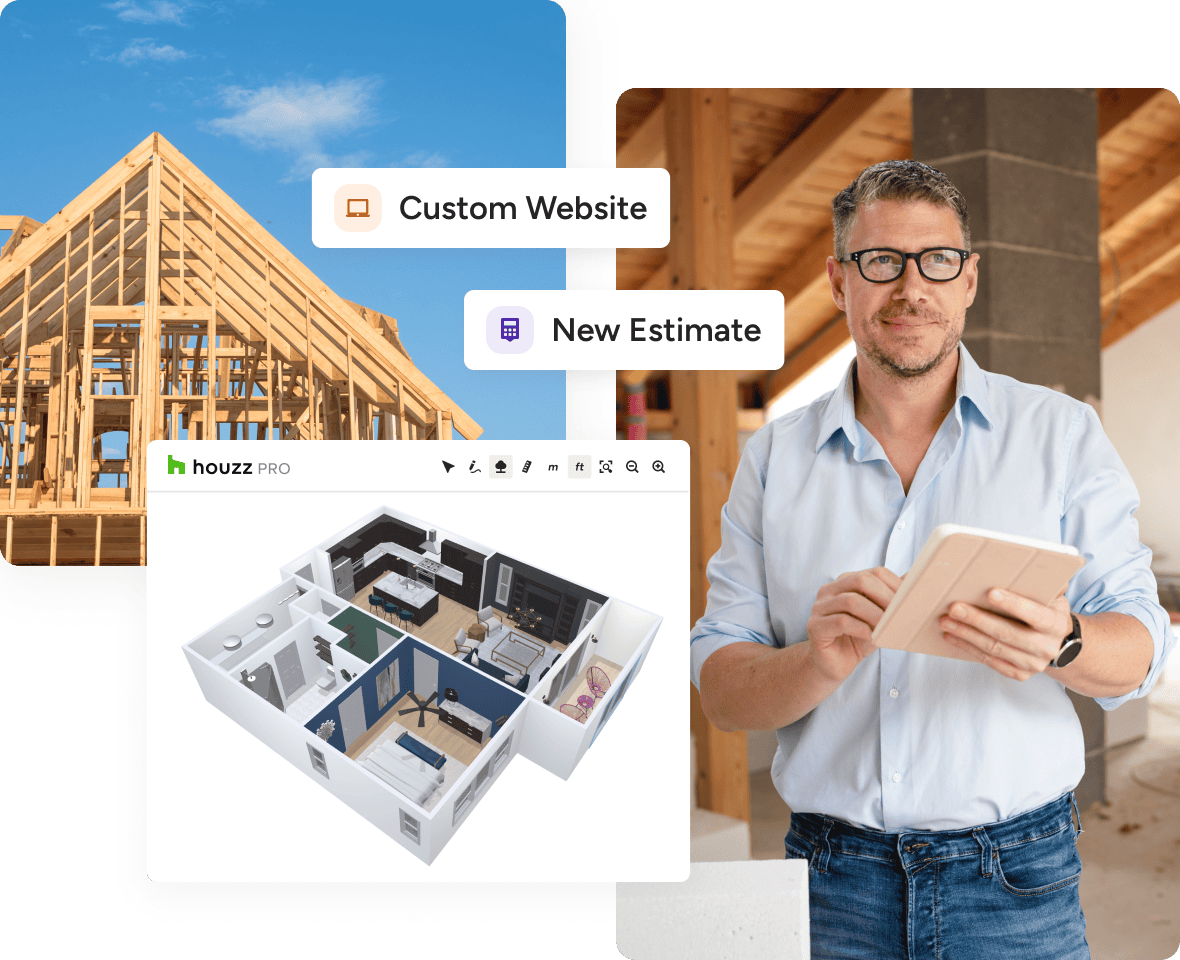
Houzz Pro includes a custom SEO-friendly website
Marketing and Business Growth

Highlight Your Business

Houzz Pro is built upon the world's largest homeowner platform, giving pros built-in access to millions of homeowners. It includes a custom SEO-friendly website (built, hosted, and managed by Houzz), targeted local directory advertising, and a premium profile.

Buildertrend lacks a consumer marketplace or homeowner community. Features like custom websites and email marketing are locked behind Buildertrend's highest custom pricing tiers.

Get to Know Houzz Pro With a Free Demo

Discover how Houzz Pro is the best Buildertrend alternative

View plans and pricing to start exploring Houzz Pro today

What You Get With Houzz Pro vs. Buildertrend

Features

Houzz Pro


Buildertrend


AI Capabilities

Depth of Built-in AI

Yes
Industry-trained AI built across estimates, takeoffs, schedules, daily logs, note-taking, client updates, task management, expense scanning, and financial reporting—no external setup required

Partial
AI limited to three workflow features: AI Client Updates, Smart Bill Capture for AP invoices, and AI Search; all other workflows require manual input

AI-Powered Takeoffs (Computer Vision)

Yes
Upload plans; AI auto-measures areas and wall lengths, counts symbols, and generates material lists; converts directly to Estimates in one click

No
Takeoffs are manual digital measurement with no computer vision or AI-generated material lists; Custom Plan only

AI Estimate Creation

Yes
Describe project scope and let AI generate an edit-ready line-item Estimate using localized pricing and company job history

Partial
Basic AI writing assistance only; not a full prompt-to-estimate generation capability

AI Schedule Creation

Yes
AI generates phase-based schedules directly from approved Estimates; natural language prompts adjust timelines and dependencies instantly

Partial
Some AI assistance available; does not generate full schedules from Estimates; manual Gantt editing required

AI Note-Taking & Call Recording

Yes
Record in-person meetings and client calls via mobile app; AI generates transcripts, summaries, and action items stored inside the project

No
No native meeting or call recording; no AI-generated summaries or action items

AI Daily Log Video Transcription

Yes
Record jobsite video walkthroughs; Houzz AI auto-transcribes audio into searchable, timestamped log entries

No
No video transcription capability; Daily Logs available on Custom Plan only

AI Client Progress Updates

Yes
AI auto-generates weekly client summaries from daily logs, photos, and notes

Partial
Available; generates summaries from photos and schedule data only—narrower input range than Houzz AI

AI Task Suggestions

Yes
AI analyzes daily logs and project notes to automatically suggest tasks and action items for team members

No
Task creation is manual; no AI-driven task generation from logs or notes

AI Expense & Receipt Scanning

Yes
Scan any receipt with AI to auto-populate expense details; log by category or cost code; convert to Invoices for cost-plus billing

Partial
Smart Bill Capture reads incoming AP invoices only; does not cover general field expense receipts

AI Financial Reporting Summaries

Yes
AI-generated financial health summaries; real-time budget variance flags; custom report generation

No
Reporting available; no AI-generated summaries or automated insights


Design & Visualization

3D Floor Planner

POPULAR

Yes
Native, built-in 3D Floor Plans and augmented reality walkthroughs; included in all plans

No
Not a core feature

Mobile Room Scanner (LiDAR)

Yes
Native mobile scanning converts existing spaces to accurate 2D/3D floor plans on-site; no extra hardware required

No
Not a core feature

Mood Boards

POPULAR

Yes
Native AI-powered Mood Boards with image editing, style filtering, and product population

Partial
Basic mood board functionality available; not AI-powered

Photorealistic Renders

Yes
AI-generated photorealistic room renders included in platform

No
Not a core feature

Product-to-3D Conversion

Yes
AI converts 2D product images into interactive 3D models usable in Floor Plans and Selections Boards

No
No image-to-3D conversion capability


Business Management

Estimates

Yes

Yes

Assemblies

Yes

Yes

Proposals

Yes

No

Invoicing

Yes

Yes

Online Payments

Yes

Yes

CRM

Yes

Yes

Financial Reporting

Yes

Yes

Financing Options

Yes

Yes

Client Dashboard

Yes

Yes

Product Clipper

Yes

No

Cost Catalog

Yes

Yes

Home Depot Cost Catalog

Yes

Yes

Mobile App

Yes

Yes

Task Management

Yes

Yes

Punchlists

Yes

Yes

Selections

Yes

Yes

Time Tracking

Yes

Yes

Purchase Orders

Yes

Yes

Expense Tracking

Yes

Yes

Migration Support

Custom Plan Only

Varies by Plan


Features Gated Behind Custom Plan

Budgets & Job Costing

Yes
Real-time budget vs. actual tracking; connected to all financial documents; included in all plans

Partial
Available on Custom Plan only

Contracts & eSignatures

Yes
Native e-signatures; PDF-to-contract conversion; auto-populates project and client details; included in all plans

Partial
Available on Custom Plan only

Takeoffs

Yes
AI computer vision; symbol detection; auto-generated material lists; included in applicable plans

Partial
Manual digital takeoff only; no AI or computer vision; Custom Plan only

Project Schedule

Yes
AI-generated or manually built phase-based schedules with baseline tracking; included in all plans

Partial
Available on Custom Plan only

Change Orders

Yes
AI generation, e-signature, instant payment collection, and real-time budget sync; included in all plans

Partial
Available on Custom Plan only

Daily Logs

Yes
AI video transcription, photo/video sync, voice notes, and AI-polished progress summaries; included in all plans

Partial
Available on Custom Plan only

Bid Management

Yes
Subcontractor bidding portal; no-login access; side-by-side quote comparison; included in all plans

Partial
Available on Custom Plan only

Subcontractor Portals

Yes
Free, unlimited, project-scoped portal access; no login required for bid submissions

Partial
Available on Pro and Custom Plans only


Integrations

Zapier

Yes
Available on all plans

Partial
Available on Custom Plan only

QuickBooks Online

Yes

Yes

Google Drive

Yes
Available on all plans

Partial
Available on Custom Plan only

Open API Access

Yes
API available for custom integrations on all plans

No
No open API support

Email & Calendar Syncing

Yes

Varies by Plan

Multi-Language Support

Yes
Real-time message and log translation across 10 languages for field crews, office staff, and subcontractors

No
No native multilingual support


Client Experience & Market Reach

Homeowner Marketplace Exposure

Yes
Direct connection to 3M+ pros and 65M+ active homeowners on the Houzz platform

No
No consumer marketplace exposure

Lead Generation & Targeted Advertising

Yes
Integrated lead generation programs and localized ad campaigns available as add-ons to any plan

No
No integrated lead generation or advertising offering

Marketing Tools (Website, Email, Profile)

Yes
Houzz Pro builds, hosts, and manages an SEO-optimized website; email marketing and premium profile included in all plans

Partial
Website, email marketing, and premium profile available on Custom Plan only—starting at $499/month

Warranties & Claims Management

Yes
Branded client portal for warranty submissions, claim tracking, and automated status updates; built into project closeout as a dedicated module

Partial
Warranty tracking available within the client portal; not a standalone claims management module with automated workflows


Teams

Role-Based Team Members

Yes

Yes

Users

Varies by Plan

Varies by Plan

Additional Users

Varies by Plan

Varies by Plan


Support

Customer Support

Varies by Plan

Varies by Plan

Onboarding Experts

Custom Plan Only

Varies by Plan

*Based on the features available on Buildertrend and Houzz Pro in the U.S. in June 2026. Please note that this information may have changed since publication. Visit the company websites for current prices and features.
Trusted by 3 Million+ Contractors and Design Pros

Houzz Pro includes design and visualization tools standard across plans
Total Cost of Ownership

Standard Across Plans

Pricing efficiency: Buildertrend locks essential project management tools—such as contracts, budgets, takeoffs, schedules, daily logs, and change orders—behind its top-tier Custom plan. Pros using Buildertrend often pay up to 3x the price of Houzz Pro to achieve similar operational functionality.

Included value: Houzz Pro includes design and visualization tools standard across plans without additional software fees.

Houzz Pro offers dedicated onboarding experts and live troubleshooting
Migration and Onboarding Support

Minimize Learning Curves

Import capabilities: Houzz Pro includes direct copy-and-paste and estimate import tools to migrate project data, spreadsheets, contacts, and files seamlessly from Buildertrend or legacy systems.

Customer support: Houzz Pro provides award-winning customer service, offering dedicated onboarding experts, live troubleshooting, and personalized training demos to minimize team learning curves.

Contractor Testimonials
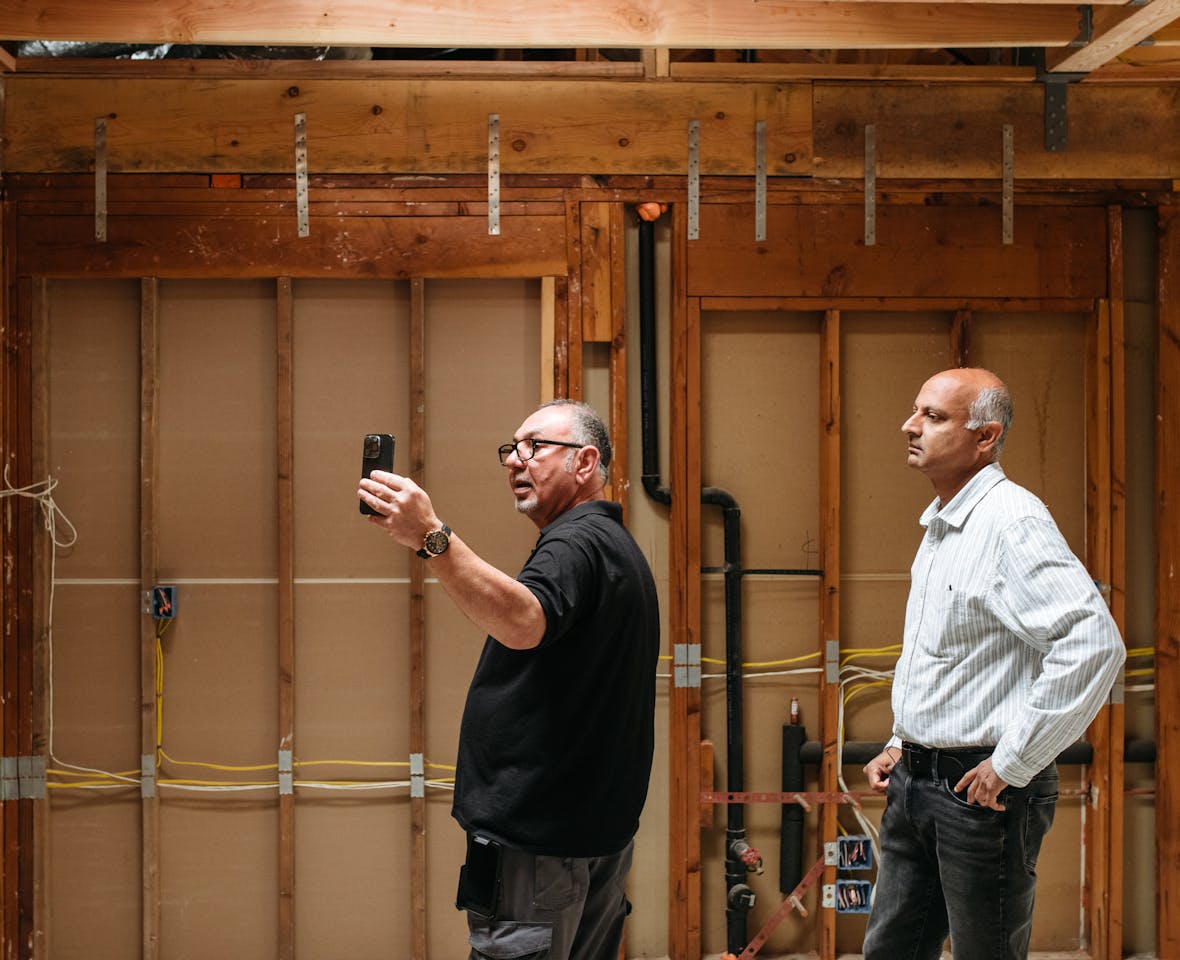
Elevated Edge Construction consolidated 10+ separate software tools into Houzz Pro, increasing profit margins by 11%.

Elevated Edge Construction consolidated 10+ separate software tools

Frequently Asked Questions

Thinking About Canceling Your Buildertrend Subscription?

More Houzz Pro Comparisons

Jobber

Houzz Pro offers takeoffs and project schedules. Our estimates and client portal are more feature-rich, too.

Contractor Foreman

Unlike Contractor Foreman, Houzz Pro has built-in 3D Floor Plans and Takeoffs to turn prospects into projects.

*Based on a 2022 Houzz Pro Usage Study of U.S. Houzz Professionals across all categories. 

**Note: Not all features are included in every plan. Please view pricing and plans to find the plan right for you.

On the Fence? Schedule a Free Houzz Pro Demo

See why home professionals choose Houzz Pro as the best Buildertrend alternative

Have questions? Give us a call at (888) 372-2851