CONSTRUCTION SOFTWARE COMPARISON
Houzz Pro vs. JobTread: Which Is Best for You?
Selecting the right construction management software directly impacts project efficiency, estimating speed, job costing precision, and client satisfaction. While both Houzz Pro and JobTread provide core project management functionality, they are engineered with different business models, target audiences, and technical architectures in mind.
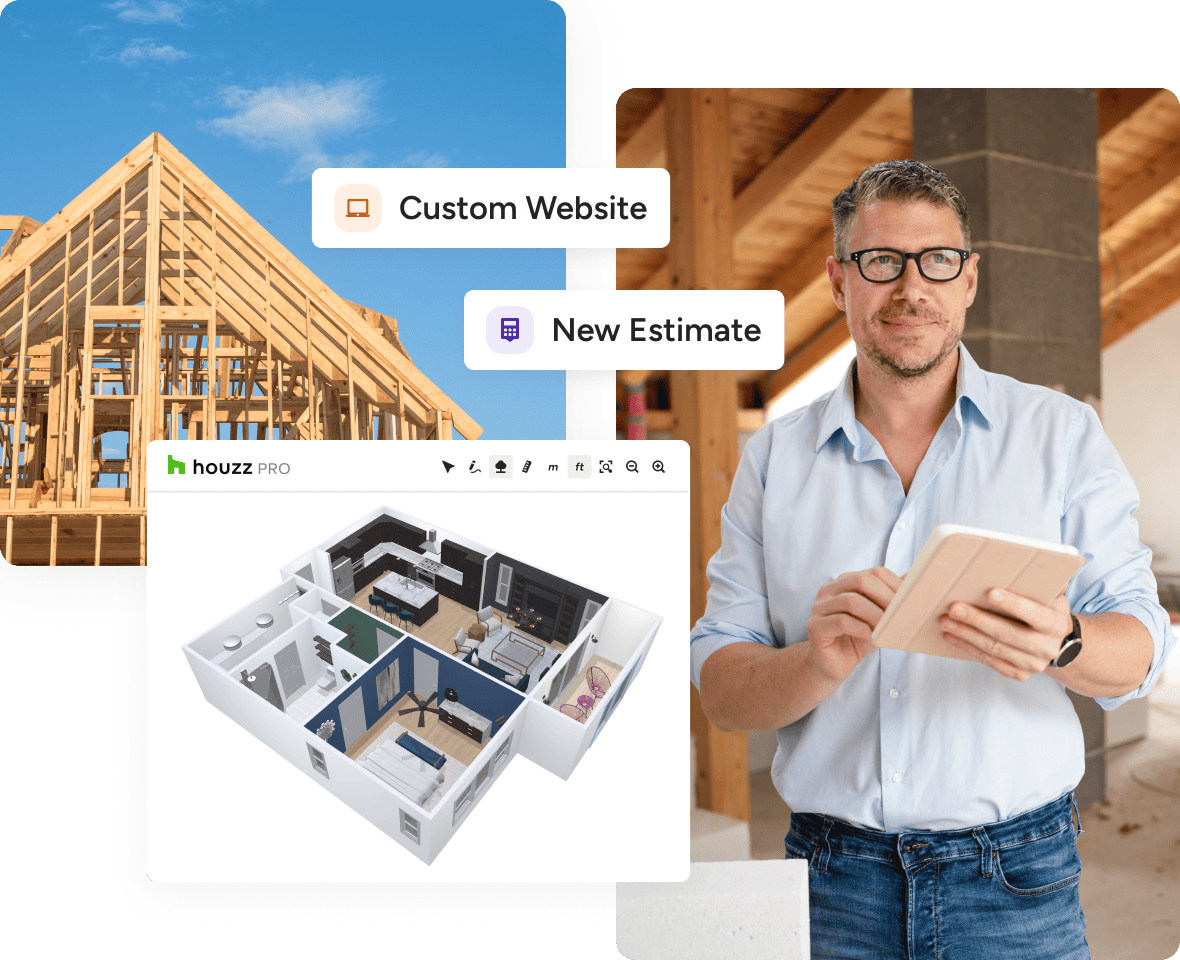
Houzz Pro is the all-in-one AI platform for home builders, remodelers, and contractors who want to scale. As software trained on residential construction workflows, Houzz Pro unifies marketing, preconstruction, job costing, design, project management, and the client experience into a single system.
By automating administrative tasks and delivering real-time operational insights, Houzz Pro enables teams to spend more time executing quality builds and growing their business.
JOBTREAD ALTERNATIVE
Houzz Pro vs. JobTread: Core Differences
Both systems handle the operational core of running a remodel—contractor CRM, estimating, project scheduling, job costing, budgeting, and client portals—and Houzz Pro matches or exceeds JobTread here, with native procurement tracking, role-based permissions, and unlimited subcontractor portals built in. Where they diverge is what's layered on top: Houzz Pro adds built-in homeowner marketplace exposure, visual design tools, and in-workflow AI, while JobTread relies on external integrations via an open API/MCP server.
Houzz Pro: Purpose-built specifically for residential remodelers, home builders, and design-build companies. It layers client-facing sales and design tools (3D Floor Plans, Mood Boards, Selections Boards) directly on top of contractor job costing and project management workflows.
JobTread: Designed as broad construction management software serving commercial contractors, specialty trade subcontractors, pool builders, franchises, and residential builders. It prioritizes structural flexibility for diverse trade types over residential-specific client experience tools.
The Latest Houzz Pro Buzz
Where Houzz Pro Wins as a JobTread Alternative
Artificial Intelligence (AI) Implementation
In-Workflow AI vs. Open API Connectors
AI implementation represents a fundamental distinction between Houzz Pro and JobTread.
JobTread architecture: JobTread utilizes an open Model Context Protocol (MCP) server. This requires users to source, configure, manage, and pay for external large language models (such as Claude or ChatGPT) to handle data outside the primary application.
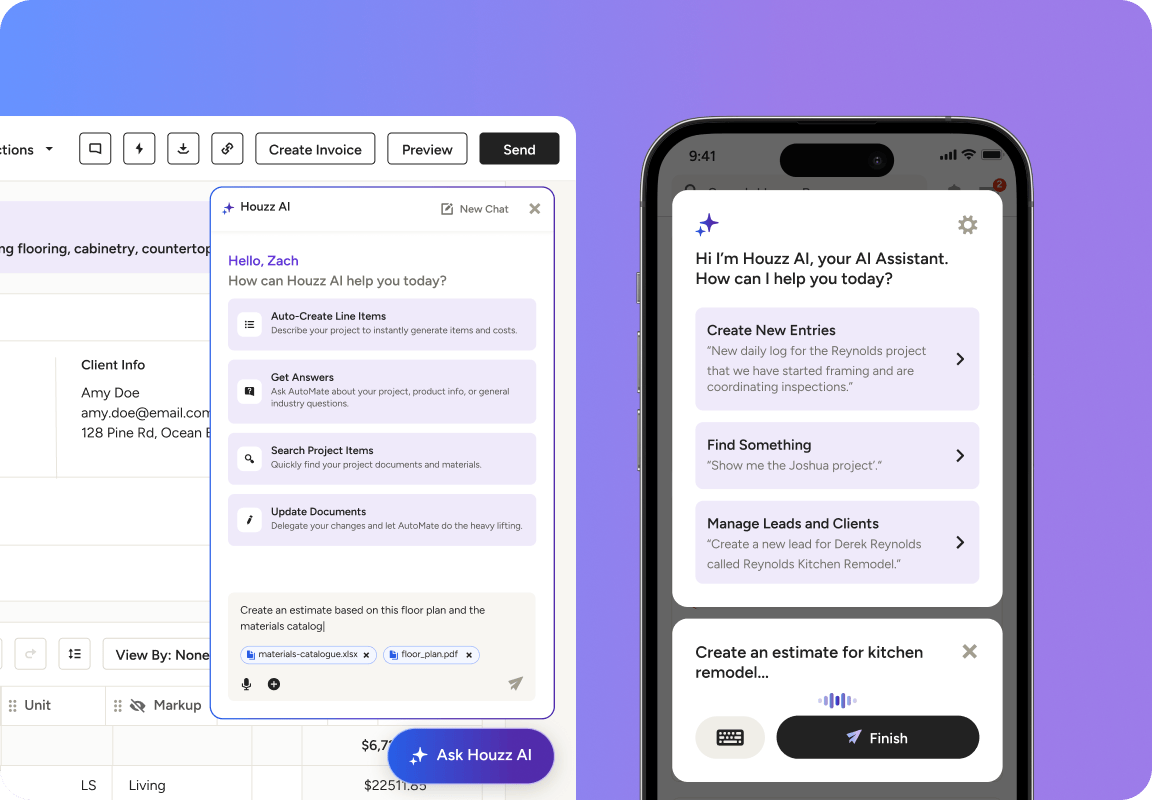
Houzz Pro architecture: Houzz AI is built directly into the core system and pre-trained on residential construction workflows. Because it naturally accesses estimates, schedules, and job history without third-party middleware, contractors receive immediate utility without technical setup.
Houzz AI
Key Houzz AI Capabilities
- Prompt-based estimating: Draft line-item estimates using localized pricing and company job history.
- Automated pre-construction: Convert uploaded project plans into material lists and preliminary schedules.
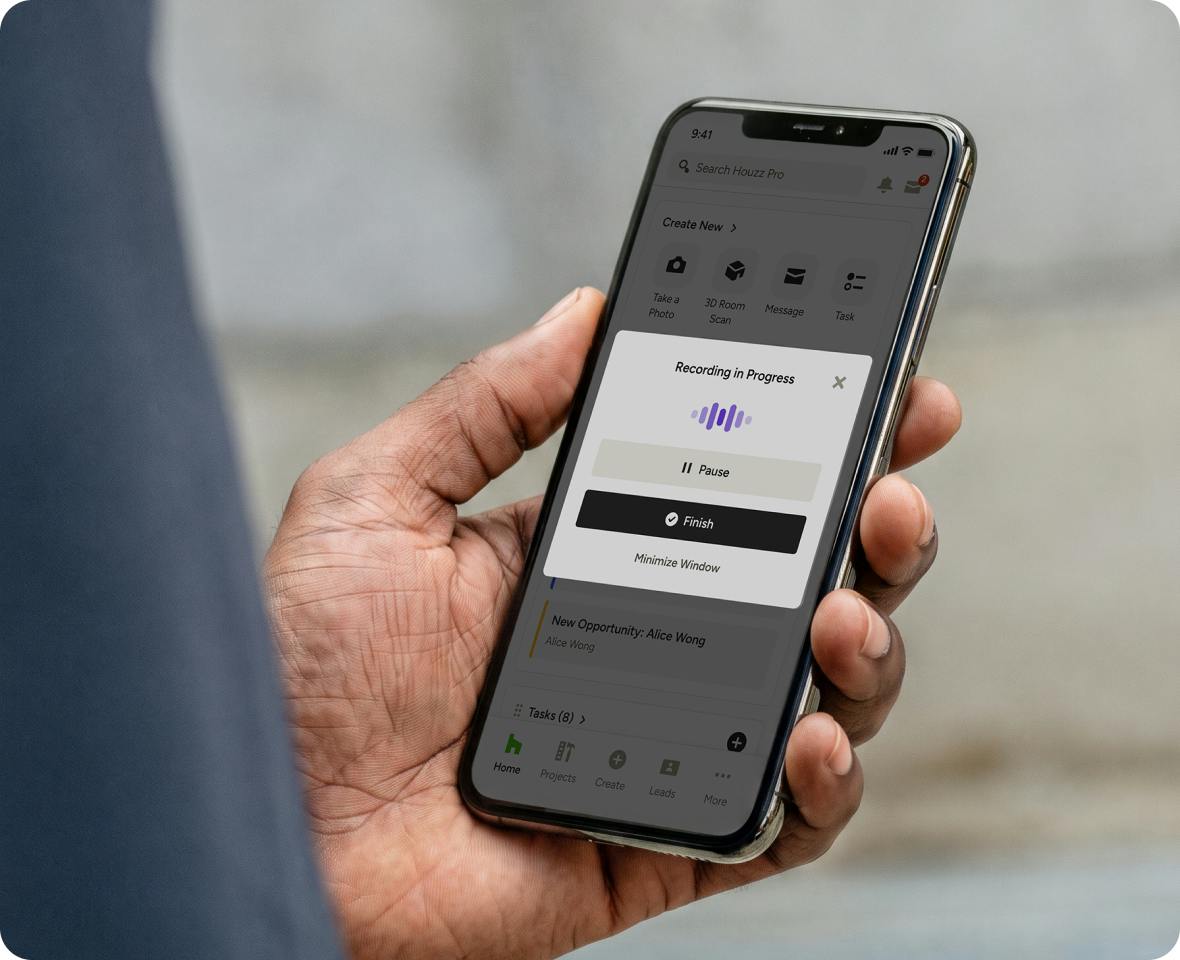
- Two-way video daily logs: Record jobsite video walkthroughs; Houzz AI automatically transcribes audio and logs searchable notes.
- Client and lead follow-ups: Generate professional, context-aware responses to client inquiries.
- Schedule restructuring: Instantly adjust timelines and dependency links using natural language prompts.
Procurement and Labor Tracking
Direct Bridge
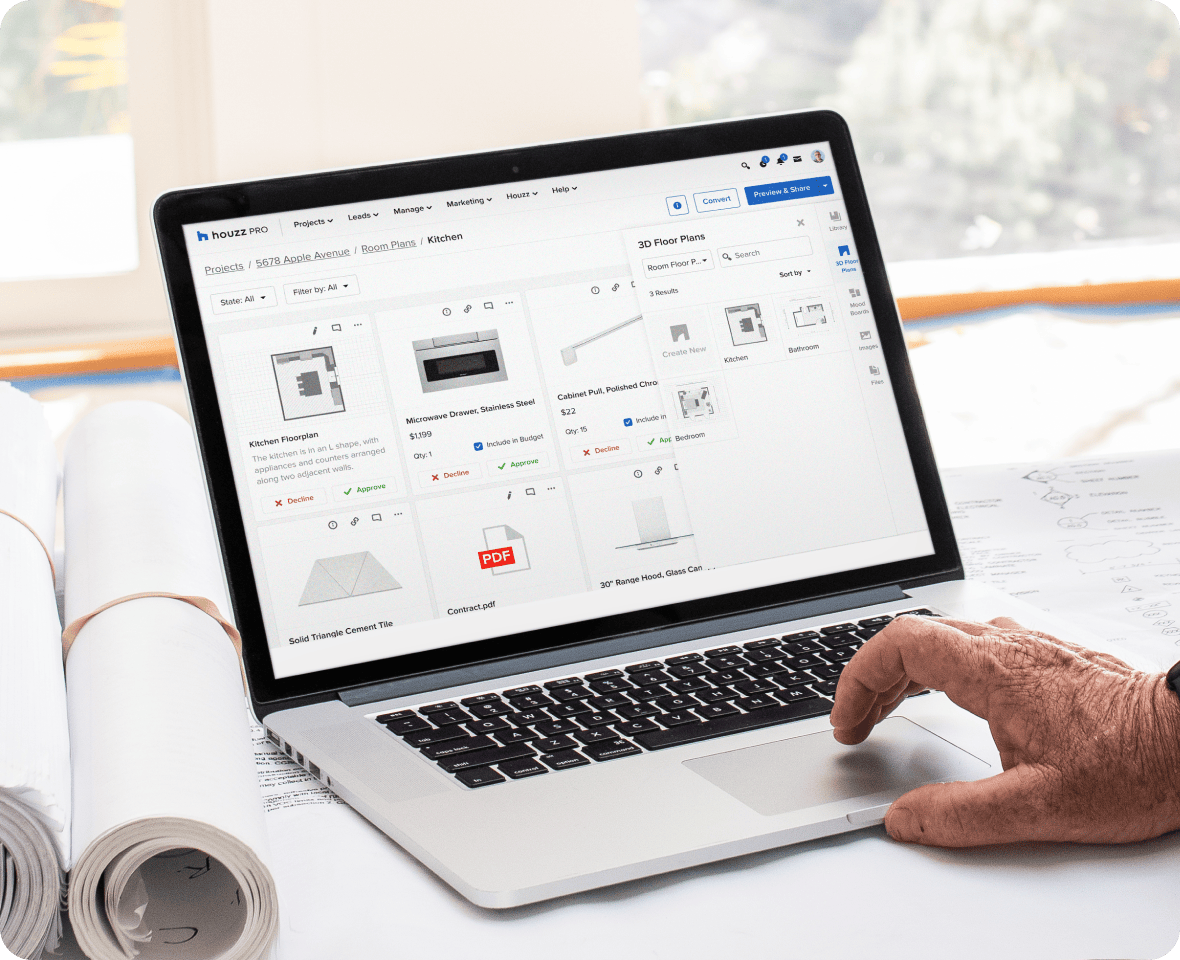
Where JobTread tracks procurement through basic purchase orders within job costing lists, Houzz Pro directly bridges product selection with procurement.
Product Clipper tool: Clip items directly from supplier websites into visual Selections Boards.
Selections Tracker: Track items across every status tier—from client requested, to approved, ordered, shipped, and received.
One-click PO conversion: Automatically convert client-approved selections into purchase orders linked to job costing and project invoices.
Vendor quote comparison: Send RFQs to multiple vendors simultaneously and compare quotes within a single dashboard.
Change Orders and Approvals
Continuous Loop
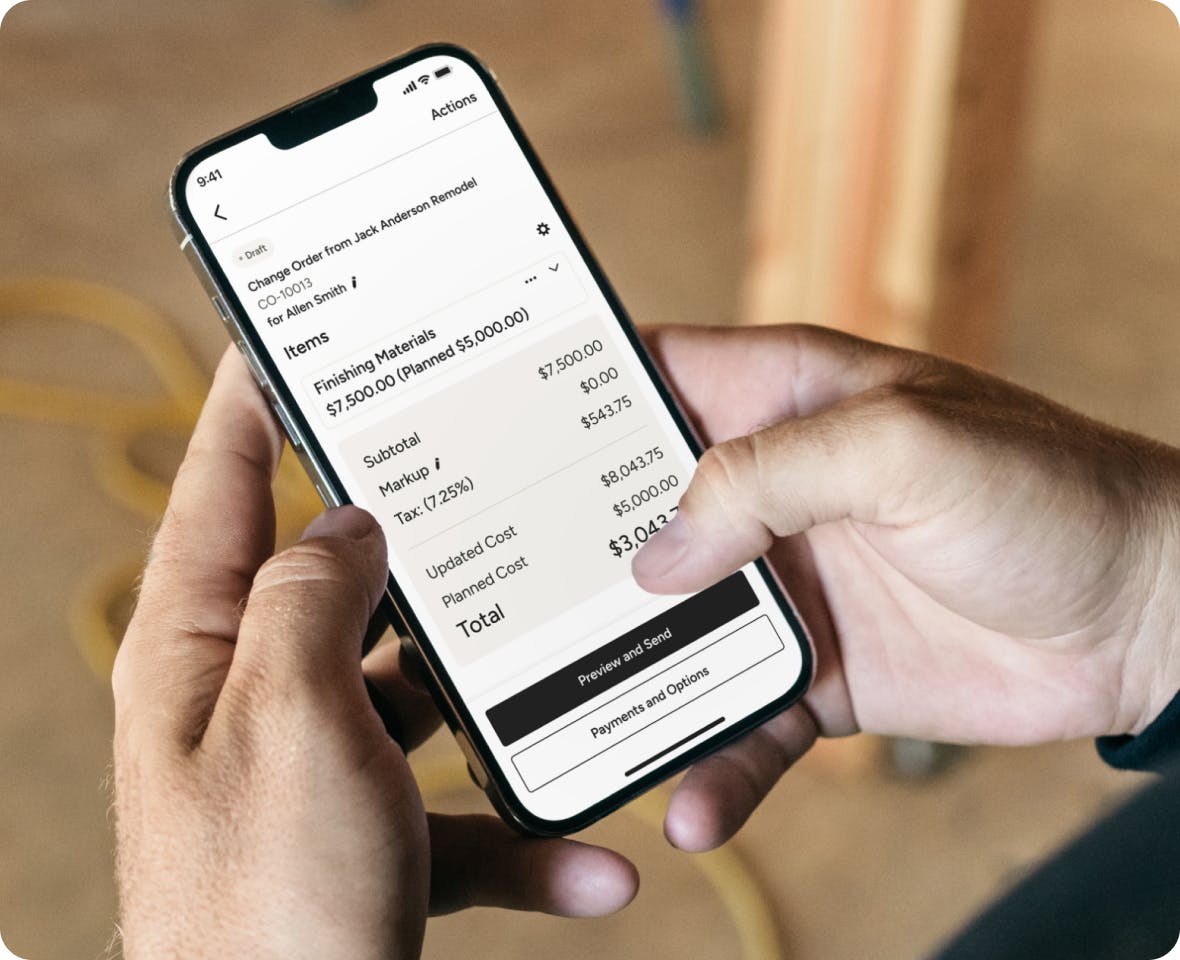
Unapproved changes erode contract profitability. Houzz Pro structures change order creation, client authorization, and financial syncing into a continuous loop.
- Rapid drafting: Generate change orders from approved estimates, templates, or AI text prompts.
- E-signatures: Secure legally binding digital client signatures before on-site work proceeds.
- Direct payment collection: Collect payment for scope increases immediately upon signature through integrated online payments.
- Real-time budget sync: Automatically update project job costing models to maintain accurate profit visibility.

Mobile Field Operations
Active Jobsites
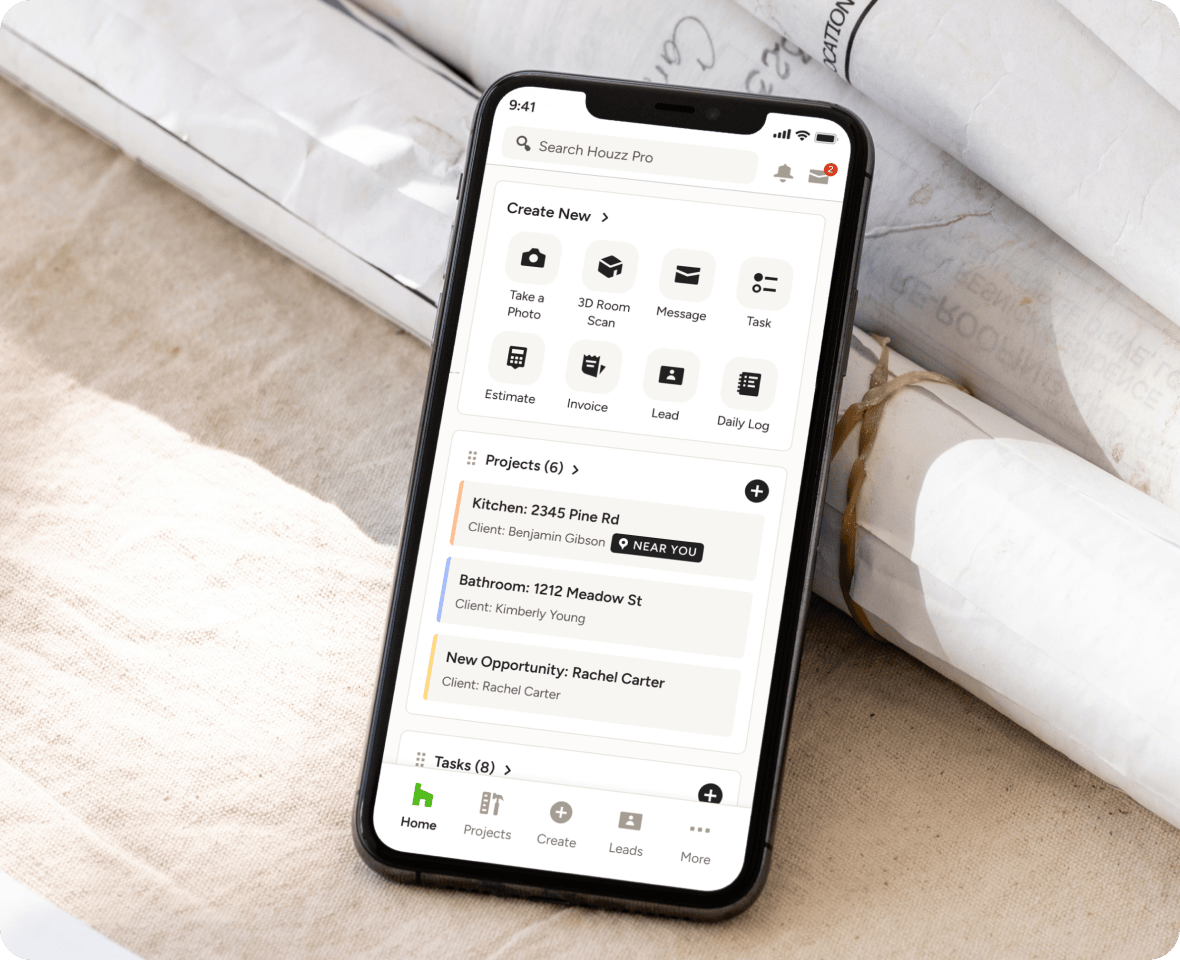
Houzz Pro's mobile application is built for active jobsites, ensuring field crews remain connected to office staff.
- Offline capabilities: Field teams can access project data, create daily logs, and log hours without cell service; data automatically updates when reconnected.
- LiDAR room scanner: Measure existing rooms using a mobile device camera to generate accurate 2D floor plans and interactive 3D models on-site.
- Two-way video logs: Capture visual site progress accompanied by spoken commentary, which Houzz AI auto-transcribes into searchable text logs.
- 10-language translation: Real-time message and log translation breaks down language barriers between project managers, field crews, and subcontractors.
Permissions and Team Oversight
Project Visibility
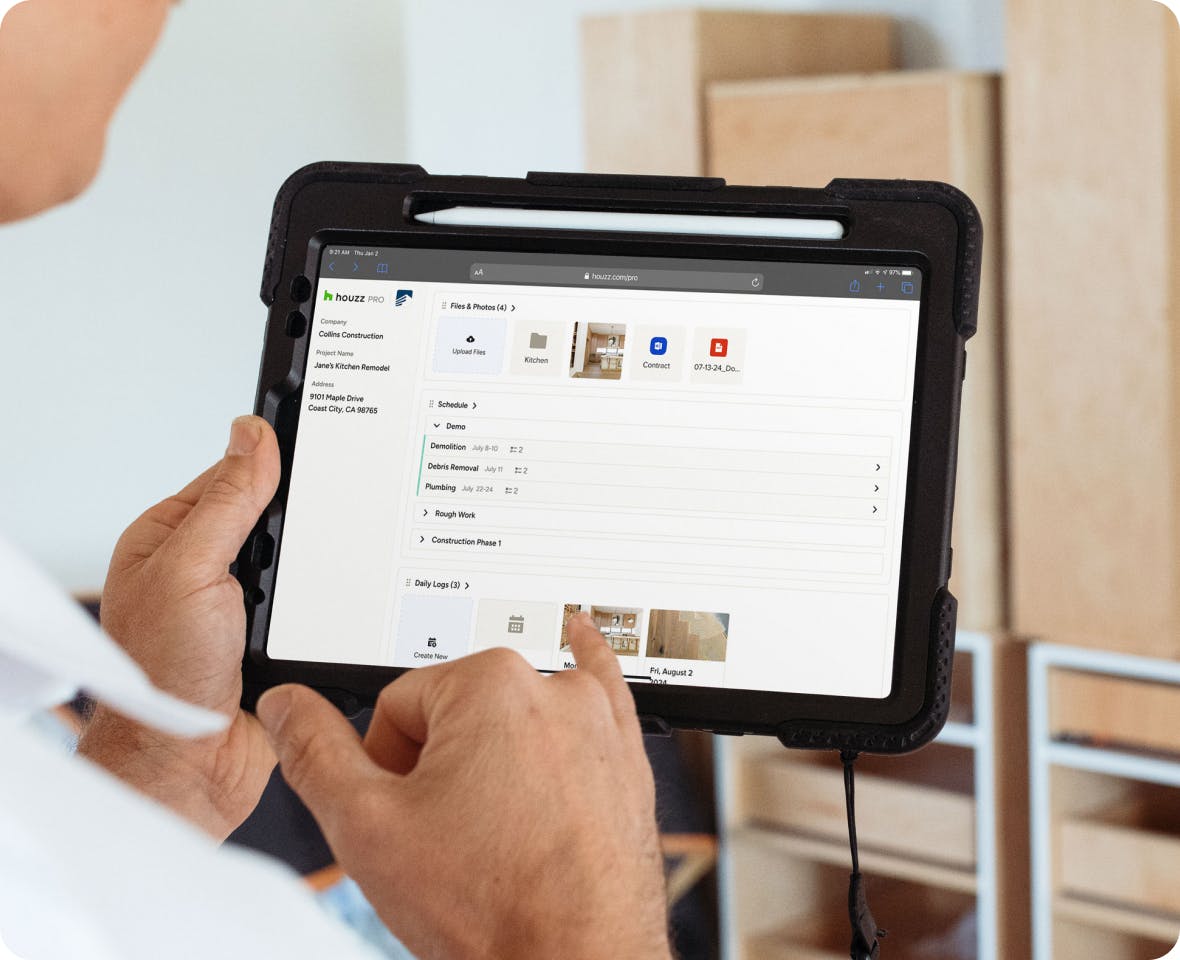
Houzz Pro provides role-based access controls to protect sensitive business financials while granting team members necessary project visibility.
- Admin role: Grants complete administrative, operational, and financial control across all projects.
- Field crew/design team role: Provides access to scheduling, daily logs, takeoffs, and communication tools while restricting financial margin visibility.
- Finance role: Provides access to estimating, purchase orders, time tracking, and invoicing without cluttering project management views.
- Subcontractor portals: Free, unlimited portal access restricted strictly to assigned tasks, schedules, and documents.
Document and Plan Control
Centralized Administration
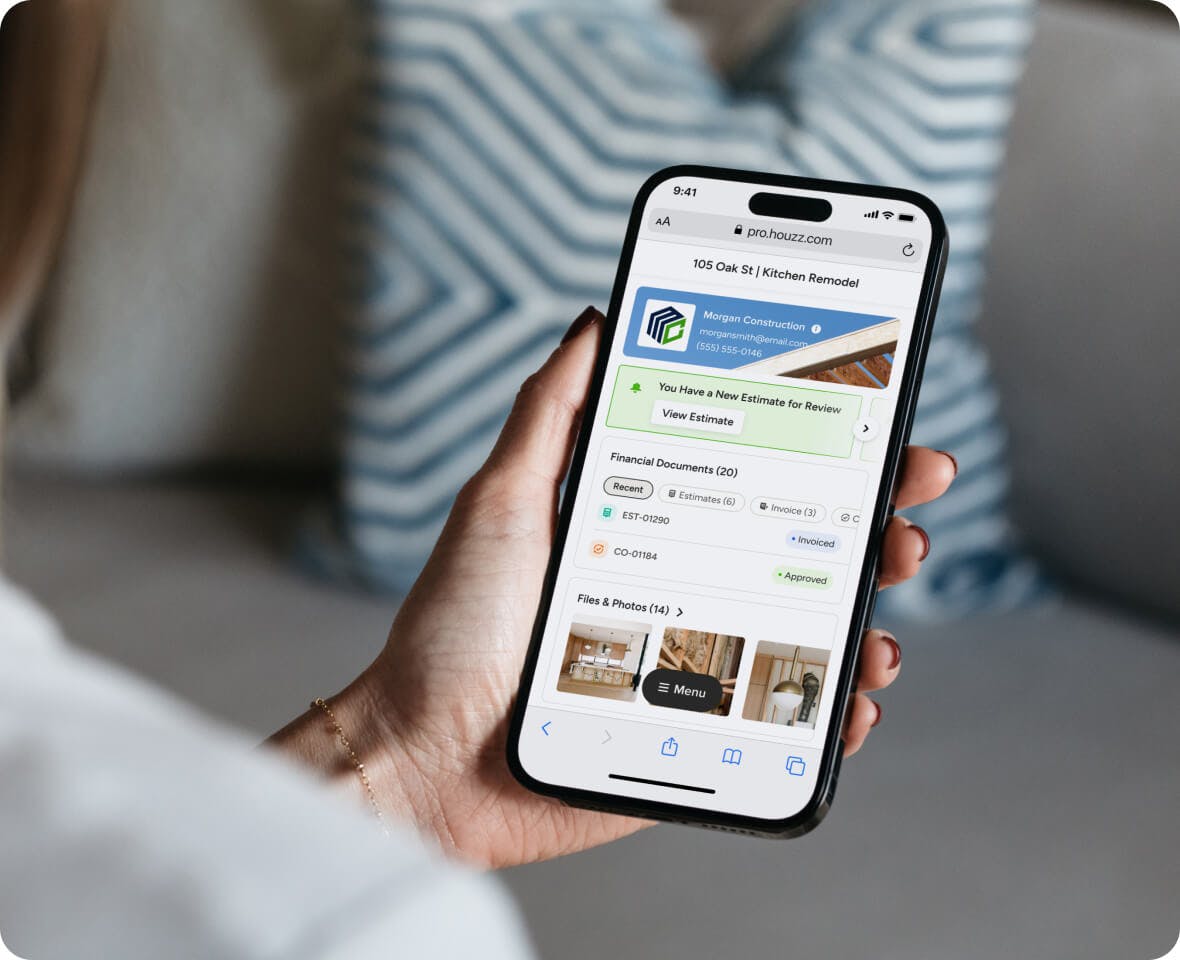
Houzz Pro centralizes contract administration directly within the core financial system.
- Reusable contract templates: Convert existing company agreements or utilize pre-built industry templates.
- Customization: Insert custom legal clauses, checkboxes, payment terms, and signature blocks.
- Activity tracking: Receive real-time notifications when clients view, mark up, or sign documents.
- Unified records: All signed agreements automatically link to the corresponding project budget, estimate, and client history.

Migration and Onboarding
Structured Implementation
Transitioning construction software requires structured implementation to prevent operational downtime.
- White-glove data migration: Dedicated onboarding specialists transfer historical client records, job files, photos, and project data.
- Estimating imports: Copy and paste existing cost databases and pricing spreadsheets into the system.
- Structured training: Access structured certification courses, live webinars, and dedicated support options.

Punch-List and Project Closeout
Customer Satisfaction
Completing builds efficiently protects customer satisfaction and final payments.
- Mobile punch-lists: Document punch-list items on-site using photos, voice notes, and direct sub-assignments via mobile.
- Client dashboard hand-off: Provide clients with an organized portal containing warranty details, final maintenance records, and approved selection documents.

Integrated Client Acquisition and Marketing
Lead Generation
Unlike JobTread—which focuses exclusively on internal operational workflows—Houzz Pro functions as both an operating platform and a lead generation system.
- Marketplace exposure: Feature your business on a network reaching over 65 million homeowners and 3 million home professionals.
- Targeted advertising: Execute localized advertising campaigns to attract higher-margin residential projects without hiring external agencies.
- Professional branding: Custom website building, professional client portals, and 3D visual proposals build credibility before site work begins.
What You Get With Houzz Pro vs. JobTread
*Based on the features available on JobTread and Houzz Pro in the U.S. in June 2026. Please note that this information may have changed since publication. Visit the company websites for current prices and features.


Total Cost of Ownership
Single Subscription
While JobTread's base software subscription may appear lower initially, total costs often rise due to:
- Subscriptions for required third-party software (e.g., floor planning or external AI tools).
- Implementation consultants ($5,000–$10,000+ setup fees for custom configurations).
- Ongoing maintenance and technical overhead.
Houzz Pro minimizes total cost of ownership by consolidating marketing, preconstruction, 3D design, estimating, and field communication into a single natively supported subscription.
Contractor Testimonials


JOBTREAD ALTERNATIVES
The Bottom Line
JobTread provides a flexible, list-driven tool suited for commercial contractors or specialty trades needing open API adaptability.
For residential builders, remodelers, and design-build companies, Houzz Pro delivers a complete system that pairs powerful backend job costing with visual design tools, native AI, and direct homeowner exposure—helping businesses stand out, win bigger projects, and scale efficiently.
Frequently Asked Questions
More Houzz Pro Comparisons
*Based on a 2022 Houzz Pro Usage Study of U.S. Houzz Professionals across all categories.
**Note: Not all features are included in every plan. Please view pricing and plans to find the plan right for you.