CONSTRUCTION SOFTWARE COMPARISON
Houzz Pro vs. Buildertrend: Which Is Best for You?
When evaluating software for home remodeling, construction, and design businesses, Houzz Pro and Buildertrend represent two distinct approaches to business management software.
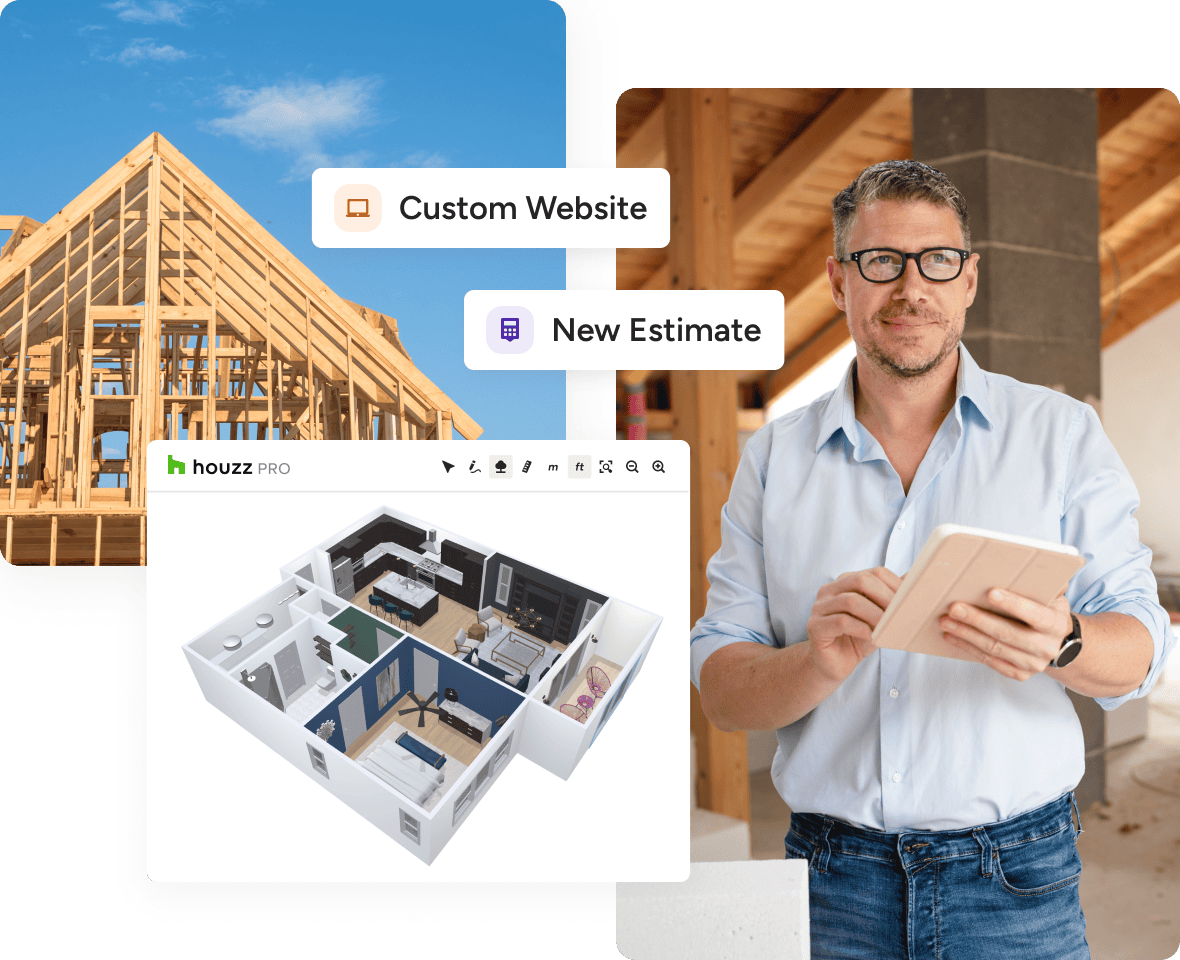
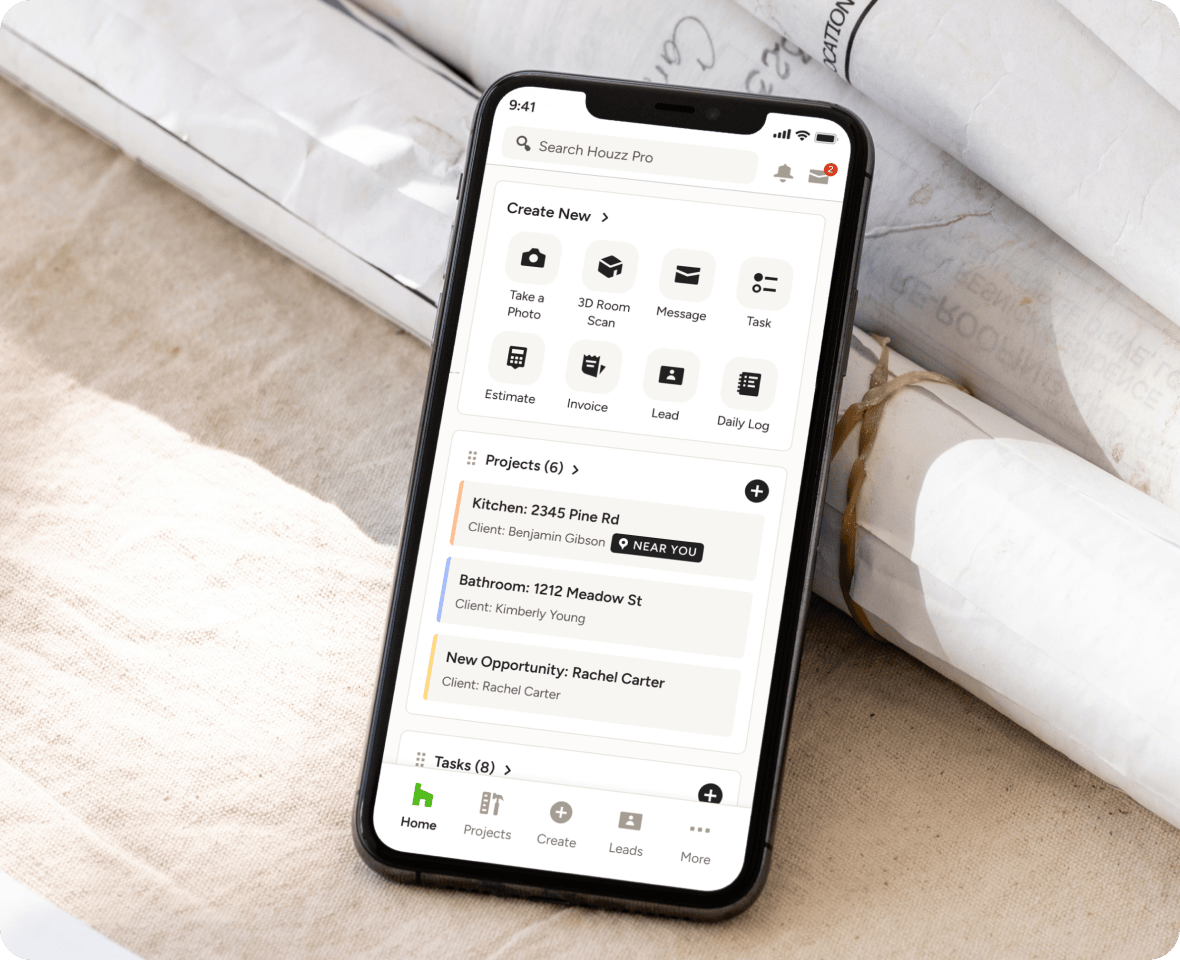
Houzz Pro is an all-in-one, AI-powered platform designed for home builders, remodelers, and contractors to manage every phase of the client lifecycle—from lead generation and marketing to pre-construction, project management, 3D design, and financial workflows.
Buildertrend is a legacy construction management software that puts many core tools behind expensive tier upgrades and lacks integrated 3D visual design features, native room scanning, and a homeowner network. It also charges by annual project volume, increasing your cost as your business grows.
BUILDERTREND ALTERNATIVE
Why Go With Houzz Pro vs. Buildertrend?
For pros evaluating both systems, Houzz Pro provides broader functional coverage (including built-in marketing and 3D visualization), deeper industry-trained AI capabilities, and standard access to core management features at a total cost of ownership that is significantly lower—often up to 3x more affordable than Buildertrend.
The Latest Houzz Pro Buzz
Where Houzz Pro Wins as a Buildertrend Alternative

Artificial Intelligence (AI) Implementation
AI Doing Real-World Work
Houzz Pro features built-in Houzz AI, which is specifically trained on construction workflows. It operates directly within core documents to generate full estimates from prompts, build schedules, write daily logs, automate takeoffs, record and summarize client calls, and draft communication. All your data remains inside a single system without requiring manual copy-pasting.
Buildertrend restricts AI to three basic utility features: AI client updates, AI bill capture, and basic AI search. All other administrative tasks require manual setup or third-party tools.
Design and Visualization Capabilities
Selling Your Biggest Ideas
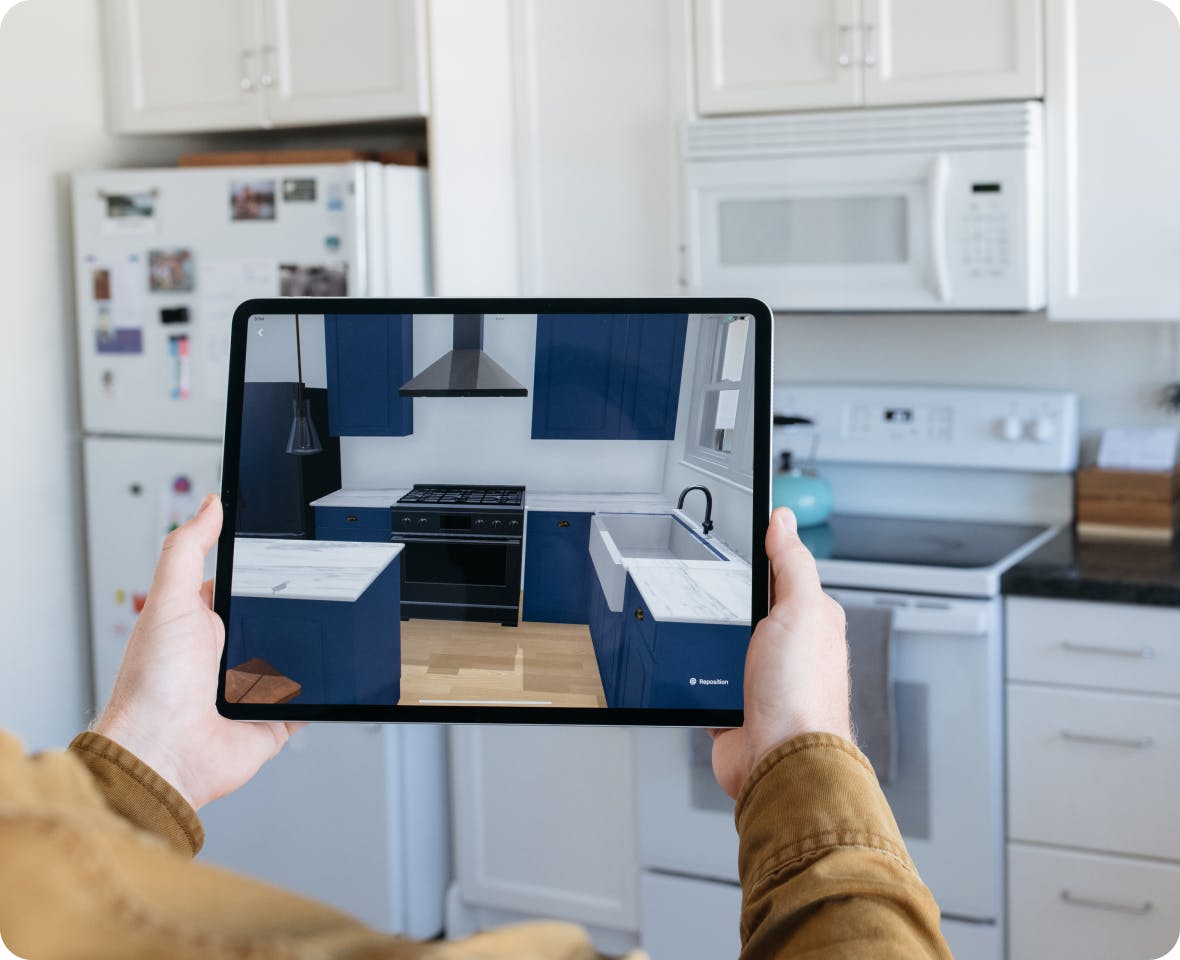
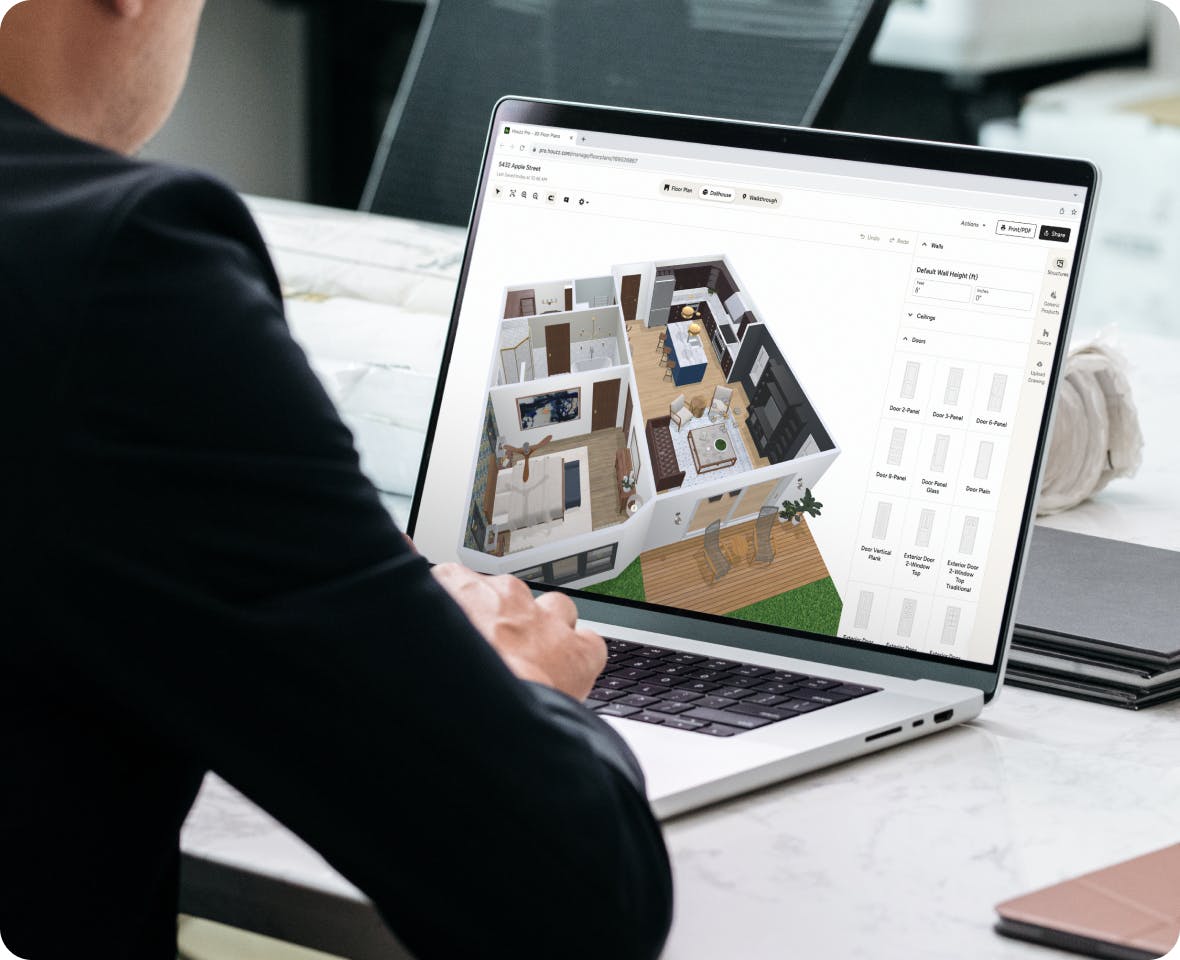
Houzz Pro includes high-tech visual sales tools in standard plans, including an augmented reality (AR) Smart Room Scanner (captures dimensions using a phone camera to generate 2D/3D floor plans), photorealistic renderings, and AR walkthroughs. Using Houzz Pro’s 3D Floor Planner or Selections tool helps pros turn more leads into paying clients.
Buildertrend contains no 3D floor planning, room scanning, photorealistic rendering, or AR capabilities. Pros must purchase and manage third-party design software separately and hire a designer.

Client Experience and Portals
Single Source of Truth
Houzz Pro provides clients with a polished dashboard where they can review 3D visual models, approve selections, inspect daily logs, review real-time budgets, sign change orders, and pay invoices online. They can even send contracts and secure payments right from the contract.
Buildertrend offers a client dashboard, but user feedback notes that the interface is dated and clunky compared to modern standards.

Marketing and Business Growth
Highlight Your Business
Houzz Pro is built upon the world's largest homeowner platform, giving pros built-in access to millions of homeowners. It includes a custom SEO-friendly website (built, hosted, and managed by Houzz), targeted local directory advertising, and a premium profile.
Buildertrend lacks a consumer marketplace or homeowner community. Features like custom websites and email marketing are locked behind Buildertrend's highest custom pricing tiers.
What You Get With Houzz Pro vs. Buildertrend
*Based on the features available on Buildertrend and Houzz Pro in the U.S. in June 2026. Please note that this information may have changed since publication. Visit the company websites for current prices and features.



TOTAL COST OF OWNERSHIP
Standard Across Plans
Pricing efficiency: Buildertrend raises your price as your as your annual project volume increases, so the more you make, the more you pay. They also lock essential project management tools—such as contracts, budgets, takeoffs, schedules, daily logs, and change orders—behind its top-tier Custom plan. Pros using Buildertrend often pay up to 3x the price of Houzz Pro to achieve similar operational functionality.
Included value: Houzz Pro charges one flat fee for all plans, with additional seats and advertising solutions being optional paid add-ons. We don't raise your price as your revenue grows, either. Our platform includes design and visualization tools standard across plans without additional software fees.

Migration and Onboarding Support
Minimize Learning Curves
Import capabilities: Houzz Pro includes direct copy-and-paste and estimate import tools to migrate project data, spreadsheets, contacts, and files seamlessly from Buildertrend or legacy systems.
Customer support: Houzz Pro provides award-winning customer service, offering dedicated onboarding experts, live troubleshooting, and personalized training demos to minimize team learning curves.
Contractor Testimonials

Frequently Asked Questions
More Houzz Pro Comparisons
*Based on a 2022 Houzz Pro Usage Study of U.S. Houzz Professionals across all categories.
**Note: Not all features are included in every plan. Please view pricing and plans to find the plan right for you.