CONSTRUCTION SOFTWARE COMPARISON
Houzz Pro vs. BuildBook: Which Is Best for You?
Choosing the right construction software comes down to business model and feature scope—though the two platforms take fundamentally different approaches to serving residential contractors and remodelers.
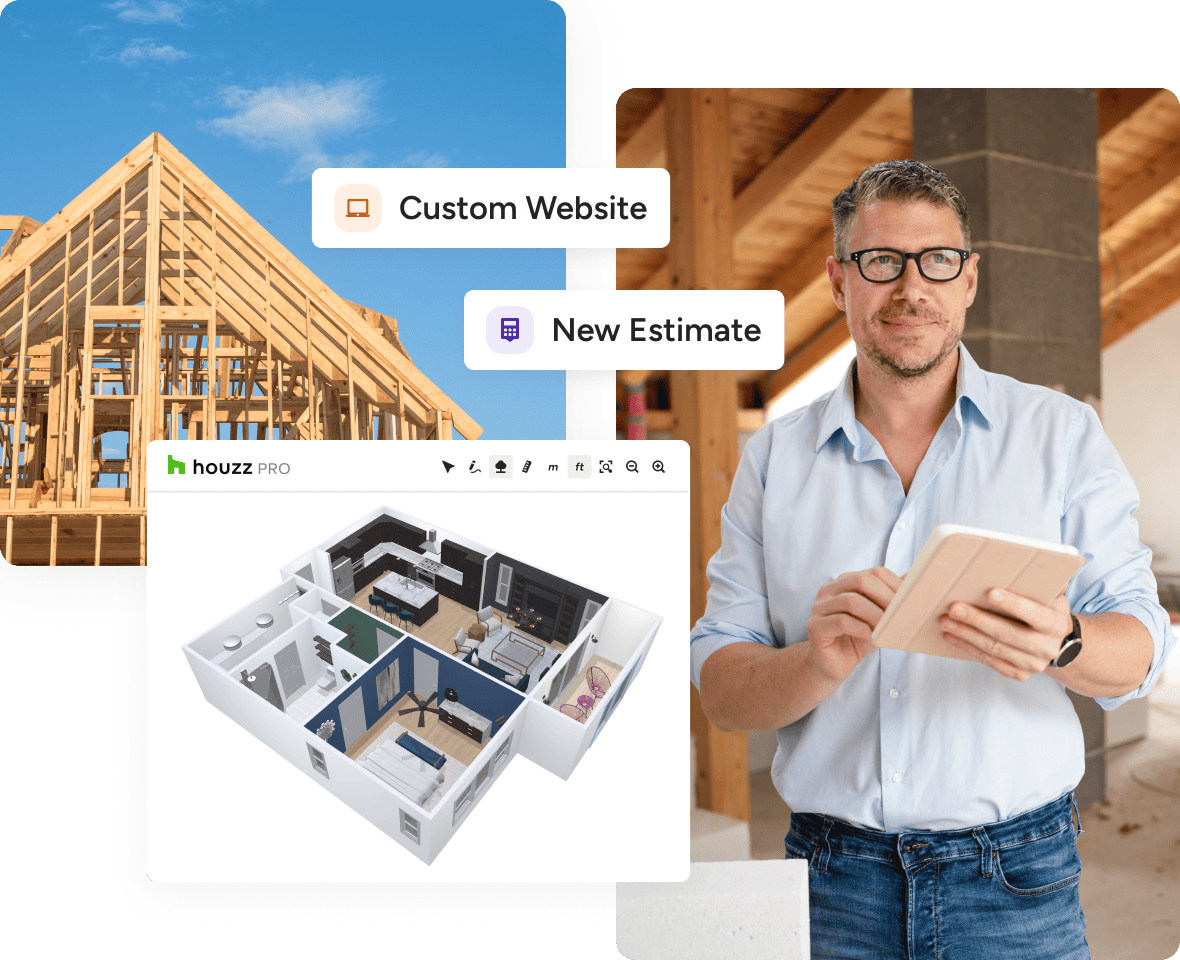
Houzz Pro is the all-in-one AI platform for home builders and remodelers who want to scale. It brings together marketing, preconstruction, job costing, design, project management, and the client experience into a single system. With AI trained on the industry embedded throughout, teams can automate routine administrative tasks, run accurate estimates, and focus more time on project delivery and growth.
BuildBook takes a distinct approach as a flat-rate construction management tool built around simplicity. It provides a single-tier project tracking setup but omits broader platform features like built-in AI, 3D design tools, LiDAR room scanning, and access to a homeowner lead marketplace.

CONSTRUCTION AND REMODELING AUDIENCE
Who Each Platform Fits
Houzz Pro Fits: Builders, contractors, and remodelers running several active projects simultaneously who want to expand their client base while streamlining project execution. It is designed for businesses where estimating, scheduling, design, and client communication are divided across multiple team members who require a single source of truth.
BuildBook Fits: Solo builders, independent trade contractors, or very small residential teams who prefer a simple, single-tier software tool with no long-term commitment. It suits businesses that do not need lead generation channels, 3D visualization tools, or built-in AI functionality.
The Latest Houzz Pro Buzz
BUILDBOOK ALTERNATIVE
Why Go With Houzz Pro vs. BuildBook?
Contractors and remodelers choose Houzz Pro over BuildBook when they require an all-in-one system that connects client acquisition with end-to-end execution.
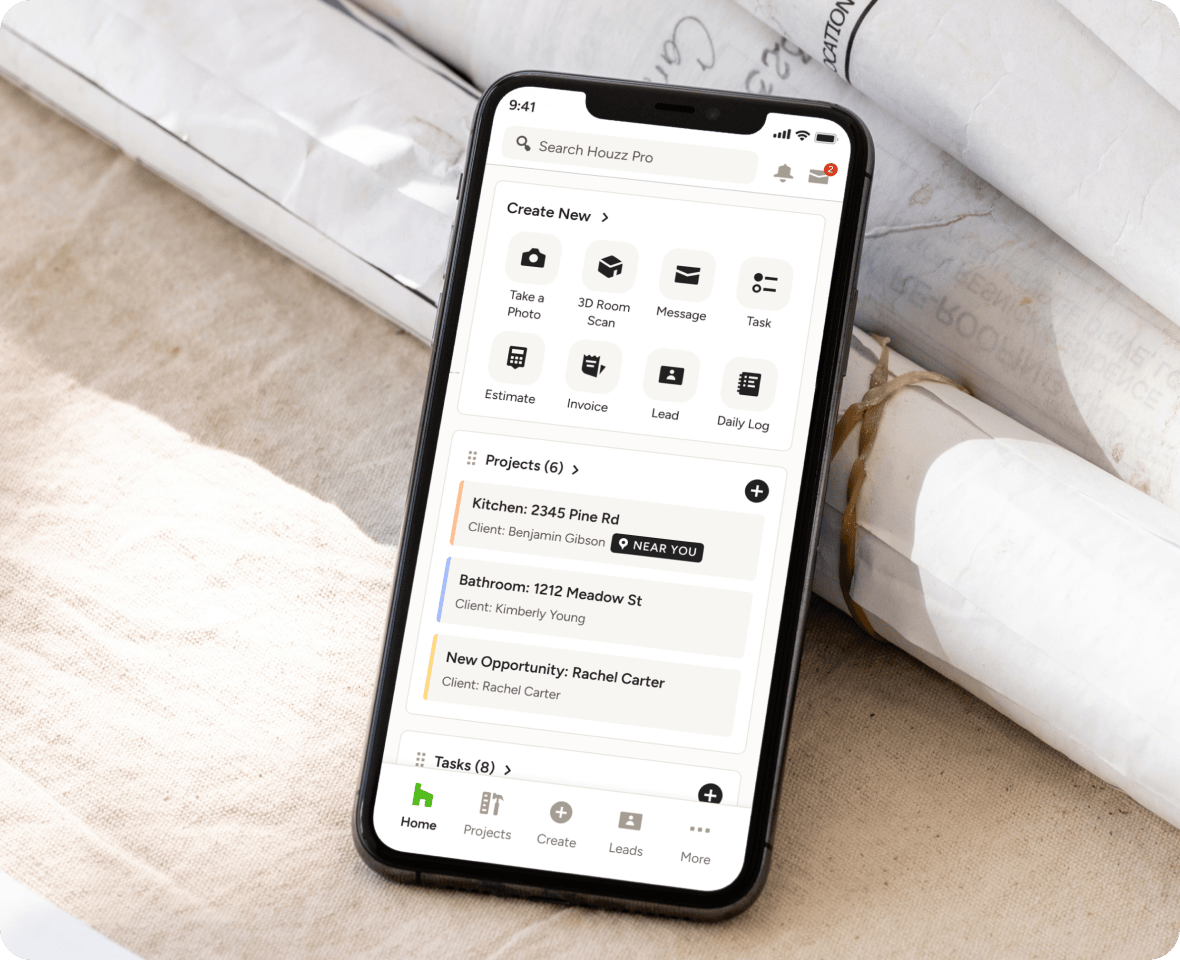
Houzz Pro incorporates AI-assisted estimating and scheduling, 3D Floor Plans, mobile LiDAR room scanning, and direct exposure to a homeowner marketplace containing over 65 million users—capabilities integrated directly into daily workflows rather than split across separate software tools.
While BuildBook delivers a simple, flat-rate project management environment, Houzz Pro provides the broader technology stack required by growing teams to win higher-value jobs, visualize projects on-site, and manage complex job costing under one roof.

Pricing, Plans & Trial Terms
Houzz Pro has three plans. The Pro plan starts at $199 per month and includes one user, with estimates and proposals, invoicing and online payments, Takeoffs, Bid Management, Budget Management, Change Orders, Project Schedule, Daily Logs, Selections, and 3D Floor Plans. The Teams plan (starting at $399 per month) includes five users and adds AI Note-Taking, Premium Profile, Email Marketing, a Custom Website, and a dedicated success manager. Enterprise pricing is custom and includes unlimited users. Additional users on the Pro and Teams plans cost $50 per month each, and subcontractor portal access is free and unlimited on every plan
Standard subscriptions require a 12-month commitment, payable monthly or annually, and begin with a 30-day free trial (credit card required at signup).
BuildBook uses a single flat-rate pricing structure at $79/month, with additional team members cost at $20/user/month. Every feature is unlocked on day one without plan tiering. Subscriptions run month-to-month with no annual contract required, and a 10-day free trial is available without entering payment details.

Onboarding & Support
Houzz Pro provides onboarding assistance through live customer support representatives, video resources, and self-guided workflows. Most teams are fully onboarded and running active projects within days.
BuildBook relies on self-guided setup, leveraging a lightweight interface designed for rapid adoption with minimal technical configuration.
Feature Comparison: Houzz Pro vs. BuildBook
Project & Client Management
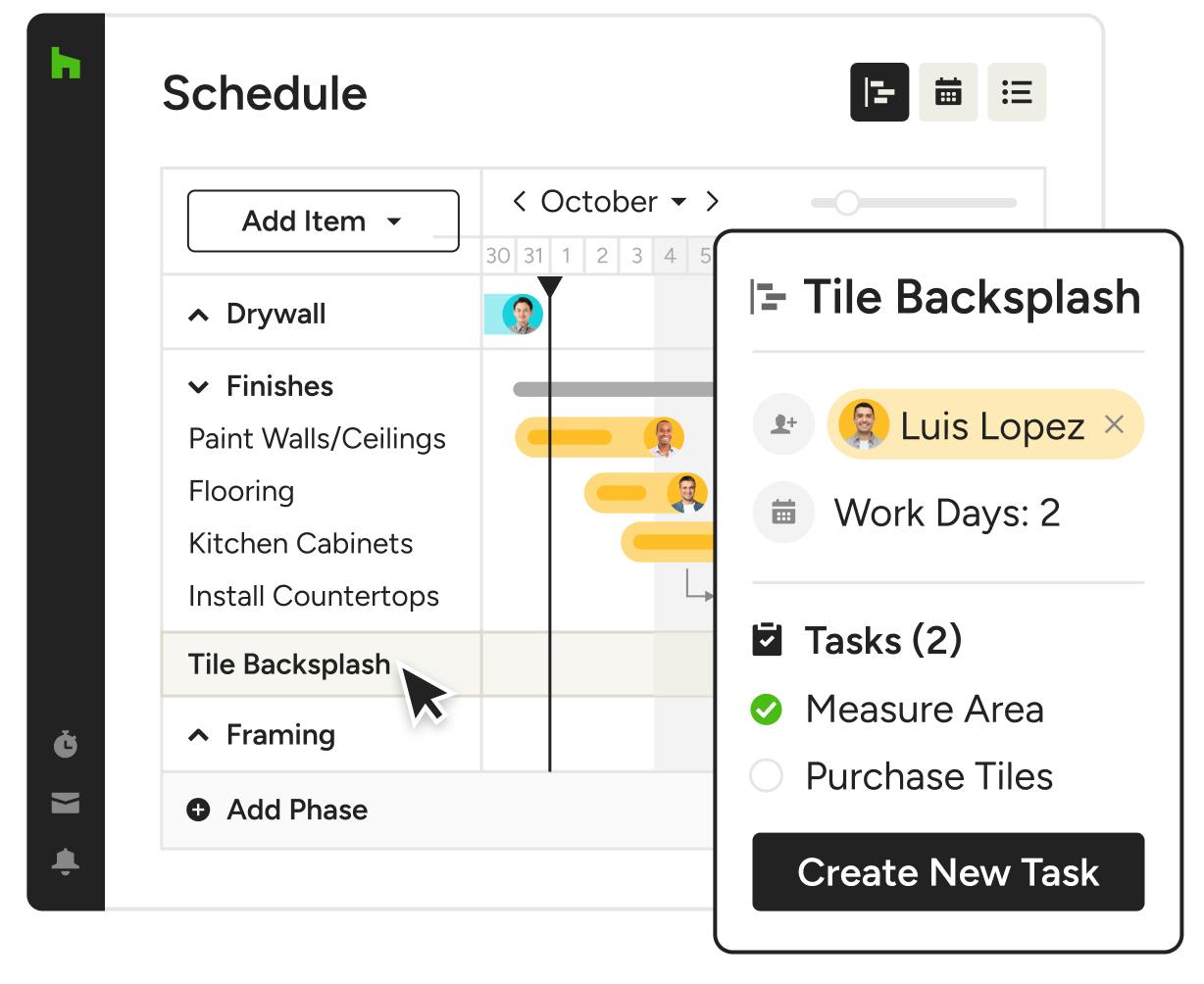
Both systems handle baseline task tracking, scheduling, and client messages.
Houzz Pro expands on this by offering a dedicated Client Dashboard where homeowners can review daily logs, sign approvals, monitor budgets, and pay invoices online. This creates a transparent, professional experience that builds client trust.
BuildBook focuses strictly on basic communication and project updates without specialized client-facing portals or interactive selection features.
Estimating & Financials
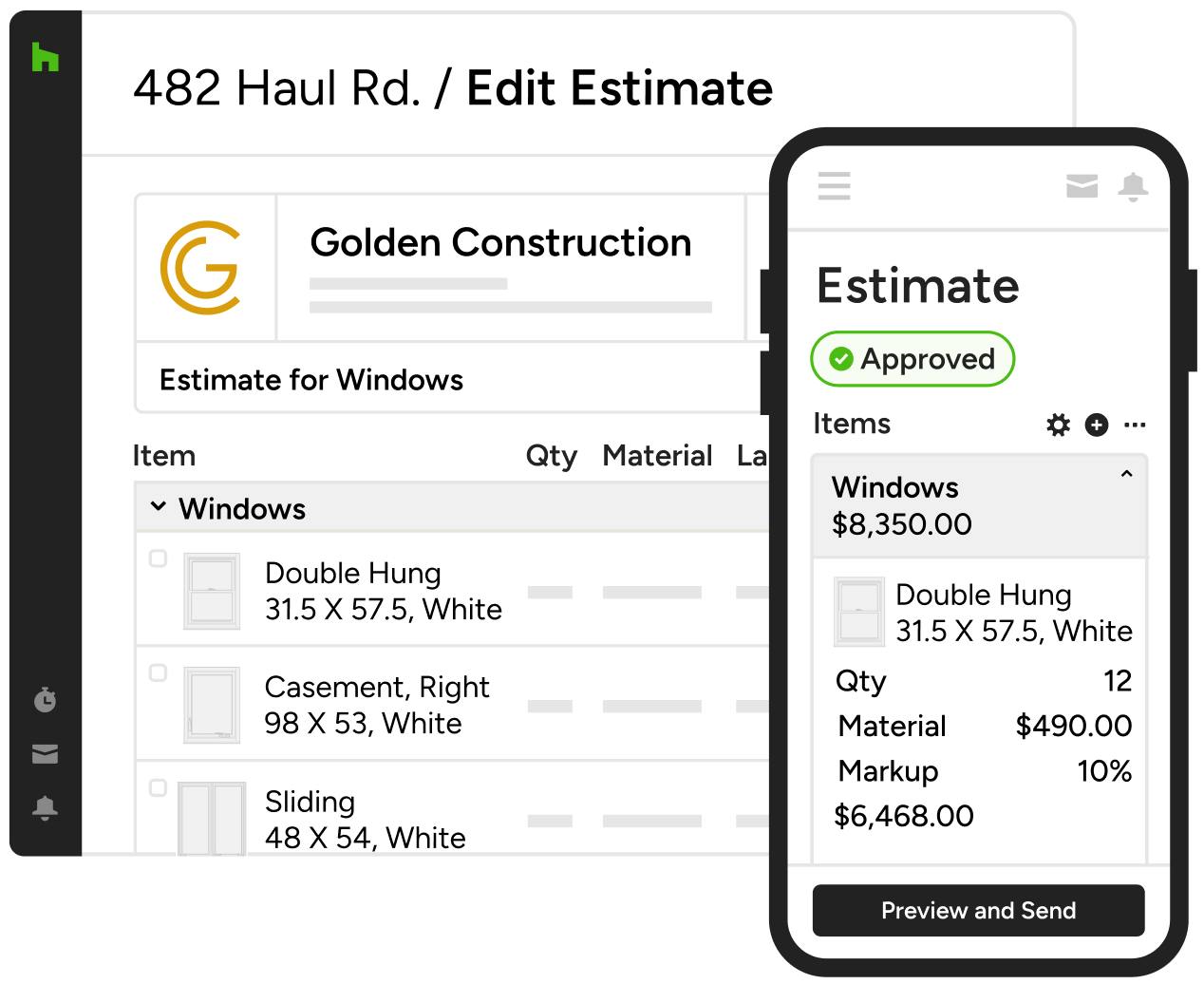
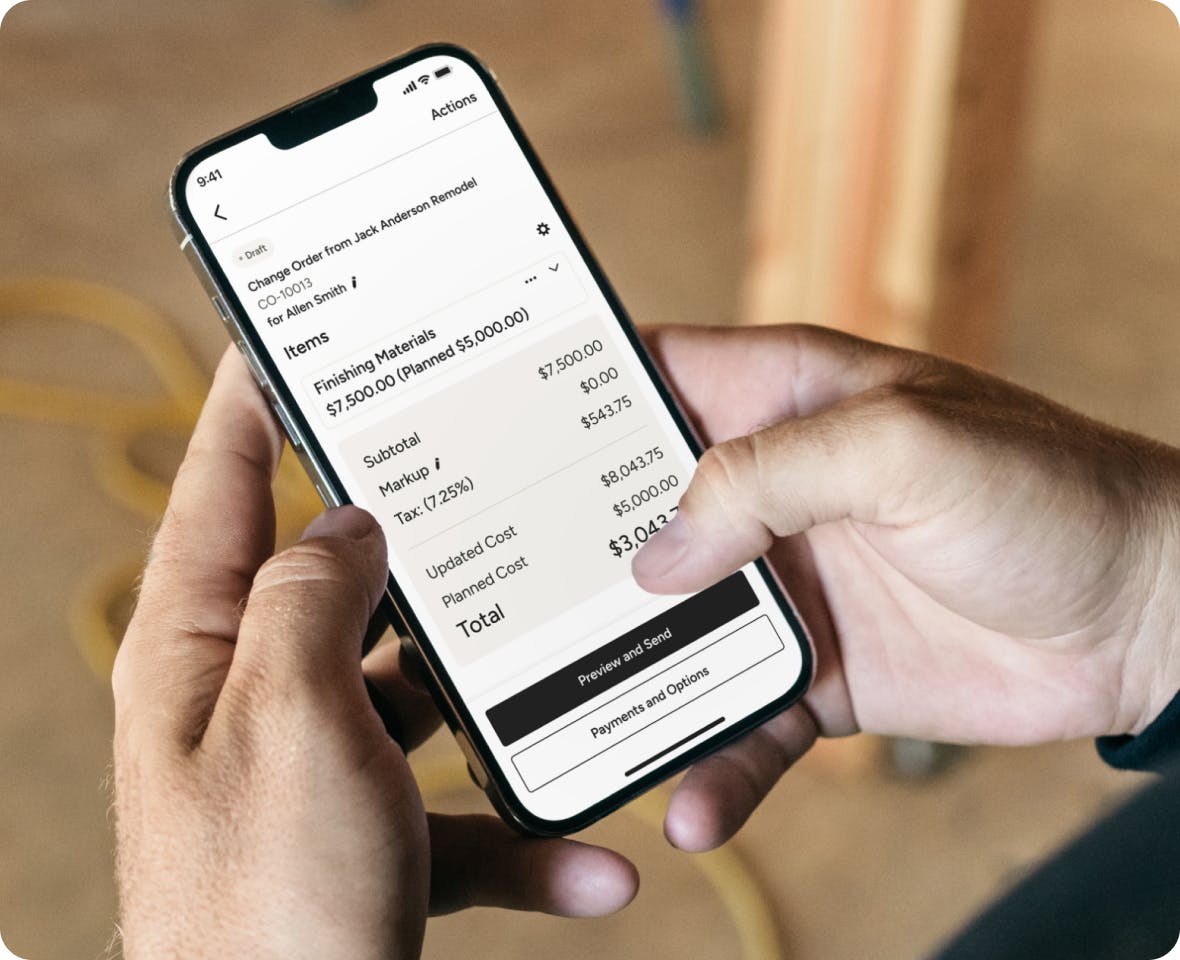
Houzz Pro features AI-assisted estimating that connects directly with job costing, change orders, and invoicing. Estimates draw from localized pricing data and historic estimates to speed up proposal creation. Estimates, invoicing, online payments, Takeoffs, Change Orders, Budget Management, Financial Reports, and Bid Management are included on every plan.
BuildBook provides simpler, template-based estimates and change orders included in its flat monthly rate, offering straightforward pricing at the expense of automated job costing depth.
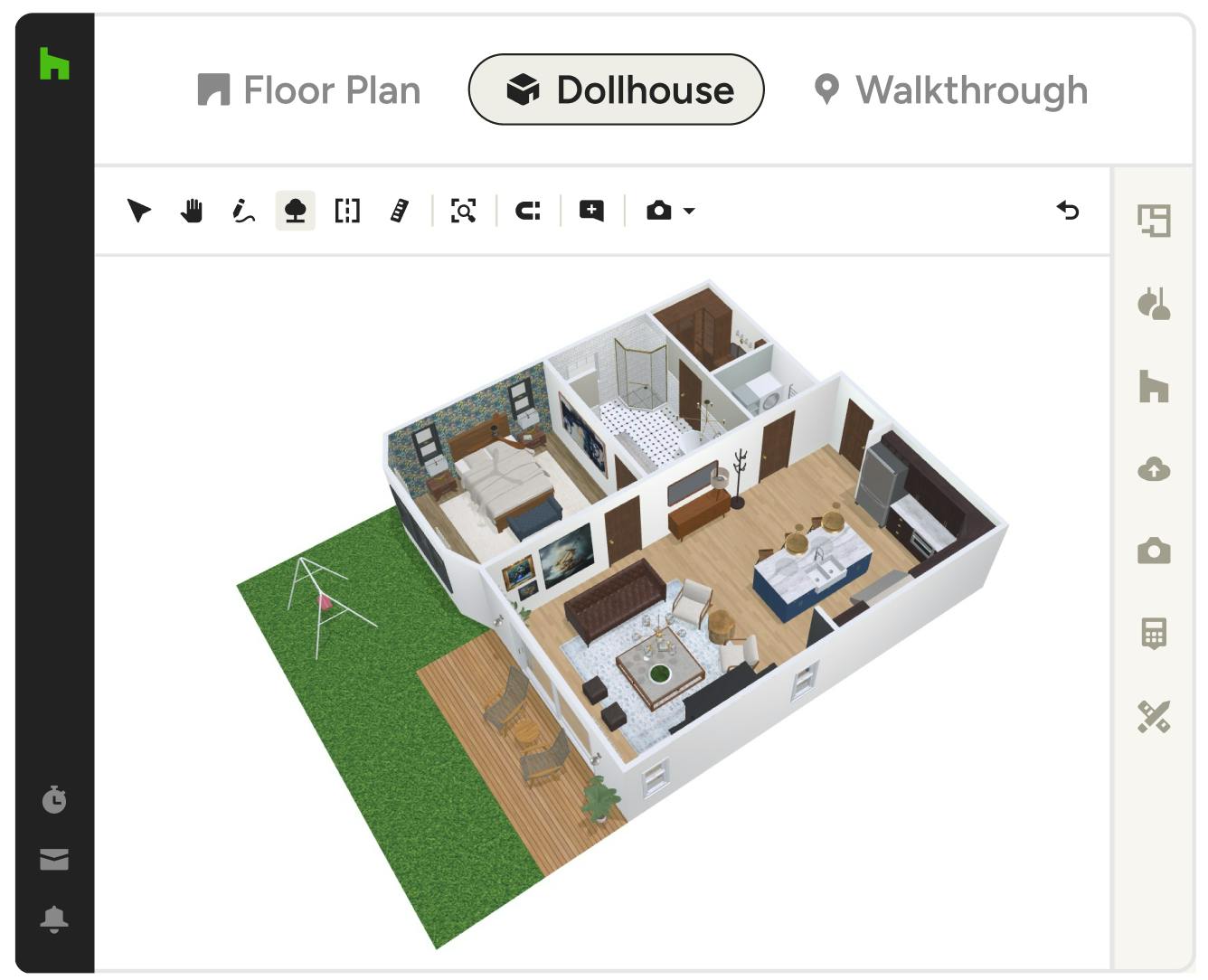
Design & Visualization
Design and spatial modeling represent a major area of distinction.
Houzz Pro includes 3D Floor Plans, mood boards, photorealistic renders, and mobile LiDAR room scanning. These visual assets enable contractors to show clients realistic project designs before construction begins, speeding up decision-making and selection sign-offs.
BuildBook does not offer design or 3D modeling tools.
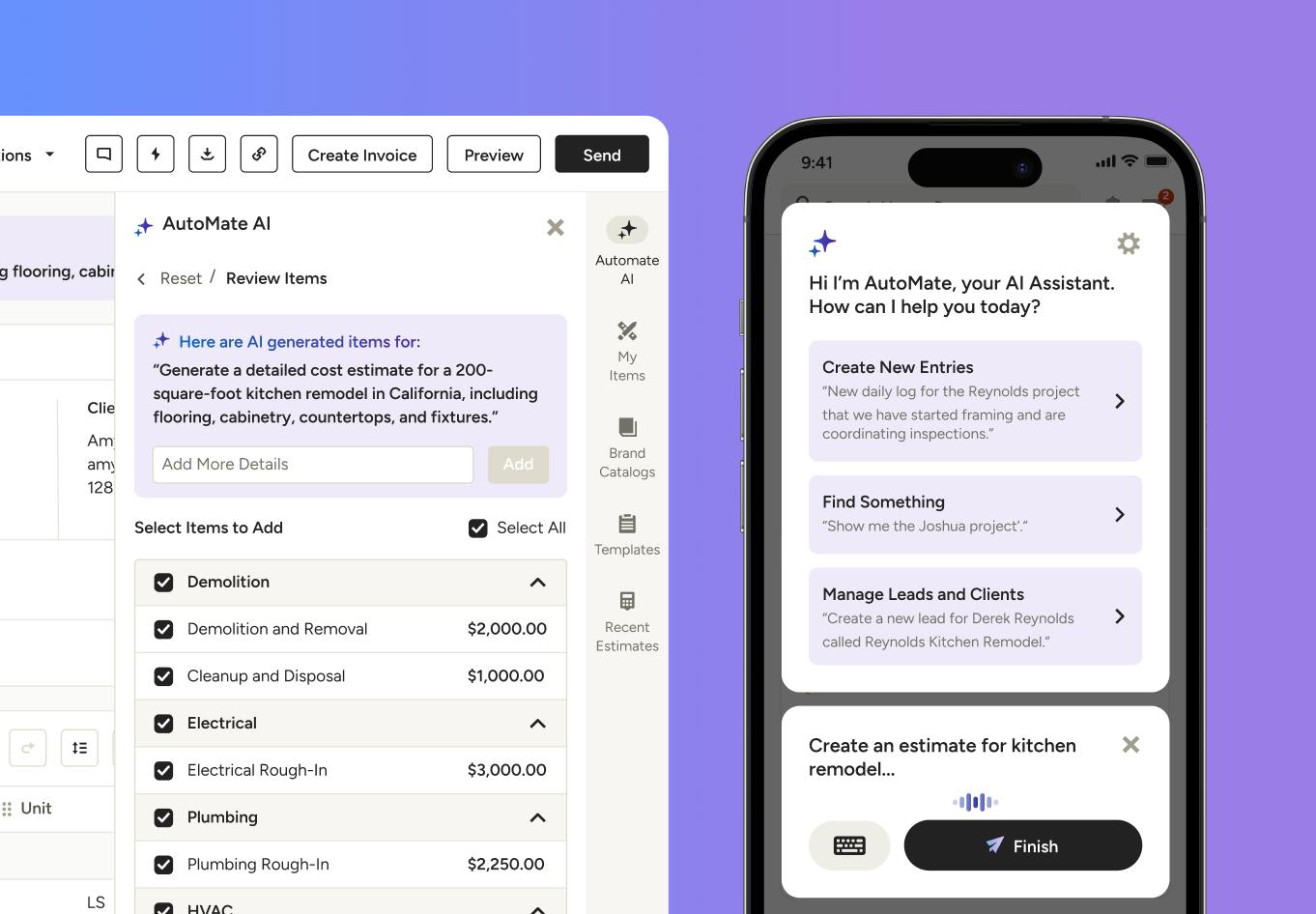
AI Capabilities
Houzz Pro embeds industry-trained AI across daily operations. Houzz AI assists with generating project schedules directly from estimates, organizing daily logs, taking automated call notes, and drafting professional client responses.
BuildBook does not offer built-in AI capabilities within its primary feature set.
What You Get With Houzz Pro vs. BuildBook
*Based on the features available on BuildBook and Houzz Pro in the U.S. in October 2026. Please note that this information may have changed since publication. Visit the company websites for current prices and features.

Contractor Testimonials
Bottom Line
For home builders and remodelers looking to unite project management, client-facing 3D design, industry-trained AI, and lead generation in one system, Houzz Pro is the stronger overall choice. Its feature coverage reflects a broader platform scope built for scaling businesses.
BuildBook remains a practical option for builders who strictly need a simplified, flat-rate project tracker without visual design tools or lead generation.
Frequently Asked Questions
More Houzz Pro Comparisons
*Based on a 2022 Houzz Pro Usage Study of U.S. Houzz Professionals across all categories.
**Note: Not all features are included in every plan. Please view pricing and plans to find the plan right for you.