Houzz Pro Selections Demo and Tips for Interior Designers
Our in-house experts explain how to use the Houzz Pro Selections feature, which houses all of your design ideas, client input and budget considerations for a project.
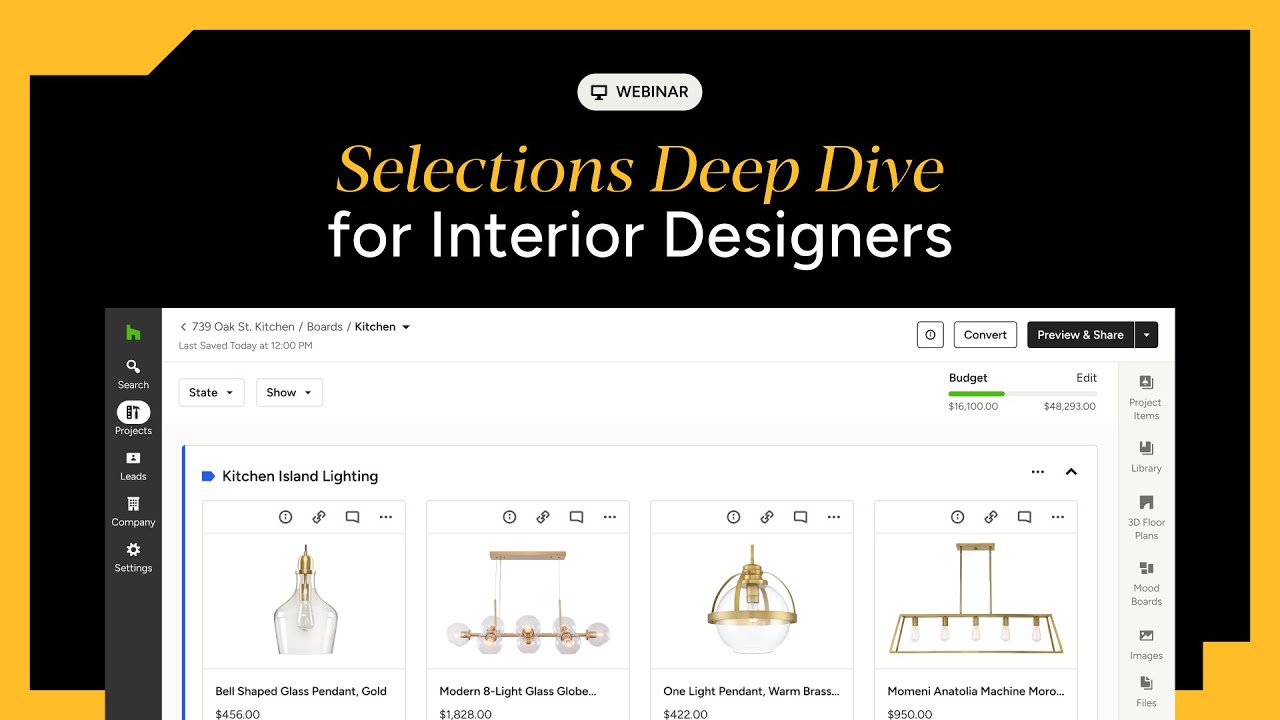
Our in-house experts explain how to use the Houzz Pro Selections feature, which houses all of your design ideas, client input and budget considerations for a project. Follow along with our demo to learn how these shareable boards keep you organized so no project tasks or messages fall through the cracks; help clients and team members stay on the same page, avoiding miscommunication; and allow clients to review project options, leave comments, track the project budget, and approve items (or not) with a click.
We’ll share tips and tricks for making the most of this feature, whether you’re new to Houzz Pro or you’ve already integrated the software into your business processes. You’ll also learn all about the newly revamped Selections Tracker (previously called the Project Tracker) tool, which houses procurement info, the status of products and materials, and more.


Want advice delivered to your inbox?
Unlock industry insights and updates for contractors and design pros
By signing up, I agree to the Houzz Terms of Use and Privacy Policy and that Houzz may use my information to contact me about relevant content, products, and services.