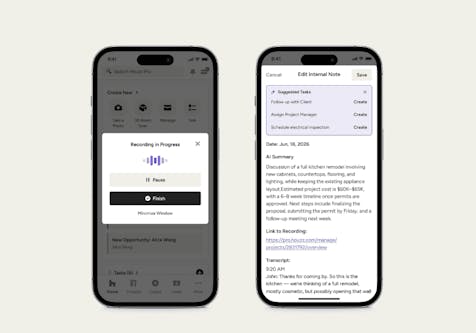
You Asked, We Listened. Houzz Pro for iPad Is Here
Whether you’re in the office or on a job site, you can now use the Houzz Pro mobile app to manage your business right from your iPad.
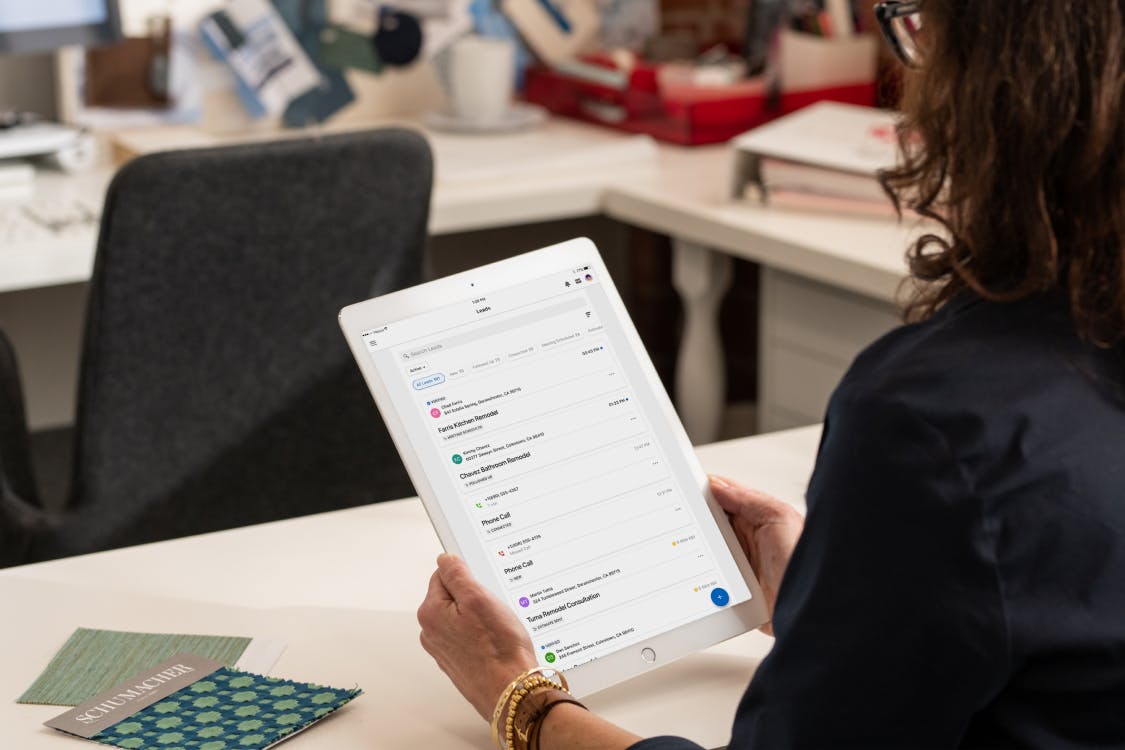
Houzz Pro users, we’re excited to announce that one of your most-requested features is finally here! No need to lug around your laptop to use Houzz Pro anymore. Now you can download the Houzz Pro mobile app for iPad. That means it’s now easier than ever to keep up with your projects anywhere — whether on a jobsite or in the office.
The iPad app is available for iOS. To learn more about downloading the app, check out our help article.

Haven’t used the Houzz Pro mobile app before? It brings useful tools right to your fingertips, so you can communicate with clients and stay productive on the go. And having Houzz Pro on iPad means you can unlock features that aren’t available in the desktop version.
Below are some of the best ways to use the mobile app.
1. Measure a room and create a floor plan.
If floor plans are a part of your typical project, you’re going to want to get the mobile app. Using the measurement tool, you can scan a room and create 2D floor plans to scale, then switch to a 3D (dollhouse) view with a click.
You can save these plans in the Houzz Pro 3D floor planner on your iPad to fine-tune later on a computer, helping clients visualize how their redesigned spaces will look.
2. Manage and communicate with your leads.
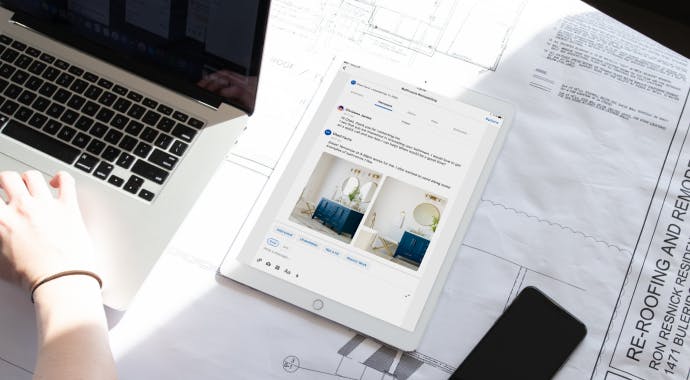
With an at-a-glance overview of all of your leads by status, you can easily understand your lead pipeline and manage projects on the go. And once a lead becomes a client, you can manage communications from design proposal to project completion.
The app’s messaging tools also make it easy to respond to leads promptly — giving you a better chance of landing the client.
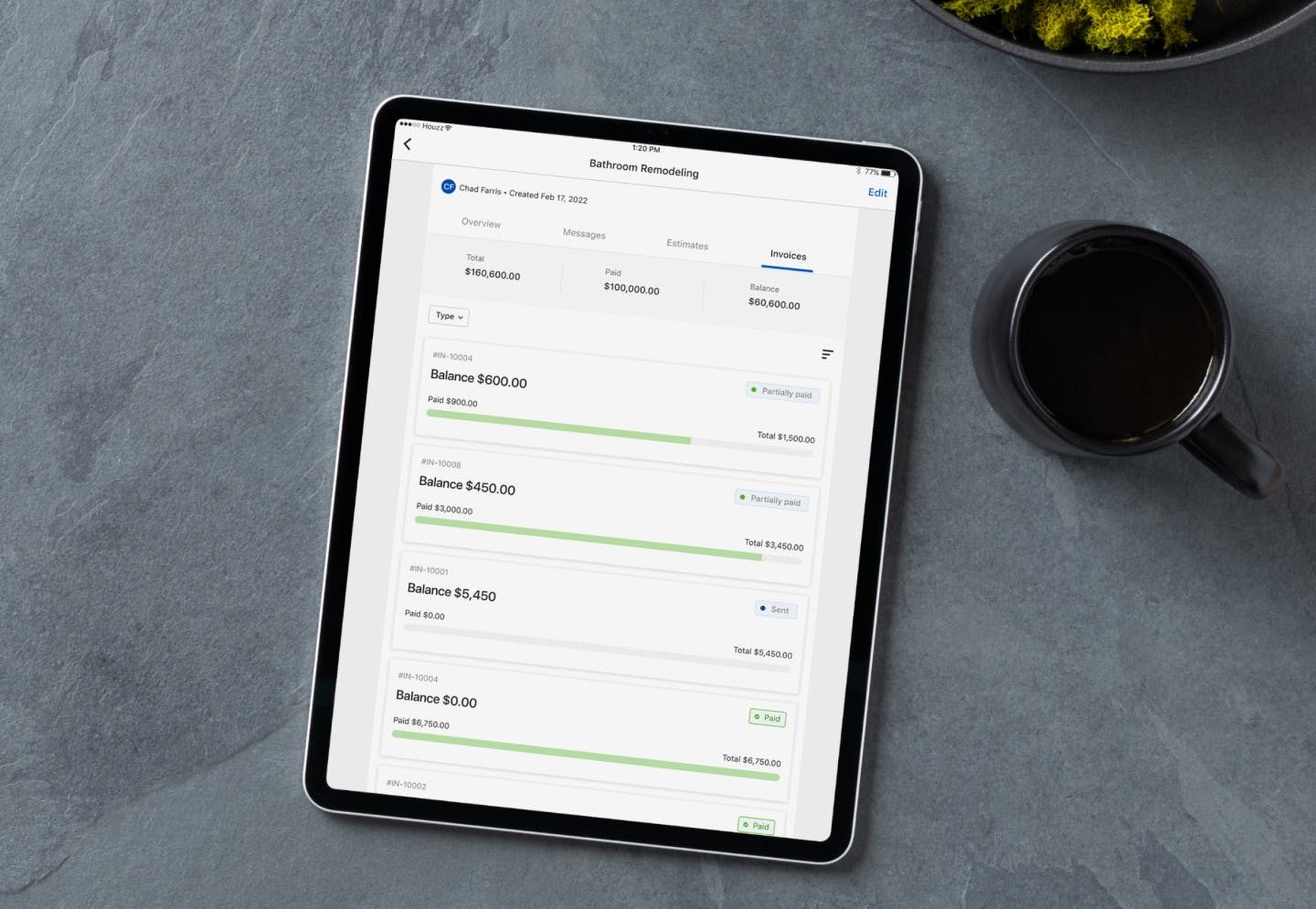
3. Create estimates, send invoices and get paid faster.
When you’re on a job site and want to quickly check your invoices to make sure all your payments are on track, the iPad app is right there with all the info you need. Other benefits:
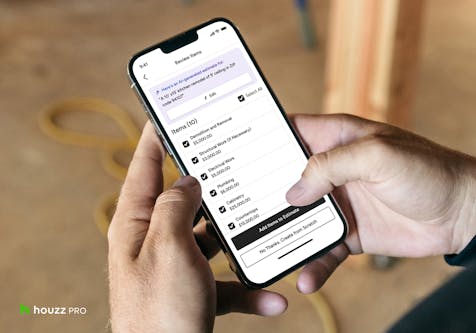
The Houzz Pro mobile app uses local cost data for materials and labor, so you can accurately build estimates and proposals. Estimates and proposals are professionally branded, and can be easily shared online for client approval from any device.
You can avoid construction cost overruns with easy-to-use change orders. They can be sent right from your phone or tablet, so you don’t have to wait until you are back at a computer — you can ensure that projects keep moving.
To learn more about the Houzz Pro mobile app and some of the top ways it can help you run your business better from anywhere, check out this Learn article.


Want advice delivered to your inbox?
Unlock industry insights and updates for contractors and design pros
By signing up, I agree to the Houzz Terms of Use and Privacy Policy and that Houzz may use my information to contact me about relevant content, products, and services.