The Top 5 Best Takeoff Software For Contractors
Get all the info you need about construction takeoff software

Construction job estimating software has come a long way in a relatively short period of time. Also known as “quantity takeoff software”, these software products speed up the bidding process and reduce the errors that are common with manual calculations. Because mistakes are costly and time consuming to fix, accurate quantity takeoffs are crucial with any construction project.
Instead of time-consuming manual measurements and calculations, the best takeoff software for contractors minimizes errors by automating the process of quantity takeoffs. Users can digitize construction plans and use advanced tools to create reliable estimates for materials and labor, which are then used to generate fast, accurate bids.
Houzz Pro Takeoff software excels at all of the above, but let's look at five construction takeoff software services and compare their core features.
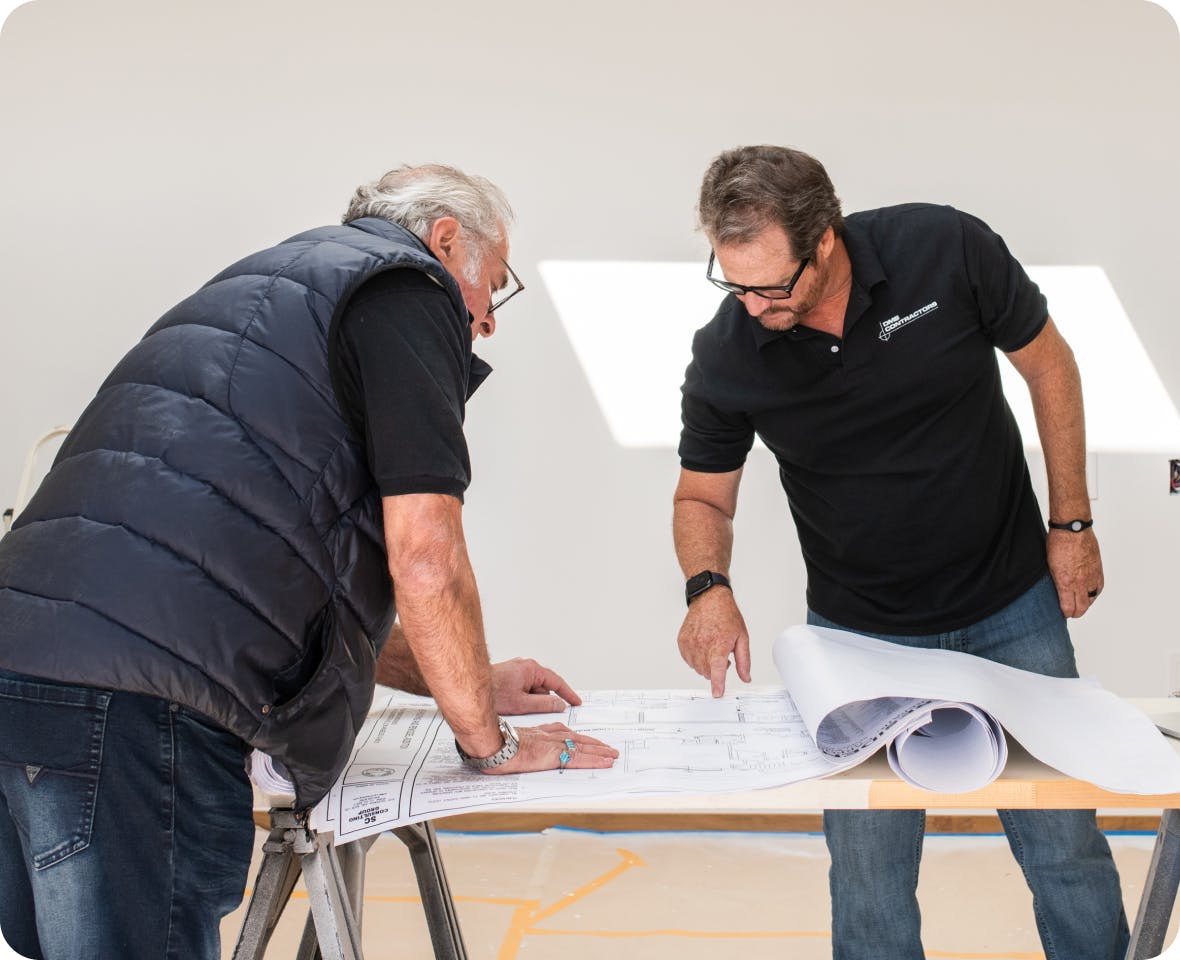
What is Construction Takeoff Software?
What is Construction Takeoff Software?
Takeoff software is software-as-a-service that’s designed to streamline the process of creating estimates and calculating costs for construction projects. It enables users to automate material quantity takeoffs, manage bids, and collaborate with team members more efficiently. With construction estimating software, companies can reduce manual errors, increase productivity, and make more informed decisions based on accurate cost estimates and clear project visuals.
- Estimators use takeoff software to automate the quantity takeoff process, saving time and reducing errors.
- Project Managers can manage multiple projects and ensure that materials and team members are scheduled appropriately.
- General Contractors and Executives can generate time-saving reports to supervise project costs and progress.
Construction estimating software is the industry standard for contractors, estimators, and project managers. It’s suitable for businesses of all sizes, from small contractors to large construction enterprises. The main drawbacks for takeoff software are a learning curve for new users, and potential issues integrating with other business software. With this in mind, let’s look at the construction takeoff software programs that are popular today.

1. Houzz Pro
Houzz Pro is construction takeoff software integrated into a comprehensive project management platform. Created especially for construction professionals, it combines project management, client communications, invoicing and marketing into a single, streamlined suite of tools. In addition to creating fast and accurate quantity takeoffs, Houzz Pro users can manage projects from marketing through to invoicing. It includes a long list of features:
- Digitizing plans with AI
- Mobile app with room scanner and 3D Floor Planner
- Precise estimating with customizable templates
- Robust project management with timelines
- Integrated product selection from thousands of products
- 3D visualization
- Easy-to-use client communication and collaboration tools
- CRM with lead management
- Marketing tools that include a Houzz Pro profile and targeted ads
- Invoicing and payment processing
With the latest in AI technology, Houzz Pro streamlines estimates and price quotes to save hours of work. Users can upload plans directly and use the built-in Takeoff tool to accurately calculate quantities and pricing. Select individual rooms, separate materials, or the entire project. Share plans with team members, mark up plans right on the screen, and instantly convert takeoffs into custom-branded estimates. Houzz Pro even connects directly to the massive Houzz product database for up-to-date information on thousands of products.
Houzz Pro is well-suited for medium to large companies that want to combine project management with invoicing and marketing. It may also be the best takeoff software for contractors who are planning to grow.
2. Planswift
PlanSwift construction estimating software is focused on digital 2D takeoff, estimating and project planning. It’s an easy platform for small business users because it includes takeoff templates that may save time. The newest version offers multi-tab navigation and improved data migration. The primary features of Planswift quantity takeoff software are as follows:
- Accepts any format including PDF, DWG, and scanned images
- Includes pre-built, drag-and-drop assemblies for materials, labor, and waste
- Point and click on plans to automatically calculate areas, lengths, and quantities
- No separate calculation steps; numbers update in real-time as users work
- Create custom assemblies, templates, and reports that match business needs
- Export numbers directly to Excel or integrate with existing spreadsheets
- PlanSwift includes specialized tools, assemblies, and templates for for all construction trades
PlanSwift can provide fast visual takeoffs, but isn’t ideal for complex estimating workflows. Unlike cloud-based takeoff software, PlanSwift is a desktop application installed on a Windows PC, with project files saved by the user. It appeals to small businesses; but for advanced estimating, users will need to incorporate external tools. Online reviews also mention issues with slowness and drawing precision, so PlanSwift may not be the best takeoff software for contractors.
3. Togal.AI
Togal.AI is construction estimating software that incorporates AI tools to help speed up the bidding process. This cloud-based platform automatically detects, measures, compares and labels spaces and features on 2D architectural plans, and allows team members to collaborate in real time. AI technology includes Togal.CHAT to let users “talk” to their plans when completing takeoff tasks. These are the features to consider with Togal.AI:
- Analyzes drawings in any file format
- Cloud-based platform allows team members to collaborate on a takeoff in real time
- Unlike other takeoff software, it does not include a market-based product database
- Set viewing and editing permissions for both internal and external collaboration
- Includes AI Tools like Image Search, Text Search, Pattern Search, and Togal.CHAT
- Exports information onto an organized Excel sheet
Togal.AI construction estimating software is designed to make it easier for users to incorporate AI into their quantity takeoff process. While it integrates with Excel, it does not include complex features like accounting or a product database. This simple platform may appeal to small business users, but it is not designed for complicated construction workflows.
4. MeasureSquare
Measuresquare is quantity takeoff software for specialty contractors in the flooring, tile and solid surface industries. It includes precise pattern planning for accurate estimates and presentations. Its 3D design capabilities help contractors create more engaging client presentations. Measuresquare offers the following features to its trade users:
- Estimates all types of surface materials, including carpet, tile, hardwood and solid surfaces like stone
- Measures floors, walls, and ceilings
- Allows for intricate pattern designs for tile projects
- Does not include a market-based product database
- Generates detailed reports, bid proposals, Purchase Orders and Work Orders
- Provides 3D design to create immersive client walkthroughs of potential projects
- Includes a mobile app for on-site work and installation guidance
Measuresquare is a useful tool for contractors in the flooring, solid surface and stone industries. However, it is not a full-featured construction estimating software.
5. Bluebeam
Bluebeam is focused on complex construction quantity takeoffs and cloud-based management of PDF construction plans. It offers three levels of functionality at three price points, ranging from basic markups of PDF files to complex plan management and third party integration.
- Create and markup 2D PDFs and batch directly from AutoCAD®, Revit® and SolidWorks®
- Create and markup 3D PDFs directly from AutoCAD, Revit and Navisworks®
- Customizable toolsets for various trades
- Create construction quantity takeoffs with precise linear, area, and volume measurements from PDF drawings
- Real-time collaboration using Bluebeam Studio
- Third-party integrations include CAD plugins
- Export measurement data to Excel or other software for automated bid calculations
Bluebeam manages PDF documents, so it’s suitable for teams who need to review and collaborate on drawings. Users can access the software on desktop, cloud and mobile. Unlike other takeoff software, it does not include a product database or the ability to generate purchase orders, work orders or client bids.

Choose Houzz Pro As Your Construction Takeoff Software
If you want construction takeoffs that move fast and flow straight into the rest of your job, Houzz Pro is a smart pick. AI reads your plans to capture areas, lengths, and counts, then converts takeoffs into estimates in a few clicks. On site, the 3D Floor Planner scans rooms with your phone to create visuals that win client buy-in early. Selections carry through to purchase orders and subcontractors, while client and sub dashboards (no logins needed) keep everyone aligned. A zip-code cost database speeds pricing, and built-in online payments help you get paid on schedule. Add CRM and third-party integrations and you’ve got an end-to-end workflow, not just a takeoff tool.
- 3D Floor Planner: Houzz Pro’s mobile tool that quickly scans the room and creates visualizations that win clients.
- Selections Tool: combines visual boards that make it easy for clients to review and approve options, with tracking tools for purchase orders and subcontractors.
- Houzz AI Quantity Takeoff Software: reads your plans and gives area, length and count measurements on Takeoffs. AI can quickly convert a Takeoff to an Estimate on desktop and mobile.
- Dashboard: Houzz’s remodel programs let subs and clients collaborate without having to log in.
- Cost Database: populate your template with accurate costs based on your zip code.
- Online Payments: make collecting invoices easy.
- Marketing: enjoy a robust CRM and lead generation through the Houzz consumer platform.
- Third-Party Integrations: enhance your workflow and provide financing for increased profits.
Join more than 3 million contractors, remodelers and design pros who trust Houzz Pro. Sign up for a live demo – in just 30 minutes, you’ll see the many ways Houzz Pro can streamline your workflow and grow your business. Our in-house experts can connect you to a hands-on trial in no time, and the first 30 days are free.
Schedule your free Houzz Pro demo today!


Want advice delivered to your inbox?
Unlock industry insights and updates for contractors and design pros
By signing up, I agree to the Houzz Terms of Use and Privacy Policy and that Houzz may use my information to contact me about relevant content, products, and services.