How to Update Your DNS Settings
If you have a website with Houzz but your DNS settings aren't right - we're here to help.
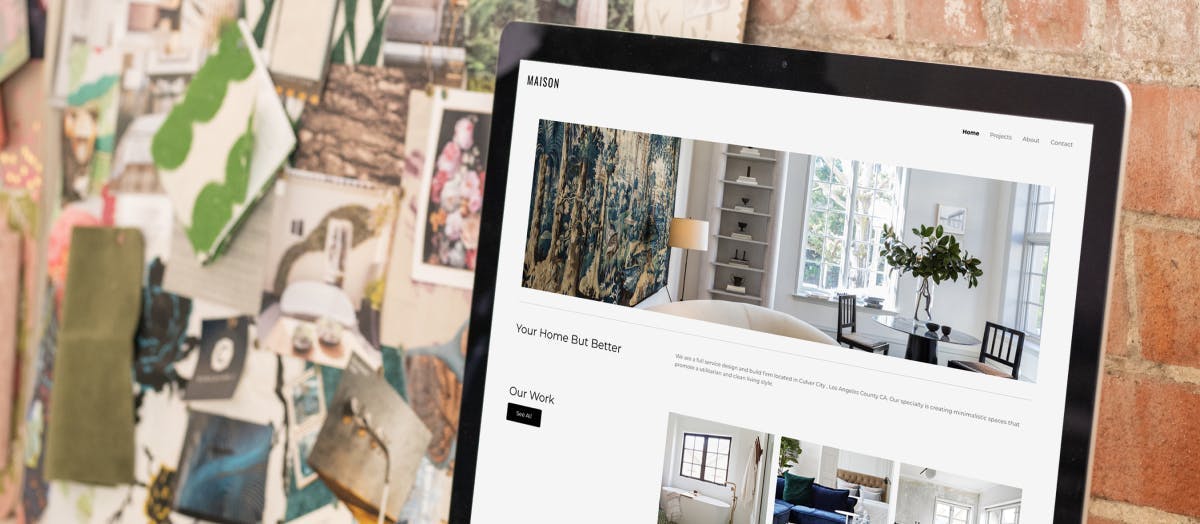
Do you want a new website for your business, but something weird is going on with your domain settings? If you have a website with Houzz but your DNS settings aren't right - we're here to help you point your domain to your website.
For those who don't already know, premium Houzz subscribers get access to our website service: where we build and manage a professional website for your business. You can also edit your website yourself if you wish - simply access the tool in Houzz Pro.
If you already had a domain name (your website name, https://thebrooksarchitecture.com/ for example), then you got a new website with Houzz, you’ll need to log onto the website of your domain provider such as GoDaddy and point it to your new website.
This usually takes just a minute, but it’s common to make a mistake updating your DNS settings which may lead to your website being non-functional until you fix it.
That’s why we made it easy for you to update your DNS settings (if you need to!) with DomainConnect, our latest feature available exclusively for our pros with DNS issues.

If your domain name was purchased by GoDaddy (either we purchased it on your behalf, or you had an existing domain that you wanted to use for your Houzz website), you can correct your domain settings with a click. Here’s how to update your GoDaddy DNS settings:
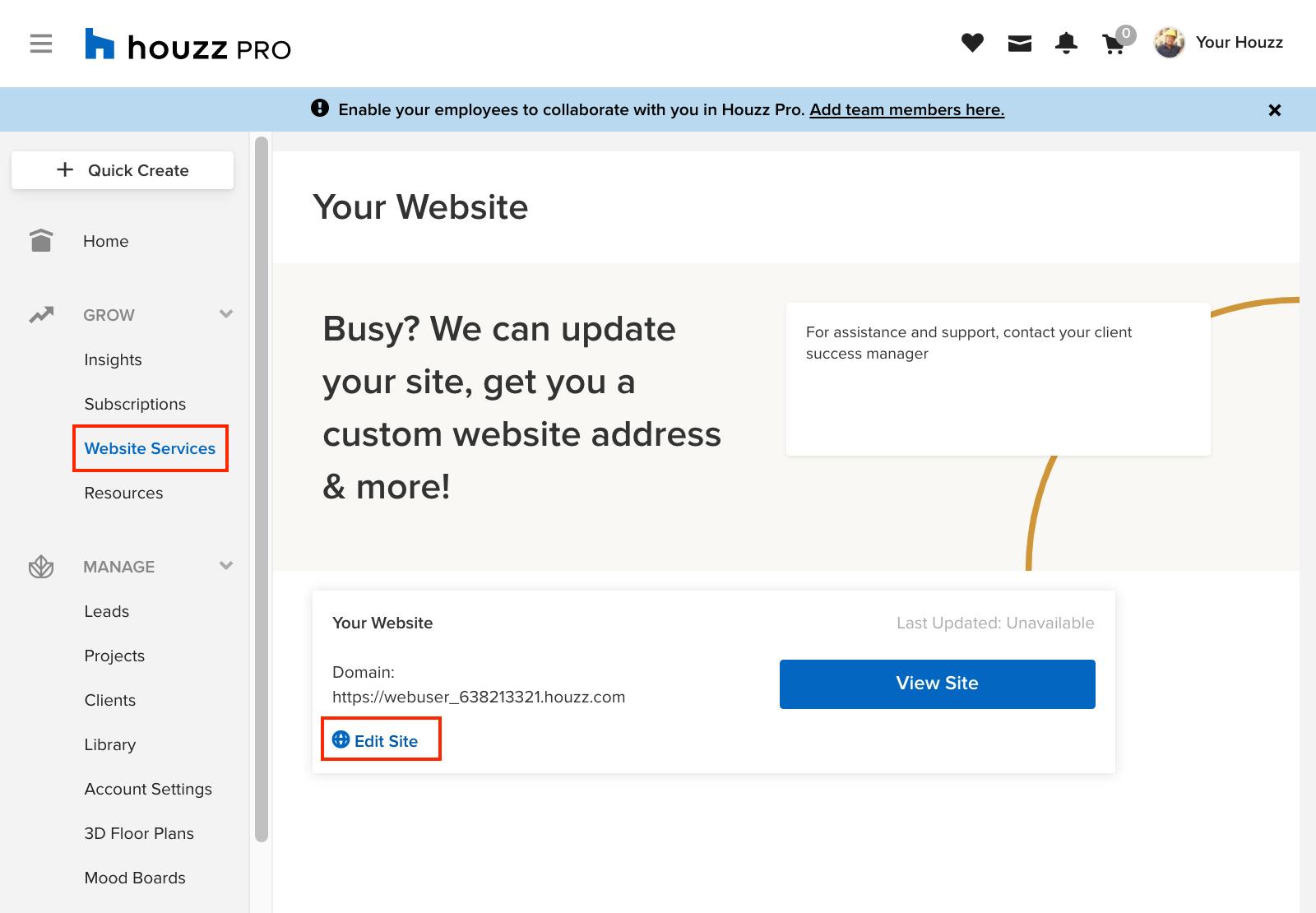
1. Log into your website editor from Houzz Pro. You'll find it by clicking on "Website Services" in the menu bar on the left, then clicking "Edit Site."
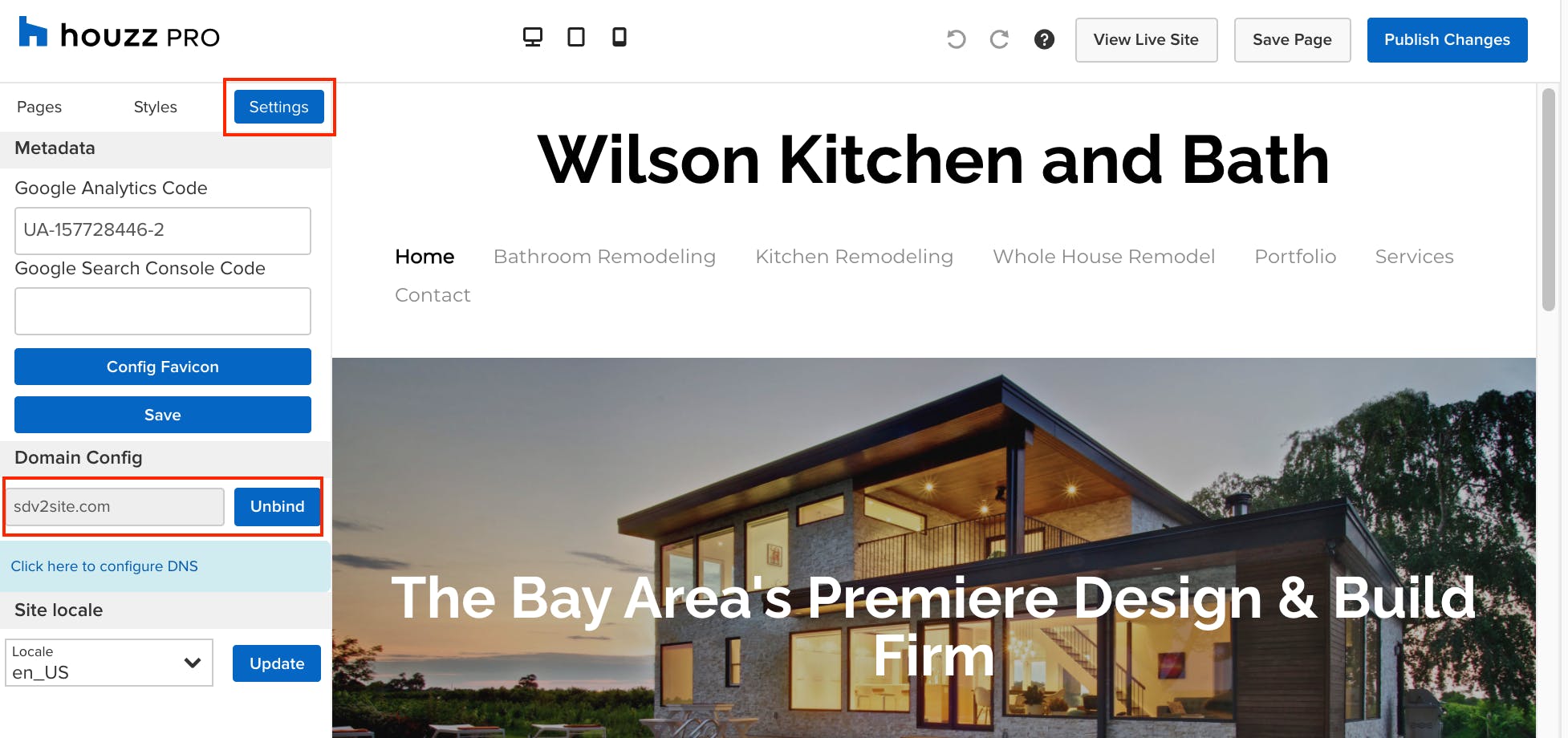
2. Click “Settings.” Enter a domain and click bind. You'll see "Click here to configure DNS" - click on it.
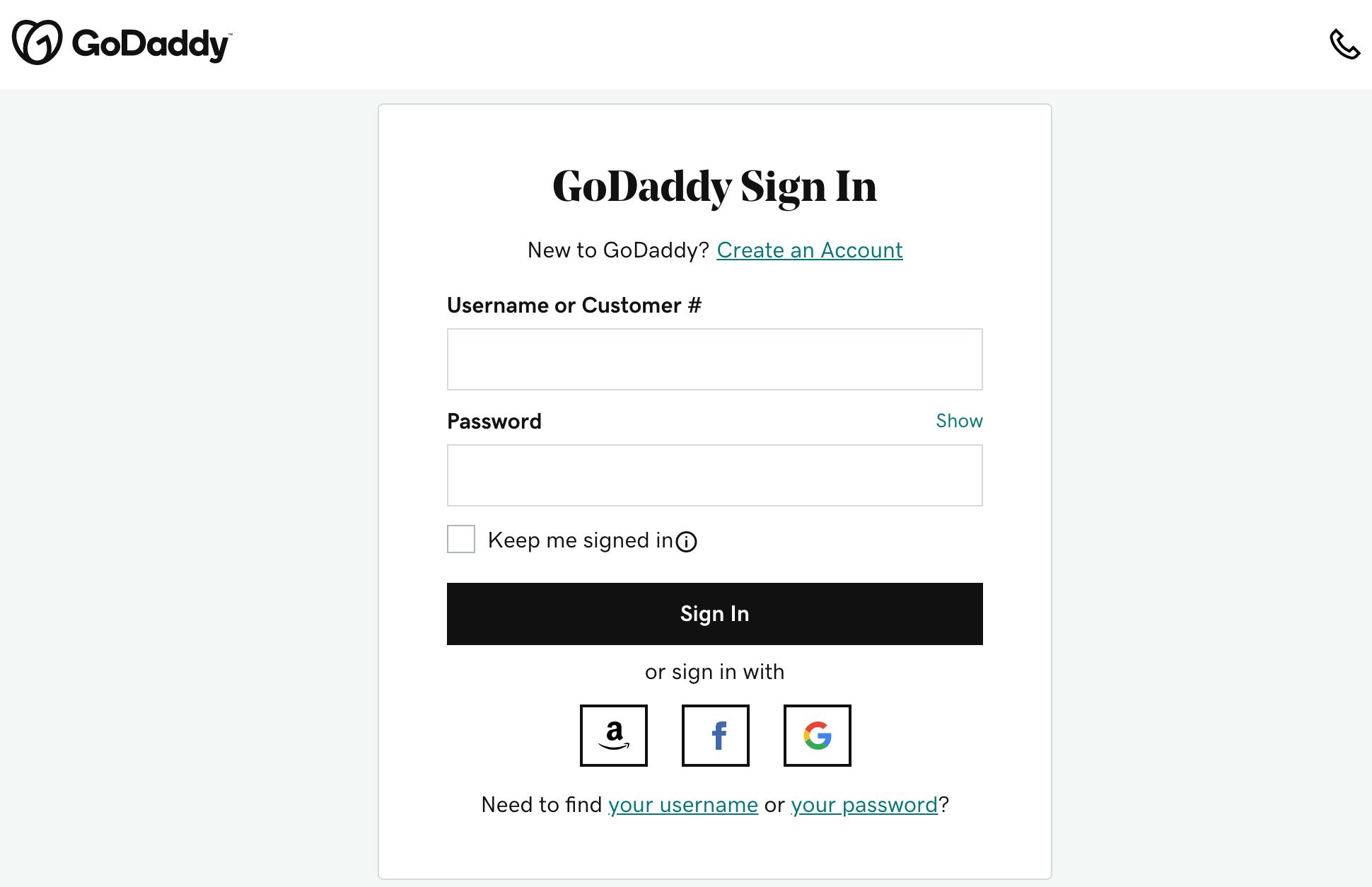
3. Log into your Godaddy account.
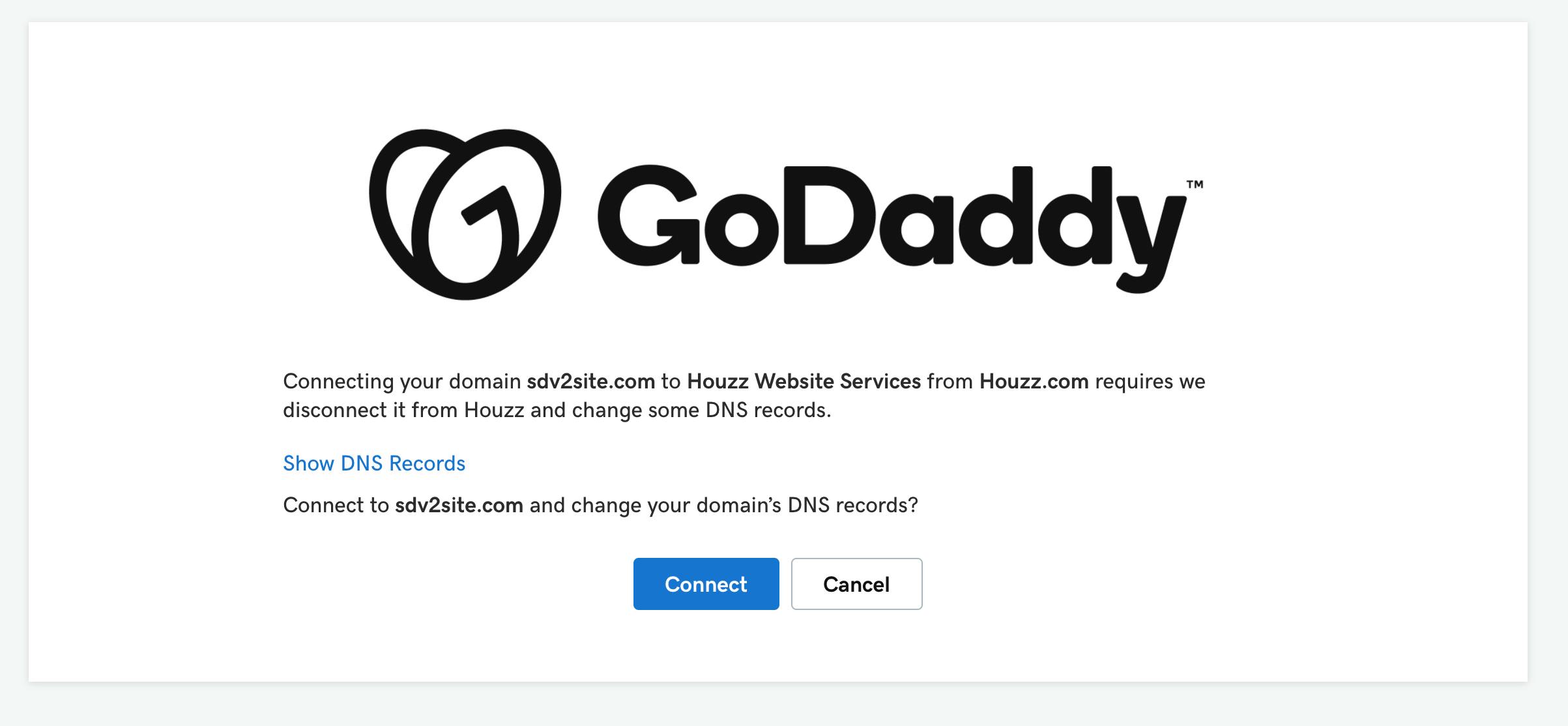
4. You're now using DomainConnect to easily update your DNS settings so that your domain will work correctly with your new business website with Houzz. Click "Connect." That's it! Your website should be working correctly - type it in to your search bar to check.
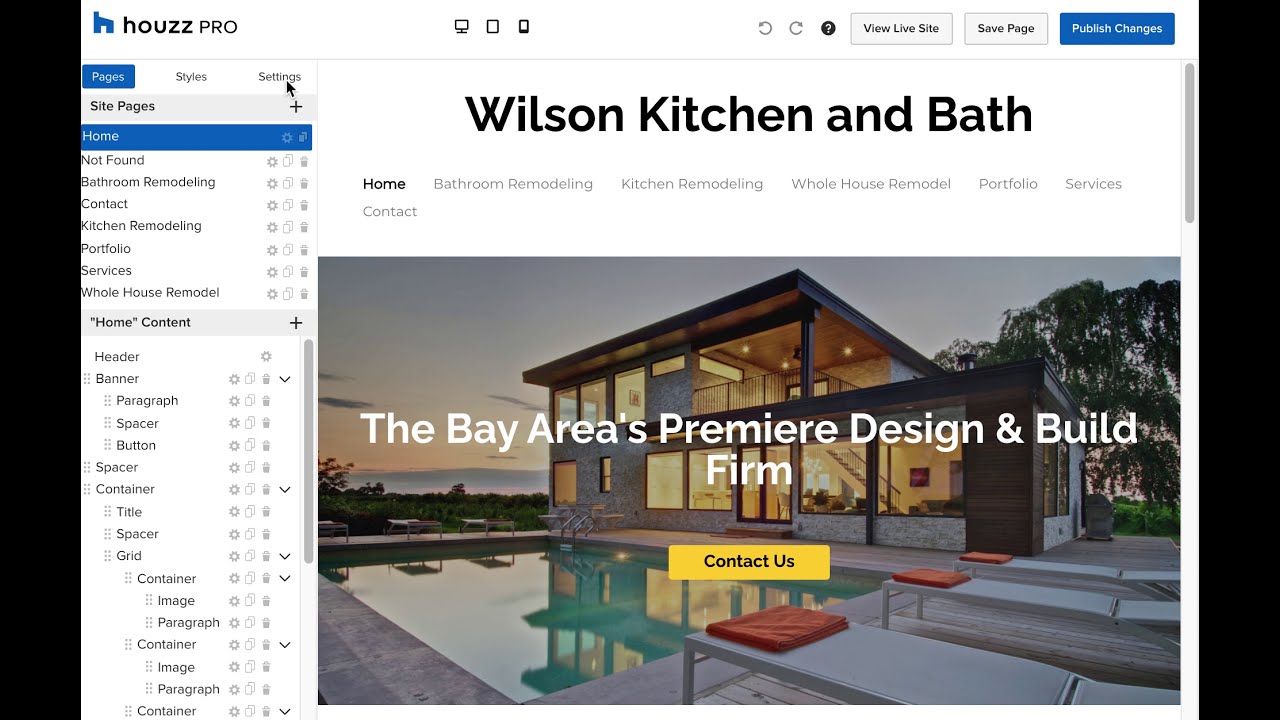
Watch the video below to see how you can update your DNS settings (if your domain is from GoDaddy).


Want advice delivered to your inbox?
Unlock industry insights and updates for contractors and design pros
By signing up, I agree to the Houzz Terms of Use and Privacy Policy and that Houzz may use my information to contact me about relevant content, products, and services.