10 Features Your 3D Floor Planner Software Should Have in 2026
From mobile capture to on-the-spot estimates, today’s tools need to work as hard as the pros who use them.
Expectations for 3D floor planner software have shifted. For design-build companies as well as interior design businesses, floor planning is no longer just about visualizing the space. It also plays a key role in how projects are planned, presented, priced, and managed.
As teams take on additional projects and clients expect faster answers, the tools pros rely on must support the full workflow. Here’s what 3D floor planner software should be delivering for pros in 2026.

1. Capture ‘As-Builts’ Directly From a Phone
Time spent measuring and documenting spaces slows projects down and reduces the opportunity to ask clients important questions.
In 2026, floor planner software needs to enable pros to use their phone to capture an existing space and quickly turn it into a usable 3D model on their desktop. This ability makes it easier to move from site visit to client proposal.
2. Turn Floor Plans into Estimates Automatically
Floor plans already define scope. Software should be able to use that information to generate estimates and proposals automatically.
By connecting layouts, materials, and quantities to pricing, design teams can give clients more clarity on cost earlier. This integration supports better conversations and helps avoid surprises later in the project. Design and estimating needs to feel connected, not like individual steps.
3. Design With Chosen Products and Finishes
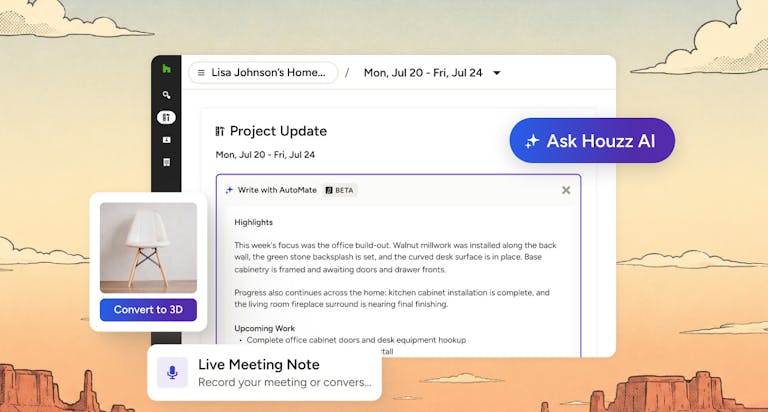
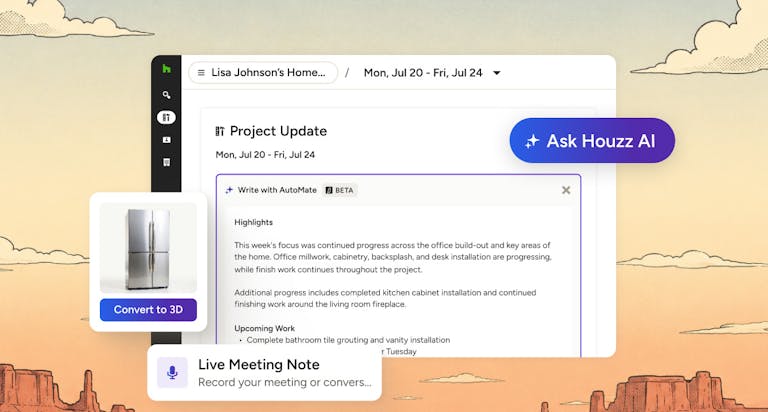
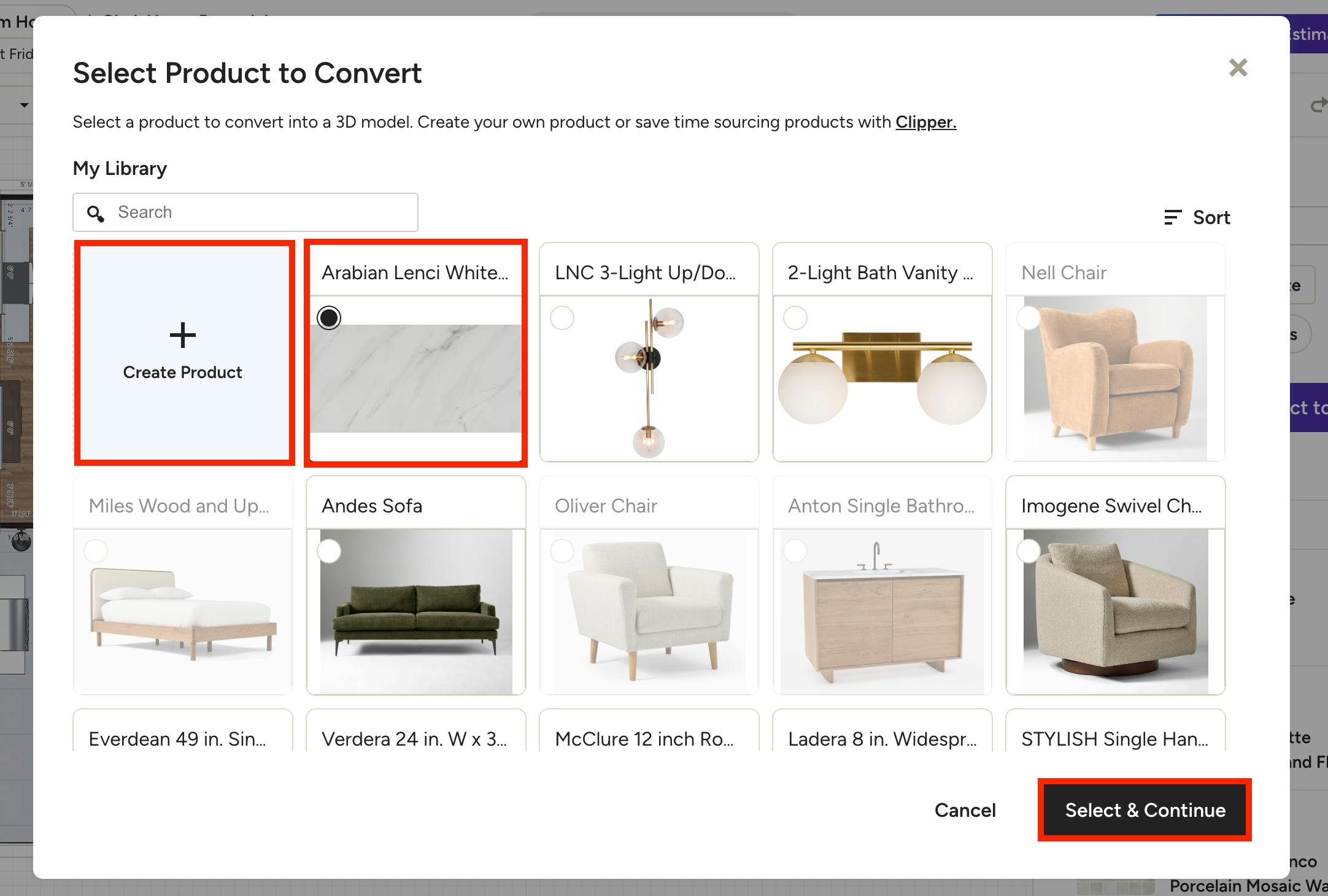
Design teams must be able to convert chosen and recommended products from 2D images to 3D models. Floor planner software should reflect that reality.
In 2026, tools need to connect directly to a design team’s library of chosen/recommended products, making it easy to add preferred cabinetry, fixtures, furniture, and materials to the floor plan. Designers should be able to use the exact products they’re specifying in their designs.
4. Build 3D Plans and Make Changes Easily
Client feedback often happens in real time. Floor planner software must support making quick changes without breaking the workflow.
In 2026, design teams should be able to adjust layouts, swap finishes, or move furniture easily. This usability helps clients stay engaged and allows teams to keep momentum rather than scheduling additional follow-ups.
5. Keep Plans Organized by Client and Project
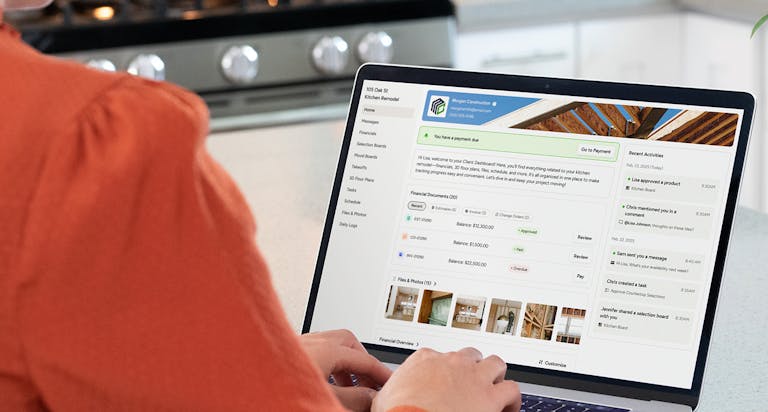
As companies grow, organization becomes just as important as design quality. 3D floor plans need to be stored and organized by client project together with key details such as schedules, selections, estimates, proposals, and notes.
When everything lives in one place, design teams spend less time searching for information and more time moving projects forward.
6. Mobile Access With Automatic Cloud Sync
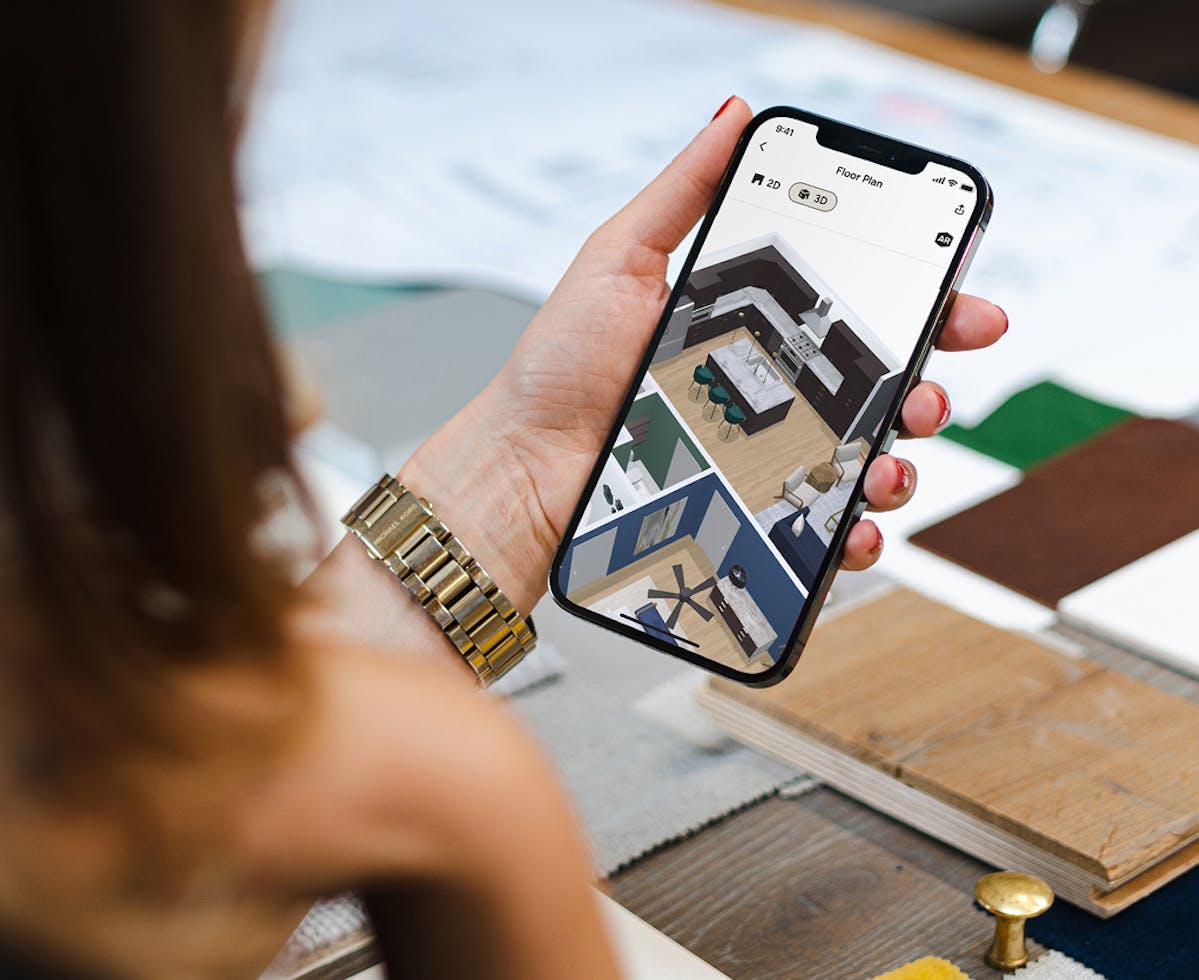
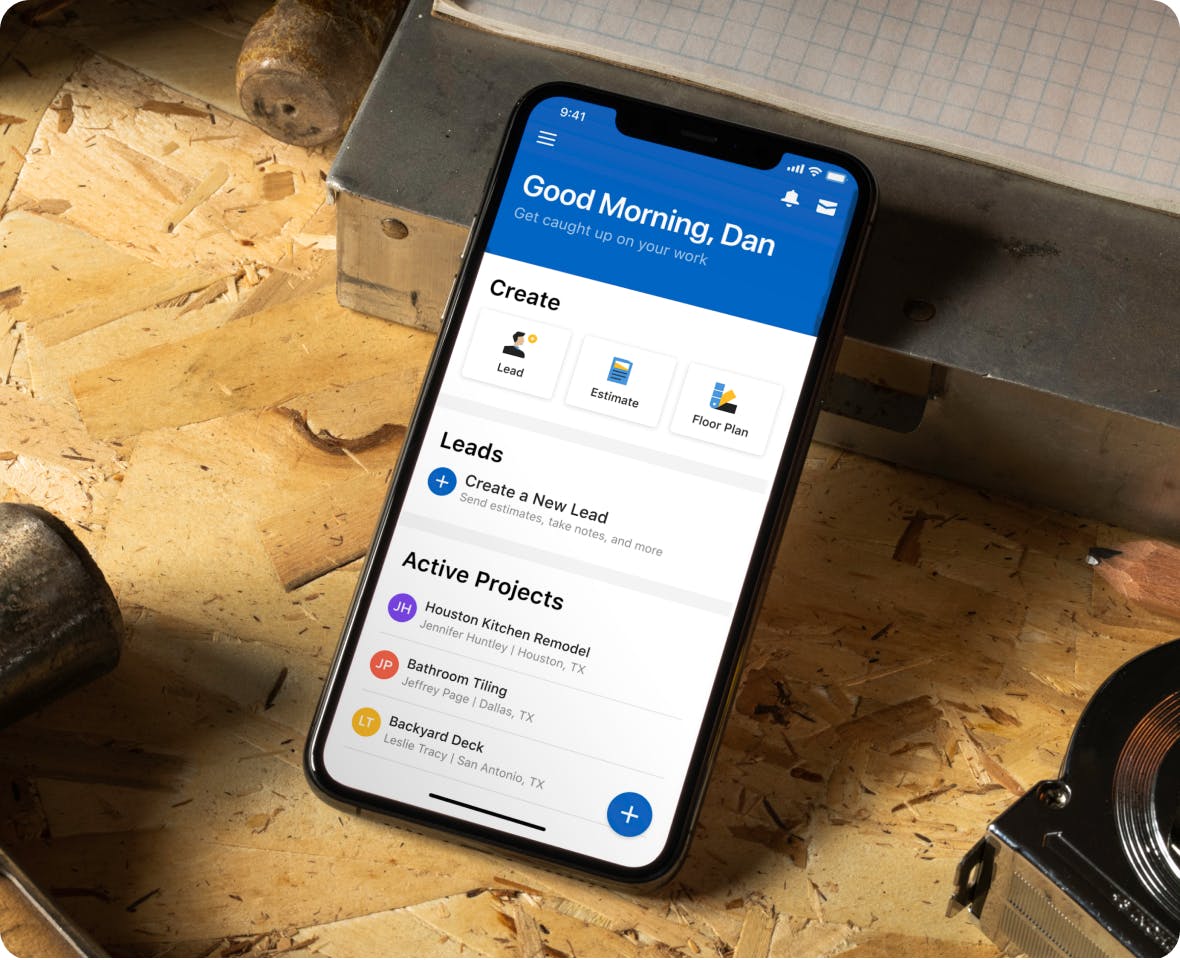
Design work doesn’t happen only at a desk. Floor planner software should be mobile friendly, allowing pros to view and review 3D designs.
Automatic cloud syncing keeps projects up to date and accessible across devices. It also provides peace of mind that work is saved and shared, without manual exports or version confusion.
7. Share and Navigate Plans With Confidence
Presenting a design should feel empowering. Floor planner software needs to make it easy to navigate a 3D floor plan in front of a client and highlight important areas clearly.
Floor planner software must also be able to share designs in the cloud and enable clients to comment without requiring them to respond simultaneously.

8. Create Photorealistic Visuals at No Extra Cost
In 2026, clients expect photorealistic visuals that are indistinguishable from real-life photographs. Floor planner software should make it easy to create realistic views of key areas such as kitchens, bathrooms, and other living spaces.
These visuals help clients understand the scale of their project and material choices without requiring separate software that can render it more realistically.
9. Start Faster With AI-Powered Plan Imports
Interior design phases often begin with existing drawings or construction documents. In 2026, floor planner software needs to allow pros to import 2D plans and include built-in AI tools that can convert them into editable 3D layouts.
This smooth transition reduces setup time and enables teams to focus on refining their design rather than recreating plans from scratch.

10. Save Views and Keep Project Context Intact
Good design decisions depend on context. When designs, views, client details, and project information all live together, collaboration becomes fluid and more consistent.
This kind of connected workflow is what makes a platform such as Houzz Pro a strong, long-term solution for growing companies.
Houzz Pro's 3D Floor Planner can do all of the above and more. Sign up for a demo today.
Looking Ahead
For general contractors, design-build companies and interior design businesses, 3D floor planner software is becoming a central part of how they showcase their capabilities to prospective clients, as well as how work gets done.
The most effective tools in 2026 will reduce manual work, keep projects organized by client, and connect design decisions to the rest of the business. When all software tools work together and speak the same language, pros can focus less on managing systems and more on delivering great results.


Want advice delivered to your inbox?
Unlock industry insights and updates for contractors and design pros
By signing up, I agree to the Houzz Terms of Use and Privacy Policy and that Houzz may use my information to contact me about relevant content, products, and services.