How to set up a Personalized Booking Link in Houzz Pro
Easily create a custom meeting booking link that provides your clients with the ability to view your availability and schedule a time to meet.
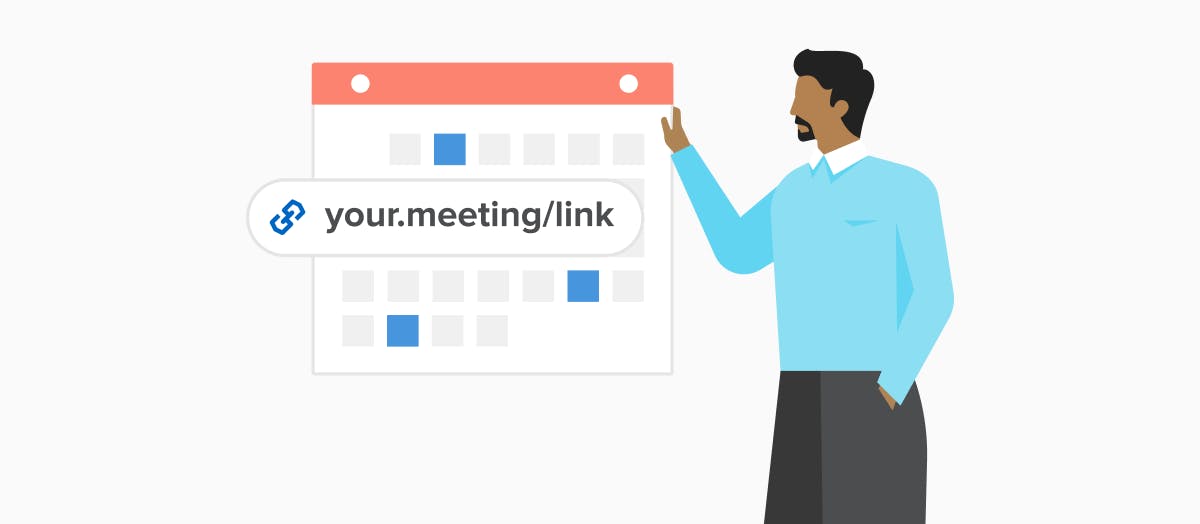
Setting up a meeting with a client used to involve playing phone tag and dealing with back and forth communications. Not anymore!
Houzz Pro offers a premium feature where you can create a personalized booking link where clients can book a time to meet based on your availability. You can also set specific times of the day that you want to make available to clients.
Learn how to set up a personalized booking link in Houzz Pro:
How can you use your personalized booking link?
You can use your booking like wherever you want! Many pros like to add it to their email signature (they’ll link it from “Book a meeting with me” or “Schedule a meeting!”). You can add it to your website, share it on your social media channels, or use it in emails or texts with clients.
How does it work?
Once you connect your calendar (Google Calendar, Outlook, whatever you use!) in Houzz Pro, you’ll have access to your link. When someone schedules a meeting through your link, both of you will automatically receive calendar invitations and the meeting will be recorded in Houzz Pro. If something comes up, you’ll be able to cancel or reschedule your meeting from Houzz Pro or from the meeting confirmation email you’ll receive from Houzz.
Questions or comments? Let us know in the comments below!


Want advice delivered to your inbox?
Unlock industry insights and updates for contractors and design pros
By signing up, I agree to the Houzz Terms of Use and Privacy Policy and that Houzz may use my information to contact me about relevant content, products, and services.