How to Get Reviews on Your Houzz Profile
Adding reviews to your Houzz profile is one easy and impactful way to make your business more successful. Our research has shown that reviews are the #1 item that homeowners look for when deciding who to hire for their upcoming project. In fact, professionals who have at least three reviews are 15x more likely to be contacted by a homeowner.
You can easily request reviews from either your Houzz.com profile on a desktop computer, or from a text message using the iMessage text extension (iOS devices only).
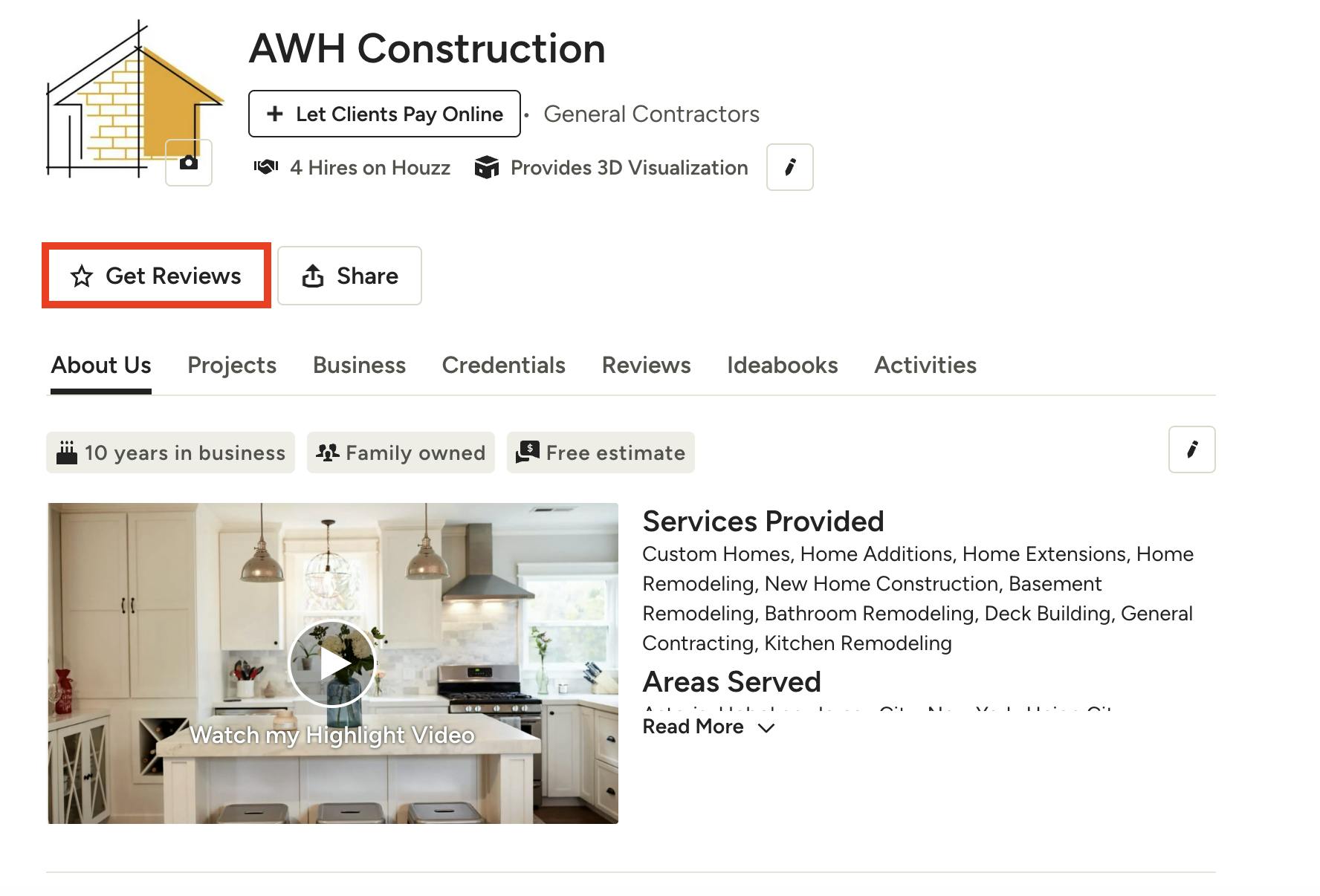
Request Review on Desktop Computer
To request a review on a desktop computer, log into your profile on Houzz.com. Underneath your business name, click on the button that says, Get Reviews.
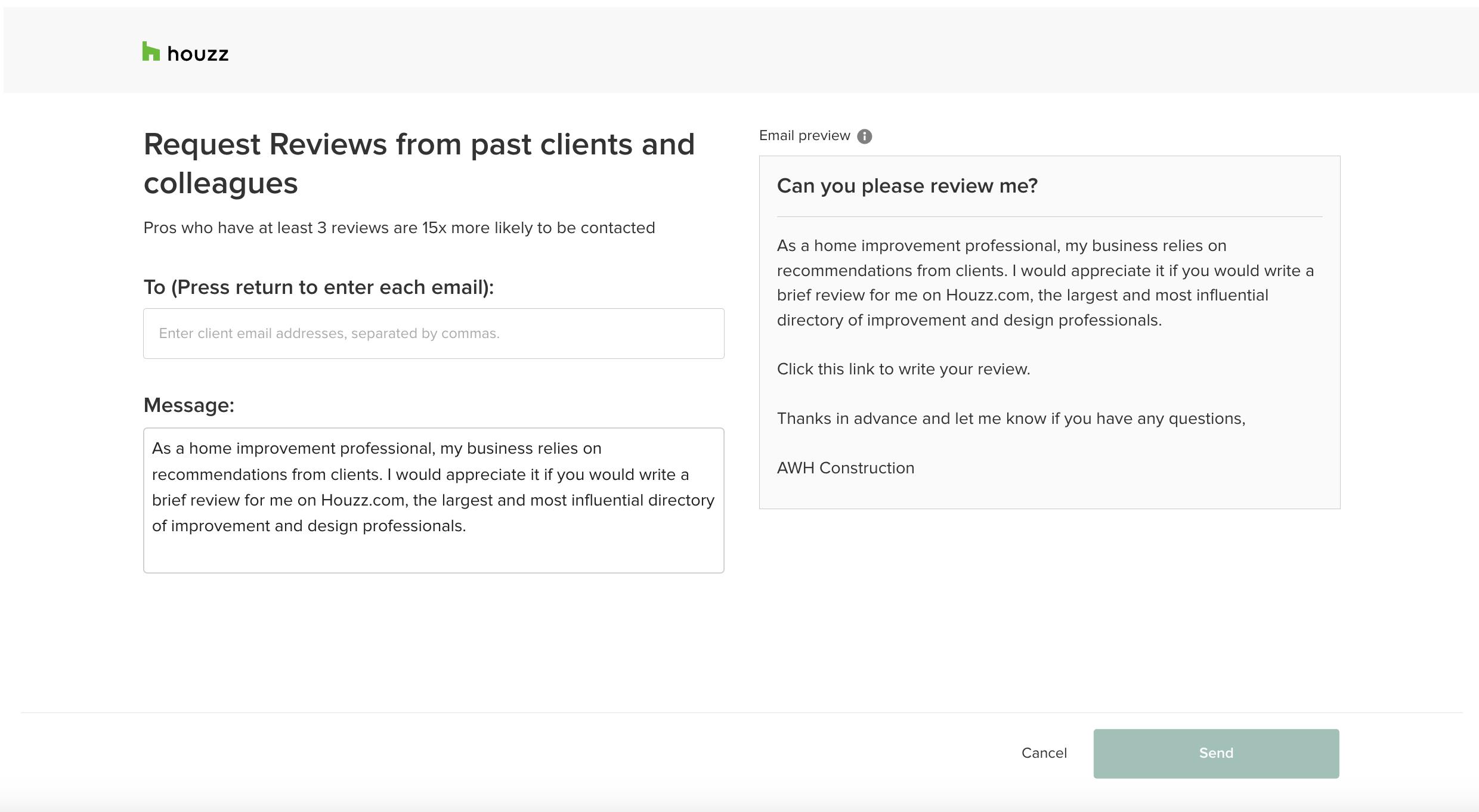
A screen will appear where you can fill out your request. Add the email address you would like to send the request to — you can add up to 50 email addresses by separating them with commas.
We have added a pre-populated message to make it easier for you, but feel free to adjust or personalize the text as needed. You will then be able to preview the message on the right-hand side.
Once it looks good, click Send.
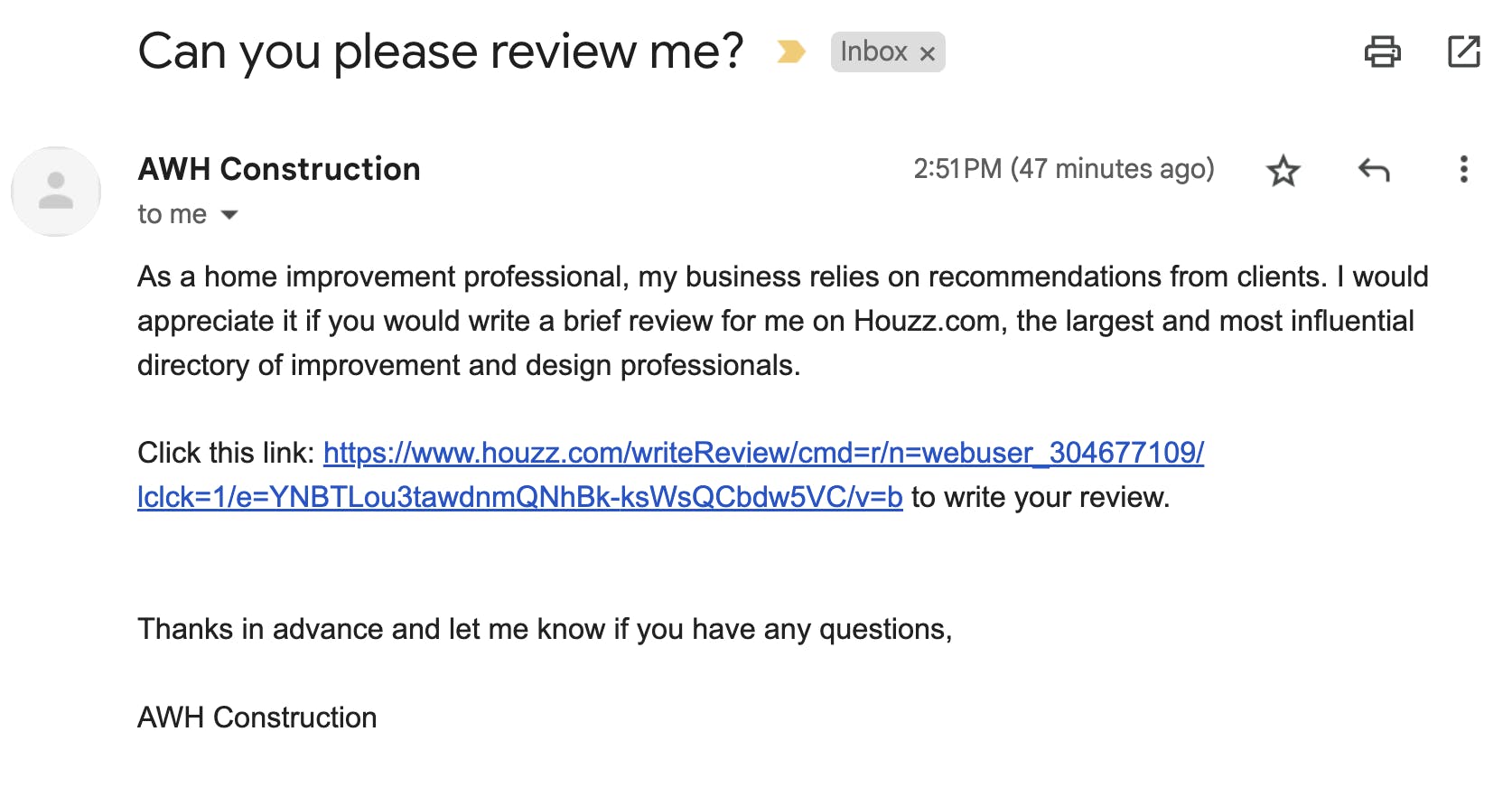
Your client or colleague will then receive this email. They can quickly click on the link to submit a review.
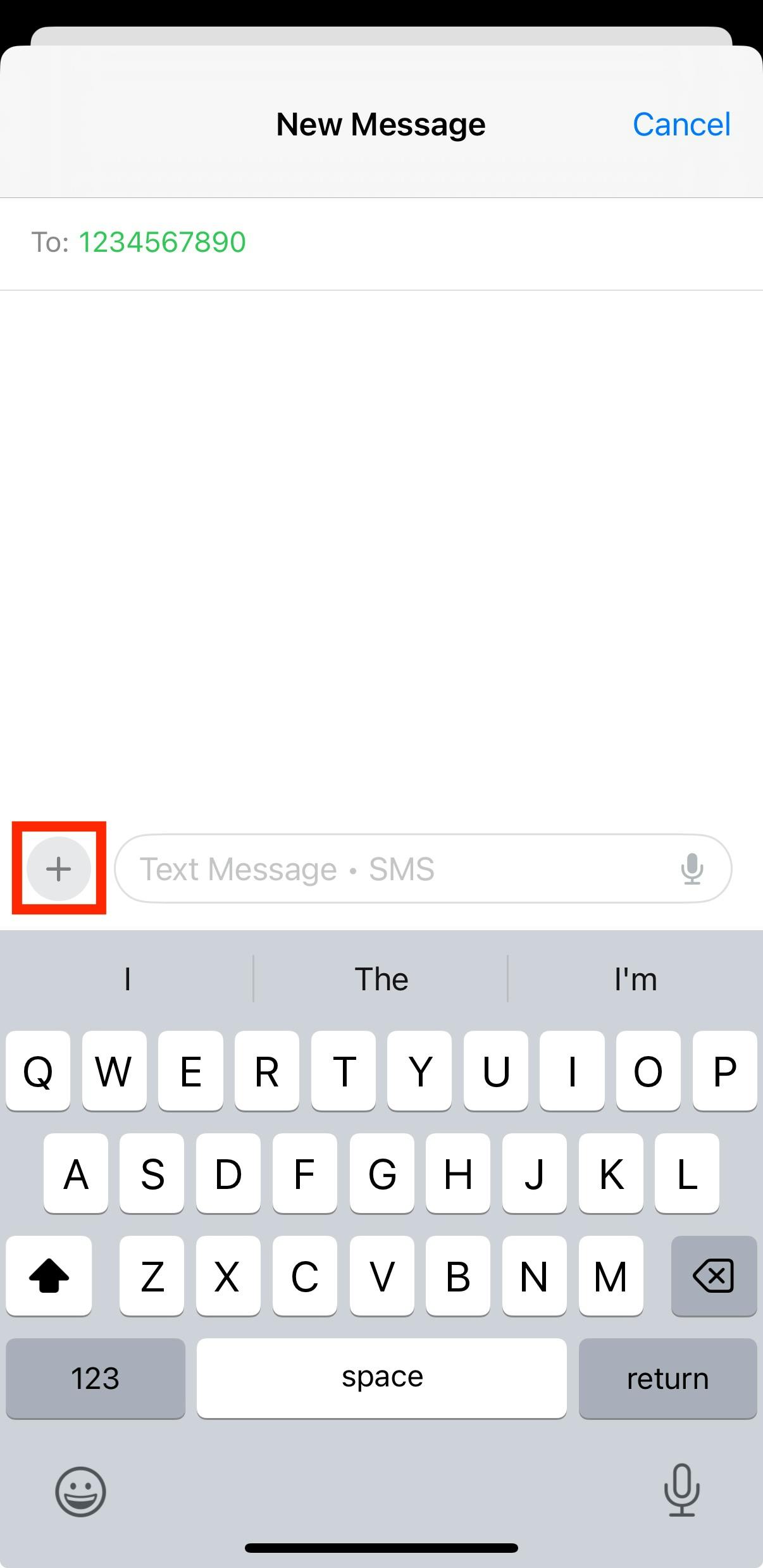
Request Review Through Text Message
If you have an iOS device, you can also request a review directly from a client via text message. To do this, go to the Messages section on your device, then open up the relevant text thread. Click the + sign next to the text box.
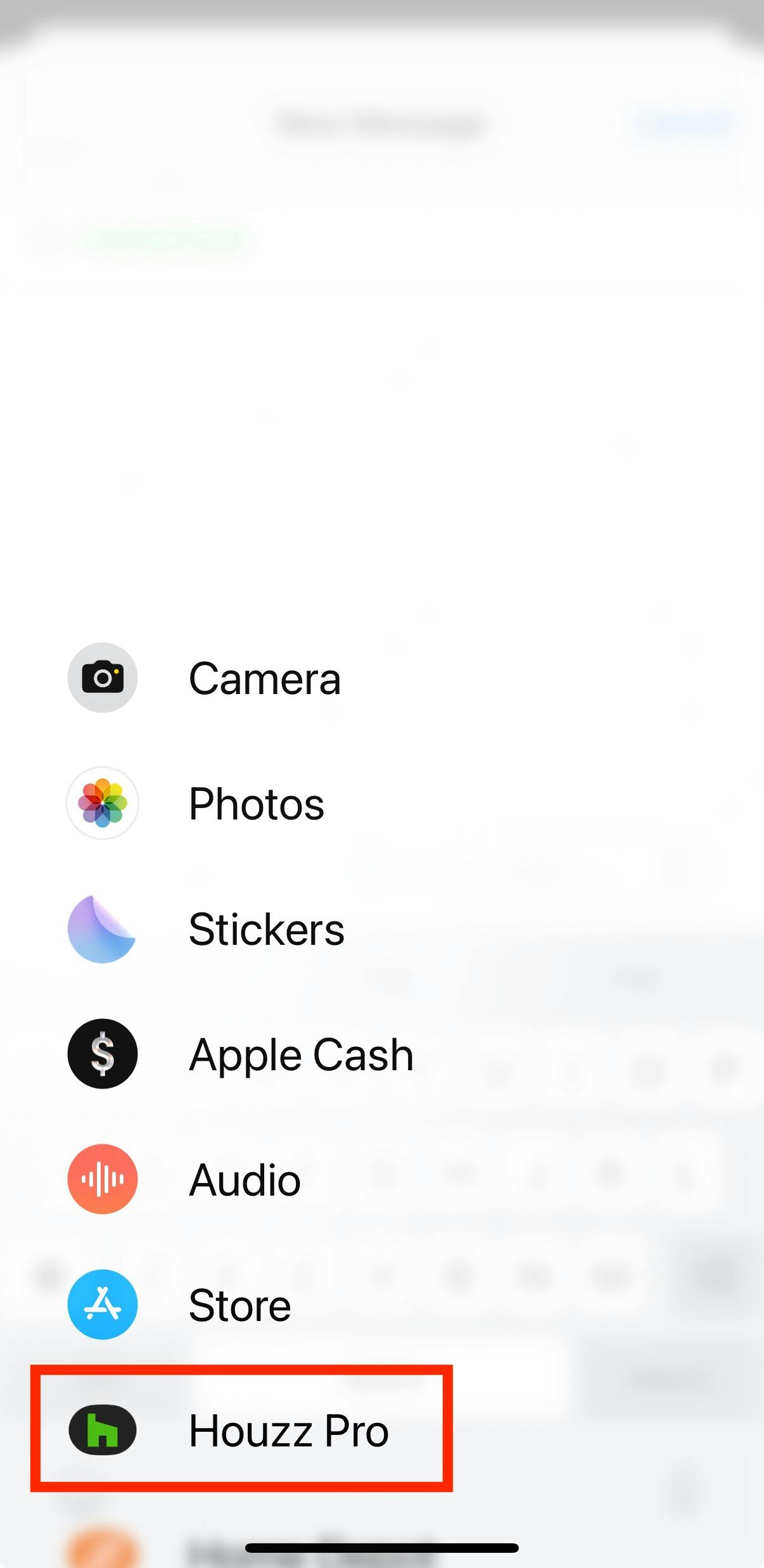
Select Houzz Pro from the menu.
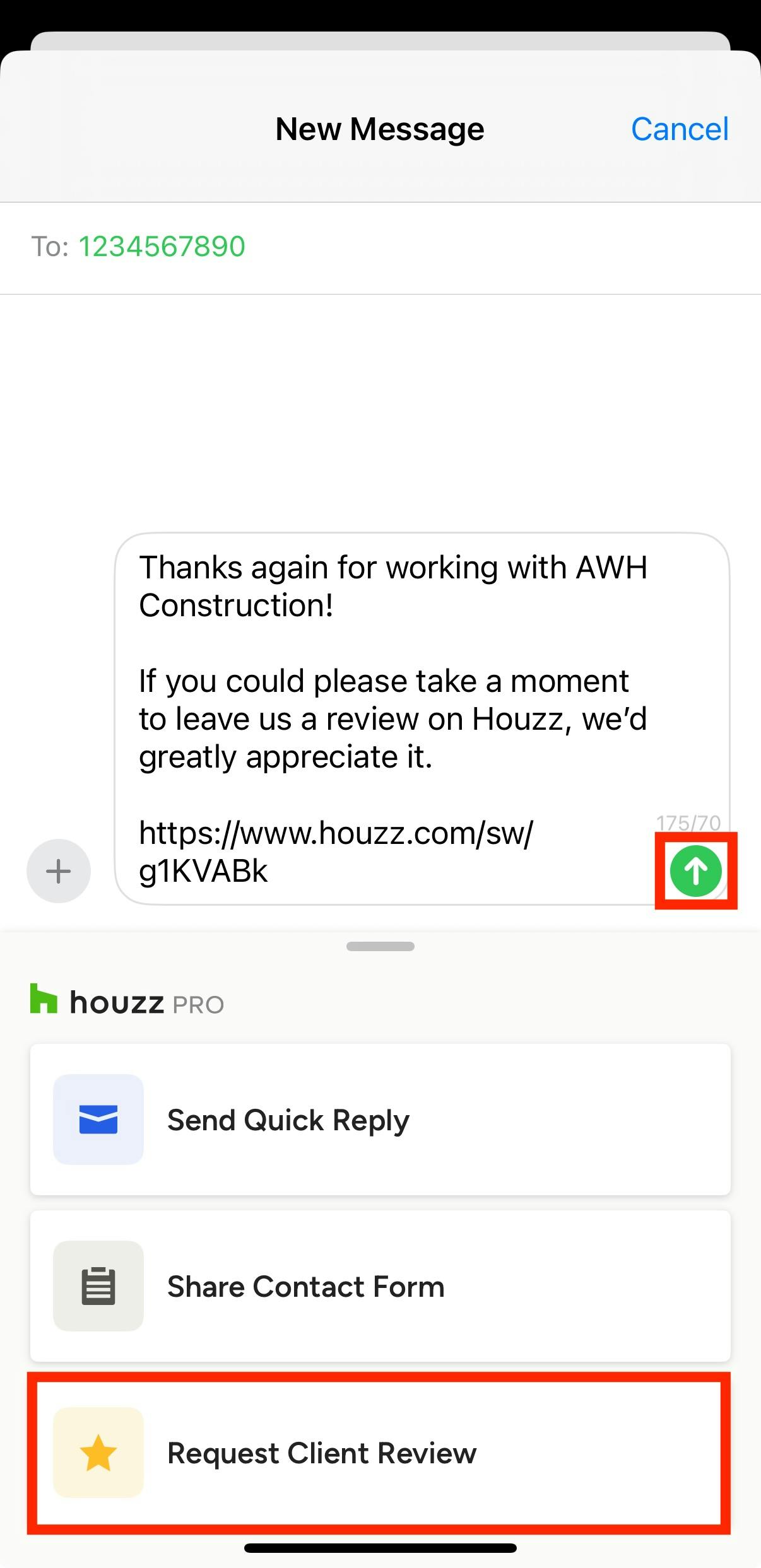
From the Houzz Pro extension, select Request Client Review. The review request message will auto-populate in the text box. Here, you can make custom changes to the message if needed, then click the Send button once complete.
Your client or colleague will then receive the text message. They can quickly click on the link to submit a review.
After a review is submitted, it is verified by the Houzz team to ensure there is no spam or false submissions. This process can take up to 5-7 business days, depending on our current volume. You can read more about our moderation guidelines in our Houzz Review Policy.
Once approved, you will be able to see all your reviews in the Review tab of your profile. From here, you can respond to reviews with your own comments or select a featured review for your profile.
If you receive a negative review, read I Received a Negative Review — What Should I Do Next? to better understand how to address it.