How to Get Highlights on Your Houzz Profile and Directory Listing
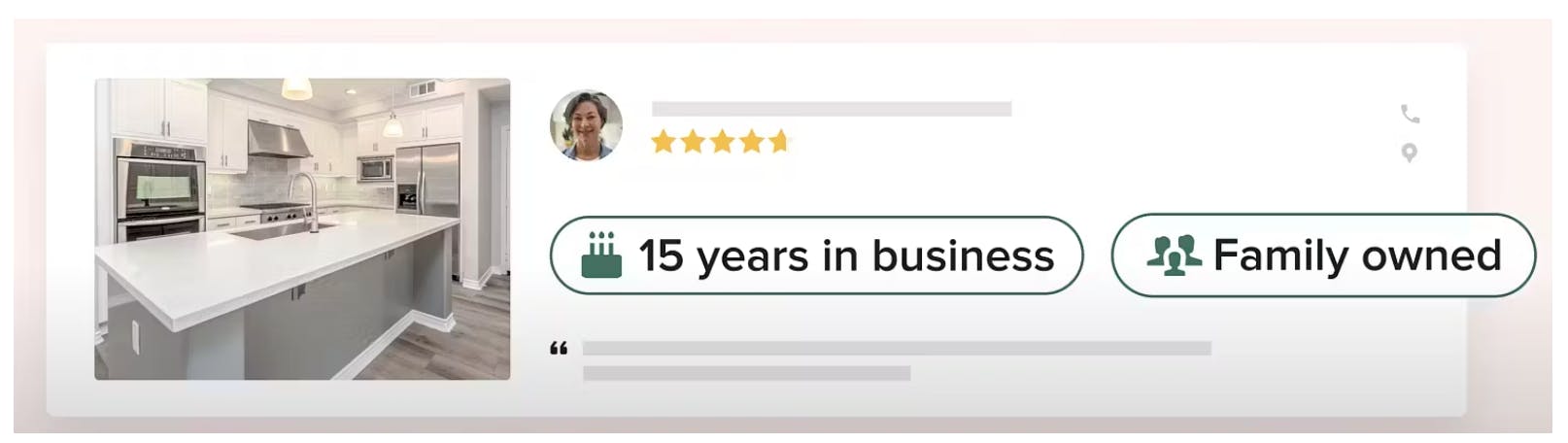
Adding highlights on Houzz Pro is a great way to showcase key details about your business, which helps you stand out to homeowners who are looking to start a project.
Highlights are selected tags that appear on both your Houzz profile and your pro directory listing. You can select from a wide variety of options, including number of years in business, family or locally owned, free estimates, high-end work, and more. We are always adding to the list, so be sure to check back and update when needed.
How to Add Highlights
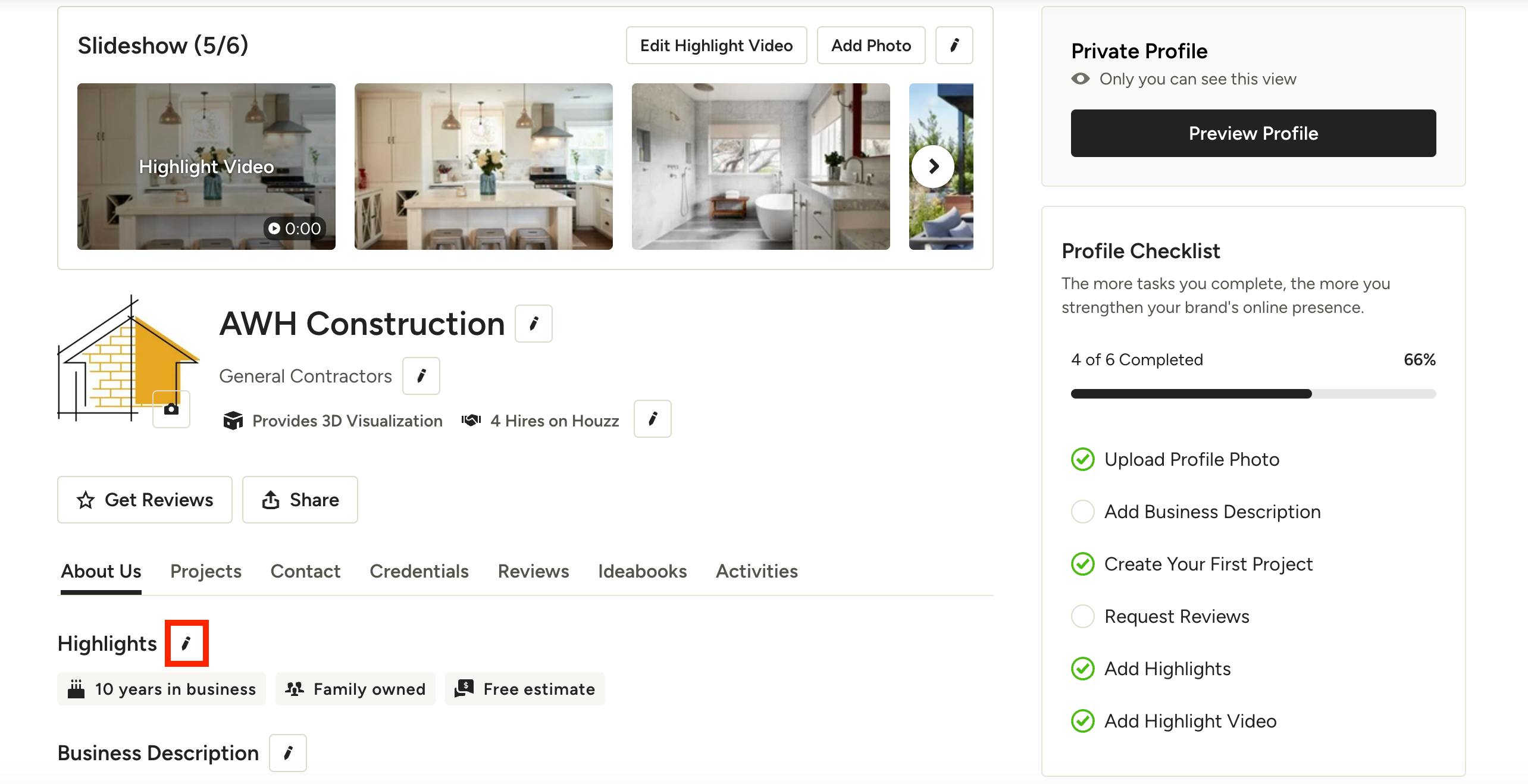
To add highlights for your business, go to your company profile on Houzz.com, and select the pencil icon next to Highlights.
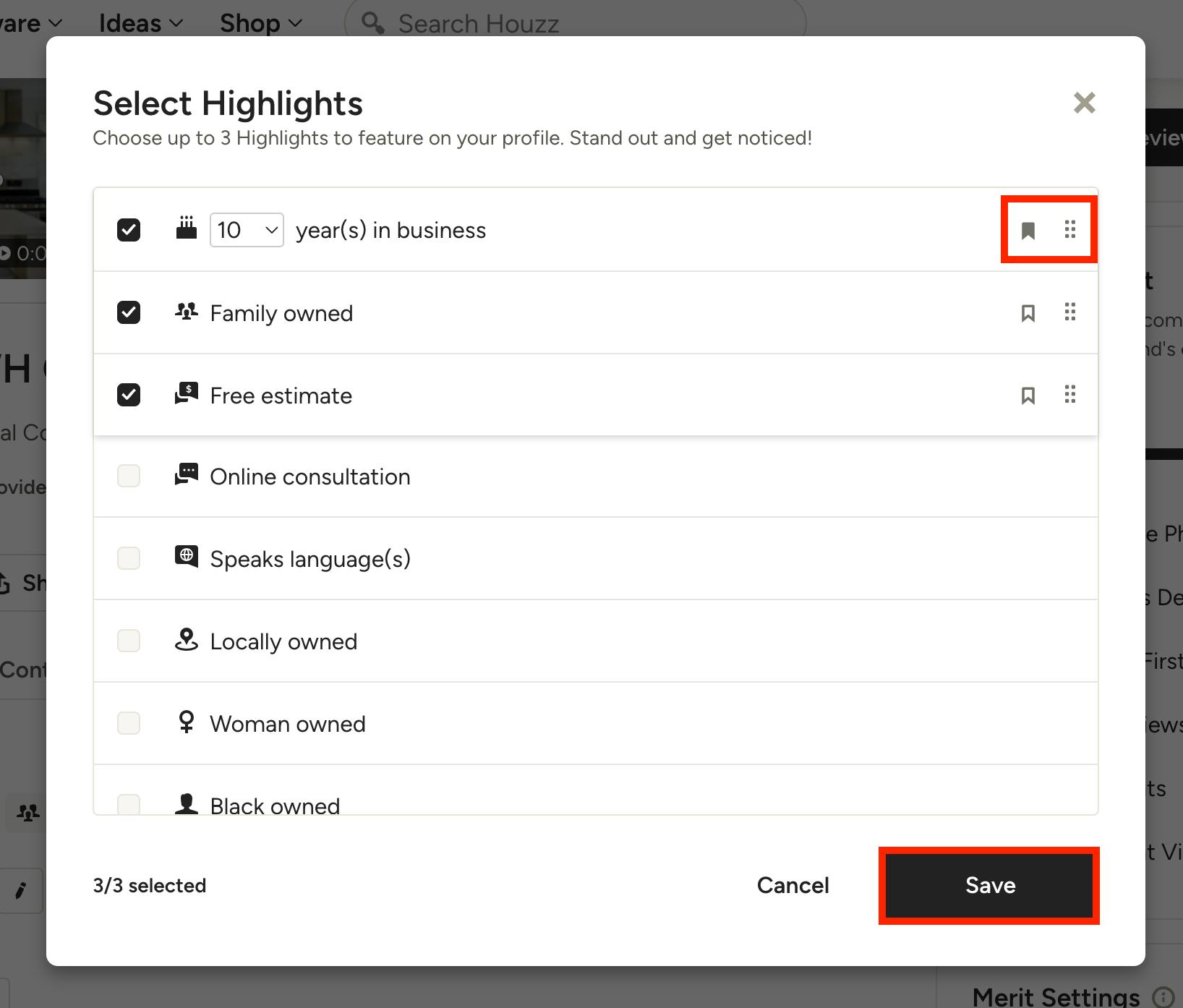
You will then be able to select three highlights from the list — these three highlights will be featured on your profile. Click on the six dots icon on the right to drag and reorder the highlights to adjust what appears first.
You are also able to select one highlight to feature on your directory listing. Click the bookmark icon on the right to select which one will appear in the pro directory.
Be sure to click Save once complete.
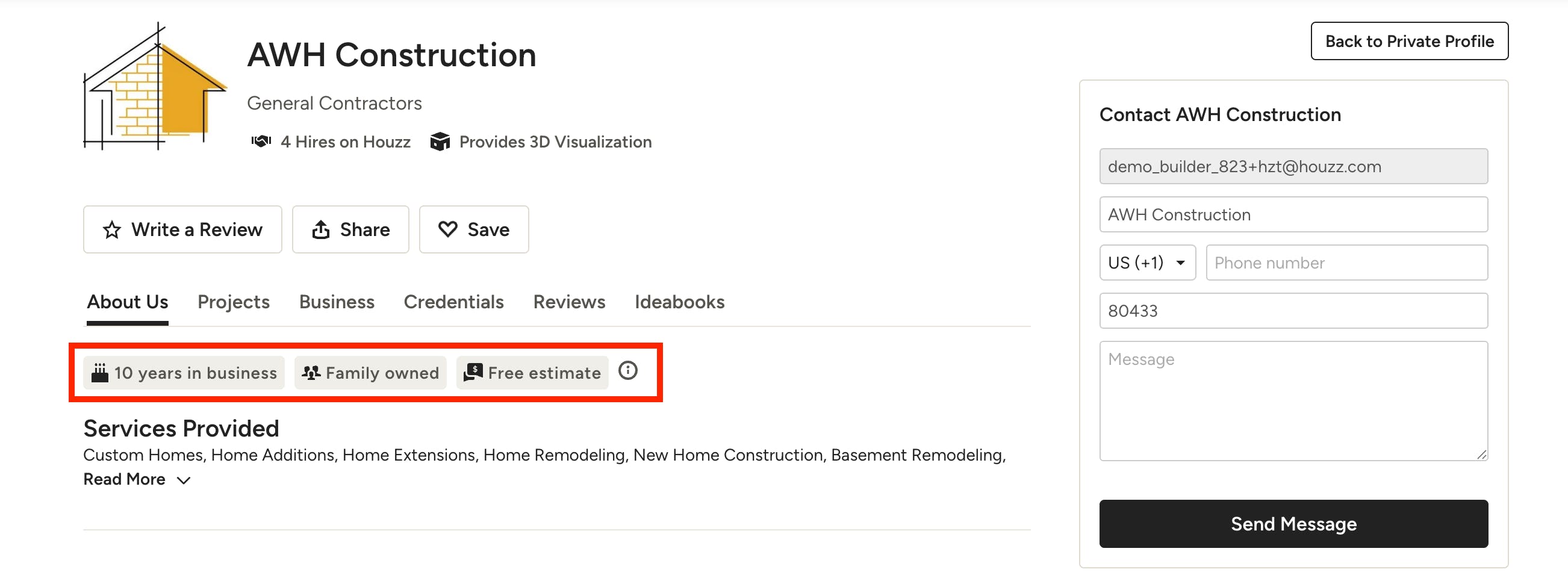
They will now appear on your public profile (as shown below) and in your directory listing.