How to Download the Houzz Pro Mobile App
The Houzz Pro mobile app allows you to manage your business and keep up with your projects in the field, in the office, and on-the-go. There are many Houzz Pro features that you can use within the mobile app — to learn more about them, read How to Use the Houzz Pro App.
To start using the mobile app, you will need to download it free of charge on either your iOS or Android device.
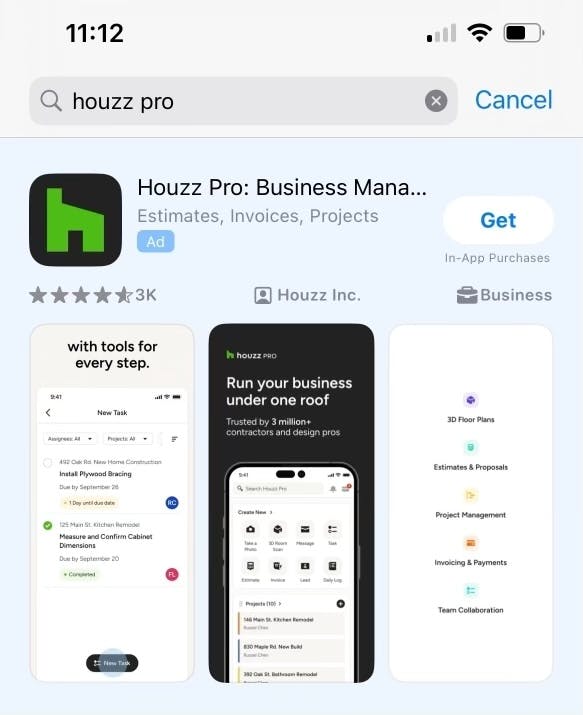
Download the Houzz Pro Mobile App from an iOS Device
1. Open this link
2. Press the Get button to download
You can also:
1. Open the App Store
2. Search for “Houzz Pro”
3. Press the Get button to download
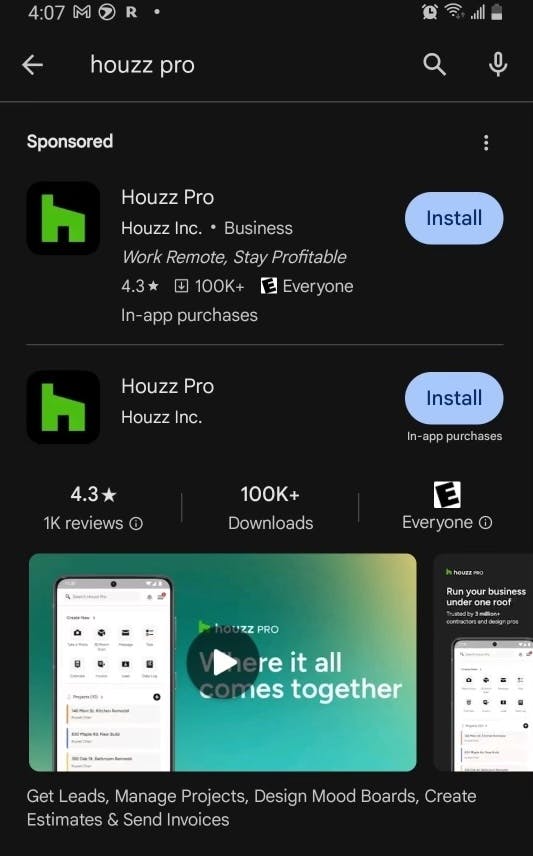
Download the Houzz Pro Mobile App from an Android Device
1. Open this link
2. Press the Install button to download
You can also:
1. Open the Google Play Store
2. Search for “Houzz Pro”
3. Press the Install button to download
Still need help?